Week 5 Challenge : Surface wrap on Automotive Assembly
AIM :
To check for the geometrical errors and delete surfaces which are unwanted for surface wrap and to Merge all 3 models and perform surface wrap.
Target length for Wrap = 3 mm
Objectives -
- Perform geometrical errors
- Delete unwanted surfaces
- Perform surface wrapping.
Procedure:
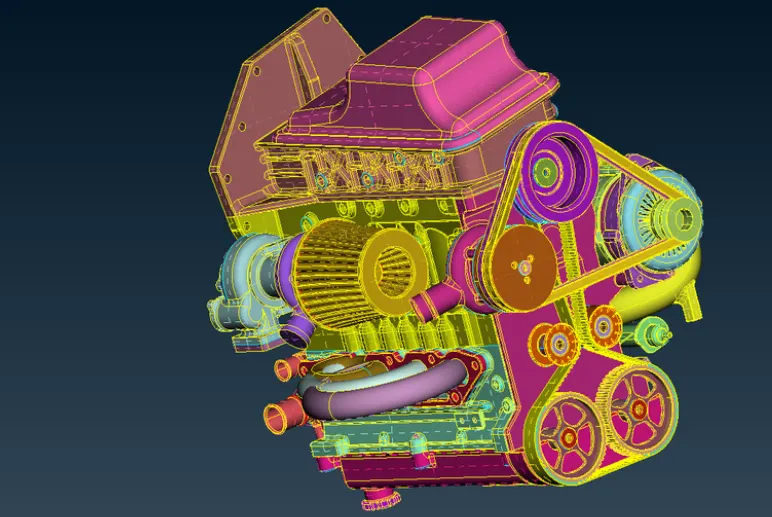
Engine Model:
- Open ANSA and import parts seperately to cleanup the geometry.
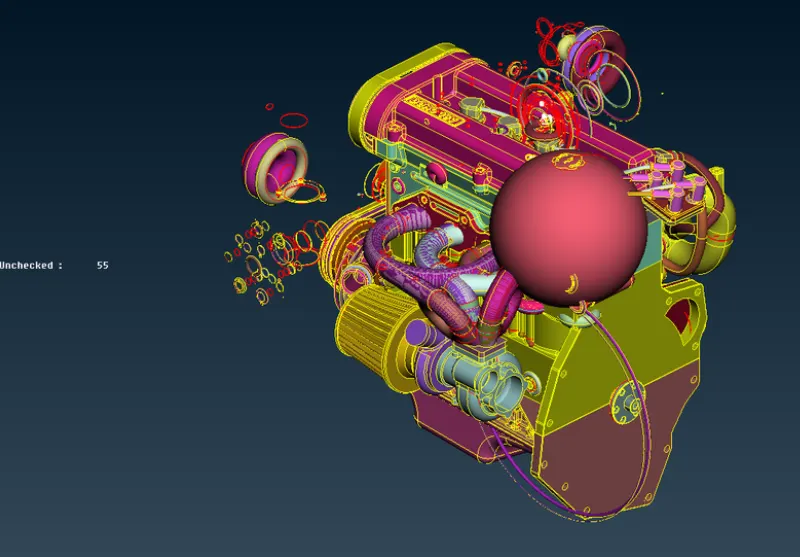
- Delete the unwanted surfaces and overlapping surfaces from the engine.
- Delete unwanted circle type structures from the Engine.
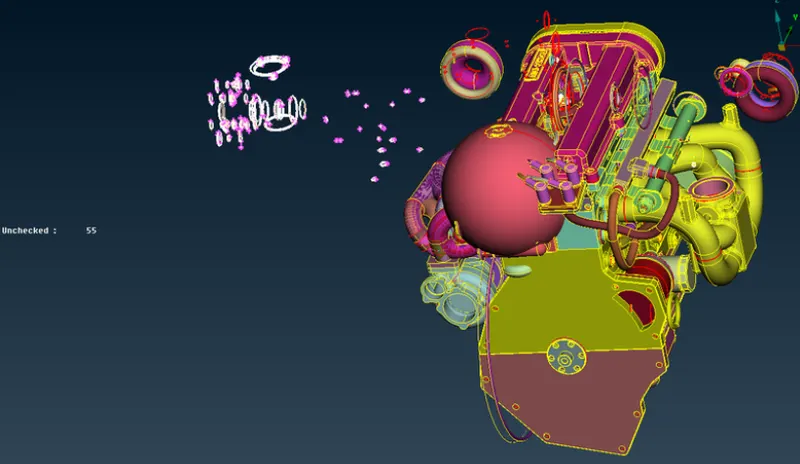
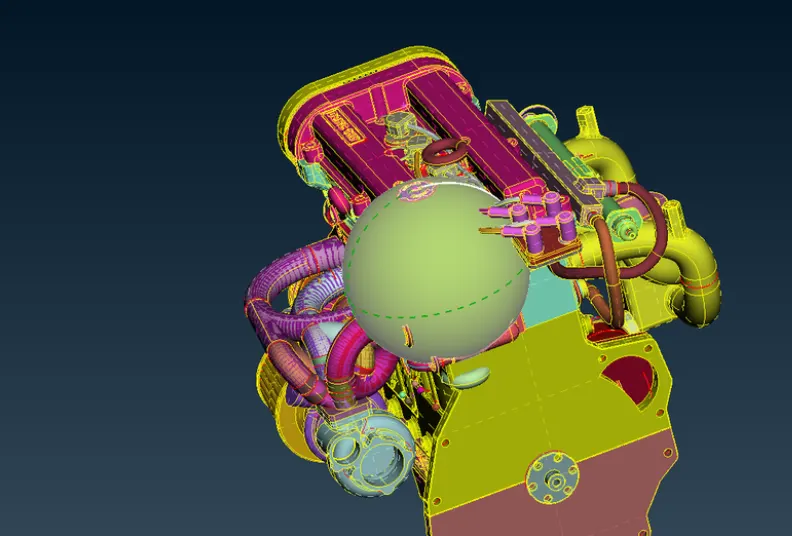
- Now using NOT PID we can hide the main parts of Engines .
- This is how it looks after hiding the mains.
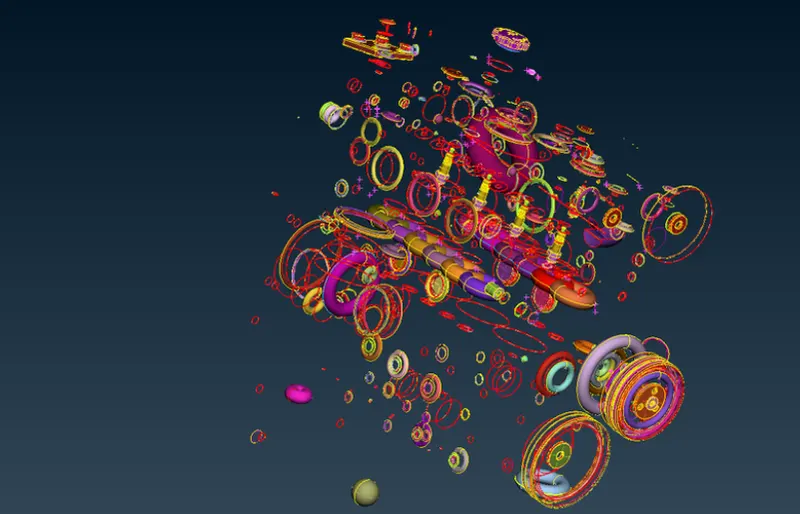
- After cleaning up the Engine
Transmission Model:
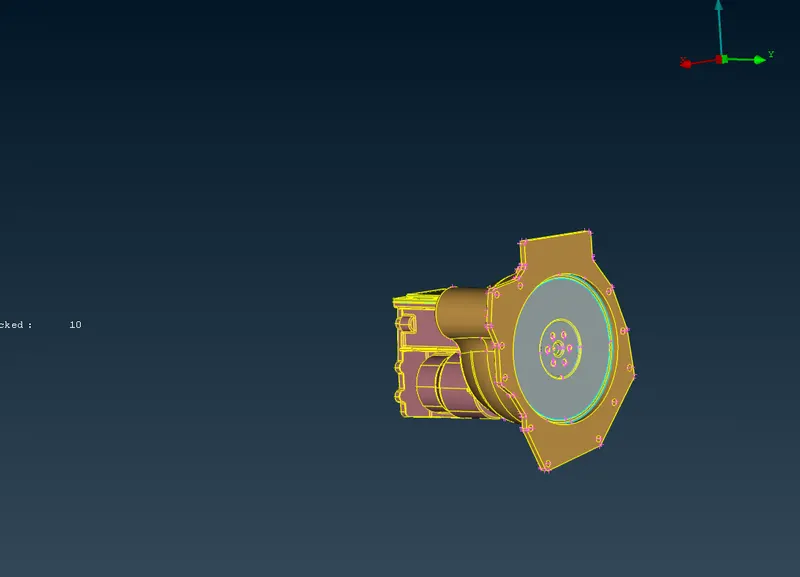
- Import the transmission model into the ANSA and perform the TOPO cleanup
- Delete the unwanted and overlapping surfaces
Gear Box:
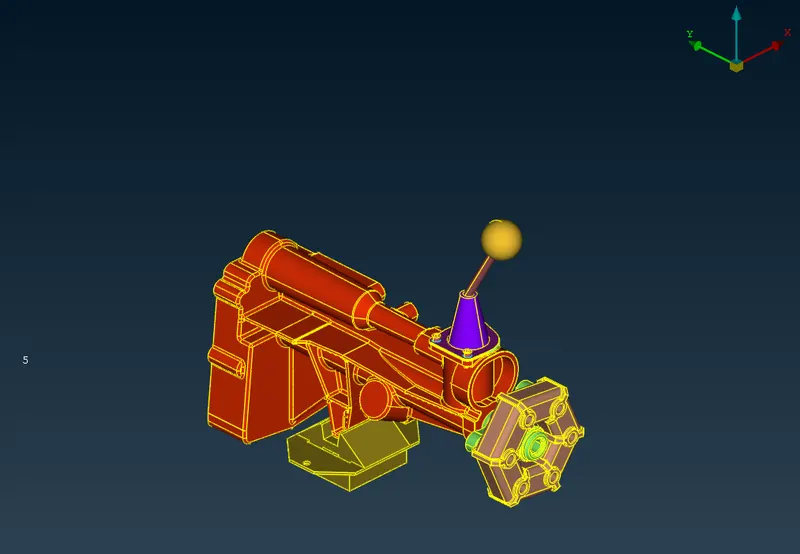
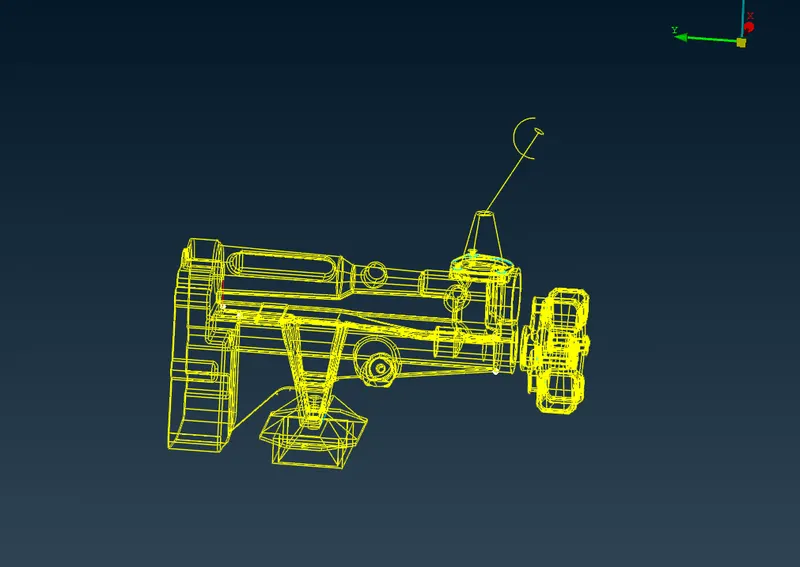
- Import the gear box into the ANSA and cleanup the unwanted and overlapping surfaces to avoid the errors.
MERGING :
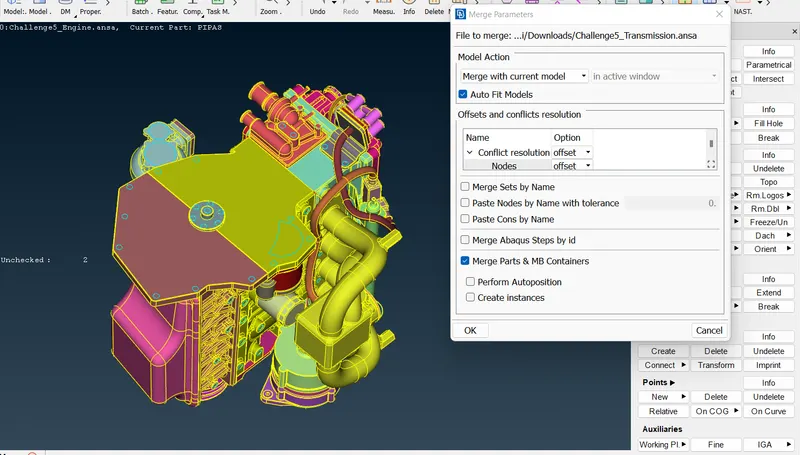
- Go to file and select the merge option and select the parts that are to be merged.
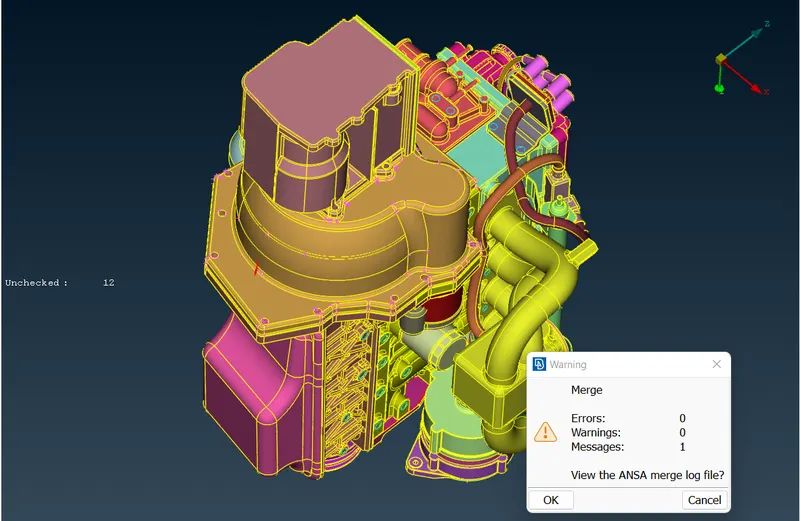
- We should get 0 errors after merging the parts
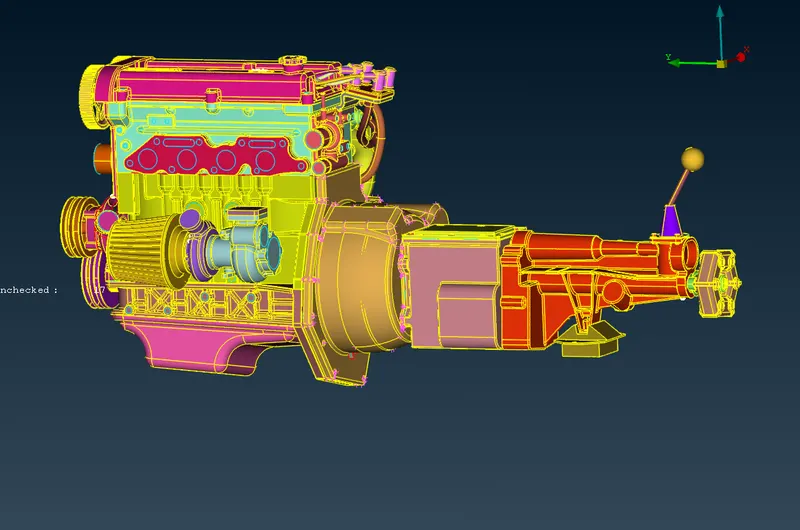
- After merging all the parts
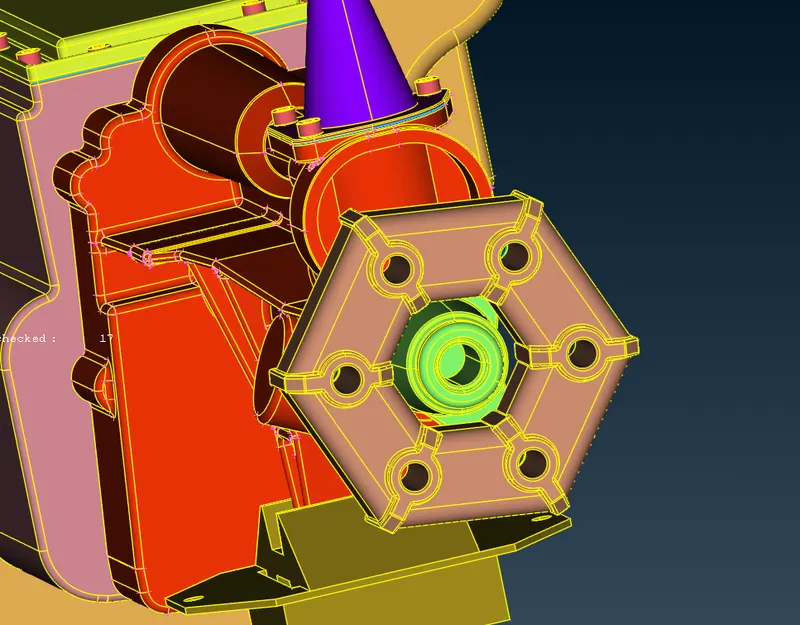
- Fill the holes with the new faces option for proper surface mesh.
Meshing:
- For meshing we will go to elements n then click on wrap
- Double click on the status to change the status of the wrap
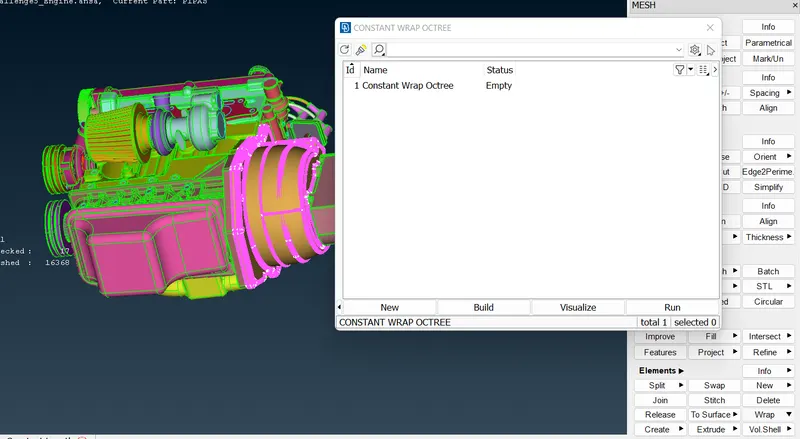
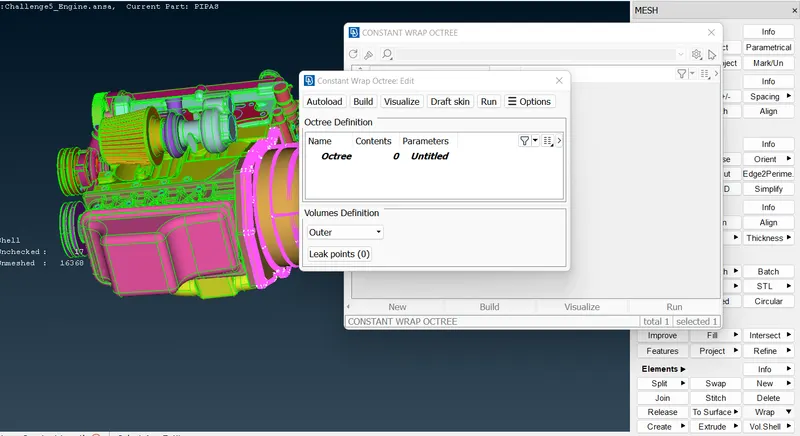
- Select the contents that are to be wrapped and compress unwanted PIDS
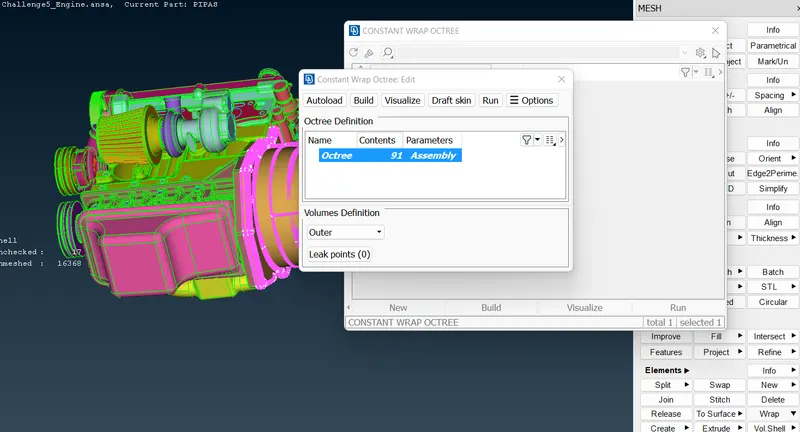
- Now click on RUN to run the wrap process
- After that the status is changed to ready then the model is wrapped
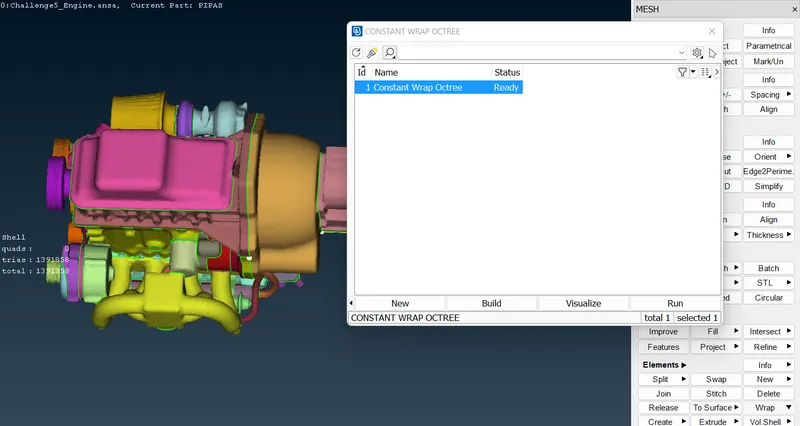
- Model is shown below
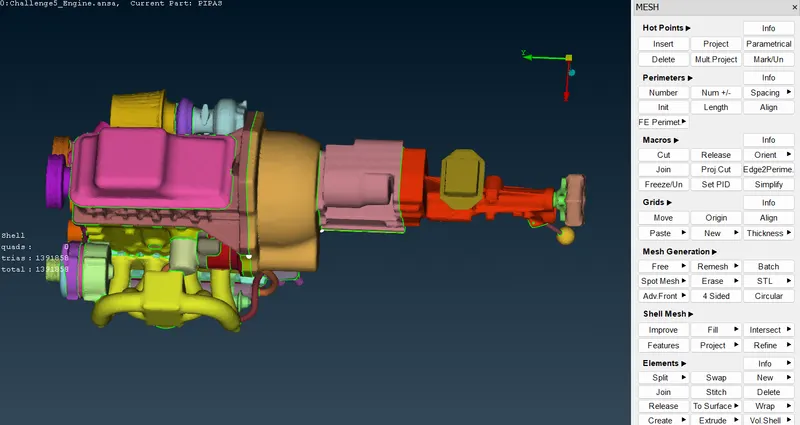
Results:
- Learning outcomes from this challenge -
- Geometry cleanup
- merge models
- surface wrapping
Google drive link:
https://drive.google.com/file/d/1rfLP6FtiyErbYe-dNyUTsvyhFNQm6mUB/view?usp=share_link