Week 2 Challenge : Surface meshing on a Pressure valve
AIM: Eliminating geometric errors from model and perform topology cleanup.Perform surface mesh for various taget lengths for 1mm,3mm and 5mm.
Objective :
- Perform model cleanup.
- Perform surface mesh for various length such that 5mm,3mm and 1mm.
Procedure:
- Open Ansa Software and load given model
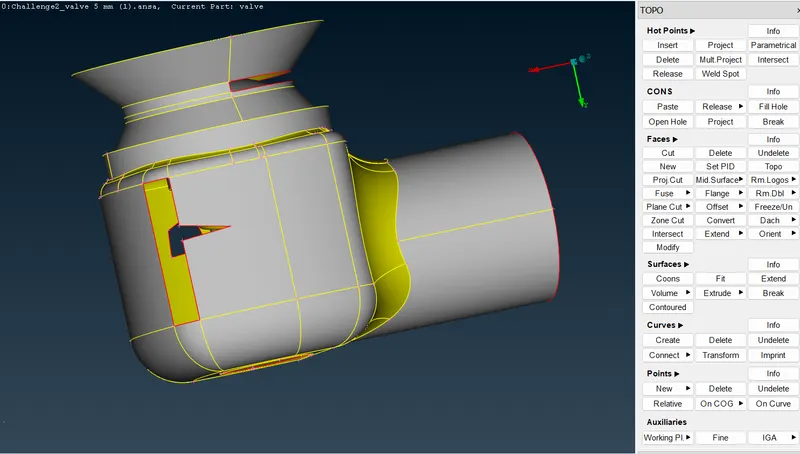
- Wireframe mode of our model .
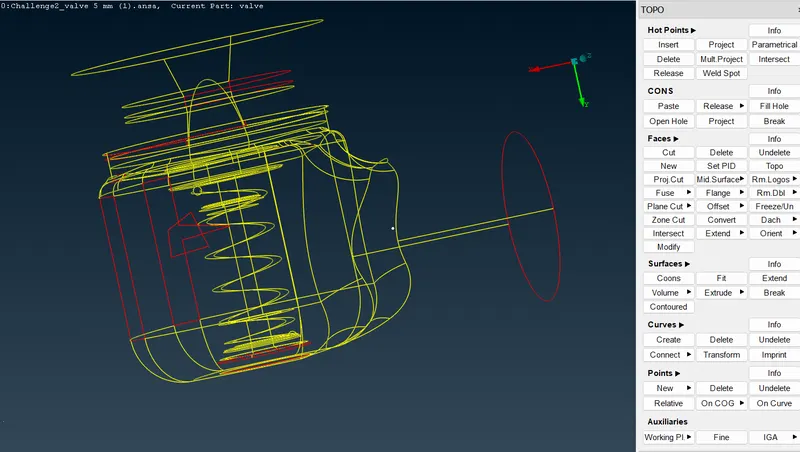
- We can see a lot of topological errors ,but before topo clean up let's do geometry check to see all the errors the model.
- Check errors
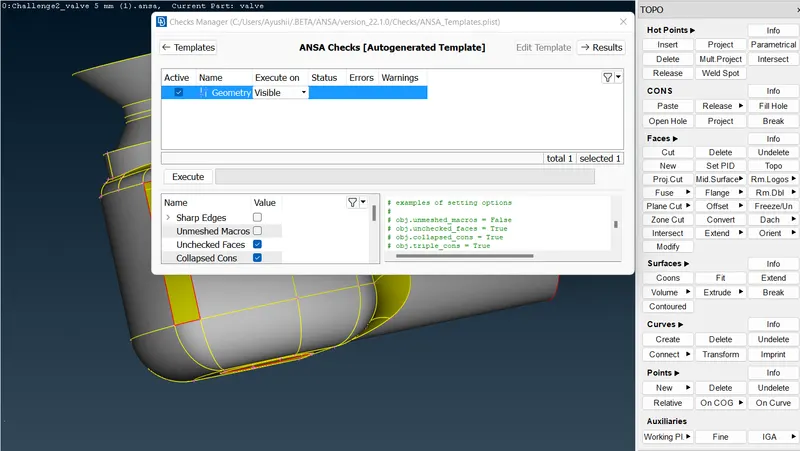
- Executing to check errors
To do this operation , go to toolbar -> checks -> geometry -> visible -> execute
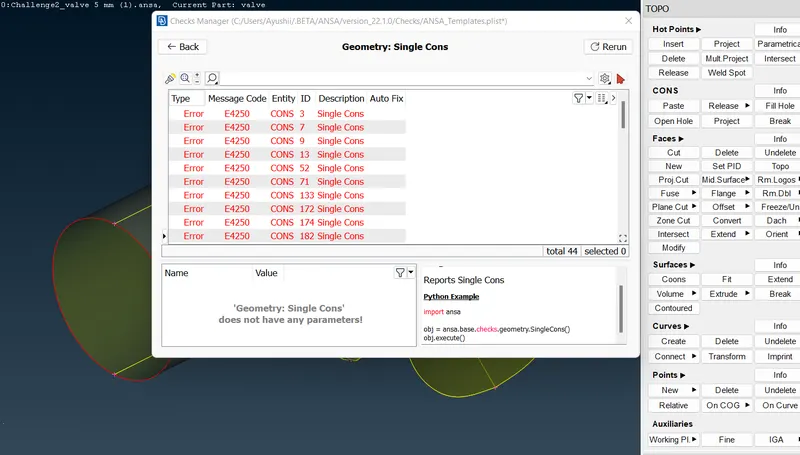
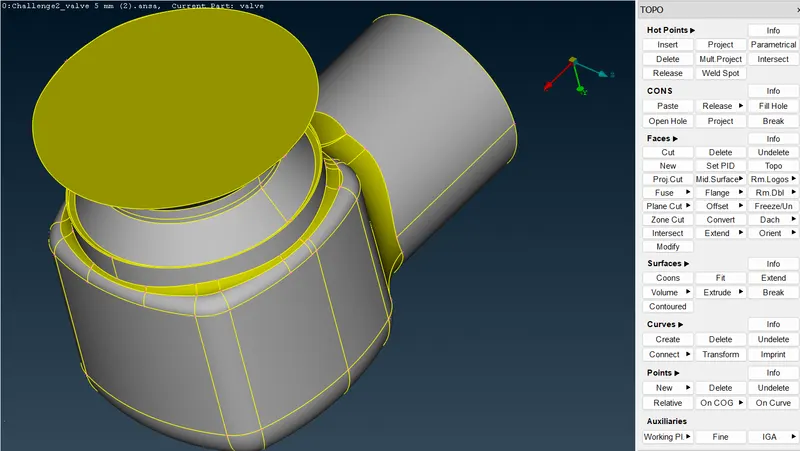
- From model we see there are lot of opening and surface errors.Errors may contain a single cons, some extra or unnecessary hot points, openings, some overlapping surface etc.Eliminating those errors using different options like planner, fitted, cons, fill holes,and new cut etc.
- After eliminating all the errors from the model our model look like this.
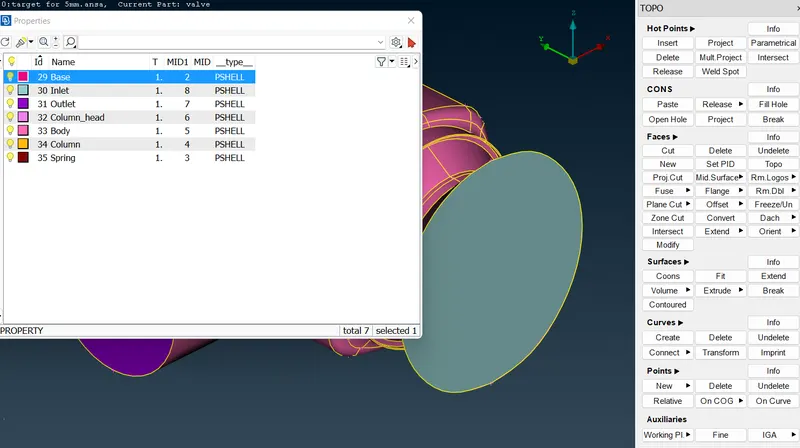
- Creating properties is done to specify names to different boundary conditions for various parts.we create PID for inlet, outlet ,spring , column head, body, column,base.
- In the below image you can see the list of PID's we have assigned.
- After all properties and corrections we can move for meshing
Here we have three different target lengths as three different cases and we have to mesh the model with all three different lengths.
- Target length = 1mm, 3 mm and 5 mm (i.e. 3 cases).
Case -1 :- Target length = 1 mm :
- We have to give the mesh length parameters
- 1) under perimeters we give length as 1mm 2) under macros we give length as 1mm .We follow below steps for that ,
Go to mesh utility -> perimeters -> length -> now select perimeters and then-> click left mouse button and drag and select the entire model -> click middle mouse button -> Enter the element length as 1 mm -> Click middle mouse button.
- Then you can see the geometry after giving the mesh length in the below image.
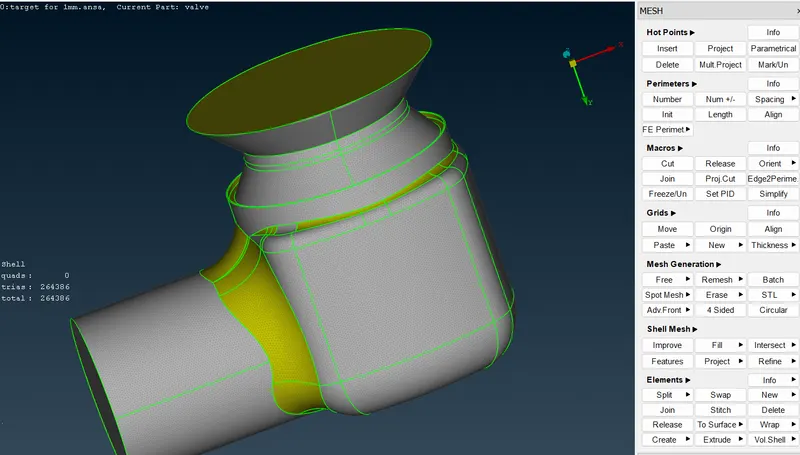
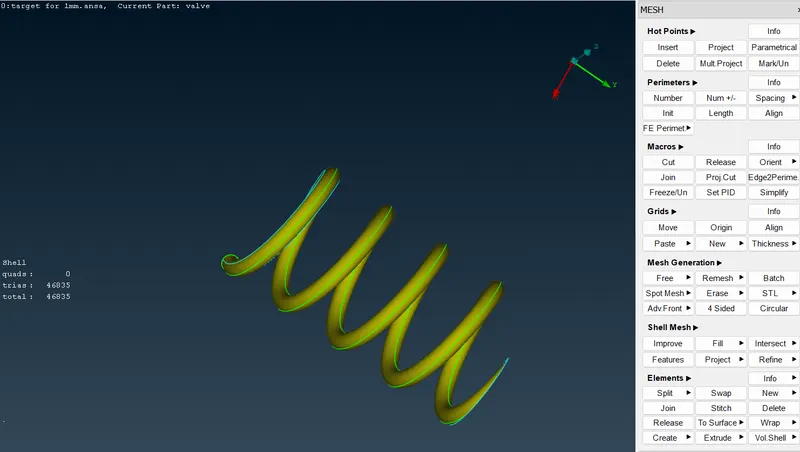
Case -2 :- Target length = 3 mm :
- We have to give the mesh length parameters
- 1) under perimeters we give length as 3mm 2) under macros we give length as 3mm .We follow below steps for that ,
Go to mesh utility -> perimeters -> length -> now select perimeters and then-> click left mouse button and drag and select the entire model -> click middle mouse button -> Enter the element length as 3 mm -> Click middle mouse button.
- Then you can see the geometry after giving the mesh length in the below image.
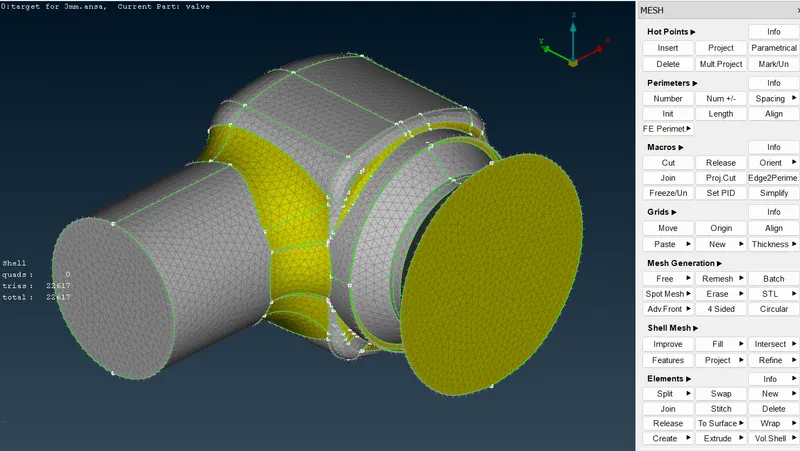
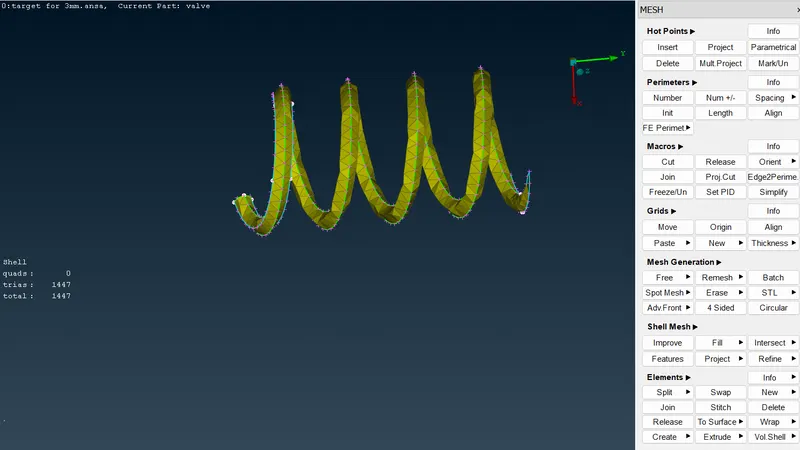
Case -3 :- Target length = 5 mm :
- We have to give the mesh length parameters
- 1) under perimeters we give length as 5mm 2) under macros we give length as 5mm .We follow below steps for that ,
Go to mesh utility -> perimeters -> length -> now select perimeters and then-> click left mouse button and drag and select the entire model -> click middle mouse button -> Enter the element length as 5 mm -> Click middle mouse button.
- Then you can see the geometry after giving the mesh length in the below image.
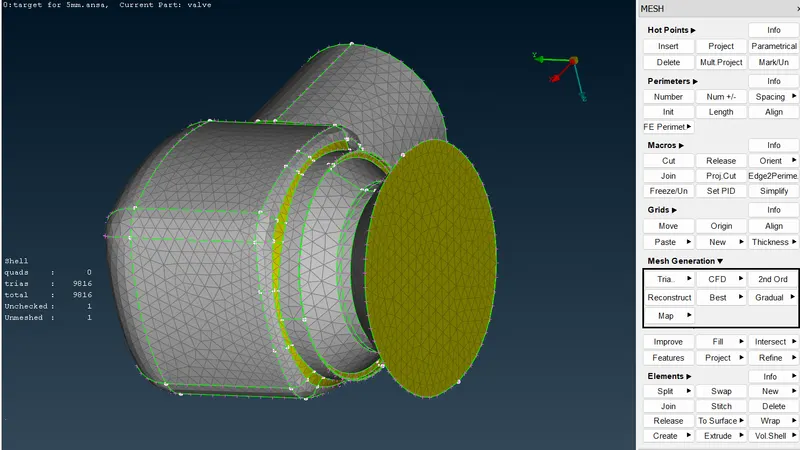
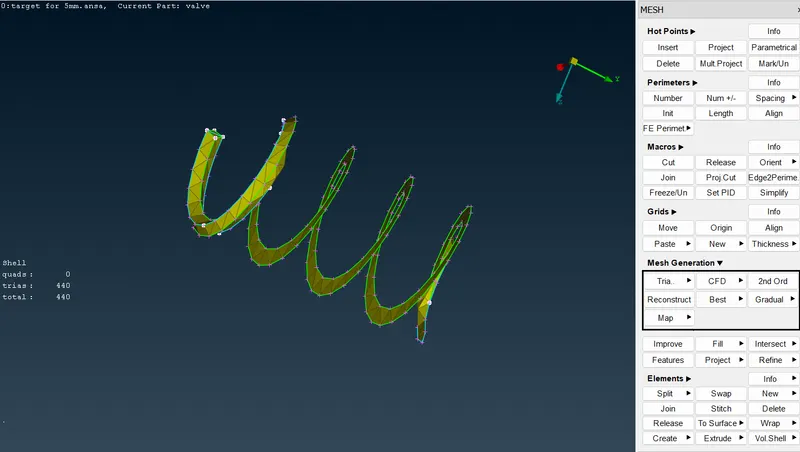
Learning outcome :
- In this process we have learned how to import the CAD model then how to do geometry check-up and then how to do topo/Geometry cleanup and then Setting-up of relevant PIDs to different parts and then defining diffeent element size or length then selection of meshing type then finally how to generate surface mesh.
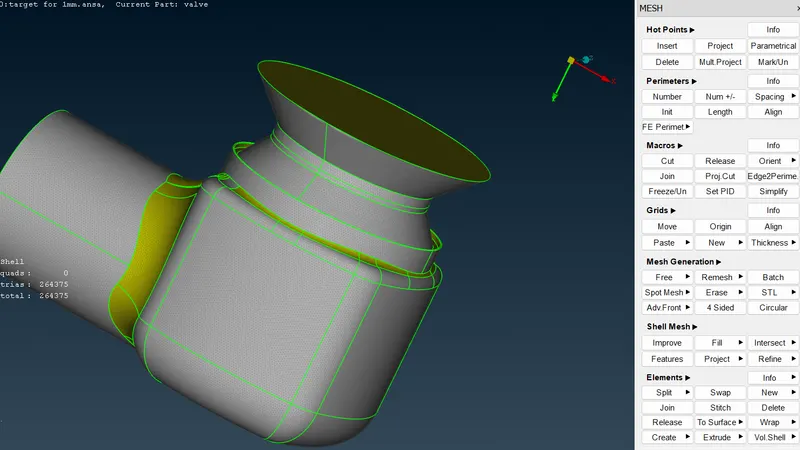
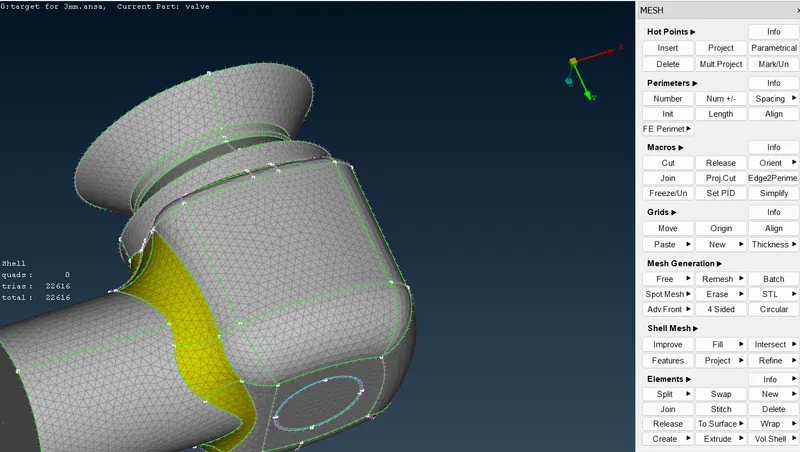
- Here we also found that smaller element captures curvature of geometry more accurately.
Results:
- Target length 1mm
- Target length 3mm
- Target length 5mm
Conclusion:
Triple cons are not error.
Selection of length and macros is vey necessary specially when there is low curves or some complex geometry.
Higher elements gives more accuracy but needs more time for mesh generation.
Higher elements gives smoother results.
Low number of elements gives low accuracy. But fast in operation.
Google drive link:
https://drive.google.com/file/d/1l2yS0r2Jl_Pi4_7ViVwFOovv8wHBpZ8_/view?usp=sharing