Week 5 Challenge : Surface wrap on Automotive Assembly
AIM: To perform the surface wrap on automotive assembly
Surface Wrap: Which are mainly used to study the flow simulation of the outer surface body
Procedure:
- Surface Cleanup Procedure
- Delete all the additional surfaces which are not required; such as ring features which are mainly created by the designer verticals for the creation of drawing
- Also delete all the unmeshed surfaces
- Also delete all the overlap surfaces (note: well overlap surfaces do not create any problem while we performing the surface wrap
- Always close all the open holes, prior to performing surface wrap
- And, if possible also remove the thin parts as well, which does not contribute to the surface wrap segment
- Surface Mesh
- Perform the surface mesh from the element wrap optionWrap
- Using the option of constant length
- In the parameter, target length has been set to 3mm
- Mesh has been set to triad
- Remove all the non needed PIDs
- Essential PIDs has been selected
Result: Finally Click the Run Option
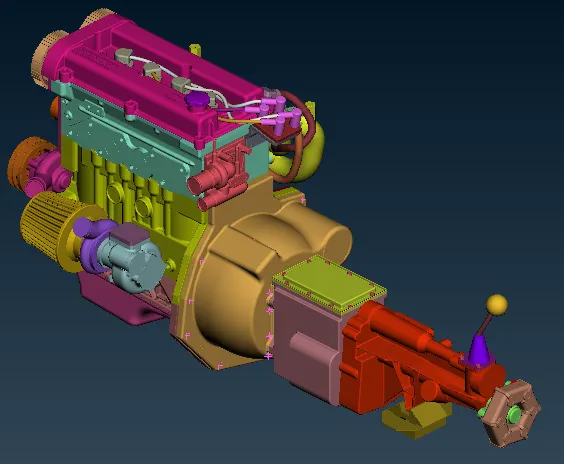
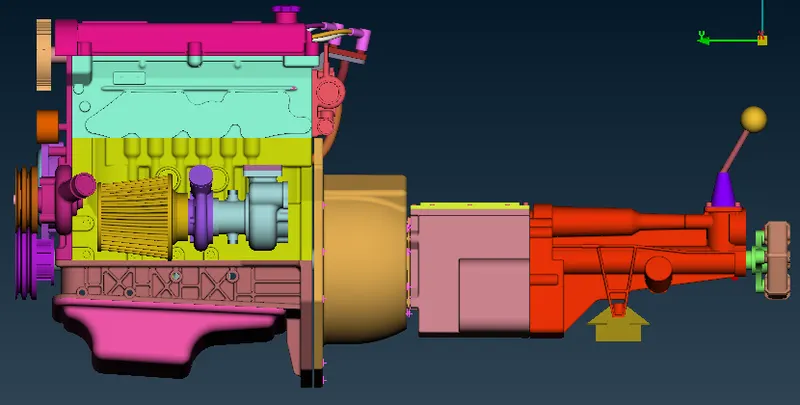
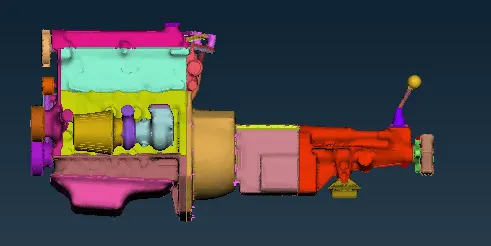
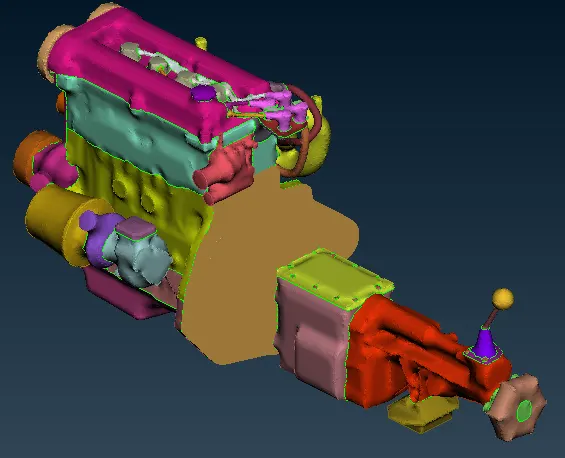
The Following are the assembled and surface wrap images:
Learning Outcomes:
- Got to know about how to proceed and generate the Surface Wrap Mesh in a directional way.
- Got to know about the concept of nodes and different forms of meshes.
- Got to know the concept of various tools such as parametrical option, the concept of projection, and cut feature, wrap, etc.
The Google Drive Link For The Model:
https://drive.google.com/file/d/1vVUOPqsOTgA5glFaL7Nj7Gc1uQ9BEt_p/view?usp=sharing