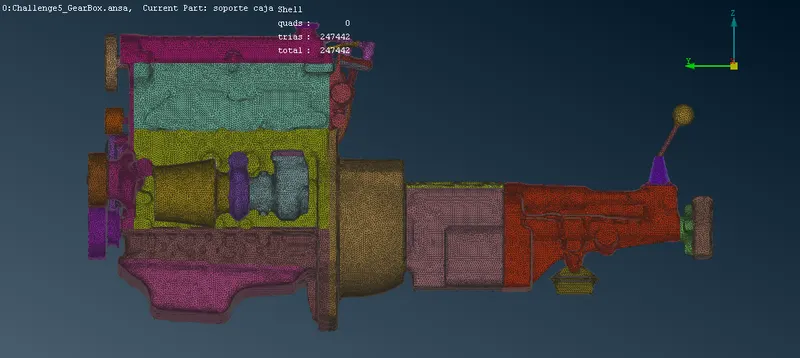
Week 5 Challenge : Surface wrap on Automotive Assembly
Aim:
- For the given models, check for the geometrical errors and delete surfaces which are unwanted for the Surface wrap
-
After clearing geometry, Merge all 3 models and perform surface wrap.
Introduction:
- Surface wrapping: surface wrapping is a meshing technique that should be used when the input data are either too complex to extract the wetted surfaces from, create a water-tight geometry and clean it up or when the input data is raw tessellated STL with several problems like intersection and gaps. the process of wrapping is described with the help of the following sketches.
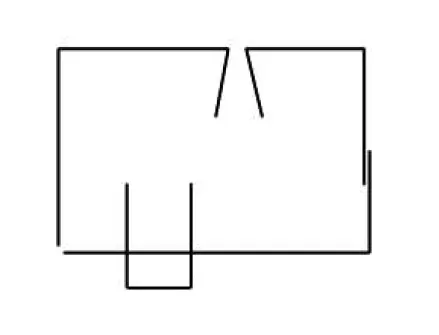
Figure 1: Initial surface description of full openings, intersections and overlaps
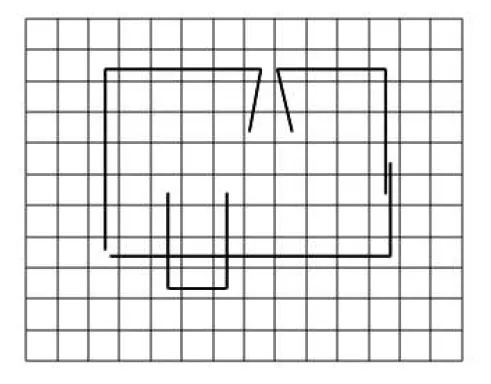
Figure 2: Generation of background octree hexa mesh
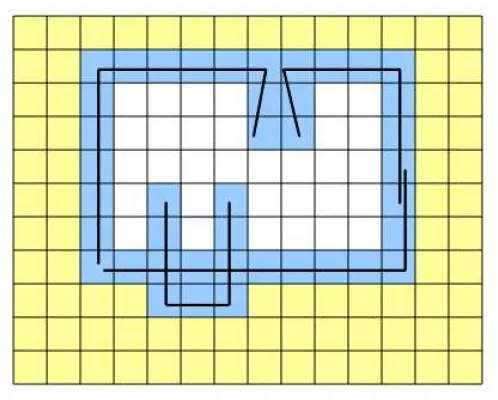
Figure3: Identification of intersecting hexas with original surface description and marking of these elements in blue
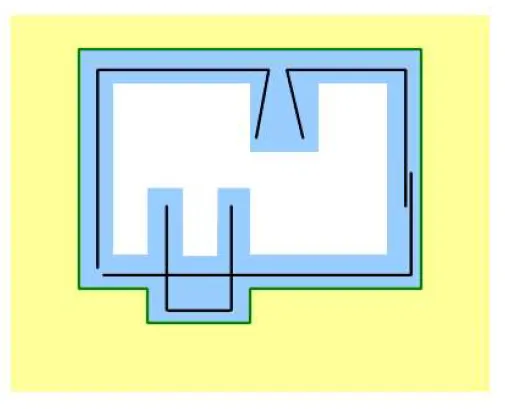
Figure 4: Extraction of outer skin (green) of the identified intersecting hexas
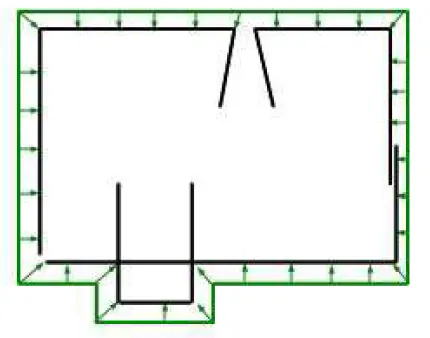
Figure 5: Projection of green skin on the original surfaces
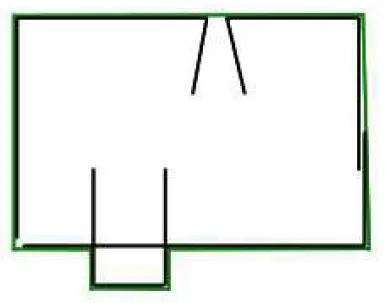
Figure 6: A water tight surface mesh (green) is created
In this way wrapping overcomes all the geometry problems. still wrapping should only be used if the conventional way of geometry cleanup and shell meshing (which always gives the best result) is very labour intensive.
We have a three components namely Engine, Gearbox andTransmission. so first we create the surface wrap individually for all three components thenafter combine them.
Surface Wrapping of Engine:
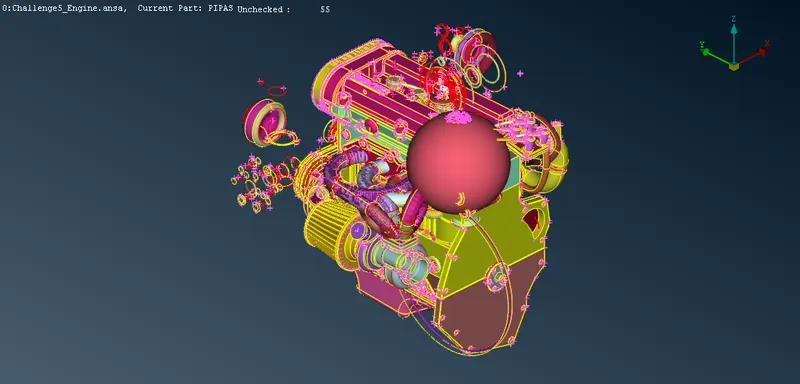
Figure 7: Imported engine into ANSA
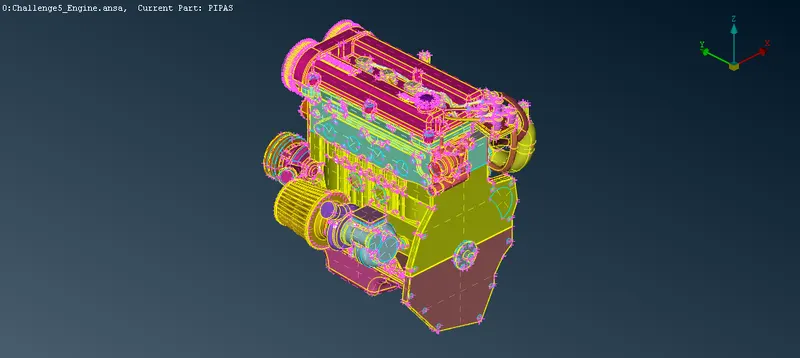
8: After the cleanup of the unwanted components of the engine and filling all holes
Surface Wrapping of Gear-box:
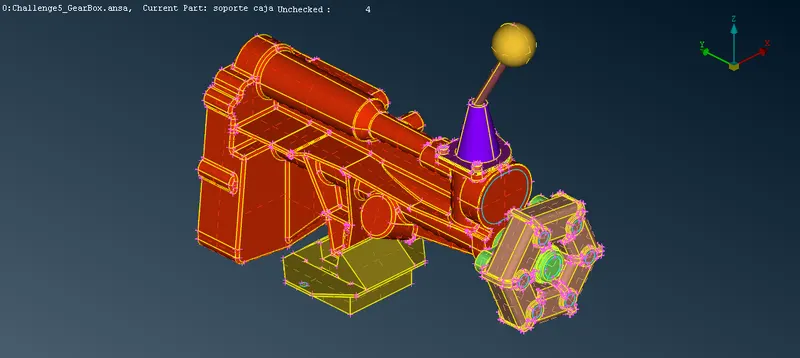
Surface Wrapping of Transmission:
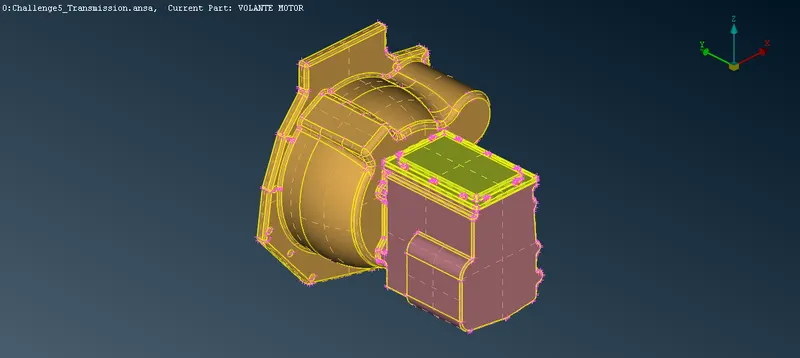
Figure: After cleaning the transmission
Merge all three components
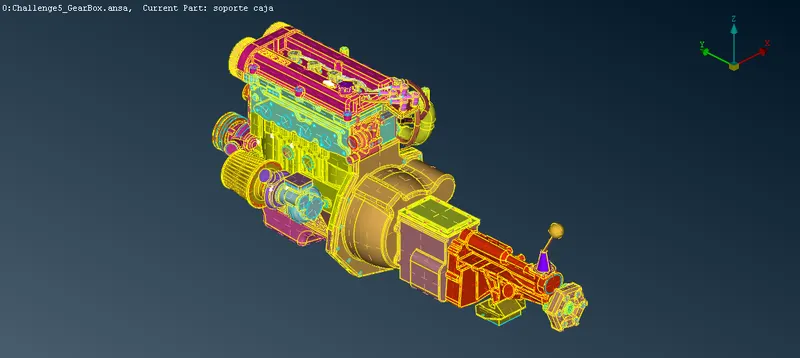
Surface Wrap
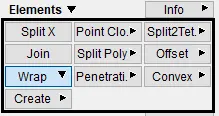
Go to Mesh > Elements > Wrap > Constant Length
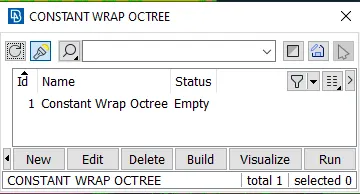
Double click on Constant Wrap Octree
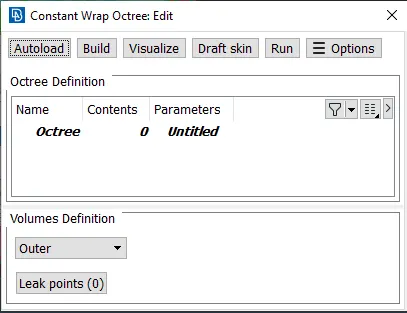
Double-click on Octree and give 5 in Target length.
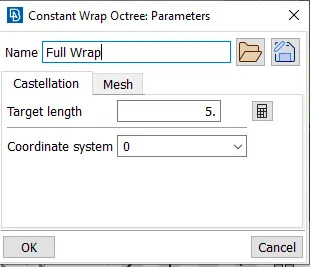
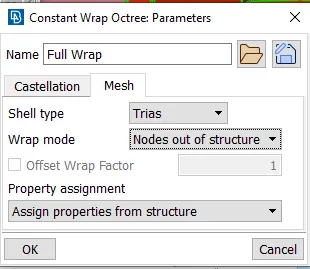
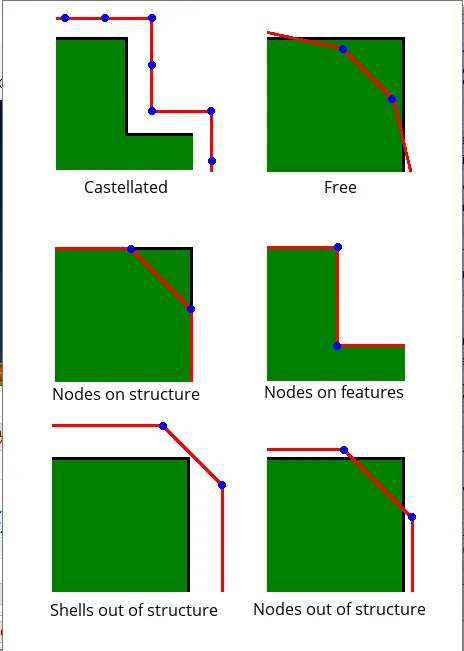
Wrap Mode:
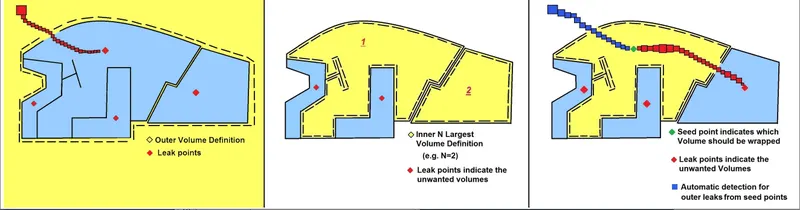
Volume definition
Click Ok
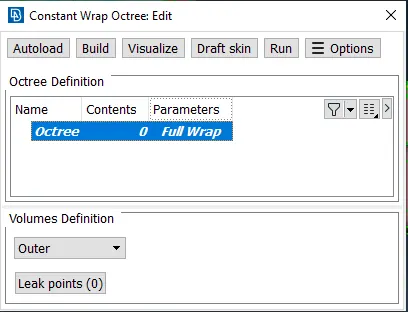
Double-click on Octree