Week 5 Challenge : Surface wrap on Automotive Assembly
REPORT
Surface Wrap on Automotive Powertrain
OBJECTIVE
- Check for the geometrical errors and delete surfaces that are unwanted for the surface wrap.
- Merge all three models and perform surface wrap after clearing geometry.
- The target length for the Wrap should be set to 3 mm.
THEORY
Surface Wrap
It is a process of replicating external or internal surface details onto a negligibly thin surface. It is an advanced surface meshing form used to mesh a model, with the increasing complexity of working geometry. In external or internal CFD flow analysis only the surface in contact with the fluid is considered. So the reduction of computation and meshing time can be achieved.
CAD MODEL
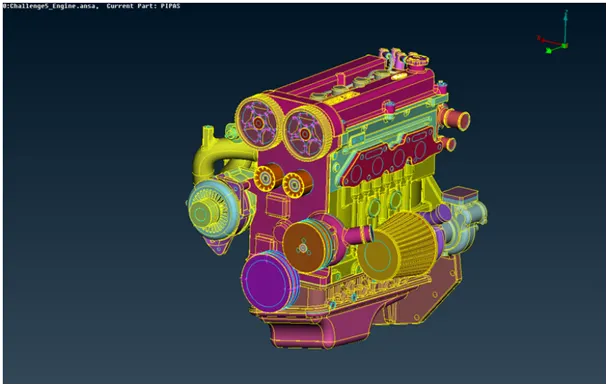
Engine
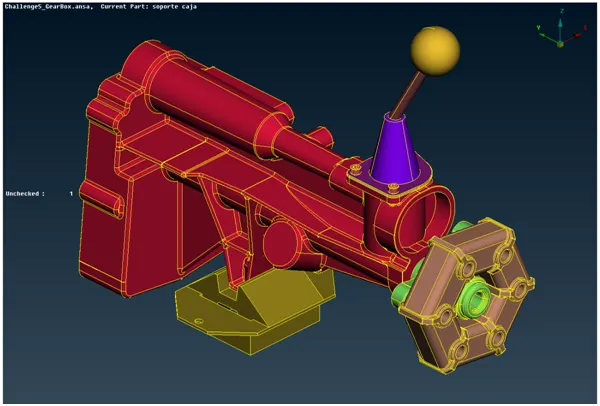
Gearbox
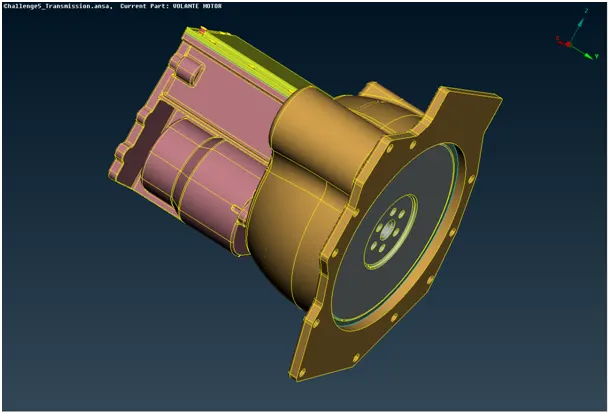
Transmission
PROCEDURE
Topo Clean Up
The unnecessary parts which are not required in surface meshing can be deleted. This is to be done by a close verification of individual PIDs. Any excess surfaces like fuel hoses and belts should be removed for finer surface meshing. The last step is to fill holes that can create uneven meshing results. Remove the triple cons and discontinuous surfaces like rings and extra features which do not play in the single volume required to achieve.
Note: These steps are to be followed for each component in a different GUI.
Merge
After performing the cleanup, merge the three components together to form a single volume. Select the merge option under the file option and perform the merge after selecting the appropriate geometry file.
PID resolution
To delete the excess or empty PID forcefully compressing the geometry is required. The useful PIDs are left before moving to the next step. [Total PIDs: 104]
Surface Meshing
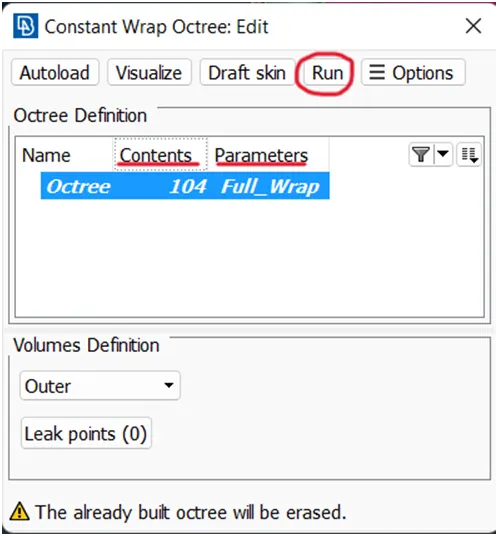
Moving on to the mesh module, choose the wrap option under mesh generation. Click and hold on wrap and choose the constant length option from the drop-down. Create a new wrap octree. As the status of the octree is seen empty, double-click on it. A pop-up window appears where the required mesh parameters should be filled.
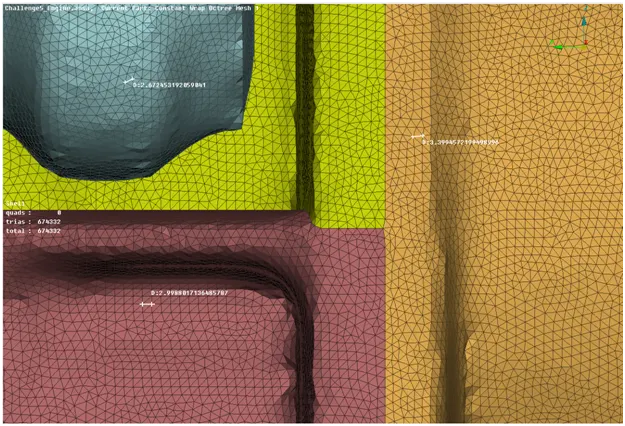
- Target length: 3 mm
- Smooth Factor: 0.5
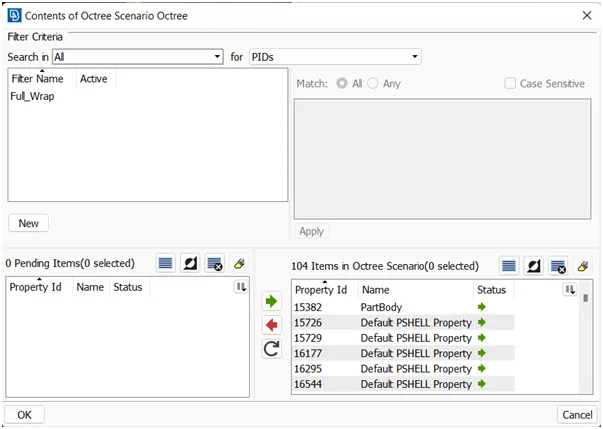
In the content option, select all the PIDs to mesh and surface wrap. Click RUN to perform wrap on the selected PIDs. The surface meshing is completed.
RESULT
CONCLUSION
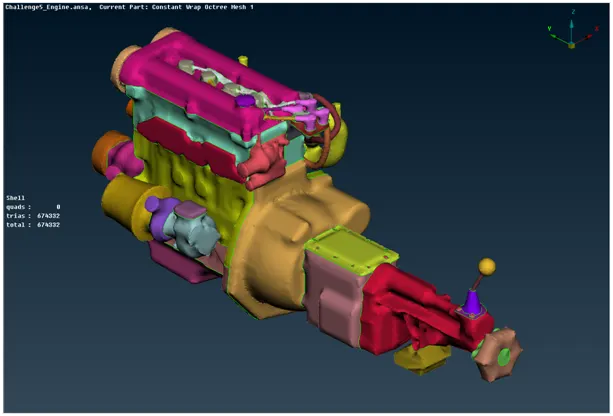
The surface wrap is achieved on the given power train components with a total of 674332 elements. The surface is easier to perform since it does not depend on the quality of the wrap on each material as we are not interested in physics in the body.