Week 5 Challenge : Surface wrap on Automotive Assembly
Aim:For the given models, check for the geometrical errors and delete surfaces which are unwanted for Surface wrap as shown in the videos. After clearing geometry, Merge all 3 models and perform surface wrap.
Target length for Wrap = 3 mm
Procedure:
- Import the geometry.
- Clean up the surface by deleting the unwanted parts and surfaces present on geometry.
- Surface wrap is mainly done on flow over surface so mainly we have to clean up the outside surface.
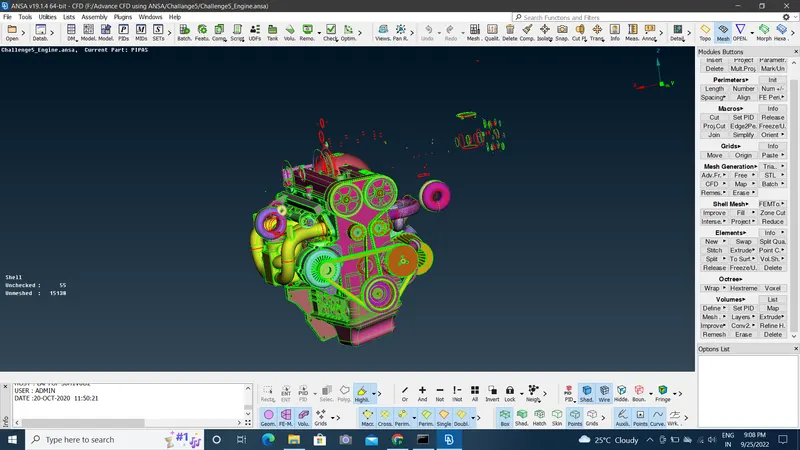
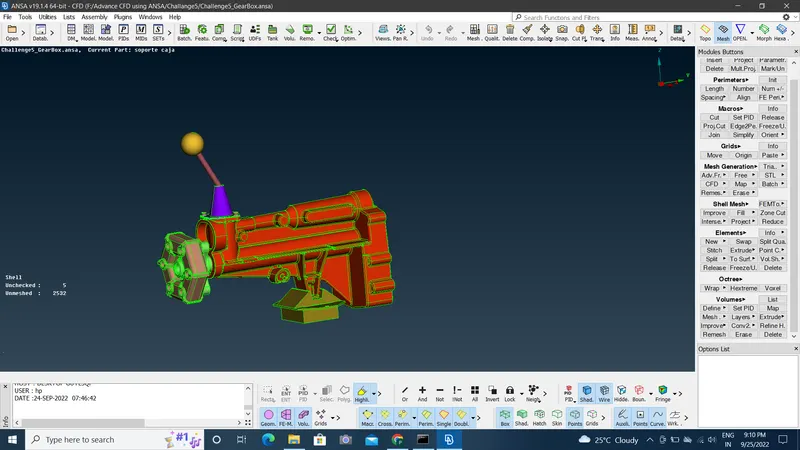
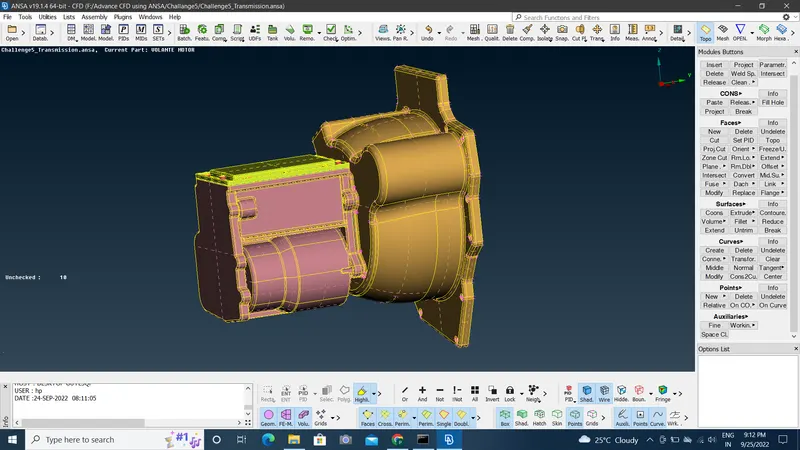
- We have to delete the unnecessary surface on exterior using delete option.
- After removing the unwanted faces it looks like below;
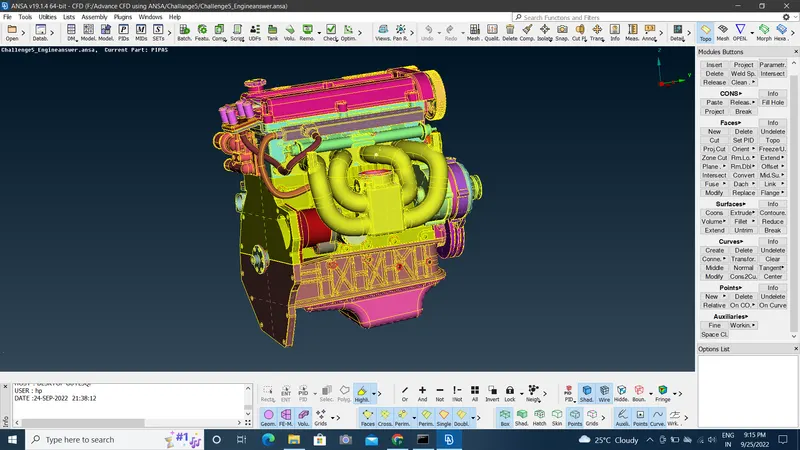
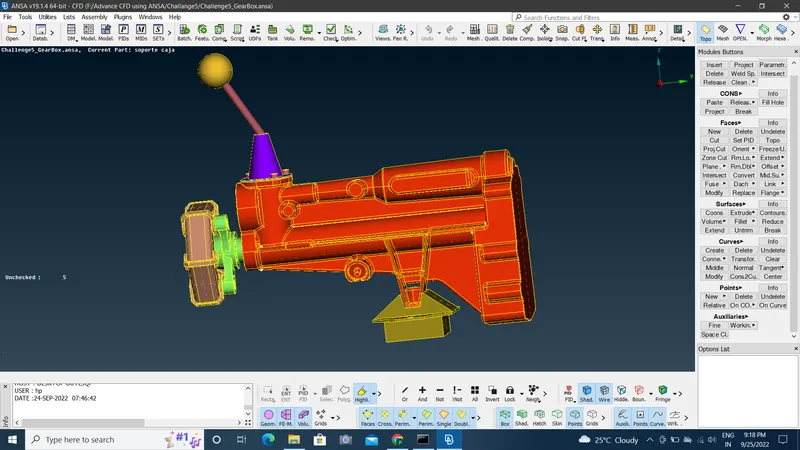
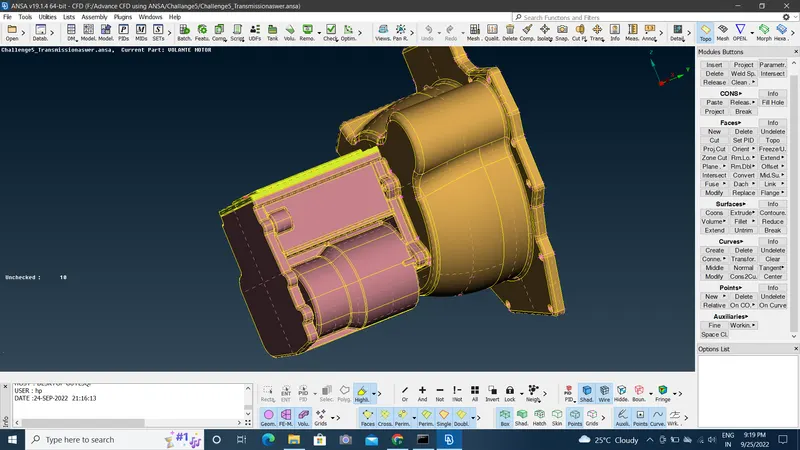
After doing the geometry clean up we need to merge all the three models to single model.
Merge option is used to merge the models.
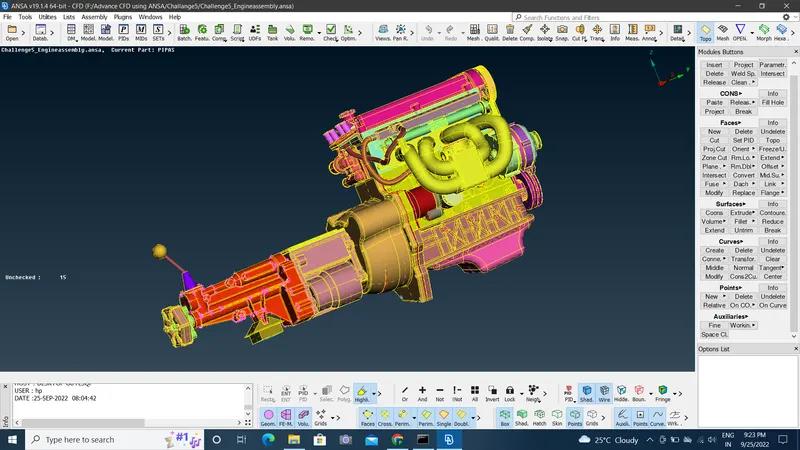
Surface Wrap:
- For surface wrap first go to mesh>wrap.
- select constant wrap.
- select parameter. give mesh length as 3mm.
- compress the PIDs which are deleted.
- Select the PIDs.
- Run the process.
- Once you received the Ready message then it means the wrap is done.
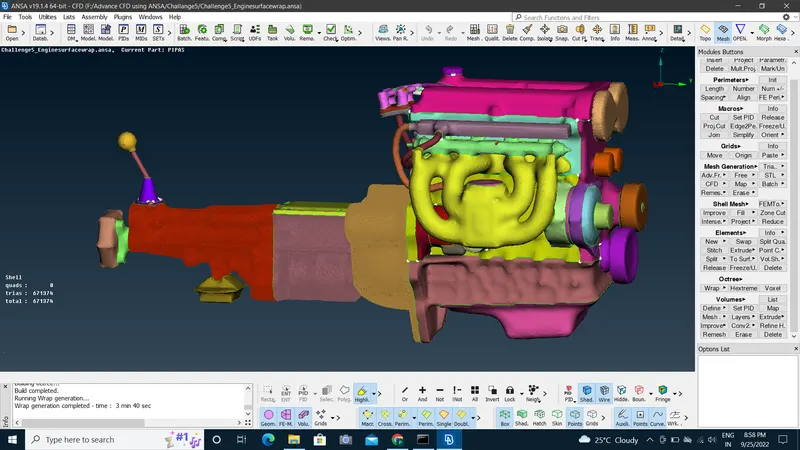
Conclusion:
- Surface wrap gives flow over surface. Lessons learnt that as mesh length is small then the quality of mesh & output is much fine.
- As the mesh length is small then time taken to solve the model is more.
Link:https://drive.google.com/file/d/1nNmbjnSOFSOPVU60X-MDO8sJ0gfH0nNs/view?usp=sharing