Week 5 Challenge : Surface wrap on Automotive Assembly
Aim:
To check and solve all geometrical errors and delete surfaces which are unwanted for Surface wrap for the given models.After clearing geometry, Merge all 3 models and perform surface wrap.
Target length for Wrap = 3 mm
since our system spec is low i have gone for 5mm target length.
Procedure:
First select topo and shaded mode intially from the deck
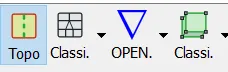


And then go for pid in the above deck so that we can isolate the unwanted surfaces.
intial geomentry import them from file first do one by one
Engine:
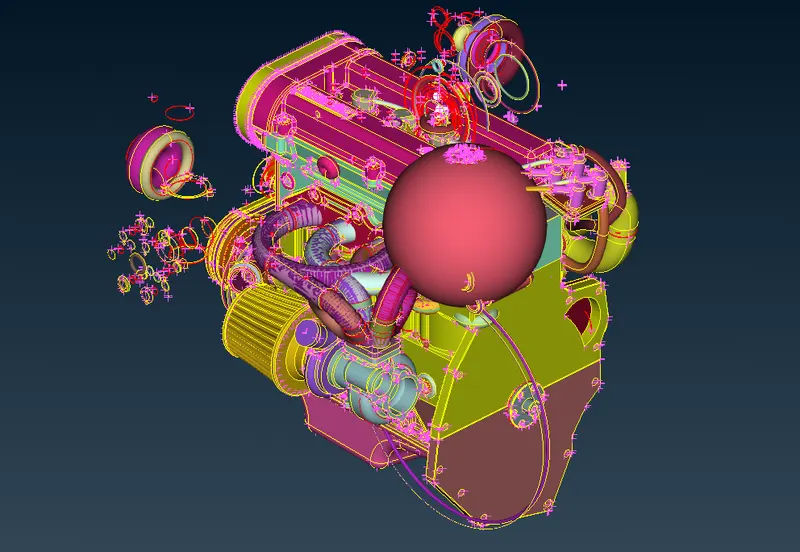
As you can see the unwanted rings just delete them using universal delete from top deck.which helps in selecting multiple entities and delete them.
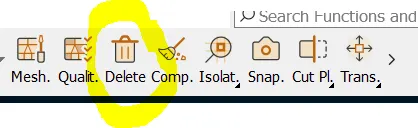
Orelse there is another delete we can use from face option
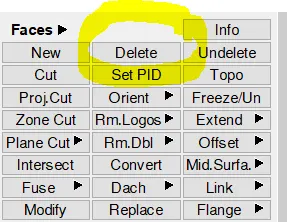
After that either use Not or inot option from bottom deck to isolate the unwanted faces so that we delete universally which consumes less time.
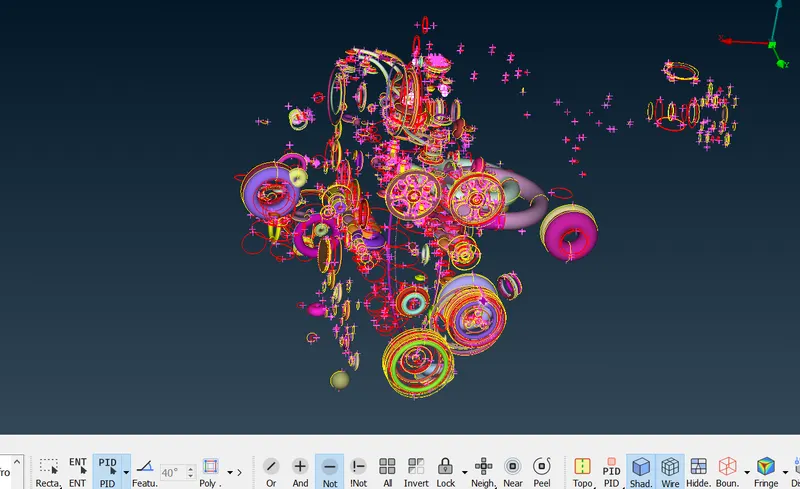
It will look like this once you isolate them then we can delete them wholesome since we are going to surface wrap we need to concentrate on outer surface only so inside no need to bother then continue on the outer surface.
check for triple cons where overlapping surface occurs in that case 3 steps to repeated for this entire procedure
Step 1:
do a topo from face option
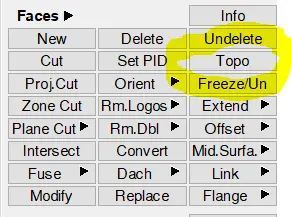
Step 2:
Then do delete from same deck check the face thats overlapping and select that carefully.
Step 3:
After deleting them create new face i any face is missing.
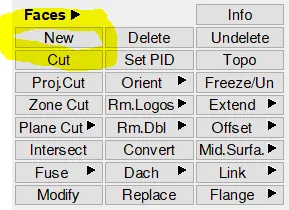
then clearing every geometry on surface also close the open holes so that when doing surface wrap it won't get distorted using same option earlier.
completing the geometry of check completely one time and import next model.
Transmission:
For this model we can do the same procedure as we did for the engine but there is less error on the outer surface geometry
intial model:
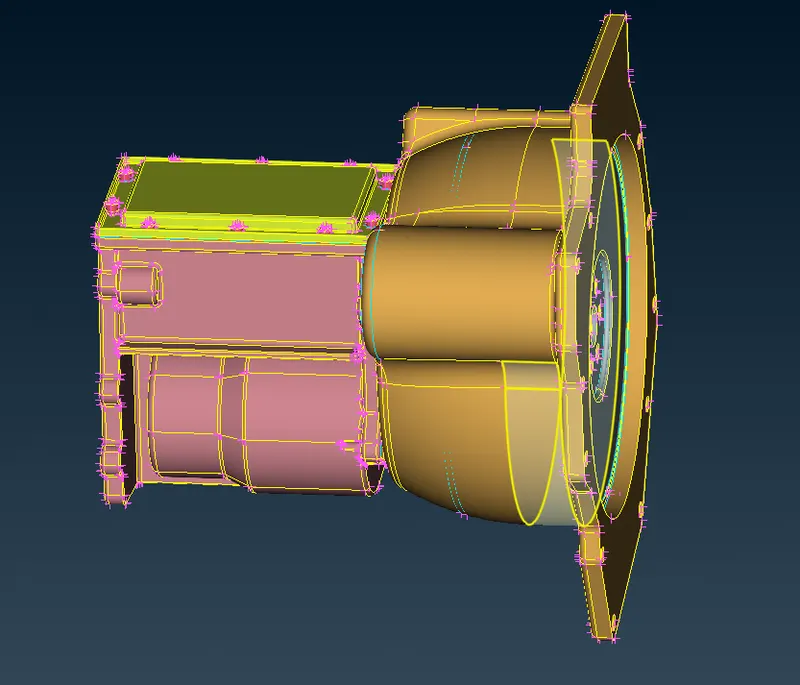
then delete the unwanted surface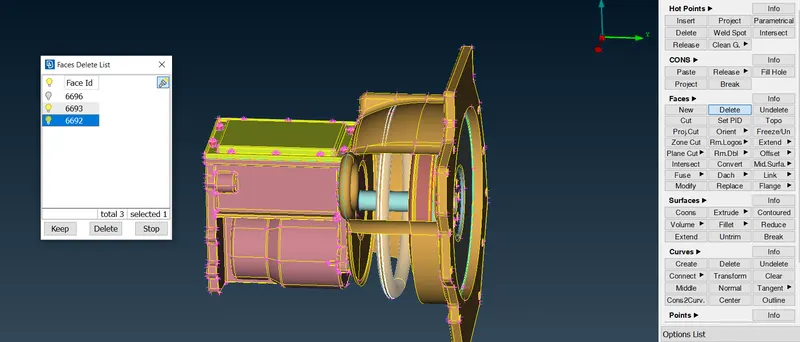
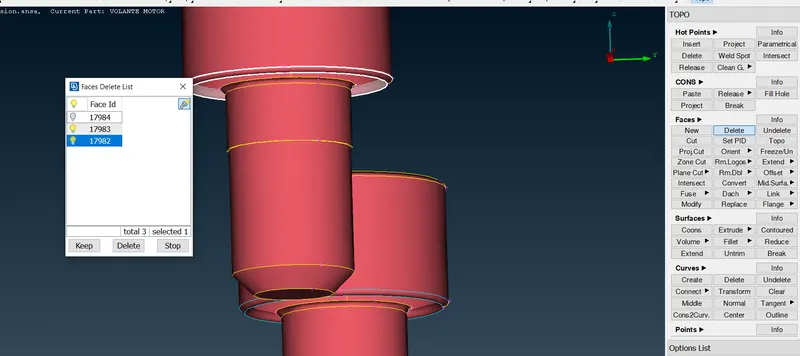
Gear box:
initial model
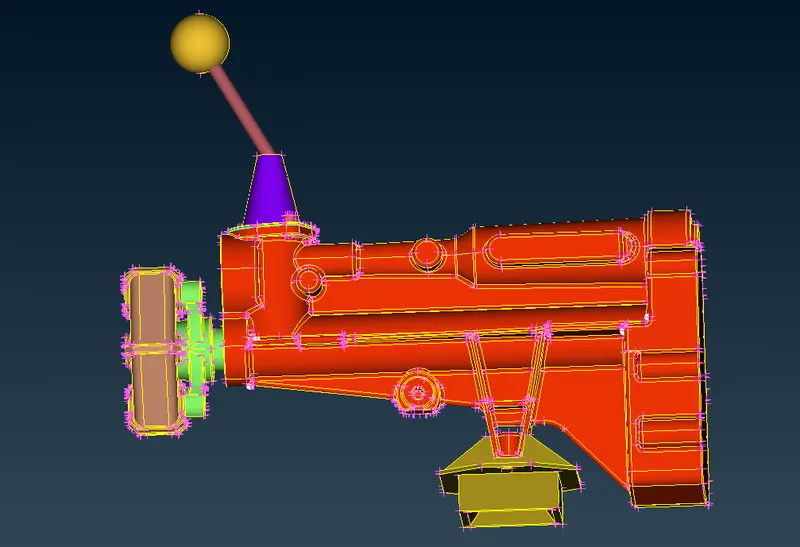
Atlast after completing the geometry error clearance go for assembly merge the components.
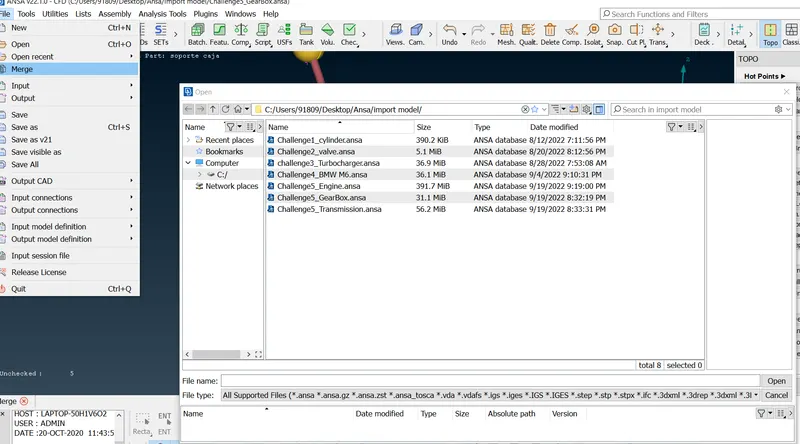
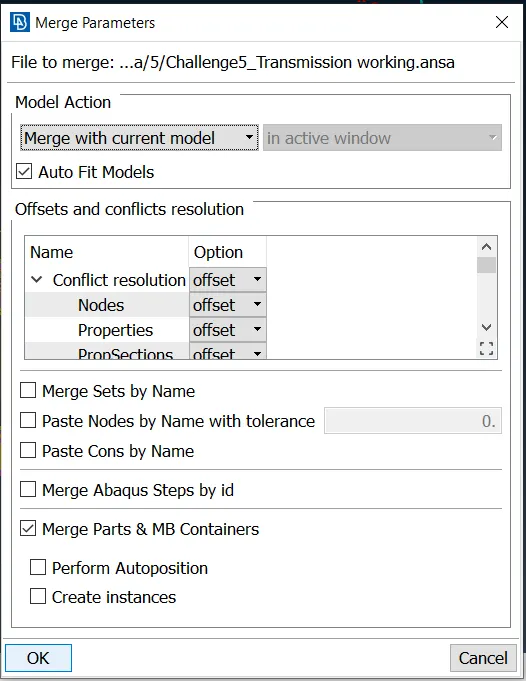
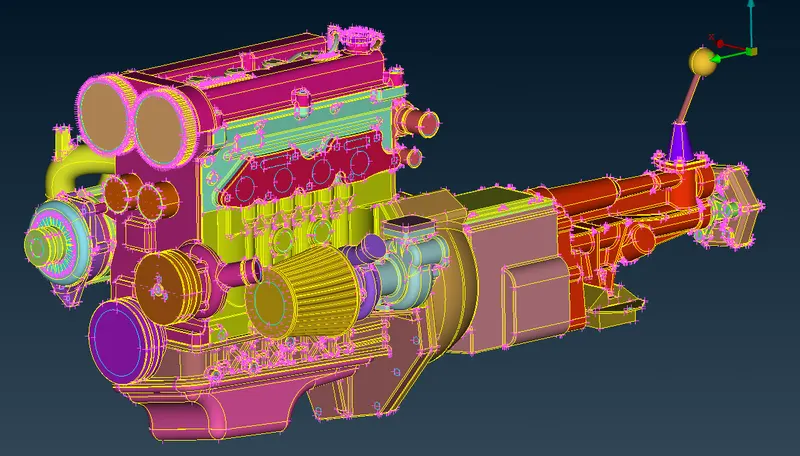
then close all the open holes and once again check again before going for surface wrap.
Surface wrap:
Before that go for compress to delete the unwanted pids
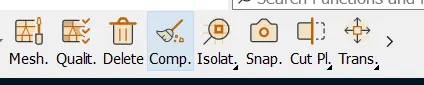
Then go for the classic mesh from top deck.
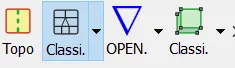
After that go for the wrap potion in elements
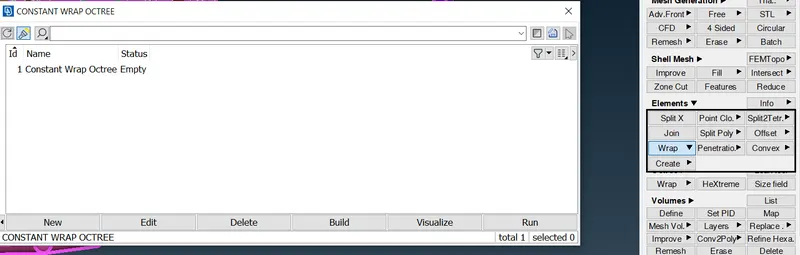
Then this pop up box will show in that double click the untitled.
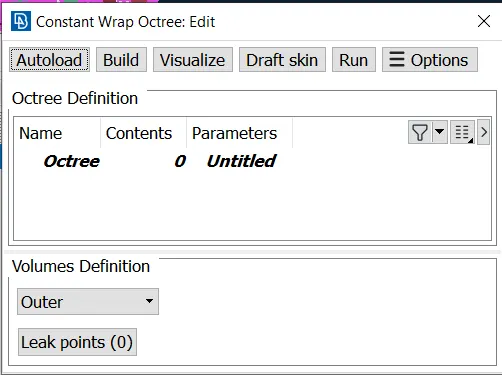
In this give name and target length as given then check in mesh option its tria element after that click ok
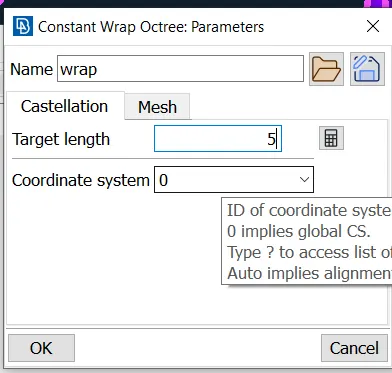
then in the same box where untitled was will change to the name you give next to it double click the contents this window will open.Here select all the pids and give the green arrow mark it will go to right side then click ok.
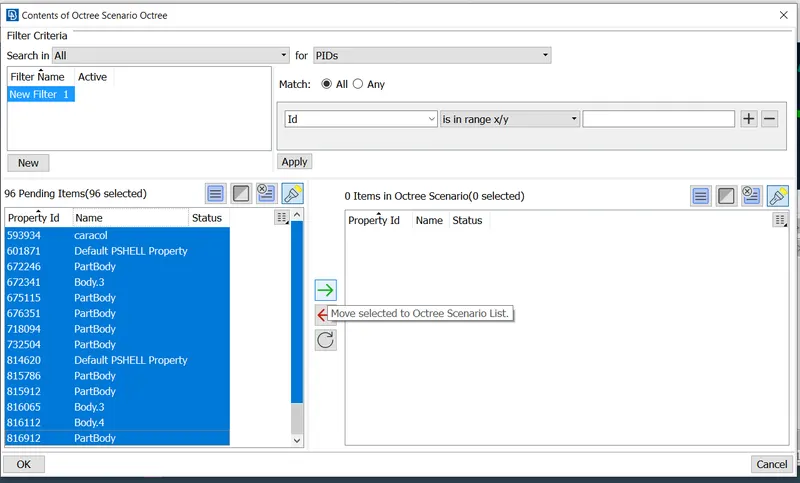
After that there is a button called run in this window as shown below click that.
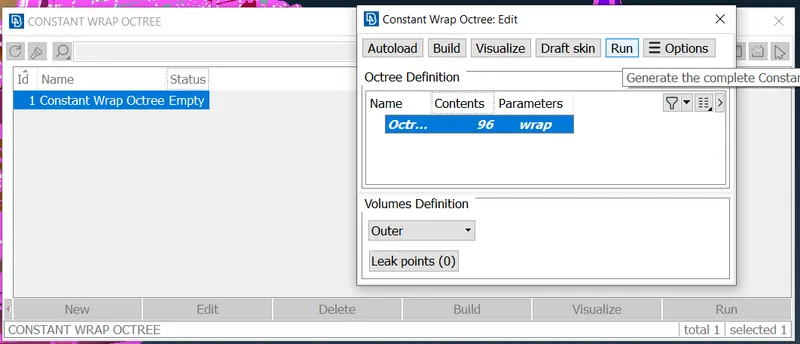
the surface wrap will run it may take some time so wait till it completes thus the surface wraped model will complete.
Final result:
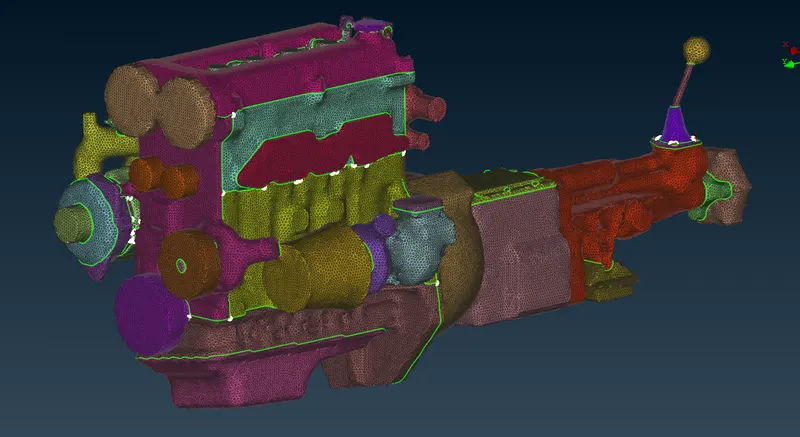
Model link:
https://drive.google.com/file/d/1d4vdJdlX8FbyDyX21g-L3dzJkuaArLzf/view?usp=sharing