ANSA - Surface wrap on Automotive Assembly
Problem Statement: -
For the given models, check and solve all geometrical errors and Assign appropriate PIDs. Perform meshing using Surface Wrap with the given Target length of 3mm
Solution: -
AIM: -
A. To Perform Geometric Cleanup of Engine, Gearbox, and Transmission.
B. To Perform Surface Wrapping of the Total Assembly.
Given: -
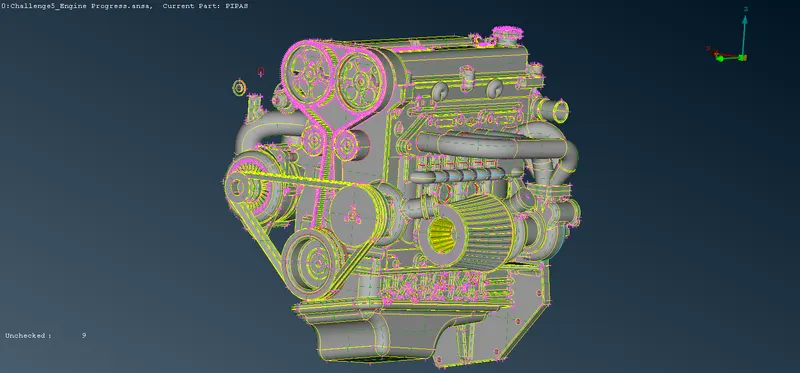
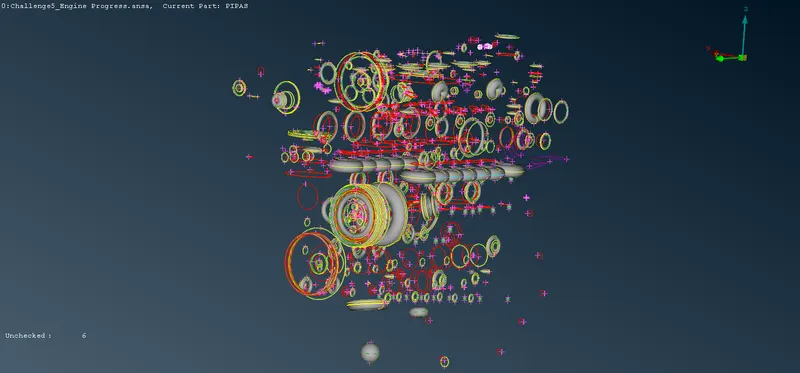
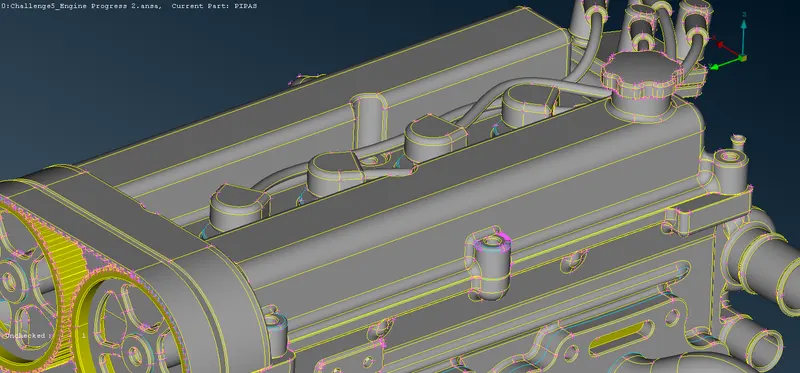
A. The Given CAD Model of the Engine is Shown Below: -
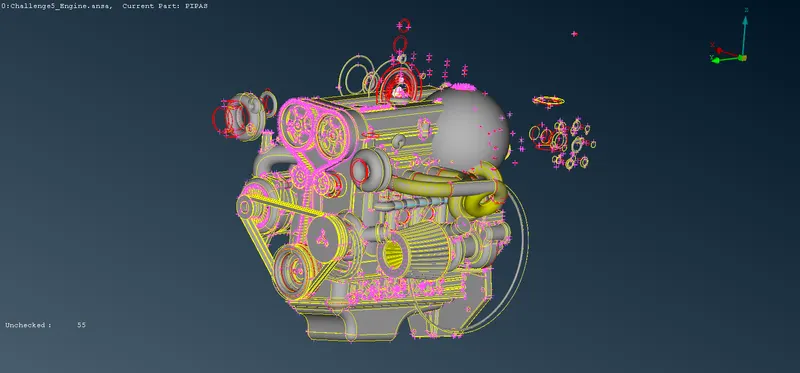
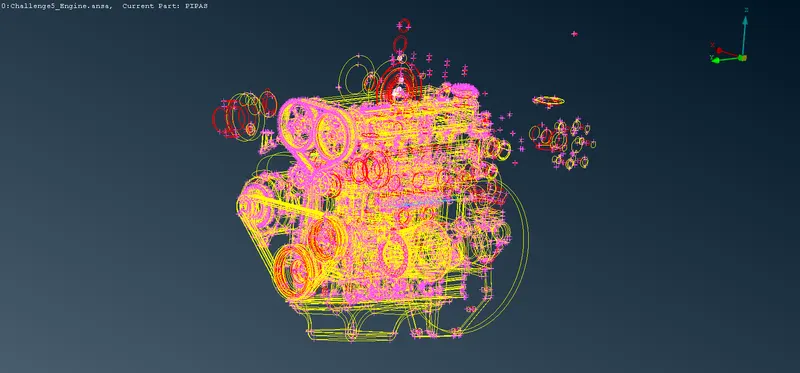
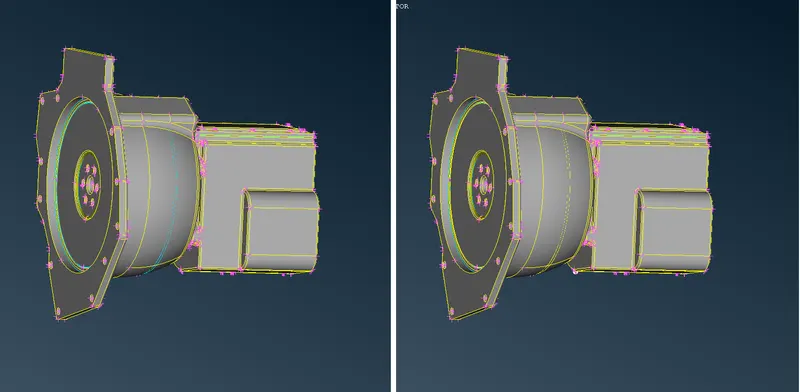
B. The Given CAD Model of the Transmission is Shown Below: -
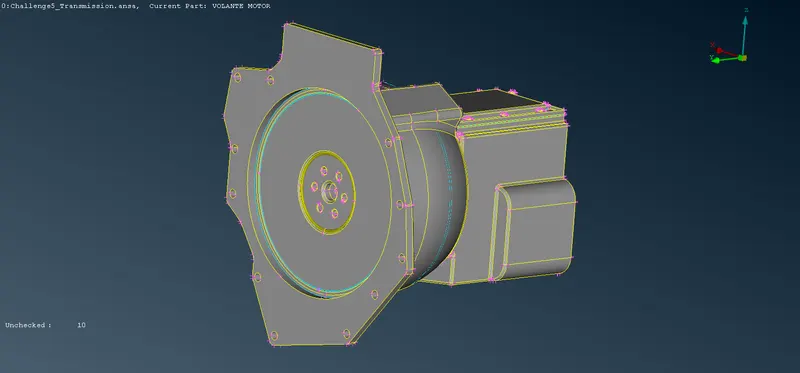
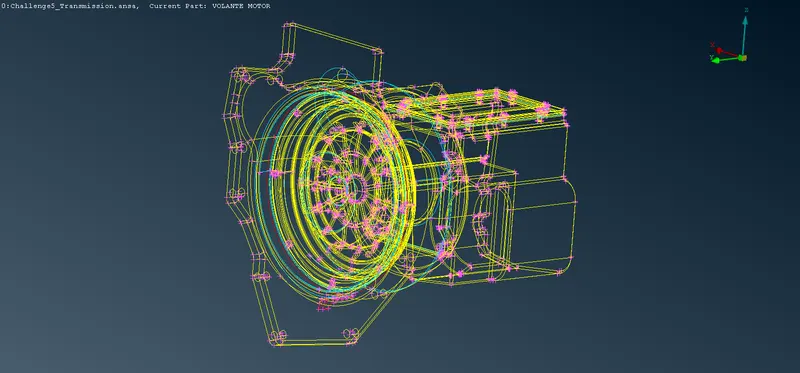
C. The Given CAD Model of the Transmission is Shown Below: -
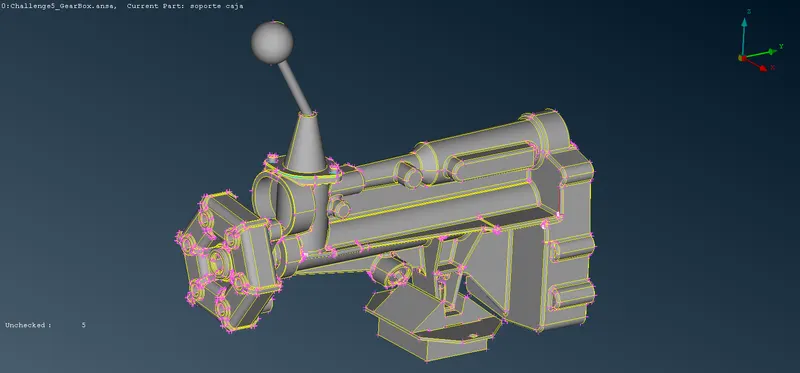
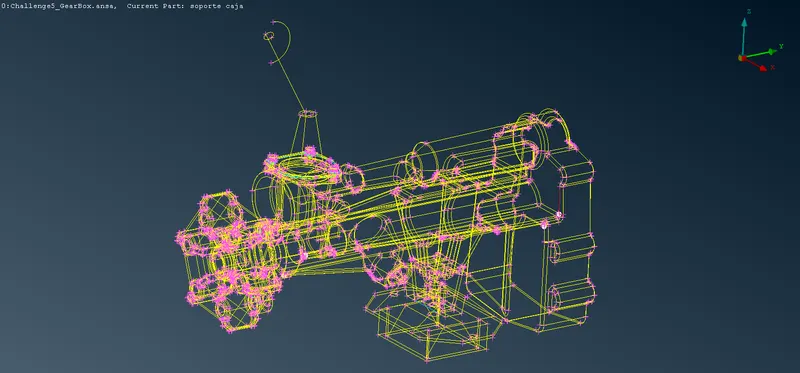
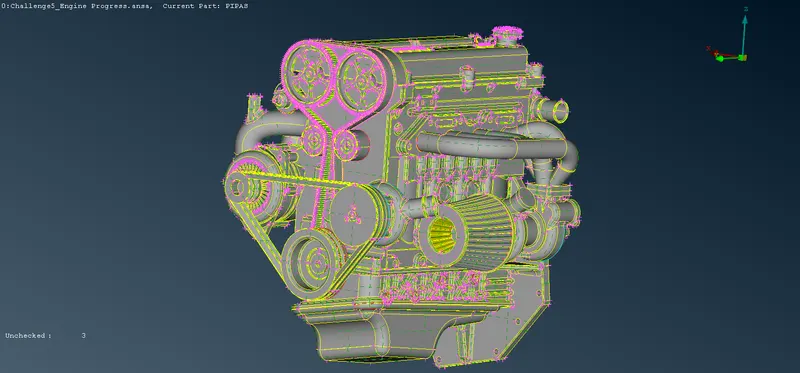
Performing Geometric Cleanup of Engine: -
A. Removing Unwanted Surfaces: -
i. Description of Tools used(Reference - ANSA Help): -
a. Not `->` Hide one or more selected entities.
b. Delete `->` The Delete function of the Geometry Group can be used to delete various ANSA entities (Curves, Faces, FE-Model entities, etc.).
ii. Step OUTPUT: -
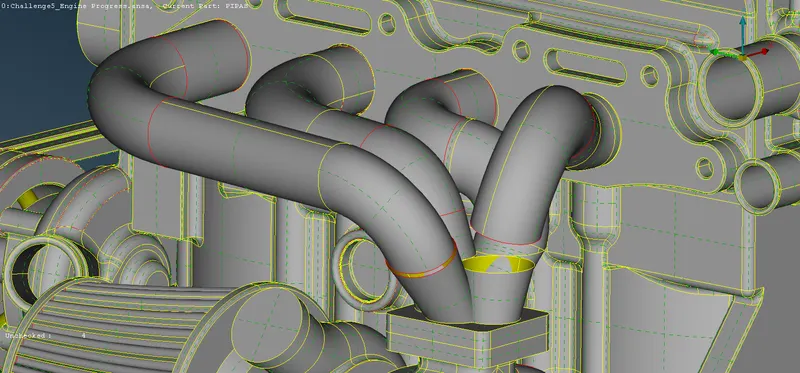
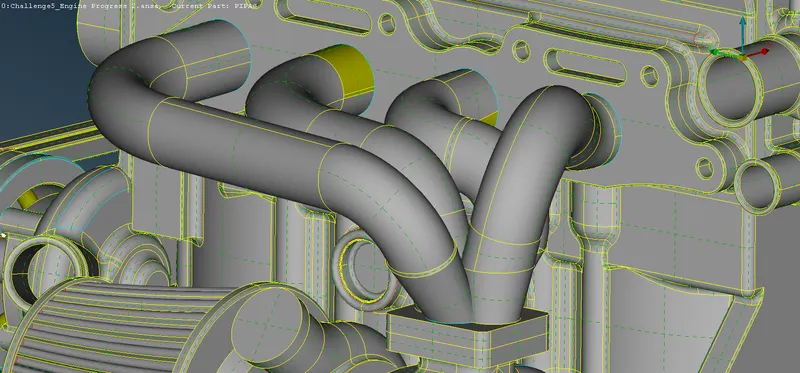
B. Solving Exhaust: -
i. Description of Tools used(Reference - ANSA Help): -
a. Project(CONS) `->` This function projects, as CONS or 3D Curves, a number of selected 3D-curves, CONS, element edges, line elements, or Hexa Box edges on a number of selected Faces, WPLANEs, and CROSS_SECTIONs, in a user-controlled direction. The selection of the CONS or 3D-curves can be assisted by the 'Corner Angle', 'PID Neighbs' for line elements, or 'Path'.
b. New(Faces) `->` This function defines a new surface by selecting its boundary curves and creates a corresponding face that covers the new surface. The calculated surface appears as a net.
c. Cut(Faces) `->` This function cuts (splits) an existing Face or joins faces if an inverse operation is applied (right mouse button). It does not require the existence of Hot Points since it can be applied directly on an arbitrary position of a CONS.
d. Topo(Faces) `->` This function automatically creates topological conditions between selected adjacent CONS.
e. Delete(Hot Points) `->` This function deletes Hot Points lying on a CONS segment. After deletion, the adjacent CONS segments sharing the Hot Point become one.
ii. Step OUTPUT: -
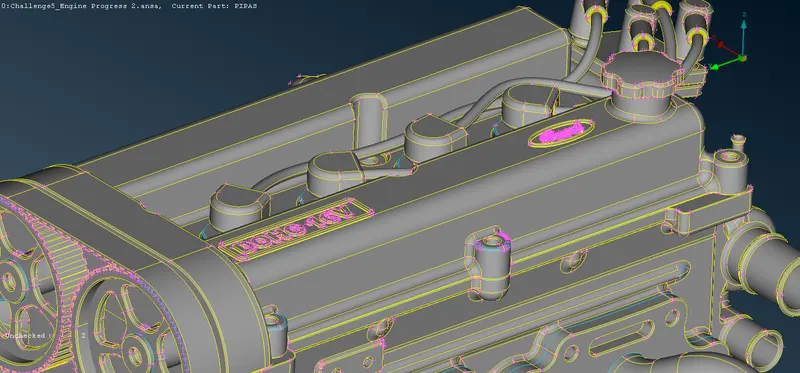
C. Removing Logos: -
i. Description of Tools used(Reference - ANSA Help): -
a. !Not `->` Select entities that will remain visible. The selected entities temporarily (during selection) are excluded from the visible ones, but as soon as 'Enter' or the middle mouse is pressed (selections' termination) then they will only be the ones to remain visible in the graphics area.
b. Delete `->` The Delete function of the Geometry Group can be used to delete various ANSA entities (Curves, Faces, FE-Model entities, etc.).
c. Fill Hole(CONS) `->` This function fills holes on Faces. The holes can be of any shape. Such internal openings can be selected individually, or automatically among the visible ones if they fall below a user-specified diameter value. There is the option to create automatically 3D Curves, Points or Connection Points of the removed holes, in order to mark their shape and position for reference.
ii. Step OUTPUT: -
Performing Geometric Cleanup of Transmission: -
A. Removing Unwanted Surfaces: -
i. Description of Tools used(Reference - ANSA Help): -
a. Not `->` Hide one or more selected entities.
b. Delete `->` The Delete function of the Geometry Group can be used to delete various ANSA entities (Curves, Faces, FE-Model entities, etc.).
ii. Step OUTPUT: -
Merging Engine, Transmission, and Gear Box: -
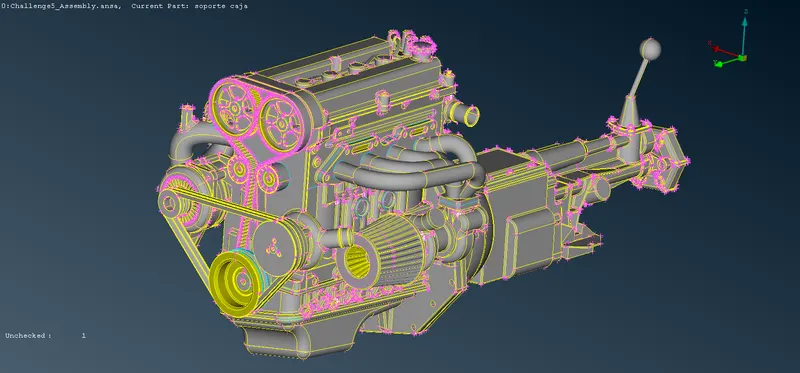
A. Merging All Components: -
i. Description of Tools used(Reference - ANSA Help): -
a. Not `->` Hide one or more selected entities.
b. Delete `->` The Delete function of the Geometry Group can be used to delete various ANSA entities (Curves, Faces, FE-Model entities, etc.).
ii. Step OUTPUT: -
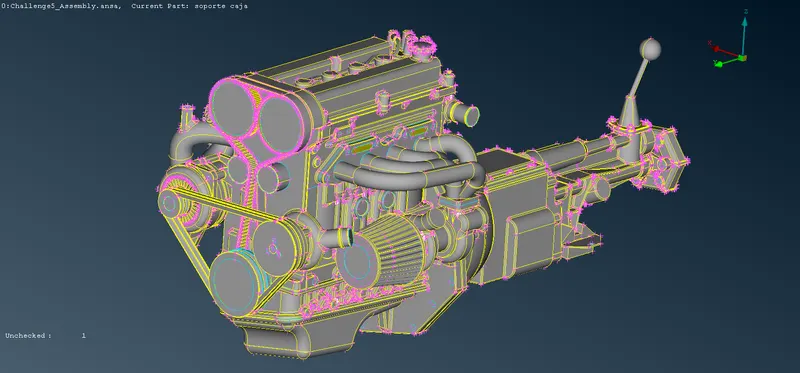
B. Covering All the Holes: -
i. Description of Tools used(Reference - ANSA Help): -
a. New(Faces) `->` This function defines a new surface by selecting its boundary curves and creates a corresponding face that covers the new surface. The calculated surface appears as a net.
ii. Step OUTPUT: -
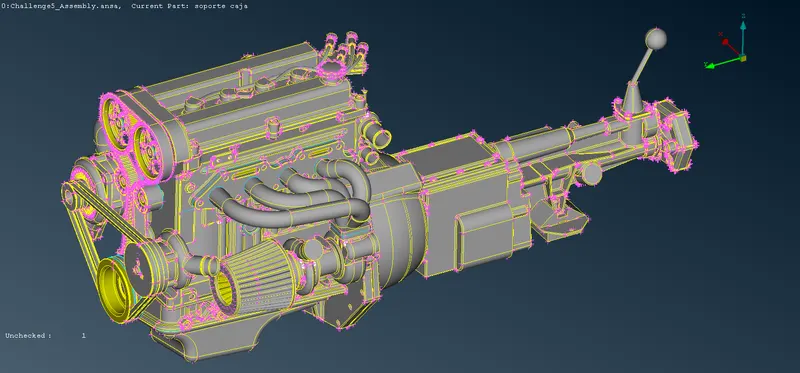
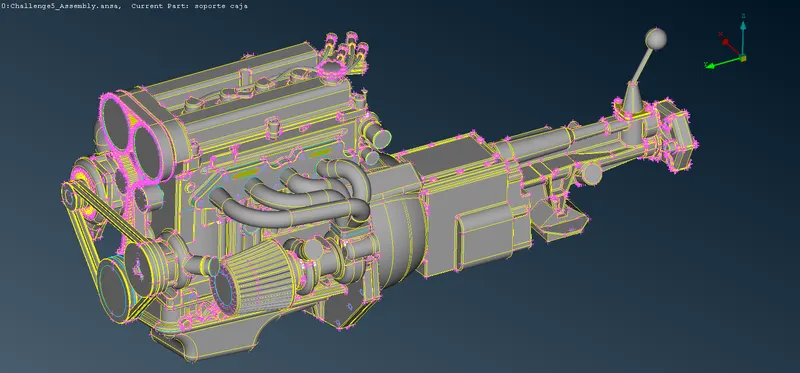
Performing Surface Meshing of The Complete Assembly: -
A. Performing Surface Wrap:-
i. Description of Tools used(Reference - ANSA Help): -
a. Constant Length[Wrap(Elements)] `->` Constant Length Wrap is a very fast algorithm that can create a watertight triangular surface mesh of uniform size from an assembly of unconnected and intersecting components. It can be used for various analyses like CFD, NVH, and more.
ii. Step OUTPUT: -
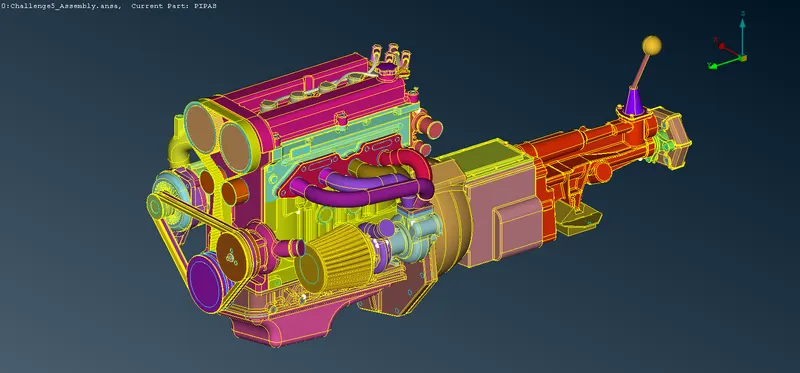
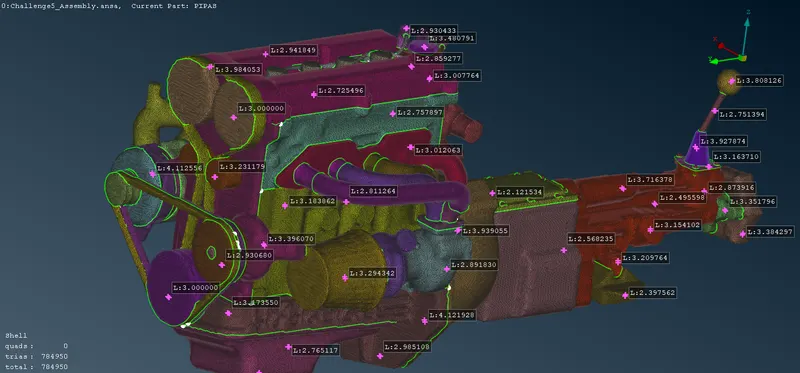
Click Here To Download The Completed Assembly of Engine, Transmission and Gear Box