Week 5 Challenge : Surface wrap on Automotive Assembly
Aim - Remove geometrical errors and perform a surface wrapping on automotive assembly.
Objectives -
- Perform geometrical errors
- Delete unwanted surfaces
- Perform surface wrapping.
1. Open nasa software and load engine.ansa file. we are going to clean one by one and then merge all files
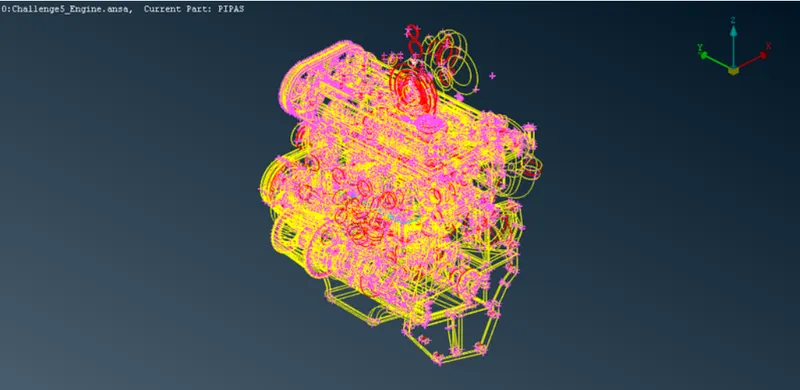
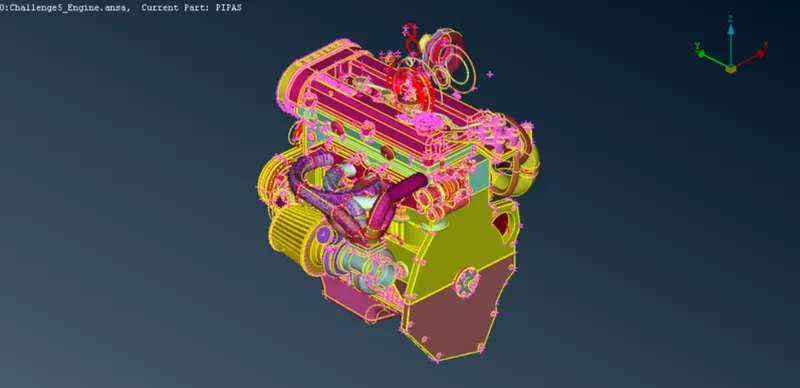
Now focusing on external surface and delete unwanted surfaces. There are lot of unwanted surfaces deleting this one by one. once deleting all unwanted surfaces we get our clean geometry
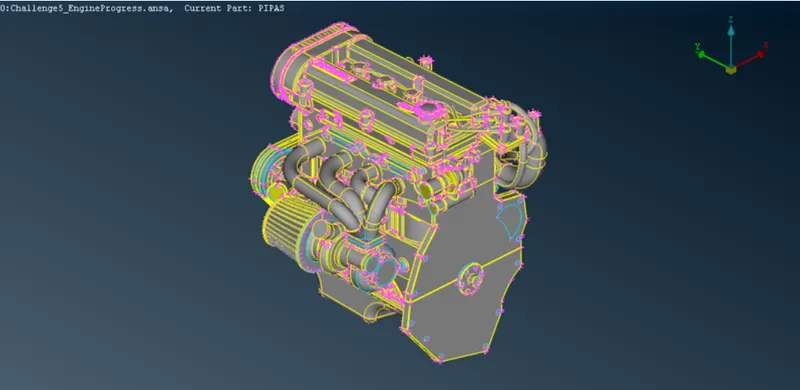
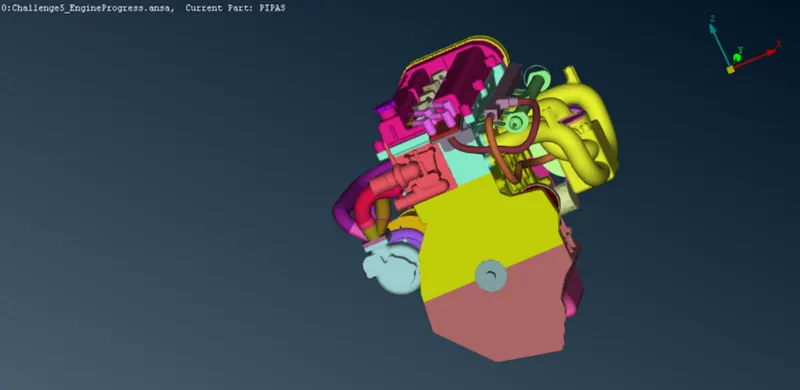
Engine file is ok now lets go for next file which is transmission.ansa
2. Open transmission.ansa file
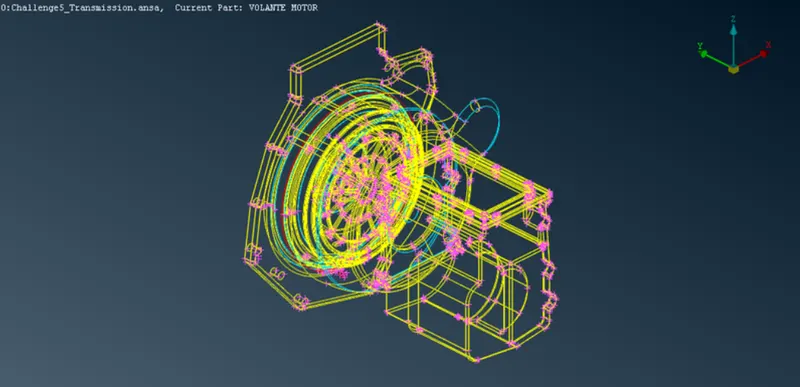
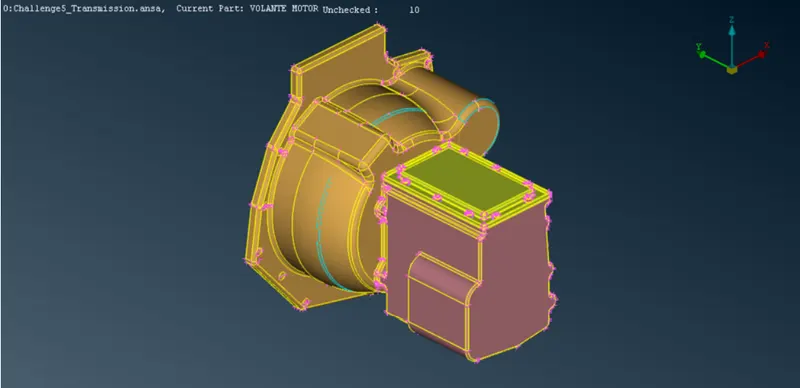
Same as engie file focusing exteral surface and deleting unwanted sufaces by univerrsal delete option and make geomtry cleaner when we delete unwanted surface and geometry cleanup we get our final model
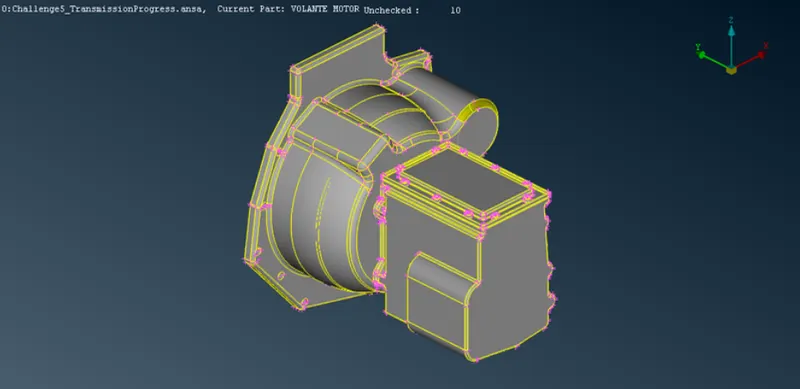
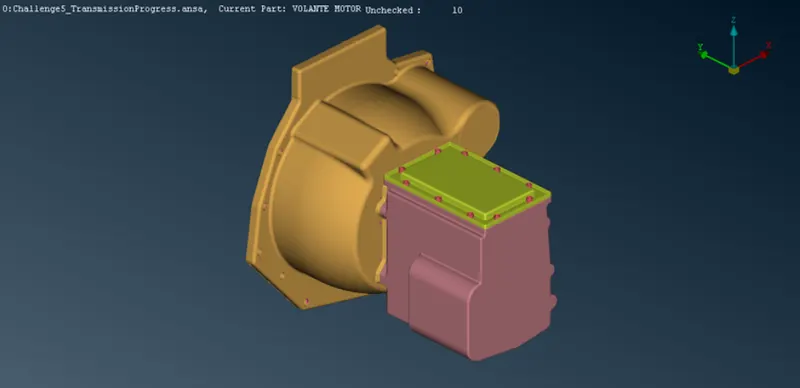
Now we have finished two models lets move to our 3rd model which is gearbox.ansa file
3. Open gearbox.ansa file
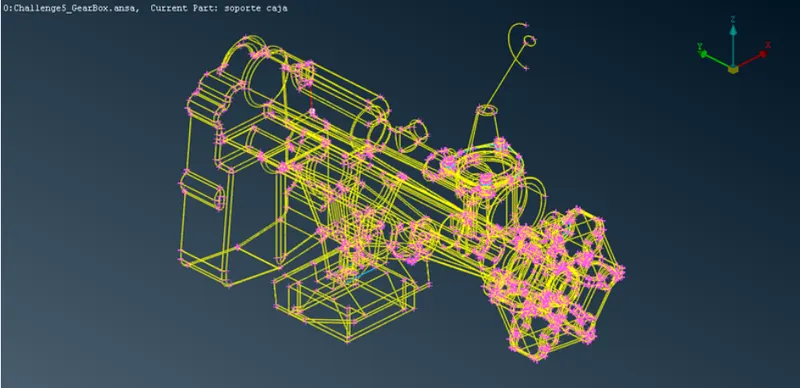
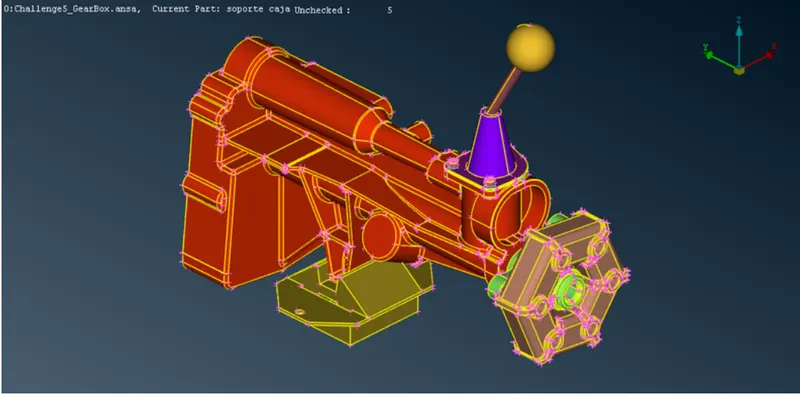
Same as previous files focusing on external surface and perform geometry cleanup by deleting unwanted surfaces, once we finished geomtery cleanup final model look like this
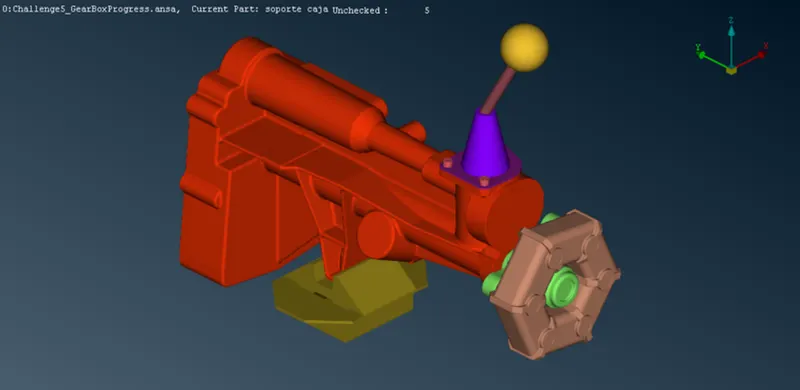
Now we have acompleted geometry cleanup and have to merge all 3 files in single file for this open 1 file and then during opening of 2nd file use merge option
- Procedure to merge
Open engine file
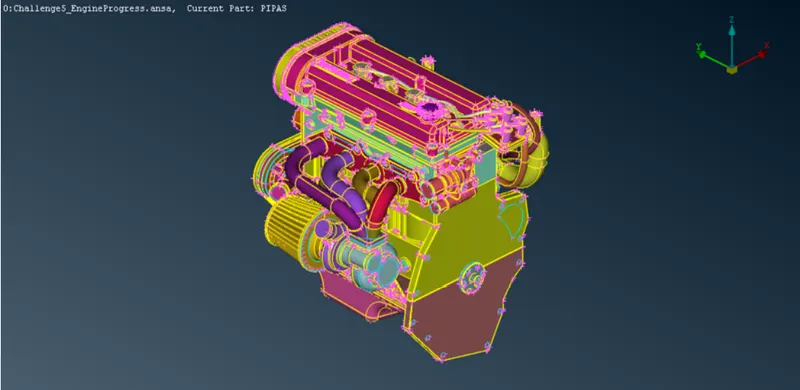
goto file option and select merge and select the file which we want to merge. In our case we select Transmission and gearbox.
Now select apprpriate a merge properties as per requirements
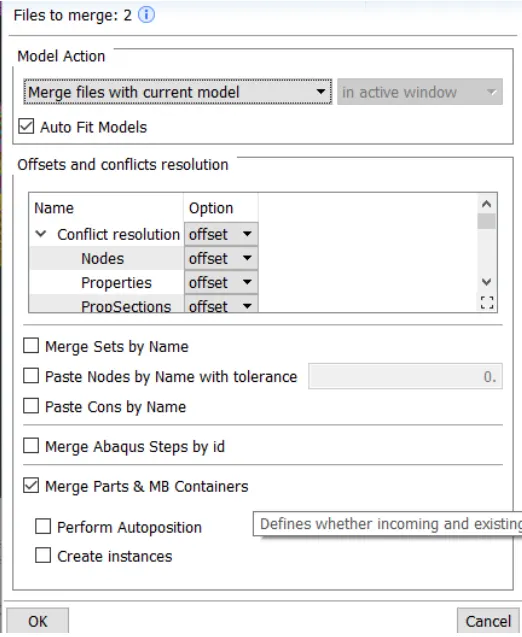
After selecting press ok we get our three files merge together
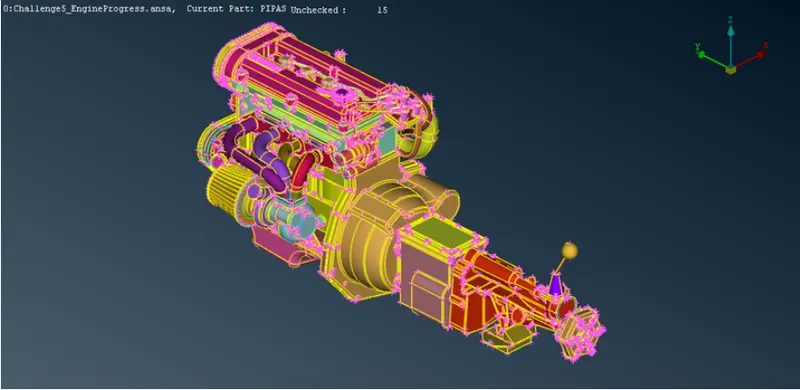
Now performing some post processing i mean some dummy PID deletion or unchecked surface deletion
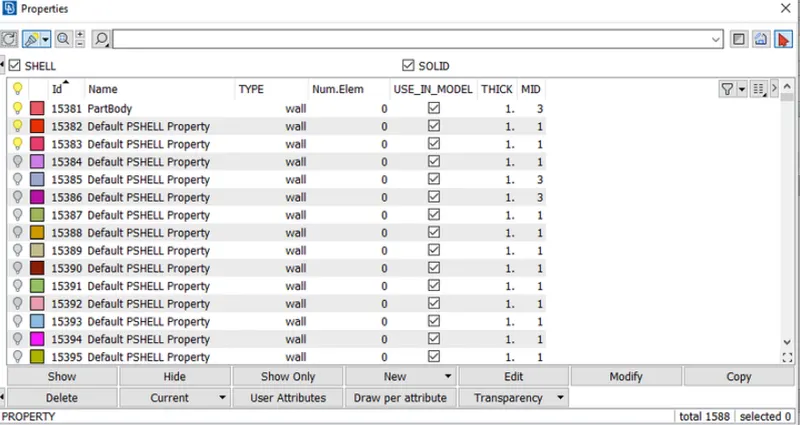
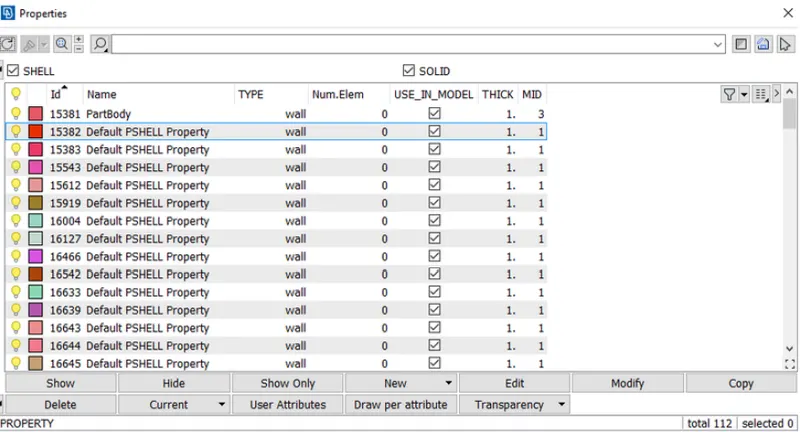
We can see that there dummy PIDs now by using compress tool we can delete them
Now move to surface wrapping for this g to mesh and select octree tool - surface and constant length
Procedure -
Select Octree - Surface - constant length -Double click in untitled - taget length is 3 - select all PID - and single click on green arrow - Press enter - now select constant octree - right click run - Wait for some time for surface wrapping
Our results are here
- Results
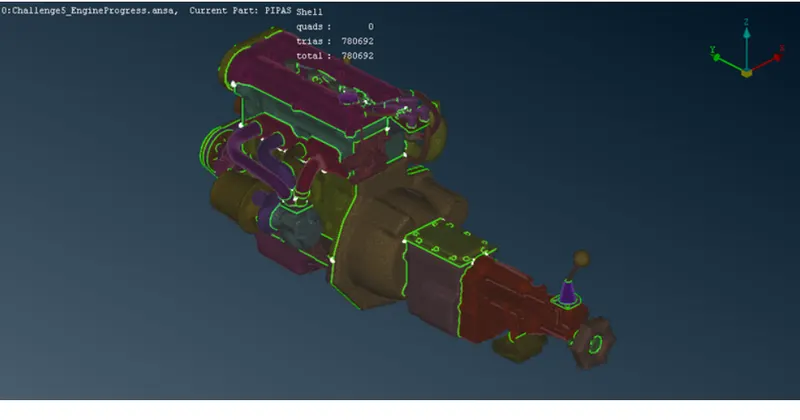
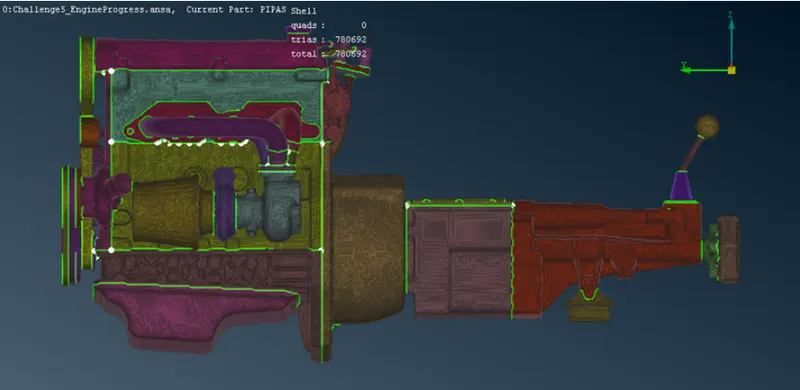
- Learning outcomes from this challenge -
- Geometry cleanup
- merge models
- surface wrapping
Google drive link of model