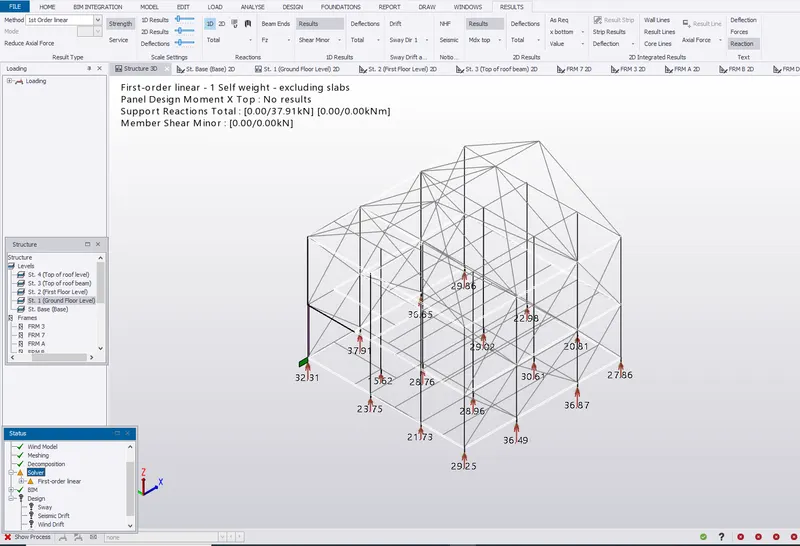
Week 5 Challenge
- Generate manual wind loading in the design report based IS code as per the following input
- Basic wind speed = 39m/s
- Terrain category 2
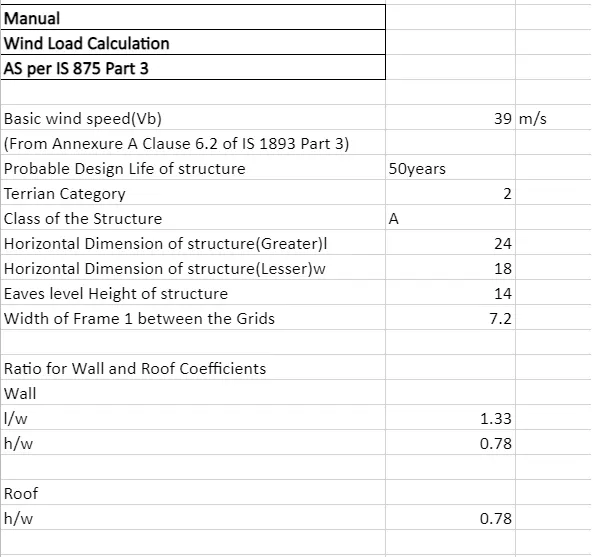
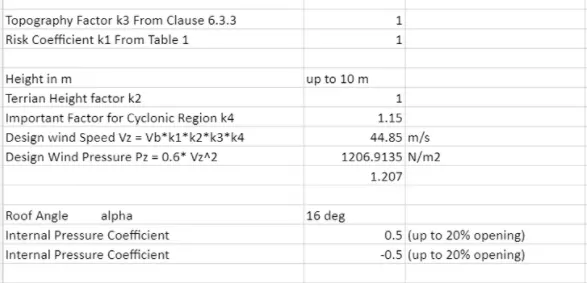
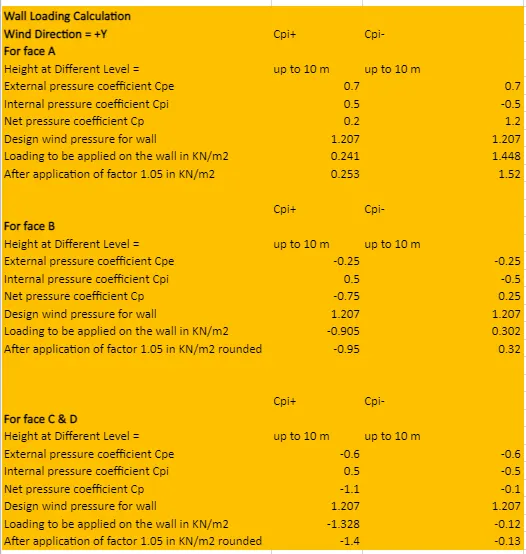
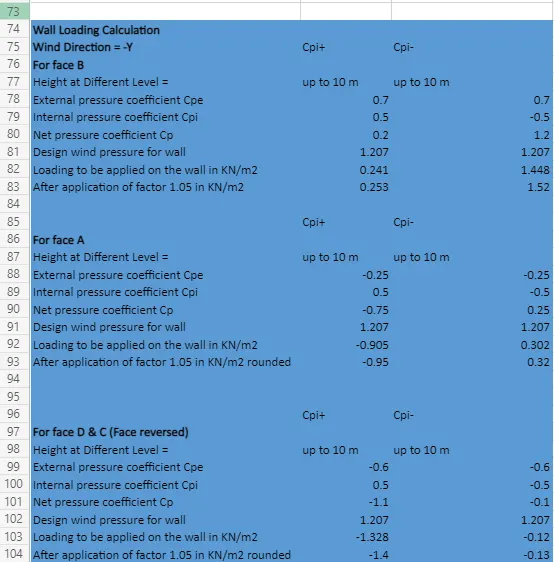
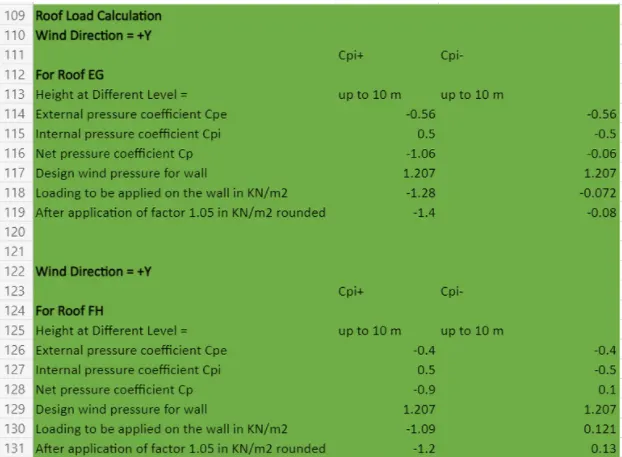
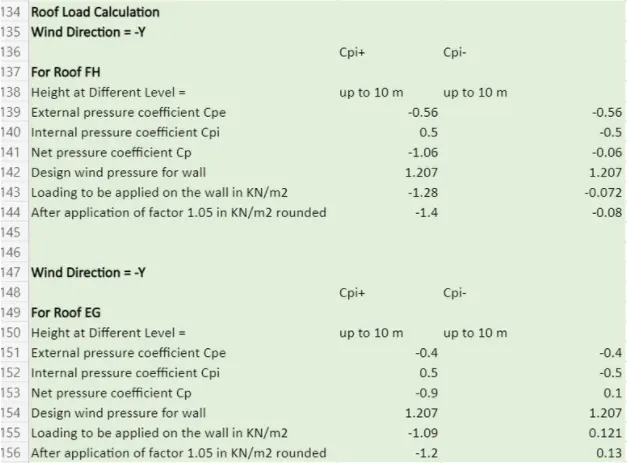
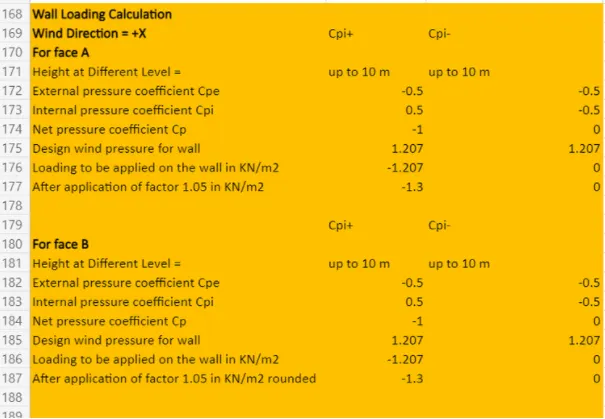
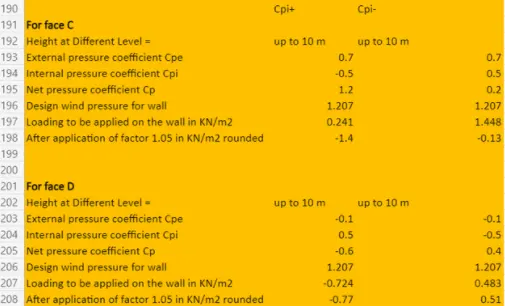
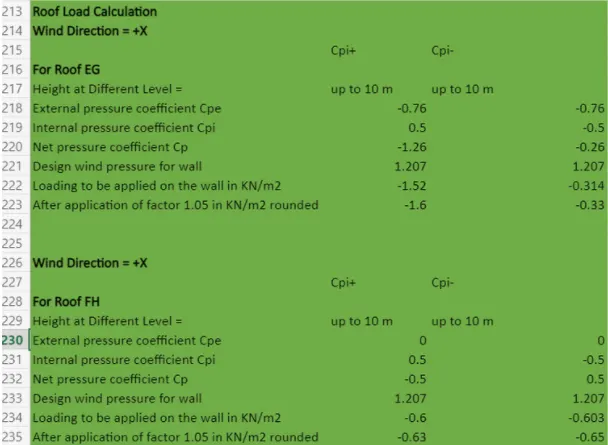
- Based on the above calculation apply the loadings on the model
Answer:
Adding the Wind Loads:
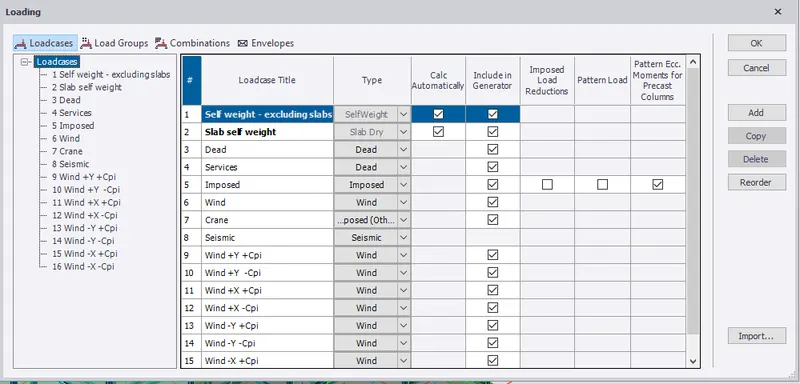
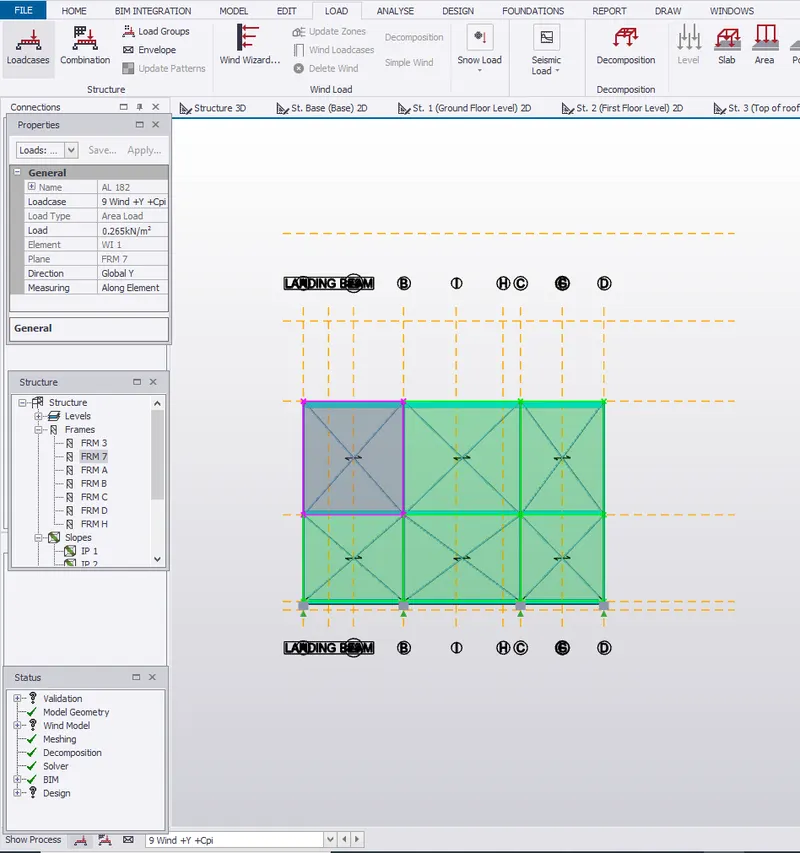
Wind +Y +Cpi for face B= Frame 3
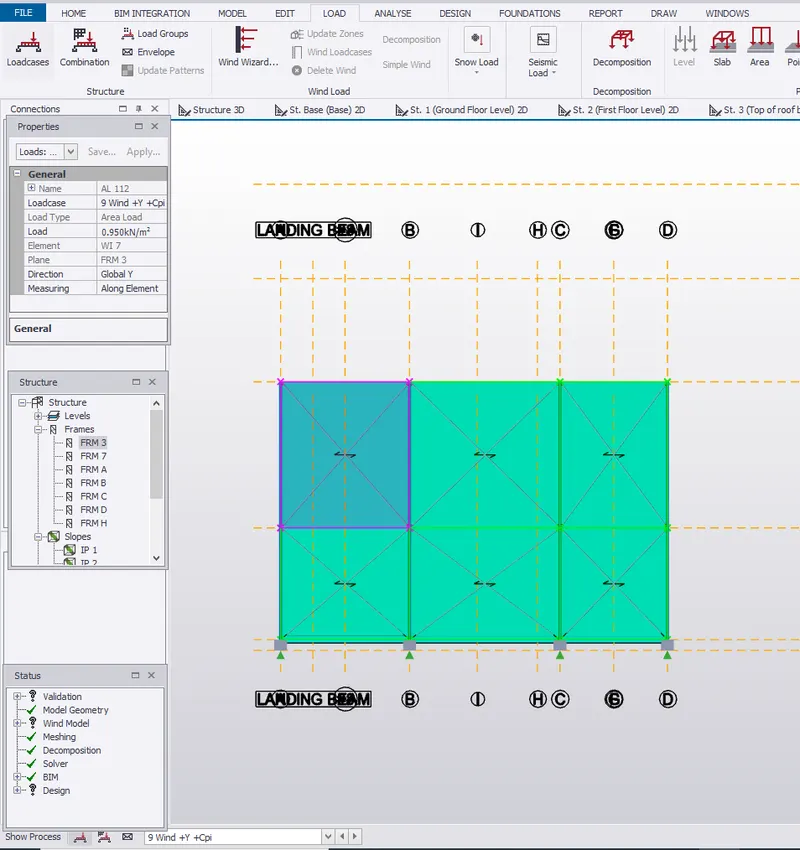
Wind +Y +Cpi for face C= Frame A
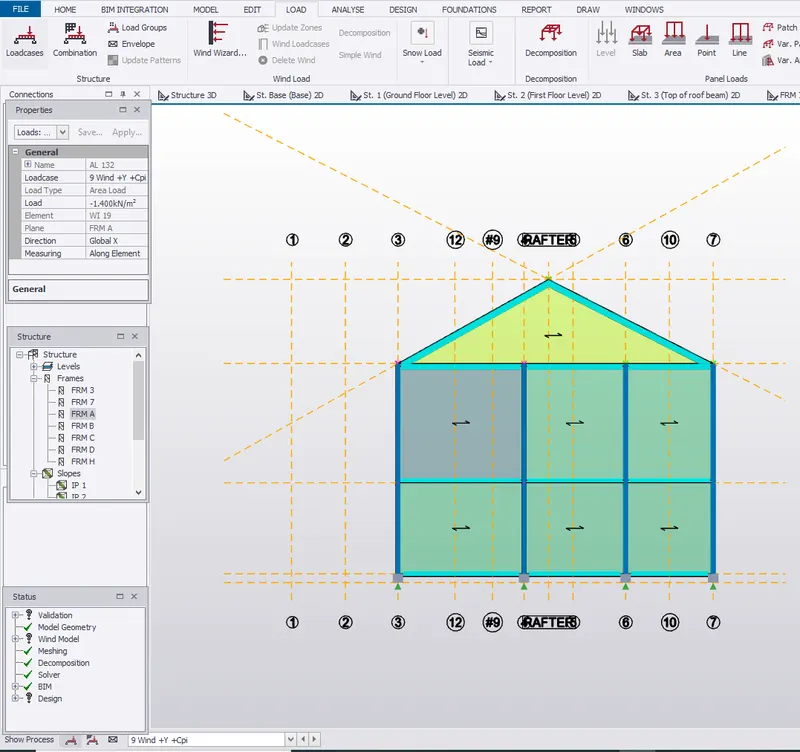
Wind +Y +Cpi for face D= Frame D
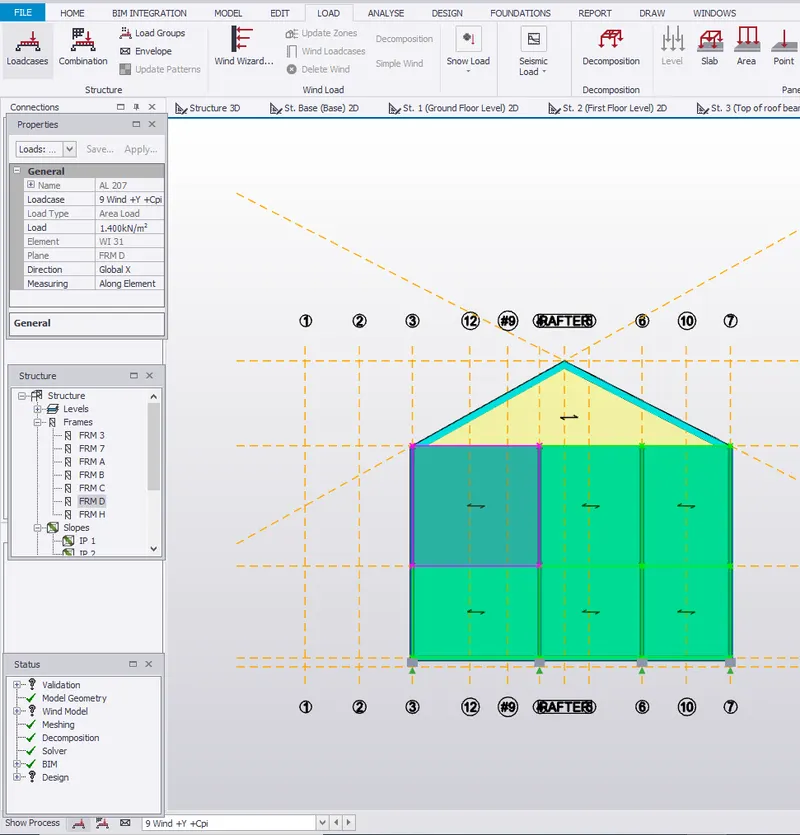
Wind +Y -Cpi for face A= Frame 7
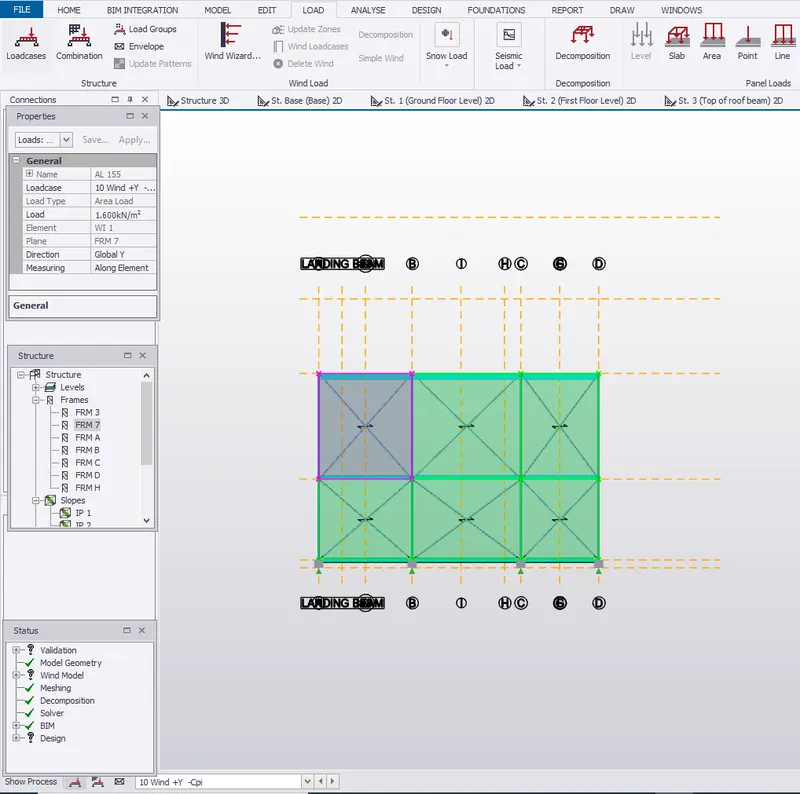
Wind +Y -Cpi for face B= Frame 3
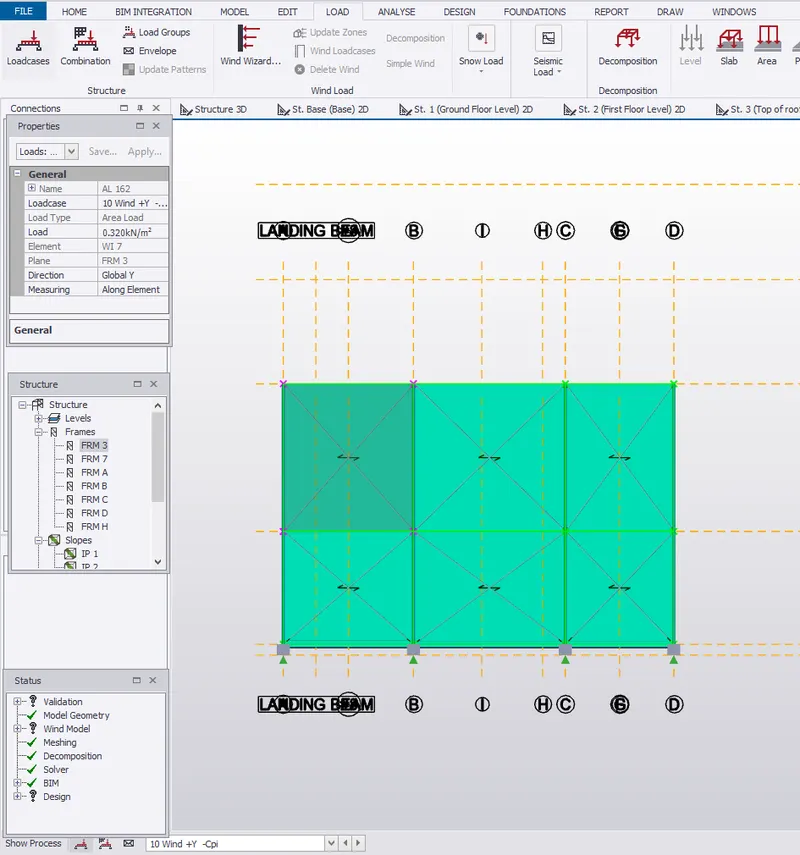
Wind +Y -Cpi for face C= Frame A
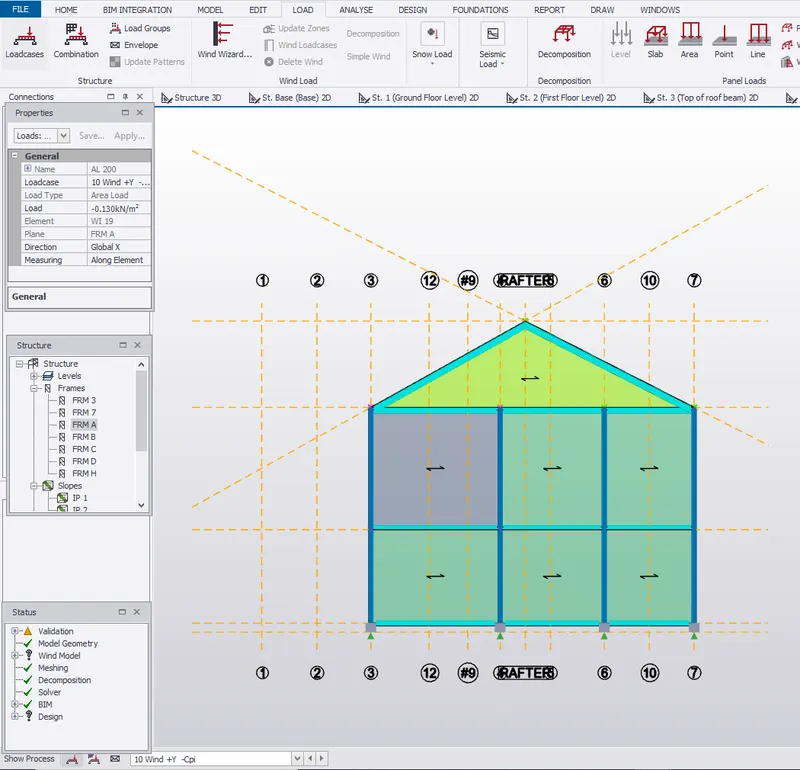
Wind +Y -Cpi for face D= Frame D
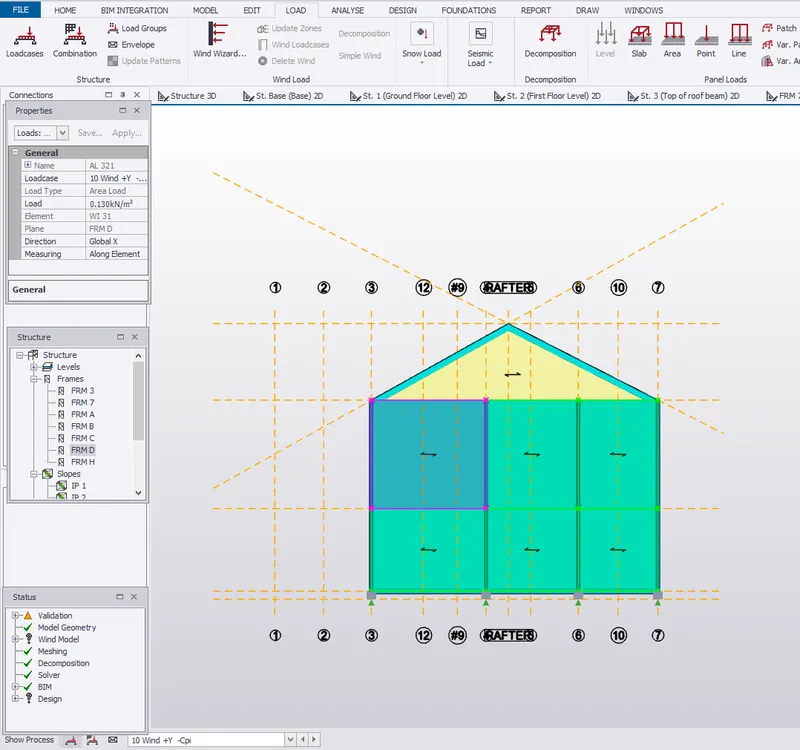
Wind -Y +Cpi for Face A= Frame 3
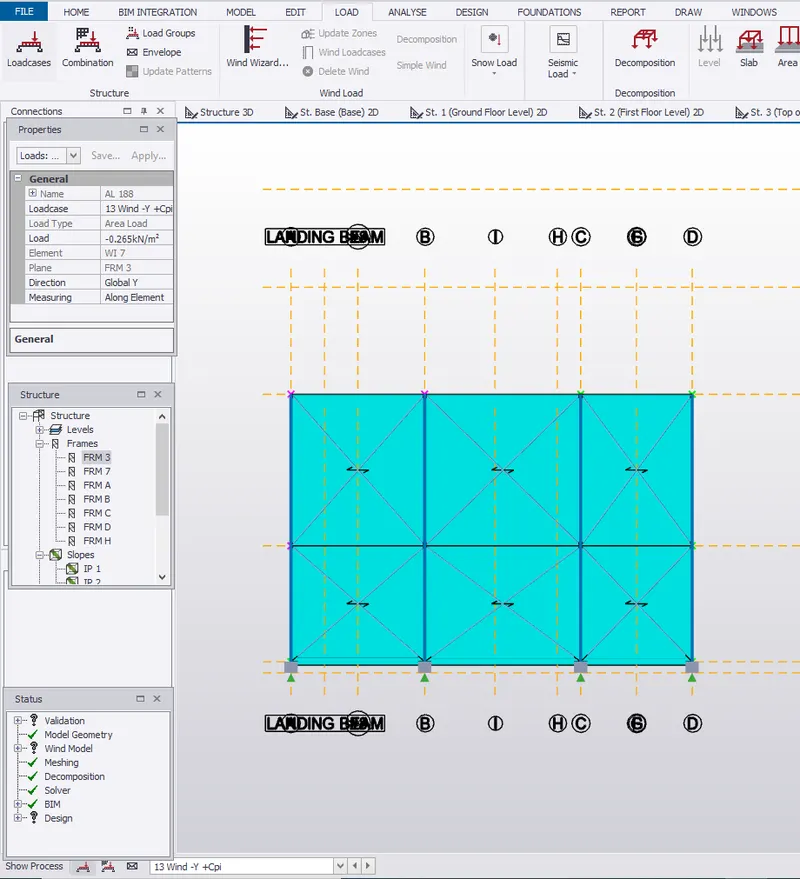
Wind -Y +Cpi for Face B= Frame 7
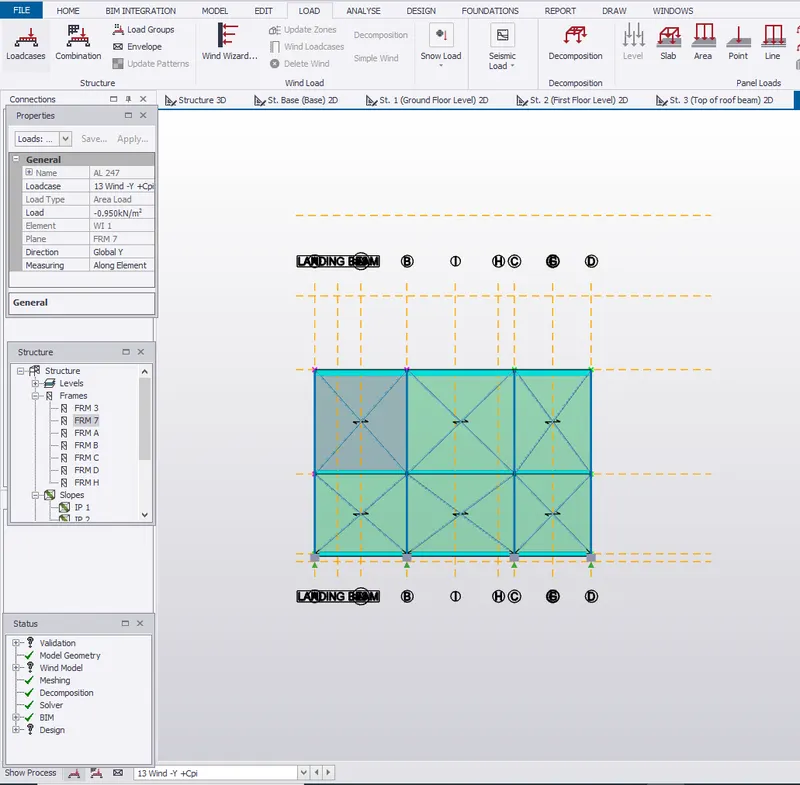
Wind -Y +Cpi for Face C= Frame D
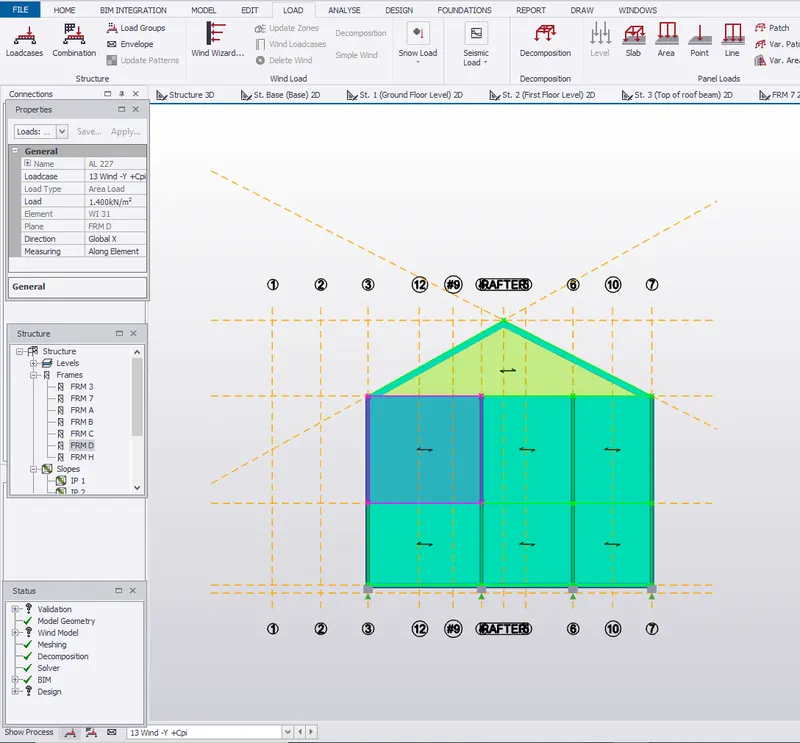
Wind -Y +Cpi for Face D= Frame A
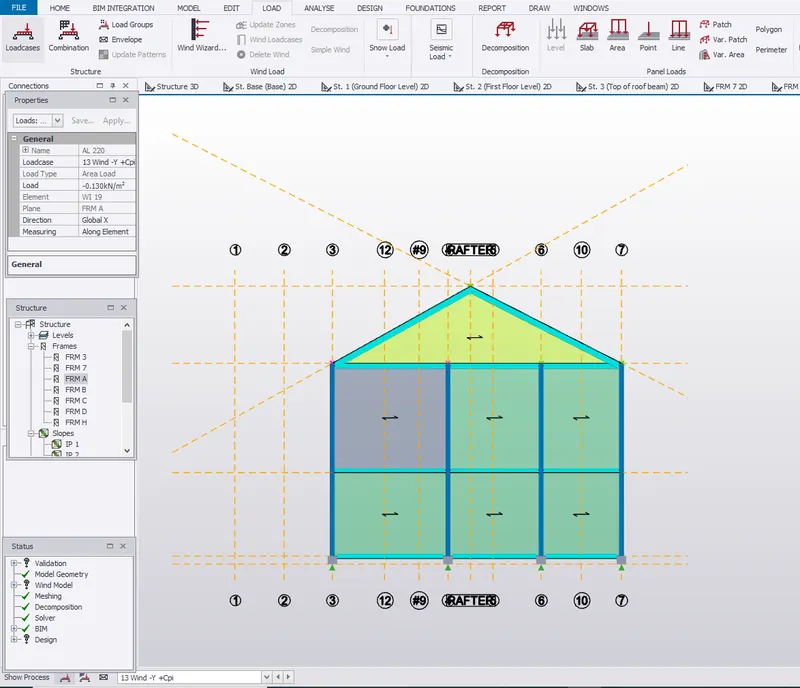
Wind -Y -Cpi for Face A= Frame 3
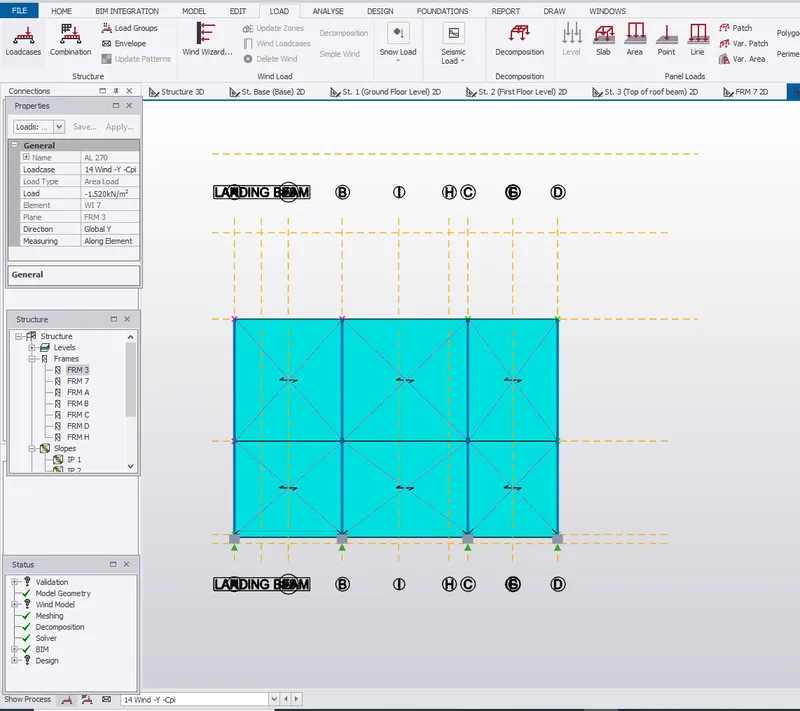
Wind -Y -Cpi for Face B= Frame 7
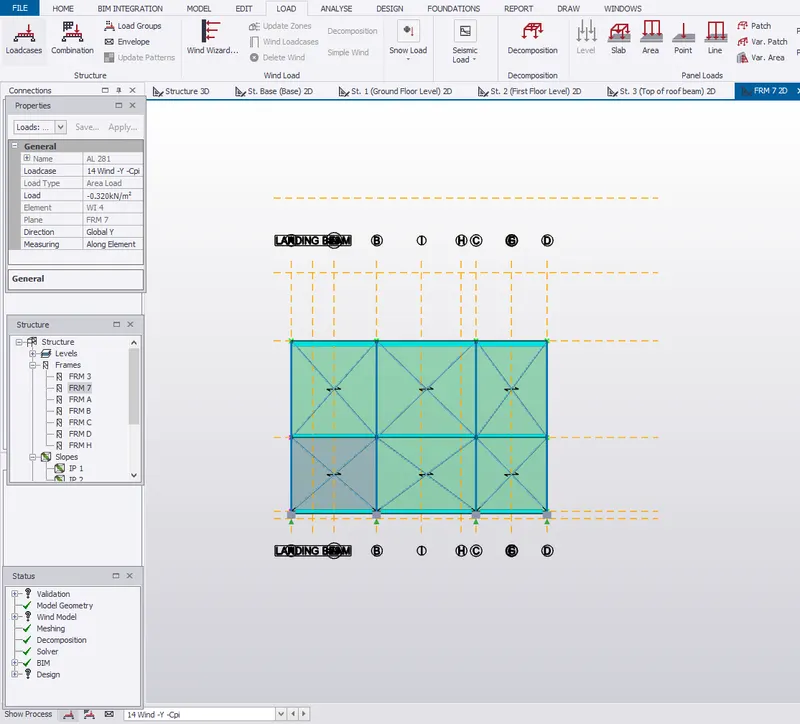
Wind -Y -Cpi for Face C= Frame D
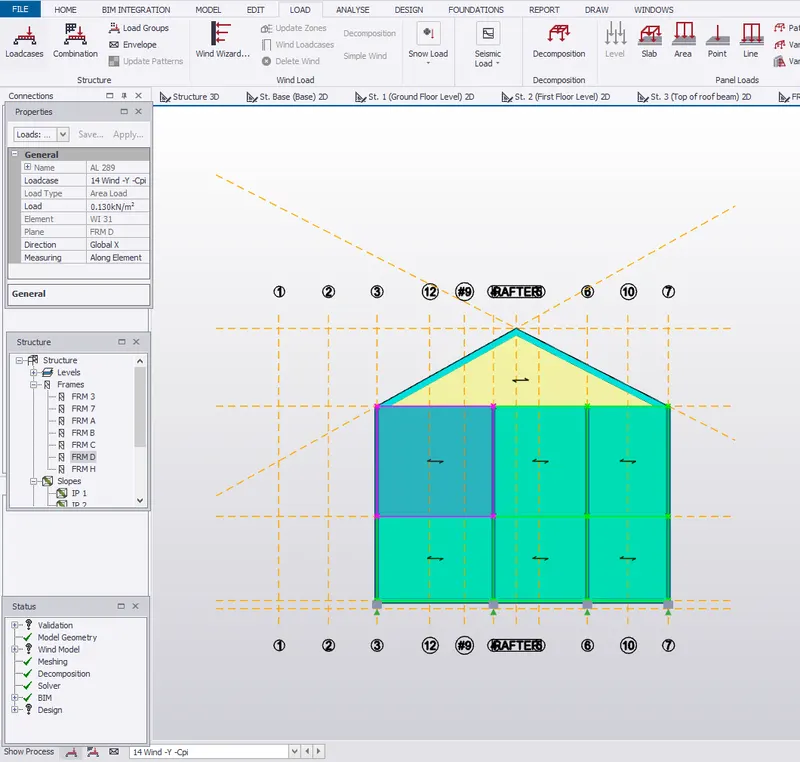
Wind -Y -Cpi for Face D= Frame A
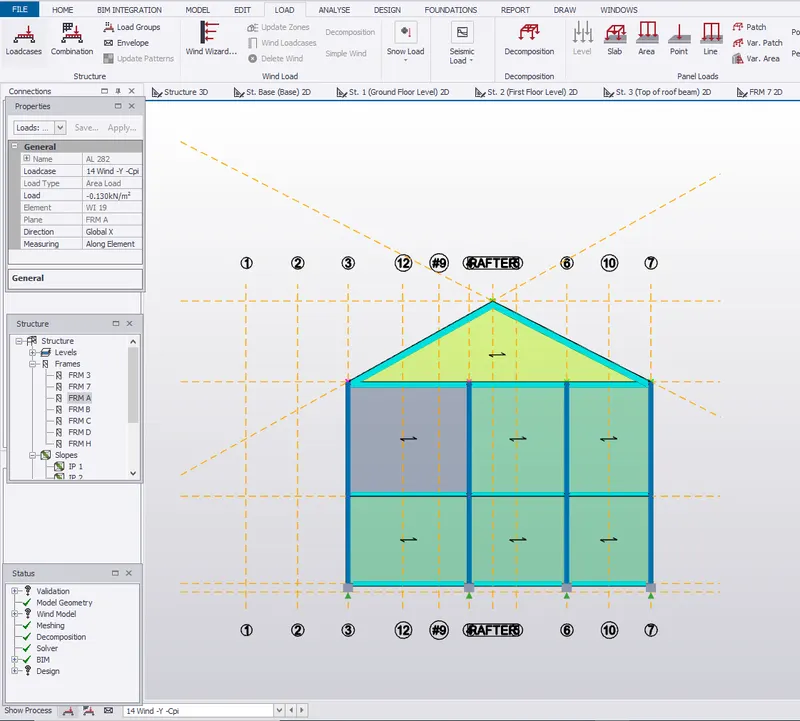
Roof Loading:
Wind +Y +Cpi for one side
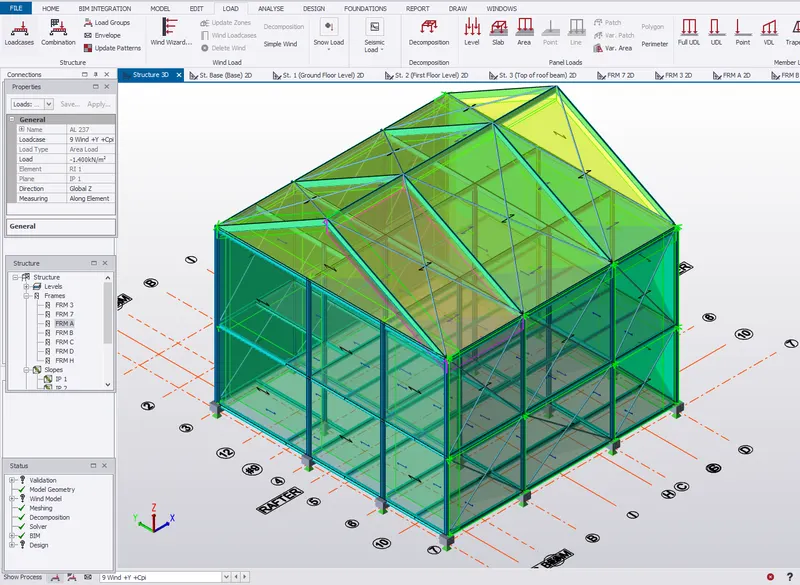
Wind +Y +Cpi for other side
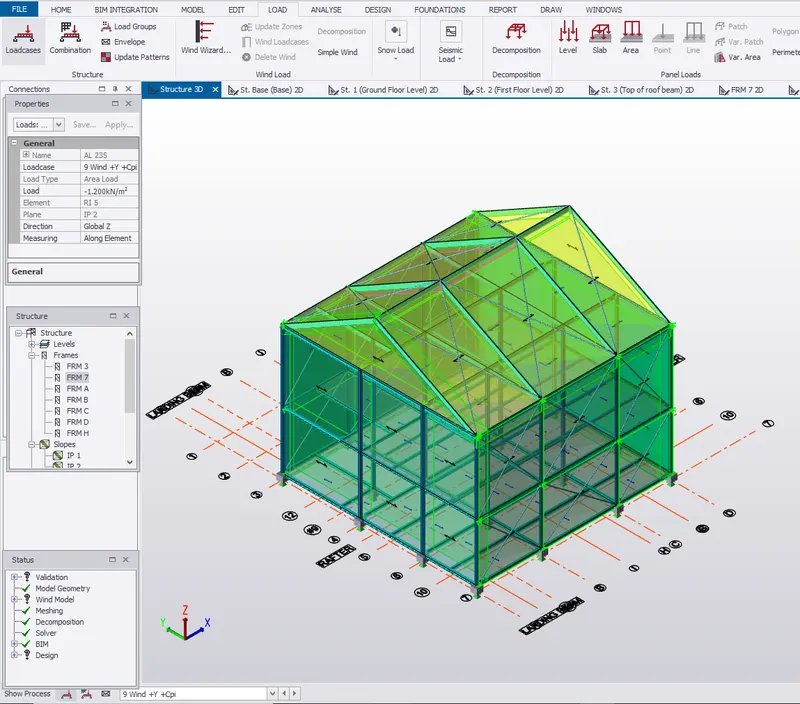
Wind +Y -Cpi for one side
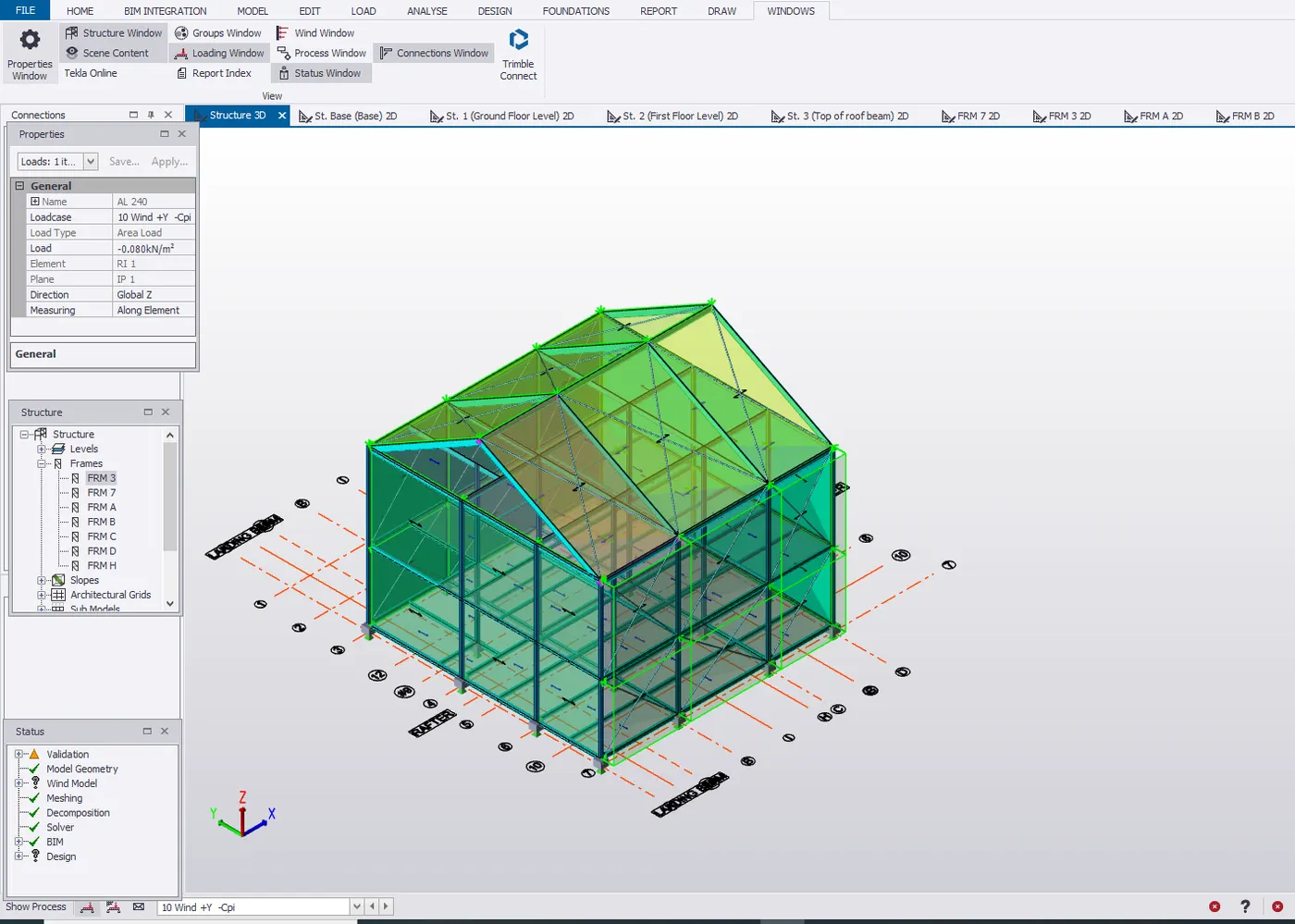
Wind +Y -Cpi for other side
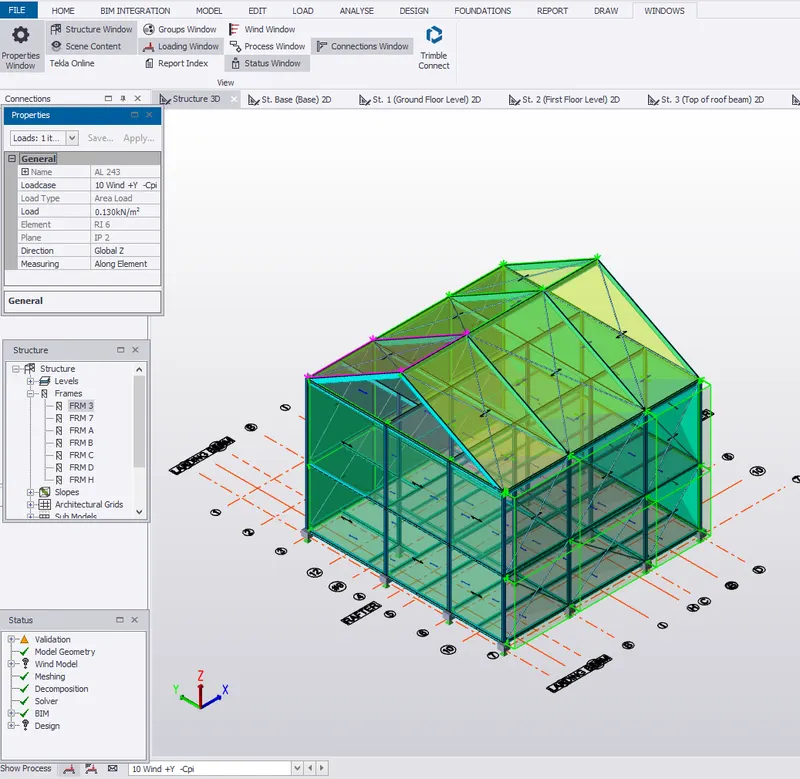
Wind +X + Cpi
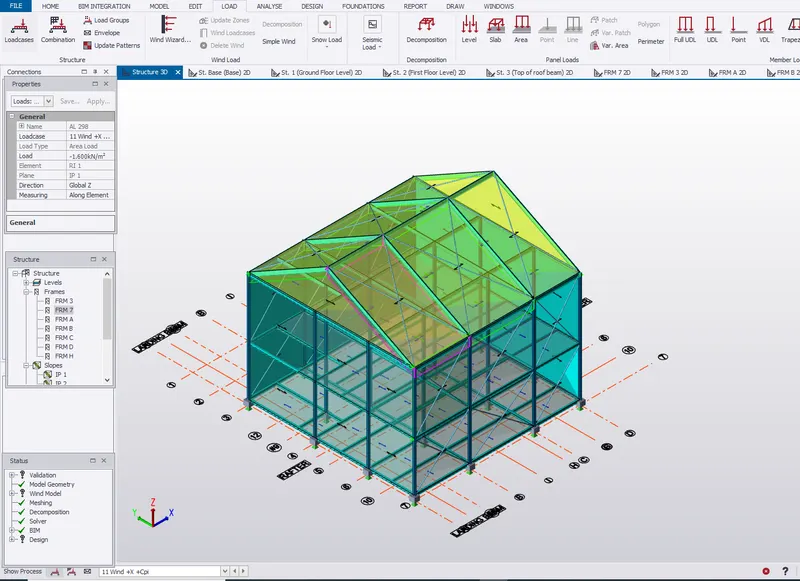
Wind -X -Cpi
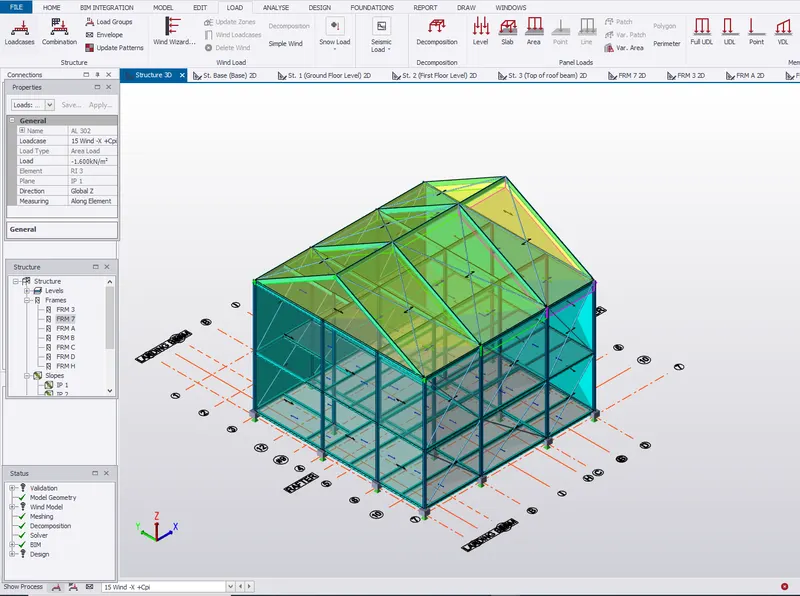
Wind +X -Cpi
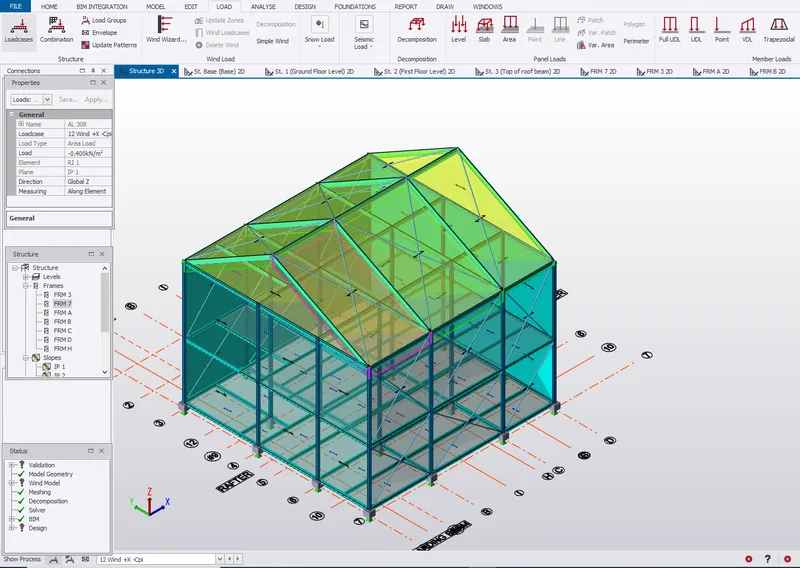
Wind -X +Cpi
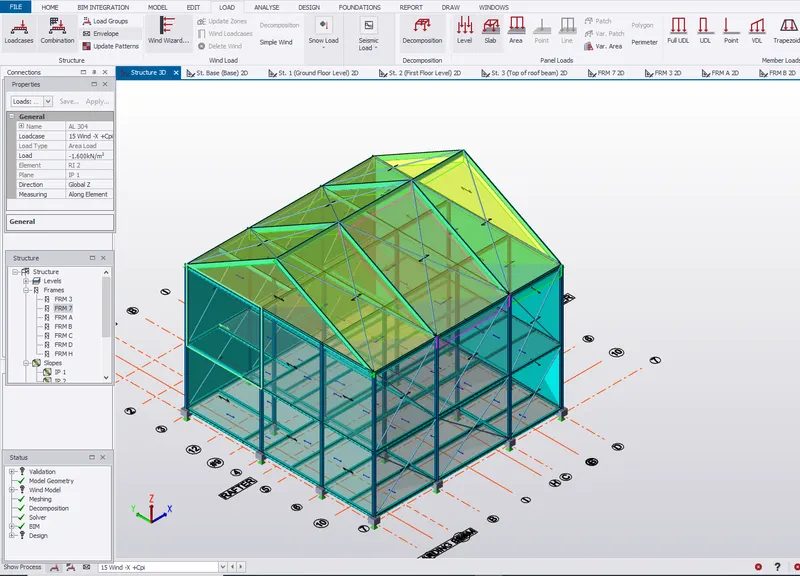
- On a separate model generate wind loading using wind wizard
- Apply wind wizard from the Ribbon pallet
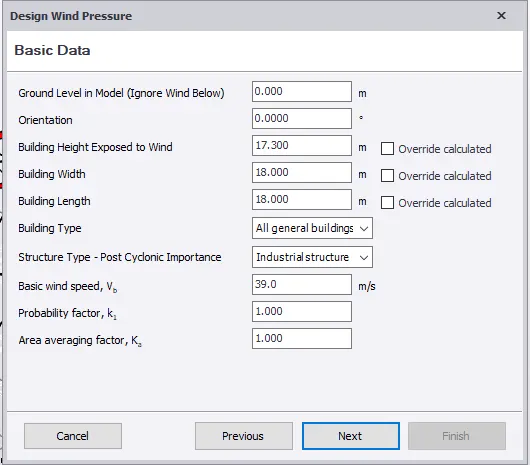
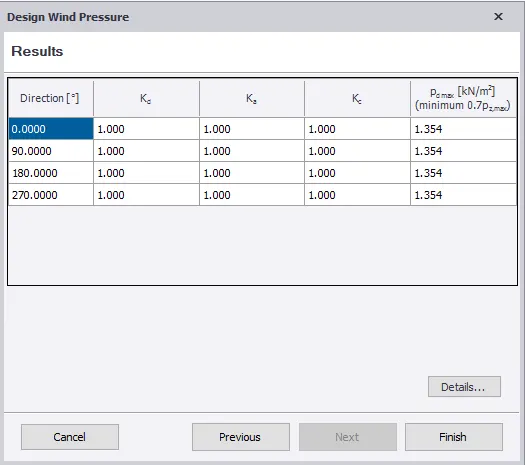
- Design Wind Pressure
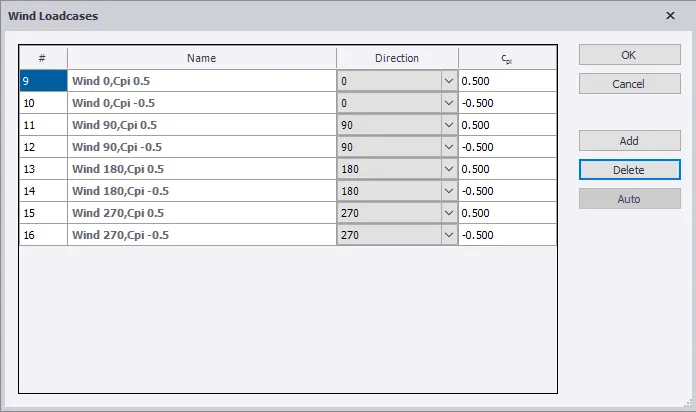
- Wind Load Cases
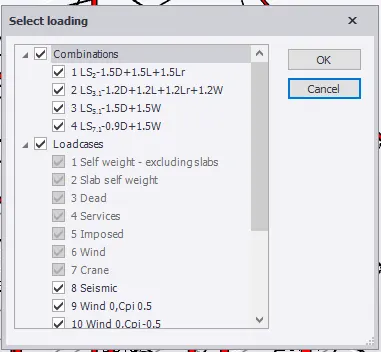
- Now analyze the model from the analyze tab and select first order linear analysis
- After analysis go to Results view
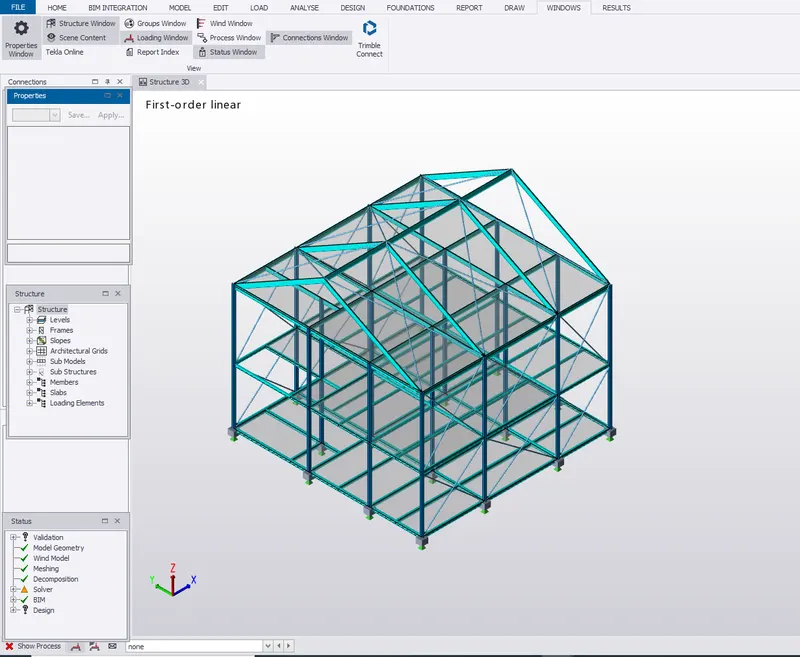
- Go to Results tab from the ribbon and select 1D results.
Results:
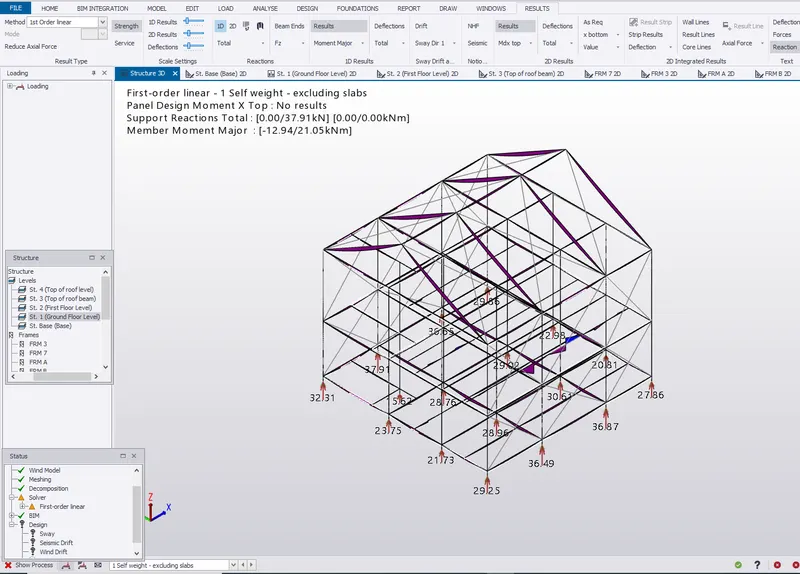
Moment Major
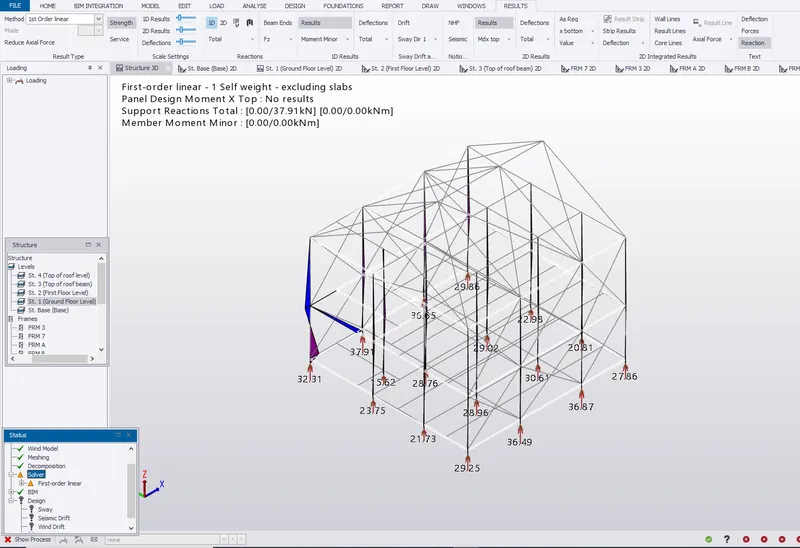
Moment Minor
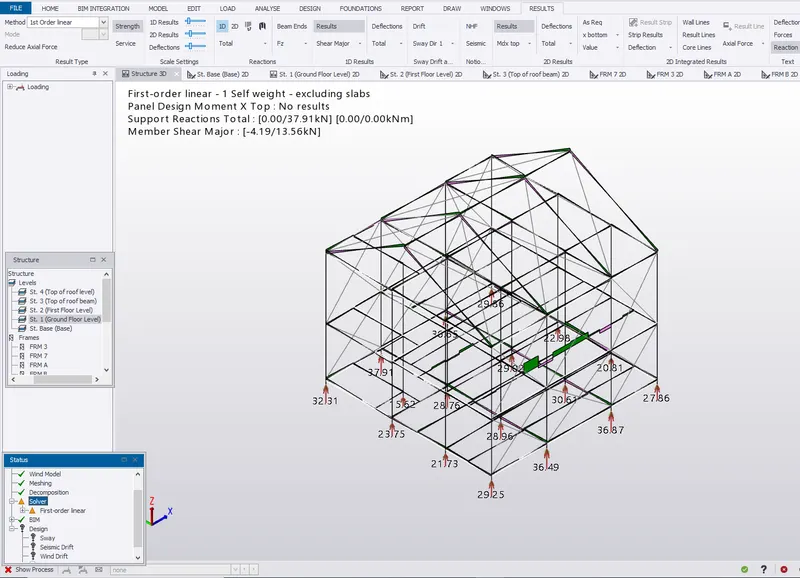
Shear Major
Shear Minor