Week - 5 - 2D meshing for Plastic components
BOTTLE CAP CHALLENGE:
AIM:
the given model is plastic component that is bottle cap,in which we are going to check the geometrical cleanup and extract the mid surfacing
finally we have to done the meshing based on the given quality creteria.
PROCEDURE:
this is a plastic component it is having a complex features and variable thickness,
the following are the step by step procedure
- geometrical cleanup
- midsurfacing
- assign the quality parameters
- meshing
we have to check one by one.
GEOMETRICAL CHECKS:
the first thing has to do after importing the model in to the ansa , we have to refine the model by usiing the length which is available in the
mesh section.
in length both perimeters and macros assigned as 1mm, then only the model is look like perfect.
then we have to do the TOPO operatin that helps to avoid the single cone error which is present in the given model , here the single cone error is
converted in to double cone error.
after that we have to do check geometry
the image of the model is given below
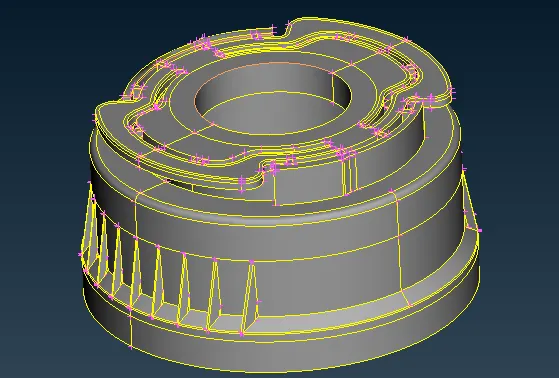
tools---->check---->geometry----->execute
from which some of the error gets resolved by using the fix option , but we have resolve some of the error manually
the error may be
- triple cone
- needle face
- crack
- unchecked face
then the model free from the error and finally do the orient.
that will ensure that the model is in single colour , whether it is grey or yellow.
grey describes positive and yellow describes negative.
after that the check the thichness of the component .
MID SURFACE EXTRACTION:
this model is now ready for mid surface extraction.
there are a manual method and auto method for midsurfacing.
but here it is a plastic component with varying thickness , so auto method is not possible ,so we are proceeding with manual method.
here we are using two midsurface method they are
- faces offset
- middle multi option
in the first method we have to measure the thickness and select faces offset then select the faces where you want to mid surface then assign the t/2 value,
then mention the direction , finally midsurface gets generated.
along with we need to assign the proper the thickness to the midsurface by using set PID.
in the second mid surface method , select the middle from the face then select the both side surface where you want mid surface , then there is an dialogue box raised and showing the
accept the surface then ok.
finally the mid surface gets generayted.
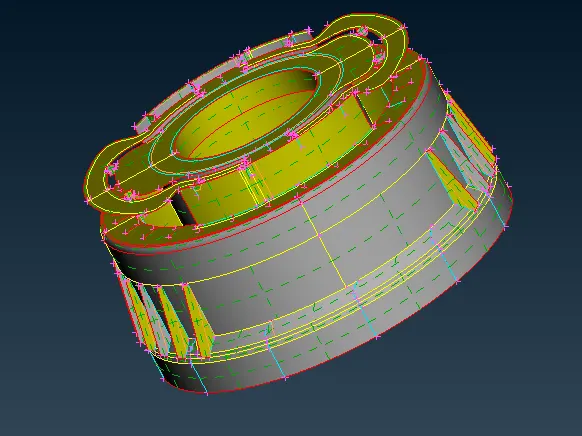
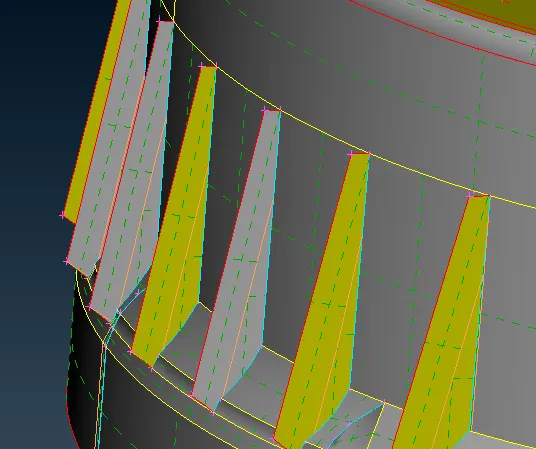
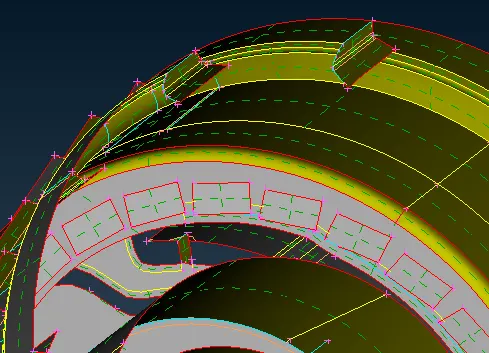
in this model after getting the mid surface there is a addition work has to do , some of the surface not attached with the base surface ,
so we have to use extend option to join the mid surface with base mid surface.
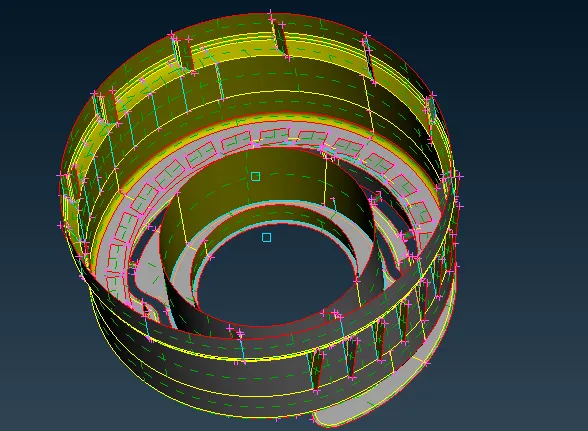
the image of the mid surface is given below
MESH PARAMETERS AND QUALITY CRETERIA:
after mid surfacing we have to assign the mesh parameters and quality creteria.
the following are the details.
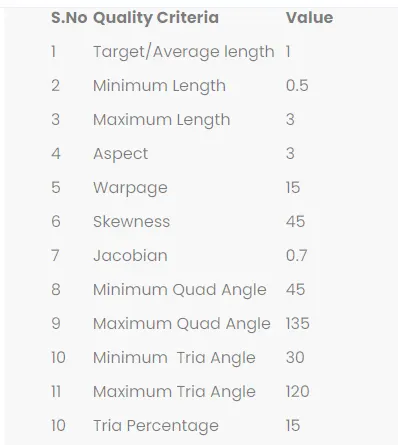
we have to mesh the model based on the above mentioned mesh parameters and quality creteria.
MESHING:
then the model is ready for meshing .
here i am using the best mesh.
if it is showing the off elements we have to resolved by using the following option
- reconstrct
- smooth
- split
- swap
- paste
- move
these are the most important commands which helps to avoid the off elements.
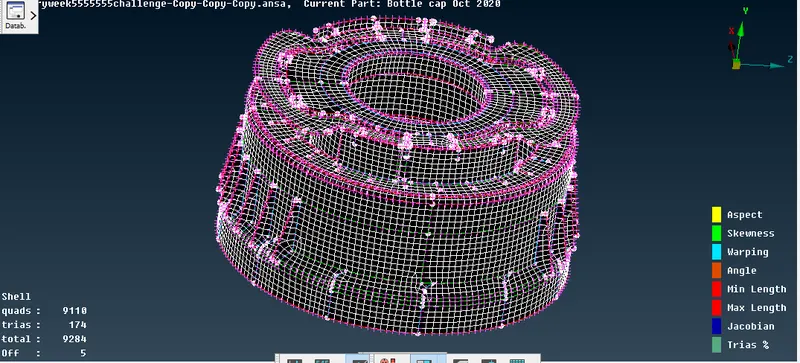
here not able to resolved the all off elements because of some triple cone, other than that i work on trias concentation and mesh flow upto the best extend.
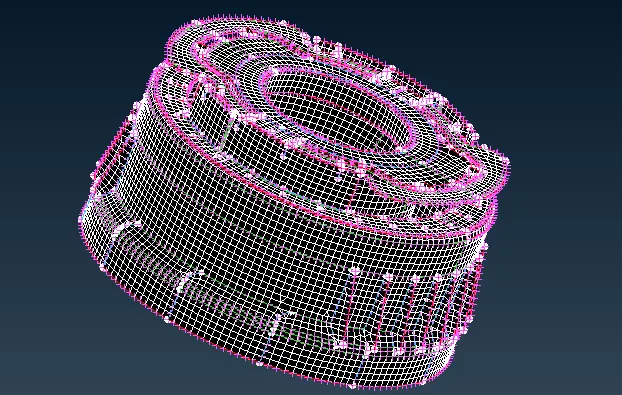
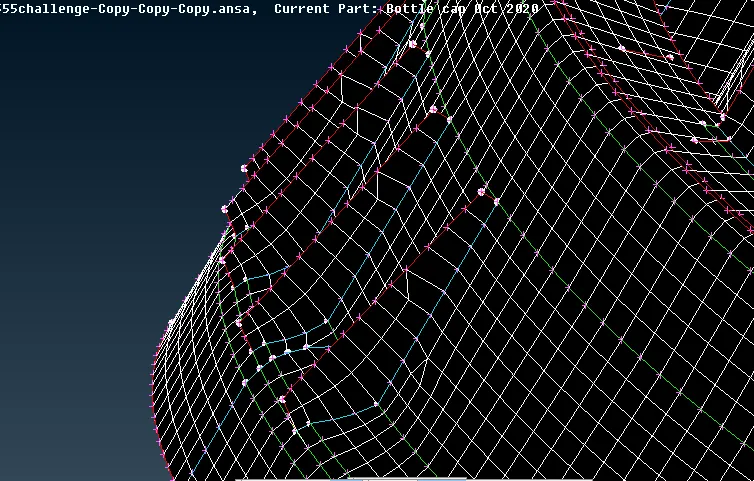
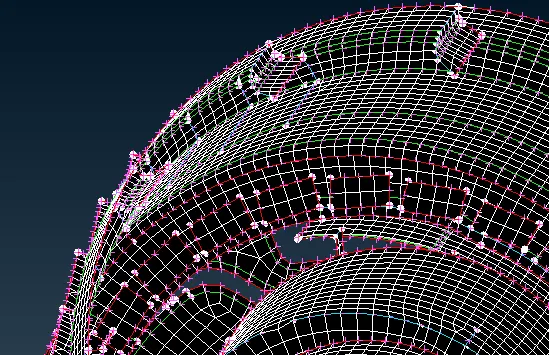
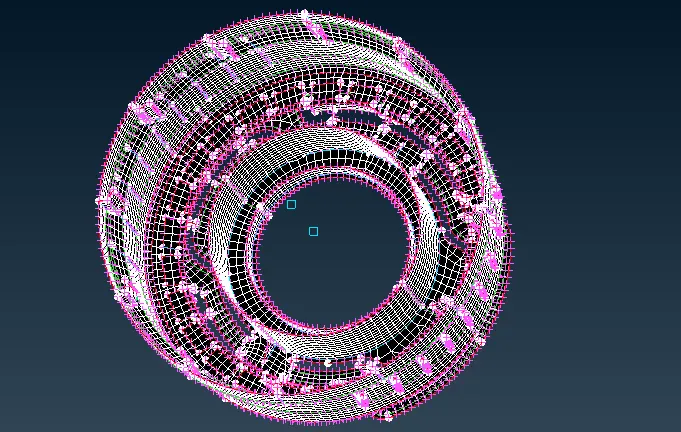
finally get the better mesh flow based on the above quality parameters.
the image of meshing is given below:
CONCLUSION:
we have done the preprocessing for the bottle cap plasic model successfully by using ANSA.