Week 4 - 2D Meshing for Sheet Metal
2D MESHING FOR SHEET METAL:
OBJECTIVE:
the objective of this challenge is to obtain a preprocessing by using ansa software.
preprocessing consist of a geometry cleanup ,mid surface , quality creteria and meshing.
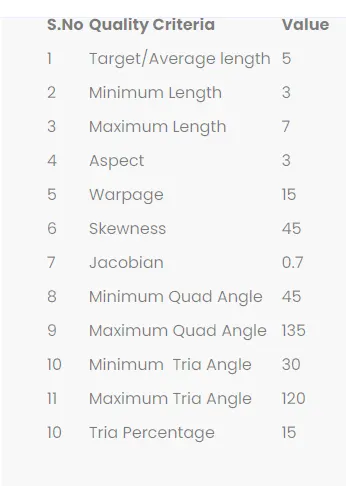
the generated meshing is based on the following creteria.
PROCEDURE:
CAD MODEL: CCB cad model
step 1: Import the geometry in ANSA software.
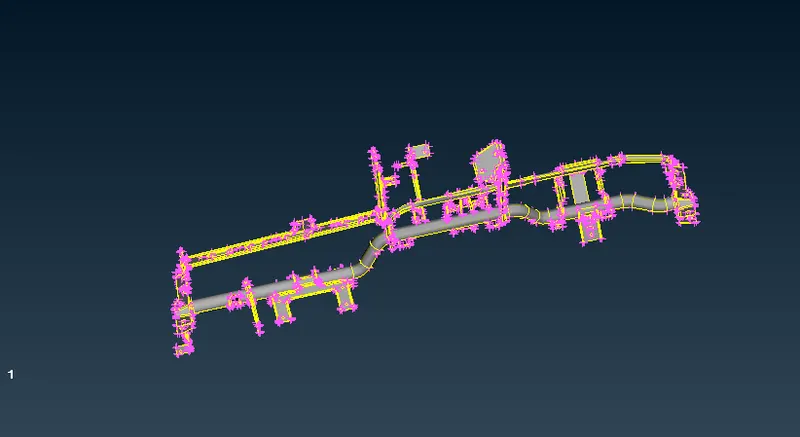
step 2: the geometry ready for geometry cleanup
step 3: after importing cad model into ansa, there might be a error because of format conversion from other file to ansa .
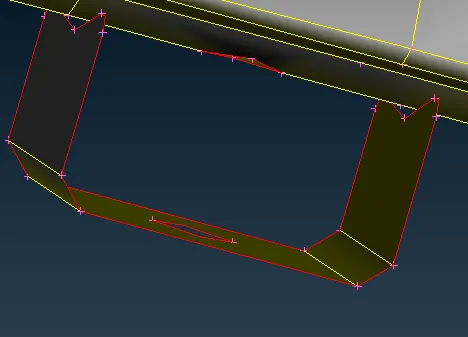
there might be a missing surface and it is very important to clear the all errors before meshing, the errors may be
- single cone
- triple cone
- crack
- unchecked surface
some of the steps to follow to clear the geometrical errors
- faces>topo - with the help of this all the single cone error gets cleared
- tools>check>geometry - to ideantify the location of the error in the geometry
- tools>check> geometry>right clk>fix - most of the error gets resolved
- tools >check>geometry> right clk> show only - to show the exact location of the error and resolved manually.
- faces> orient - to avoid the oerientation issue , all the faces are oriented similarly
step 4: Extracting the mid surface:
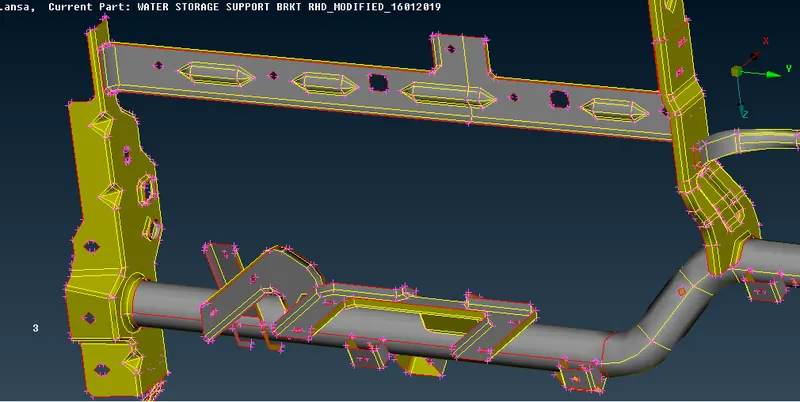
after the geometry cleanup the geometry ready for mid surfacing and keep them in separate property id .
topo>faces>offset>select face >t/2>ask >middle mouse clk>set new propert id > assign thickness > ok> double clk on the propert id > mid surface gets generated.
i measure thickness at different location , i got parts with different thickness. selecting a parts one by one based on the thickness from property panel and performing a mid surface.
my property panel:
- MS_1.6 - T=1.6
- MS_1.2 - T=1.2
- MS_2 - T=2
- MS_2.5 -T=2.5
after extracted the mid surface check the error once , if it is there need to clean by check geometry.
the geometry has to be free from the error before going to meshing.
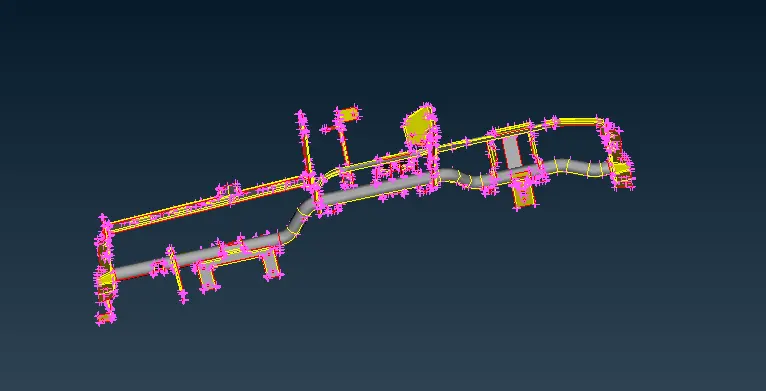
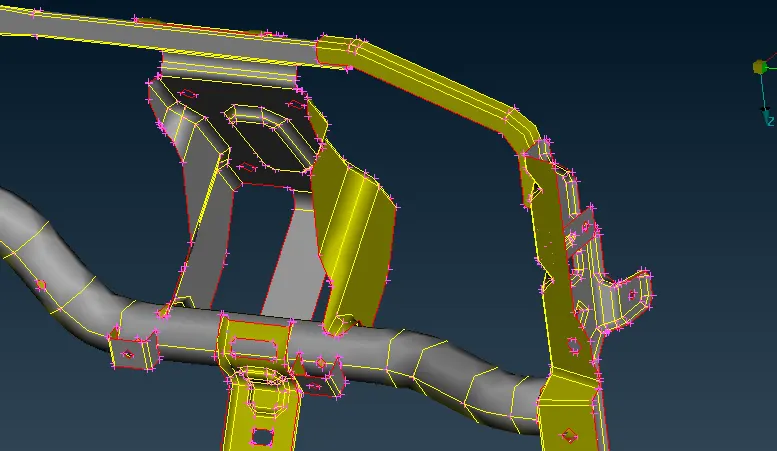
step 5: Mesh generation :
the next step is to create a meshing.
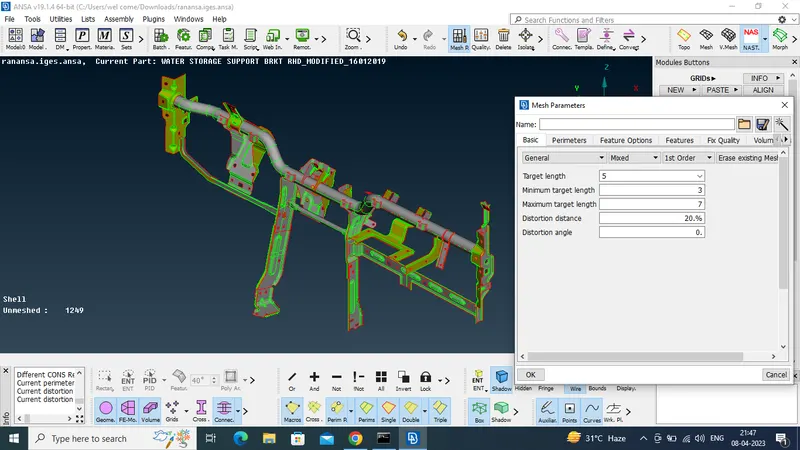
the mesh parameters need to assigned by using utilities>mesh parameters> it asks target length, maximum length and minimum length.
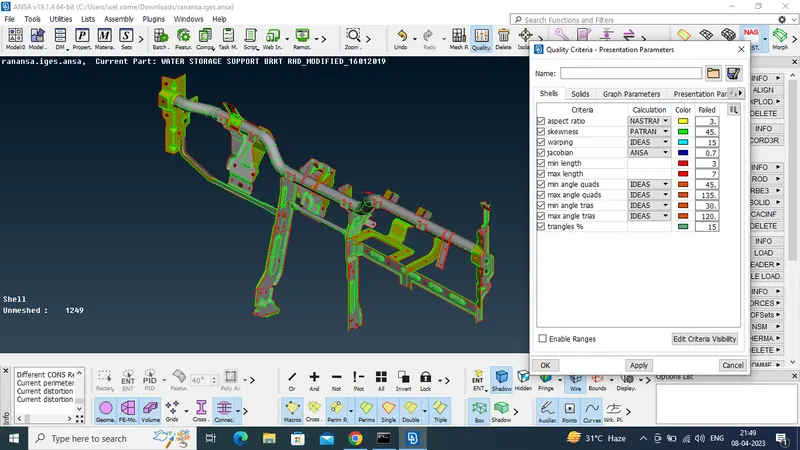
after that quality creteria has to be assigned by using utilities>quality creteria tab> assigne values or use short cut F11.
for mesh the perimeter should be same length ( L=5mm)- for that perimeter> length> select faces by window selection > L =5mm > for both perimeters and macros .
the perimeter length should be same.
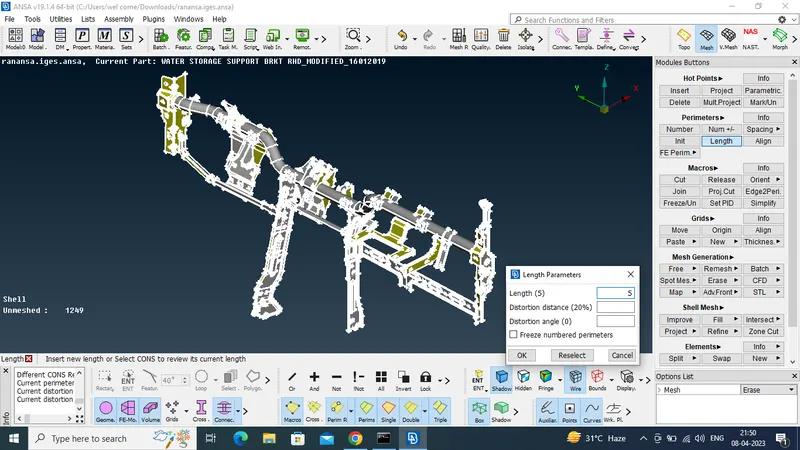
start mesh the component one by one by using the best mesh for that go to mesh >mesh generation >best mesh.
the best mesh gives the meshing in the best possible manner.
after that check the quality creteria , quality check has done when only in the hidden mode .
resolving the quality issues by using commands like reconstruct,smooth,split ,swap,paste etc.
shell mesh > reconstruct - it helps to avoid the rotating quads.
try to kept trias as low as possible.
the following things needs to considered while handling the trias.
- No opposite trias
- No trias on features
- No back to back trias touching each other
- No trias touching the edges
for that we are using commands like split ,swap ,paste .
finally we got the better meshing based on the quality creteria.
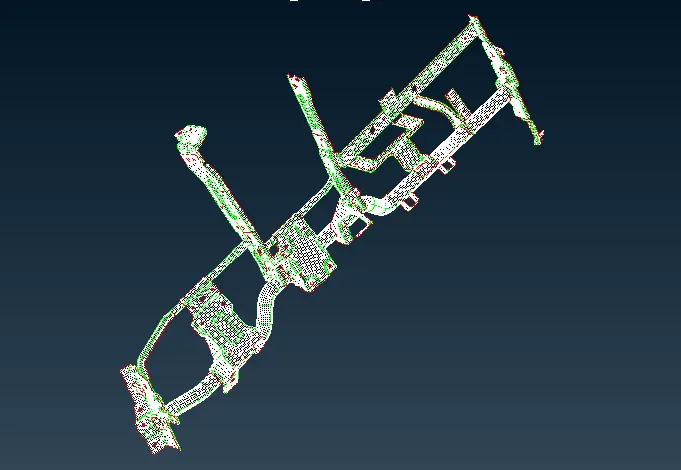
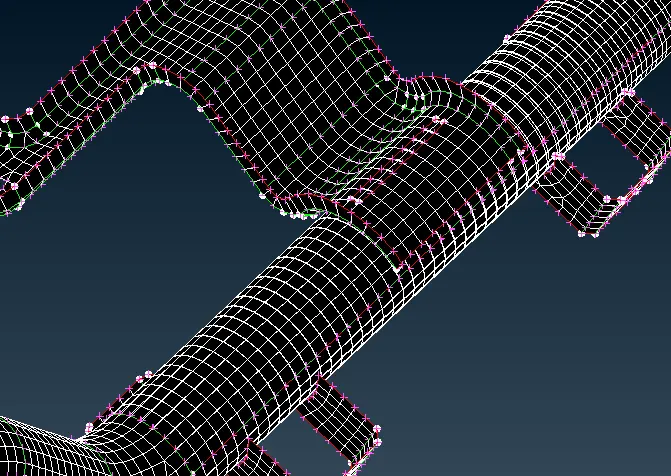
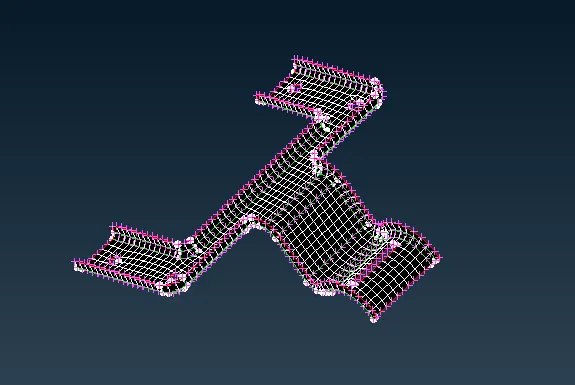
CONCLUSION:
in this challenge we have done the mid surface and 2d meshing based on the quality creteria in ANSA.