Week 3 - 2D meshing for Sheet metal
MESHING OF HOOD CHALLENGE :
OBJECTIVE:
- to obtain a geometry cleanup and midsurface on the given component.
- to generate the mesh on the given component and pass for the quality creteria.
PROCEDURE:
step 1: import the cad model.
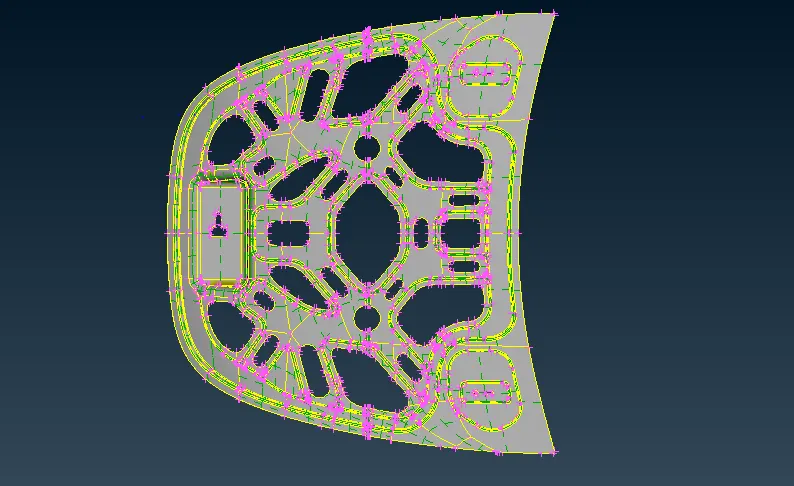
the cad geometry in the entity mode
entity mode : to find the descriptancy and inconsistancy in the model.
step 2: once the cad model is imported it is ready for geometry cleanup and orientation issue ( model should be in the entity mode)
step 3: for geometry cleanup go to
tools - checks - geometry -execute -ok .
step 4: some of the defects single cone, triple cone and cracks.
step 5: go to orient option to clearing the orientation issues.
step 6: extract the midsurfacing by using offset method.
topo - faces - offset -value -t/2 - direction - ok .
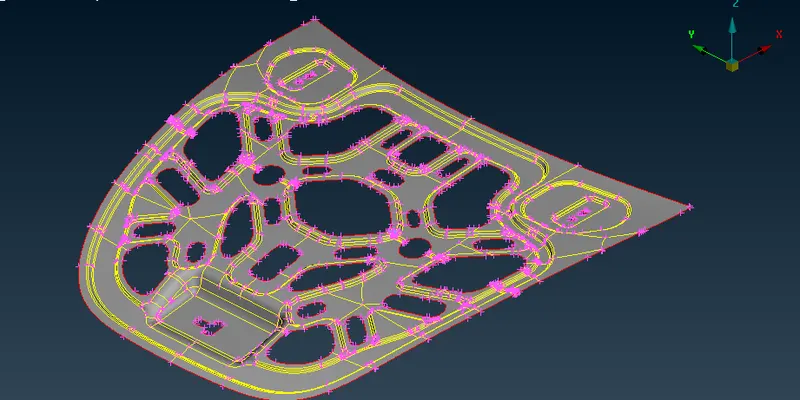
step 7: then again check the geometrical cleanup for provide the quality creteria.
step 9 : before that we needto symmetry the cad model for meshing.
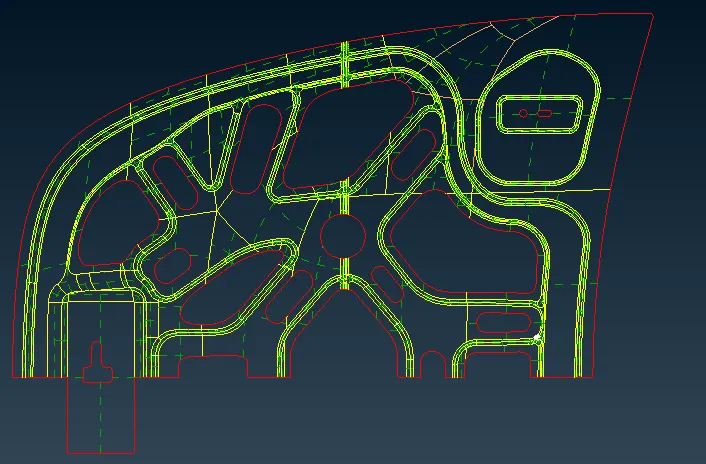
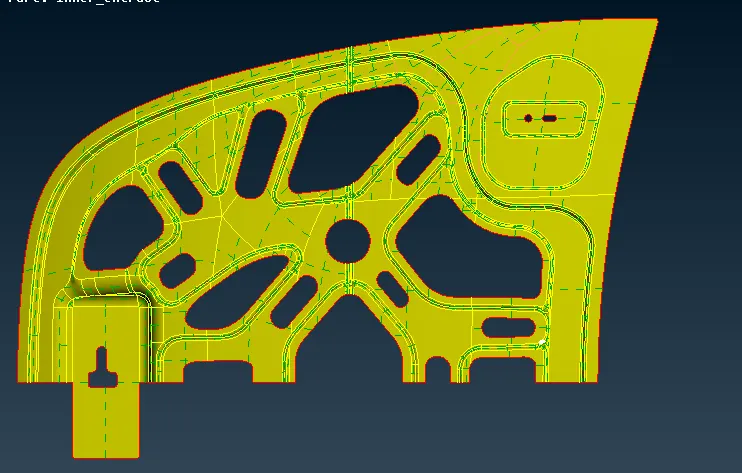
step 10 : assign the quality creteria, put F11 quality creteria tab.
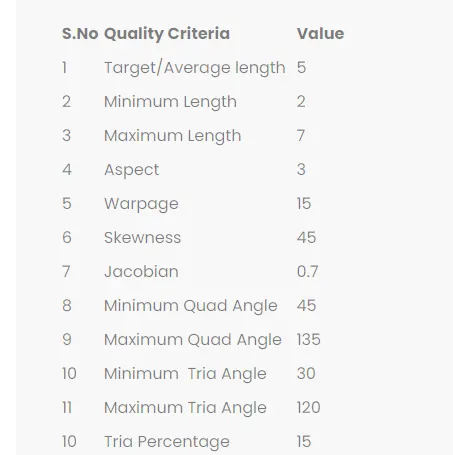
step 11: then meshing , for that mesh - mesh generation - best mesh .
step 12: then check the quality when turn on the hidden mode , try to avoid that issues using split ,swap,reconstruct ,smooth commands .
meshing images:
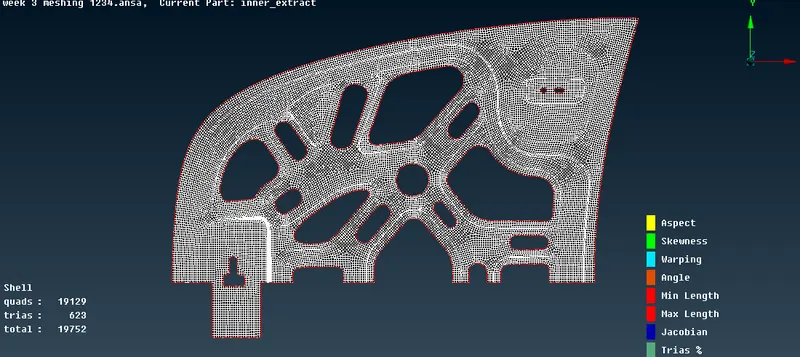
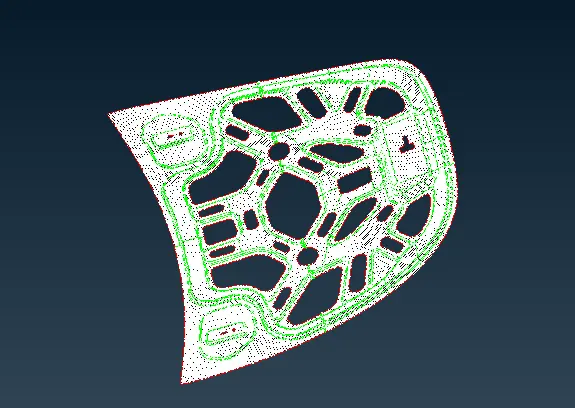
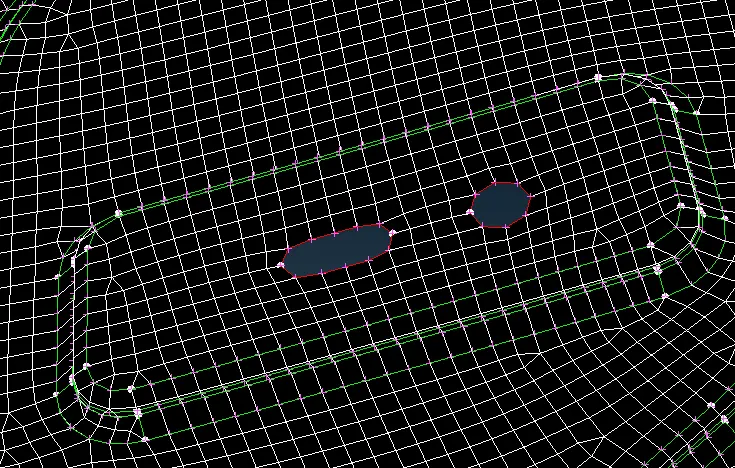
CONCLUSION:
geometry cleanup,midsurface are done for the given model and the mesh was generated based on the quality creteria.