Week - 5 - 2D meshing for Plastic components
Aim
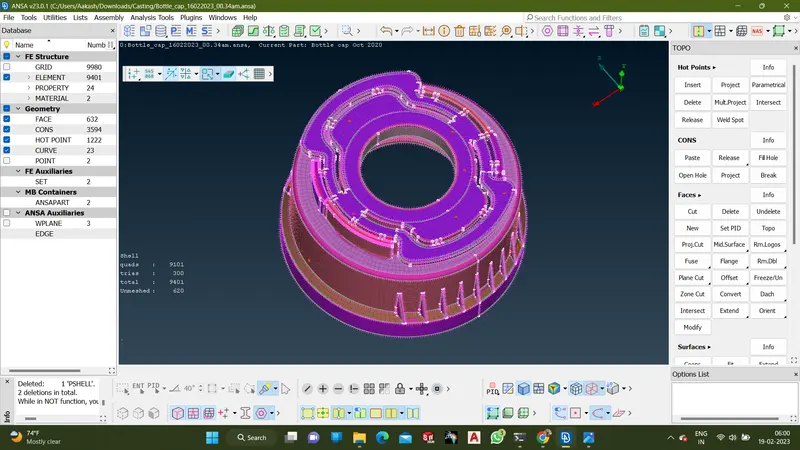
For the given Plastic Bottle Cap model, check for the geometrical errors and take the mid surface by suitable mid surfacing techniques. PID and Thickness assignment has to be done for all the mid surfaces. Mesh the same with the given element Quality criteria.
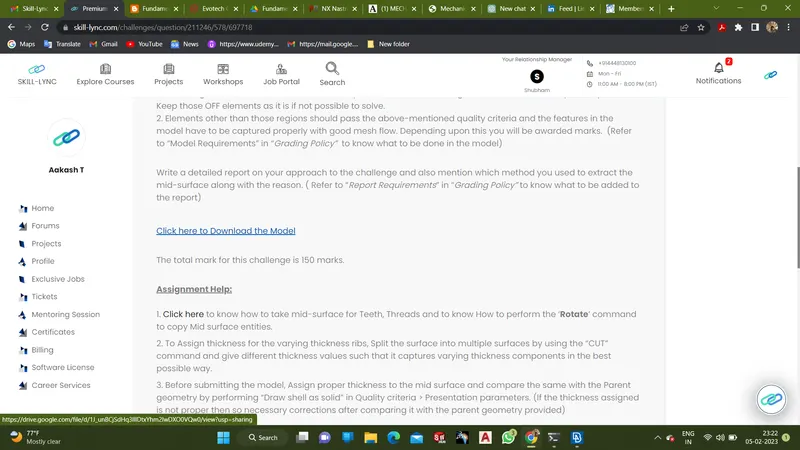
- Download the file from the given link
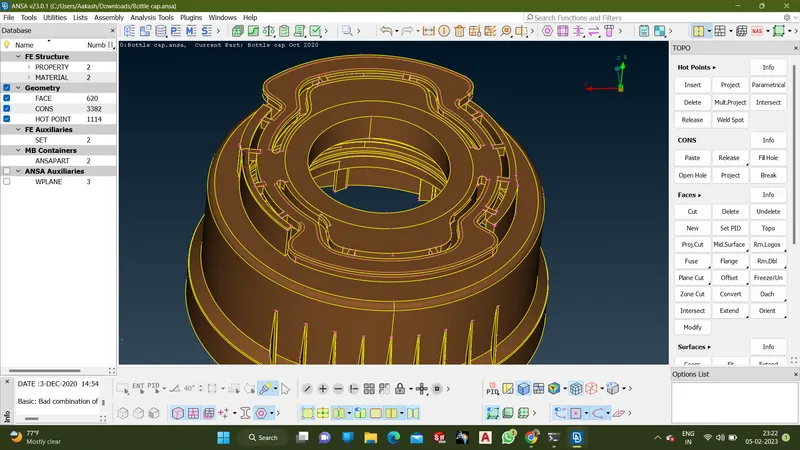
- Open the downloaded file in the Ansa software
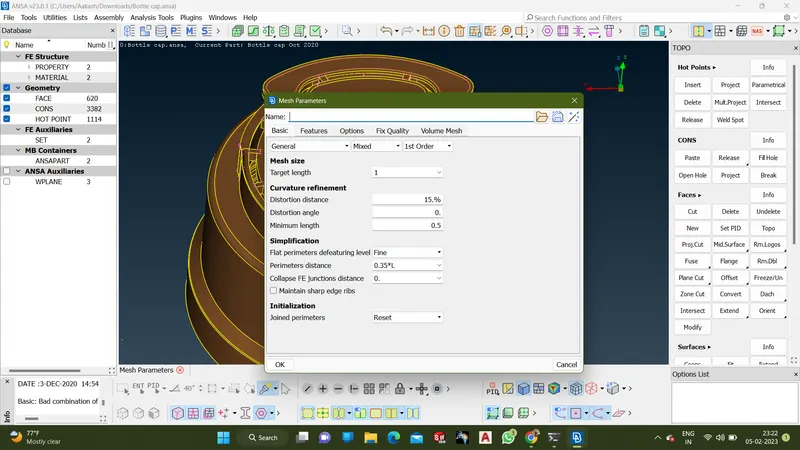
- Set the mesh parameter from the given data
- Set the Quality criteria for process from the given data
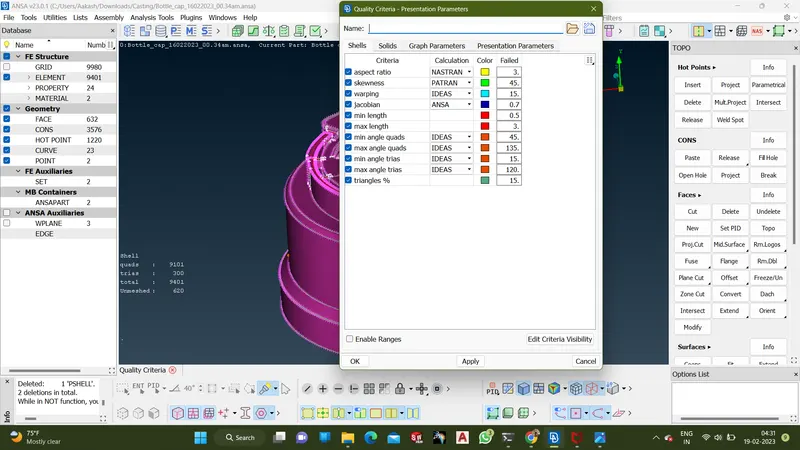
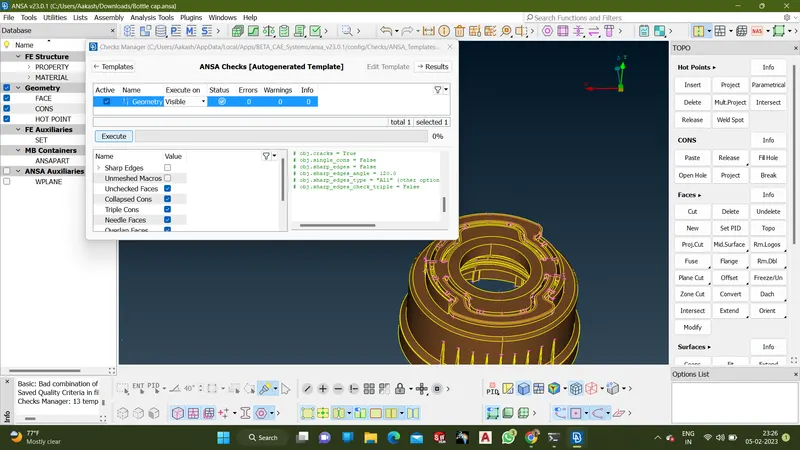
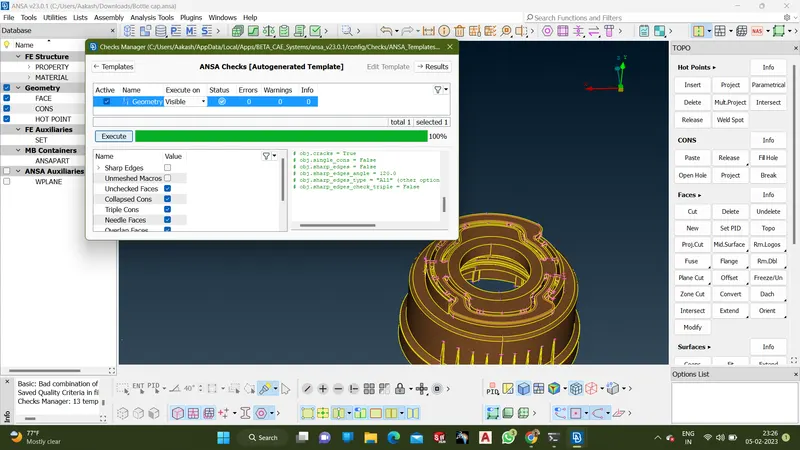
- Check the cad model for topological errors and clear it
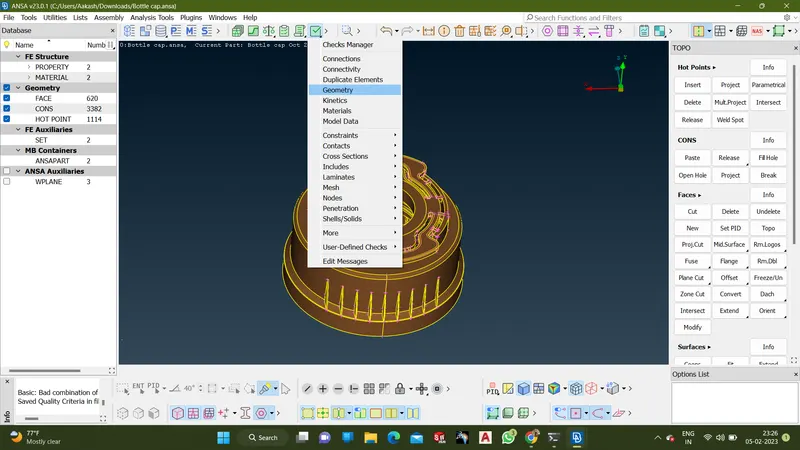
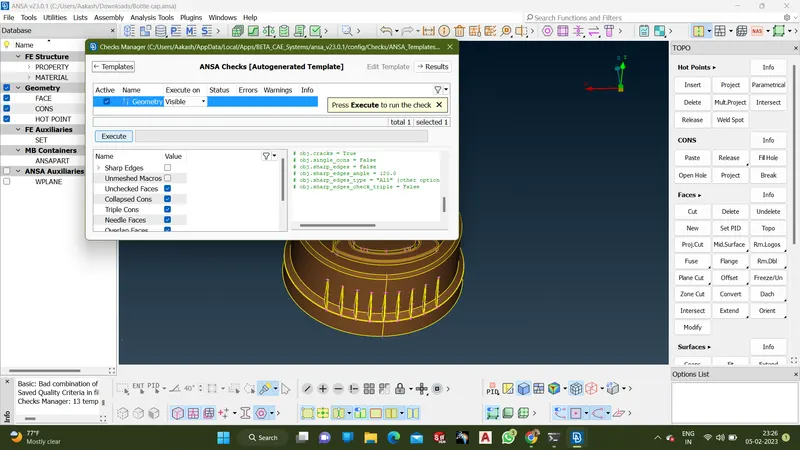
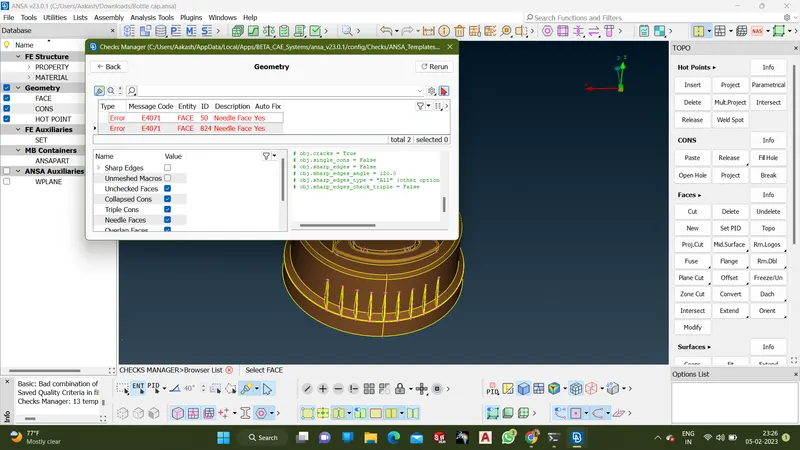
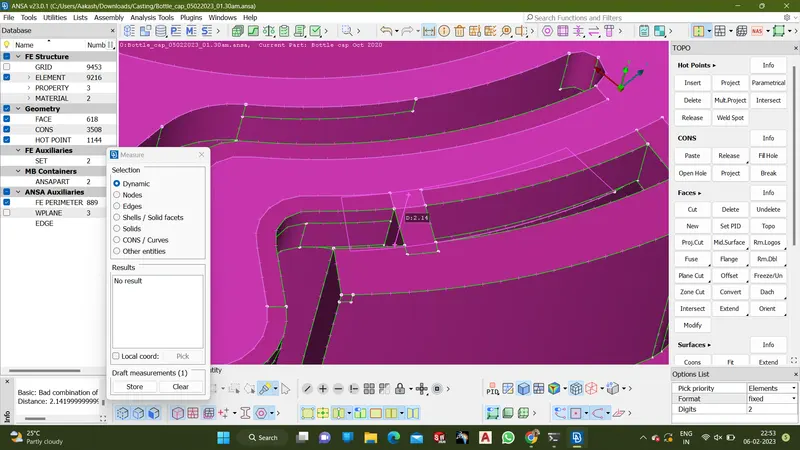
- Measure the feature using Mesaure option from utilities
- Take middle surface for the feature using Middle option in Face menu from TOPO.
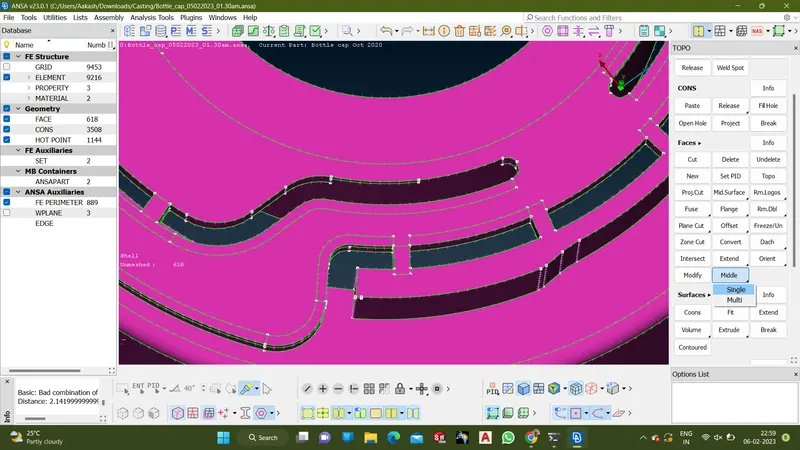
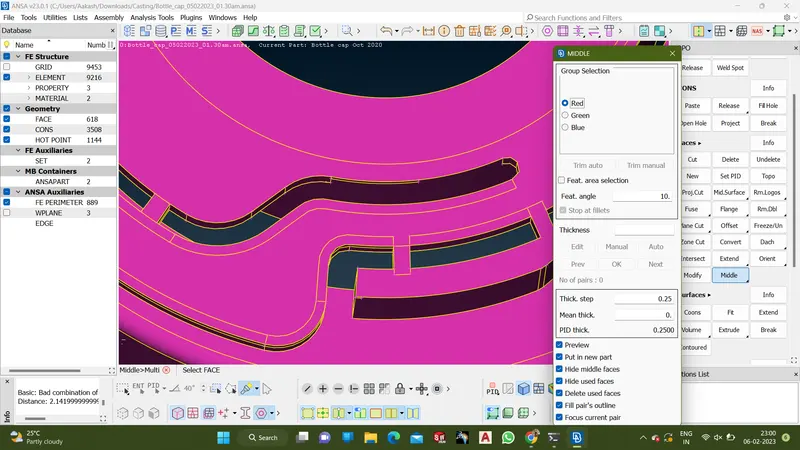
The offset face can be seen in the picture below
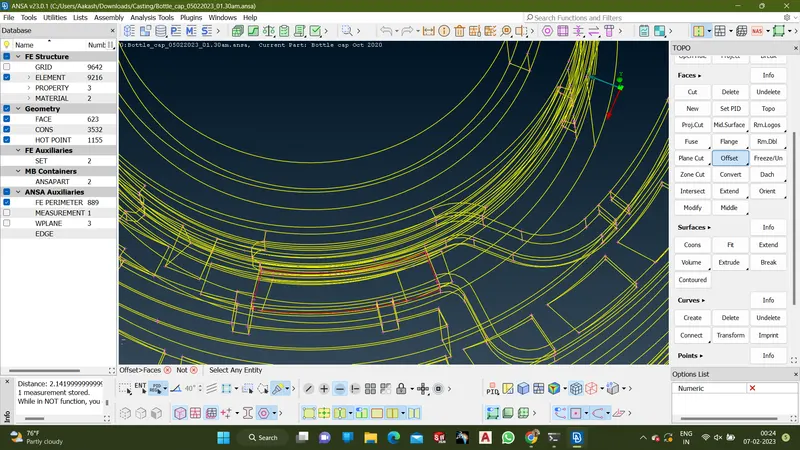
- Remove the main cad model using Not option in PID Region
- Take the middle surface and then go to Classic Mesh->Mesh Generation -> Best->using select option and the middle face
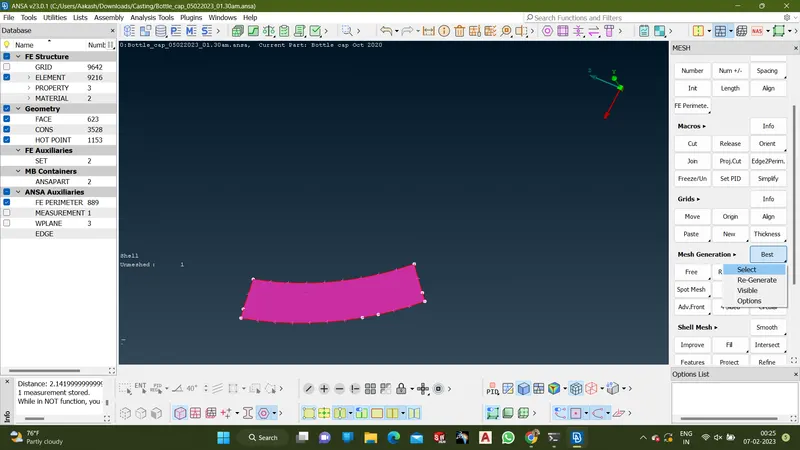
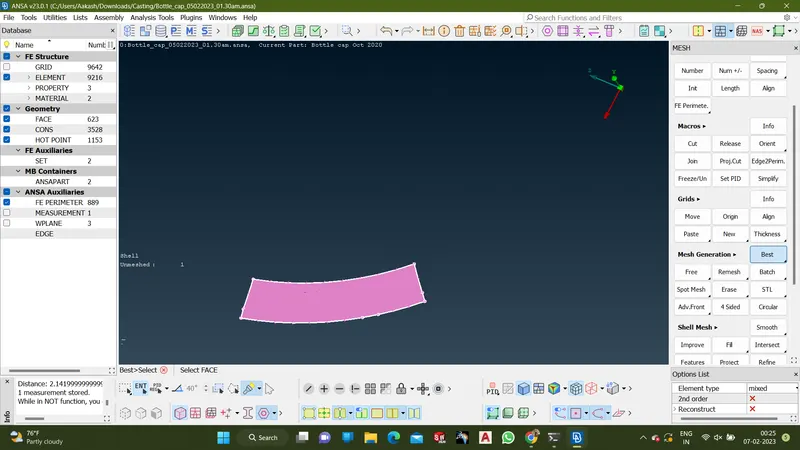
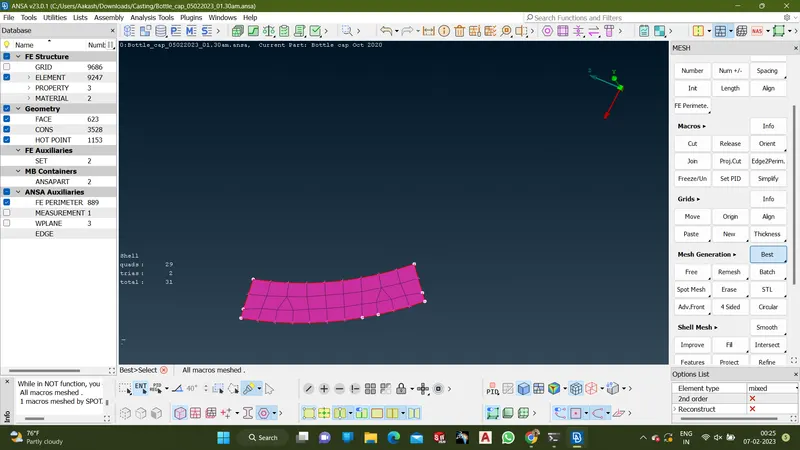
- Then repeat the above mentioned process for all feature
- Then TOPO->Middle Surface->Thickness->Calculate thickness and drag the entire the model
- Set the thickess according to measured values
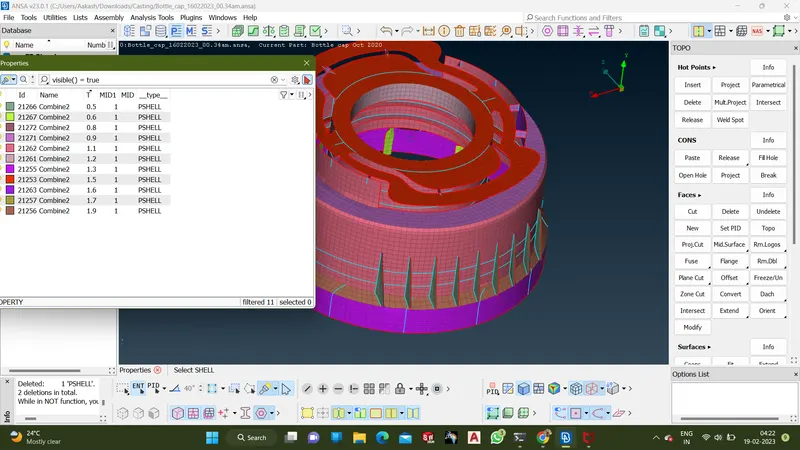
- After setting thickness,use draw shell as solid option from presentation parameters.