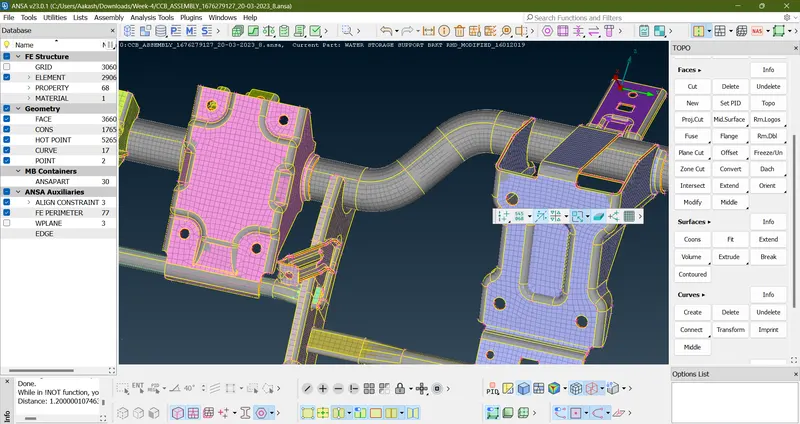
Week 4 - 2D Meshing for Sheet Metal
Aim:
For the given CCB CAD model, Check for the Geometry cleanup , Take the mid surface, and Mesh it with the below 2D element Quality criteria.
Procedure:
- Download the model from the given link
- Check the given geometry for any topological error
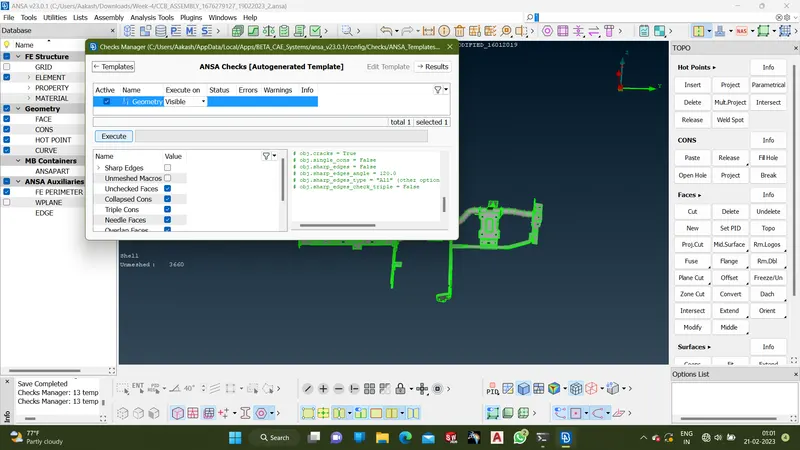
- Click on the execute option on the option and check for any error on the geometry
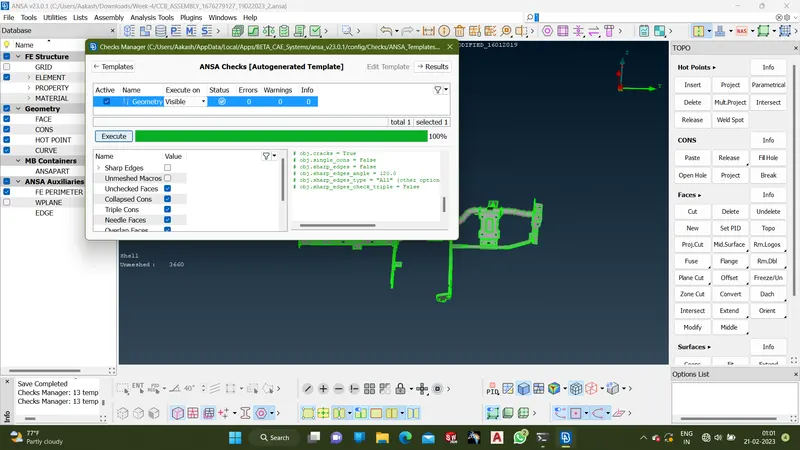
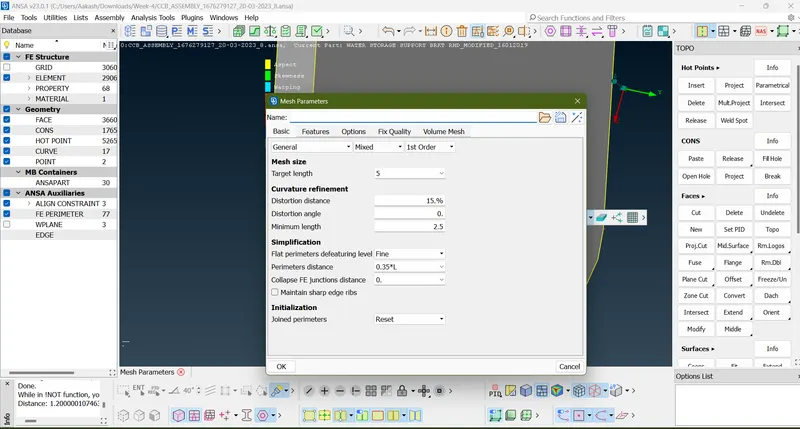
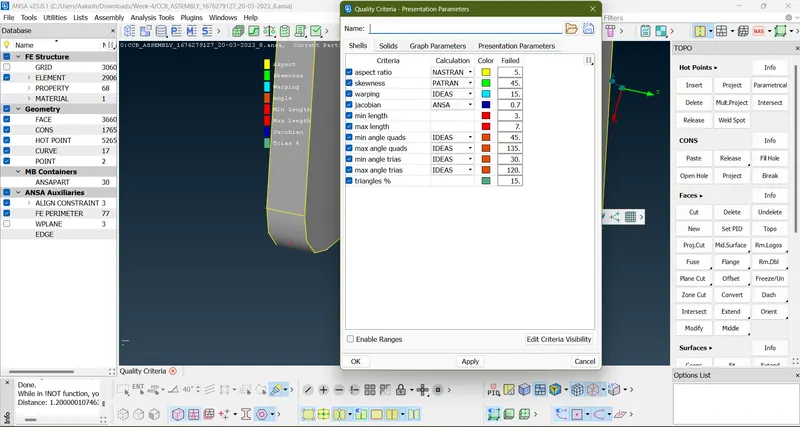
- Load the quality criteria and meshing parameters from the given data set
- Take middle skin from the Face-->Middle.Surface-->skin
- Then Go to Batch mesh setting and generate mesh on the middle surface
- Change the form of the meshing using options such as spilt,swap and paste
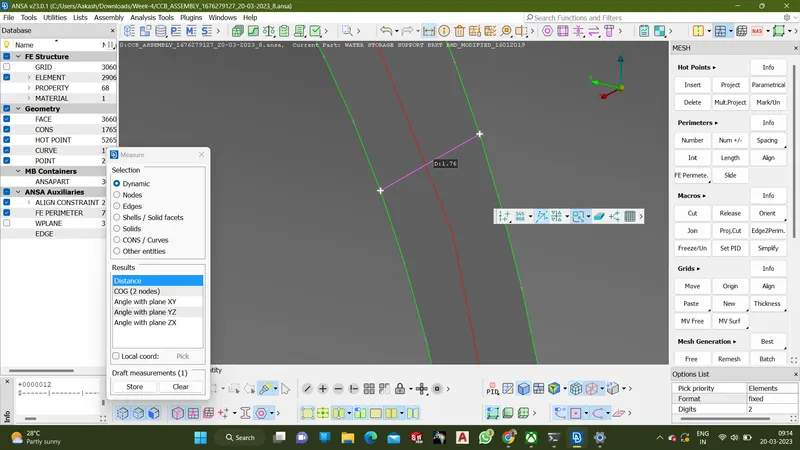
- Check the thickness of the part using measure option
- Set the part name for the middle mesh
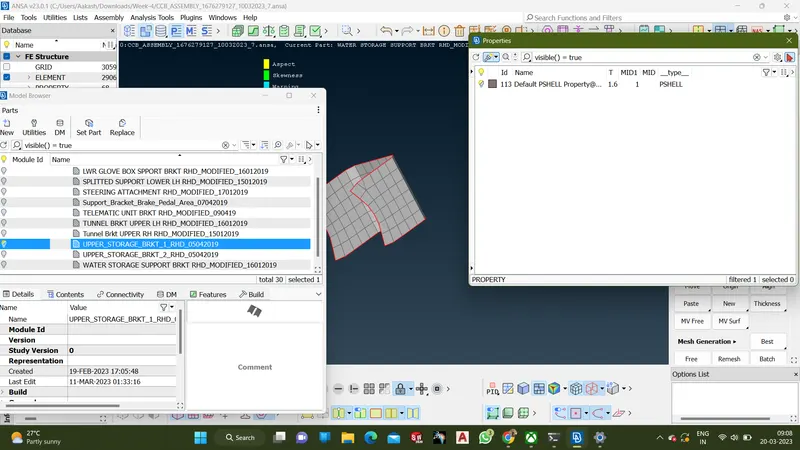
- This is before naming the part according to the cad data
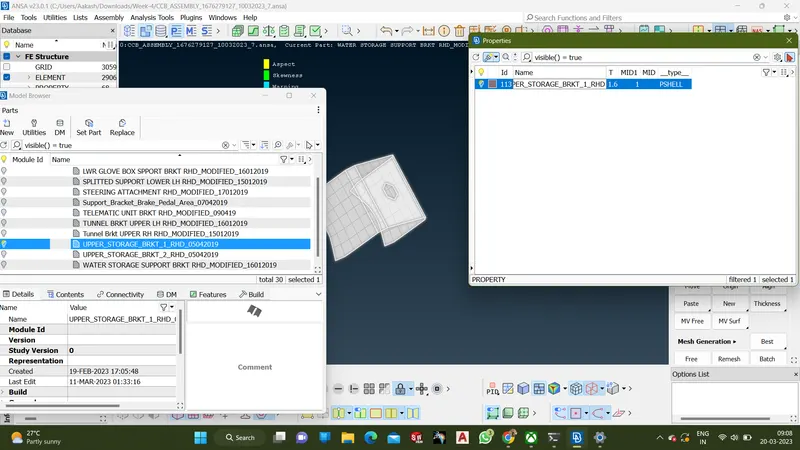
- After finishing the process for all the parts
- Then use the option shell as solid option