Project 1 - Meshing of Floor Panel
Aim
To mesh the floor panel by taking the mid-surface and using the quality criteria
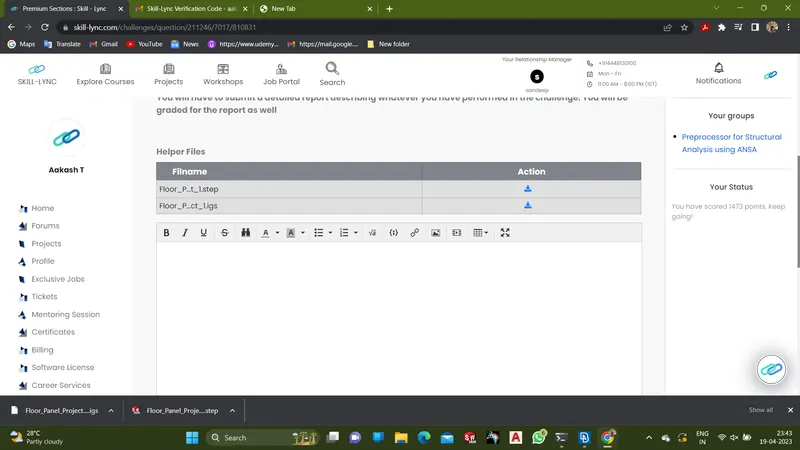
- Download the file from the present link
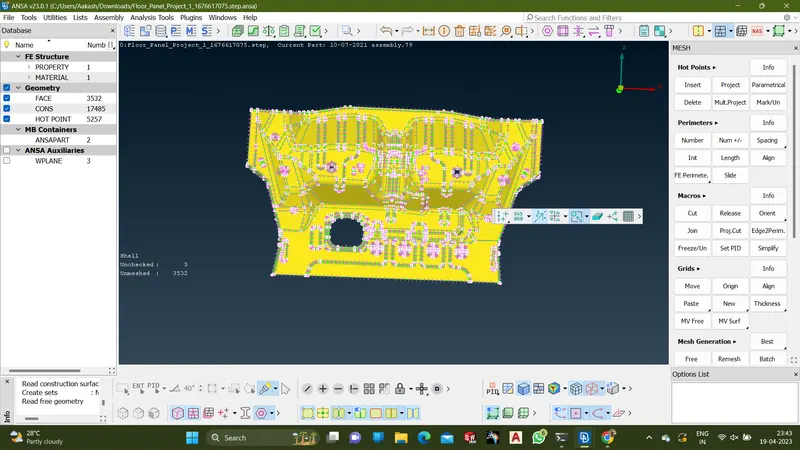
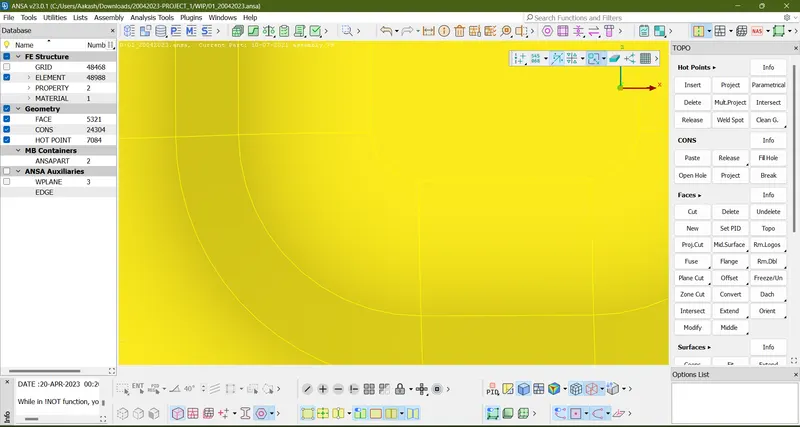
- Open the model using Ansa software and view the model
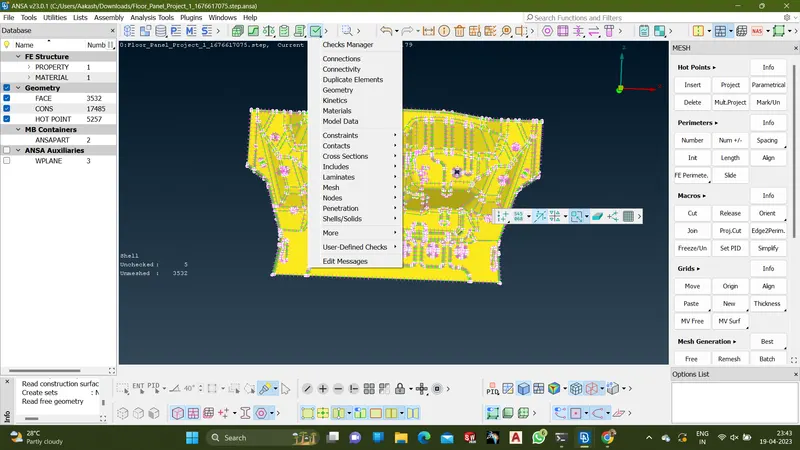
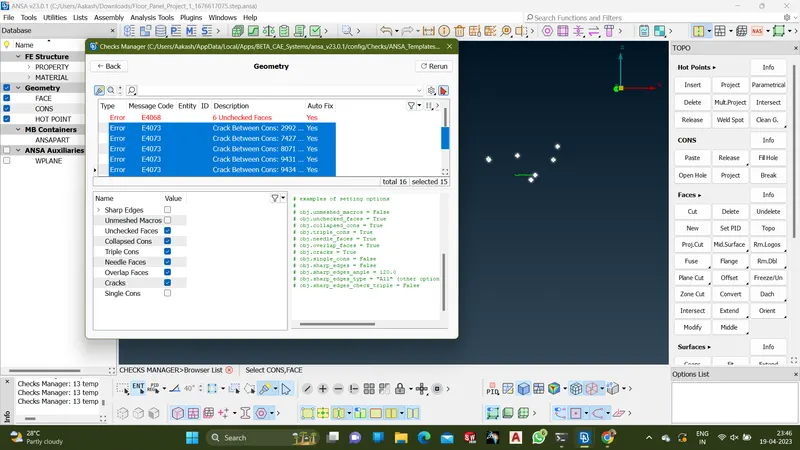
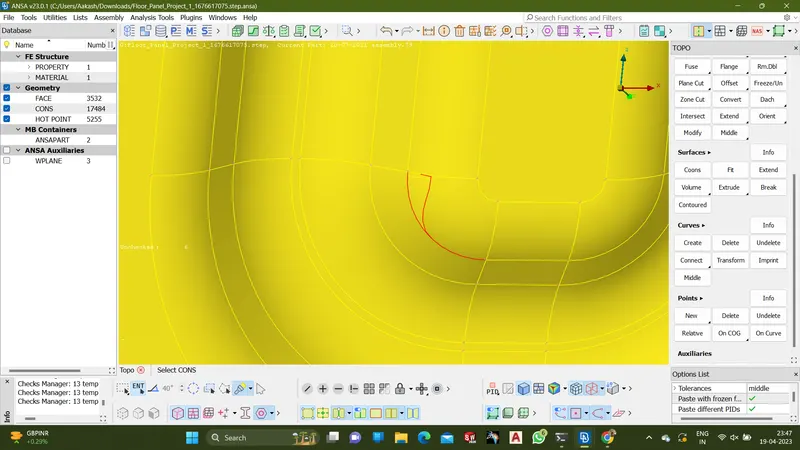
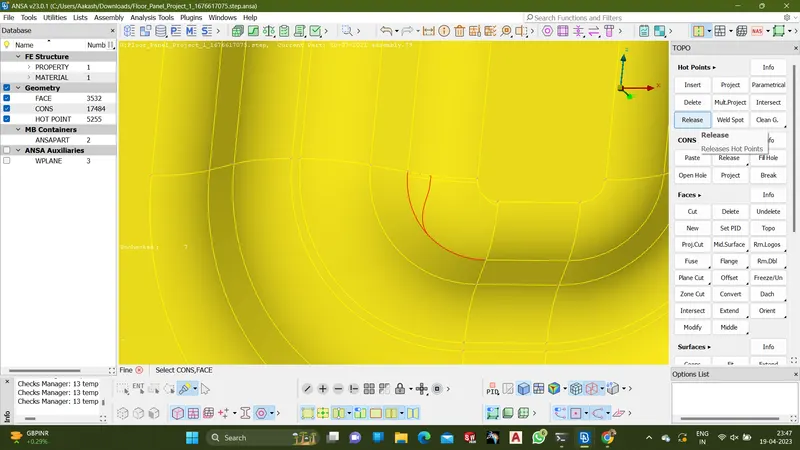
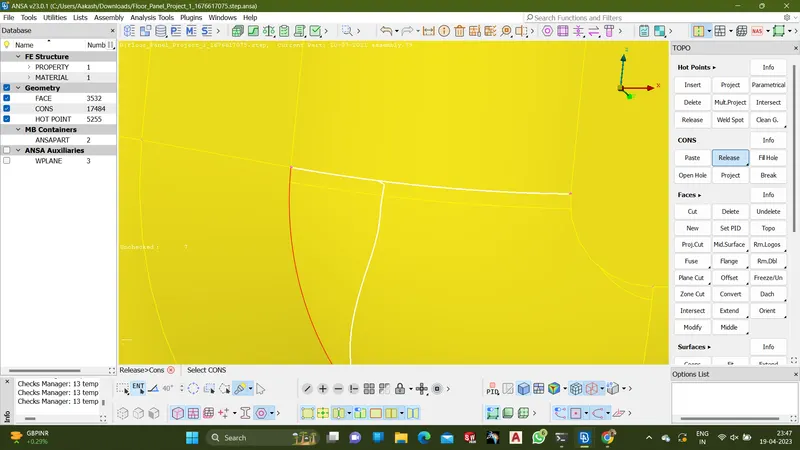
- Part must be checked for any topological error
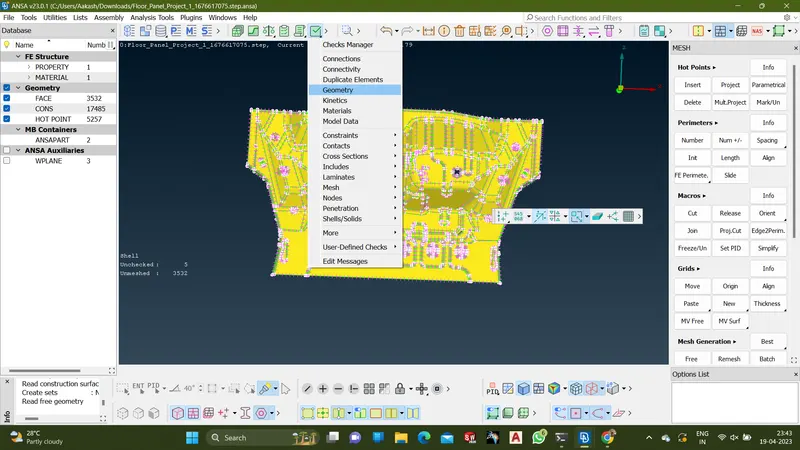
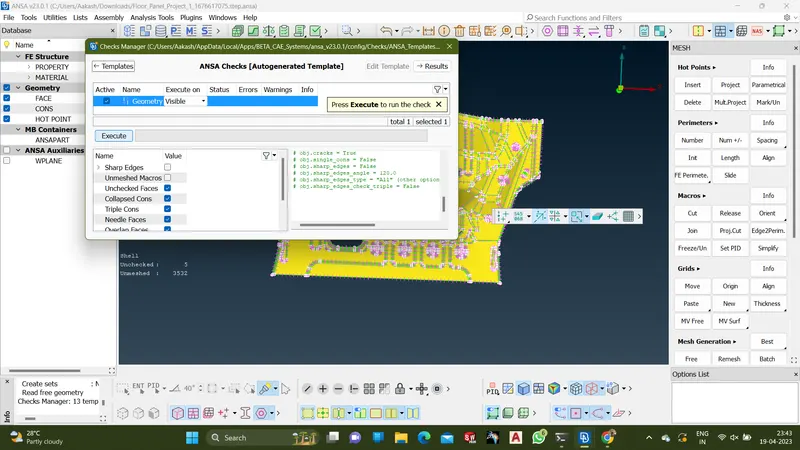
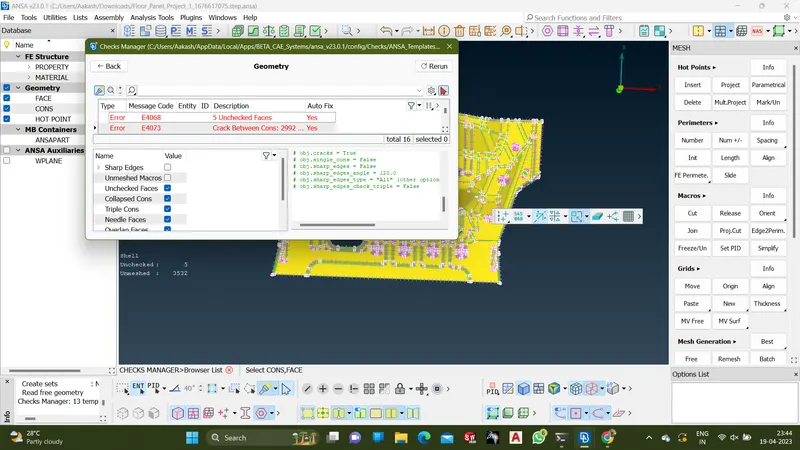
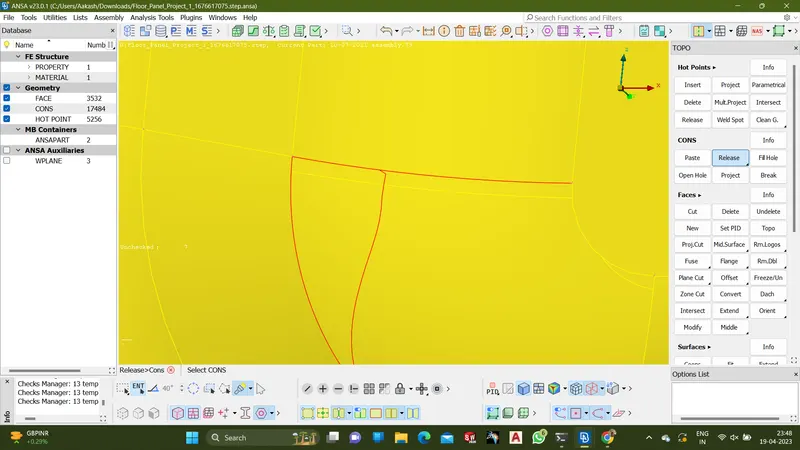
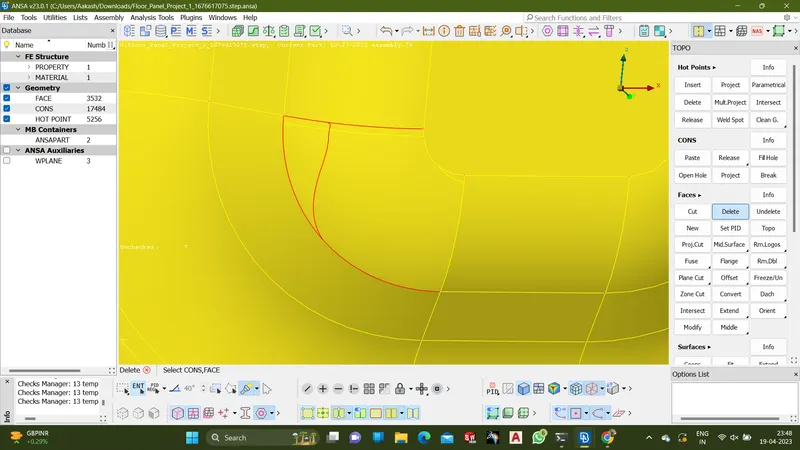
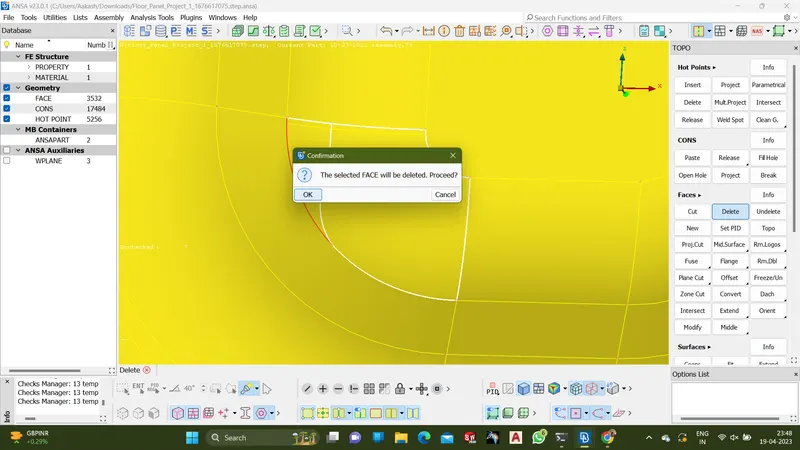
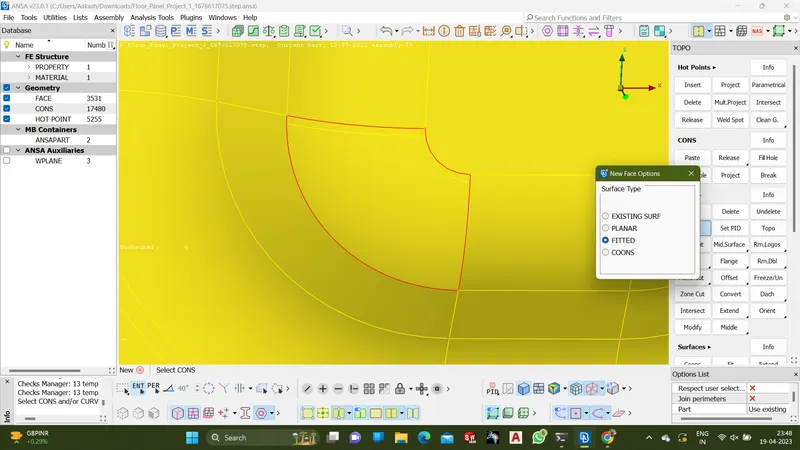
- If the error is found, then clear the error using the options from TOPO
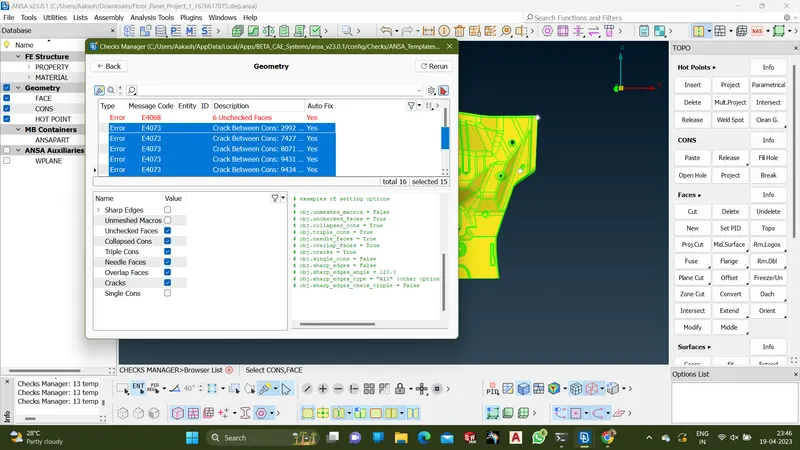
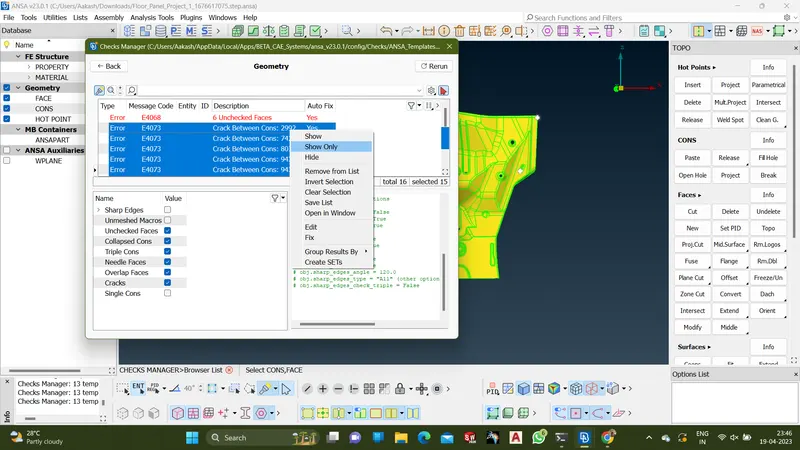
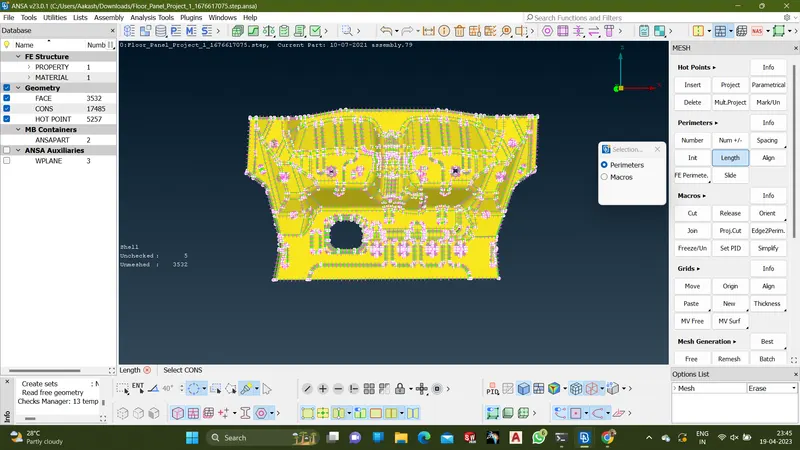
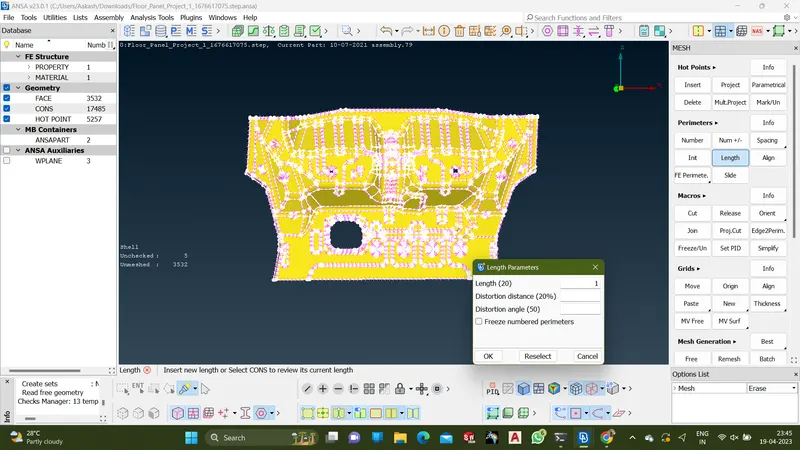
- Set the lenght as 1 for the part
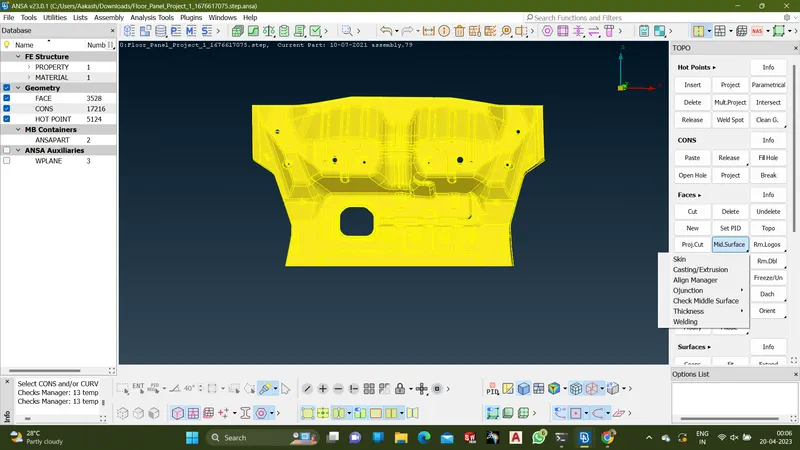
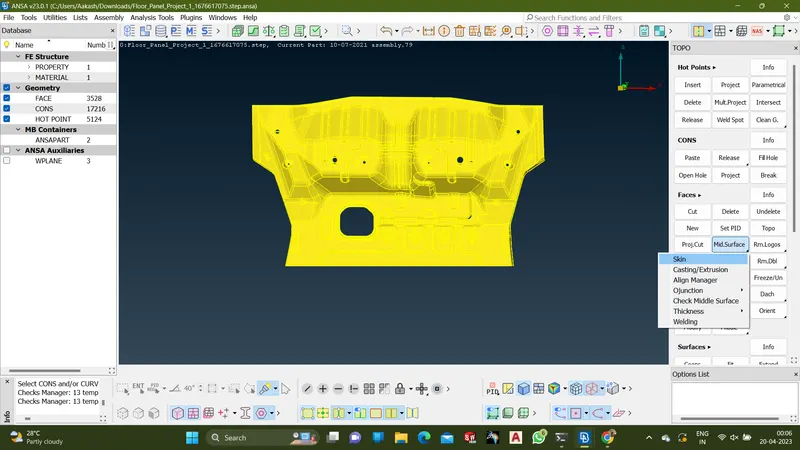
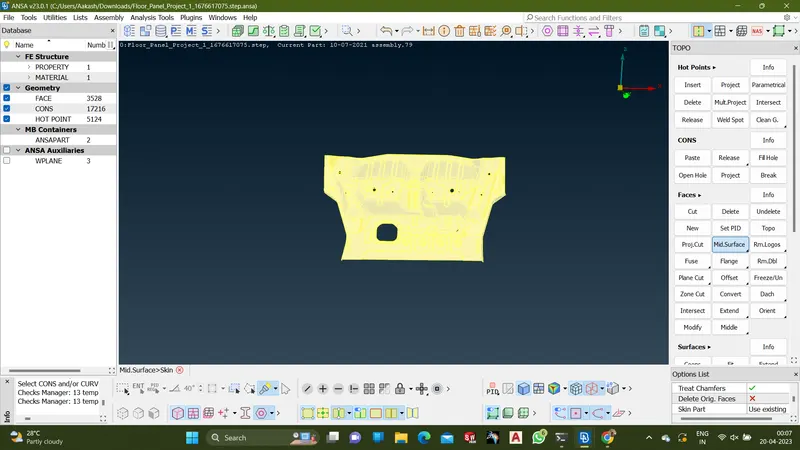
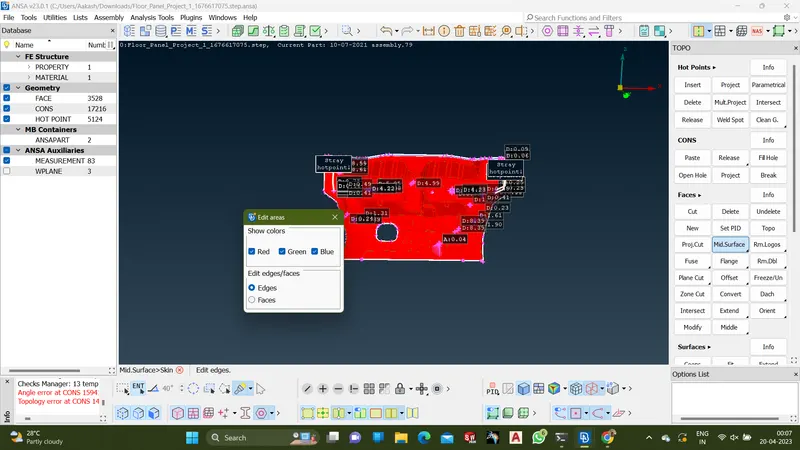
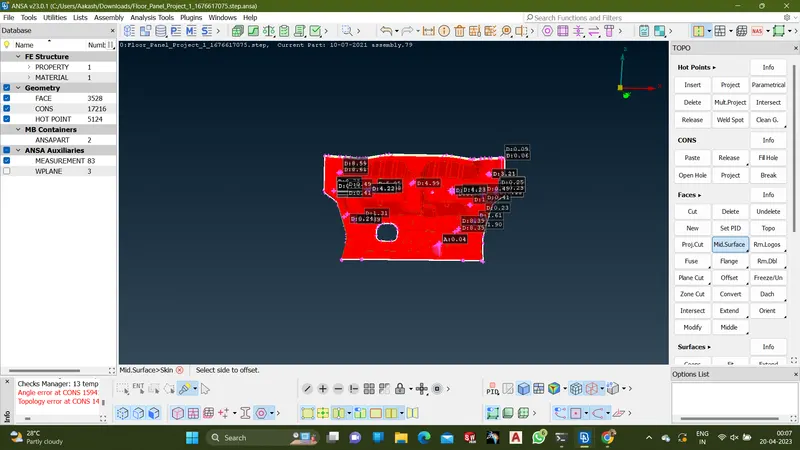
- Take the middle surface(skin) using TOPO->Mid.surface->Skin
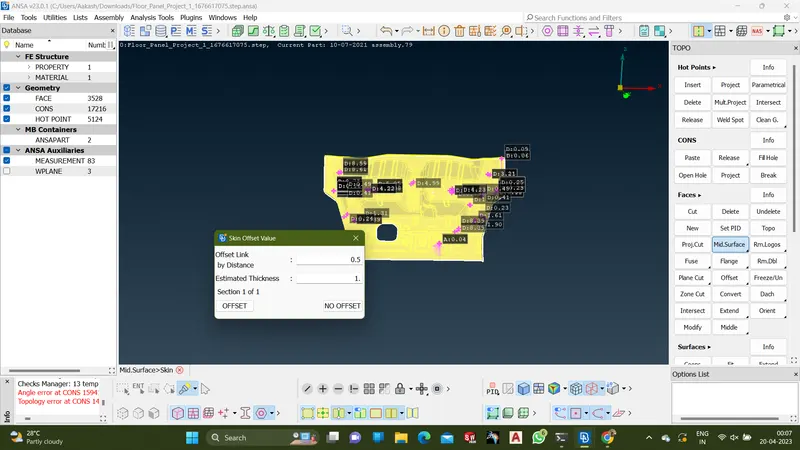
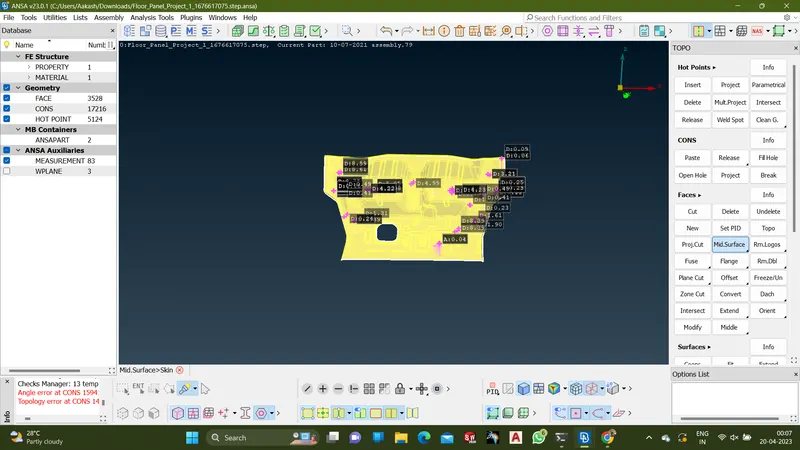
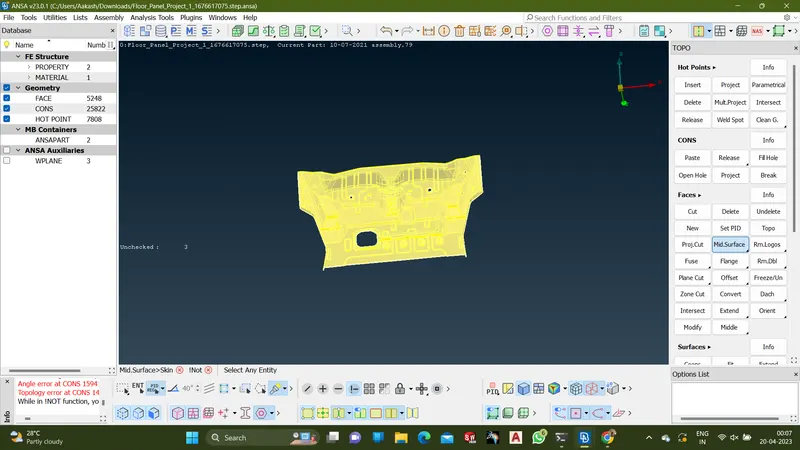
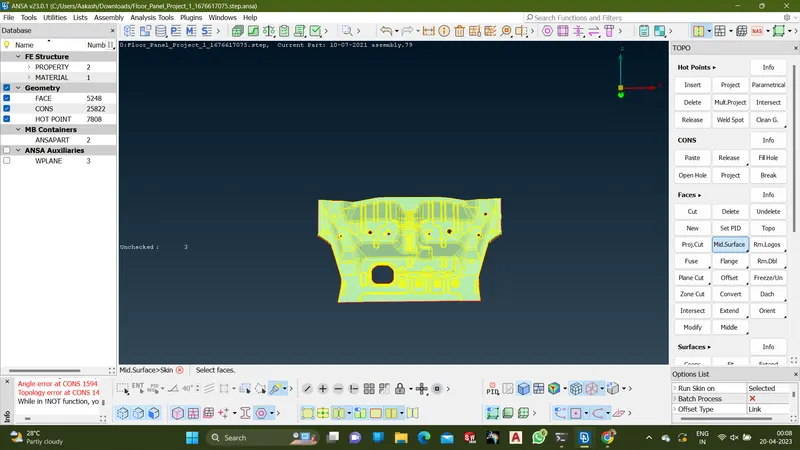
- To run the batch mesh using Batch Mesh Manager
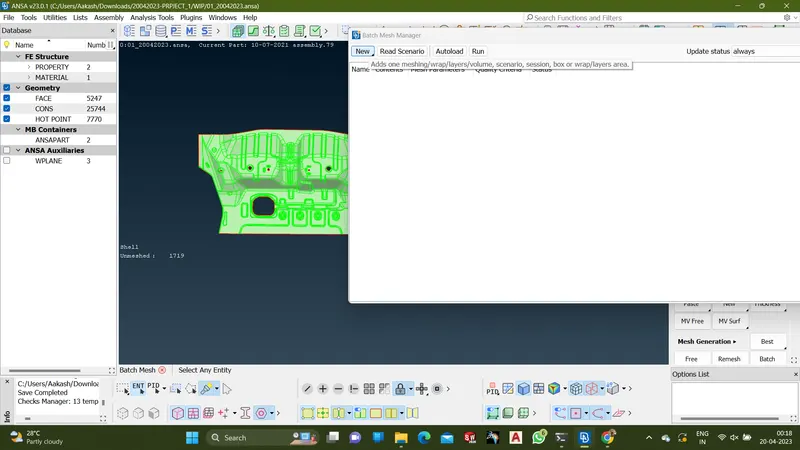
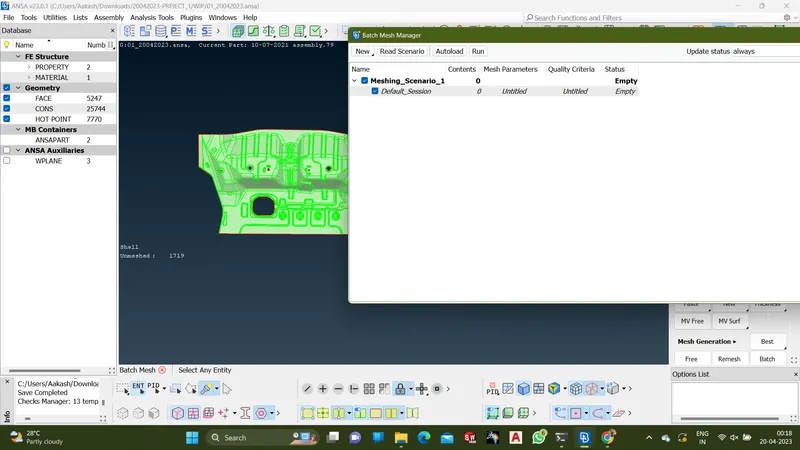
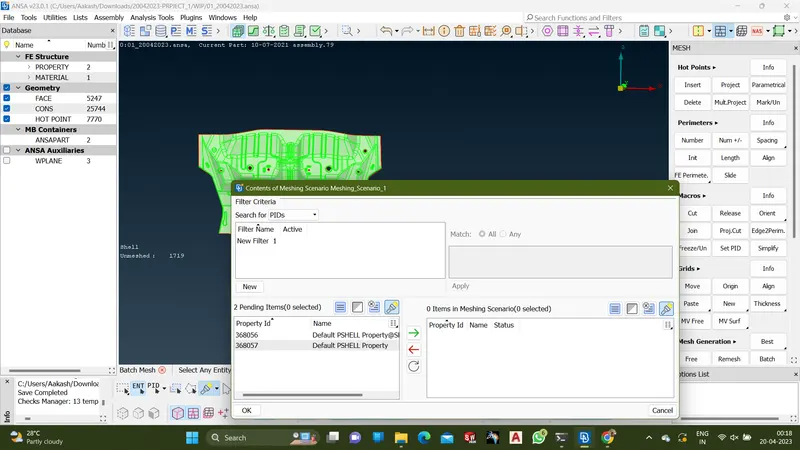
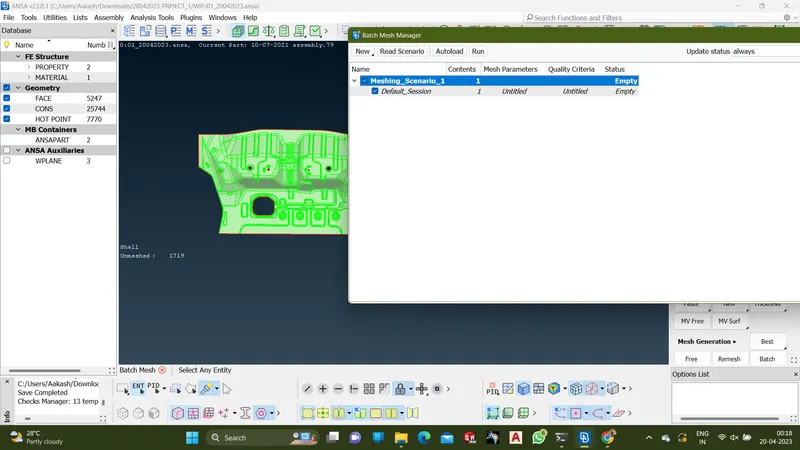
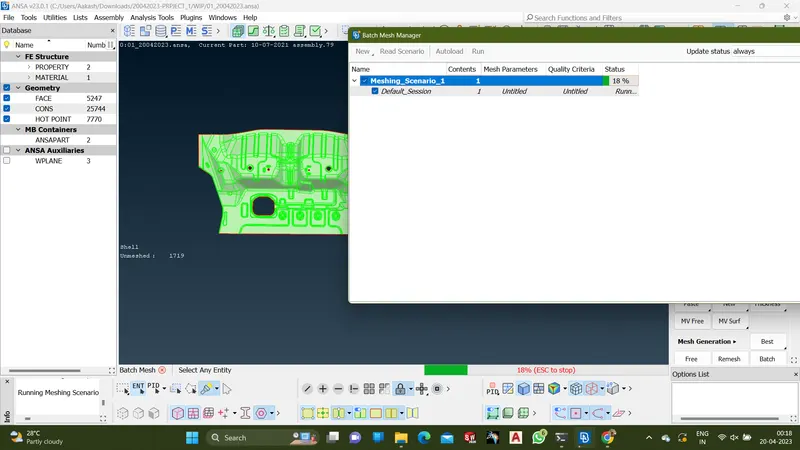
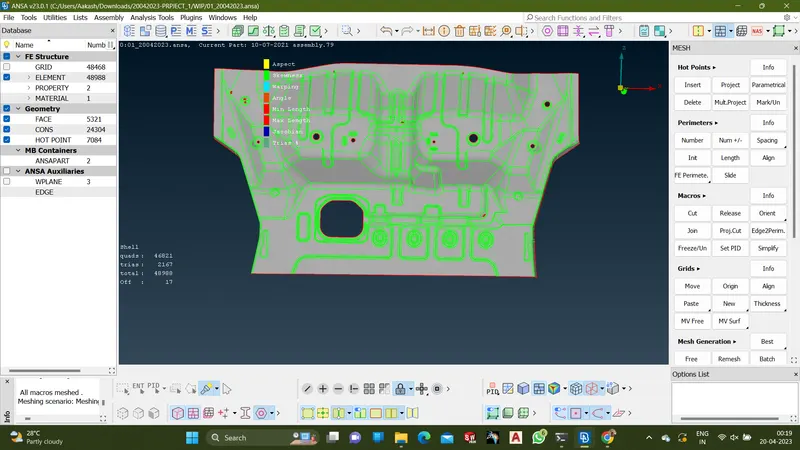
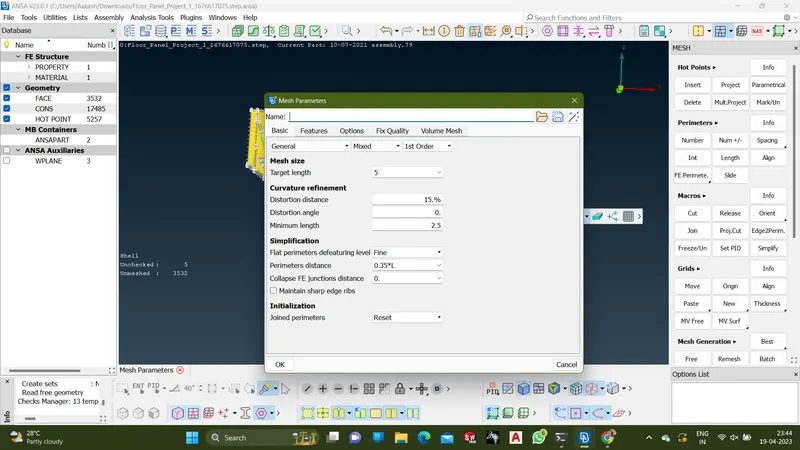
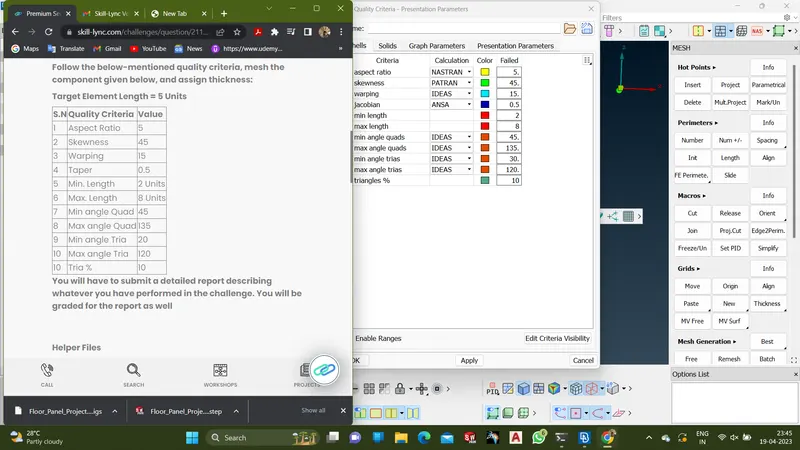
- Set the mesh parameter and quality criteria from the given data
- Set the mesh flow using options such SPILT,SWAP,PASTE,CUT
- Set the thickness for the part and set the name for the part.