Week 3 - 2D meshing for sheet metal
Aim
For the given Hood model, Take the mid surface for all the components after checking the geometrical errors and mesh the mid surface with the given element Quality criteria
- Downloaded the cad from the link

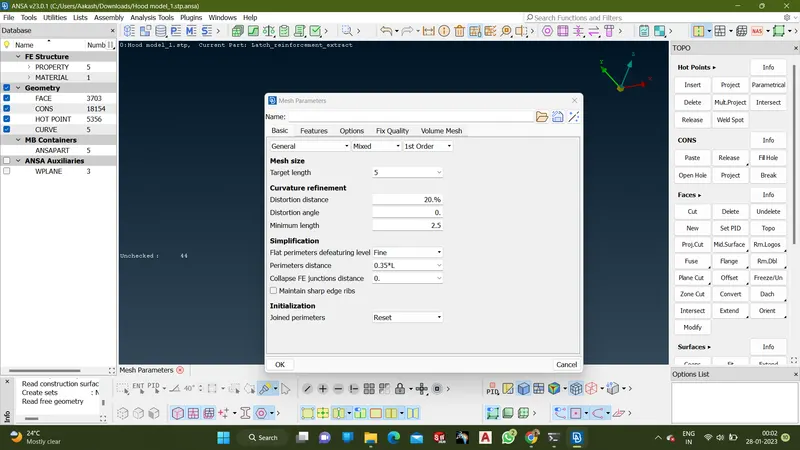
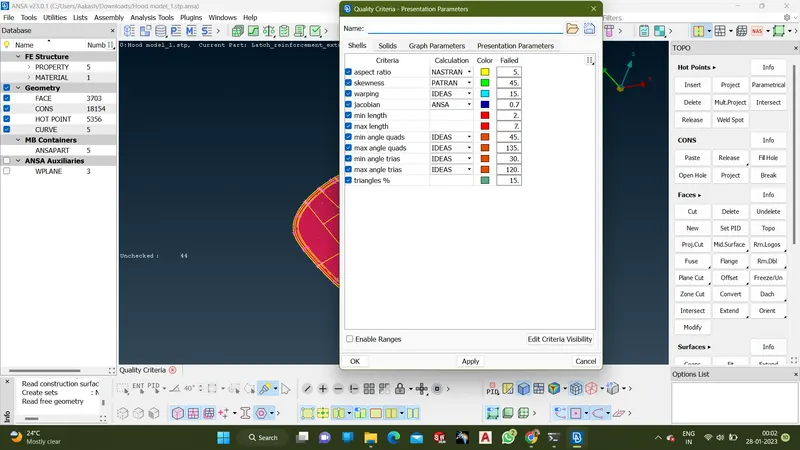
- Set the mesh parameter and Quality criteria from the given data
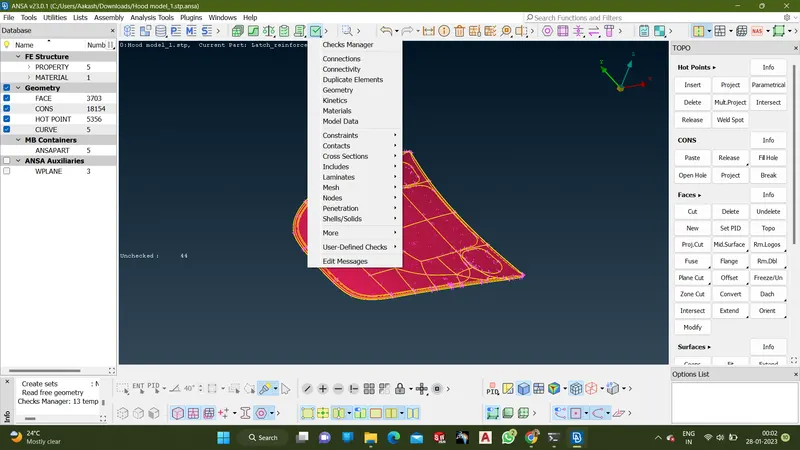
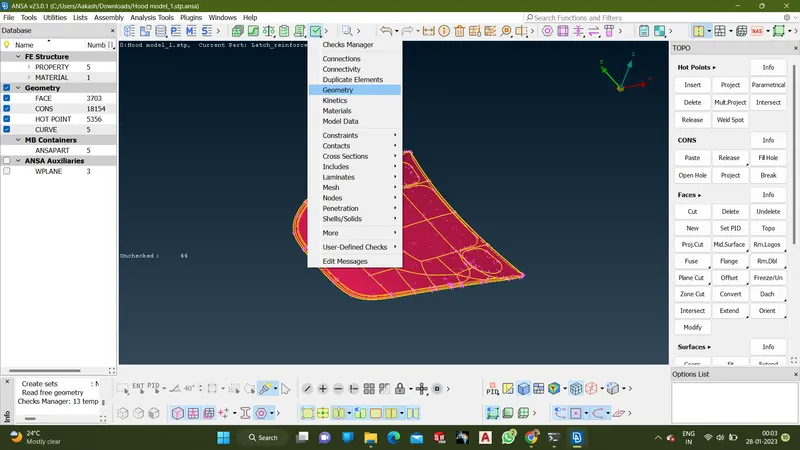
- Check for topological error on the part using Geometry check
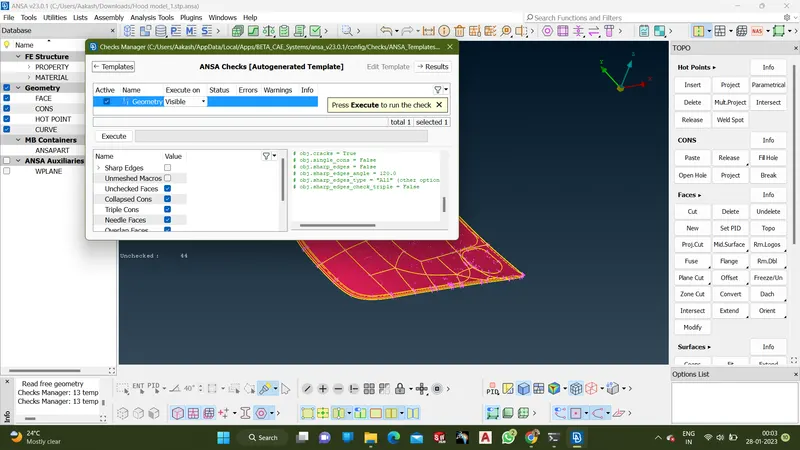
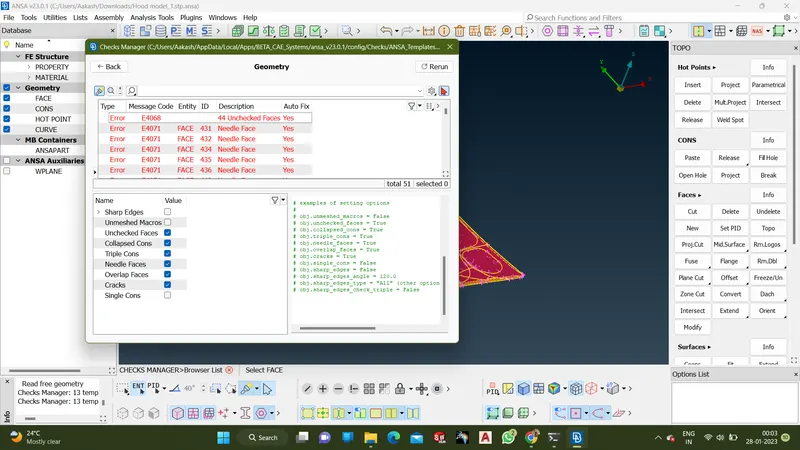
- Cleared the geometry error using TOPO tools
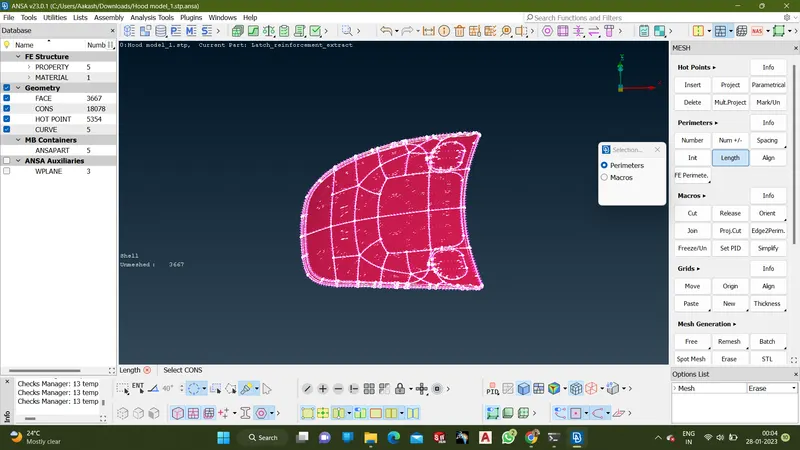
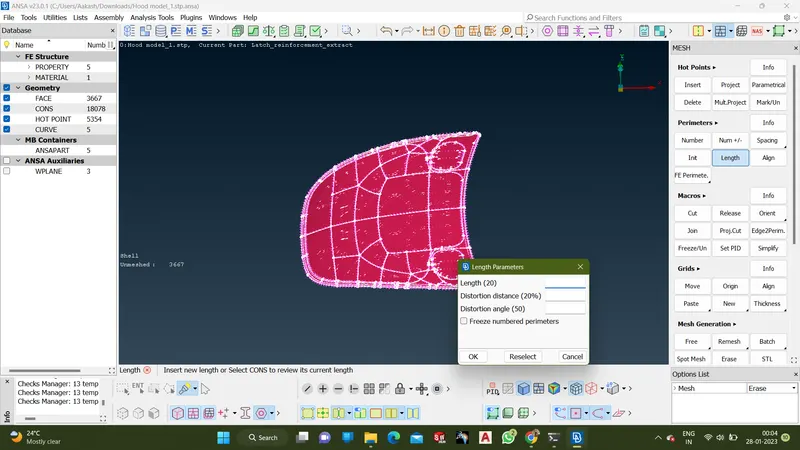
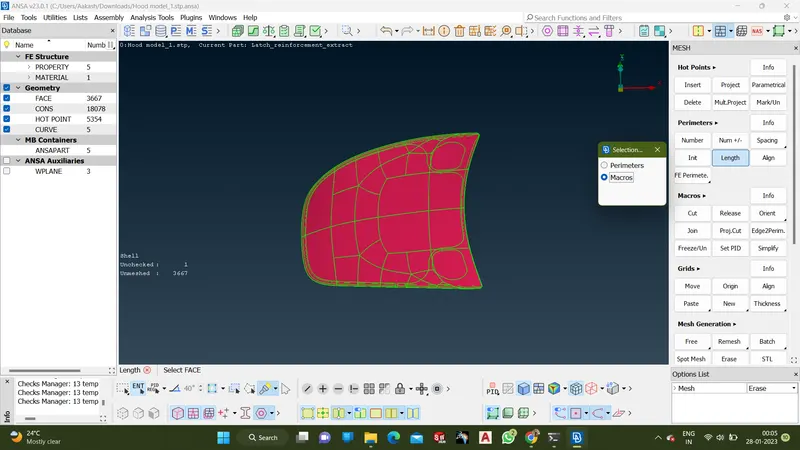
- To set 1mm on the lenght on the permeter and marcos to capture fine details
- To take mid surface skin for the given parts using Mid.Surface-Skin option
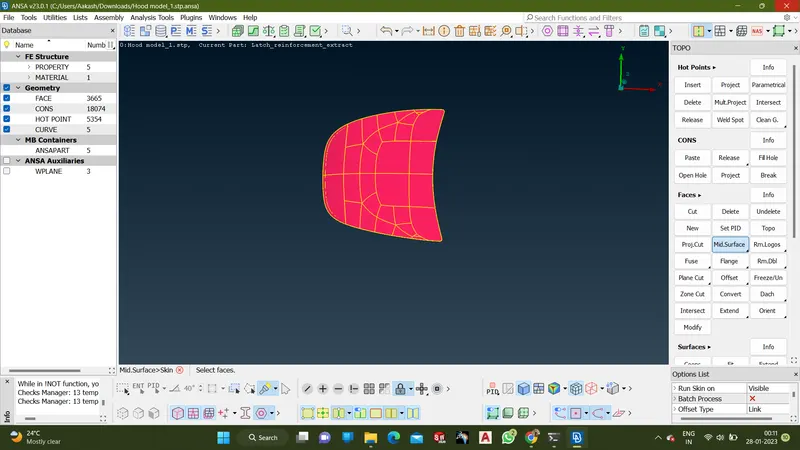
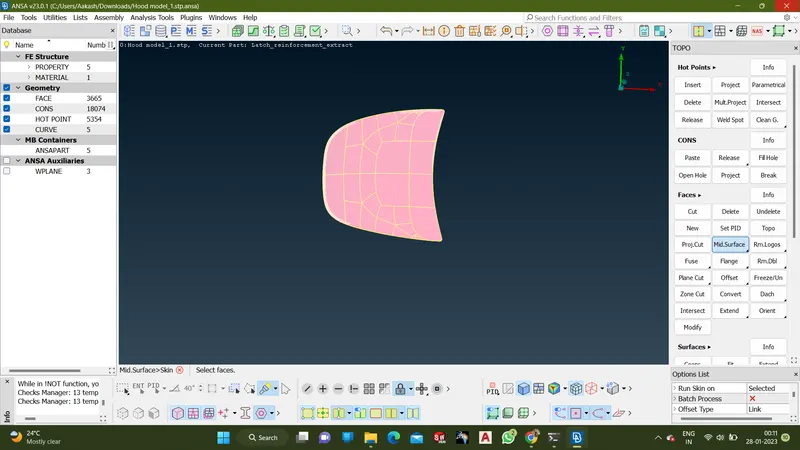
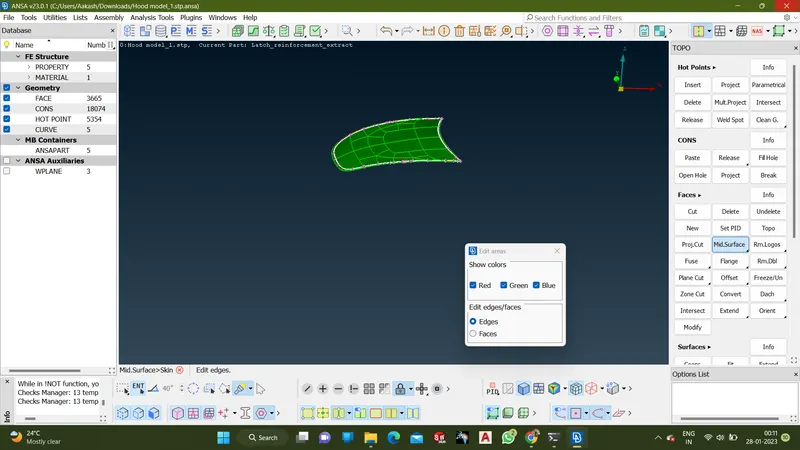
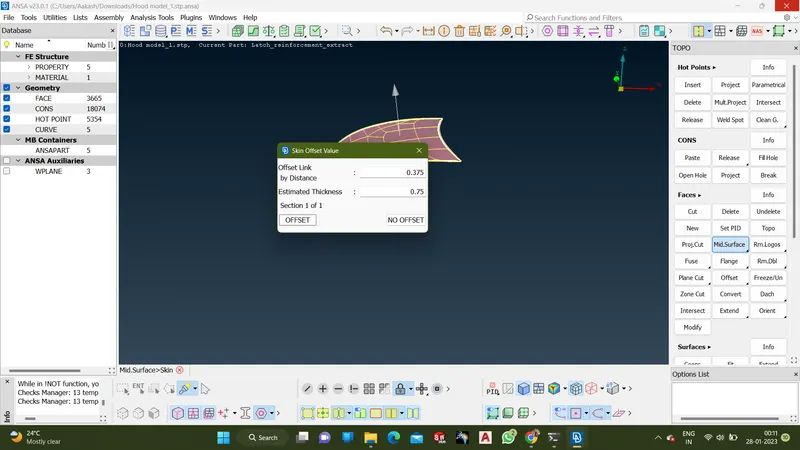
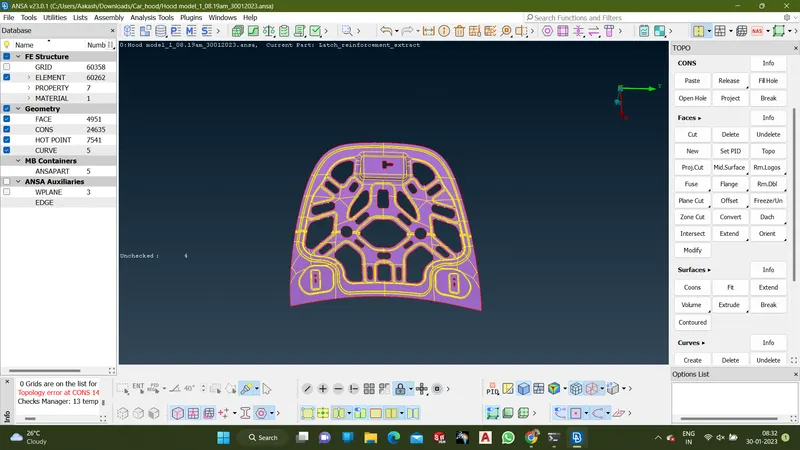
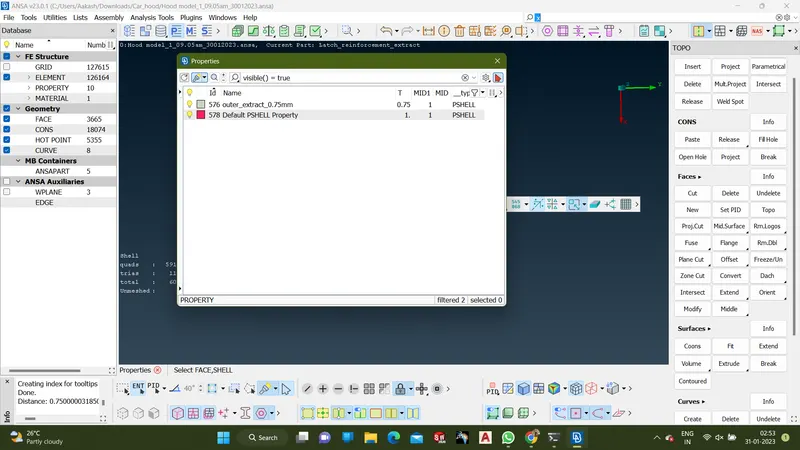
- Property card was set are taking mid surface skin
- To mesh the part using Best mesh from Classic mesh
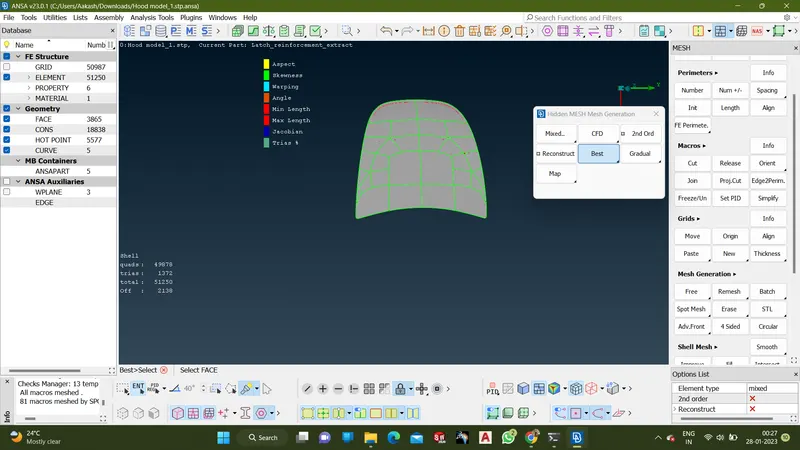
- The mesh flow and feature capturing was done according to instruction in the modules
- Then all parts were taken skin and meshed according to the procedure above
- Thickness was set to each mid surface after the process was completed
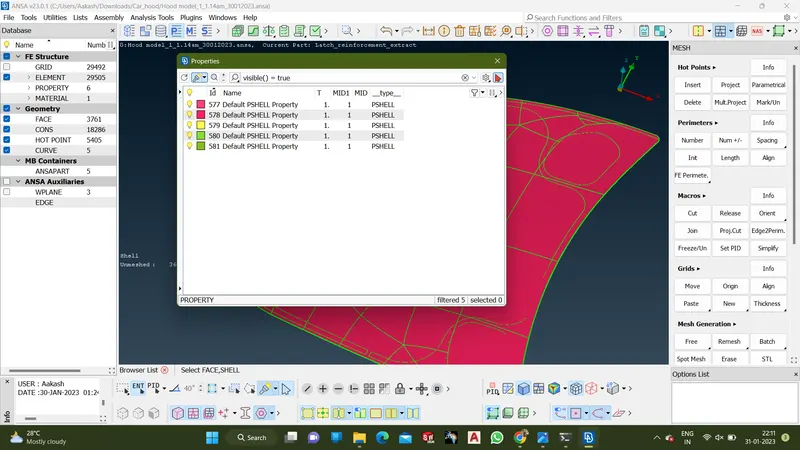
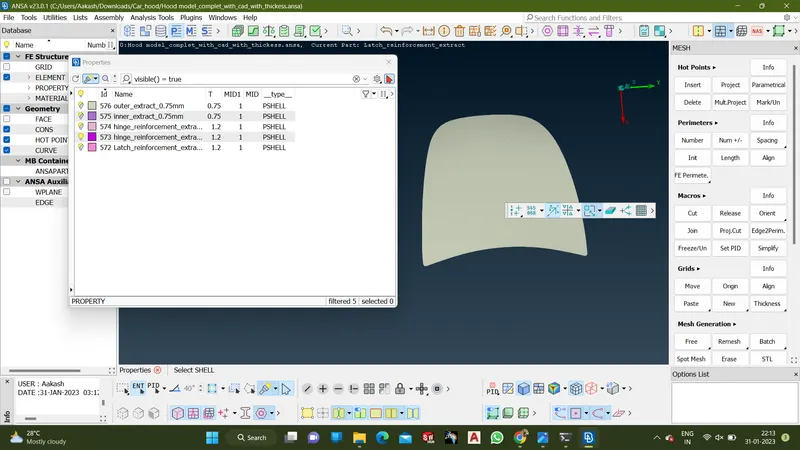
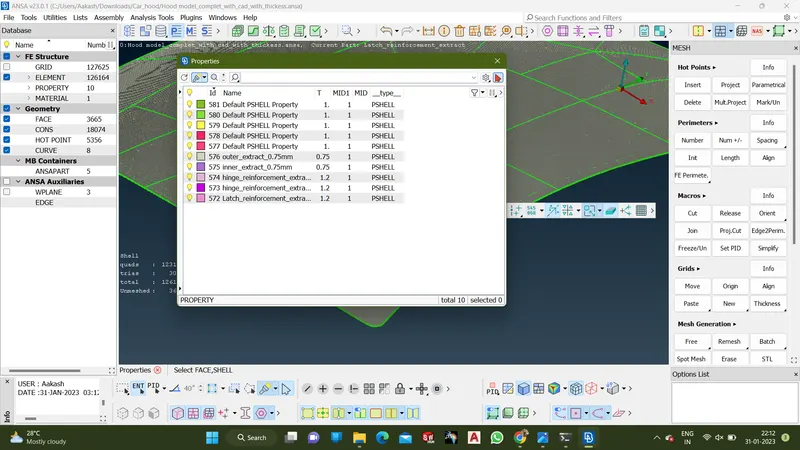
- Then draw shell as solid was activated in the presentation parameter to check the thickness of the material
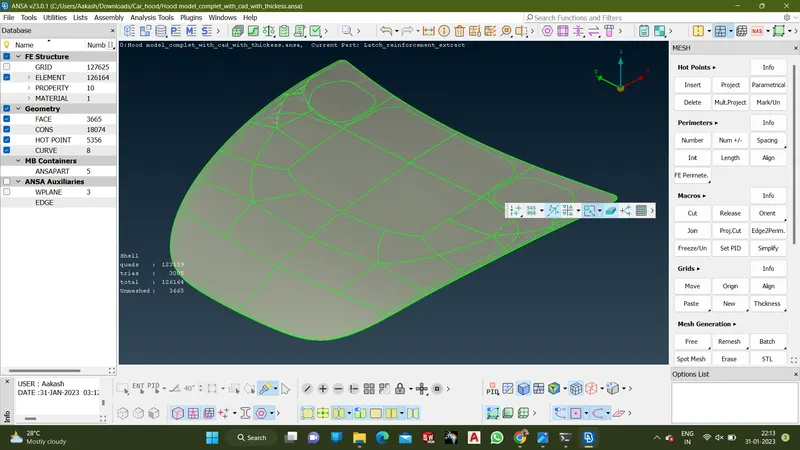
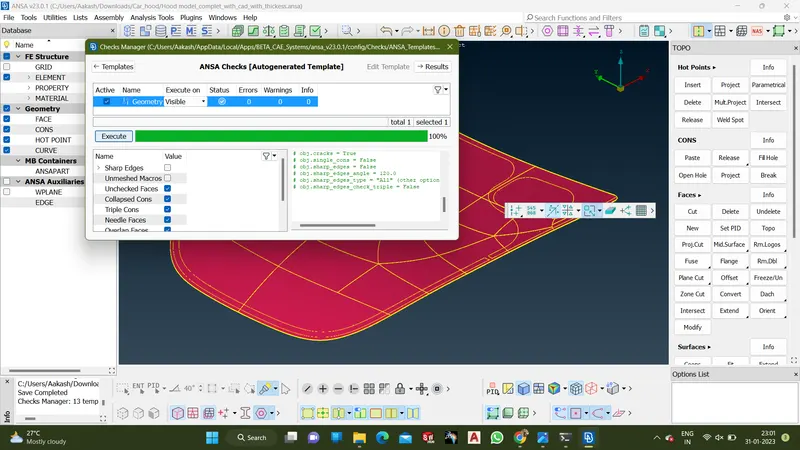
- Then ANSA Checks were done to check the model
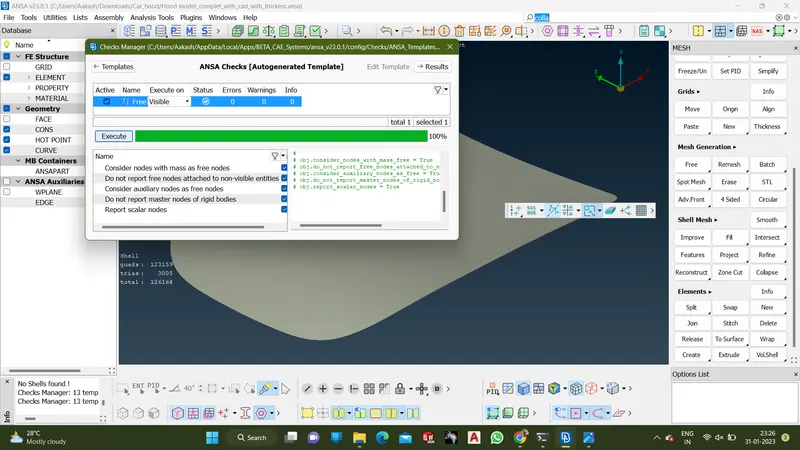
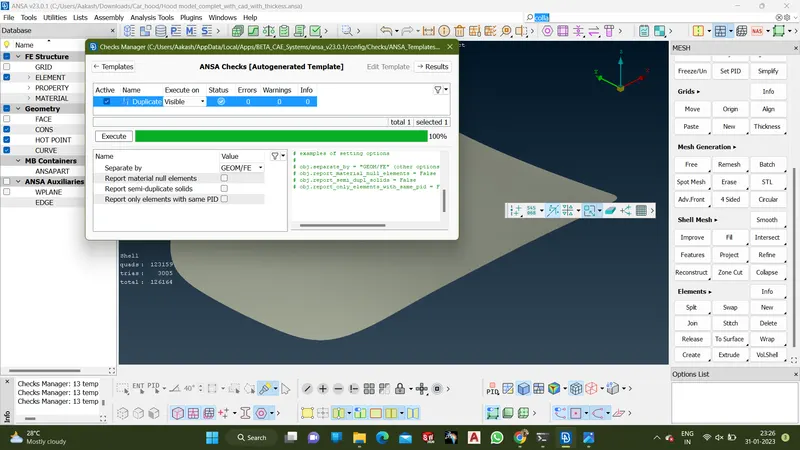
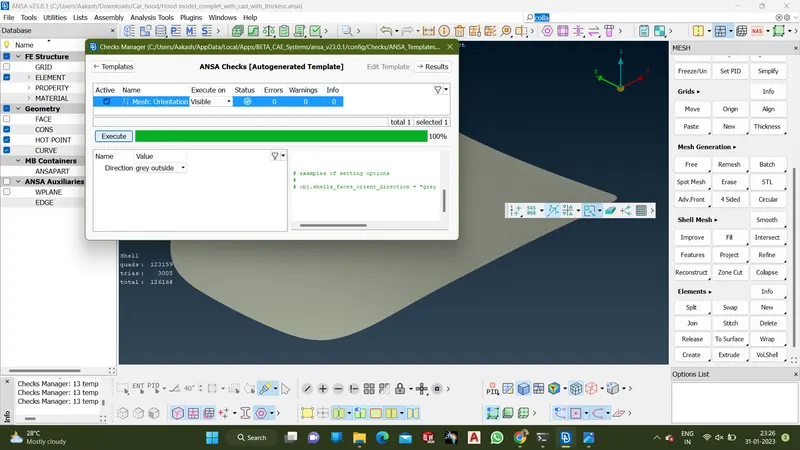
Conclusion
After completing the chanllenge above procedure was followed according to week 3 module, Various Ansa tool was used for the procedure.