Week - 5 - 2D meshing for Plastic components
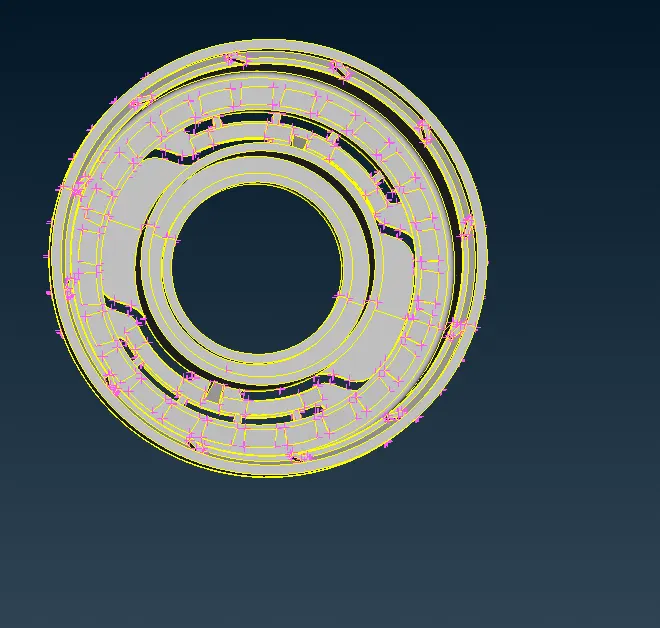
initial model:
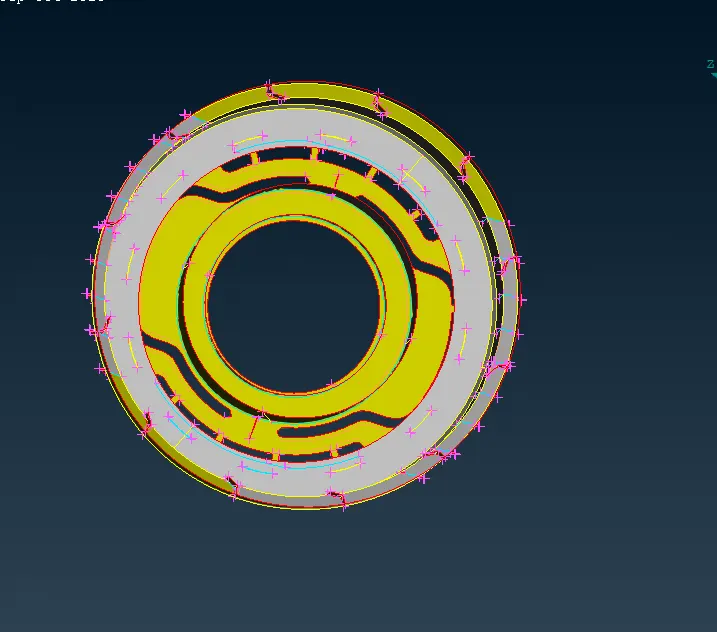
2.midsurface:
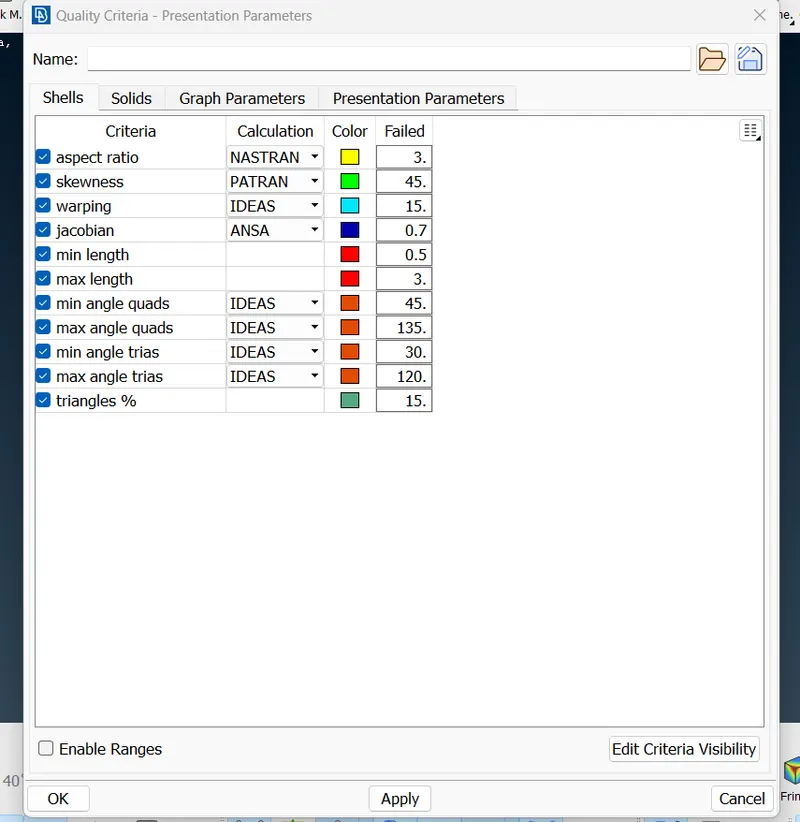
3.quality parametres:
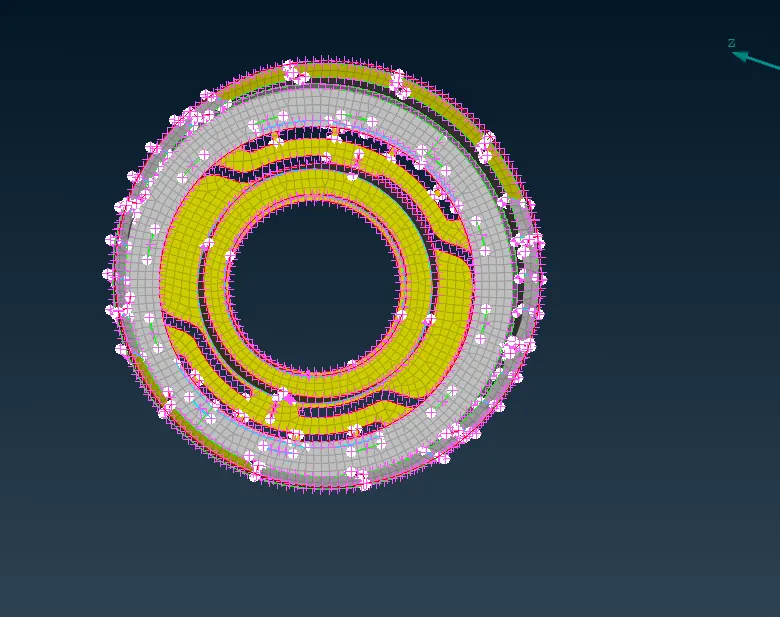
4.meshing surface
initially download the given model and open it in the ANSA software.
give a topo for the model to connect the surfaces.
go for the geometry check ups and clear all the errors.
create the mid surface for each of the parts before giving the length as 1.
for creating the mid surafce we have a lot of options as midsurface skin, middle,offset etc.
select the correct option according to the type of surface.
create a separate PID for the mid surface.
where there is a similar parts in the model select the transform options for quick process.
Join the parts 0f the model in midsurface by extend option or create a surface between the parts if required.
after midsurface, give the quality parametres as given.
go for geometry clean up. after completing do the meshing and improve to reduce the off elements.
check the quality parametres by enabling the hidden mode.