Week 4- Rolling operation
Objective:
You have to simulate the rolling operation on a workpiece made of copper. The model will be provided to you. Increase the length of the workpiece by 60mm and decrease its size on both sides by 8mm. Run the simulation for 14 steps and you can give small but random values for the displacement.
Solution:
-First, open ANSYS workbench and drop down static structural.
-Now, assign the material copper alloy NL to directory.
-Now, Import geometry to spaceclaim and make the dimentional changes to the geometry.
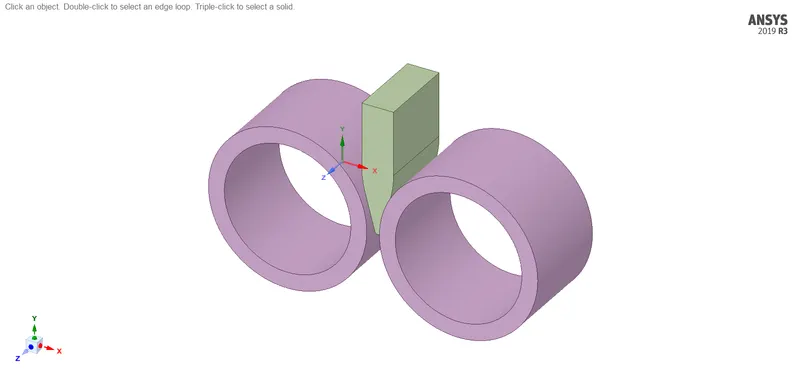
-Updated geometry.
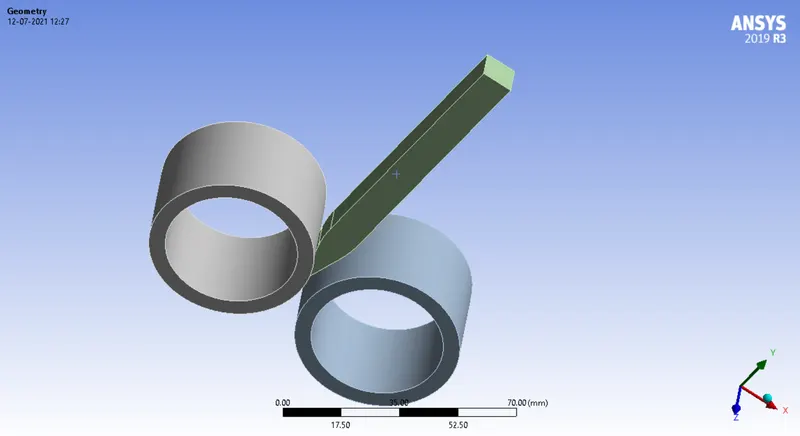
-Now, we open the geometry in mechanical module.
-Firstly, assign the copper alloy NL material to the work piece.
-After that we need to make contacts to the geometry.
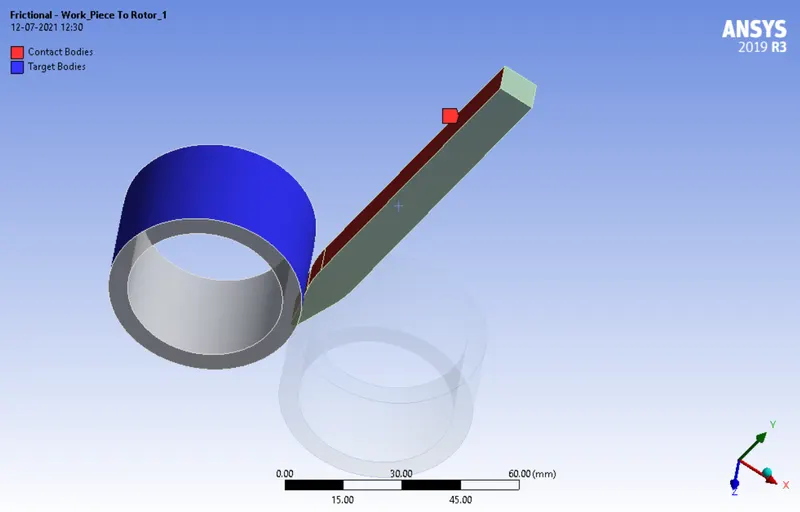
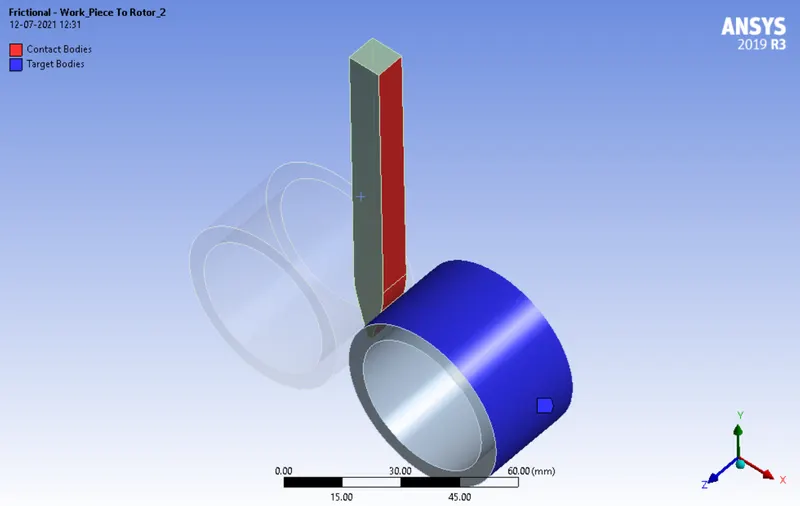
-Now, we assign the revolute joint loads to geometry.
-For this geometry we are going to mesh the wok piece with 3mm element size and the rest with default element size.
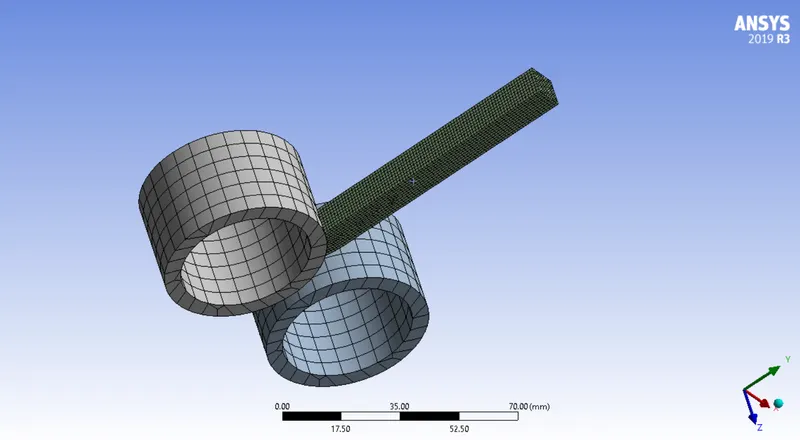
-Now, we assign boundary conditions to the geometry to run the analysis.
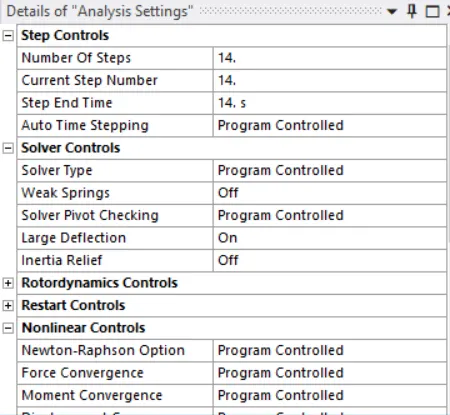
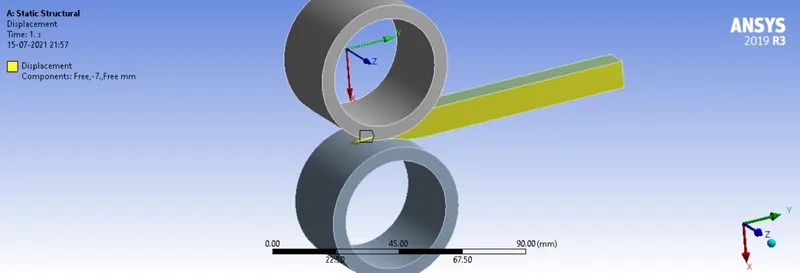
-Now, we provide displacement to the workpiece in Y direction.
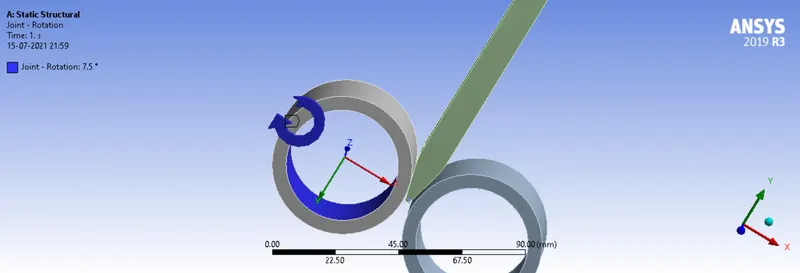
-Now we provide joint revolute joints to the geoemtry.
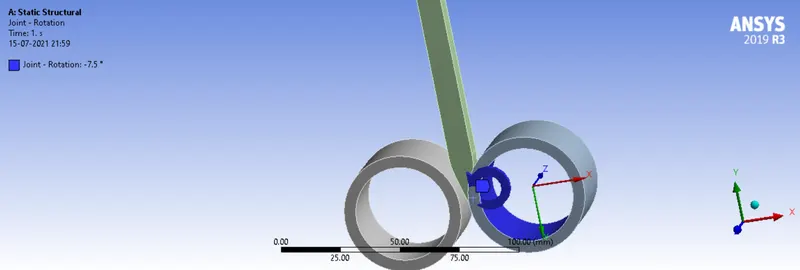
-Now, we provide the output parametrs to run the simulation analysis.
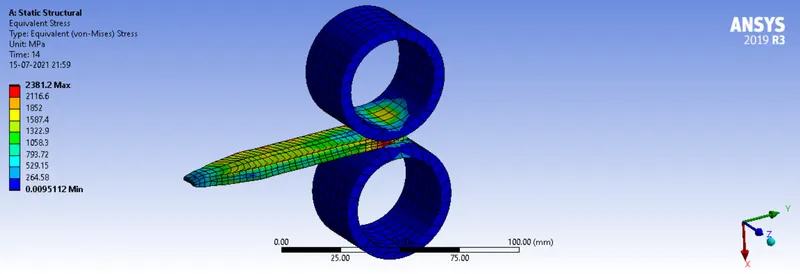
Equivalent Stress:
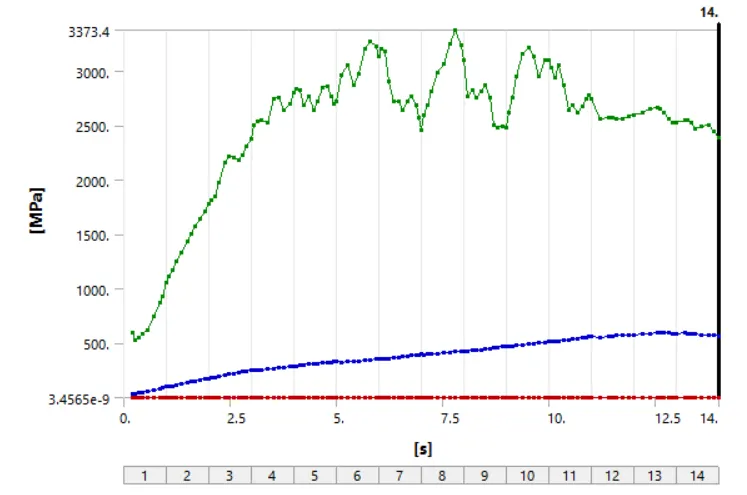
Equivalent Stress graph:
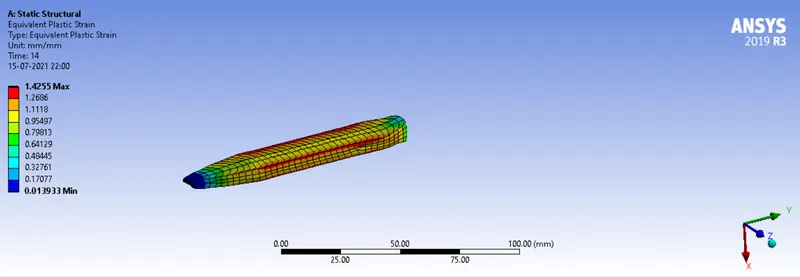
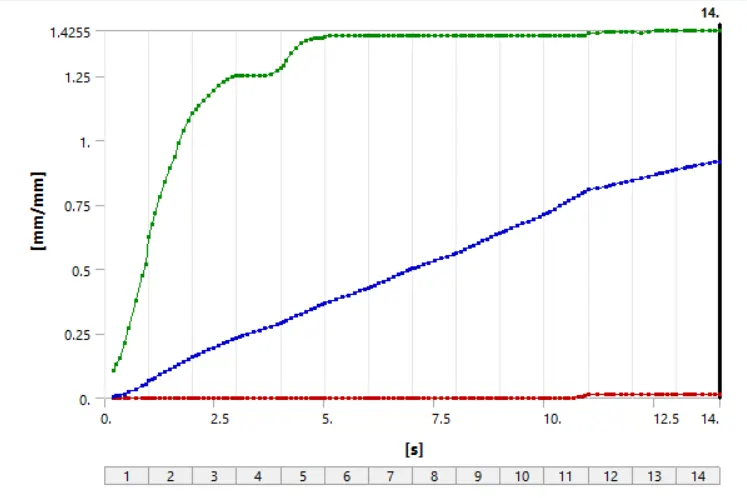
Equivalent Plastic Strain:
Equivalent Plastic Strain graph:
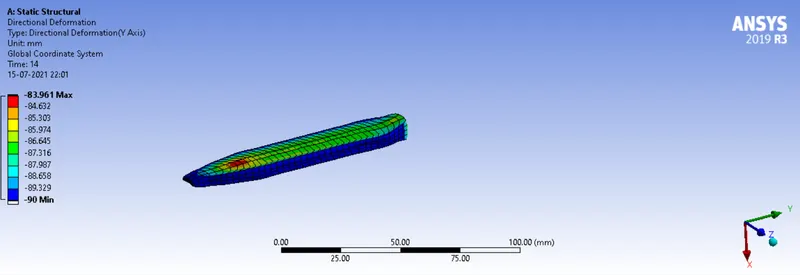
Deformation:
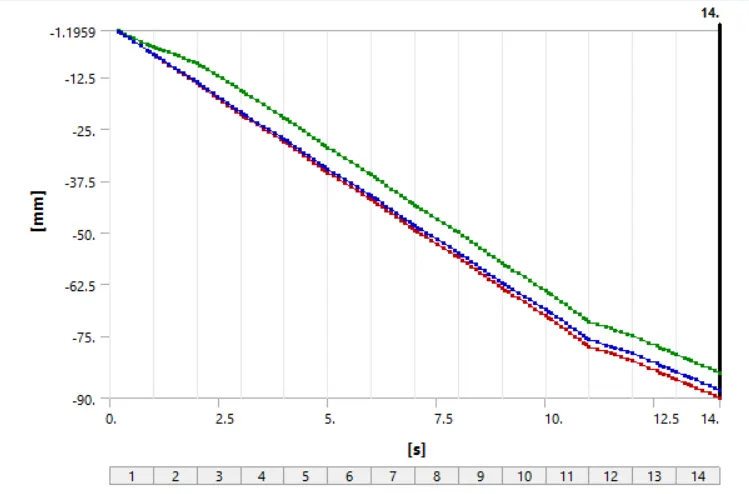
Deformation graph:
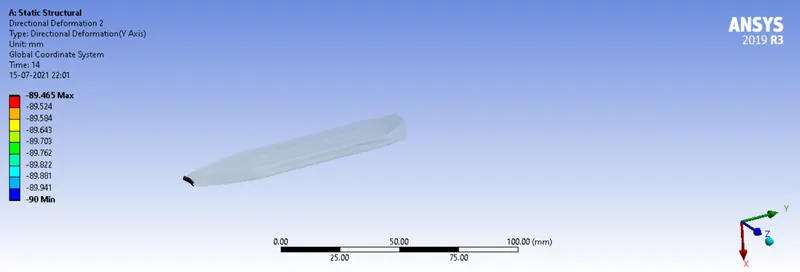
Distance Travelled by Workpiece:
Simulation Animation:
Conclusion:
The simulation of rolling operation on a copper work piece has been solved by using ANSYS workbench.
Strees on the geometry is 2381.2MPa
Equivalent Plastic Strain on the work piece is 1.4225mm/mm
Directional Deformation along Y axis is 89.456mm