Week 4- Meshing of Backdoor Challenge
AIM: To mesh the backdoor geometry of a car, should maintain the given quality parameters.
PROCEDURE:
FIRST PART:
STEP 1: OPEN THE GEOMETRY
file > import > geometry
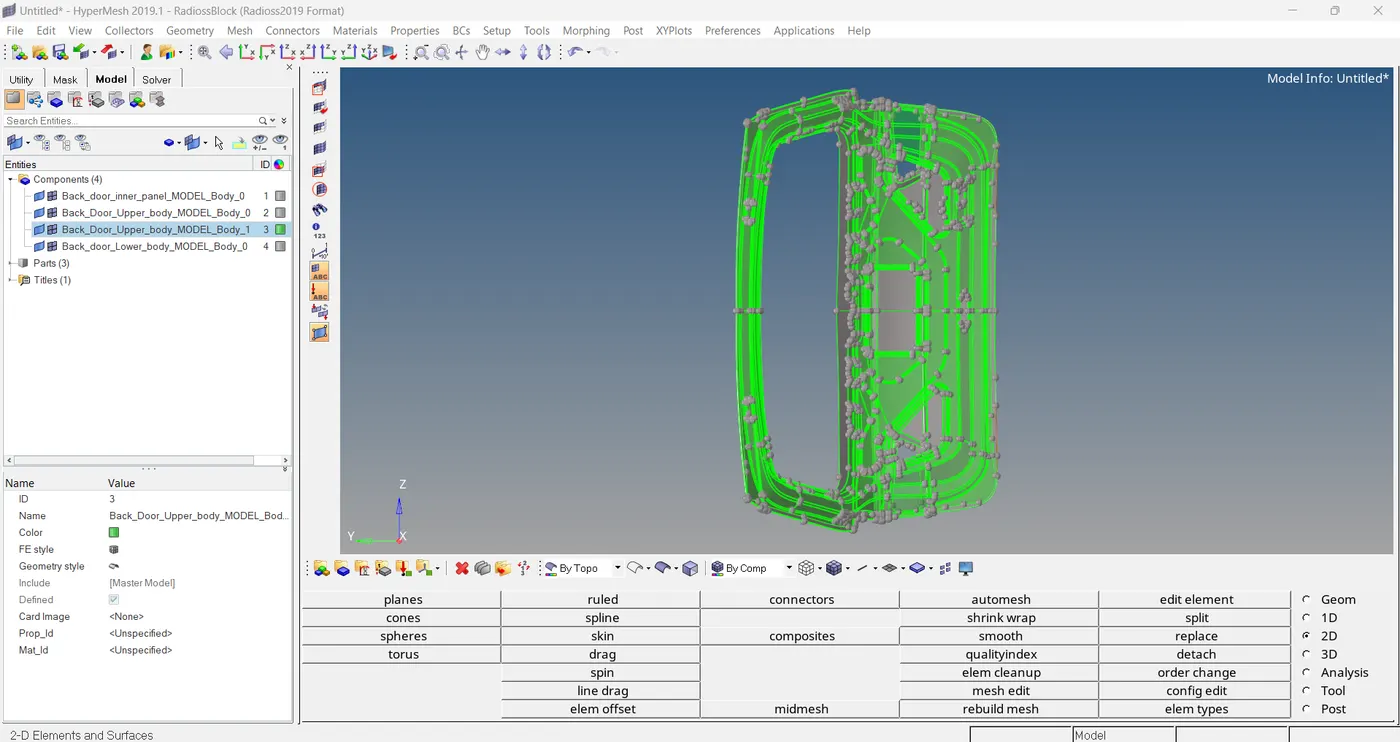
Here we can see that a transparent green colored structure, Actually these are solid structure. For this challenge we do not need such a solid structures. So we have to delete these solids.
STEP 2: DELETE SOLID STRUCTURES
delete > solid
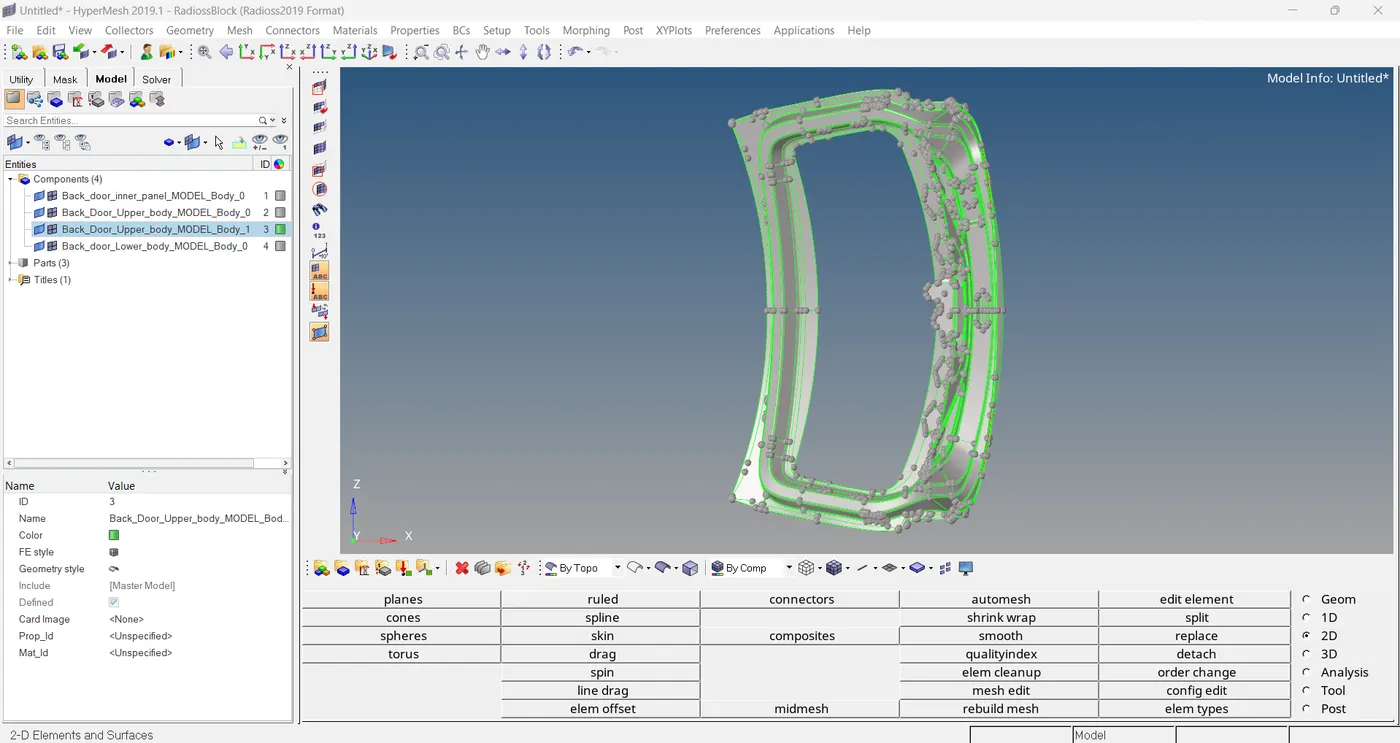
STEP 3: GEOMETRIC CLEANUP
Switch the model into wireframe model
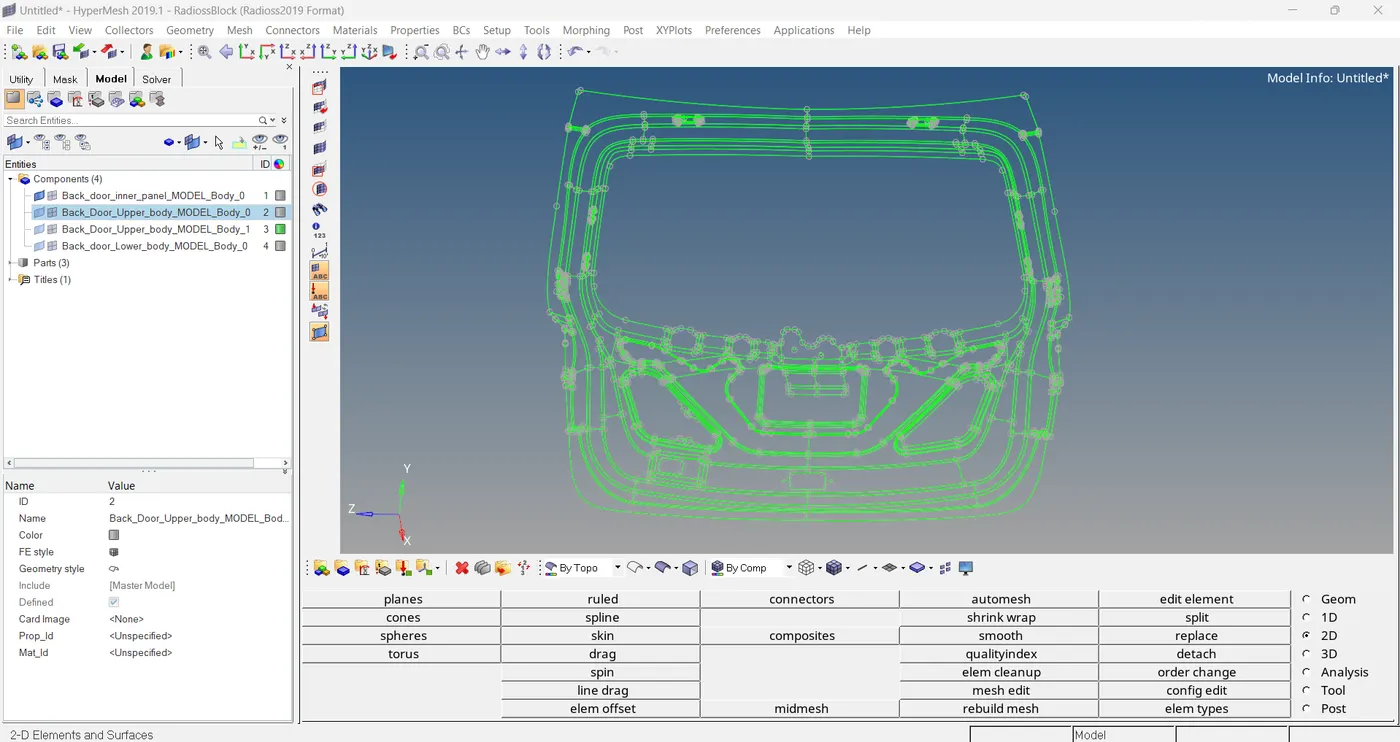
Here don't having any geometrical issues, so proceed to next step.
STEP 4: MID SURFACE EXTRACTION
geometry > mid surface > auto extraction
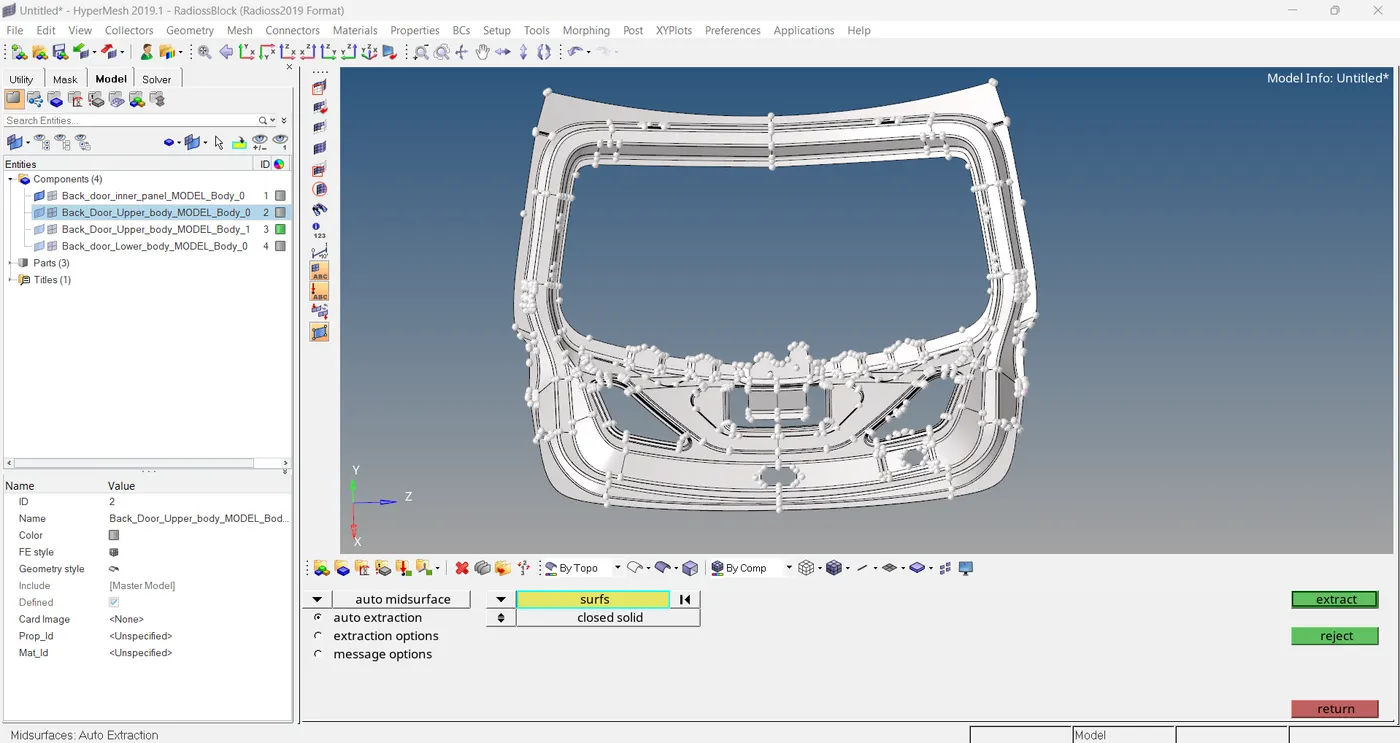
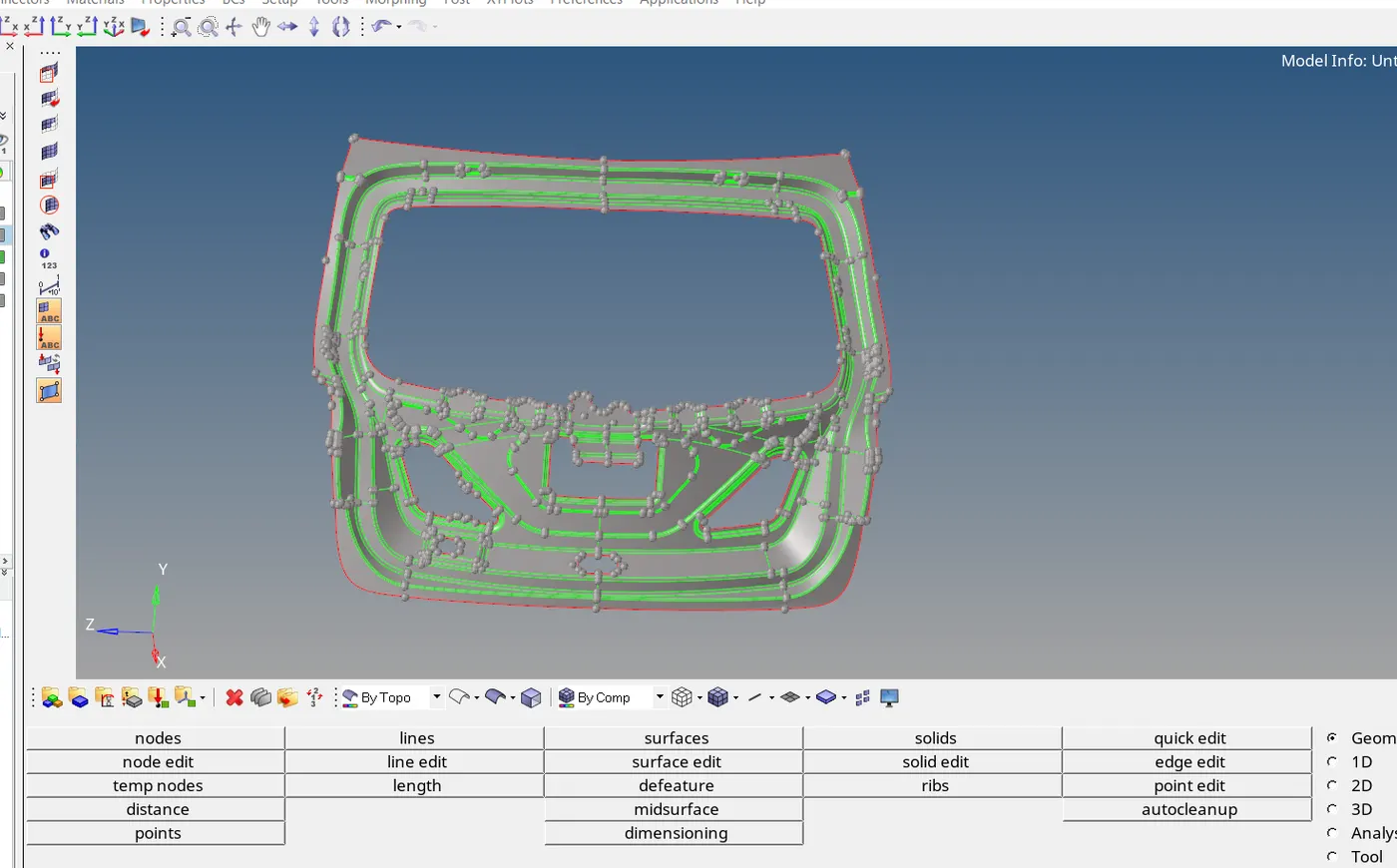
In this mid surface, we can see two surfaces having capturisation problem.
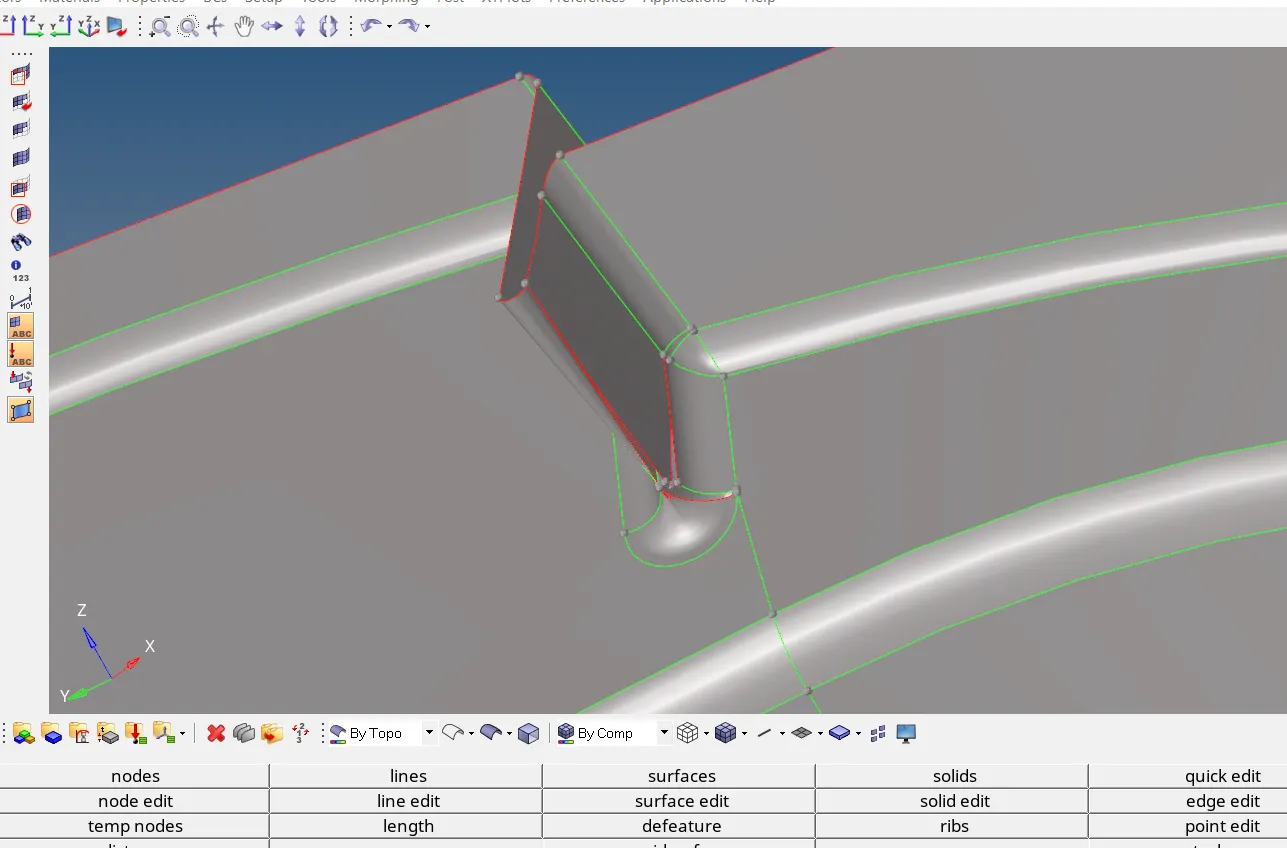
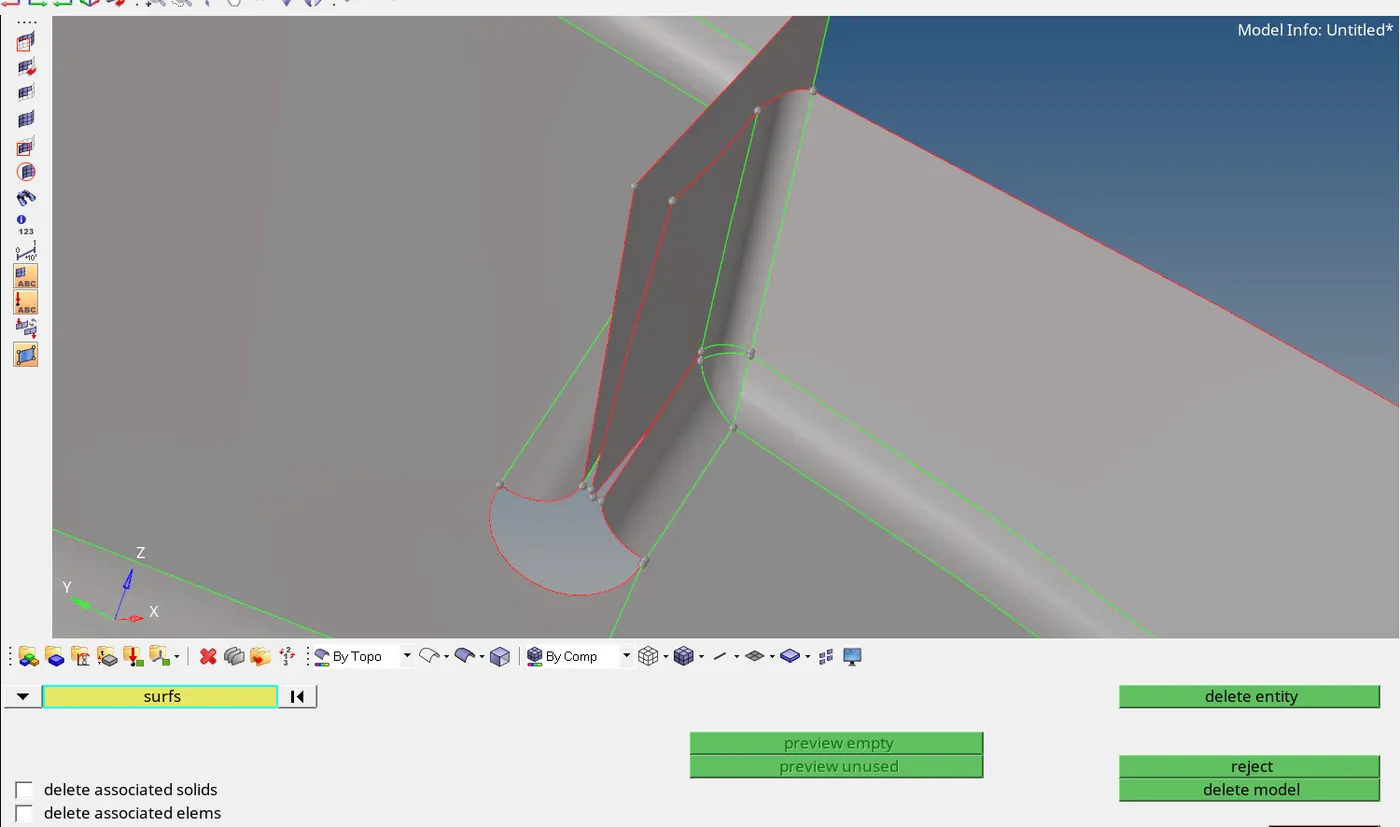
So first delete those surfaces,
Then we can offset those surfaces,
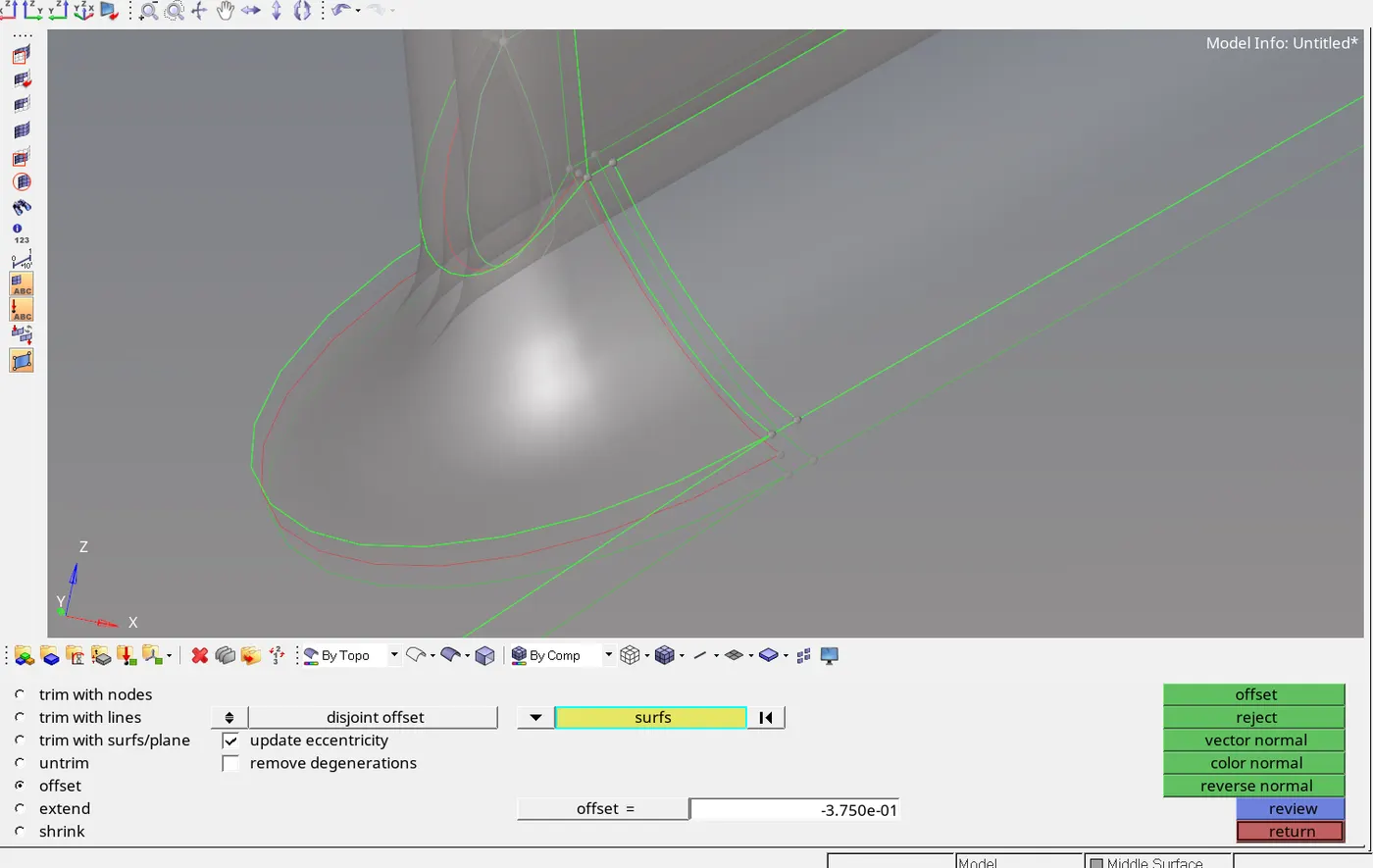
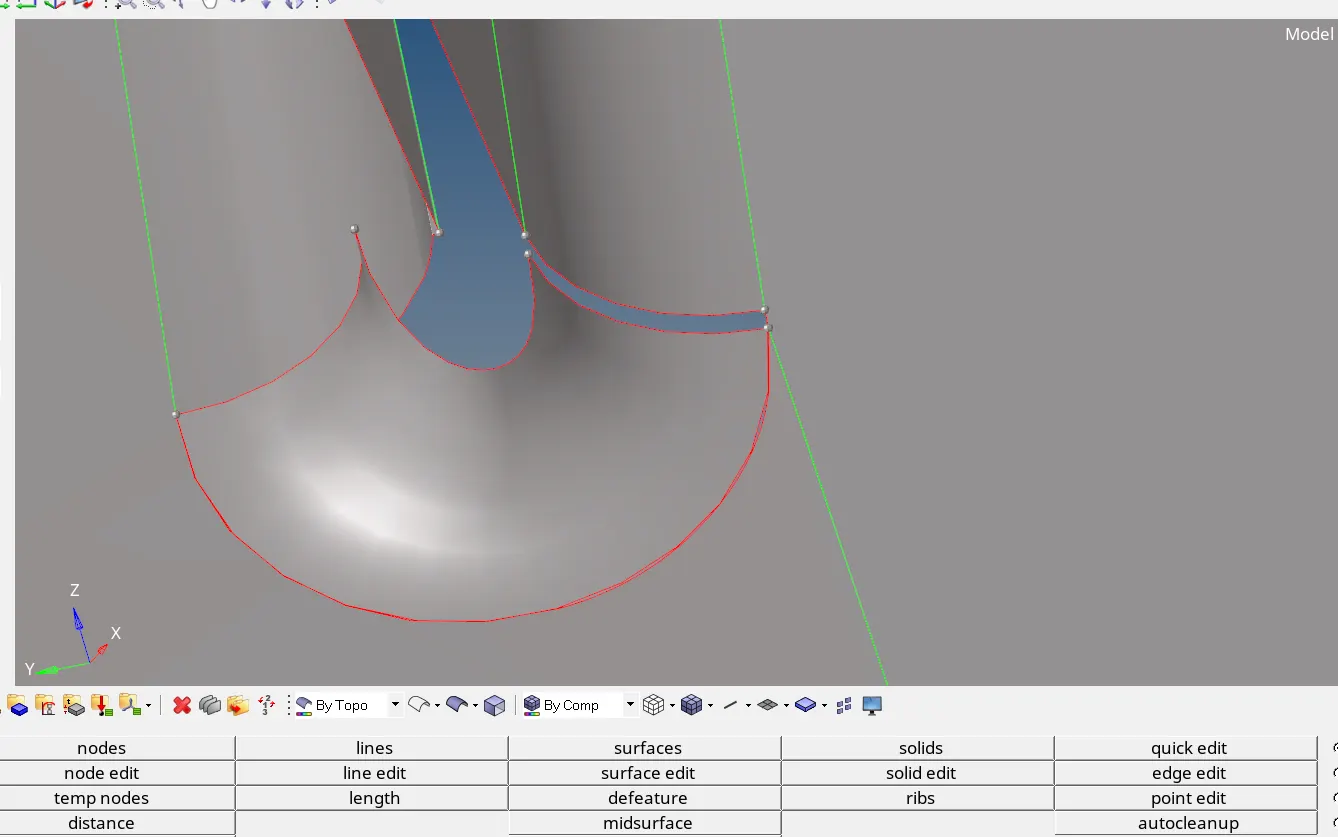
Then the new surface is....
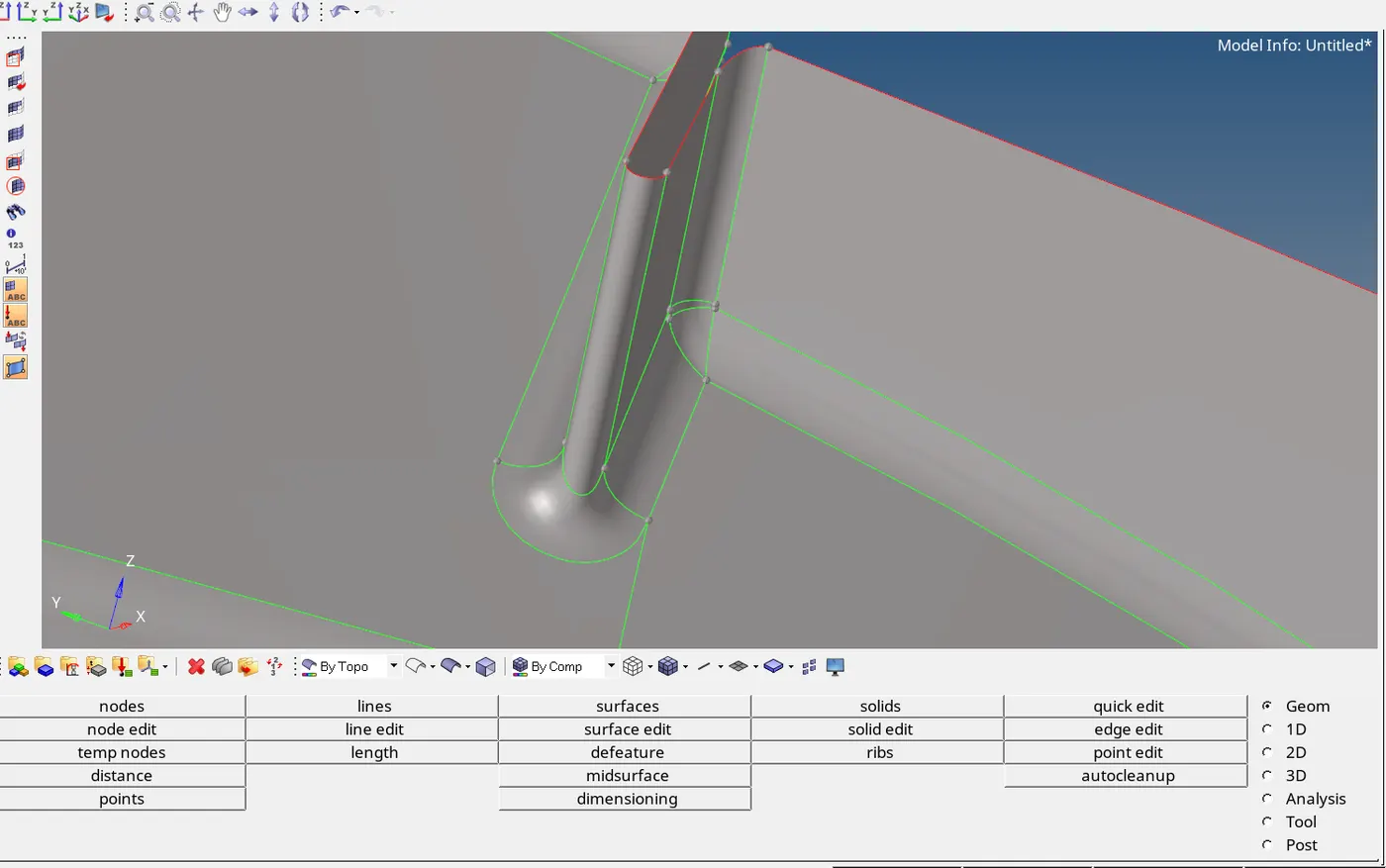
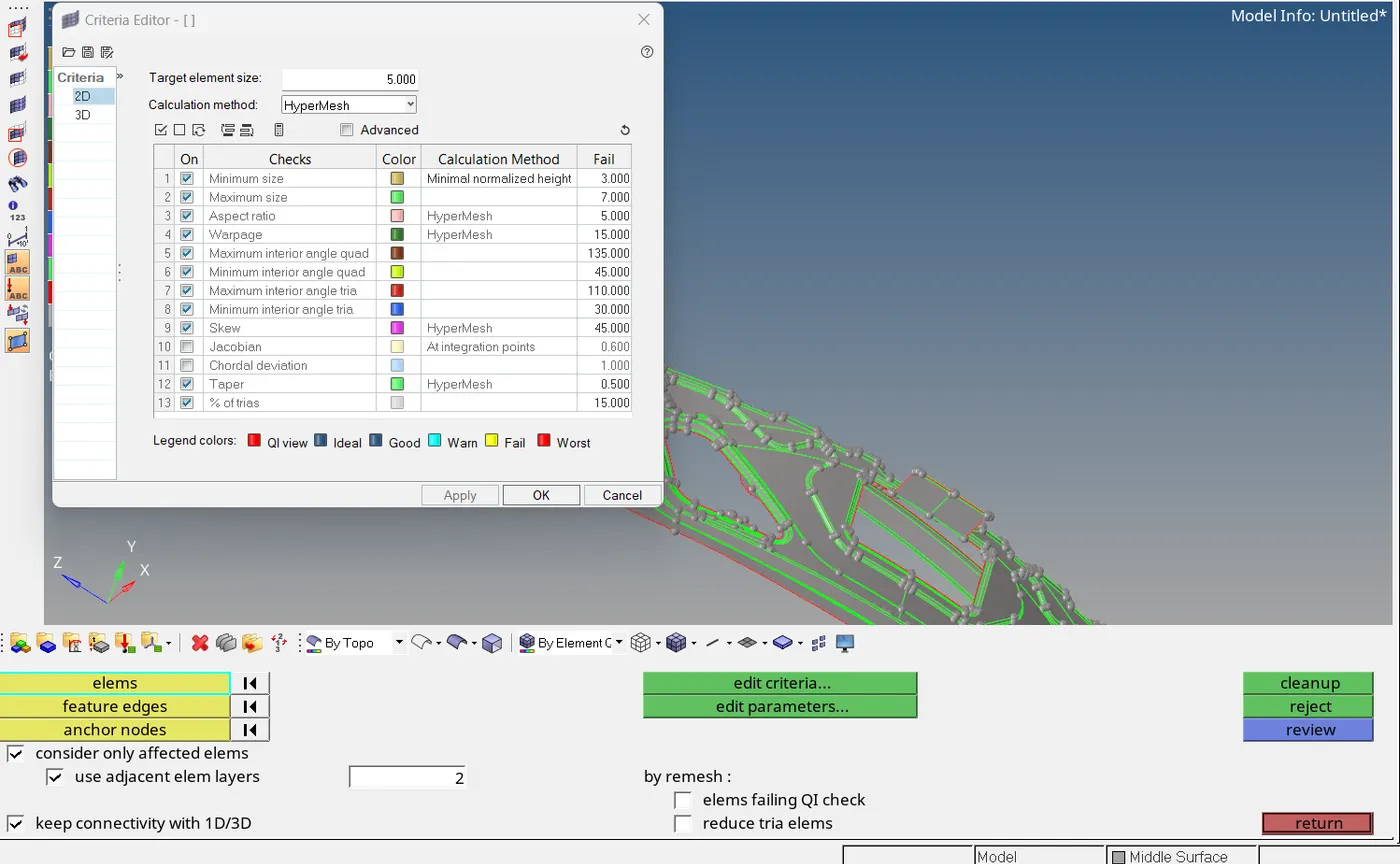
STEP 5: ADD QUALITY
2D > element cleanup > edit criteria
STEP 6: MESHING
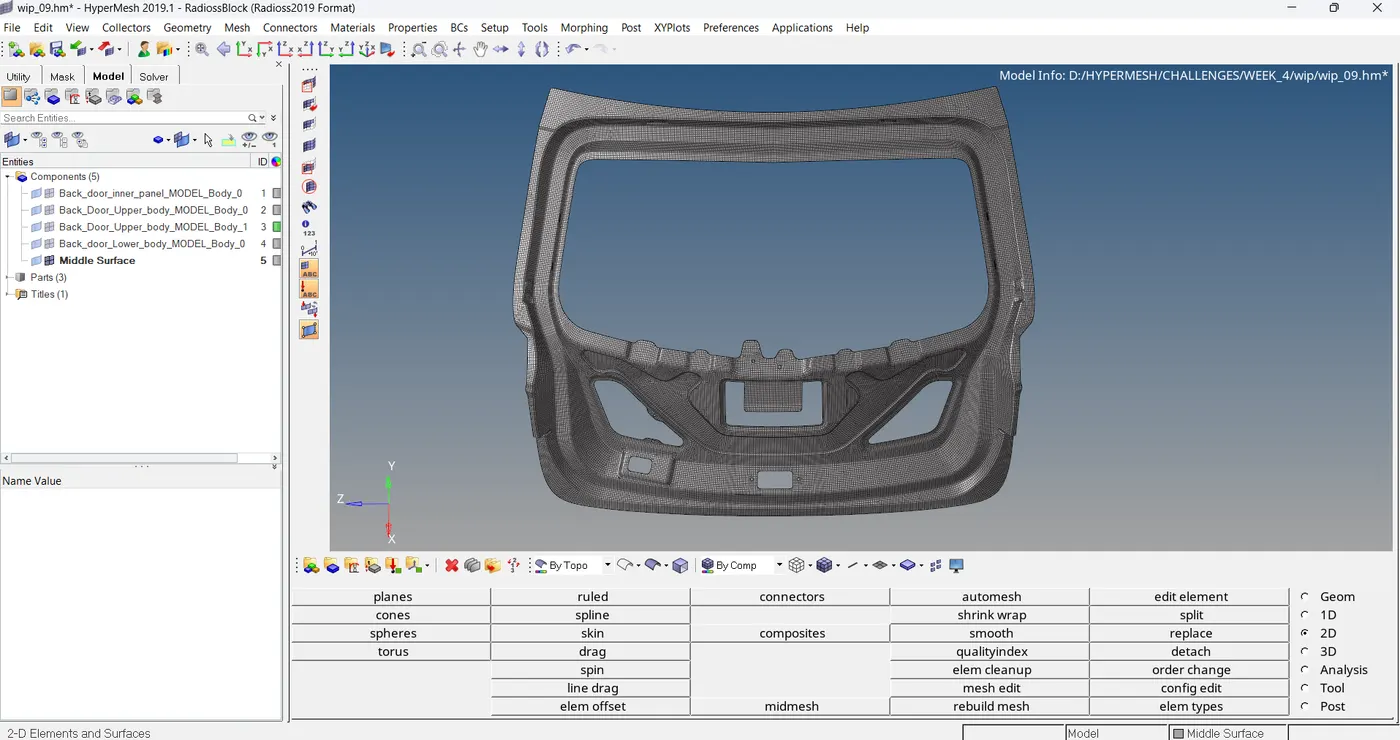
Here meshing is completed.
For getting a proper mesh flow I used to make cuts over the surface.
So, some quality issues are present I have to solve it
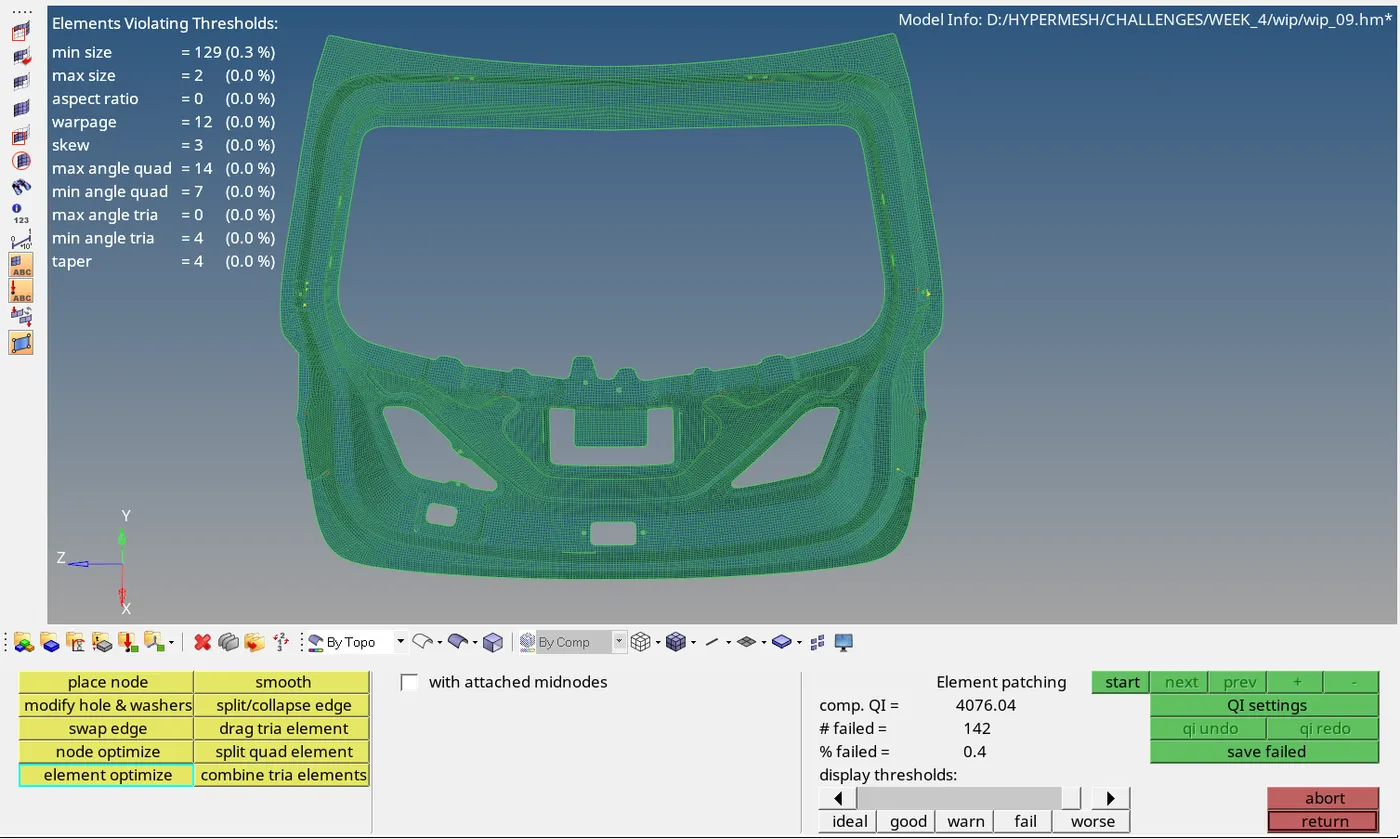
For getting a good mesh flow and clearing quality we can use these tools , these are under 2D > quality index
1. place node ( for clearing quality)
2. swap edge
3. node optimize
4. element optimize
5. smooth
6. split/collapse edge
7. split quad element
8. combine tria elements
Here qualities are cleared...
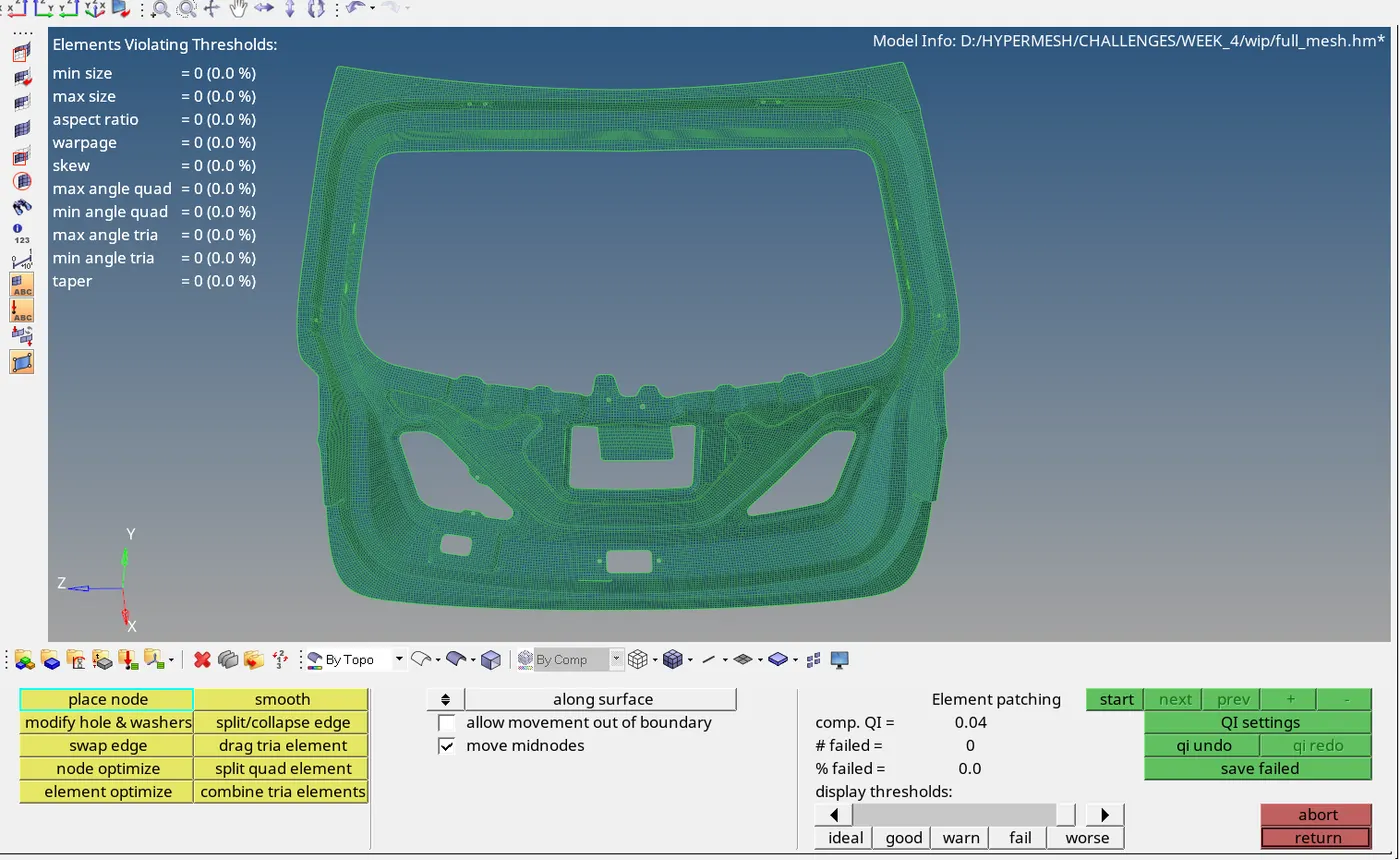
STEP 7: FREE EDGE CHECKING
tool > edges
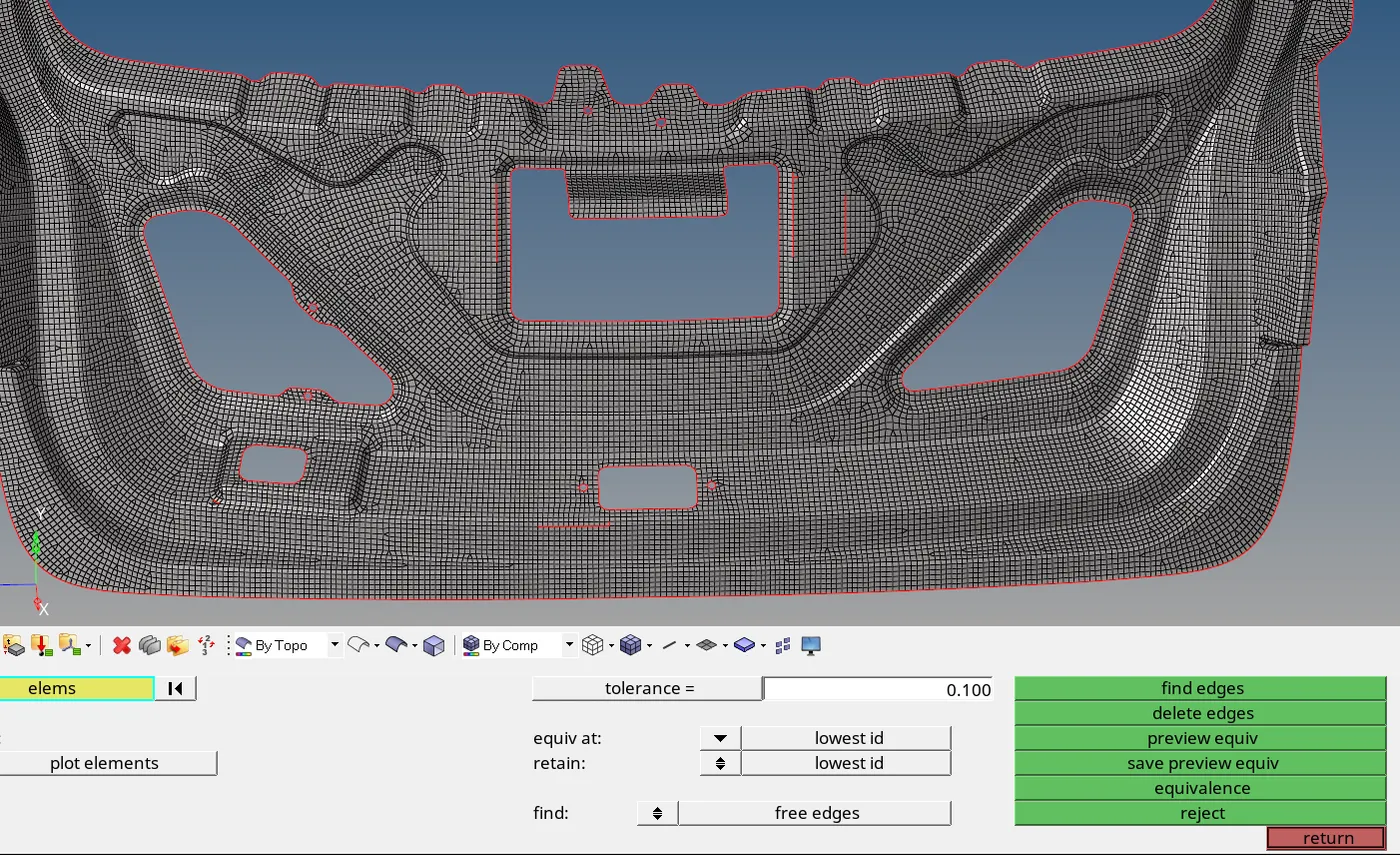
In some areas we can see free edges. So I have to fix it.
tool > edge > preview equivalenve > equivalence
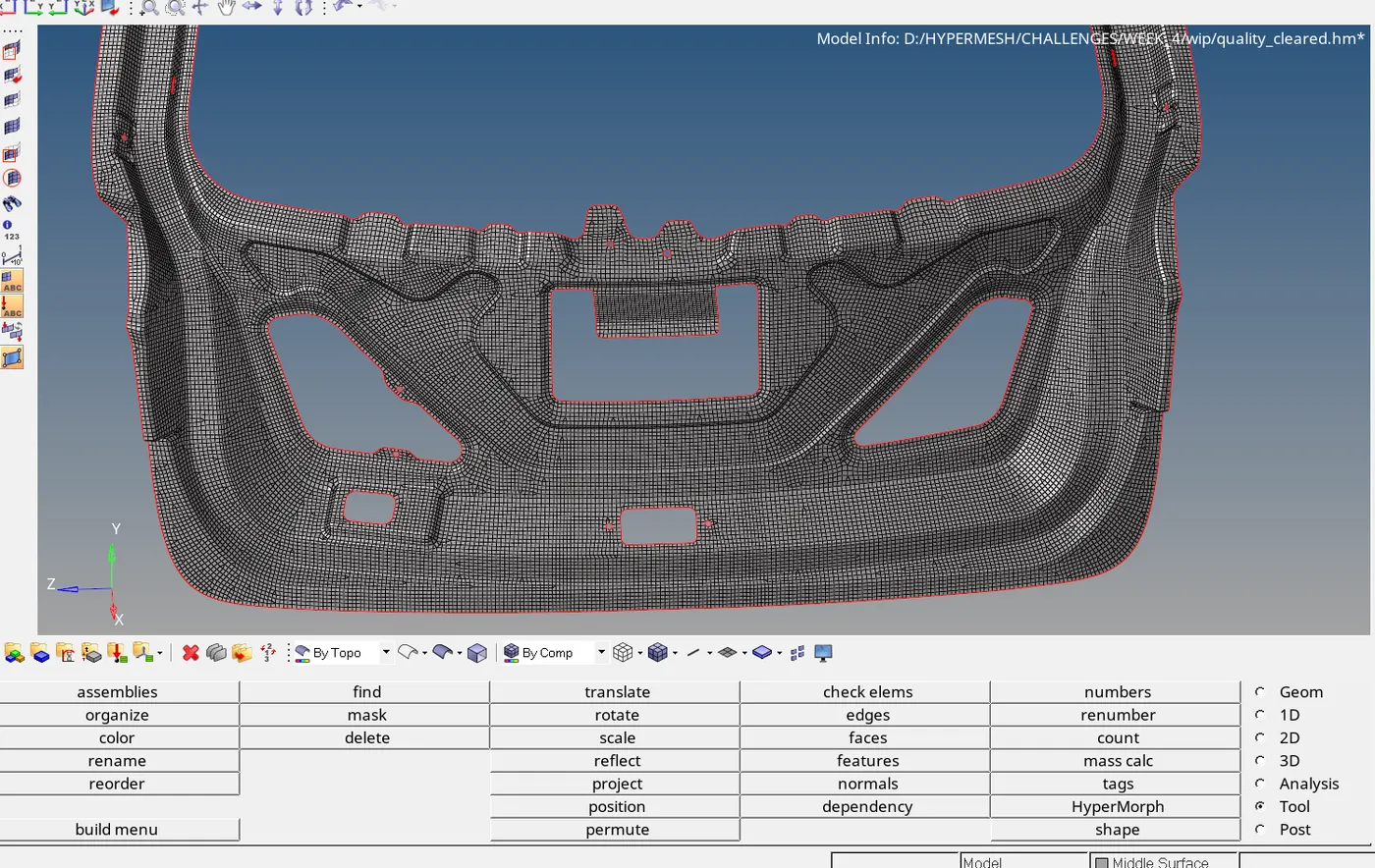
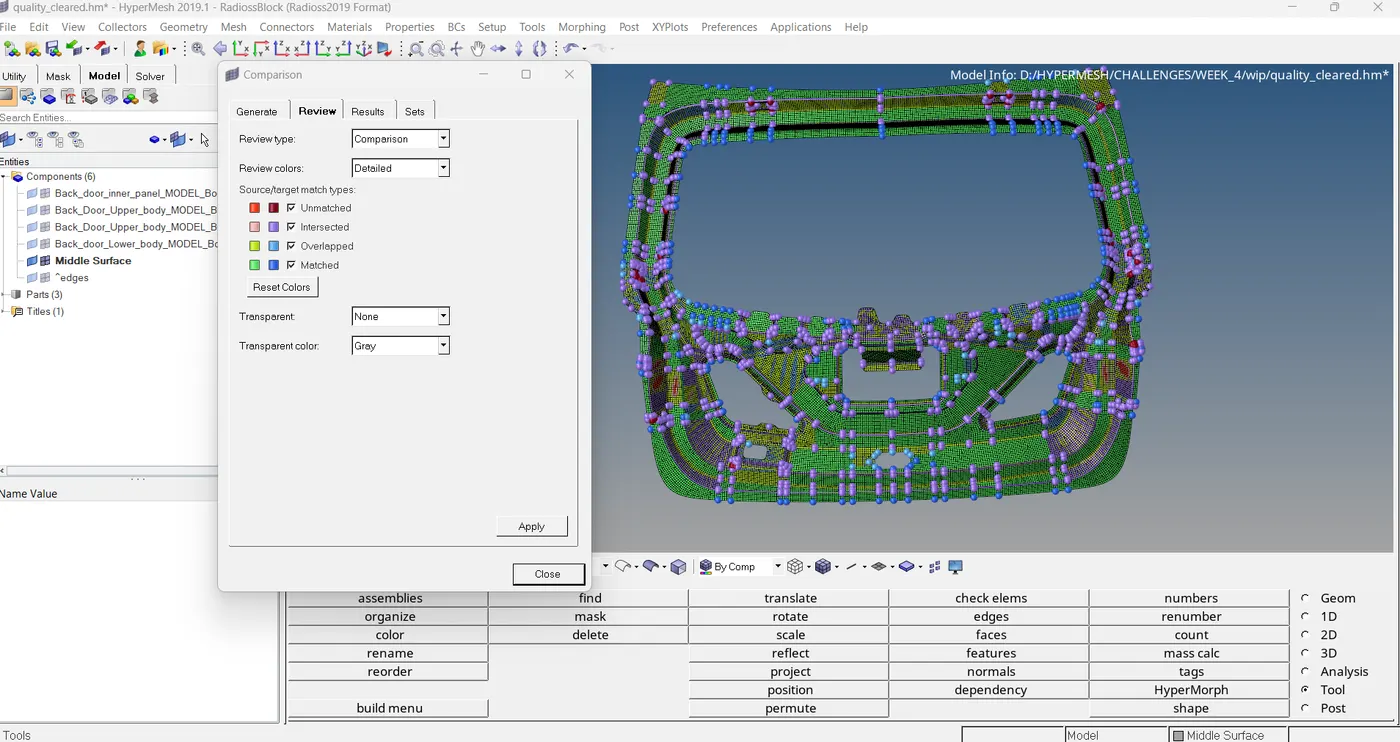
STEP 8: CHECKING ELEMENTS TO SURFACE EDGE
mesh > check > element > comparison
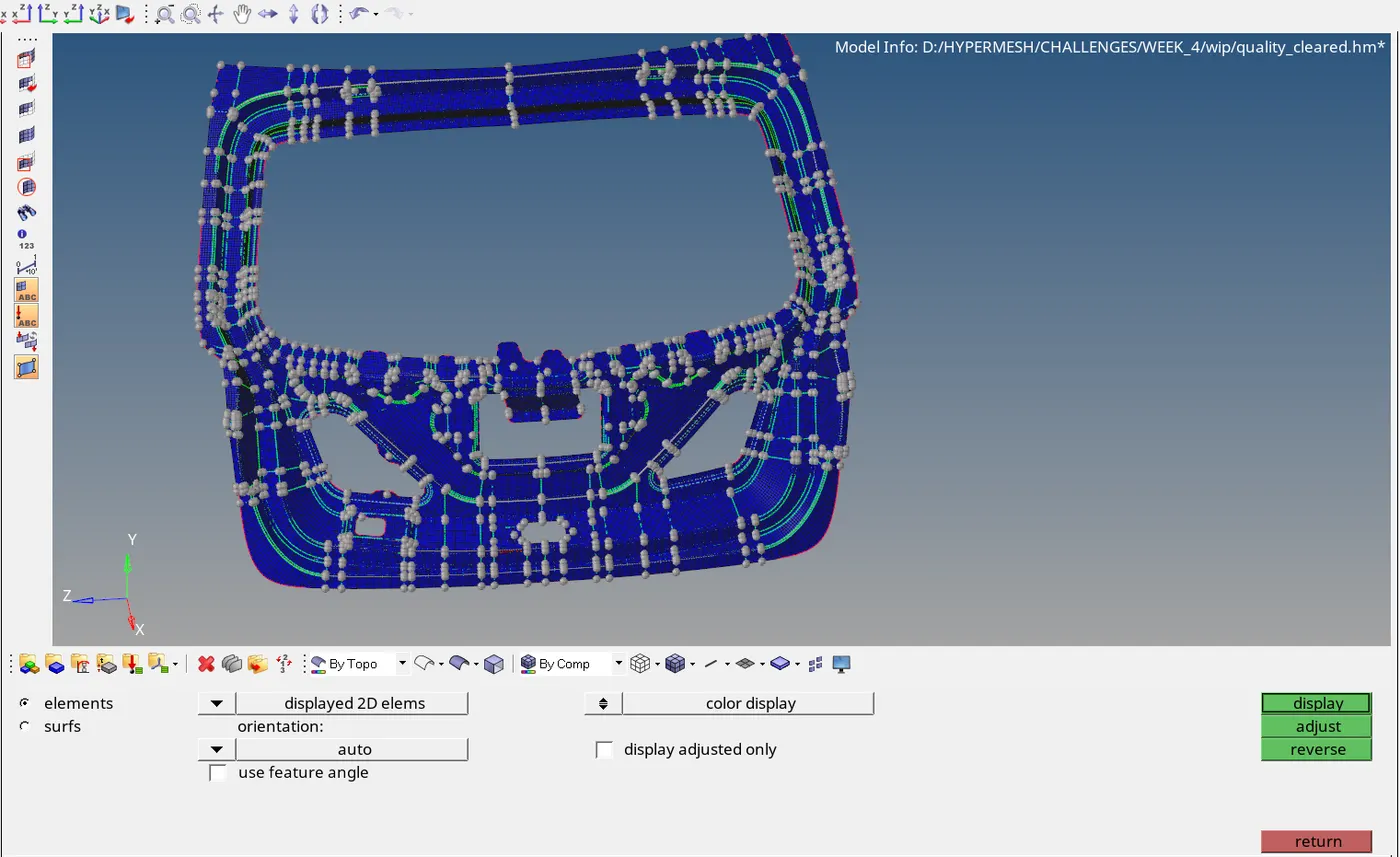
STEP 9: CHECK NORMAL
tool > normals
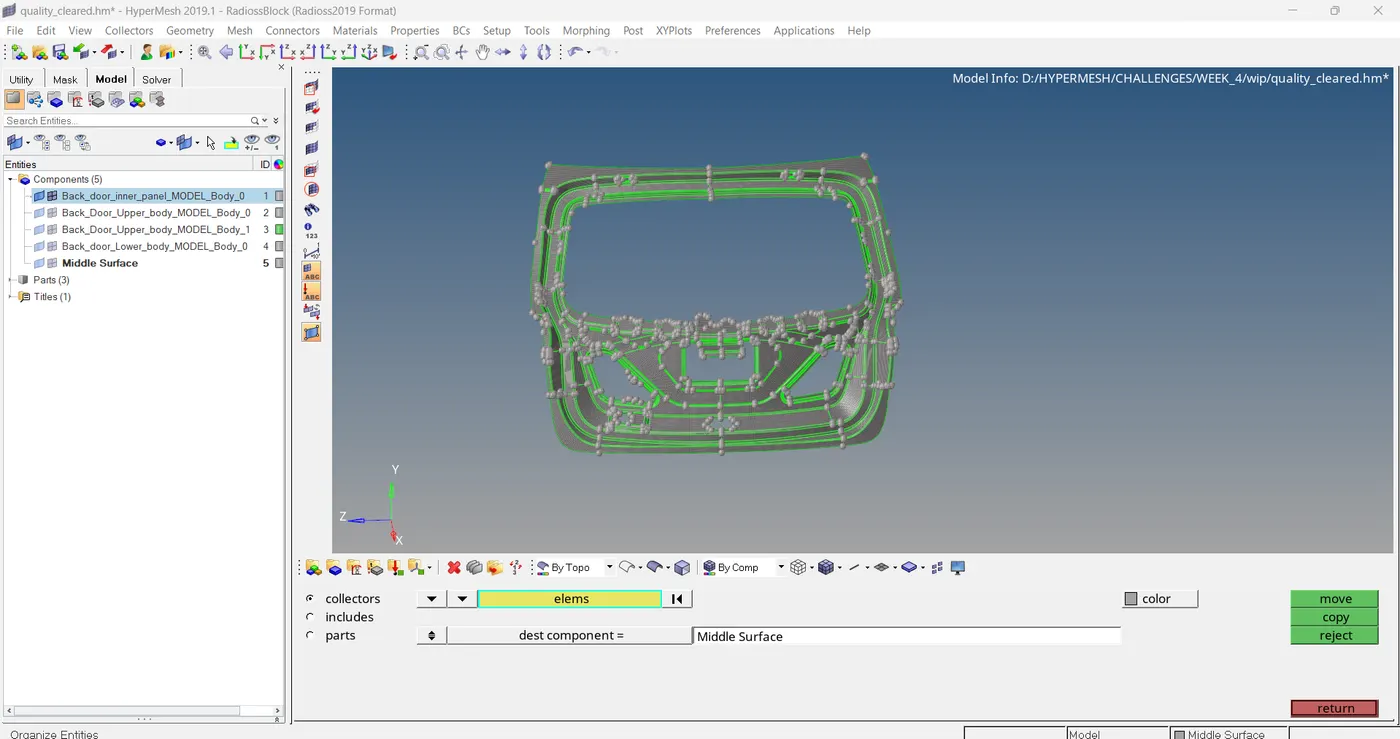
STEP 10: ORGANIZE THE MODEL
tool > organize
SECOND PART:
STEP 1: OPEN THE GEOMETRY
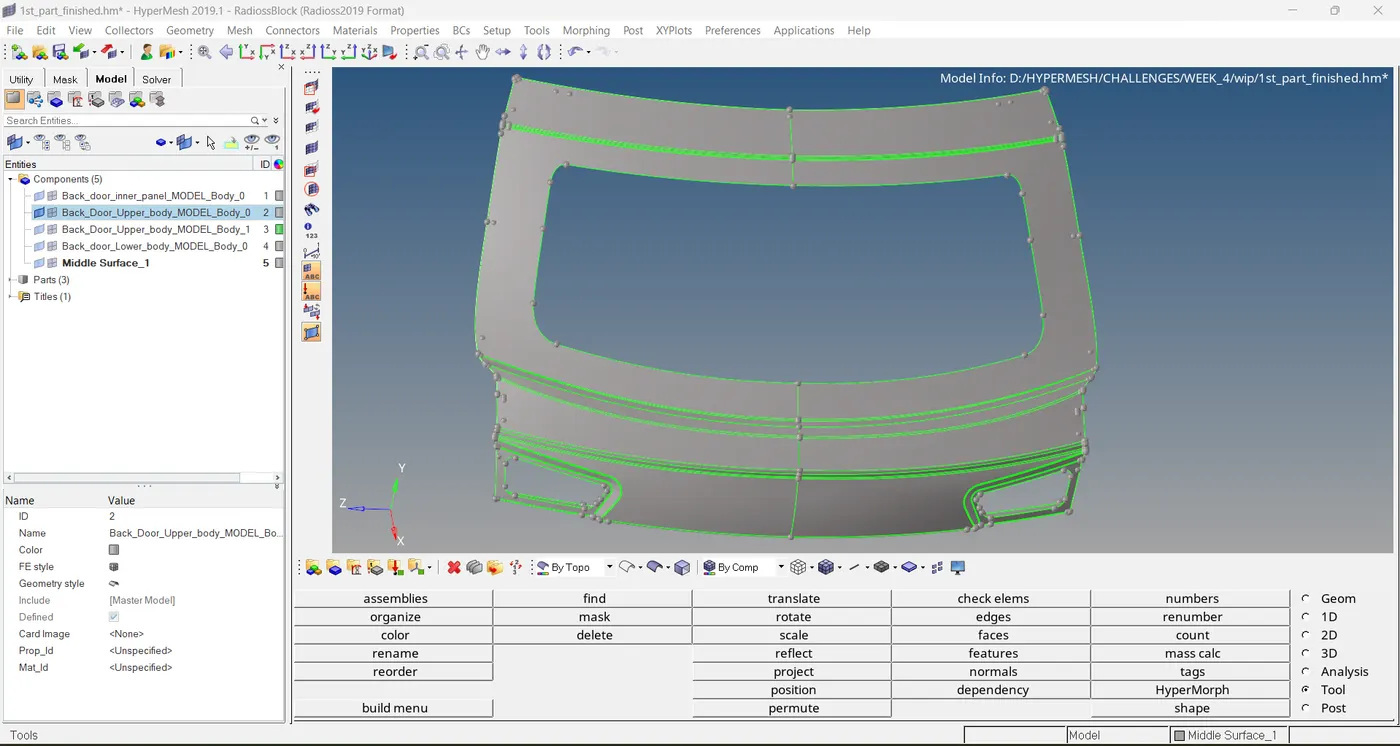
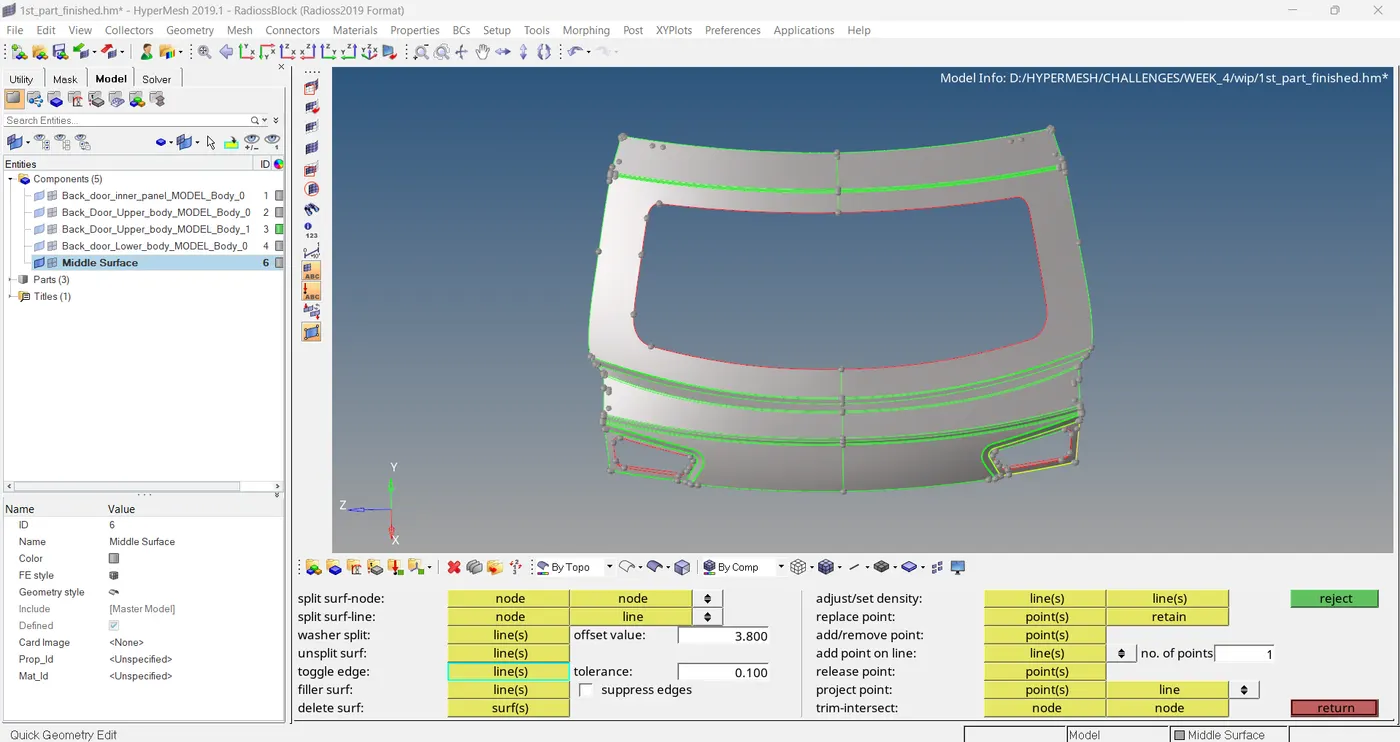
STEP 2: MID SURFACE EXTRACTION
geometry > mid surface > auto extraction
STEP 3: ADDING QUALITY CRITERIA
Here already qualities are added
STEP 4: MESHING
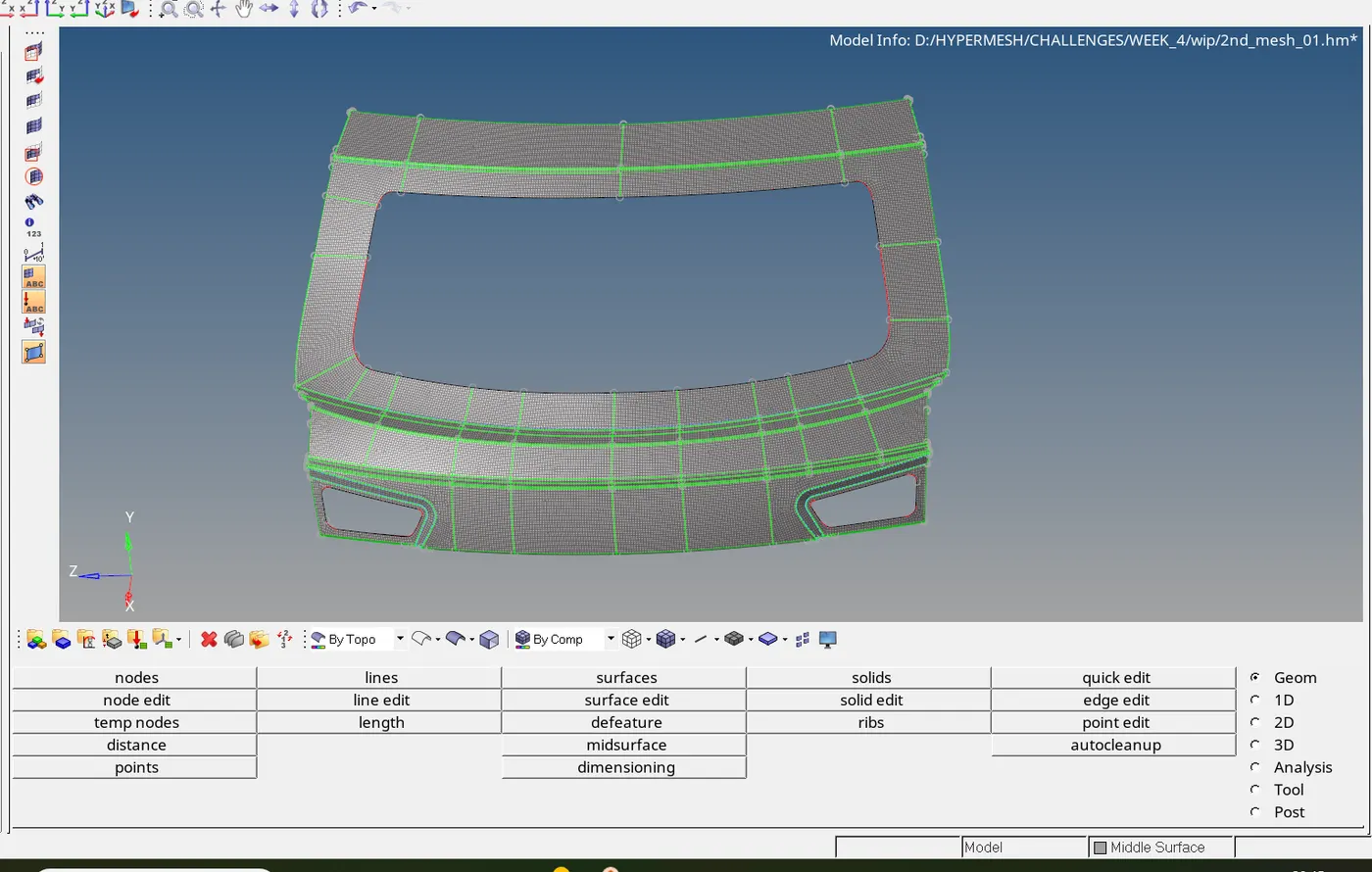
Meshing the model is completed, but we can see there is some quality issues are pending. So I have to fix it, But unfortunately the qualities are lies on the edges of this model. If I try to clear those quality means I wish to move those shell elements beyond the parent geometry...
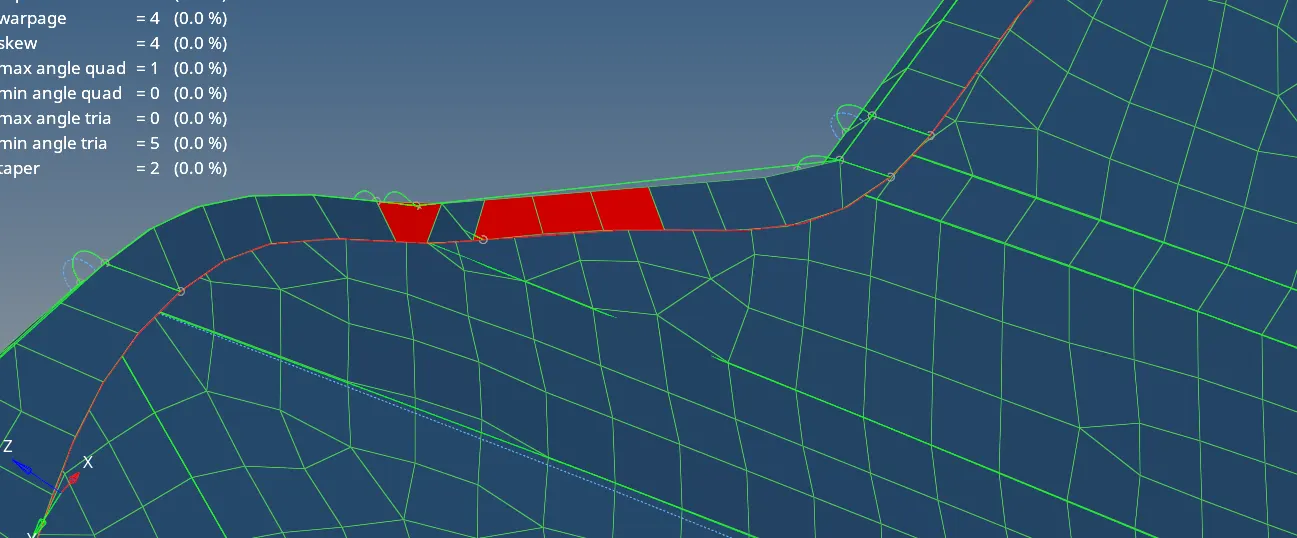
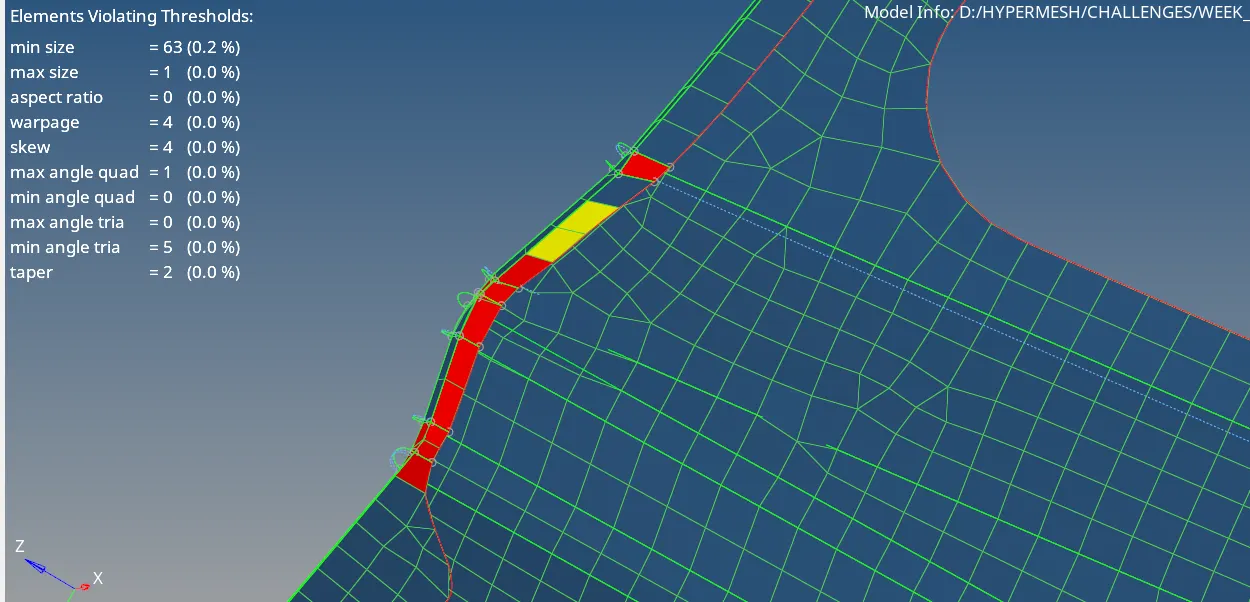
For getting a good mesh flow and clearing quality we can use these tools , these are under 2D > quality index
1. place node ( for clearing quality)
2. swap edge
3. node optimize
4. element optimize
5. smooth
6. split/collapse edge
7. split quad element
8. combine tria elements
Then check free edges, normal and element to surface the same way did earlier.
STEP 5: ORGANIZE THE MODEL
tool > organize
THIRD PART:
STEP 1: OPEN THE MODEL
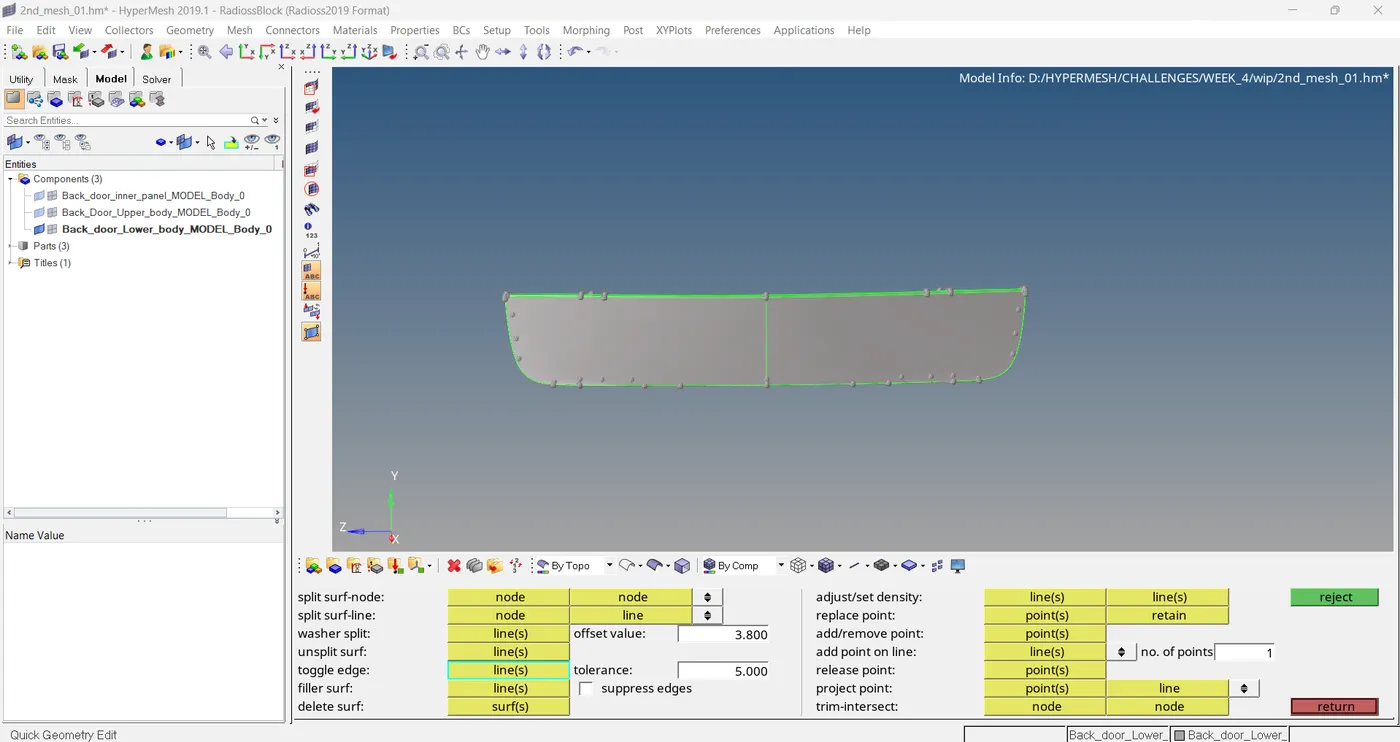
After importing the model , We can take mid surface by using auto extraction method, then model is subjected to geometrical clean up ,then moving to meshing. The quality criteria is already there.
STEP 2: MESHING
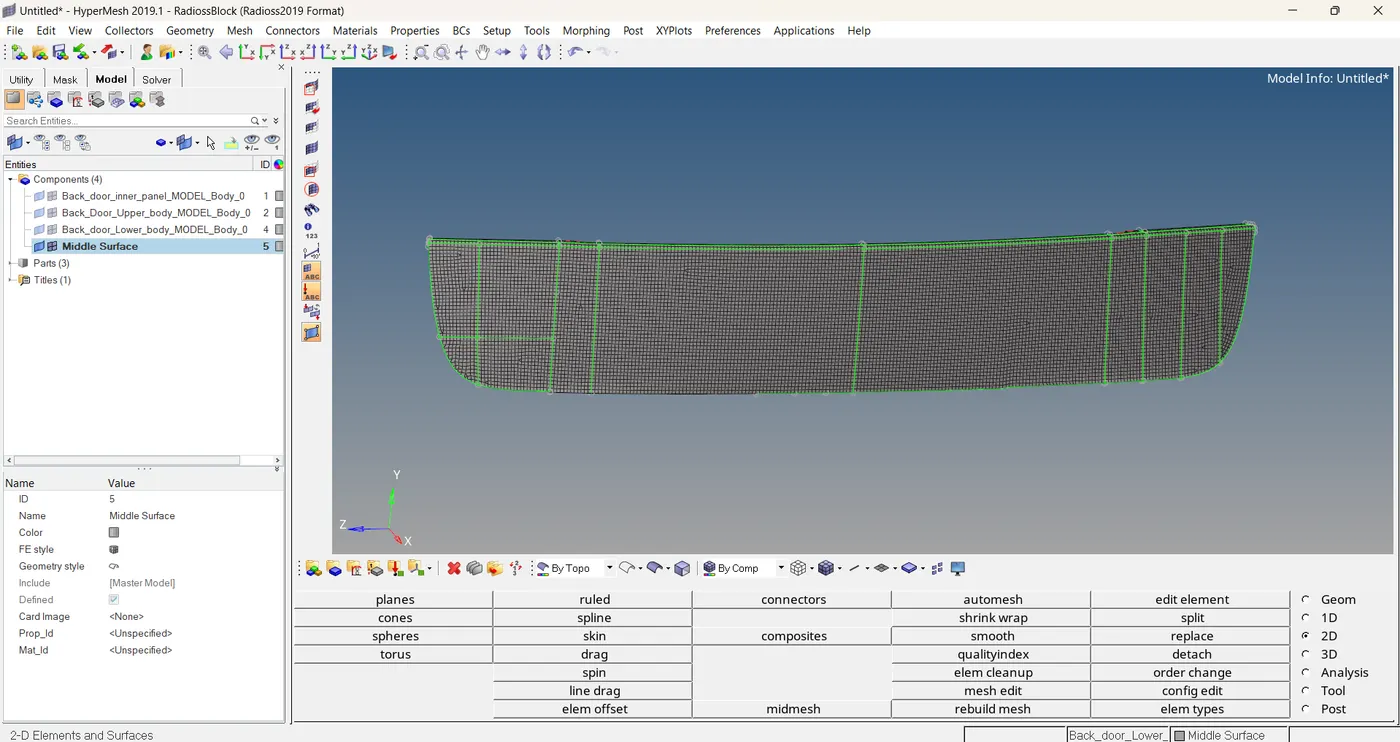
Meshing is completed. Then I have to do same procedure which I did earlier.
STEP 3: ORGANIZE THE MODEL
tool > organize
complete mesh model is here....
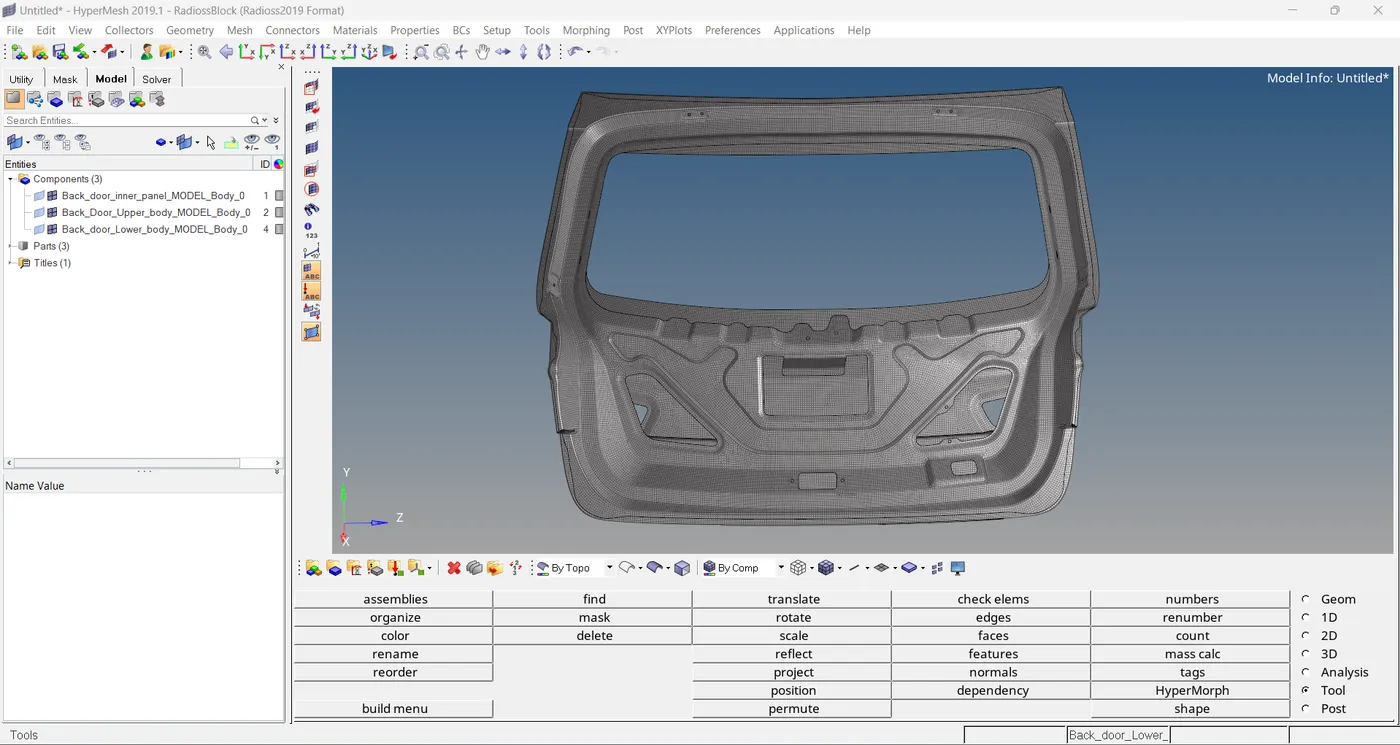
----------------------------------Thank You--------------------------------------------