Week - 4 - Crash Box Simulation
Aim:
The aim is to do the crash test for the given meshed box with to different thickness, 1.2mm and 1.5 mm.
Procedure:
The first step is to load the .k file into the dasboard and gie all the required key words.
Inorder to do this test we need a rigid wall where the box will crash into it. So th first most step is to make rigid wall by using the create entity keyword.
The important point which we should remeber here is the normal of the rigid wall and the direction of the velocity should be in anti parallel direction.
After making the rigid wall the next step is create the material card isung the key word"MAT" and also create the shell section for the box by using the card "SEC".
Then assign the material and section to the component in the keyword"PART"
The next step is to create the velocity card by using the create entity and Pick the box by using "By part".
Foolow the unit suystem gm mm ms as mentioned in the question..
The final most step is to give the "Termmination time in "Control" card and also select the output file and ASCEY feature in the keyword "DATABASE".
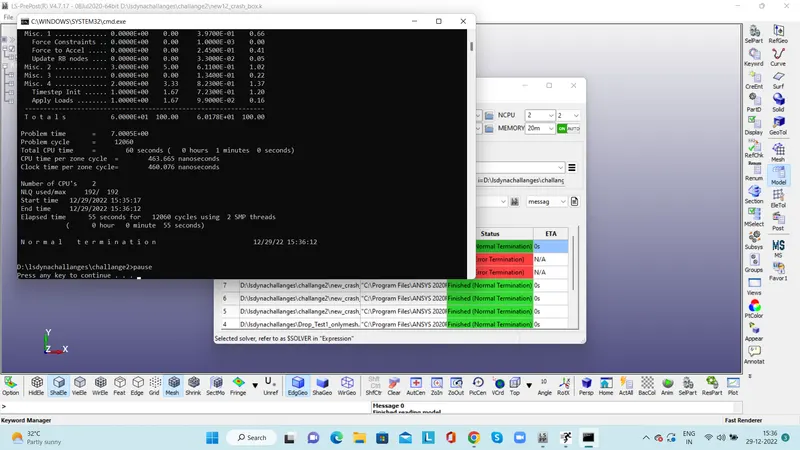
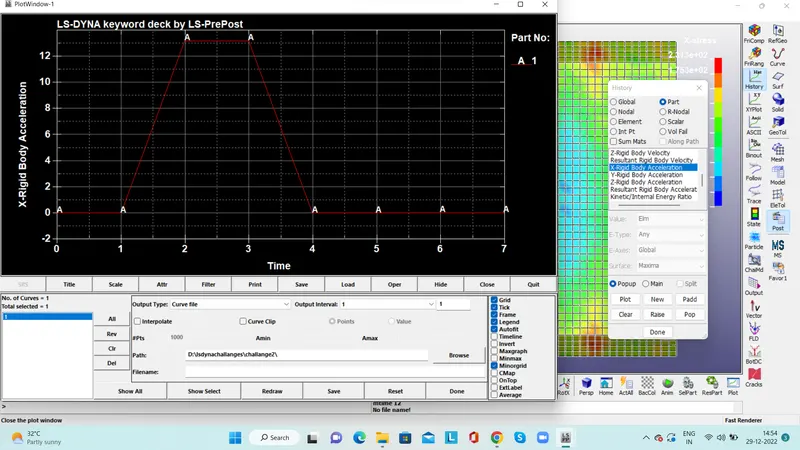
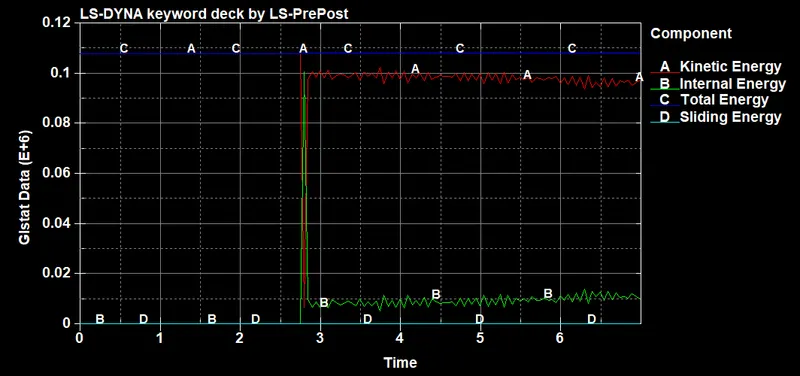
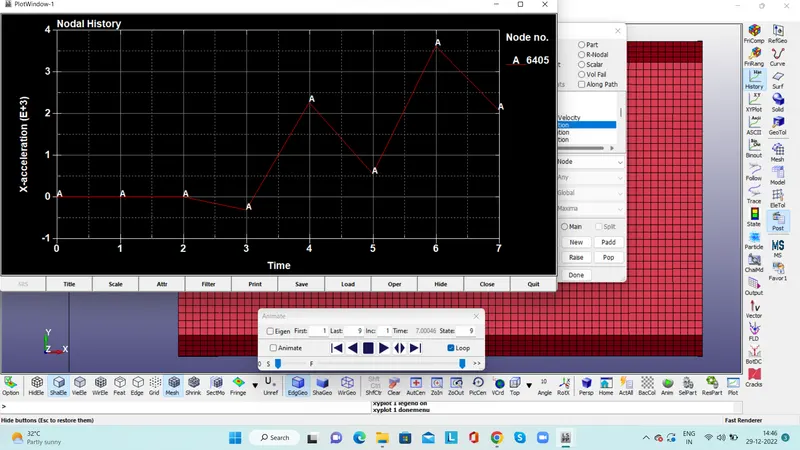
Save the file as keyword then run the progrma so after the normal termination open the binary plot files and plot the graph as mentioned in the question.
Conclusion:
Completed the crash test for the given model by assigning different thickness.
The stress is varying with resspect to the thickness.