Week 4 Challenge : CFD Meshing for BMW car
CFD Meshing for BMW car
Aim
To perform CFD Meshing on the given BMW car geometry.
Procedure
Open the geometry in the ANSA software and increase the resolution of the geometry by providing Length and Macros from Meshing
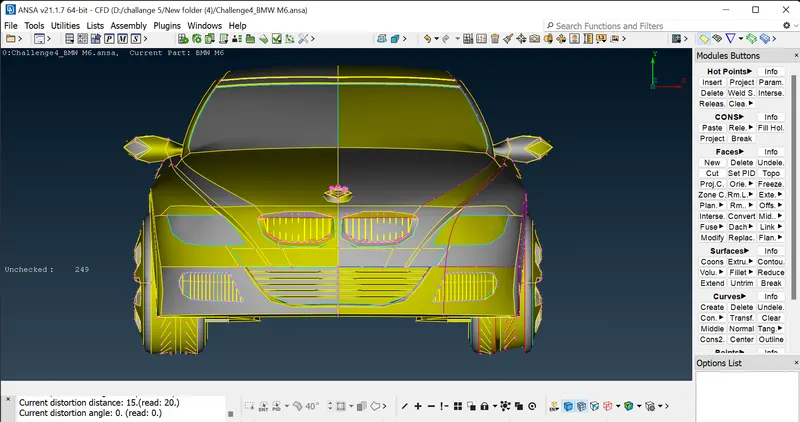
As the geometry being symmetric with centre it is advised to delete half the geometry and work on the remaining part as shown below and finally do symmetric approach.
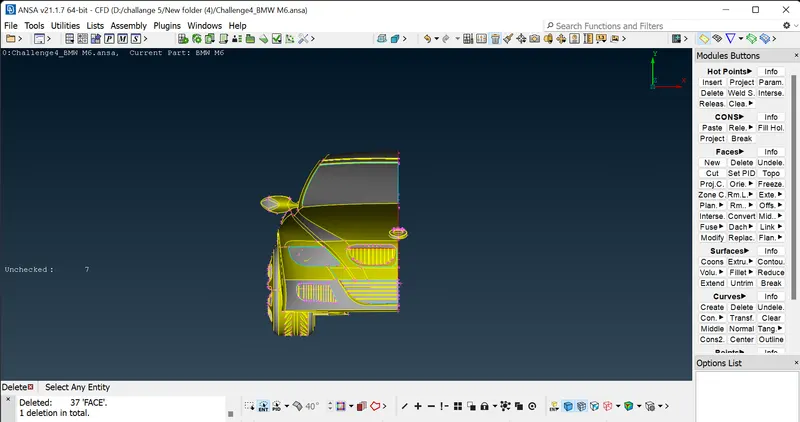
some single and triple cons present in the geometry
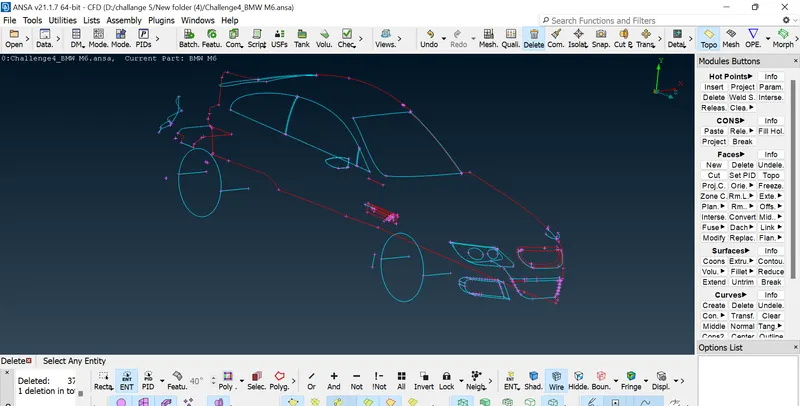
isolating each part in car Delete the unwanted cons by universal delete creating new surface on the parts to fill the gap
FACE---> NEW---->COONS,FILLET option depand on the parts delete the wanted hotpoints use con2curve to trace the cons shape to creating new surface on it delete all the small double cons inthe surface it affect in the meshing parts
After completing the cleanups provide each part with suitable PID name by selecting the Property from top tabular column and creating new PIDs and by renaming existing PIDs. Then assign each PIDs appropriately. The figure shown below represents the completed geometry
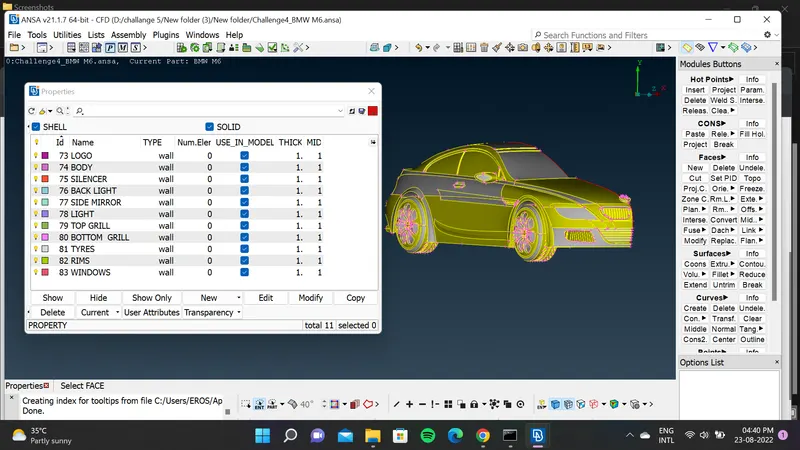
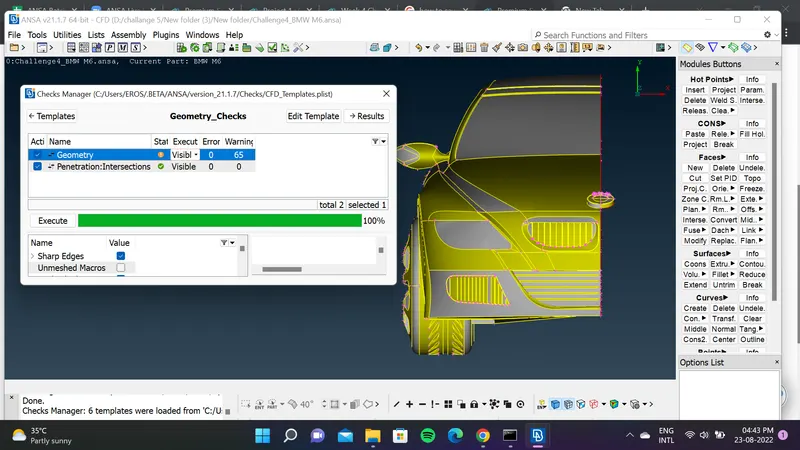
After the geometry cleanup check the geometry for any crack, single cone, overlap faces, penetration etc.. by using check manager. If any error encounterd resolve those.
MESHING
meshing tab set the perimeter and macro length as mentioned for each PIDs.
- Target lengths for the different parts of a model are as follow:
- Body - 3 mm
- Lights - 4 mm
- Grills - 1 mm
- Rims and Tyres - 2 mm
- Optical Rear view mirror - 2 mm
- Window - 2 mm
- Silencer - 3 mm
- Logo - 1 mm
From the Mesh parameter set CFD MESHING and Minimum target length and Maximum Target length. Set minimum and maximum target length in quality criteria also.
go to PERIMETER ----> SPACING Give the perimeter and Macros for each part in the car on given target length
perform meshing of body PID at last. While meshing body deselect the common cons of body with other PIDs
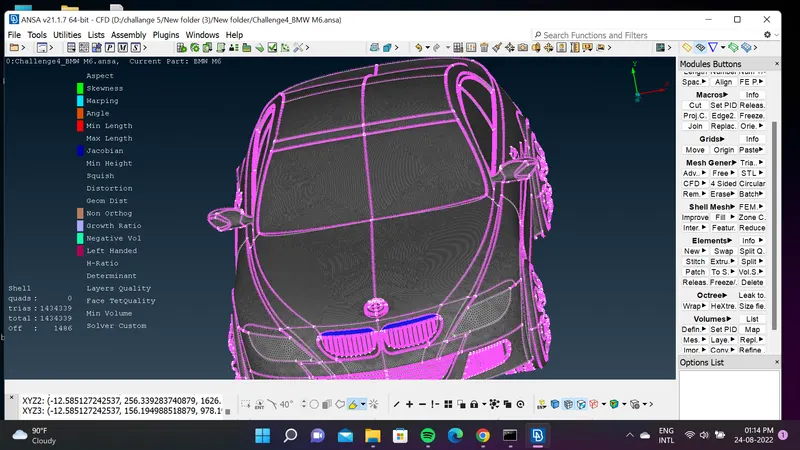
After completing the surface meshing of one half click Tranform----- > Copy ---> Select the entities ---> Symmetry---> Mirror 3 Point Plane-- > Select 3 points check the preview and click Finish.
logo
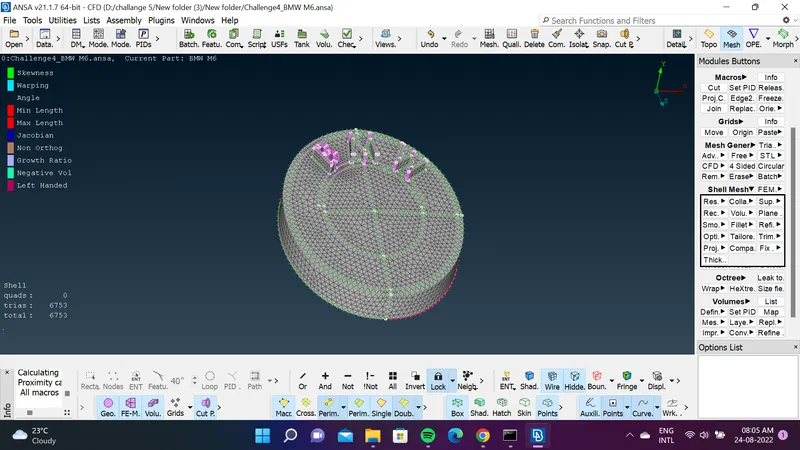
silencer
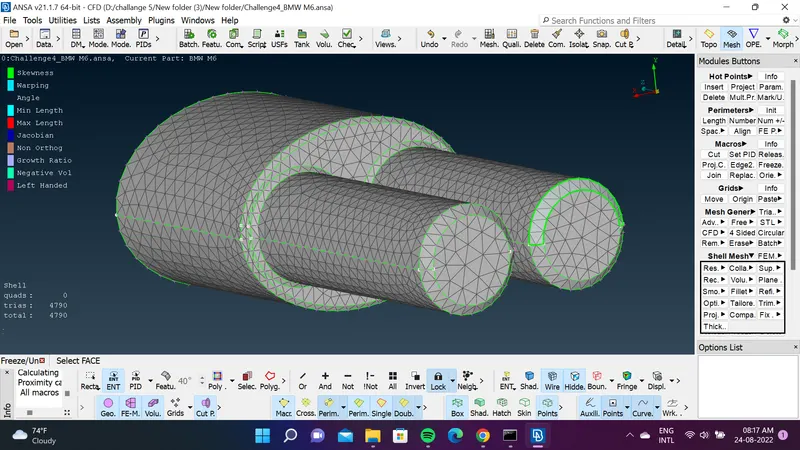
back light
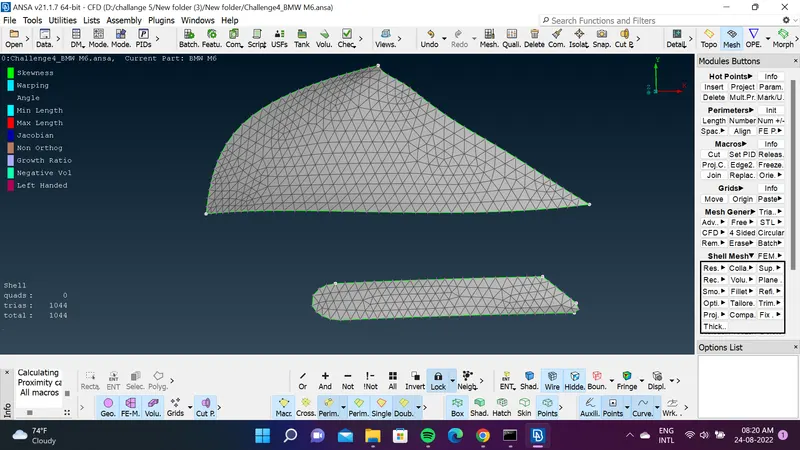
Optical Rear view mirror
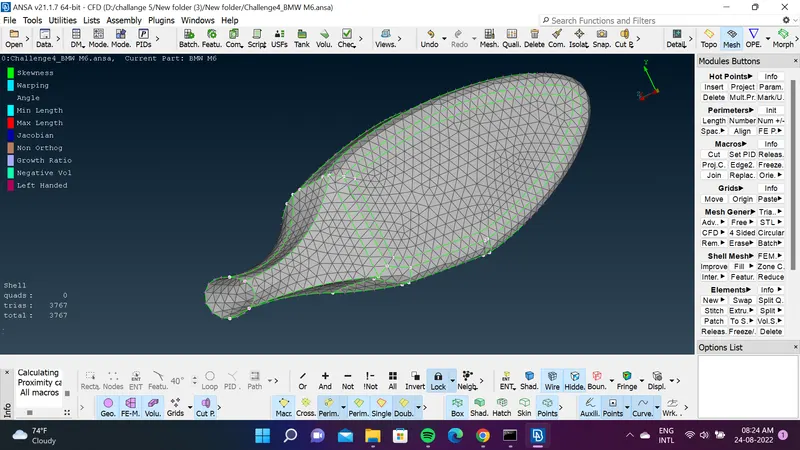
front light
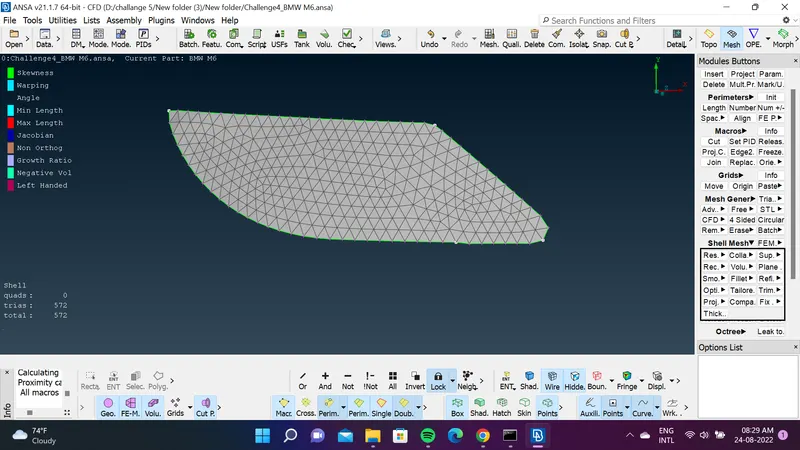
top grills
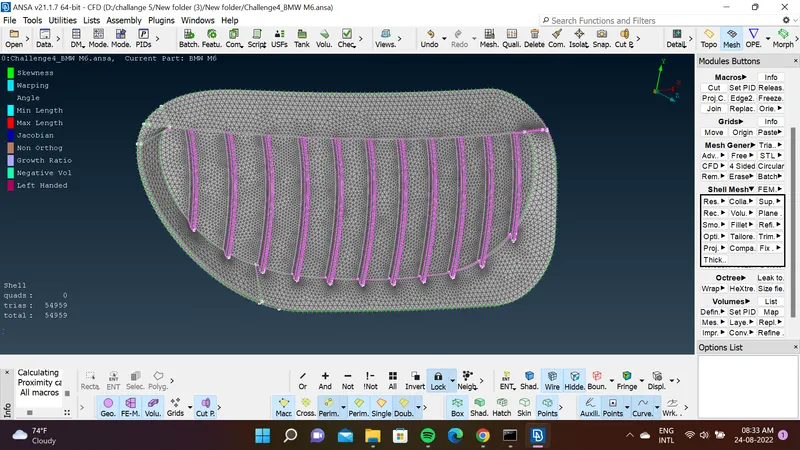
Bottom grills
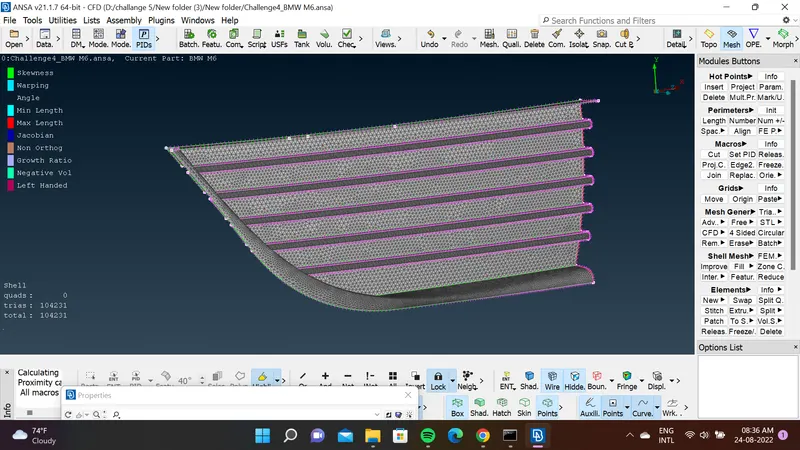
tyres
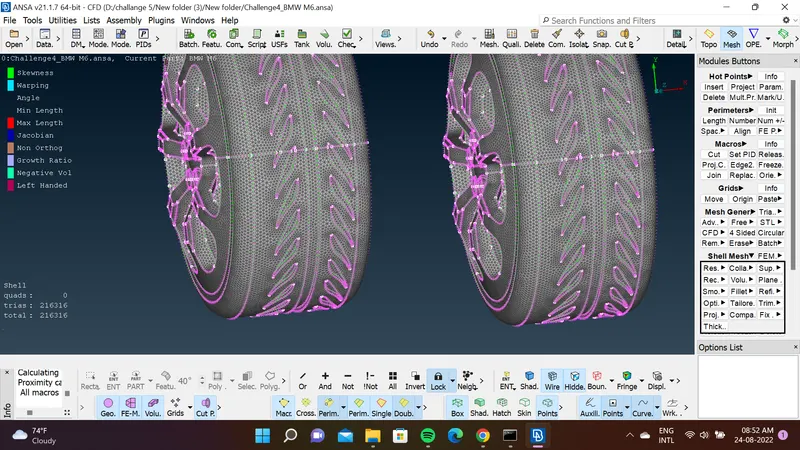
Rims
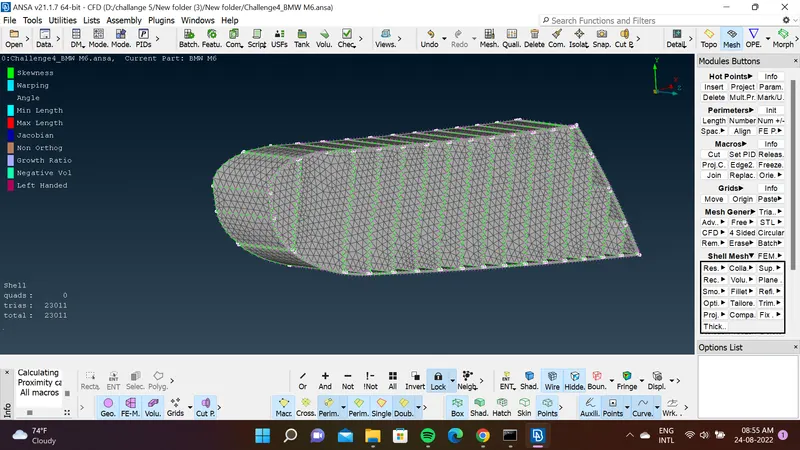
windows
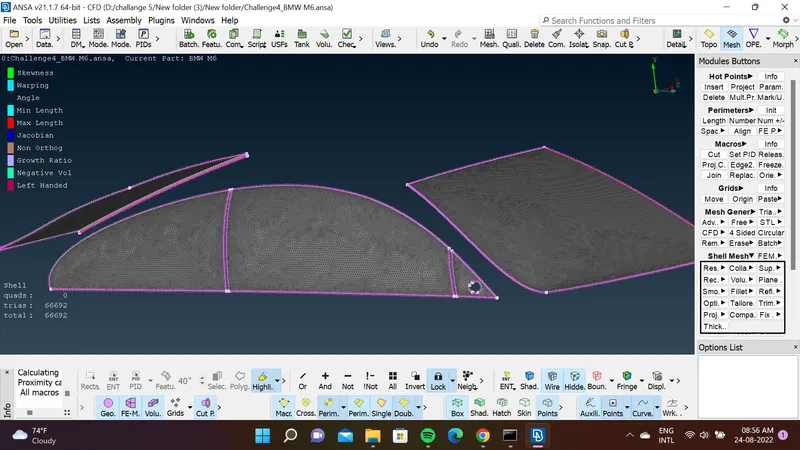
body
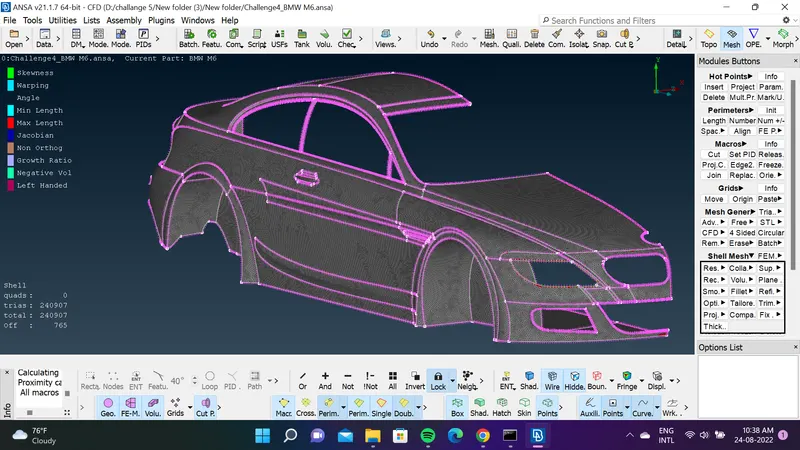
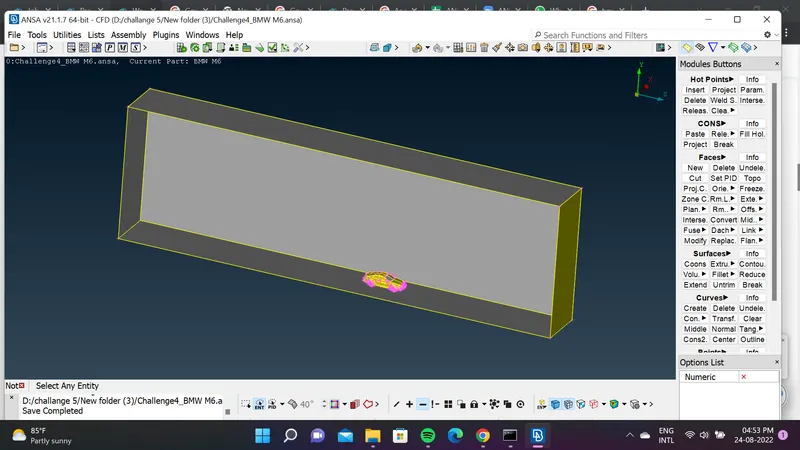
create the wind tunnel by using creating points, curves
front face of the tunnel distance of 4X
back face of the tunnel distance of 6X
top face of the tunnel distance of 3X,
bottom face of the tunnel should be very close to the wheel
Side face of the tunnel should be at X distance from the car geoemtry
Where X is total length of the car.
X =1530
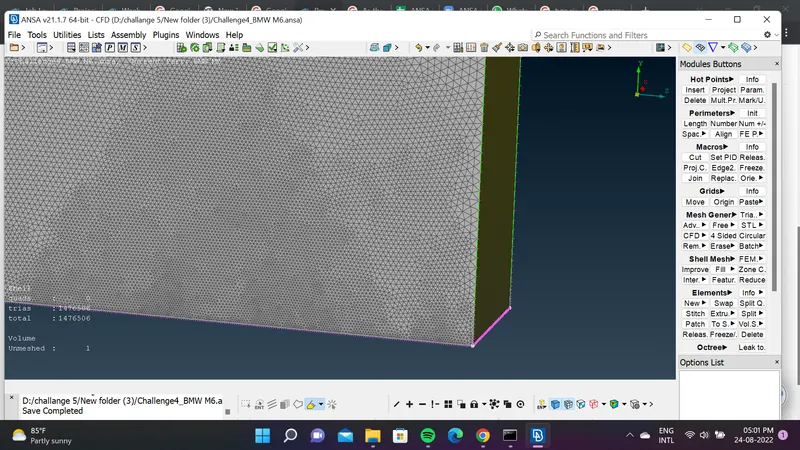
we need refine mesh at the bottom and it moves away it need to have coarse mesh for that select spacing
give the value factor = 1.1 ,dmin =20 dlimt=100 so it be finer mesh in bottom higher target length in top face
go to volume mesh select the important volume which we analysis
delete the inner car volume and kept the tunnel volume
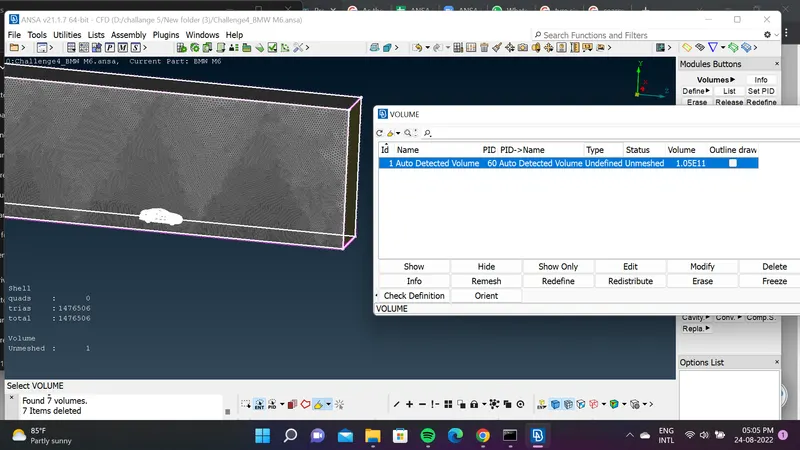
RESULT
Topology clean done in the geometry make surface mesh in the geometry and finaly create the wind tunnel
https://drive.google.com/file/d/117Pl_DUUKDhC6ZL47gyuxVZESc8jY2qt/view?usp=sharing