CFD Meshing for BMW car
Aim:
For the given BMW M6 Model, check topological errors, assigning PIDs for half of the portion, Meshing with the given target, performing morphing and volumetric mesh.
Given:
The target length for different parts of a model:
| S.No | Model | Target length |
| 1 | Body | 3 mm |
| 2 | Lights | 4 mm |
| 3 | Grills | 1 mm |
| 4 | Rims and Tyres | 2 mm |
| 5 | Rearview mirror | 2 mm |
| 6 | Windows | 2 mm |
| 7 | Silencer | 3 mm |
| 8 | Logo | 1 mm |
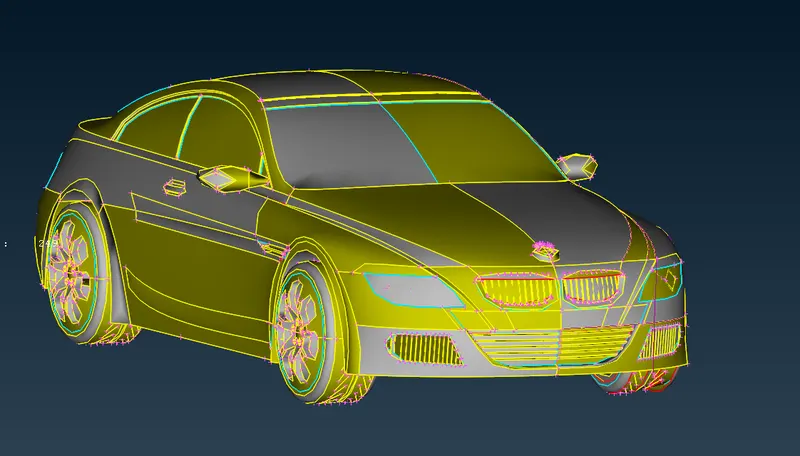
BMW M6 Model: Before topological cleanup:
Procedure:
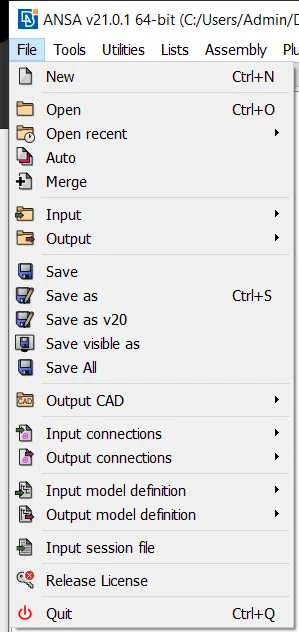
- Import CAD Model into ANSA.
Open ANSA ⇒ File ⇒ Open ⇒ Select the model to be imported.
- Making coarse resolution into Finer resolution:
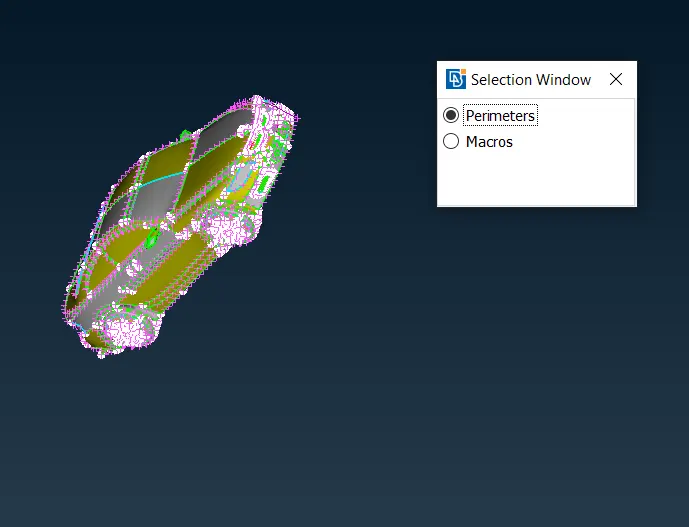
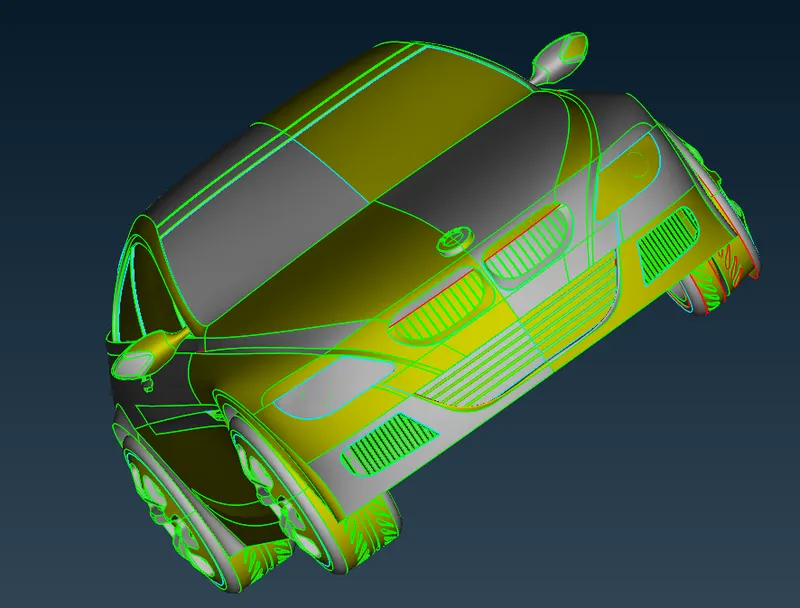
Go to Mesh Module, apply perimeters and macro to the model as length = 1 mm.
- Given model with finer resolution:
- Deleting the model in half:
Proper orientation for deleting: Press F1 (Top plane)
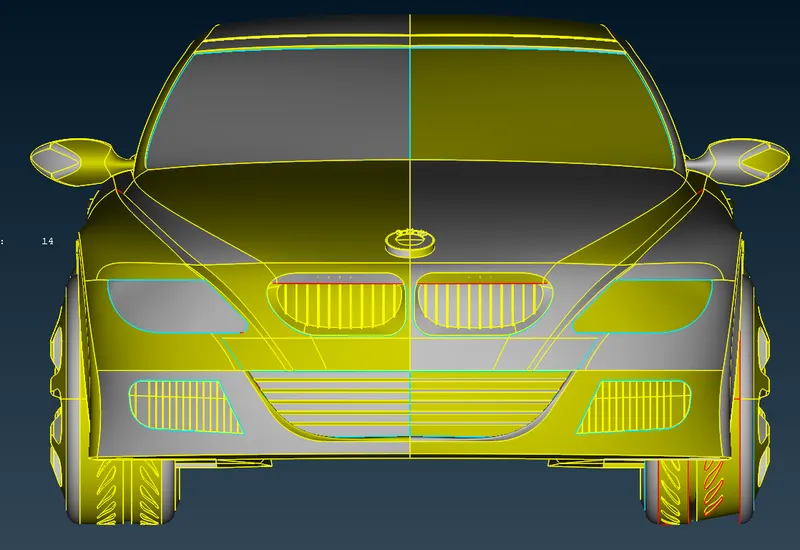
Deleting into Half:
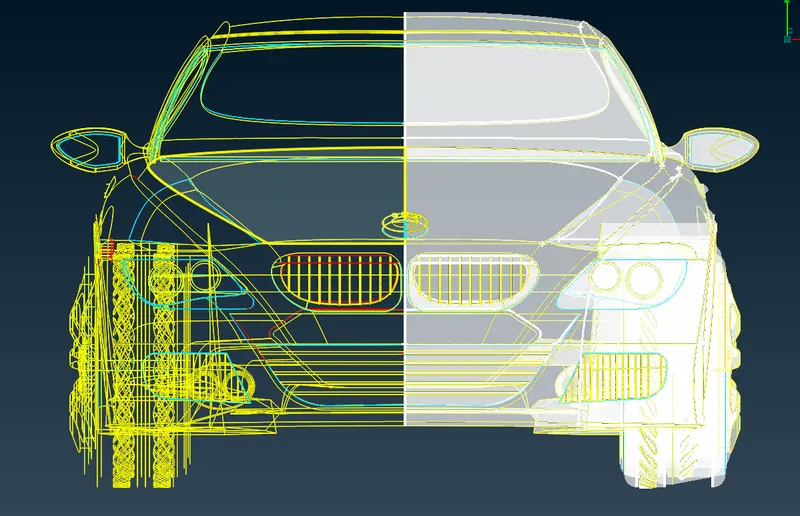
While deleting into two half, deselect the BMW logo because it is not symmetrical on both sides.
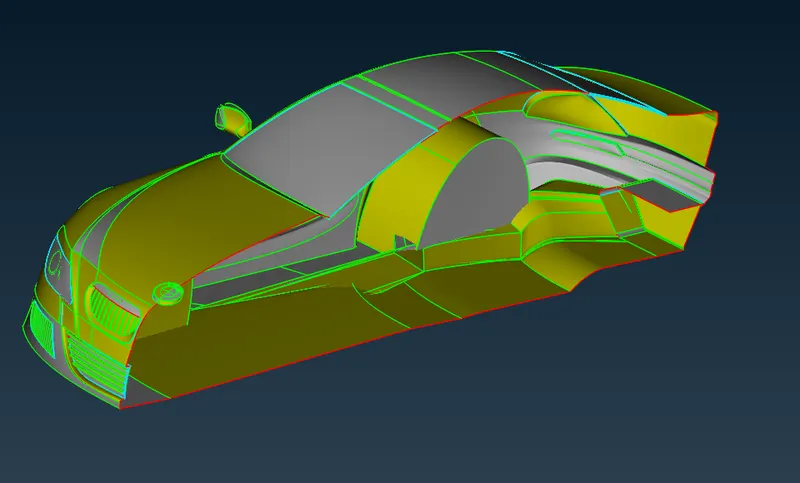
- Topological clean-up surface by surface
Grills:
Before:
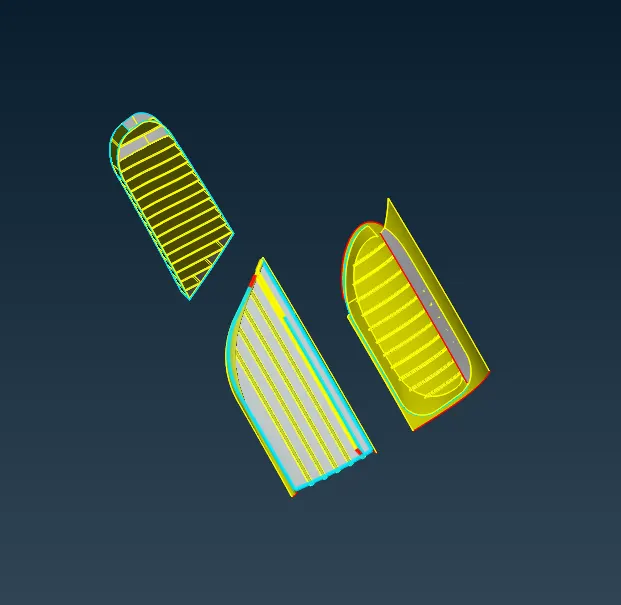
After : Mesh length - 1mm
Min length - 0.4 mm
Max length - 2 mm
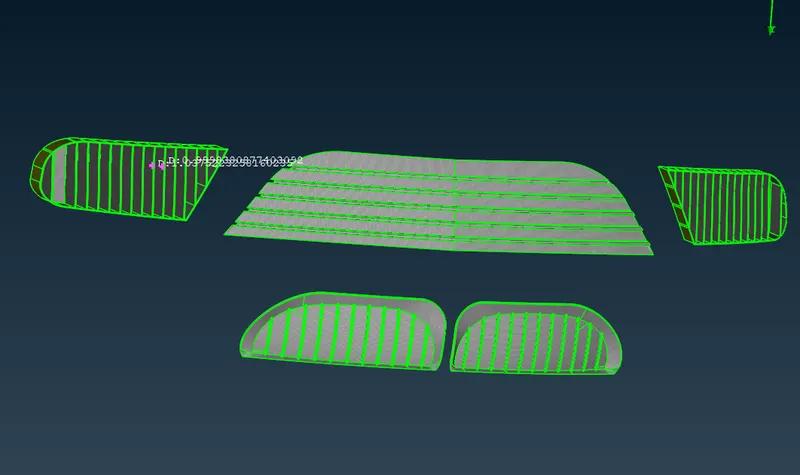
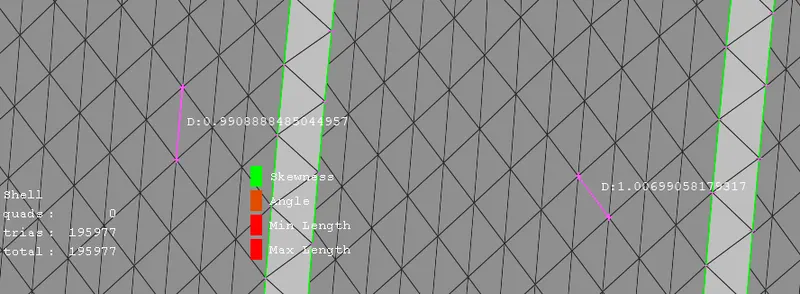
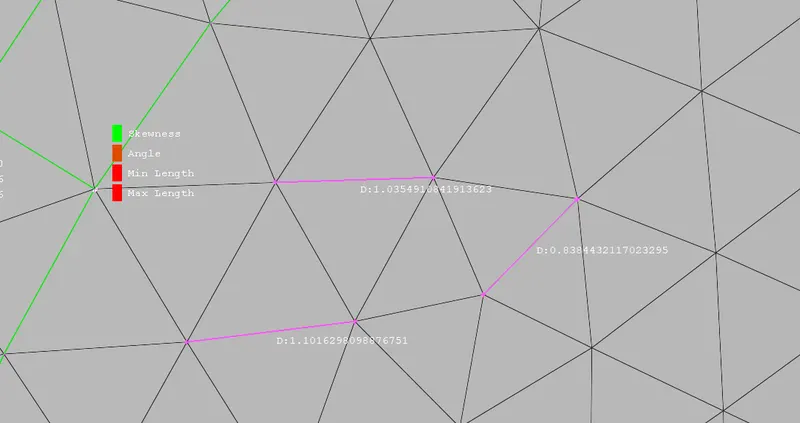
BMW Logo:
Before:
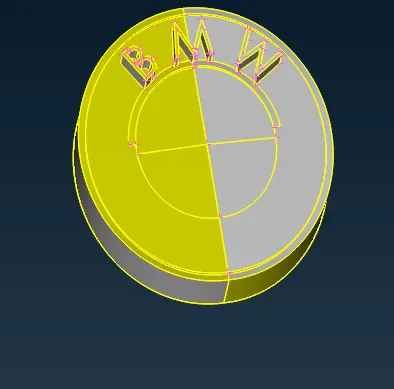
After:
Mesh length = 1 mm
Min length = 0.4 mm
Max length = 1.5 mm
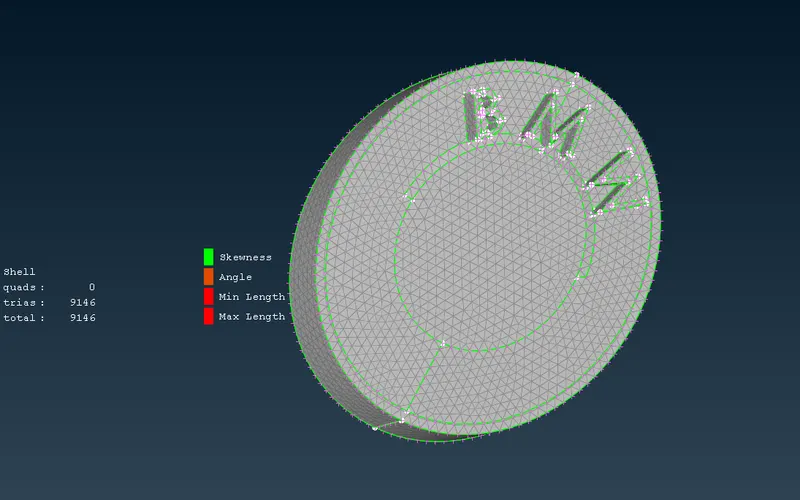
Silencer:
Before
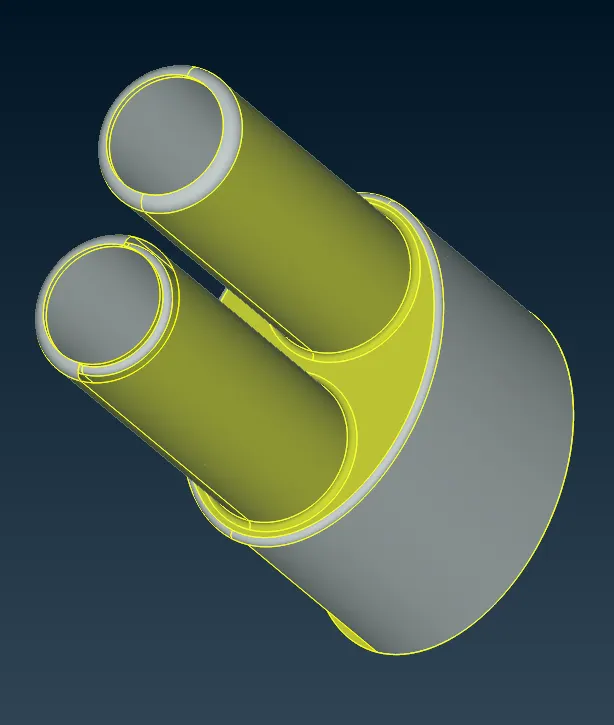
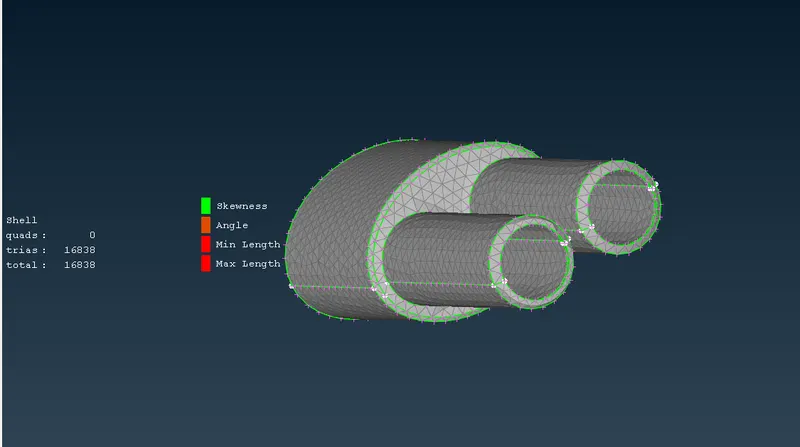
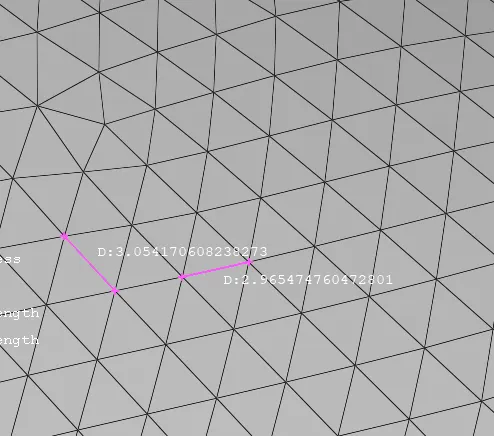
After:
Mesh length = 3 mm
Min length = 1 mm
Max length = 5 mm
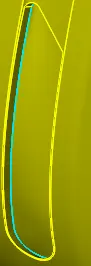
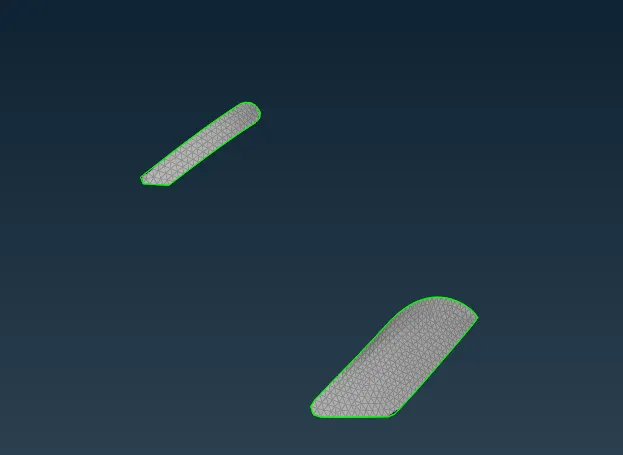
Lights:
Before:
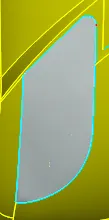
After:
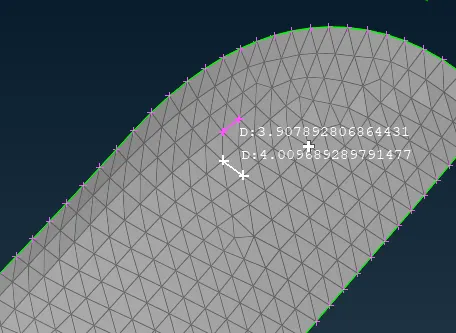
Mesh length: 4 mm
Min length: 3 mm
Max length: 5 mm
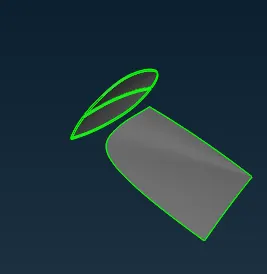
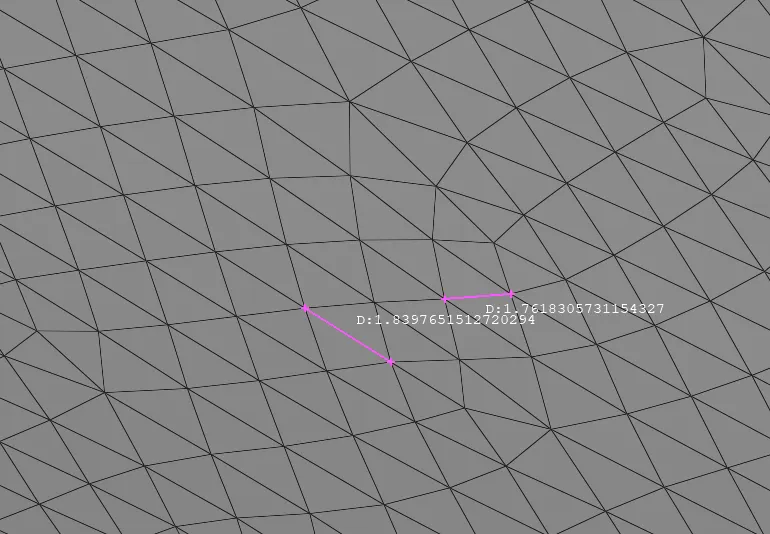
Windows:
Before
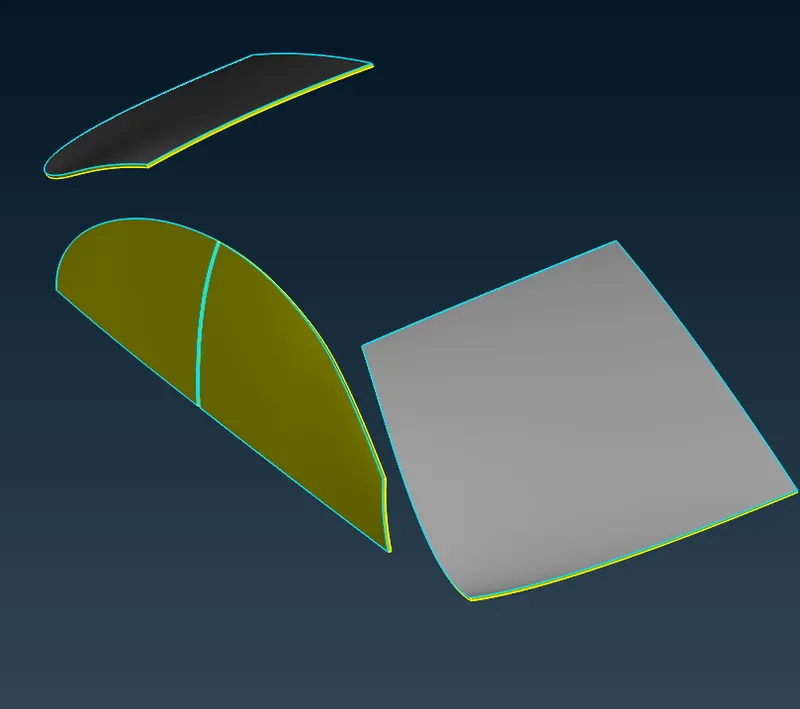
After
Mesh length: 2 mm
Min. length: 1 mm
Max. length: 3 mm
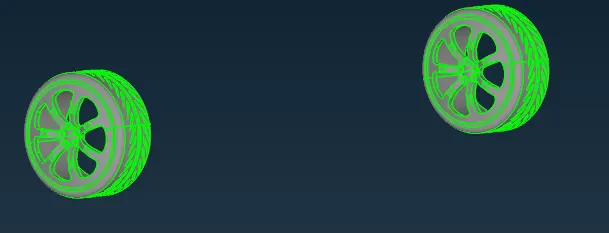
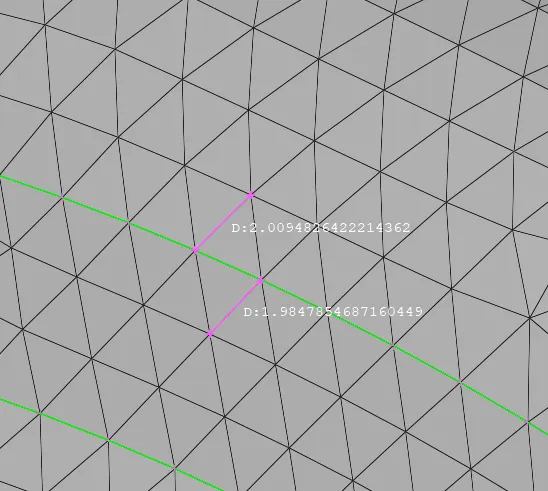
Rims and Tyres:
Before
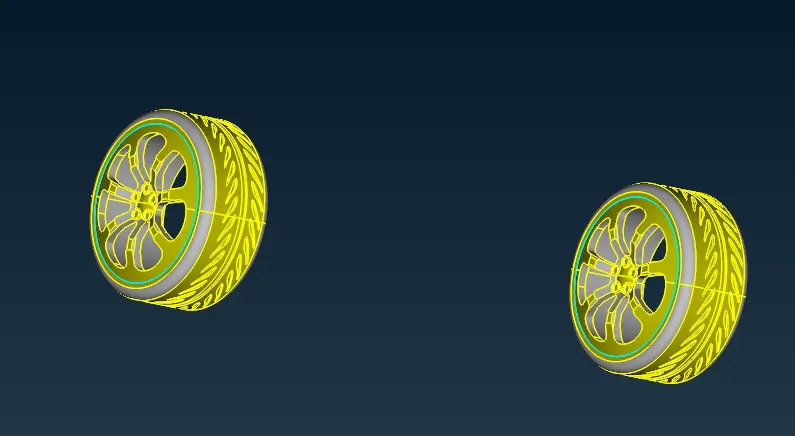
After:
Mesh length: 2 mm
Min. length: 0.4 mm
Max. length: 3 mm
Body :
Before:
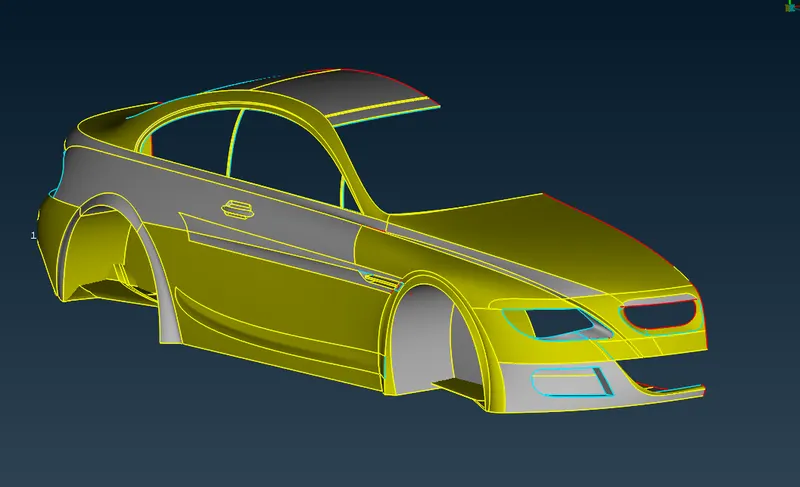
After:
Target length = 3mm
Min.length = 0.8 mm
Max. length = 6 mm
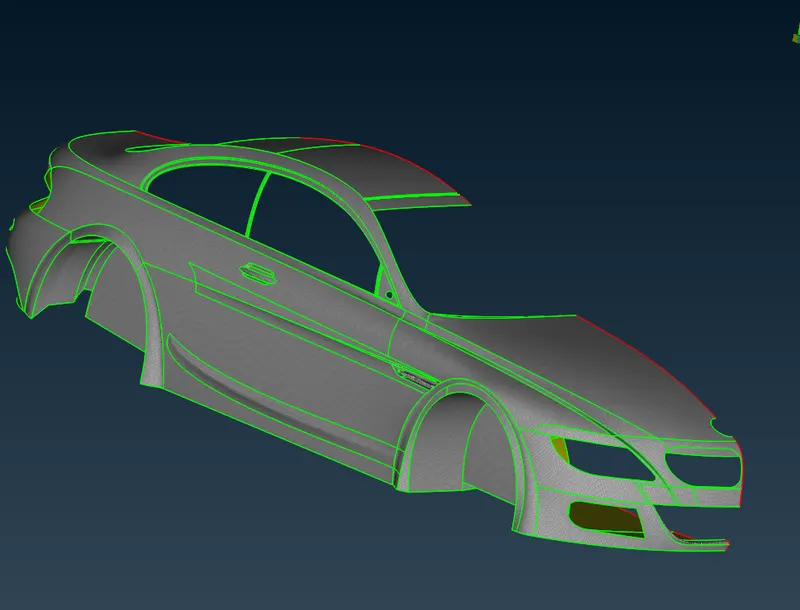
BMW M6 Model:
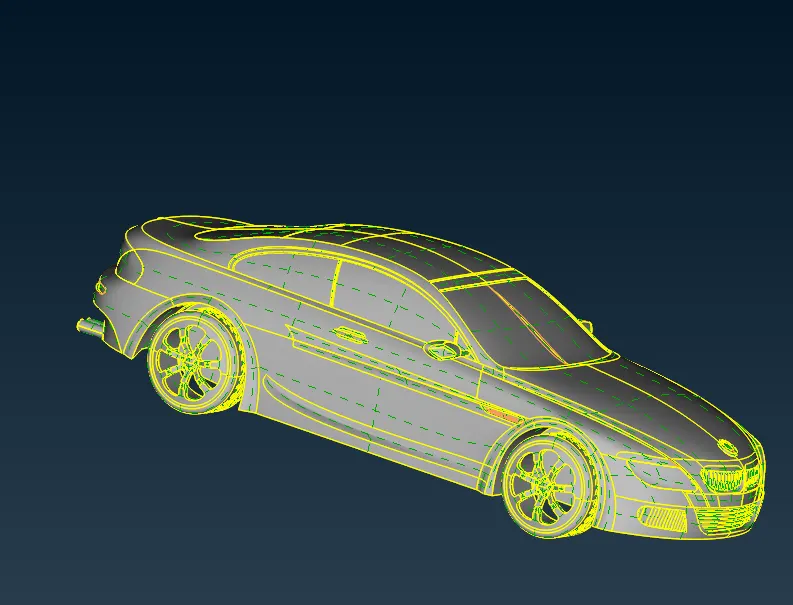
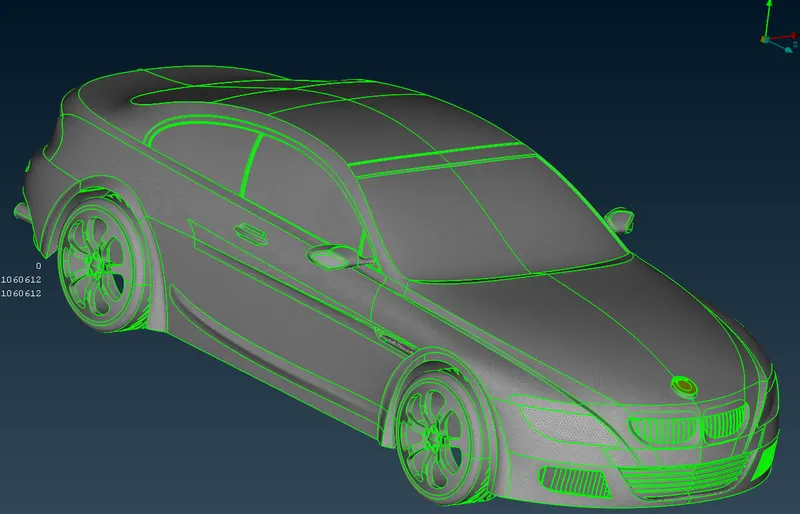
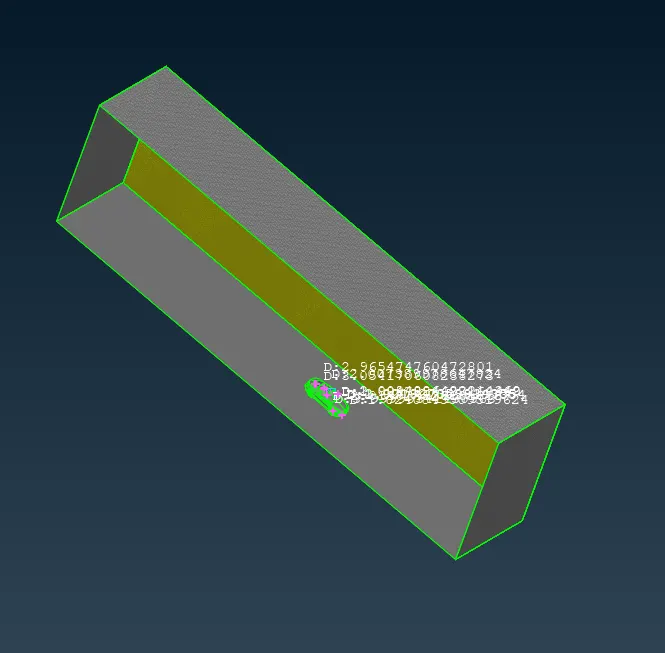
BMW M6 With wind tunnel:
In order to create a wind tunnel, we have followed a standard dimension.
Let us consider the length of the car = x.
To create the front surface of the Wind tunnel from the front most part of the model = 4x.
To create the rear surface of the Wind tunnel from the rearmost part of the model = 6x.
To create the Top surface of the wind tunnel from the topmost part of the model = 3x.
To create side surfaces of the wind tunnel from the side of the model = x (both the sides).
Create a bottom surface just below the surface of the car because we are only considering the fluids passing over the car.
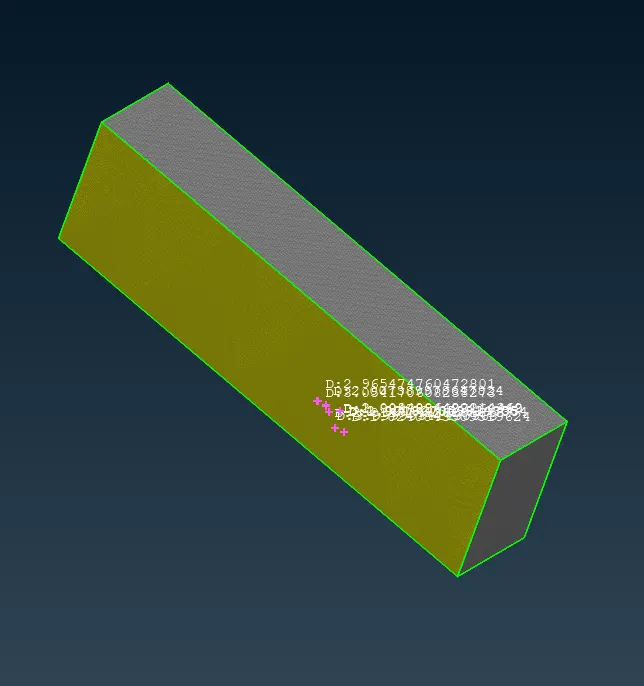
The mesh elements near to car are finer mesh and the elements meshed away from the car are coarse mesh.
- Volumetric Mesh:
All other Volumes are deleted, except the volume between the car and the tunnel
Conclusion:
In order to bring the geometric in required size and shape, by eliminating single, double cons we have used several commands like under topo module - Hotspoints (Insert, Delete, project,multi-project, parametric), Cons(Paste, release, fill hole, Project), Faces(cut, delete, undelete, new, topo and extend), Curves(create).
For meshing the PIDs with a different target length, we used commands under mesh module like Hotspoints (Insert, Delete, project,multi-project, parametric) Perimeters(Length, Spacing), Macros (cut, release, and project cut), Mesh generation (spot mesh, Remesh, Erase)
To improve the mesh quality and to eliminate off elements tools like Grids(Move, paste), Shell Mesh (Reconstruct).
To bring half of the model back after meshing and eliminating off elements, we used the transform tool ( 3- point method)
Above mentioned tools are used individually or combined with another tool.
The wind tunnel is created by using the relative tool in the points section of the topo module.
BMW M6 Model link!