Week 4 Challenge : CFD Meshing for BMW car
Aim – CFD meshing on BMW M6 Car.
Procedure –
· Import the given model in ANSA.
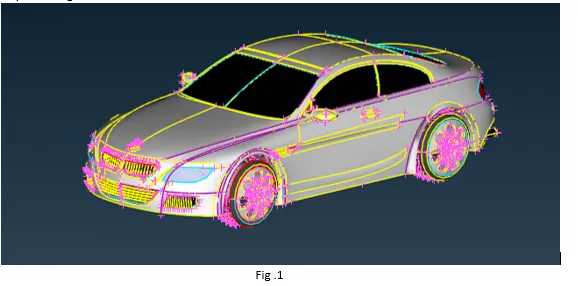
· Apply Face > TOPO option from TOPO deck so that some of the single cons are patched up to form a double and triple cons.
· Next step is to correct the cons resolution, as most of the features in the model are not captured accurately. This can be done by using length option in mesh deck.
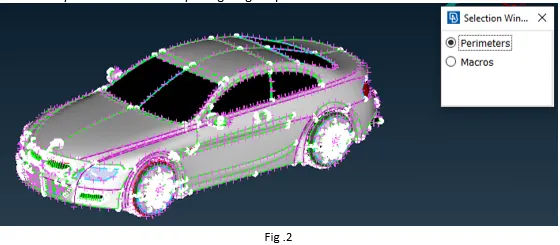
· Change both the Perimeters and Macro length to 1mm, it will change the cons resolution and all the features of the model will be captured.
· As the model is symmetric, half part of the model can be deleted and after meshing the symmetry option the other half can be created.
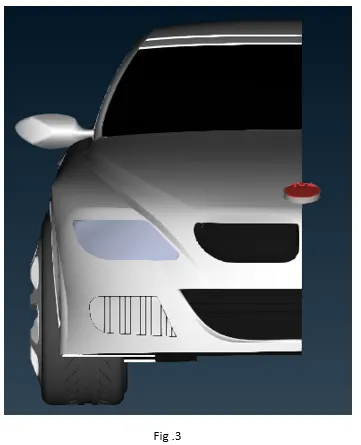
· Next steps to perform geometry clean up.
· Isolate the parts in the model and perform the geometry clean on each one of them individually. This can be done by deleting unwanted surfaces and creating the new ones, by filling up the gaps and holes, by removing single cons and triple cons in the model.
· After geometry cleanup is completed, next step is to name the PIDs as per requirement.
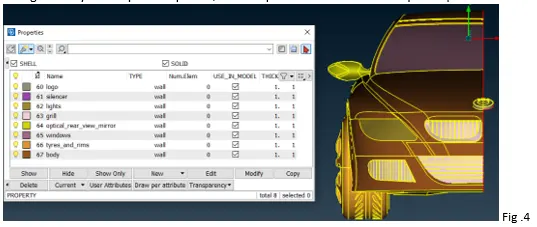
· After naming the PIDs, next step is to create surface mesh. For meshing, set the macro and perimeter length for each PID. Also, setup the appropriate quality criteria.
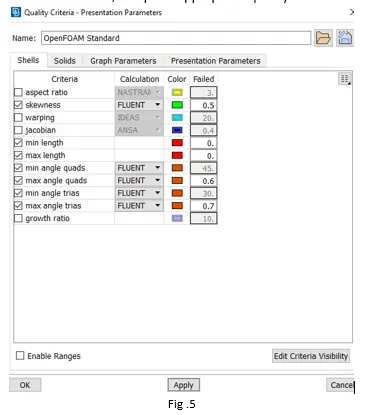
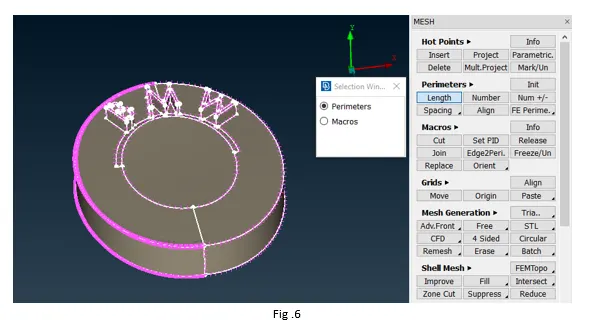
· Change the perimeter and macro length to 1mm (this will change for all the PIDs), use the spot mesh algorithm to generate the mesh. Repeat this step for all the PIDs.
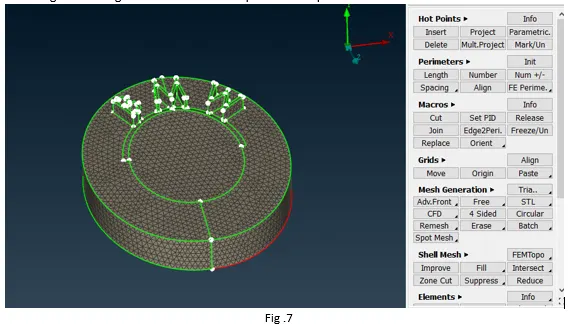
· After meshing the surface with the required length, check for the off-element number. The number of off elements should be zero to ensure that the mesh is correct.
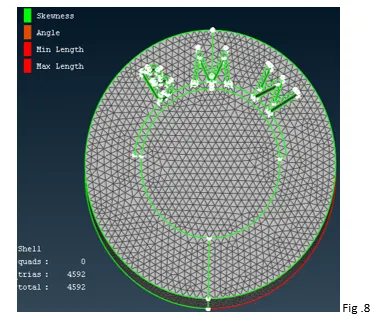
· After the meshing all the PIDs and removing the off elements, use transform option to create the symmetry.
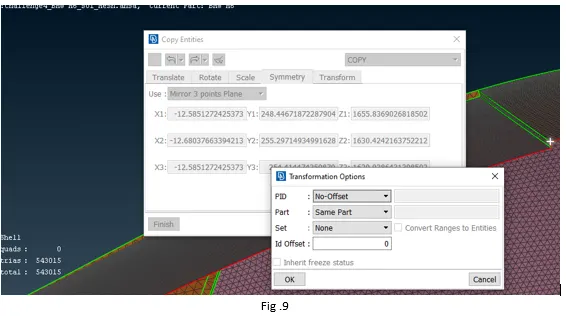
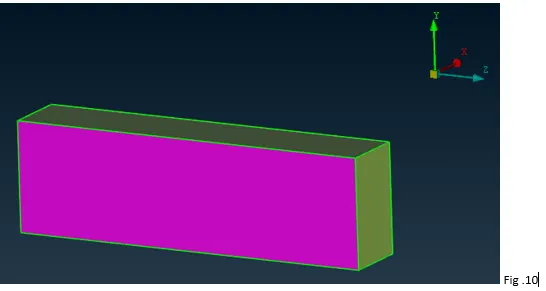
· Once, the symmetry is done, next step is to create the wind tunnel. This can be done by creating points and then joining those with curves and faces should be created from those curves. If X is the length of car, the front face of the tunnel should be at 4X. Likewise the rear face should be at 6X, top face at 3X, bottom face should be close to wheels and the side faces of the tunnel should be at X from the car.
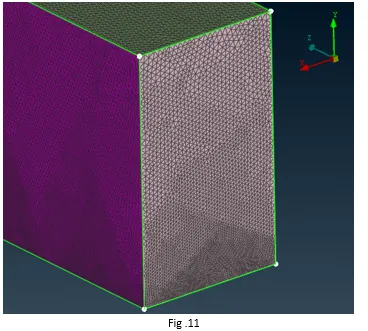
· Next step is to mesh the wind tunnel. The mesh should be finer near the car and can be coarse as we move away from the car. This can be done using spacing option on the vertical side(cons) of the tunnel.
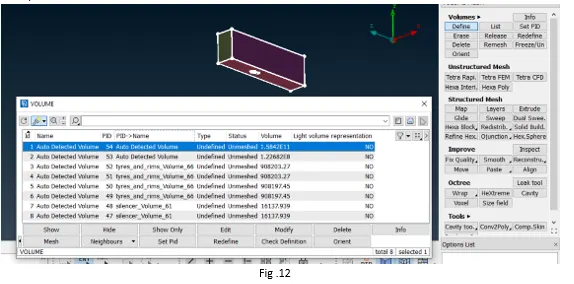
· Once the surface mesh for the wind tunnel and other PID is completed, the next step is volume mesh. For this activate the volume mesh deck and then click on Volumes > Define. Using this tool ANSA will detect the volume, out of which the volume of interest should be volume meshed and the remaining ones can be deleted.
· Here, the volume of interest is the one between the tunnel and the car.
Conclusion –
· The BMW M6 car model was studied and surface meshed with the given target length.
· Wind tunnel was constructed as per the mentioned dimensions and surface mesh was also created for the tunnel.
· As the volume mesh for the given model is time consuming, it is not generated.
· The project helps in developing good understanding about cad clean up, generating new surfaces, surface meshing of complex surfaces, removing off elements etc.
(Unable to attach the ANSA file ,as size is greater than 20MB)
https://drive.google.com/drive/folders/1LB5Nn5YbjobagnM4SuCyTMDRjbA3b2U0?usp=sharing