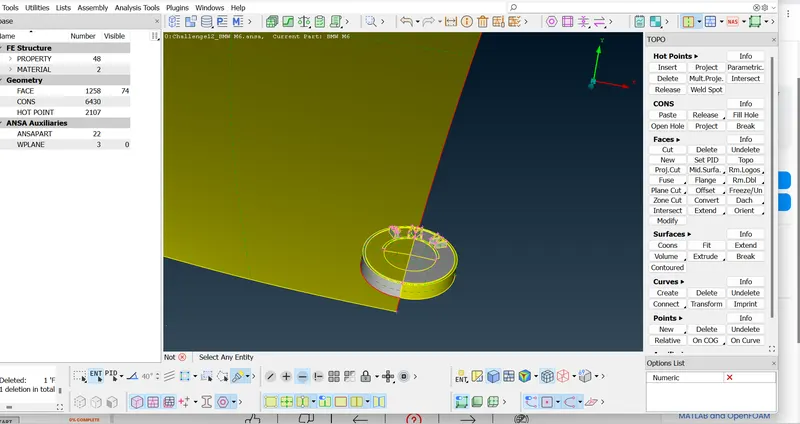
Week 4 Challenge : CFD Meshing for BMW car
AIM:-
Perform CFD meshing in BMW car.
OBJECTIVE:-
For the given model, check and solve all geometrical errors on half portion and Assign appropriate PIDs. Perform meshing with the given Target length and element Quality criteria. After meshing the half model, Do symmetry to the other side.
- Target lengths for the different parts of a model are as follow:
- Body - 3 mm
- Lights - 4 mm
- Grills - 1 mm
- Rims and Tyres - 2 mm
- Optical Rear view mirror - 2 mm
- Window - 2 mm
- Silencer - 3 mm
- Logo - 1 mm
PROCEDURE:-
To perform CFD meshing in BMW car by following step:
- First clear the geometrical errors
- Assign PIDs
- Surface Meshing
- Create wind tunnel
- Volumetric meshing
STEP 1:-
- Import the BMW car model in ANSA software.
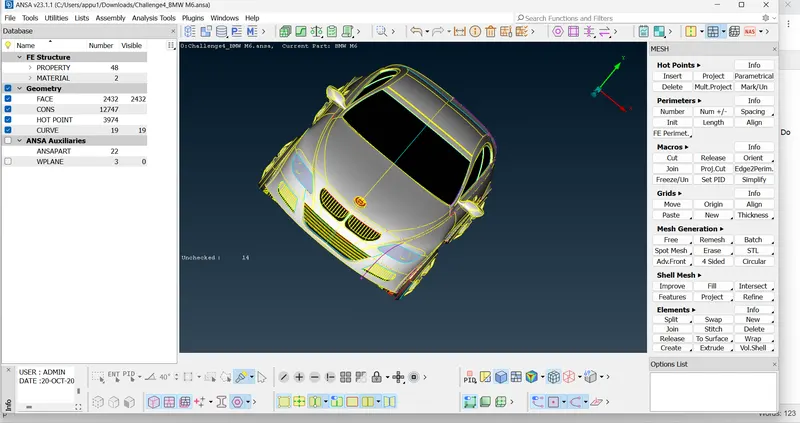
- After import the model check the error of single cons and triple cones.
- Check the surface is clean or not, if it is not clean then go to mesh>length>parameter and marcos and give the length.
- After the geometry is clean go to the symemetric process.
- Then go to the delete option and select the half body portion.
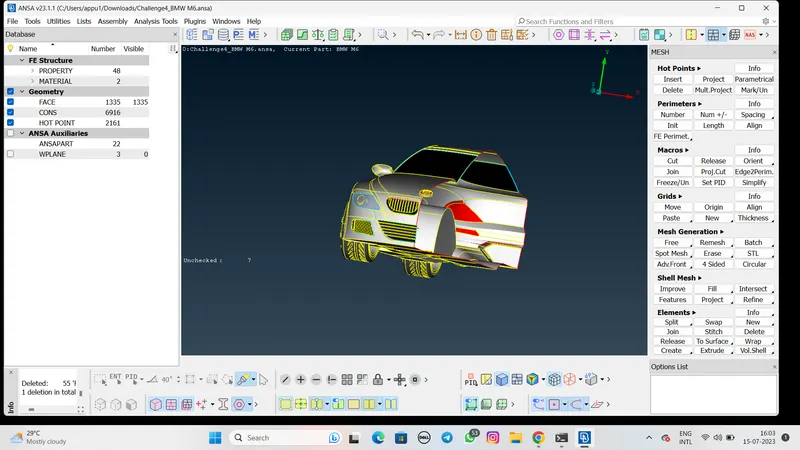
- Then check and the solve the error of different parts
1:- Grill
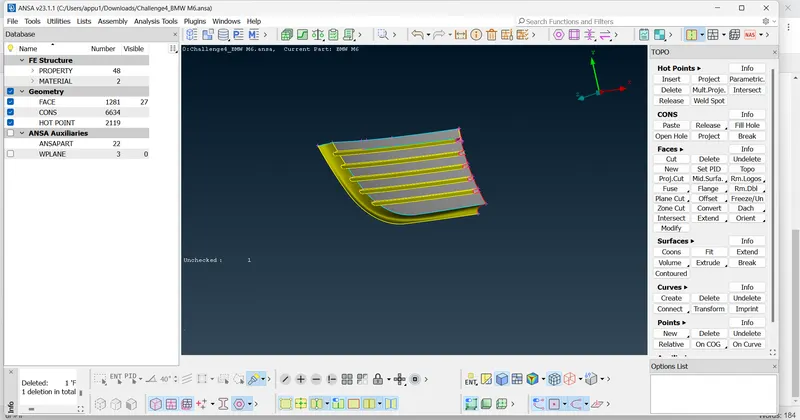
2: Logo