Week 4 Challenge : CFD Meshing for BMW car
Objective:
For the given model, check and solve all geometrical errors on half portion and Assign appropriate PIDs. Perform meshing with the given Target length and element Quality criteria. After meshing the half model, Do symmetry to the other side.
- Target lengths for the different parts of a model are as follow:
- Body - 3 mm
- Lights - 4 mm
- Grills - 1 mm
- Rims and Tyres - 2 mm
- Optical Rear view mirror - 2 mm
- Window - 2 mm
- Silencer - 3 mm
- Logo - 1 mm
(Note: Kindly take reference of videos for other Quality Criterias)
Meshing Wind tunnel volume with tetra elements may take upto 2 days of time. So that is not compulsory to perform. i.e. Model can be submitted after performing surface mesh to Wind tunnel surfaces. Write a detailed report for the same.
Note: All the 2D elements(Trias) in your model should clear the quality criteria (i.e. Off elements should be zero). Depending upon this you will be awarded marks.
Procedure:
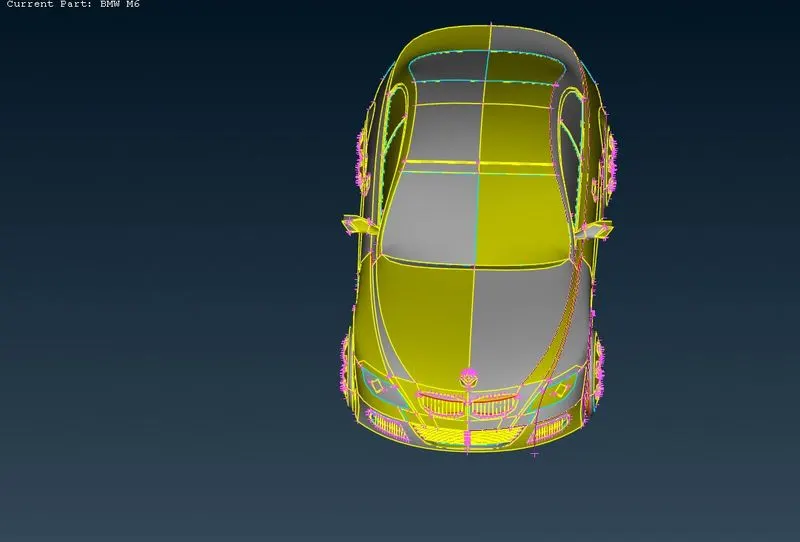
First we import the geometry
Geometry cleanup
- By looking geometry(By seeing the logo and grills having sharp edges) the resolution is not in good way. so lets change the resoultion,For that go to the classic mesh-> perimeter-> length.A new popup opens,Then select perimeter and box select the geometry and hit the middle click,then new popup opens,Then give length=1 and click on ok.the resolution has been changed.
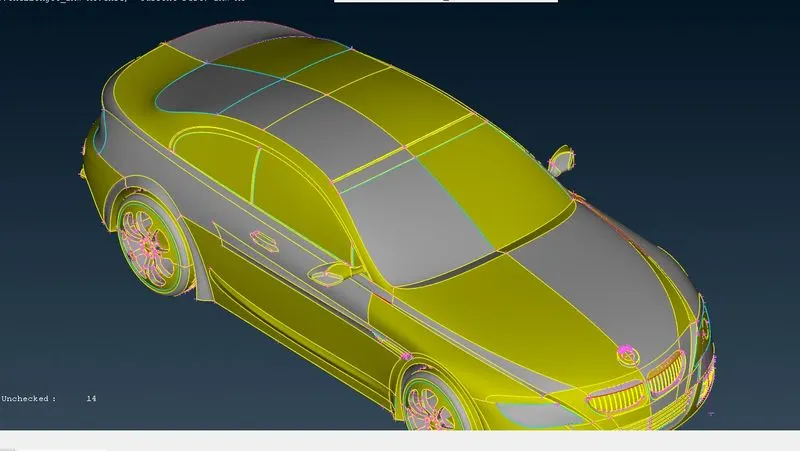
Lets apply topo to autofix some errors which are possible. For that go to topo mode-> faces-> topo-> box selection of geometry,then hit the middle click.now the some errors are fixed.Now the car looks as
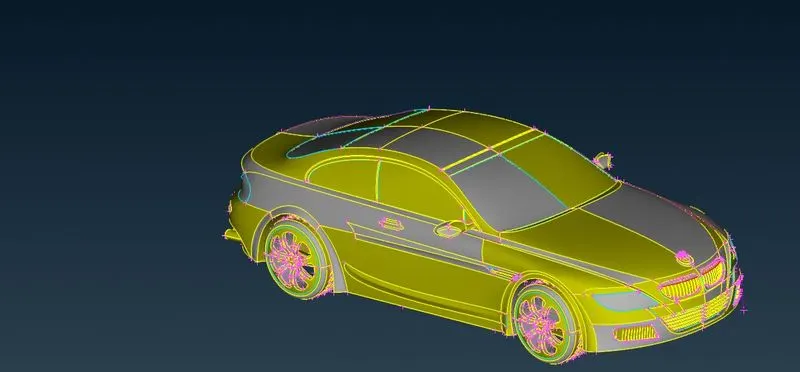
The geometry is symmetric about one axis so will first delete the half portion of car and work on this remaining half part and after that we will copy this part as symmetry and create the whole body,Lets delete this half portion of a car,for that go to universal delete option and select the half portion of a car.Now it has been deleted,Now click on all so that logo will come.
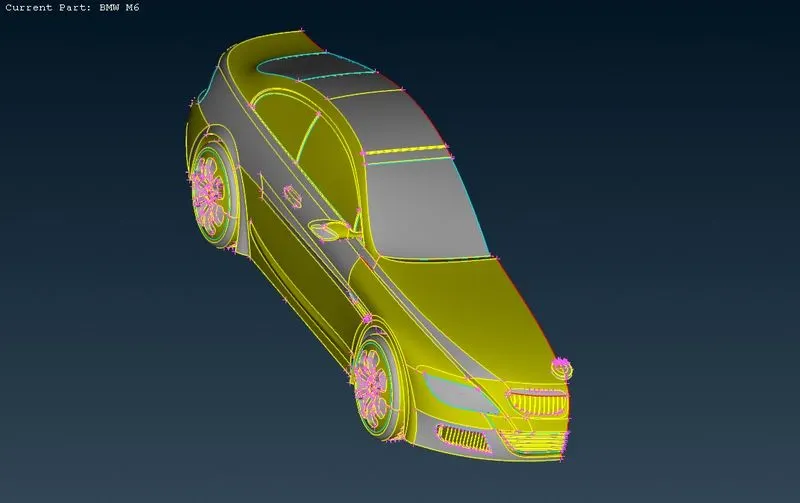
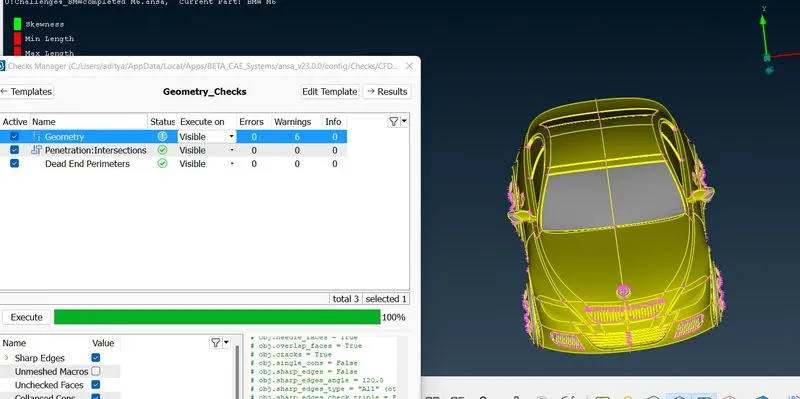
Lets check the errors in the geometry.
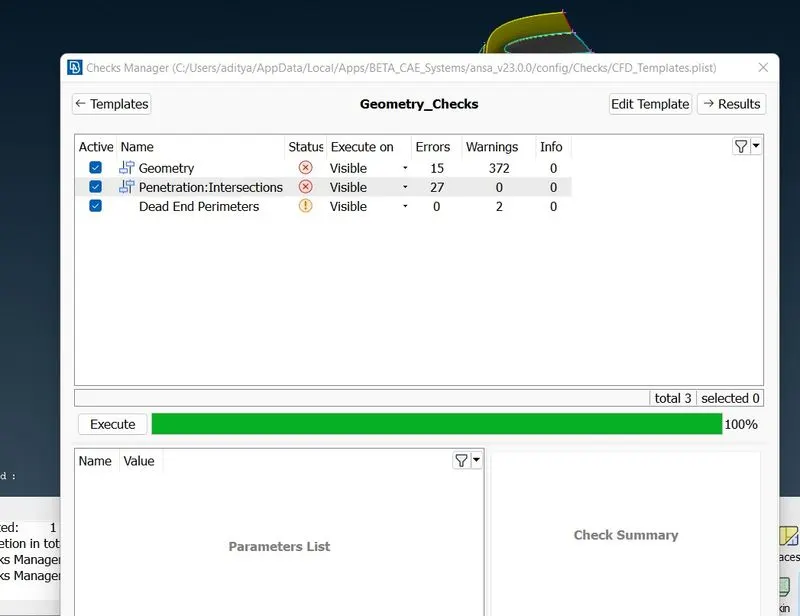
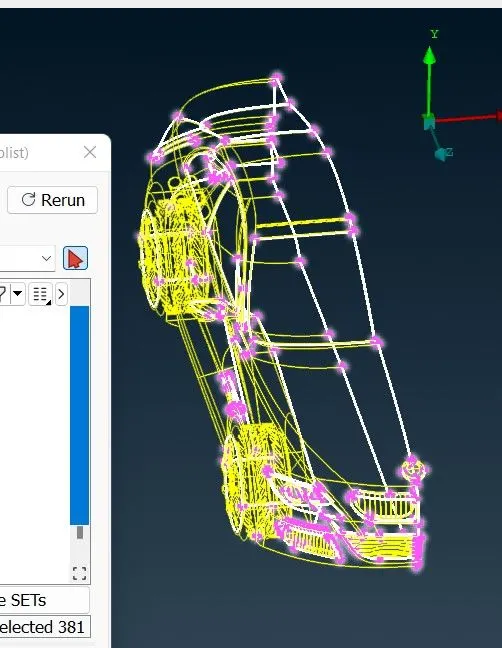
They are three grills at front of car,First we will clear these grills part by using not option
Grill -1
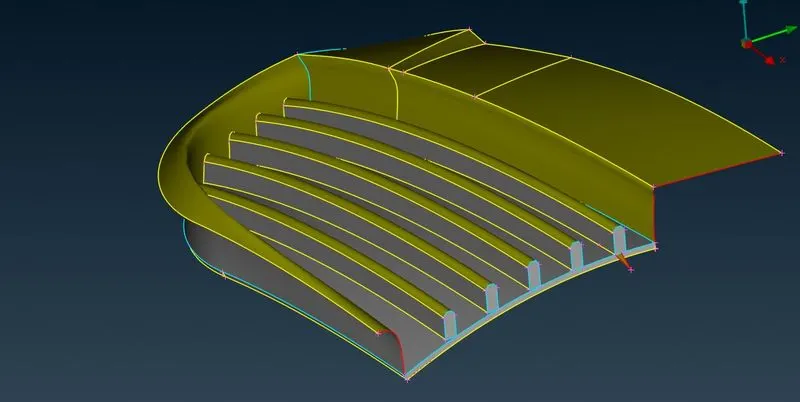
Now we are going for external flow analysis so we want a single volume that’s why we are deleting this surface as well as thickness and making it into single volume.Follow these step in this grill
Delete the external faces which are creating closed surfaces inside the grill.unless you do not project any surface you cannot delete it.Unnecessary hot points should be deleted here as they will be the cause of extra unwanted faces. Also, during meshing, they will try to create extra node points.Once, the clean-up is done, save the geometry.
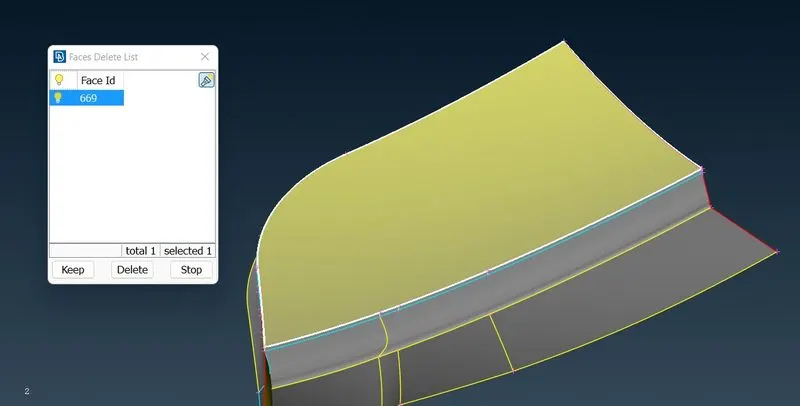
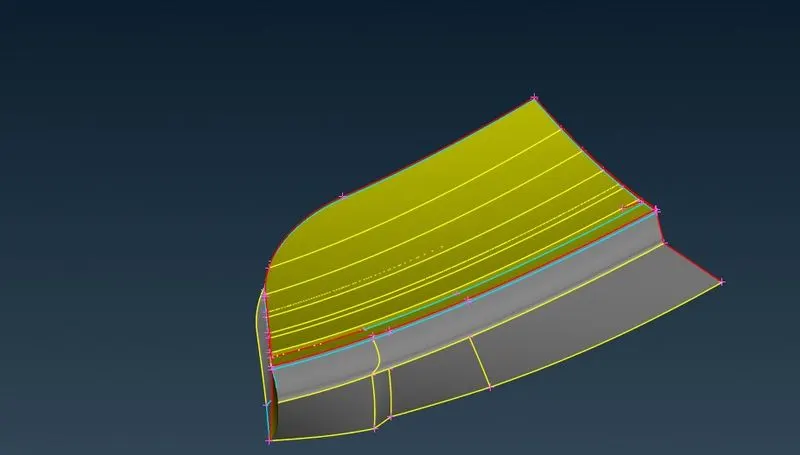
After deleting all extra thickness the grill is looking like this and grills are not aligned properly
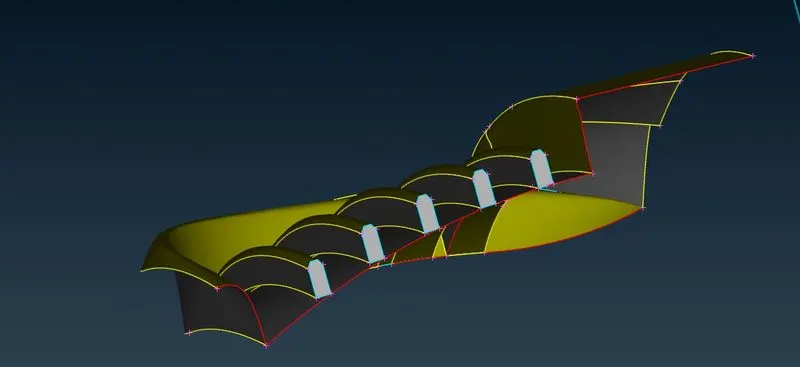
Now follow what explained in the above paragraph
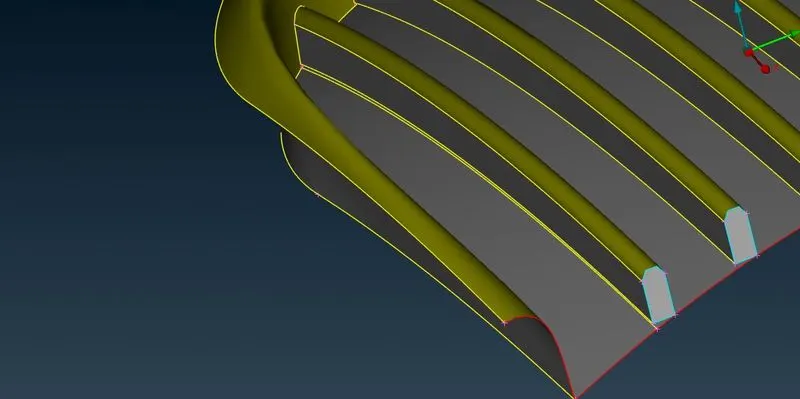
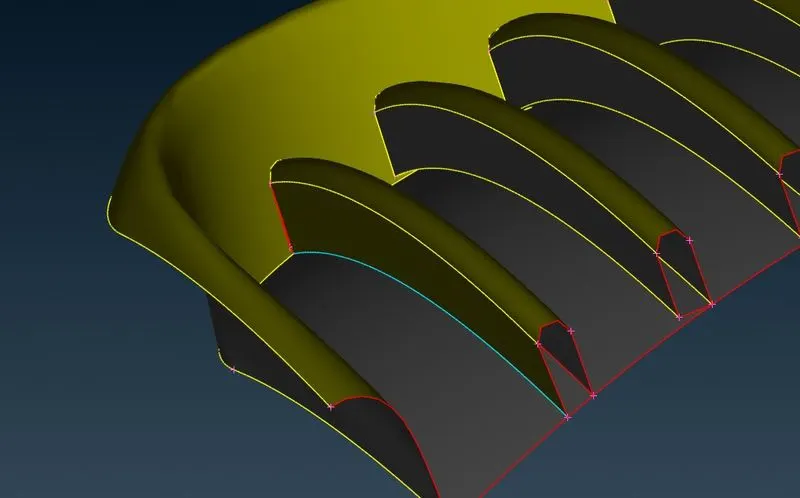
Finally by clearing all errors the grill look like this
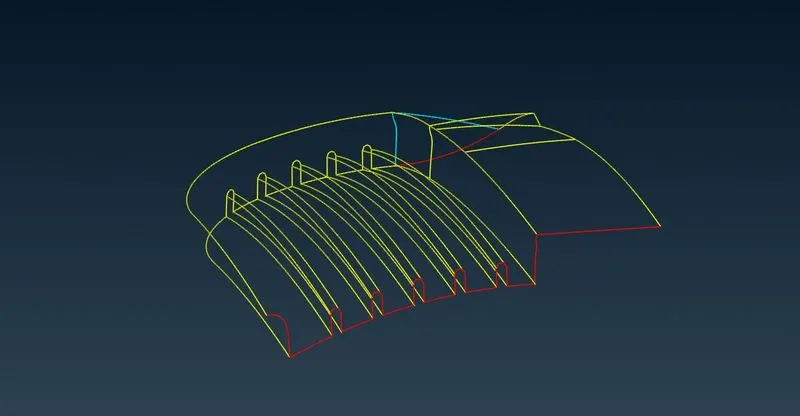
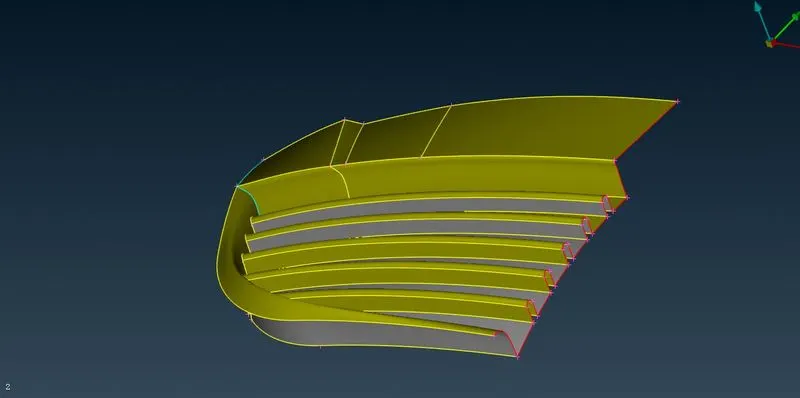
Grill-2
Now we are going for next grill to clear geometry. Now hide the other part and concentrate on this grill. To hide all other parts we use not tool and lock this geometry.
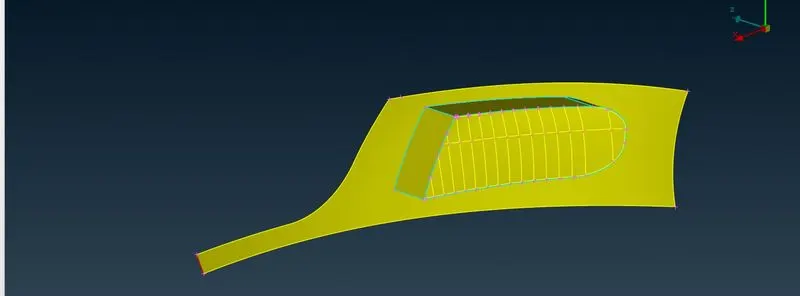
Let check errors in grill
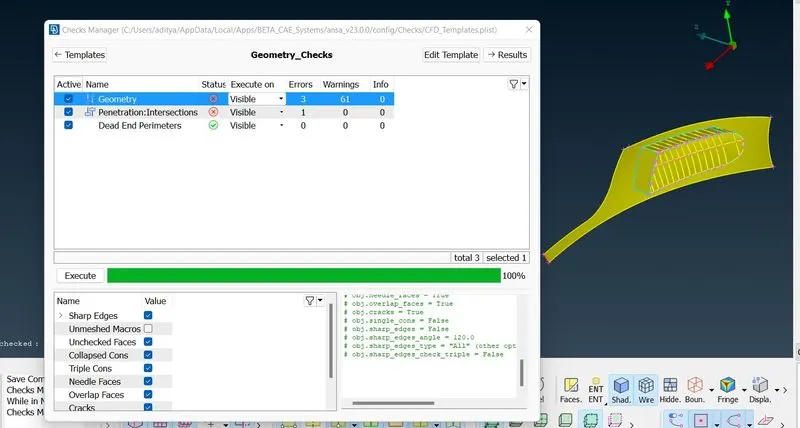
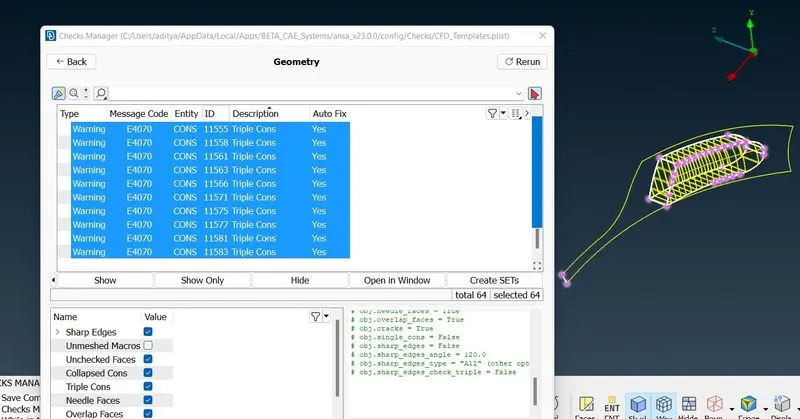
Now let see inside the grill why errors are occurred. Let hide this surfaces and look in to it and for that we will zoom it
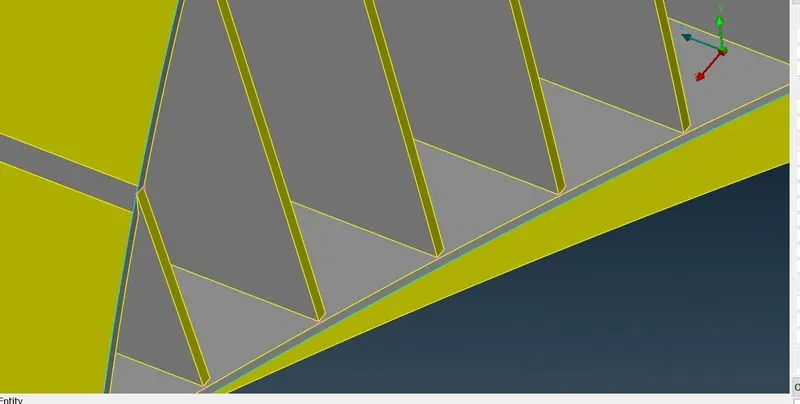
By seeing this geometry there is some distortion .so let clear this. For that we will create a surface at 20% distance from back surface(with help of hot points)and by doing intersect we will delete and some thickness of grill from inside and this will not affect to the our analysis because we are going for external flow analysis and making a single volume entity.Now click on all.
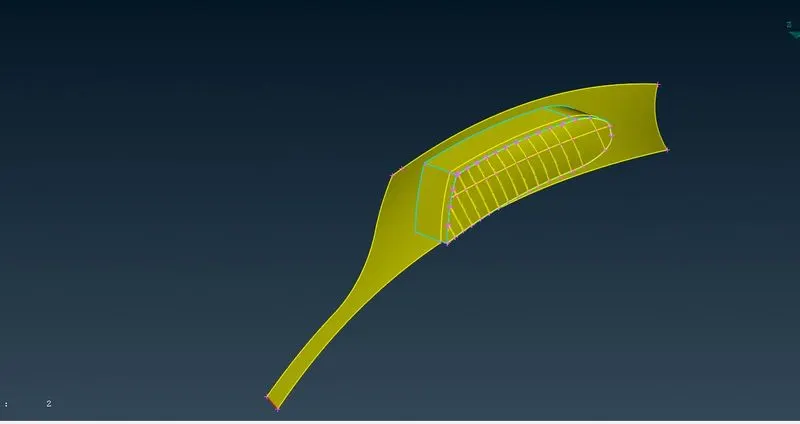
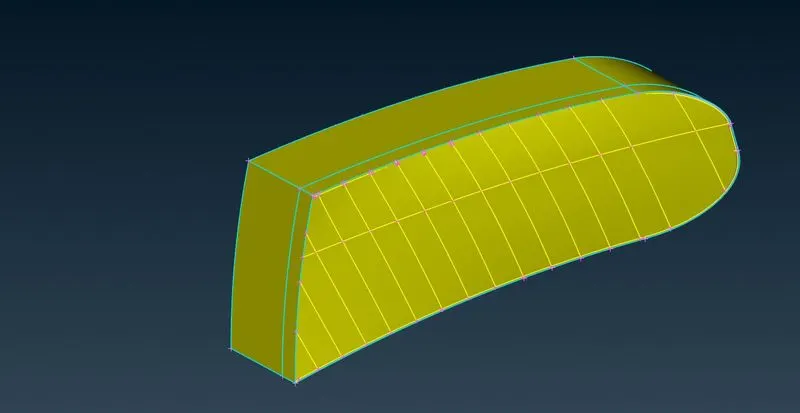
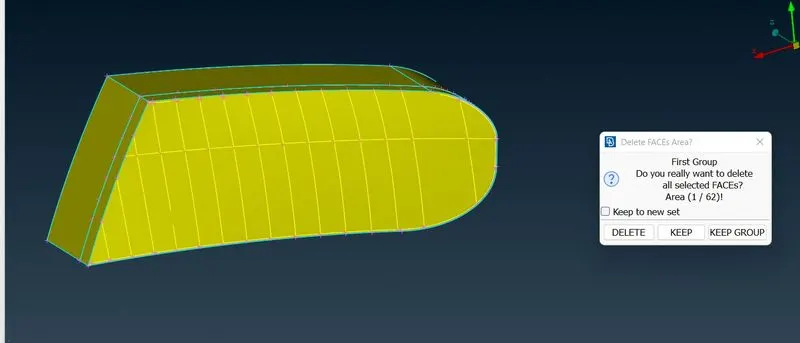
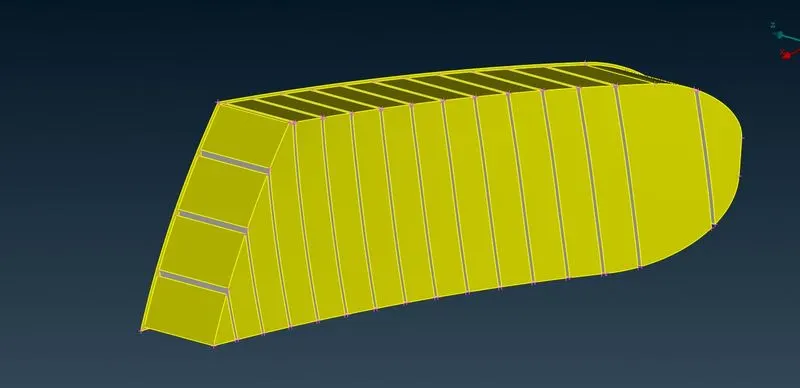
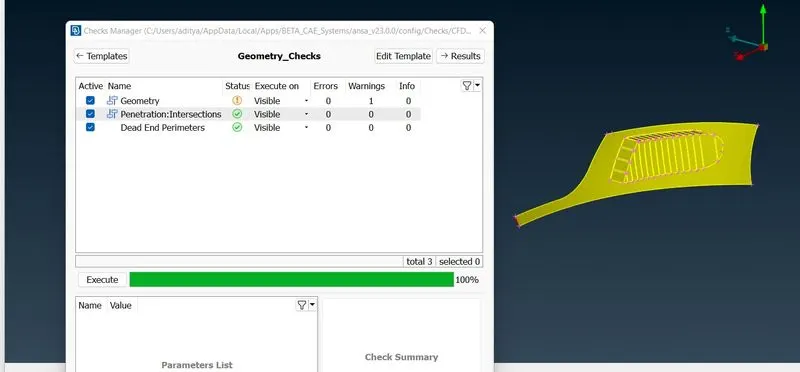
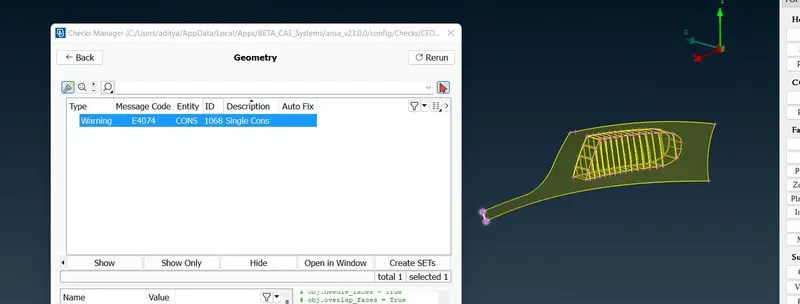
Now this is the single con warning due to we have deleted half portion of car.so we are neglecting this. Now remove the lock and click on all
Now will go to another grill by hidding all surfaces using not option
Grill-3
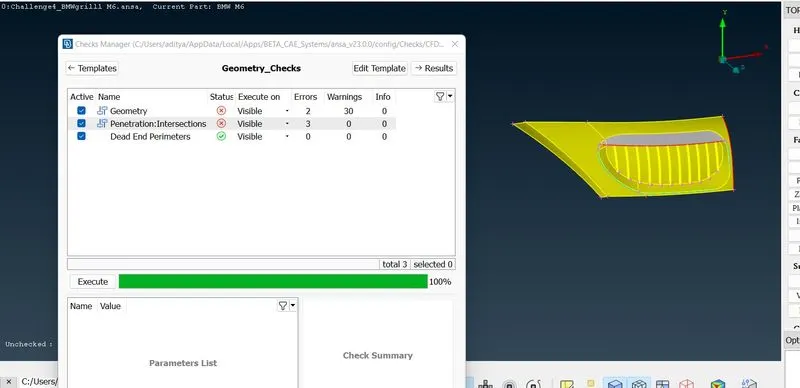
First lets clear this errors one by one,First we will delete triple cons,then it will become
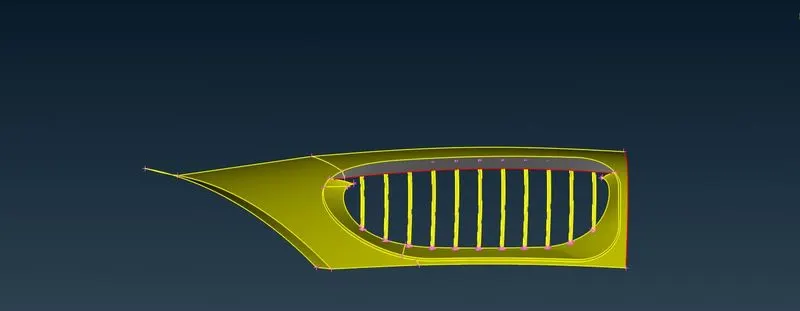
We have deleted these overlap surfaces.By closely looking to the geometry we have noticed that the fins are in distorted shape.
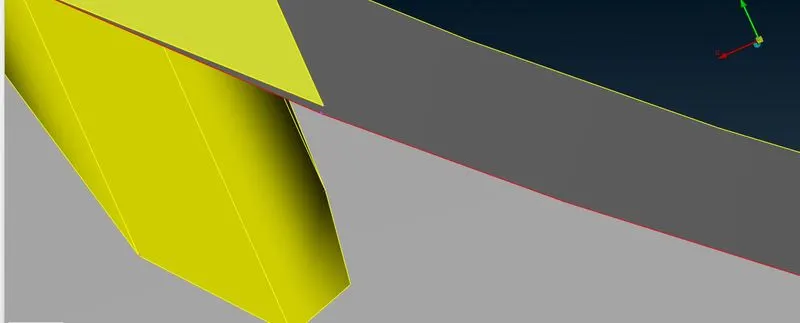
Now we aligning this fins by using cut option under faces.
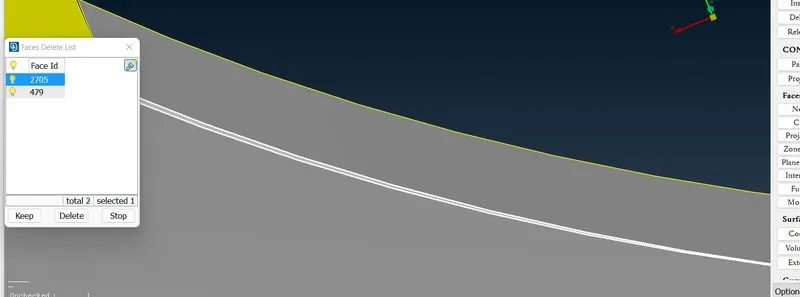
Now delete
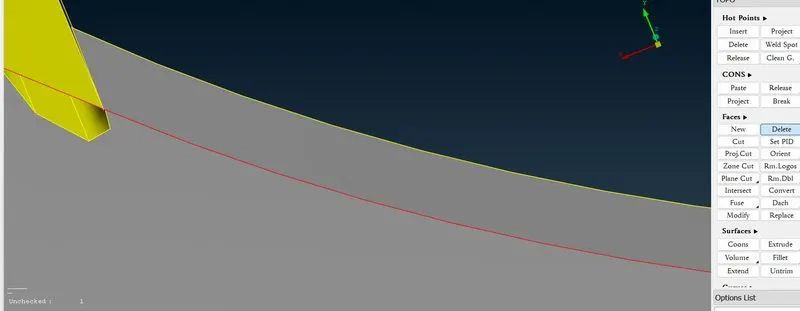
Similarly we will do for other surfaces,after that we will create the surface between fins
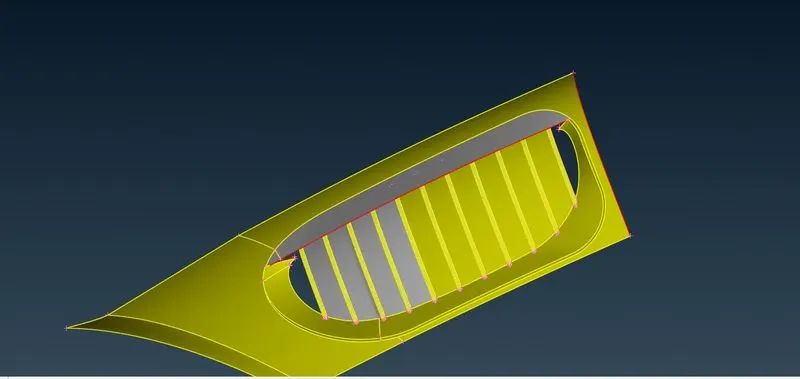
Now goto the plane cut under faces and select the hotpoints,after that hit the middle click , then anew popup opens,Click on ok
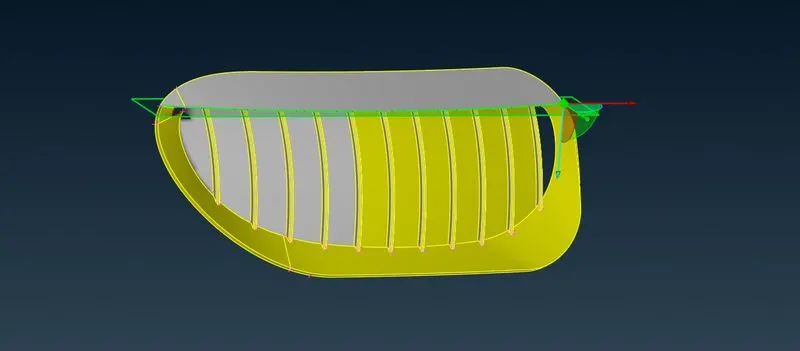
Then it will becomes
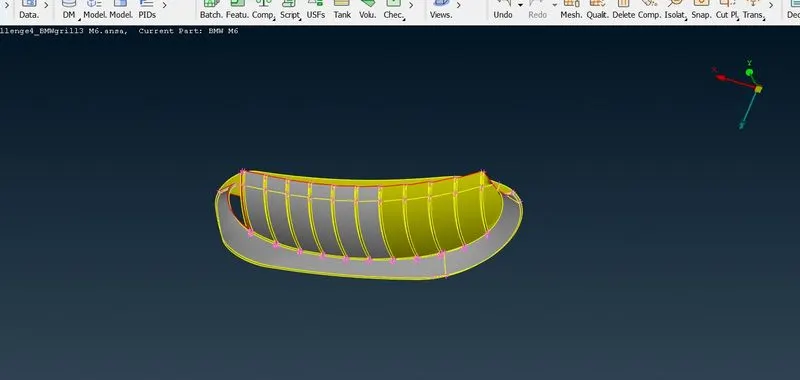
Now it has been projected. Now hide the all other parts which are required and delete the unwanted part by using universal delete tool
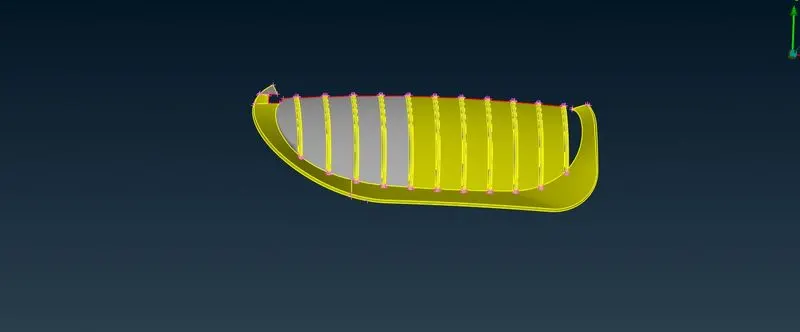
Finally after deleting all errors,finally it look likes this
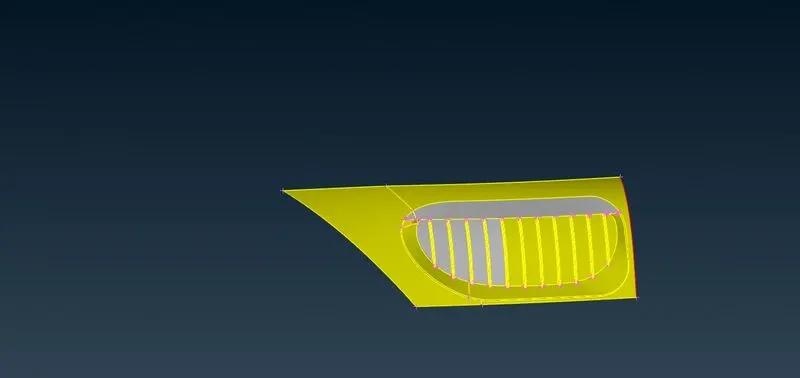
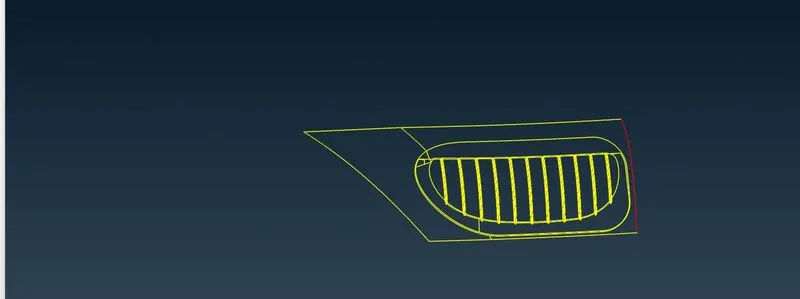
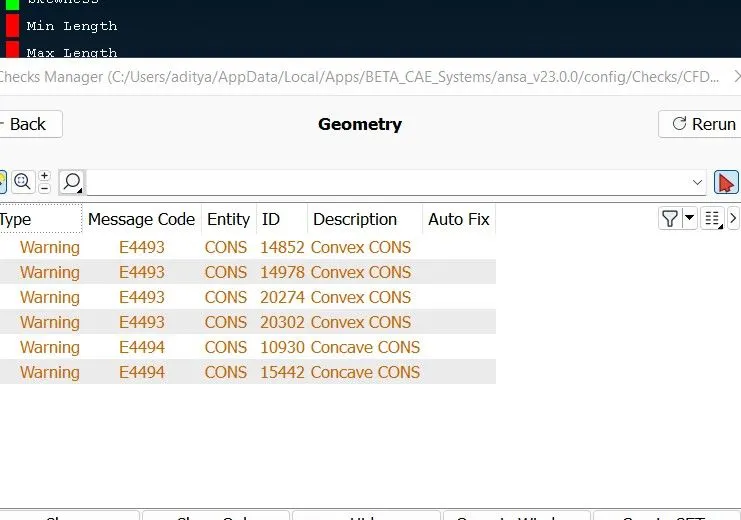
Let check what are the warnings for geometry
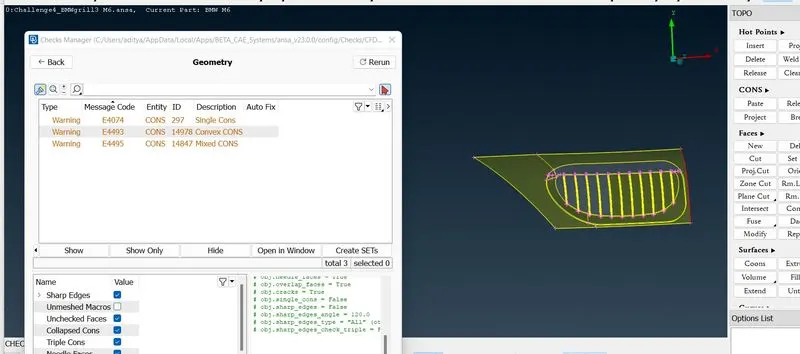
These are the mixed coons,convex coons which are ignore bacause this comes due to shape of geometry. So we have successfully removed all errors in this grill.Now lets remove the lock and click on all
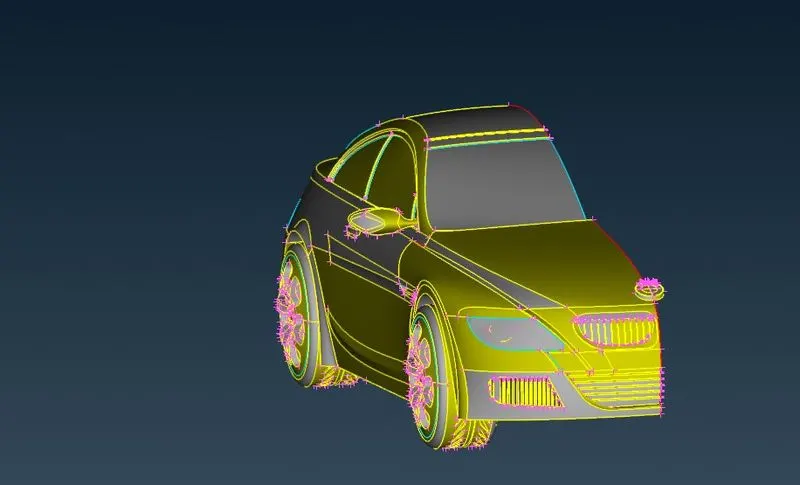 Now go to light part and will clear all errors
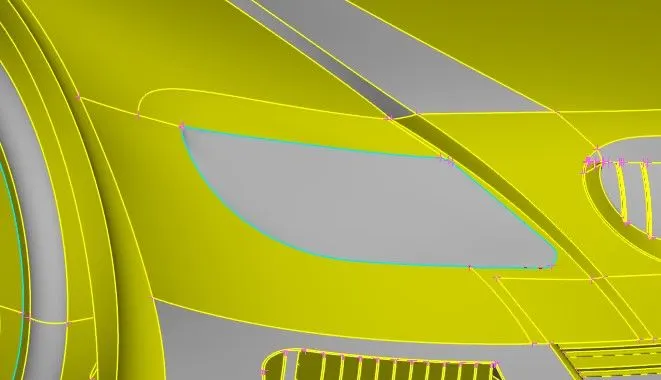
After clearing all triple coons and unneccesary surfaces finally,its look like below
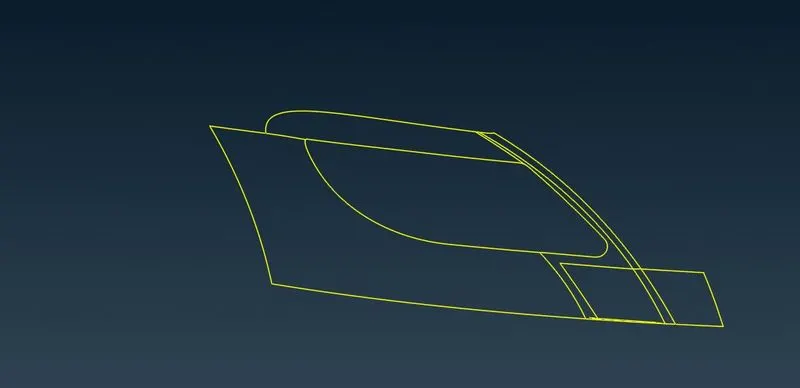
Let us check errors,we cleared all the errors.
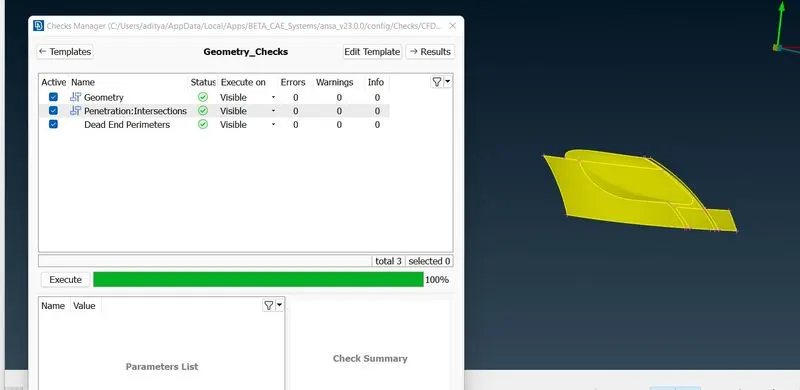
Now we are going to clear logo
Logo
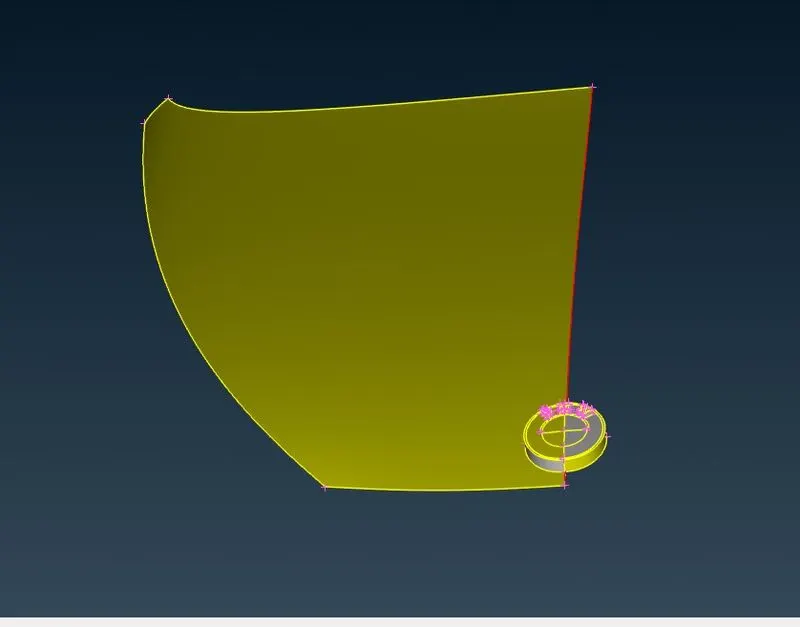
Lets check for errors
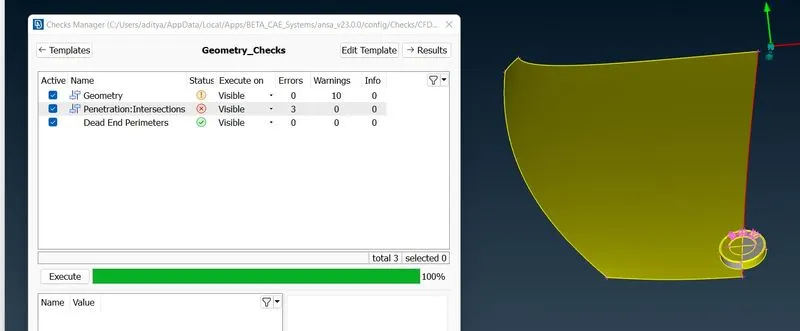
Let try try to remove triple cons
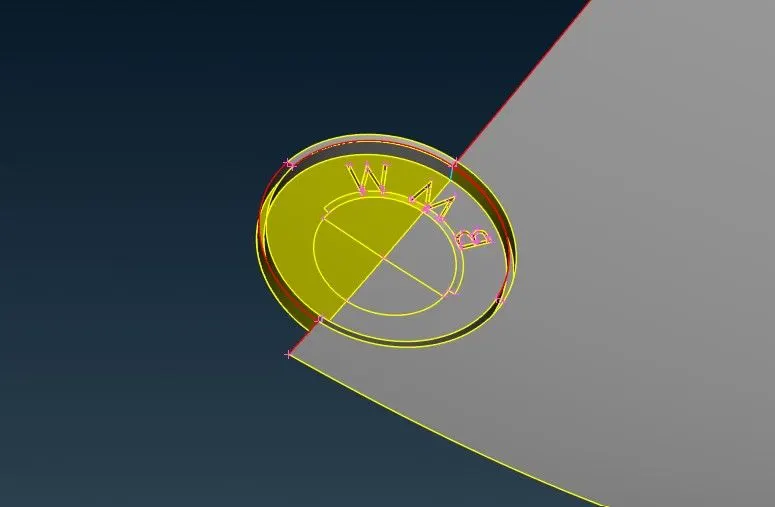
Now will hide the face by using not option and will delete the unncessary thickness in logo and finally it look like below
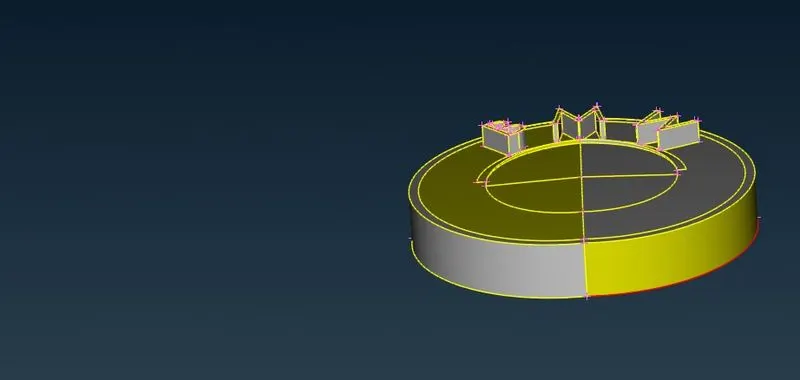
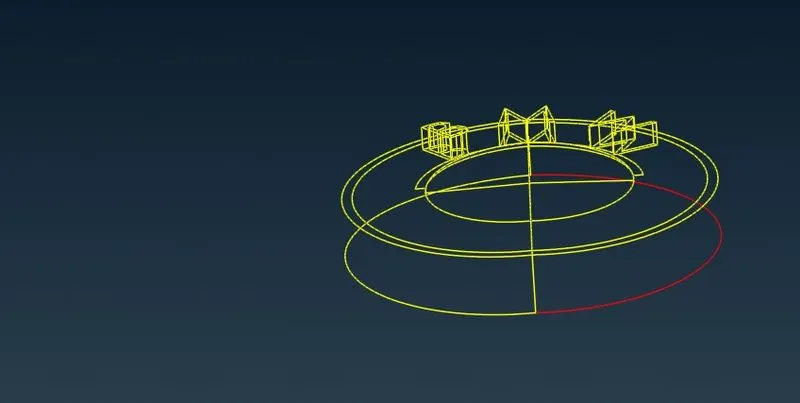
Windows and lights
Windows and lights doesnt have much error just triple cons created by ovelepping surface or volume surface , We delete all surfaces till all triple cons dissappear and double cons is only shown.
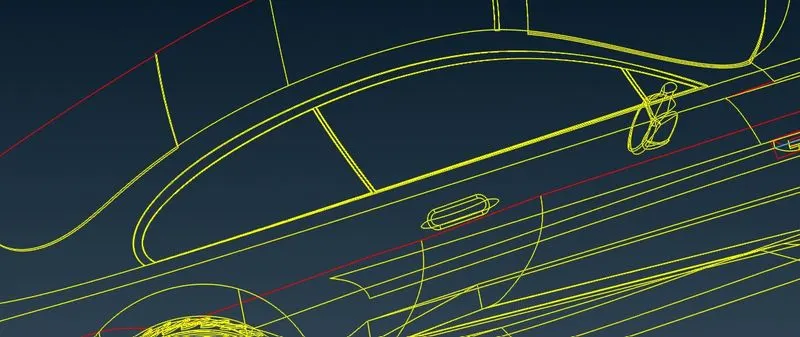
Mirror
Here also doesnt have much error just triple cons created by ovelepping surface or volume surface ,We delete all surfaces till all triple cons dissappear and double cons is only shown.
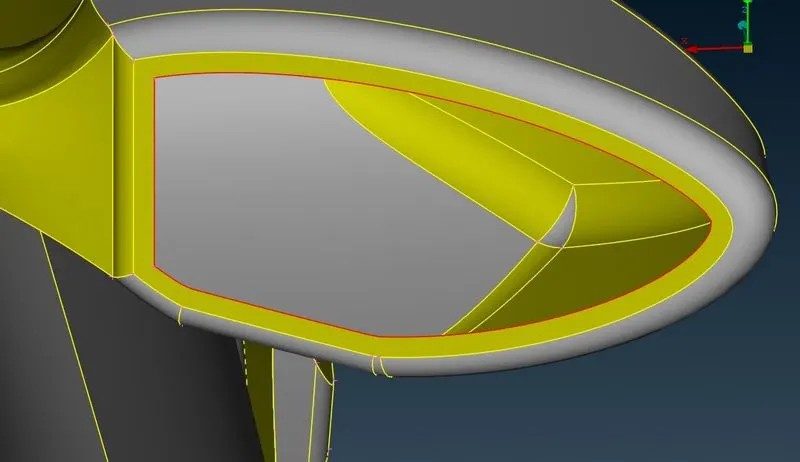
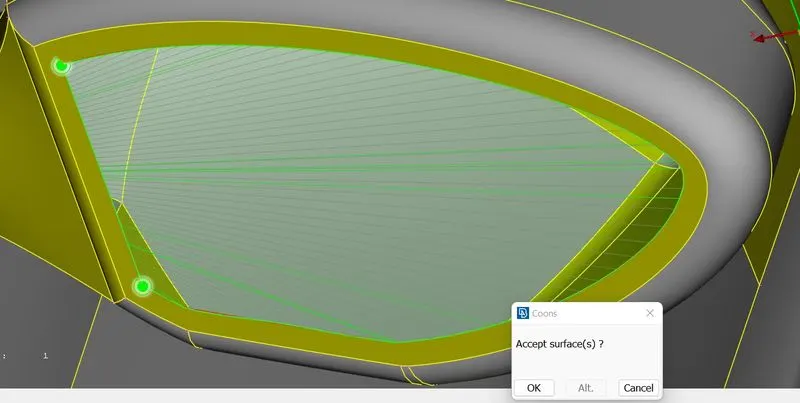
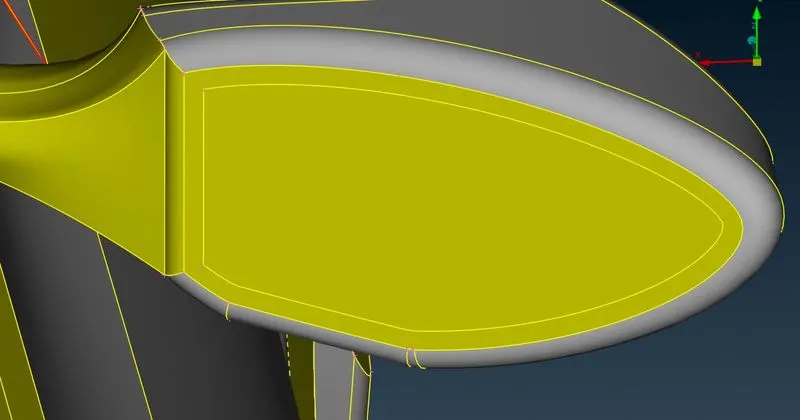
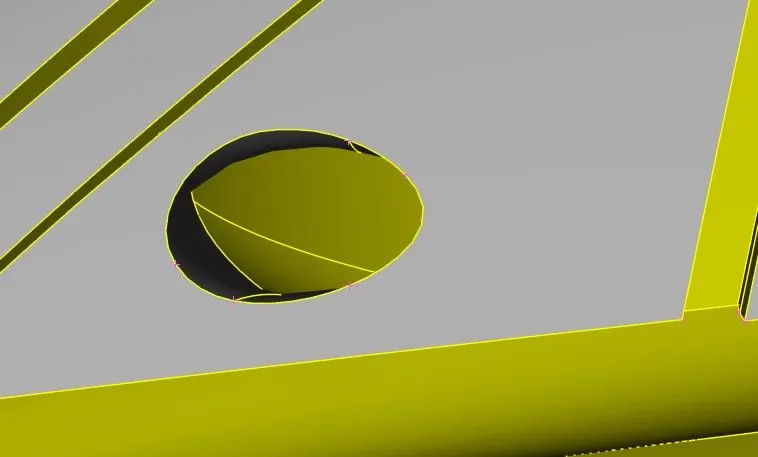
Now we are going to clear this below section
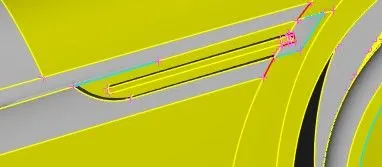
Let hide all other parts and lock it and concentrate on this surface.
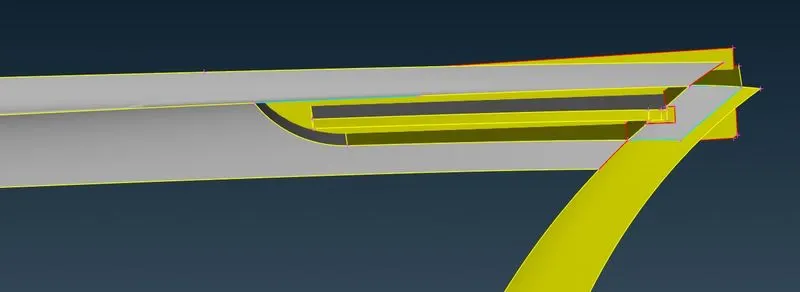
Below vertical face causes an itersection error so will delete this.
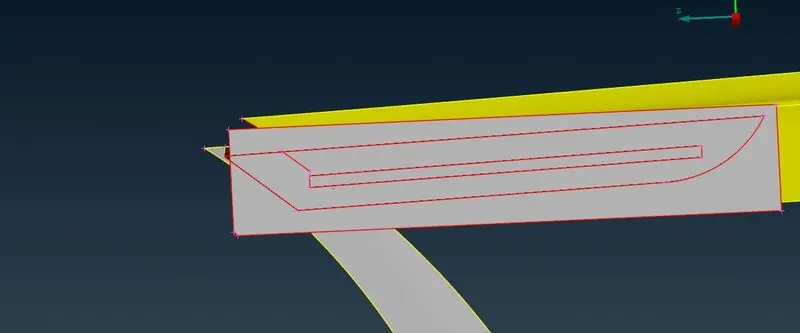
Then it will become
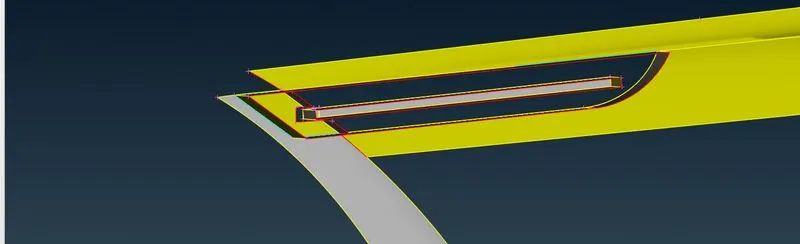
By using extend and project cut we are deleting unnecessary surfaces,we are deleting unnecessary surfaces
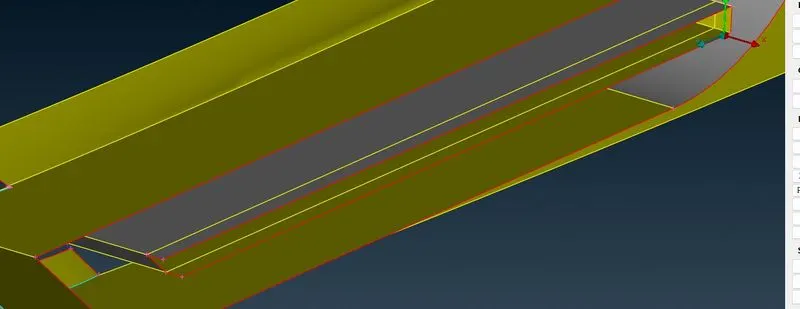
Now we will delete
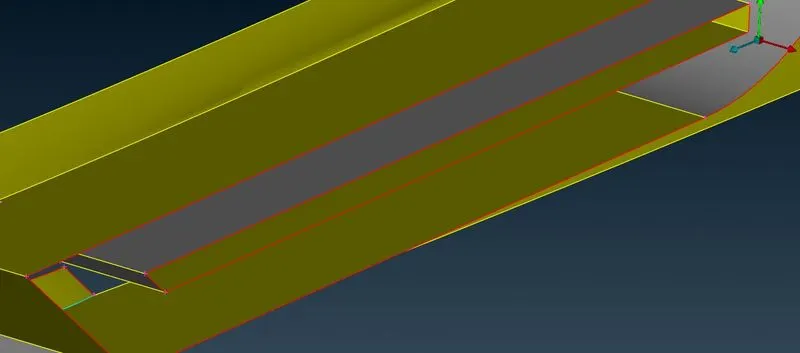
we cleared all errors
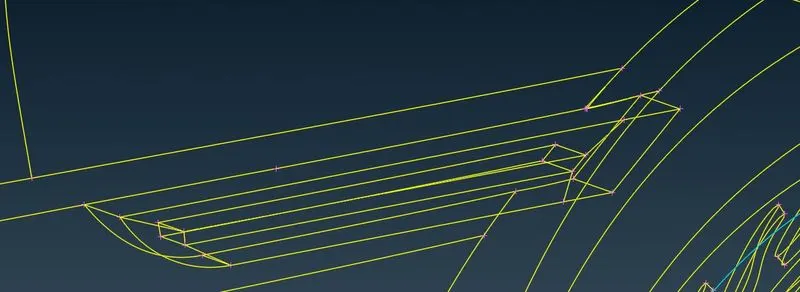
Now we have succesfully clear the errors here.Let check for errors
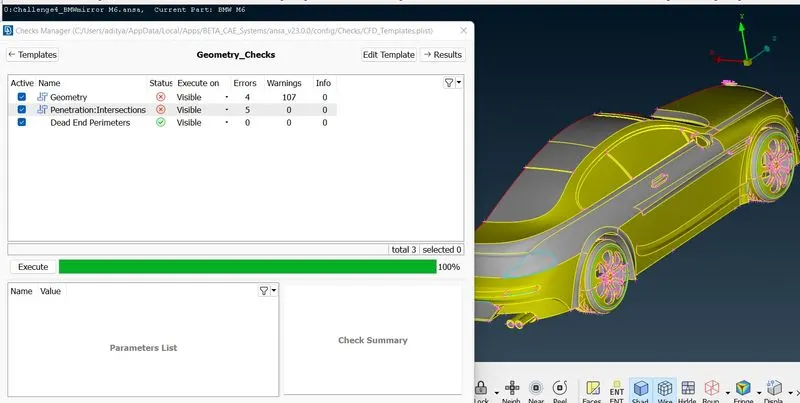
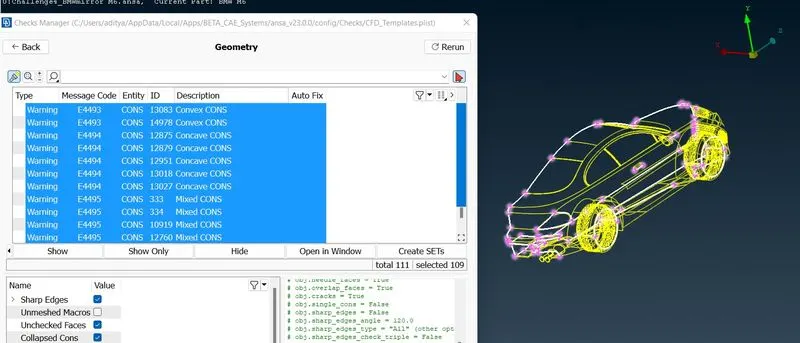
Let us see where they are
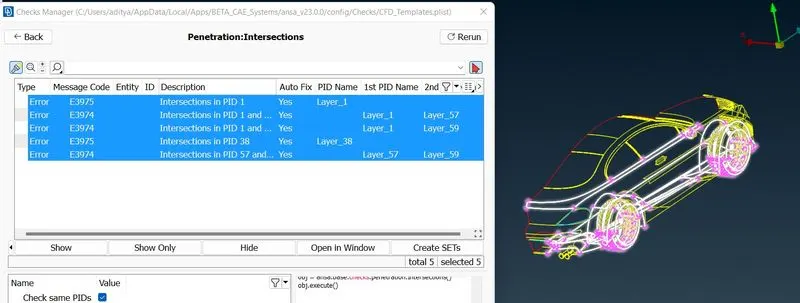
Similarly will see intersecting errors where they are
Now will go another error below shown,it as triple coons,we will delete
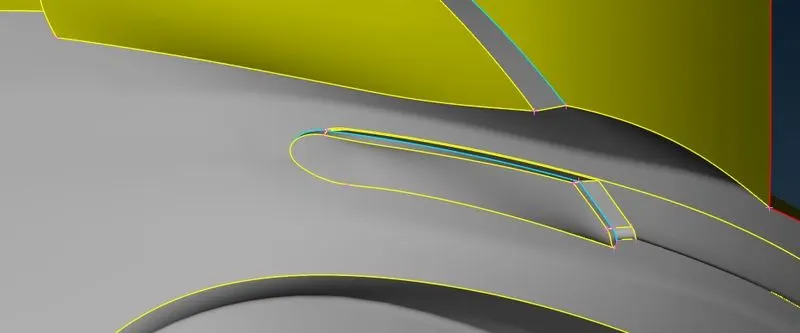
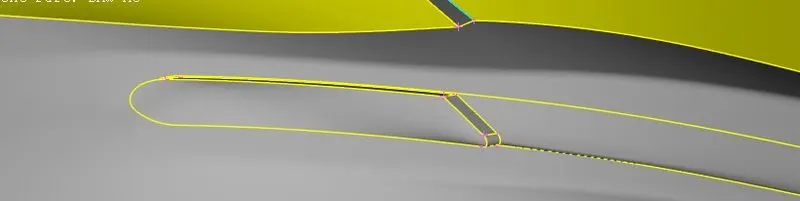
Similarly we will delete other unnecessary surfaces,now we will go floor cleaning and tyres for that we will check what are the intersection errors present there and will clean by same procedure
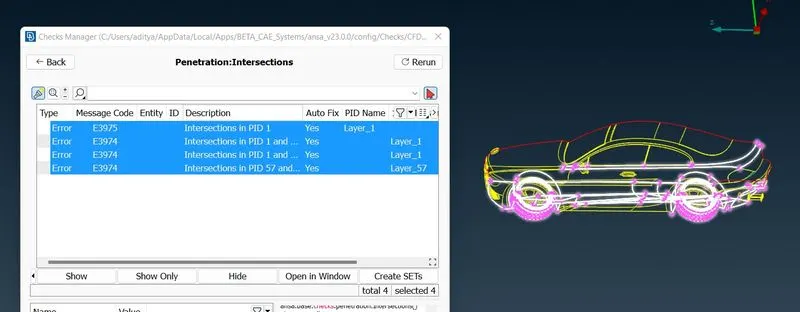
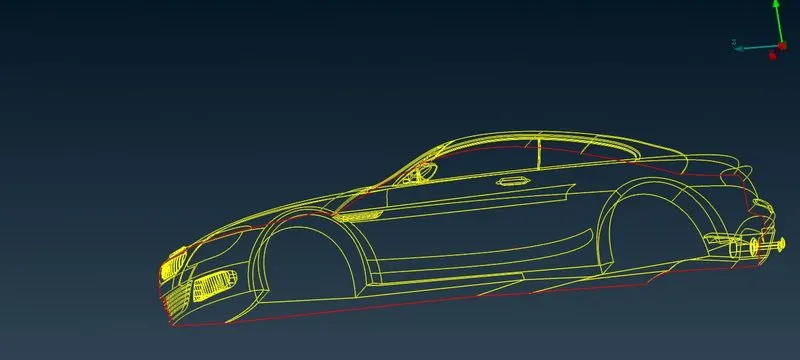
Now Let click on all,and check again intersect error
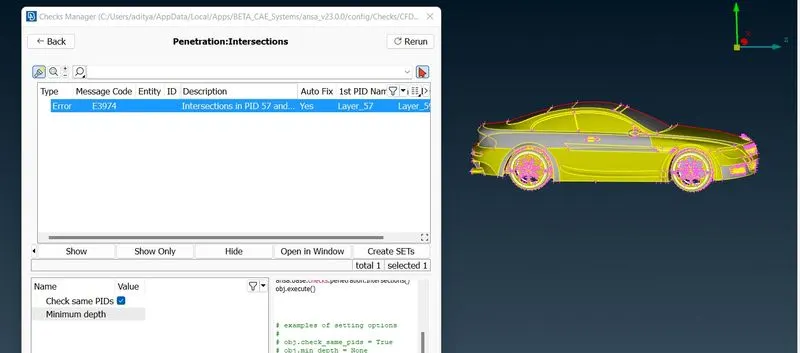
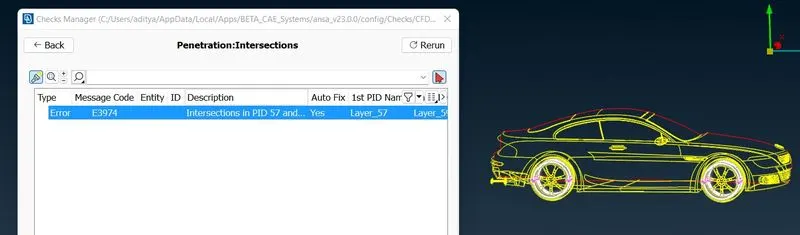
The above error occurs in tyre,we will clear by delteing overlapping surfaces in tyre
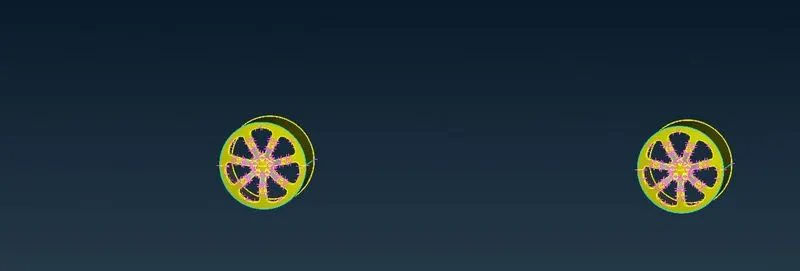
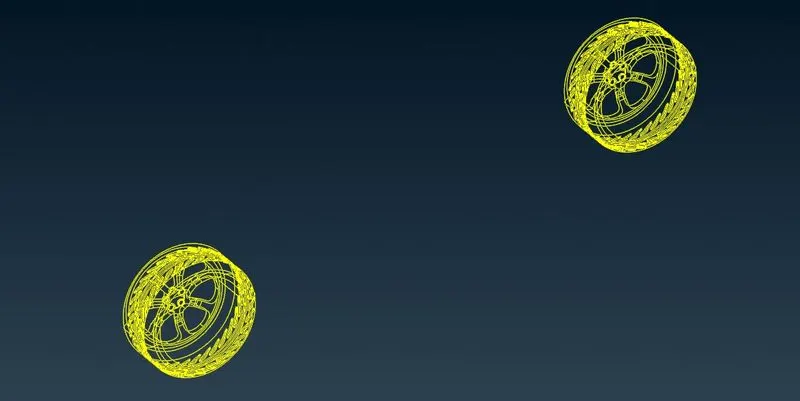
Lets check errors
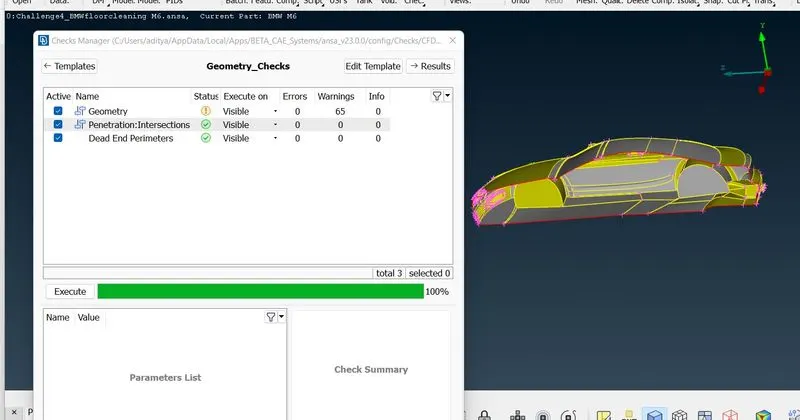
We have cleared all geometry and intersecting errors,let see warnings in geometry
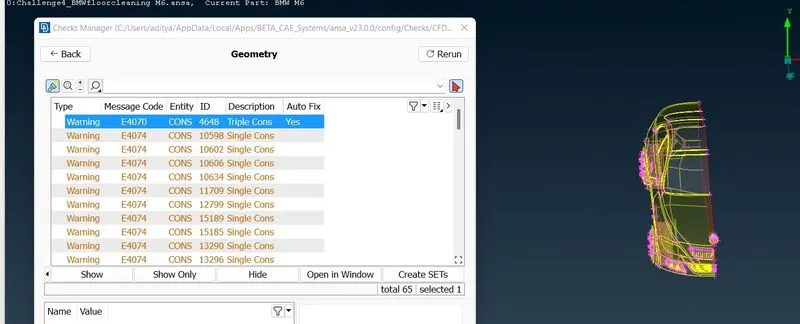
Let us see where it will be
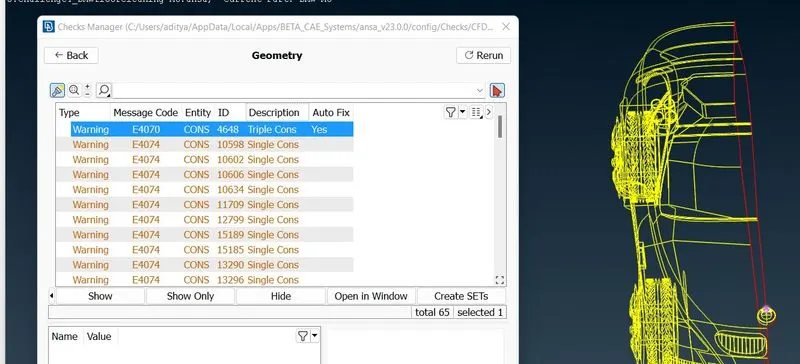
By deleting overlapping surfaces we will clear this error,These are some concave,convex and mixed cons which are due to shape of geometry so it can’t be removed so we are ignoring this.so we have removed all errors.now assign pid to each part.
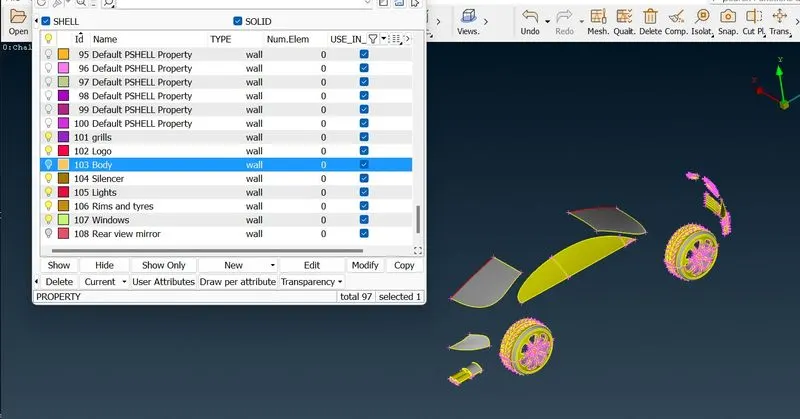
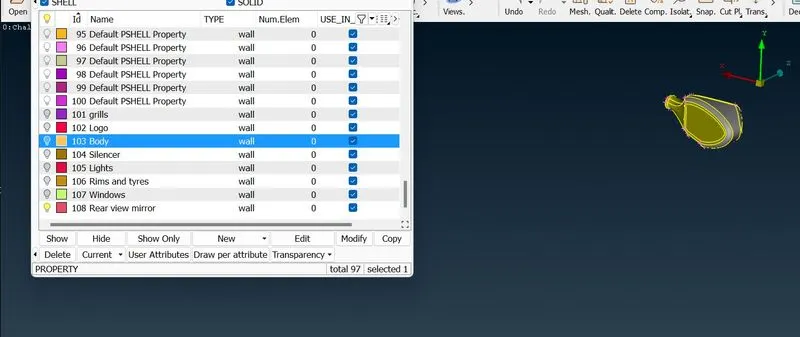
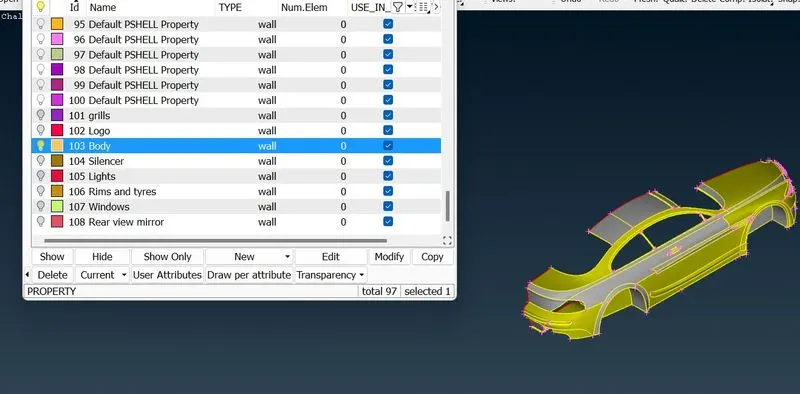
Now we have successfully created and assign all pids which are required and unassigined PIDs will remove by using compress tool.
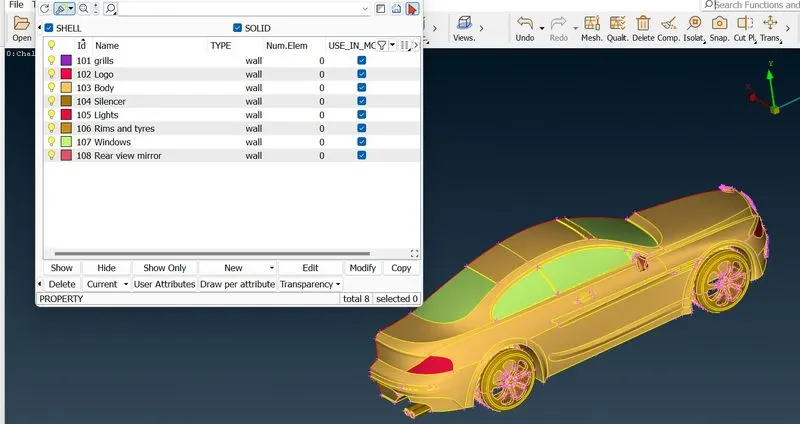
......................................................................................................................................................................................................................................................................
Now we will go surface meshing
Target lengths for the different parts of a model are as follow:
Body = 3 mm
Lights = 4 mm
Grills = 1 mm
Rims and Tyres = 2 mm
Optical Rear view mirror = 2 mm
Window = 2 mm
Silencer = 3 mm
Logo = 1 mm
2D Element type = Tria
3D Element type = Tetra
Grills and Logo
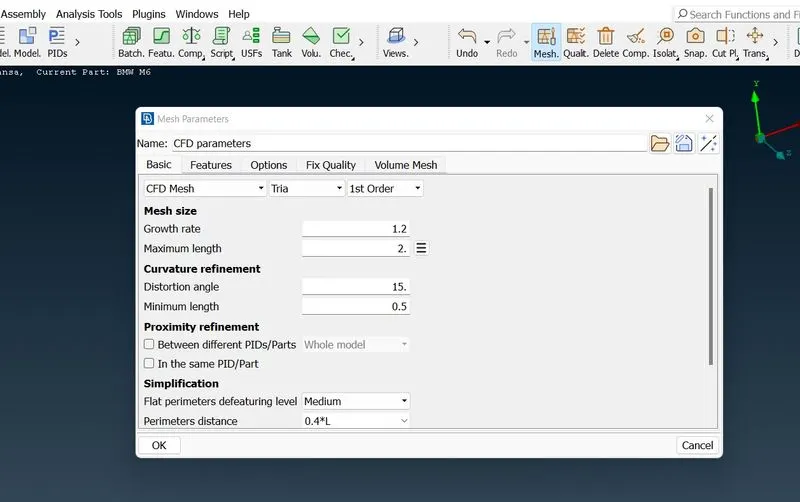
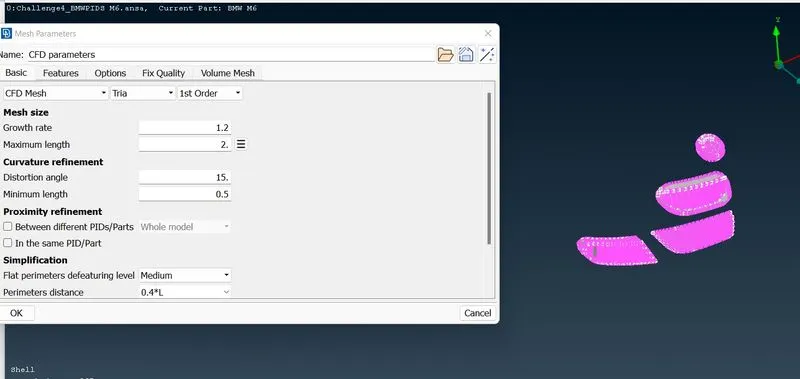
We choose CFD Mesh & give limits accordingly to mesh size and give actuall size in parameters and assign quality aspects.example as shown below.
After the meshing is done we use hidden tool to find off elements which we reduce by Apply reconstruct, reshape,smooth one by one to reduce the off elements and continued this process until the numbers has reduce to ‘0’,while doing this if off elements has been increased then stops there and do undo. for that select the parameters and click on this '->' until last
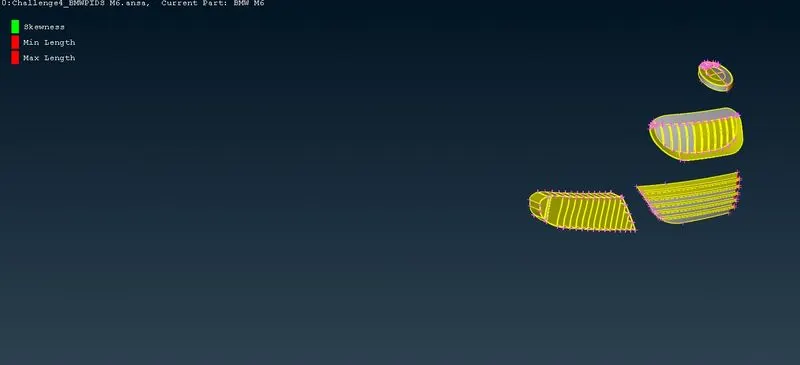
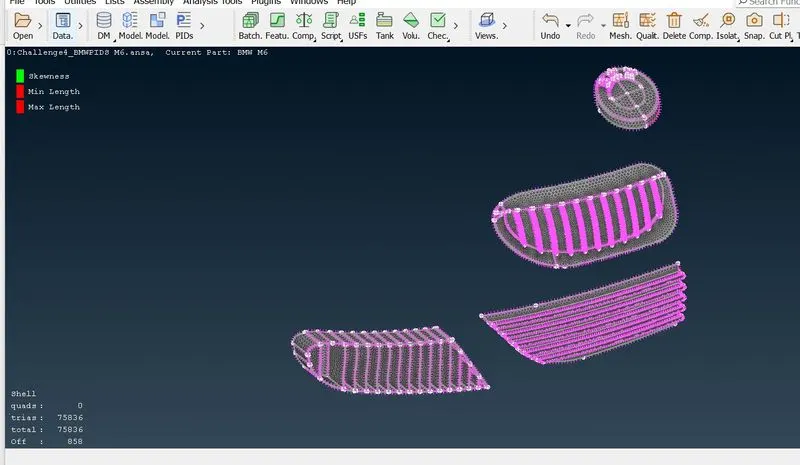
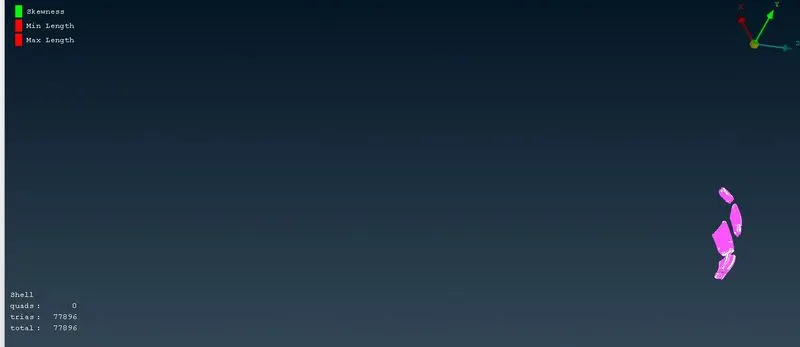
We cleared all off elements and now we will freeze it
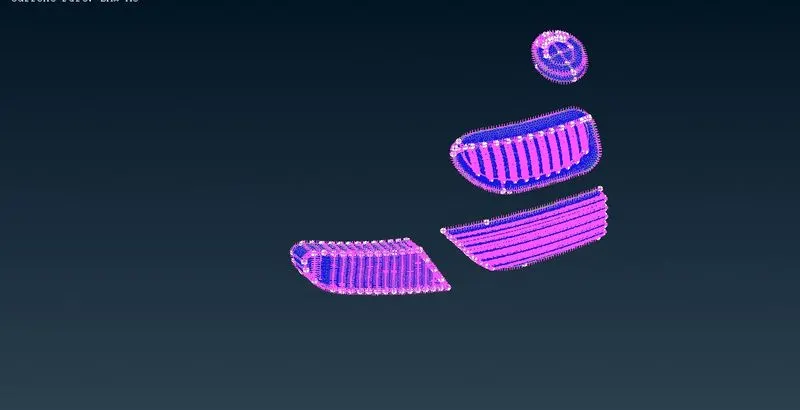
Lets go Rims and tyres,rear view mirror,Windows same procedure
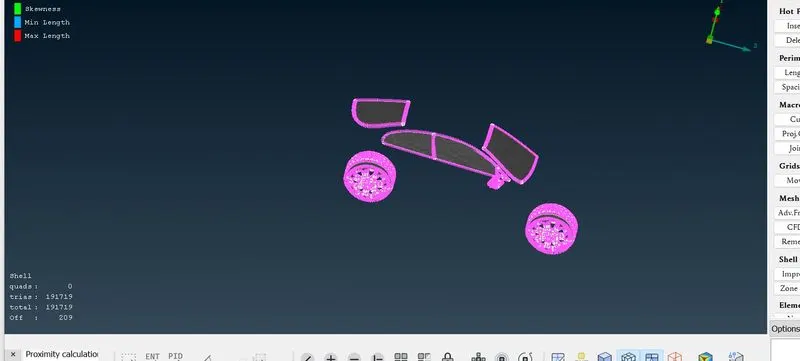
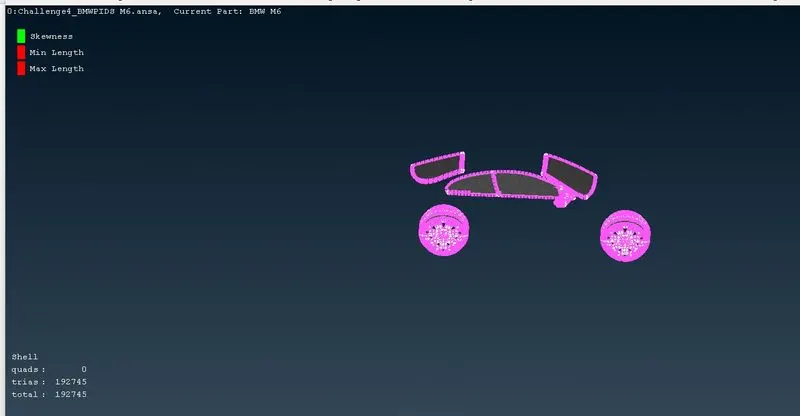
Now we will do for body and silencer
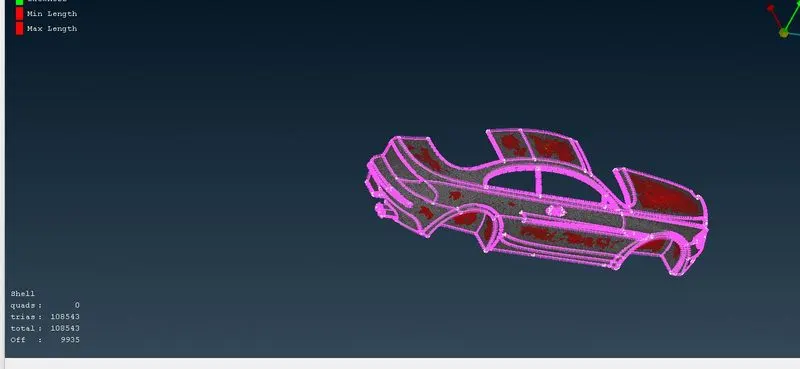
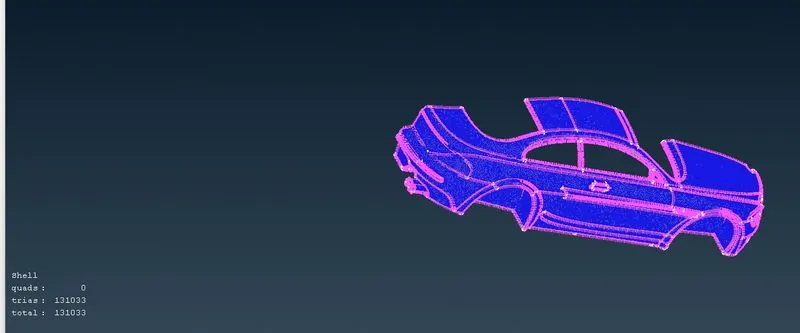
For lights
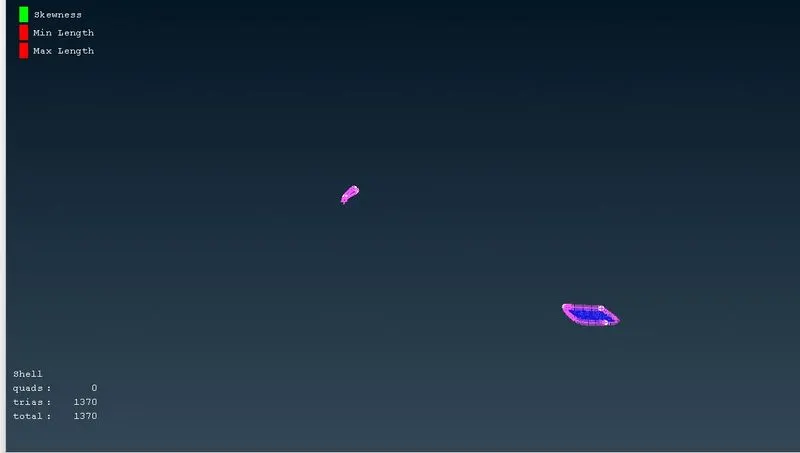
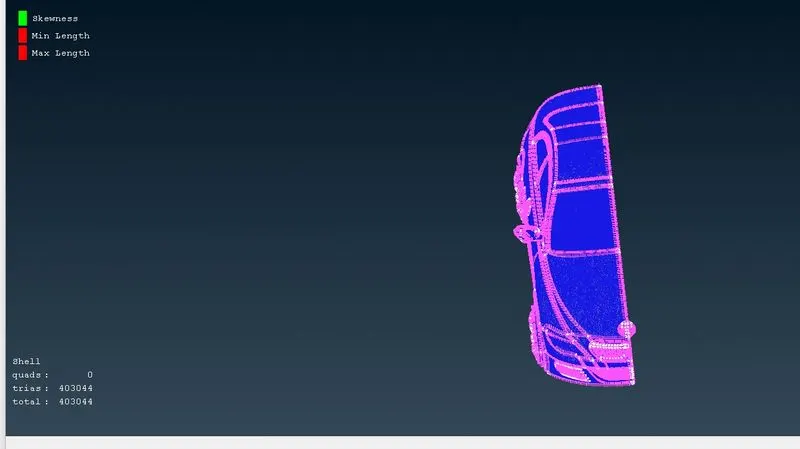
We have successfully mesh all half parts of a car with zero off elements.now we are able to mke a half portion.before going forward let unfreeze thee macros.for unfreeze select the total body with right key of mouse and after that we will do mirroring.
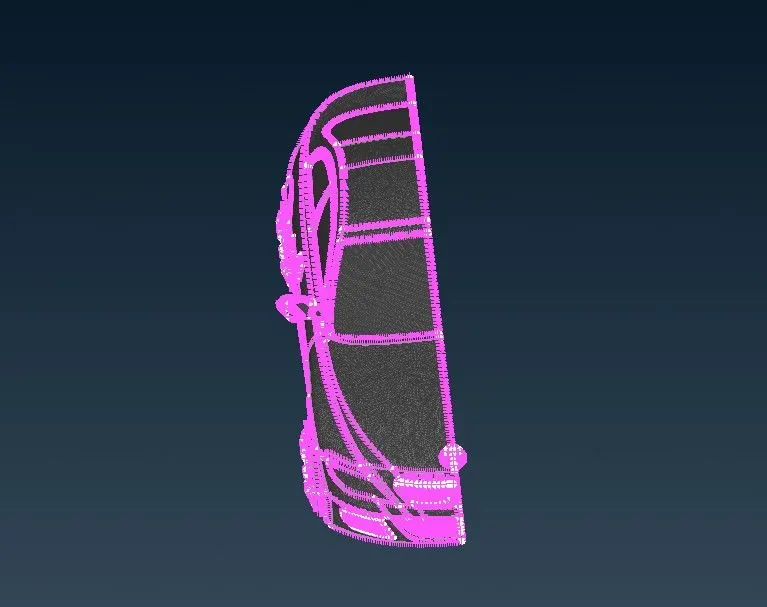
Now it's time to mirror the geometry to produce the other identical half of BMW.
Transform > Copy > Entities > select entire geometry > select 'Symmetry' > select '3 Points Plane' select any three random points on the edge of the geometry > OK > Apply > Finish
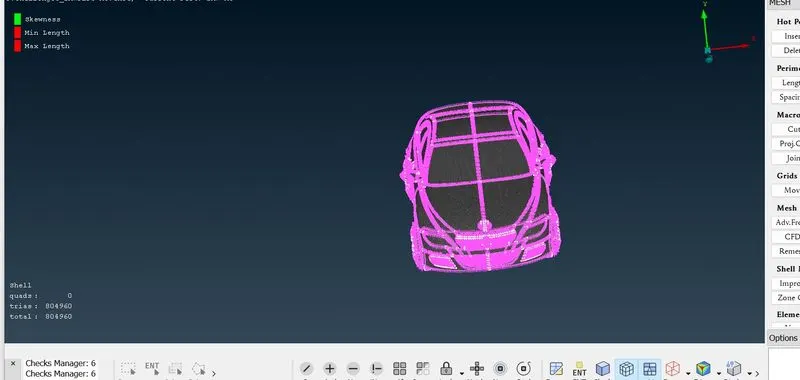
Creating wind tunnel
Go to topo mode
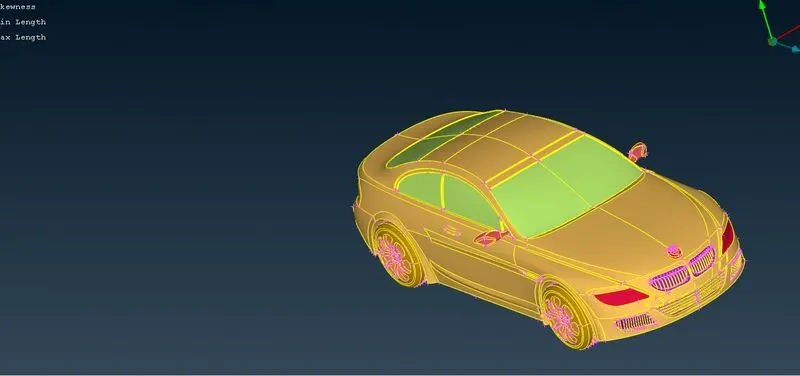
Here the wind tunnel is closed volume entity like room which is used for simulate the external flow analysis of air over a car,Let
Length of car = x
Front face at= 4x
Back face at = 6x
Top face at=3x
Bottom face = at convenient position that should not be intersect to the car
Left,right faces at = x
First we will calculate x value,It is approximately 1310mm
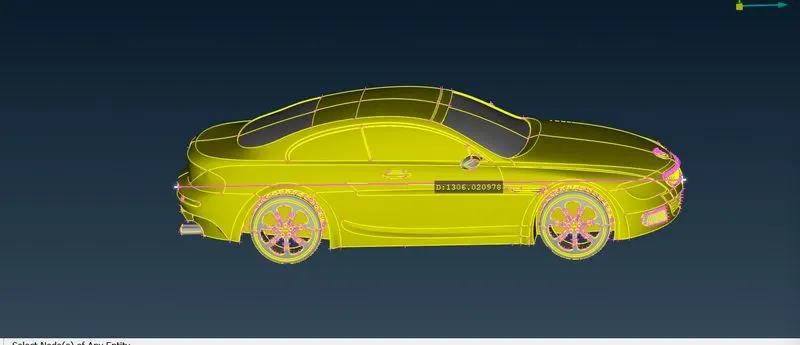
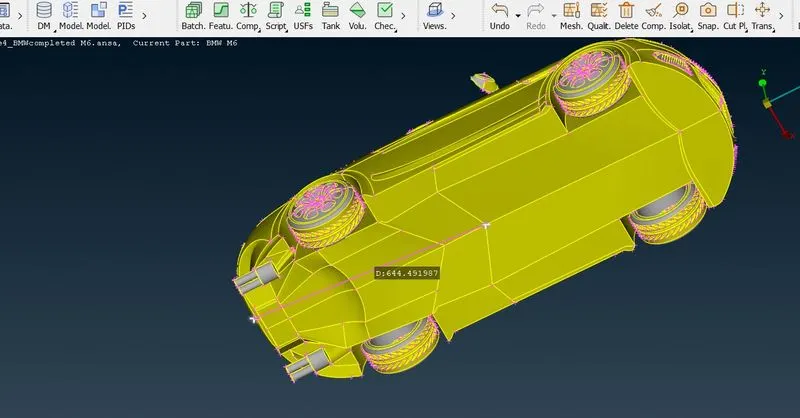
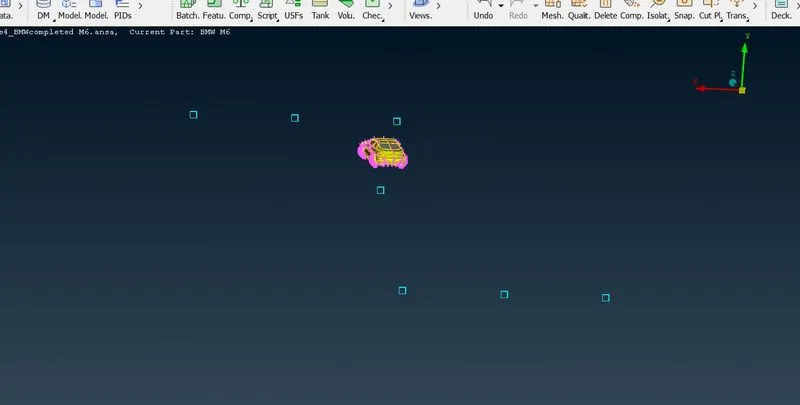
Now create the curves between these points. Go to curves->create-> select the points
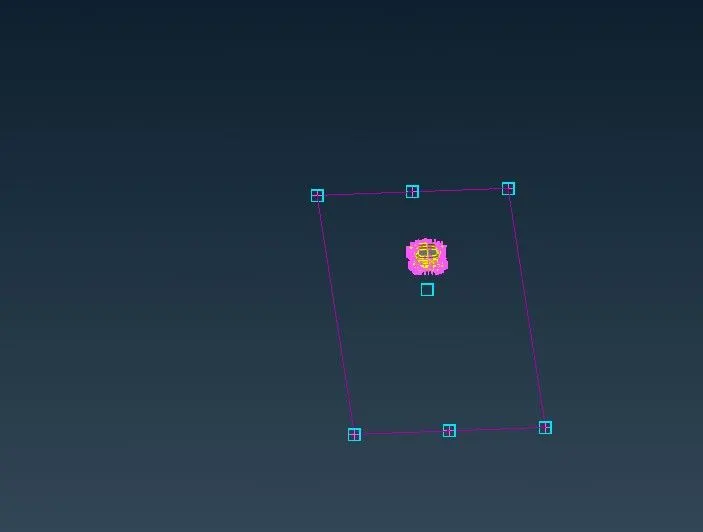
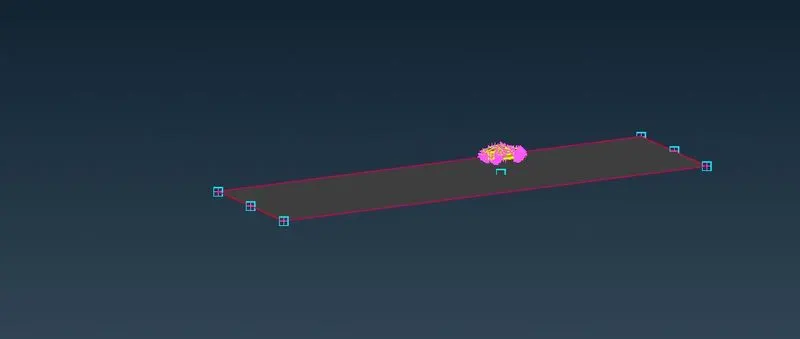
We will offset this face
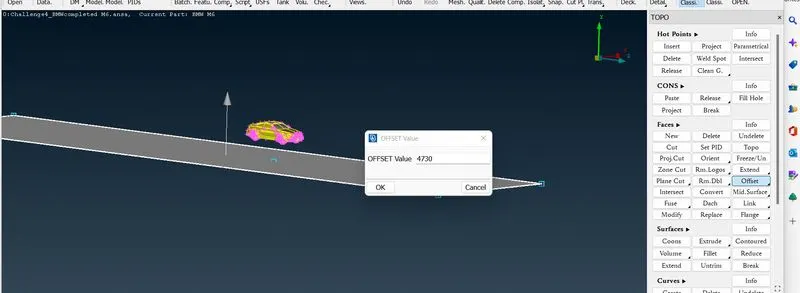
n
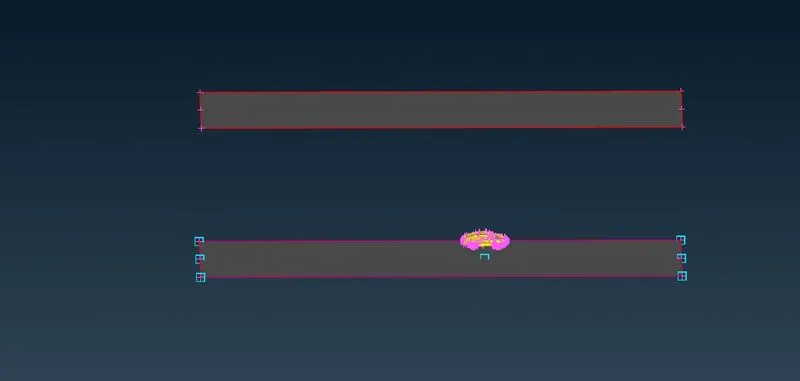
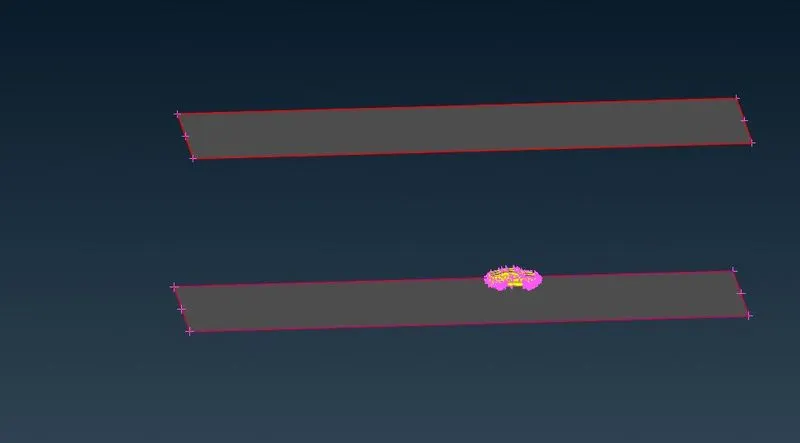
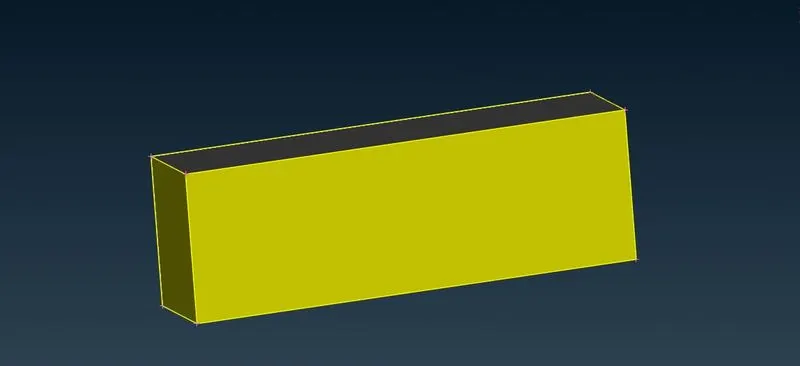
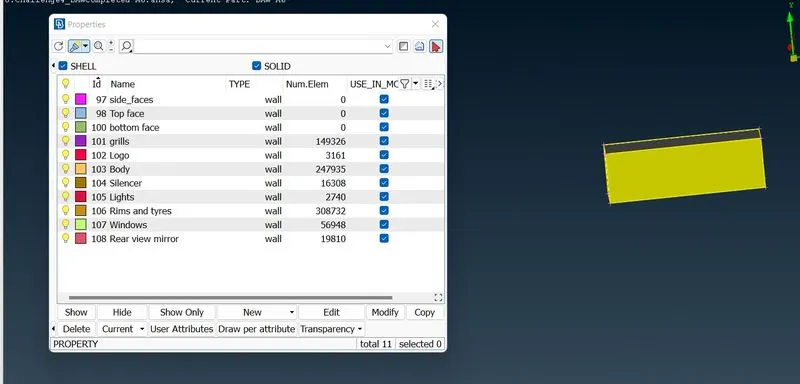
We willa assign PIDs like bottom face,side face and top face
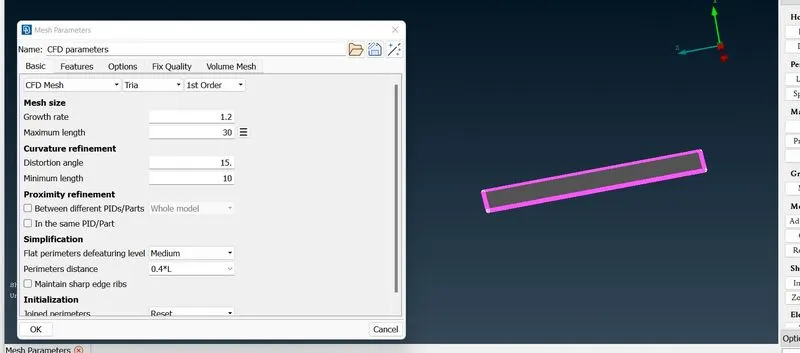
We will do bottom face for a target length of 30mm,by giving minimum and maximum length as 20 and 40mm
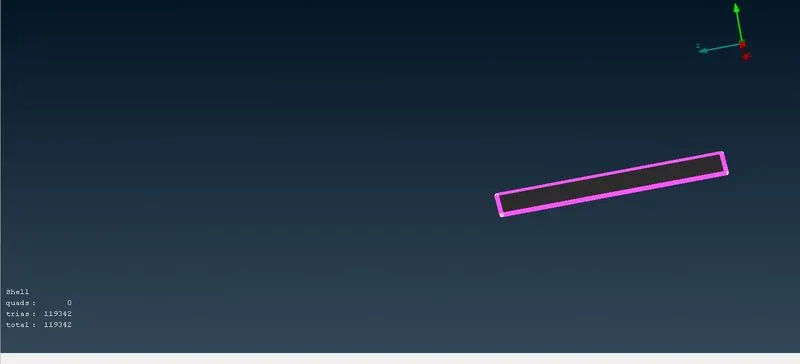
We will do top face for a target length of 100mm,by giving minimum and maximum length as 90 and 110mm
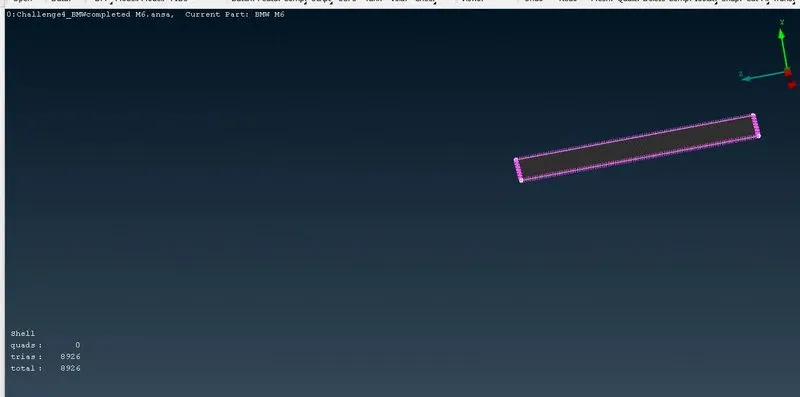
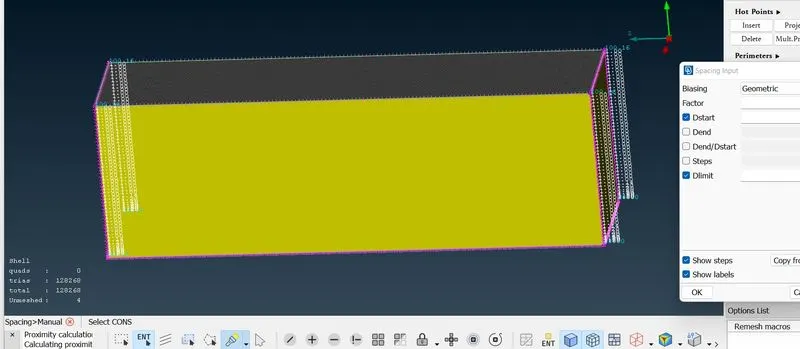
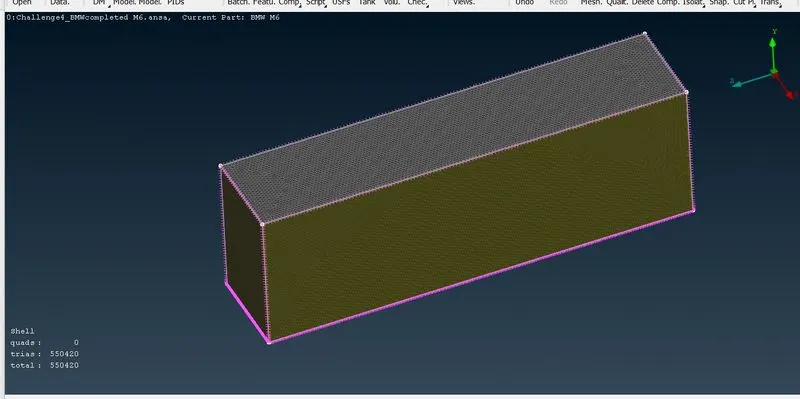
Now its done.Lets go for side faces mesh.Goto pid manager->enable side face.Now here we are giving mesh as grain growth.so Goto perimeter->spacing->manual spacing
Output file
1.Surface meshing of a car with wind tunnel
https://drive.google.com/file/d/1QLhbj20oxZmHbTpHX8FkmXXQooS_vwWk/view?usp=share_link
2.BMW car surface meshing
https://drive.google.com/file/d/1Hg5s2Kpfk5KAPpzGk2BqLyKKsKywq_NP/view?usp=share_link
Conclusion
1.I have learn how to make wind tunnel.
2.I have learn how we can do surface mesh of car for external flow analysis.
3. Acquired knowledge of various new tools and how to use them to execute operations on given geometry,Construction of the Fluid domain was introduced newly.