Week 4 Challenge : CFD Meshing for BMW car
Aim :
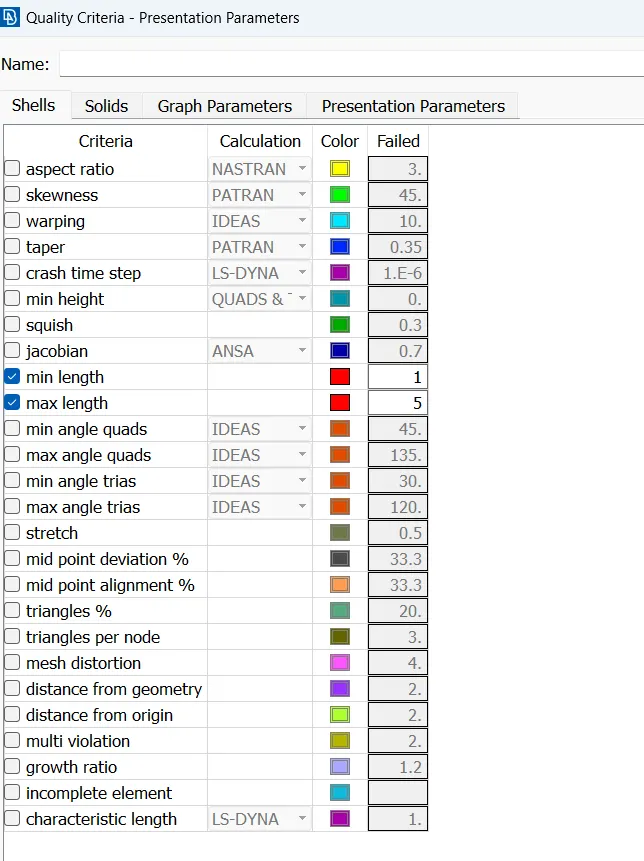
For the given model, check and solve all geometrical errors on half portion and Assign appropriate PIDs. Perform meshing with the given Target length and element Quality criteria. After meshing the half model, Do symmetry to the other side.
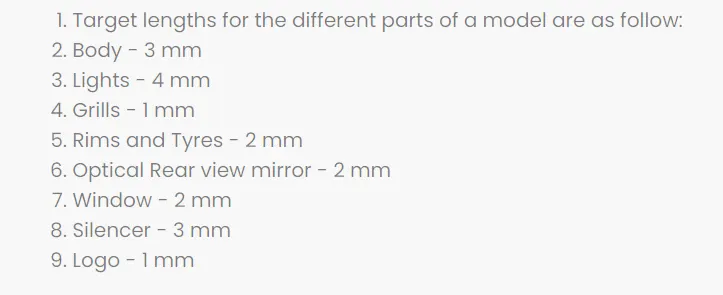
- Target lengths for the different parts of a model are as follow:
- Body - 3 mm
- Lights - 4 mm
- Grills - 1 mm
- Rims and Tyres - 2 mm
- Optical Rear view mirror - 2 mm
- Window - 2 mm
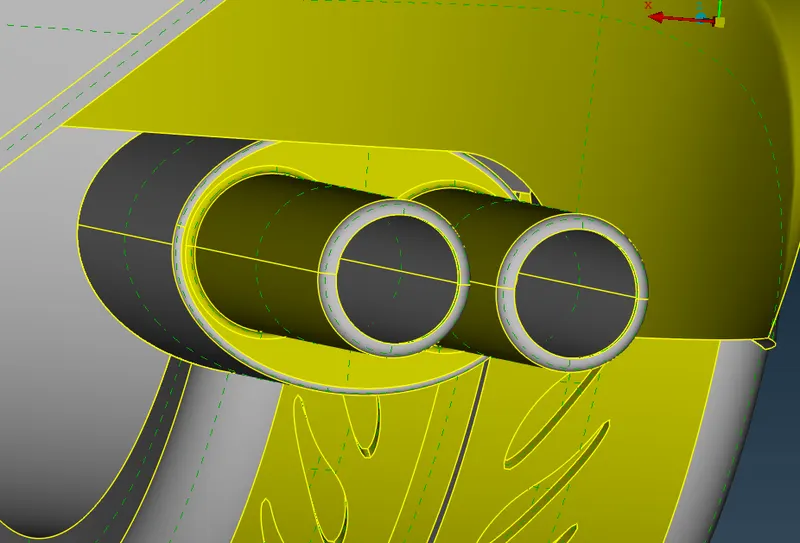
- Silencer - 3 mm
- Logo - 1 mm
Steps involved in completing the Challenge :
- Topo cleanup - topo cleanup is basically cleaning geometry by removing unwanted surfaces and solving triple and double cons
- Geometry is irregular in shape after we exported file to ansa. Irregular means surface irregularities , removing these is our first step
- Start with topo cleanup for eachh parts eg: tyres, grills, logos, windows, lights and batteries
- Use entity mode while working.
- Divide geometry into half as geometry is symmetric.
- Start with 2D meshing after topo cleanup
- Start with 3D meshing after 2D meshing
GEOMETRY :
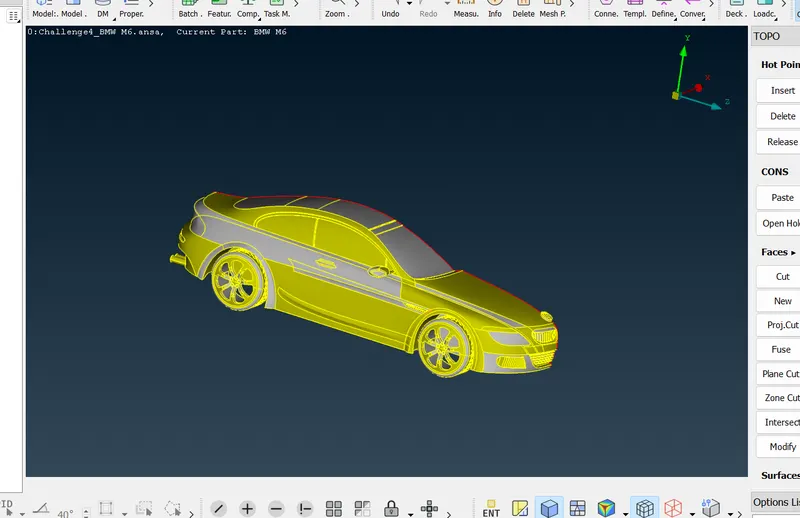
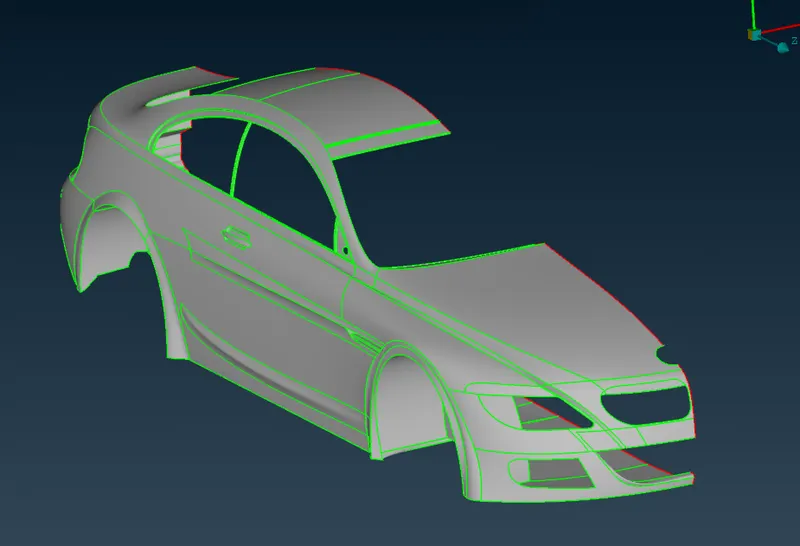
Below is the CAD model required for preprocessing. This model is in raw state where a lot of faces are missing. There also exist multiple single cons which ensures that the geometry is not close.
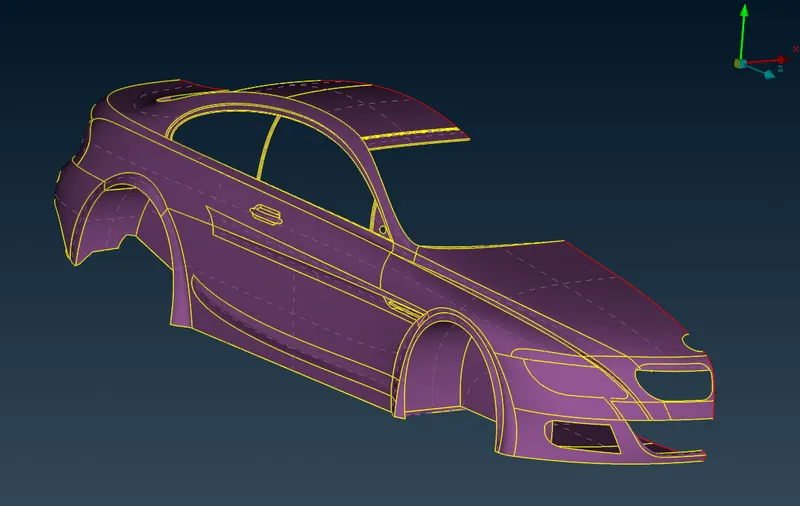
Figure below is in PID-TOPO mode which shows a clear scope of geometry cleanup. There is also a lot of glitching which shows that there are multiple surface which are overlapping over each other
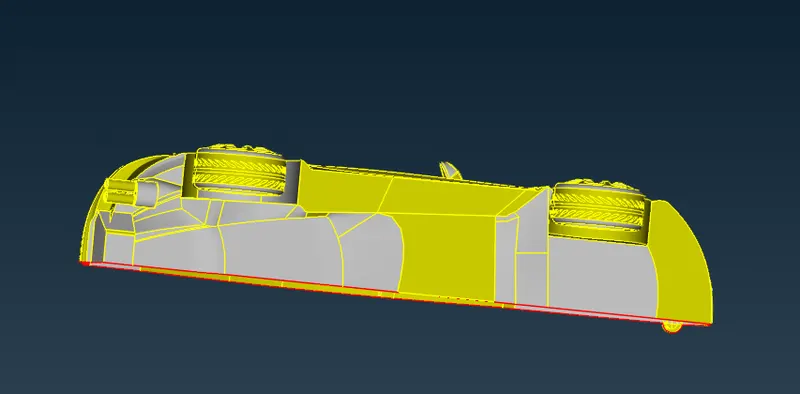
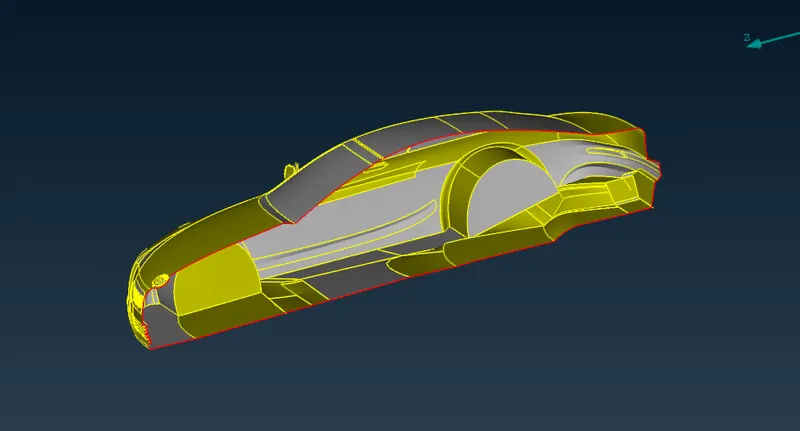
CAD model has a plane of symmetry. We can delete half part & work on the remaining half part. After the final cleanup, we will copy the half part from the plane of symmetry.
The figure below shows the remaining half part which looks very very symmetric. We will perform cleanup upon this geometry & will take mirror images of the same.
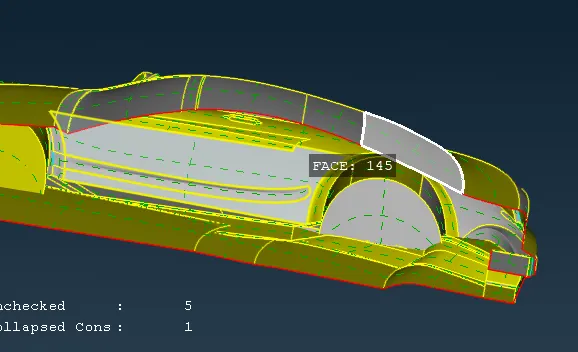
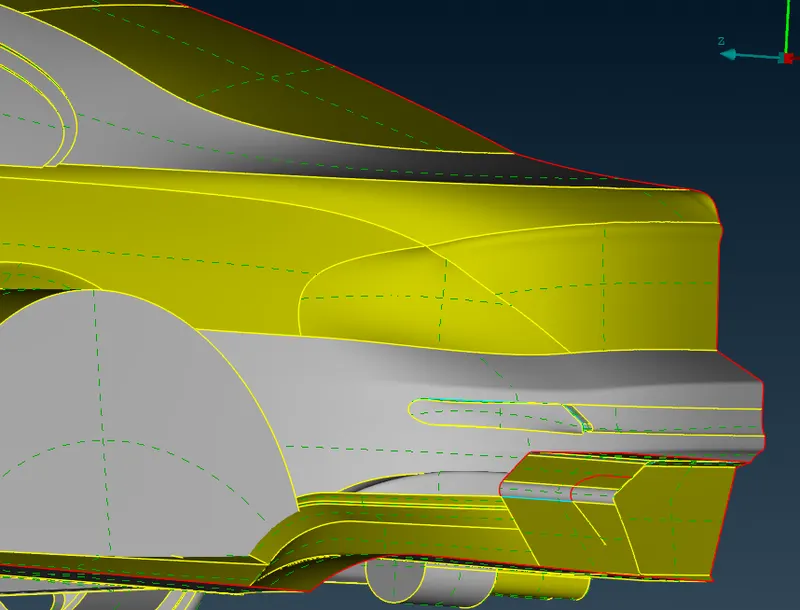
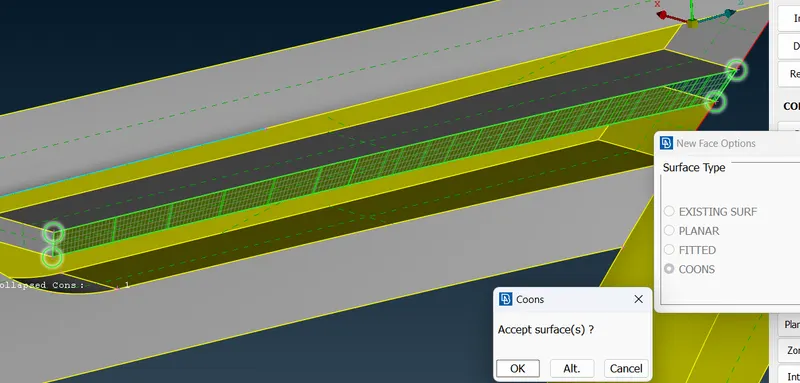
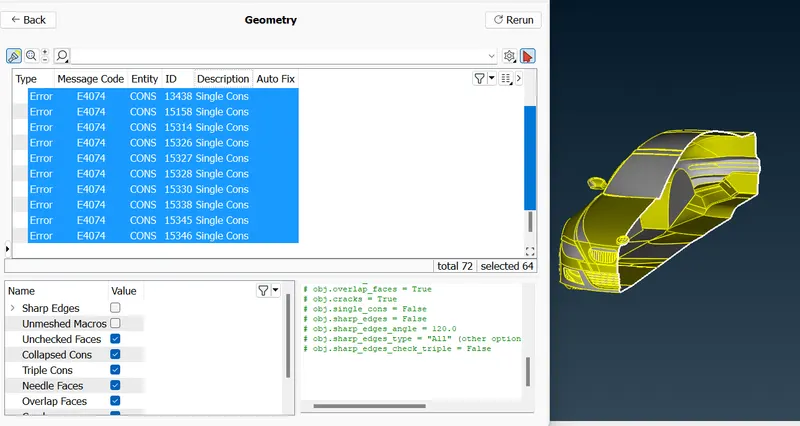
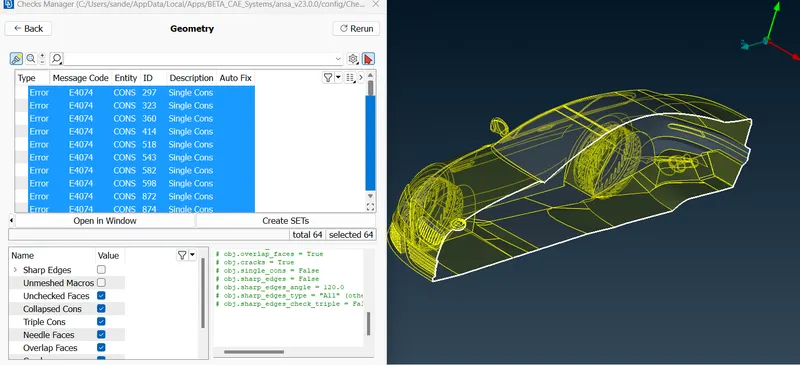
We can clearly observe multiple double & Triple cons. We have to rectify every single & Triple con. Single cons will result in the open-loop which is useless for CFD meshing. We must need a close loop. Tripple cons may result in extra volume which will be trouble during volume mesh
Parts to be solved
- Grills
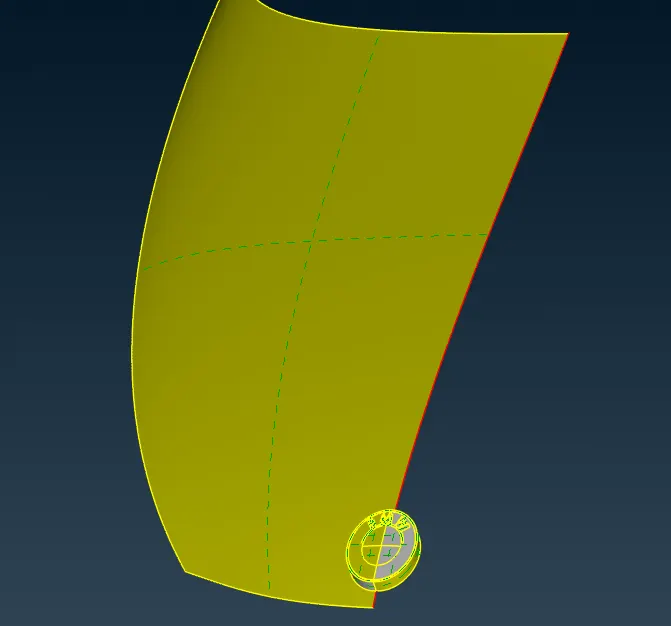
- logo
- Windows
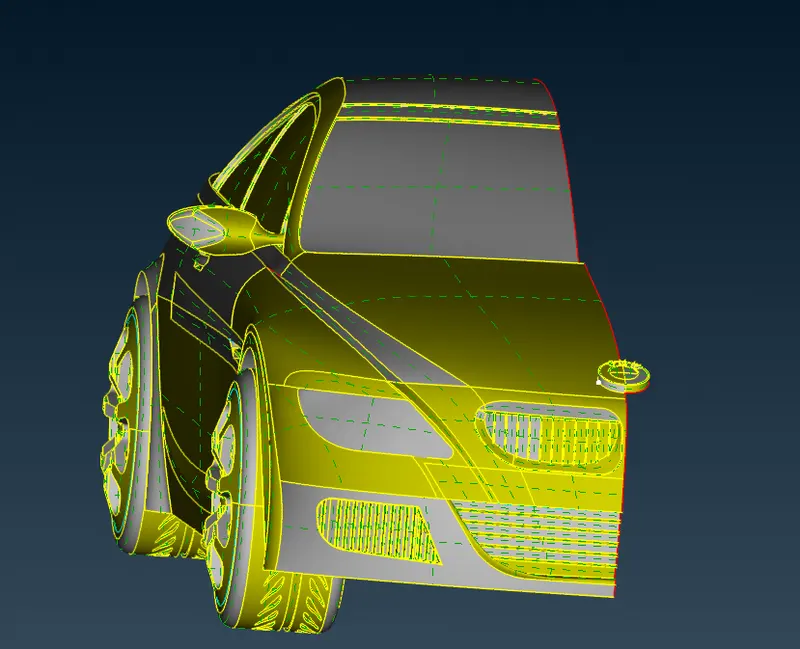
- Body
- Lights
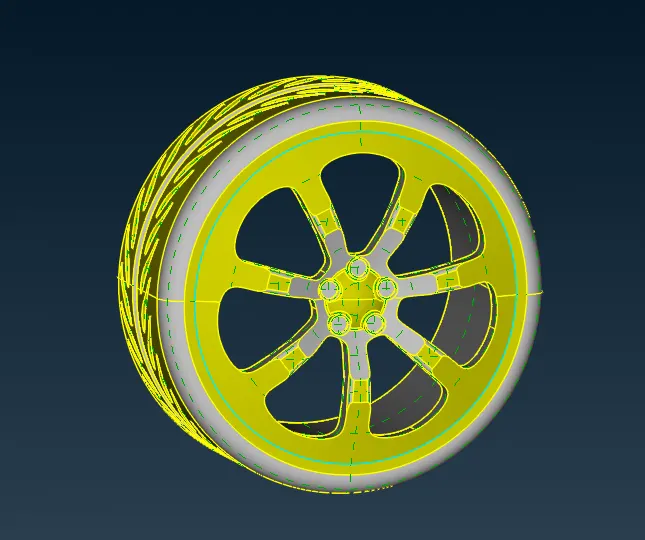
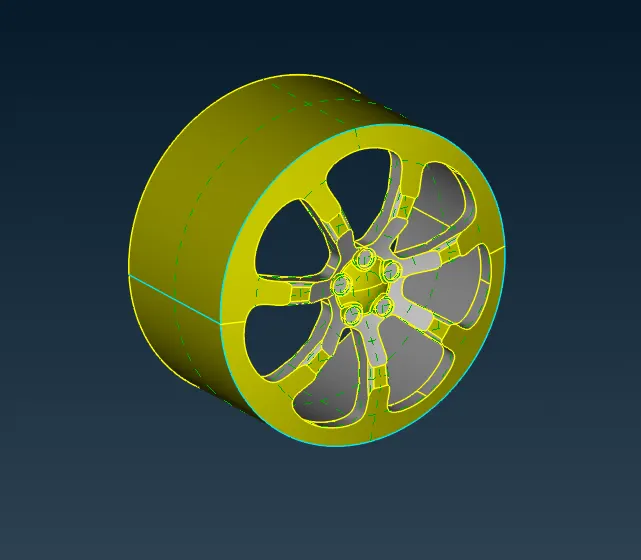
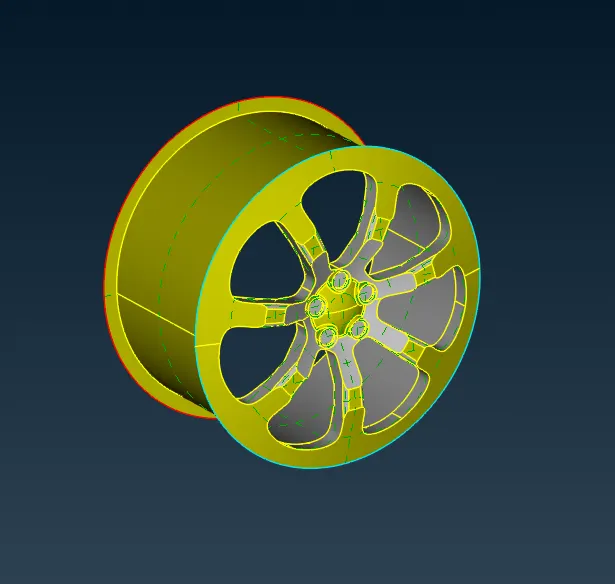
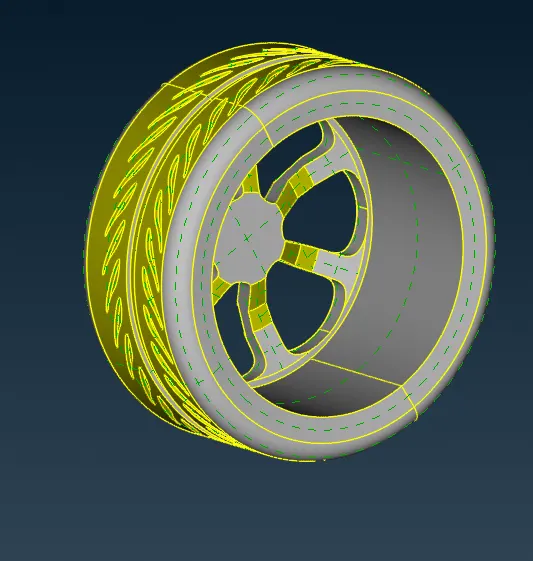
- Tyres
- Side mirrors
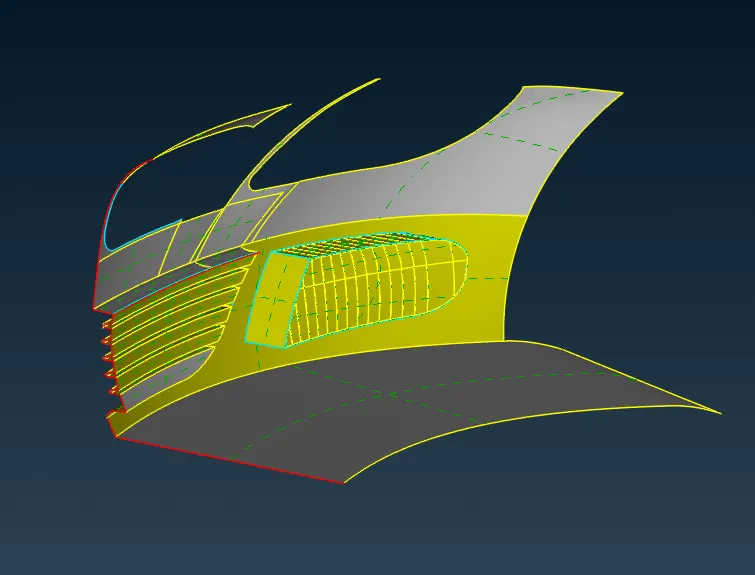
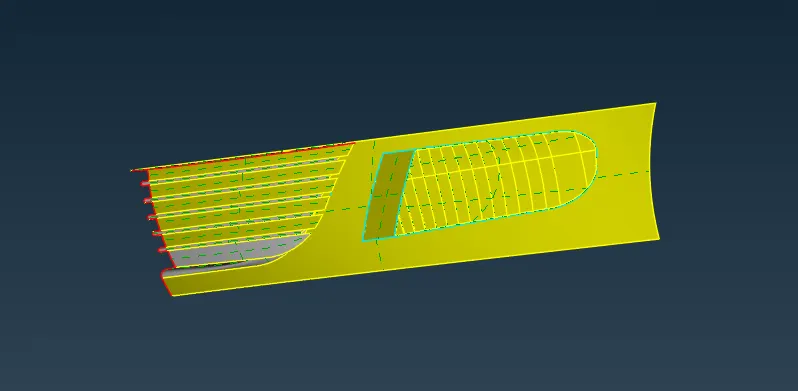
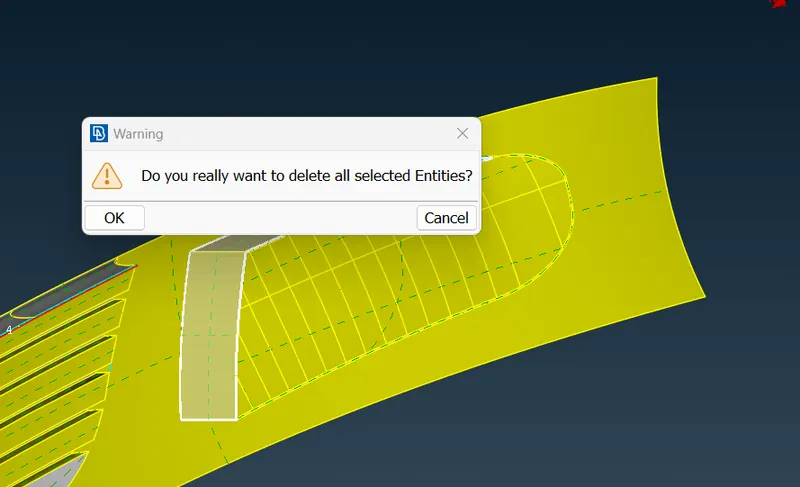
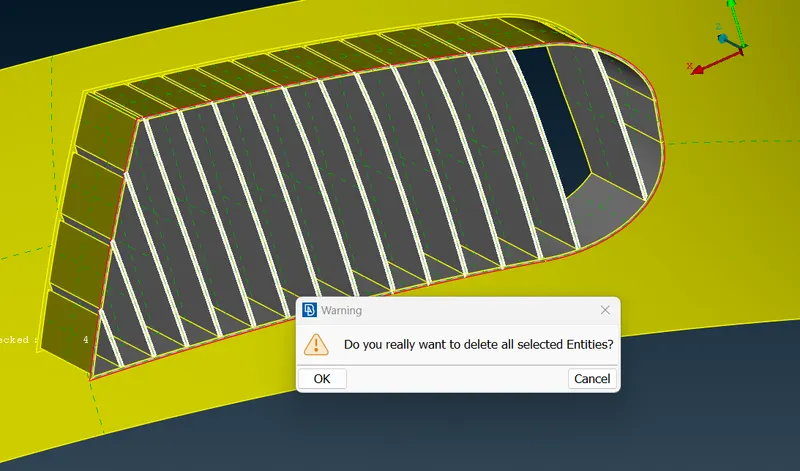
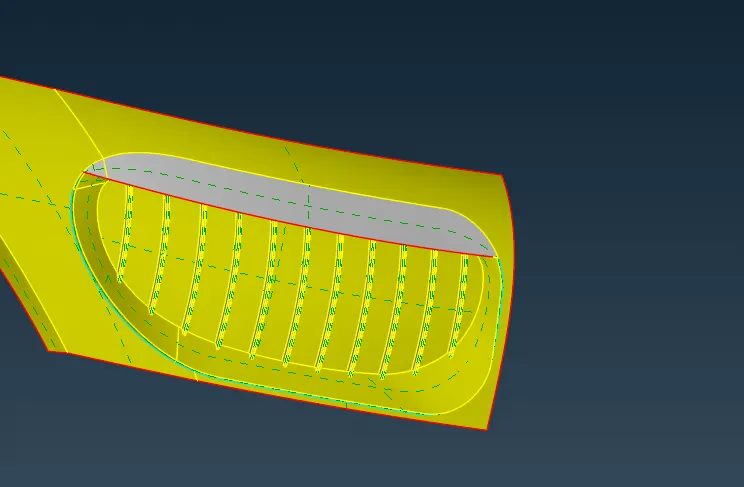
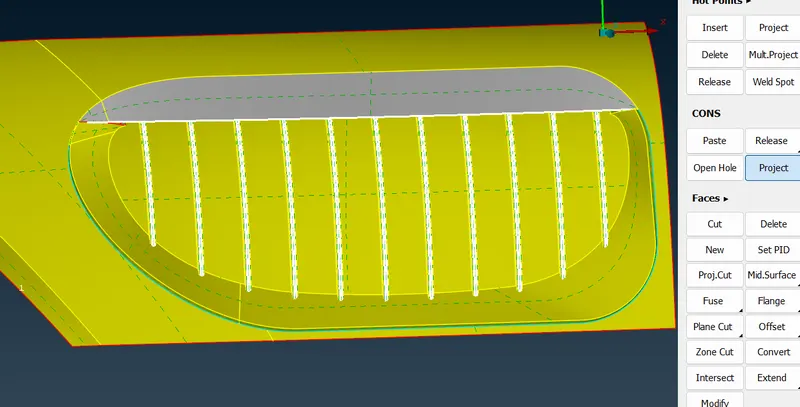
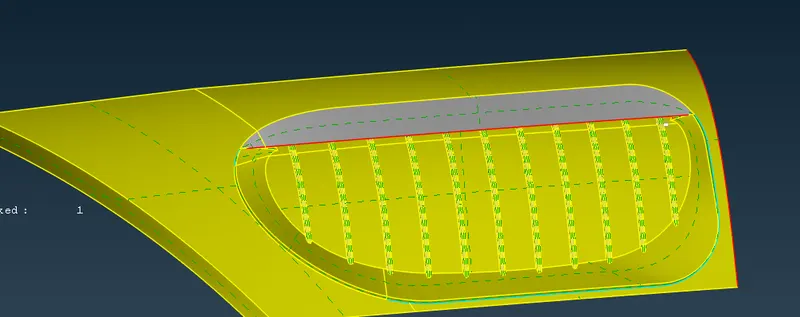
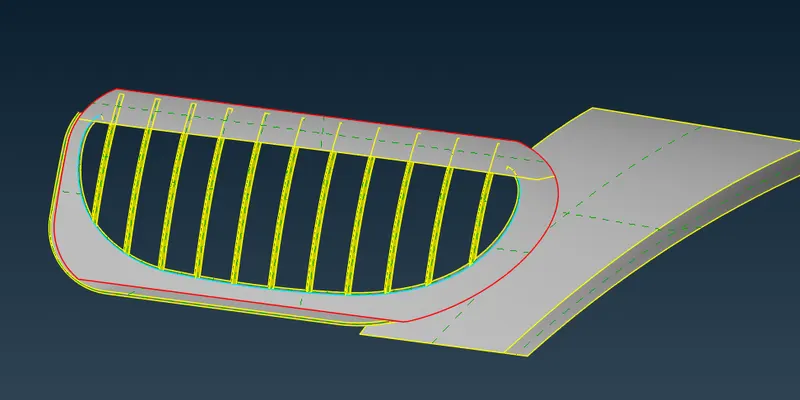
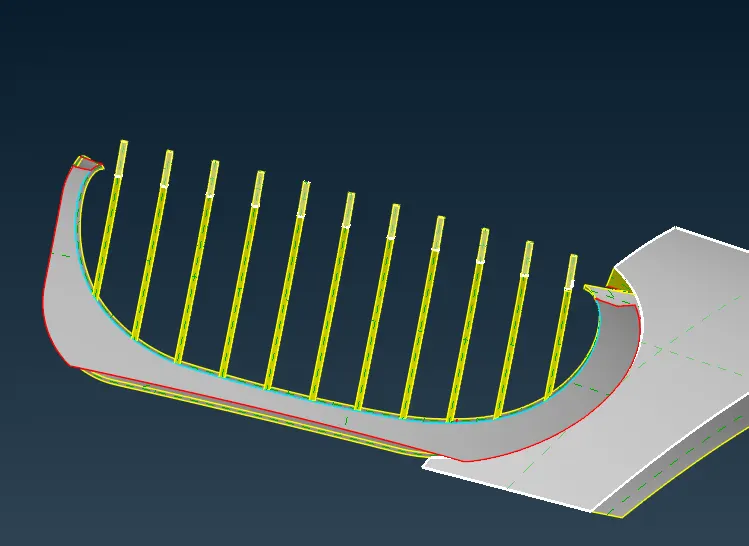
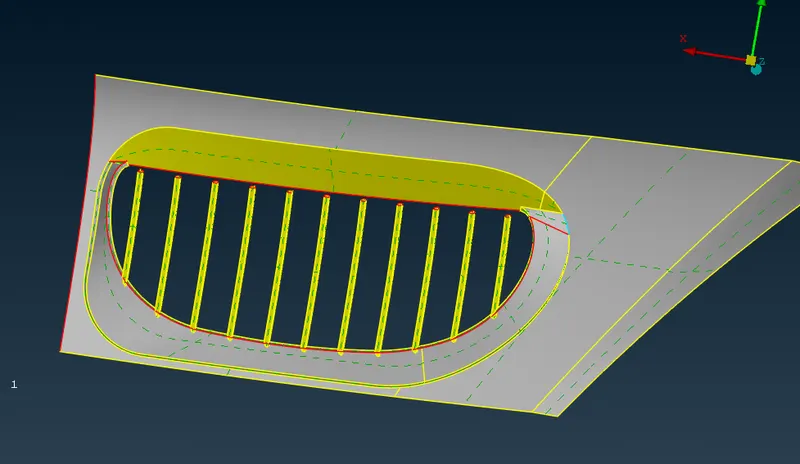
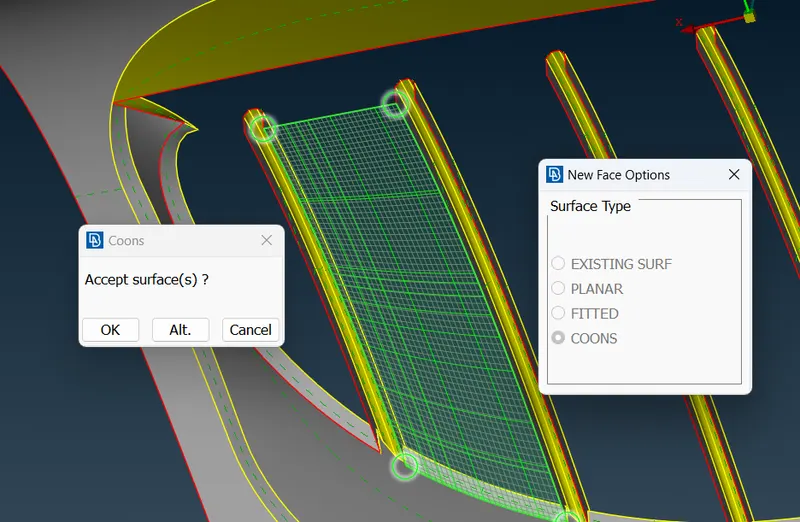
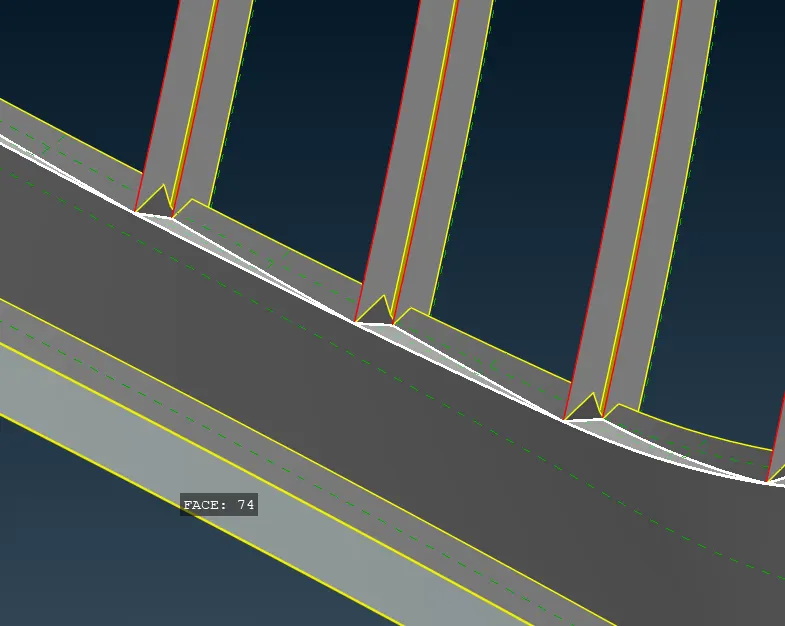
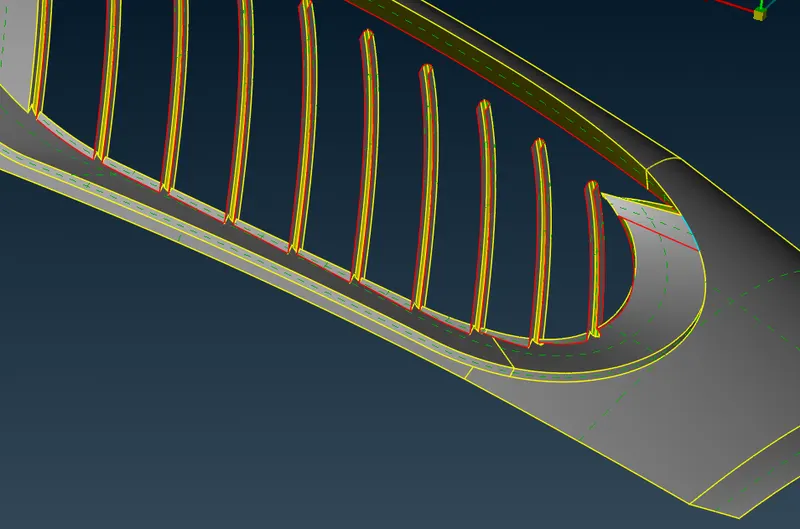
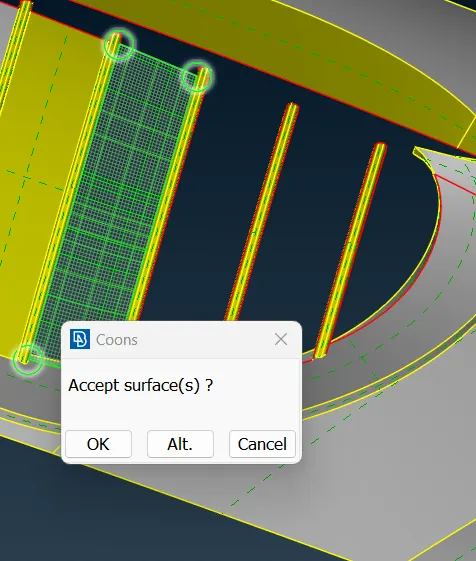
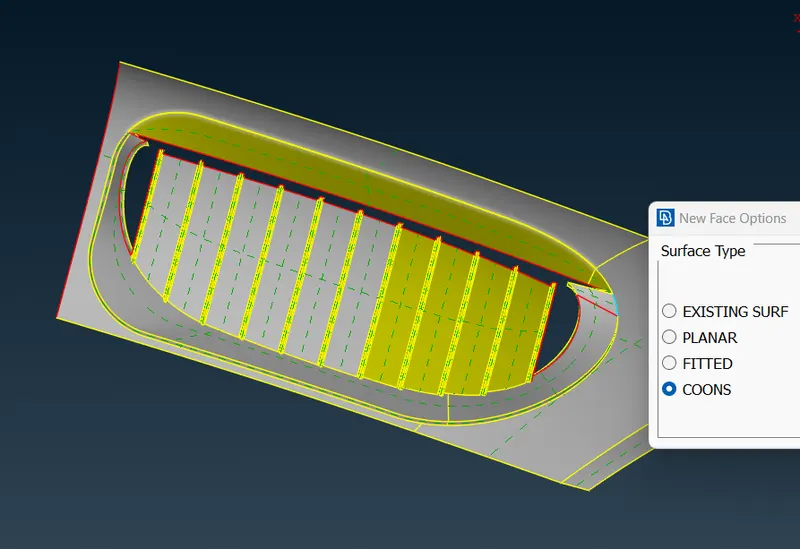
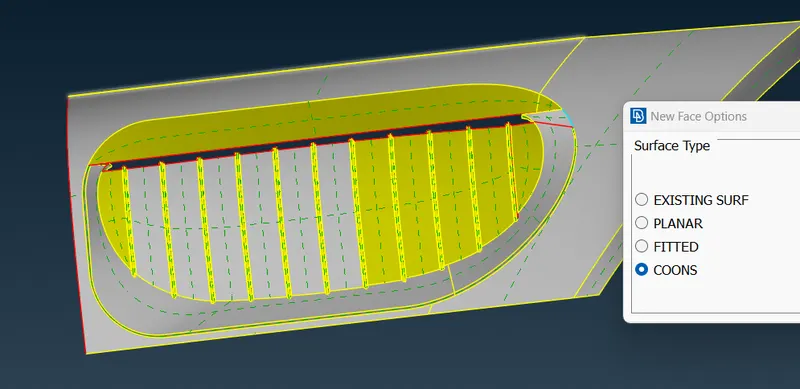
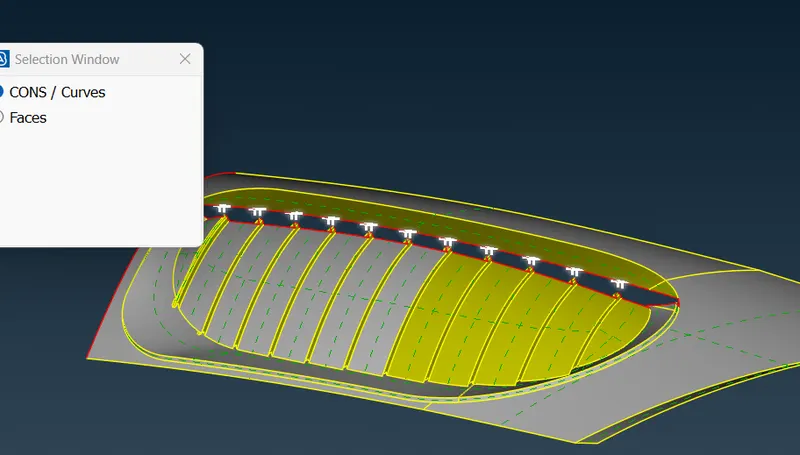
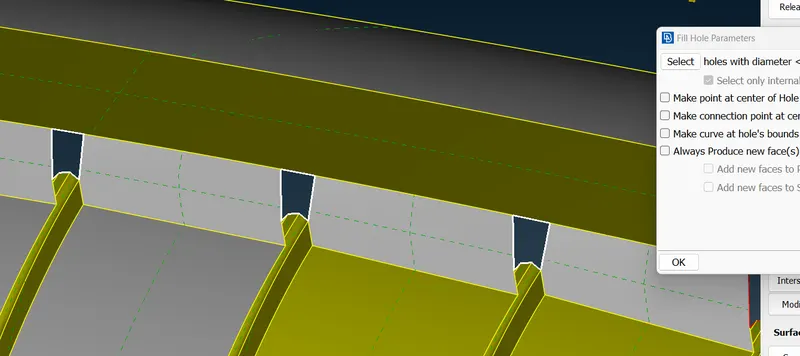
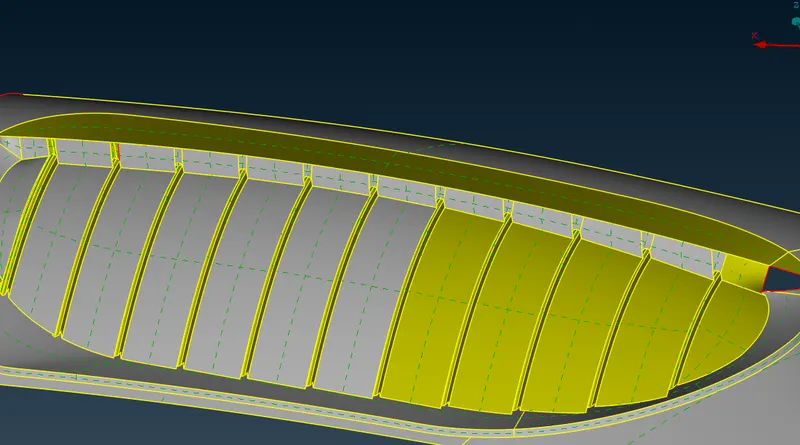
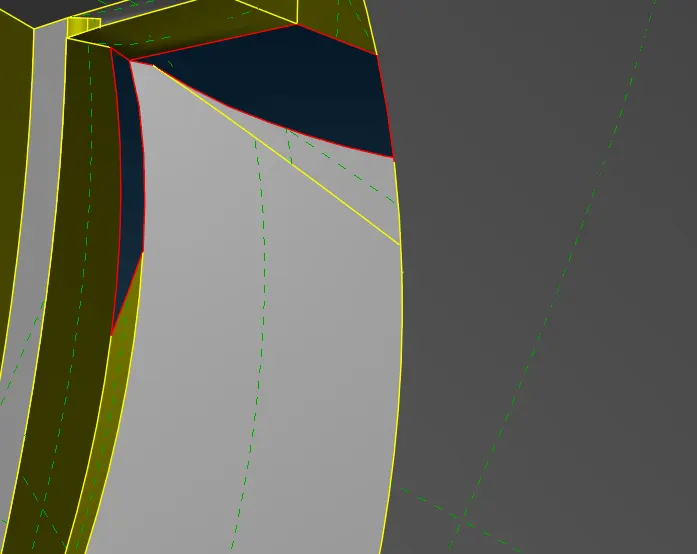
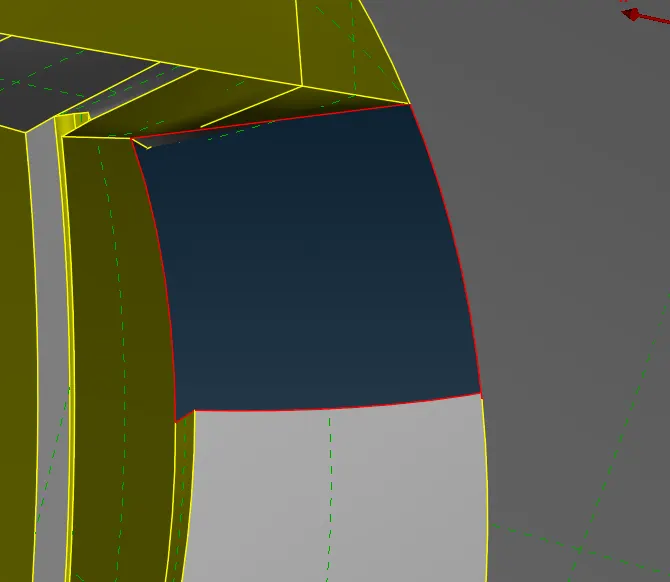
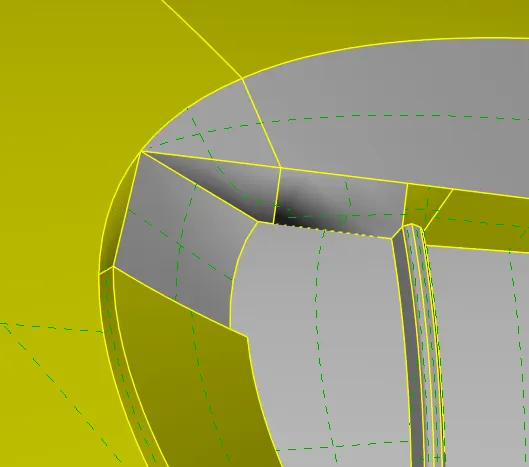
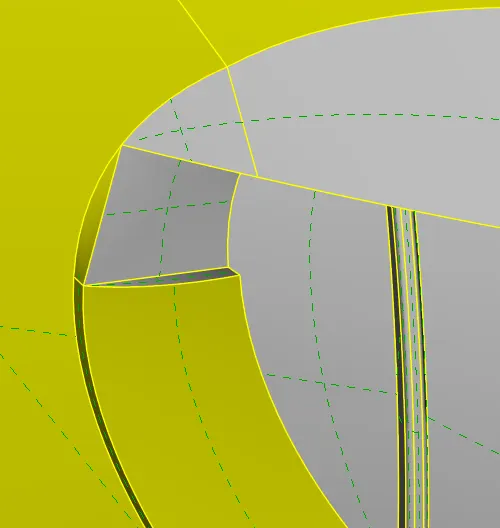
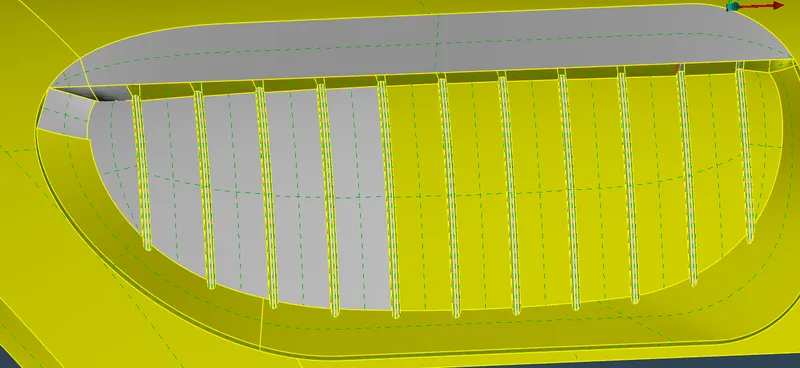
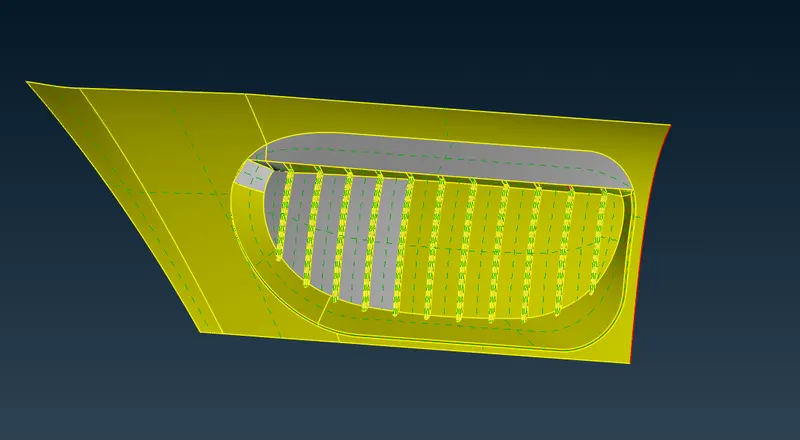
Grills :
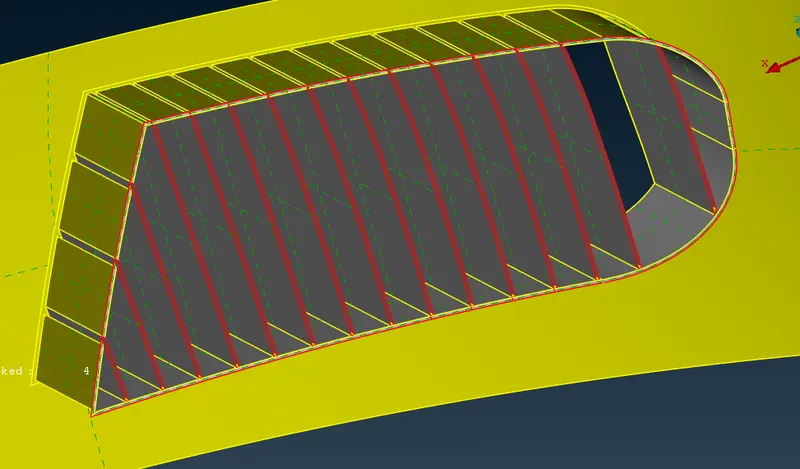
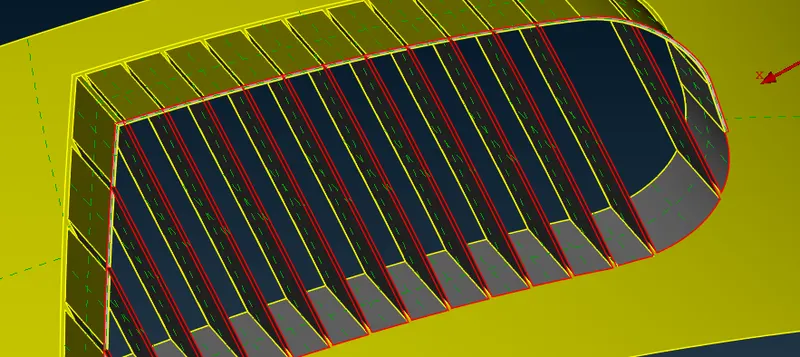
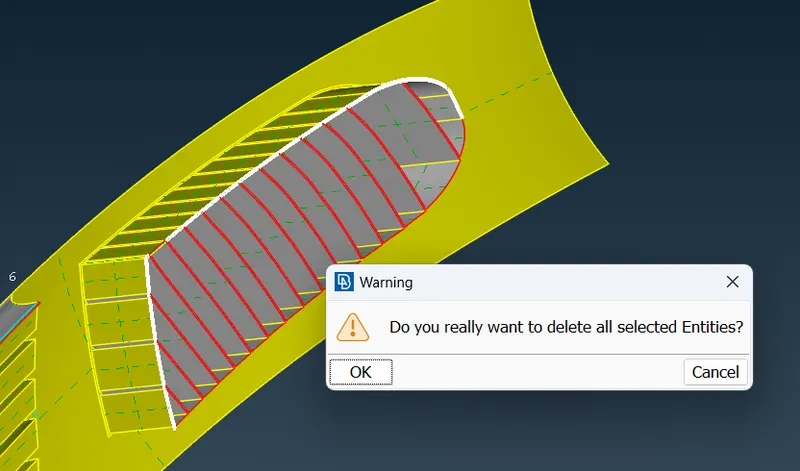
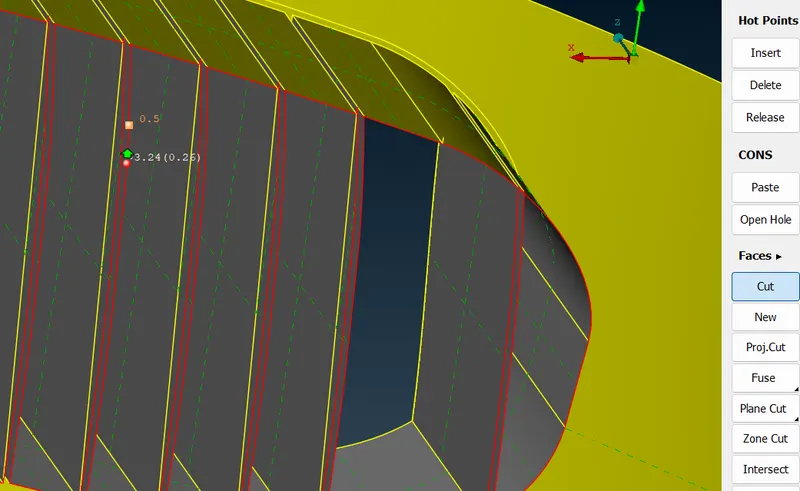
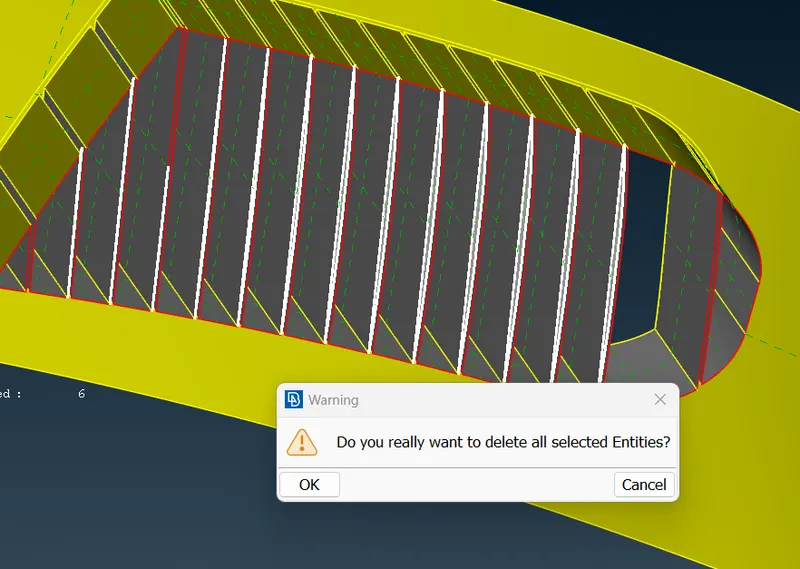
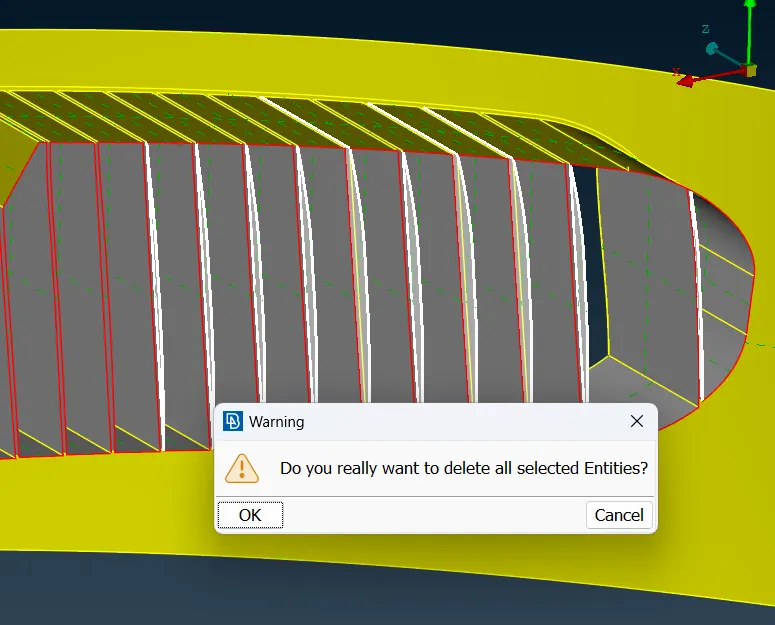
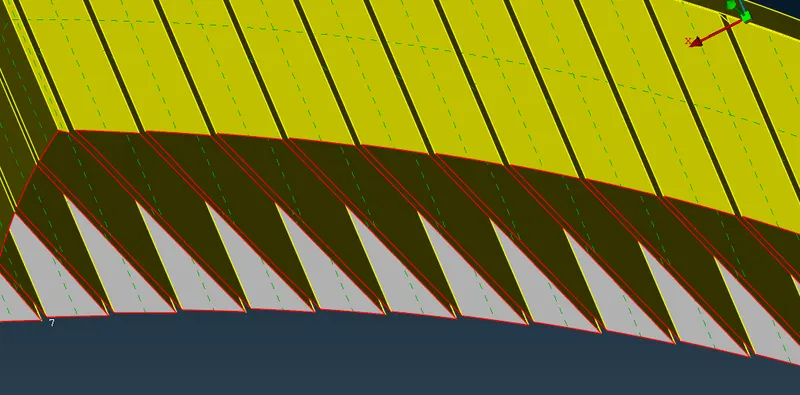
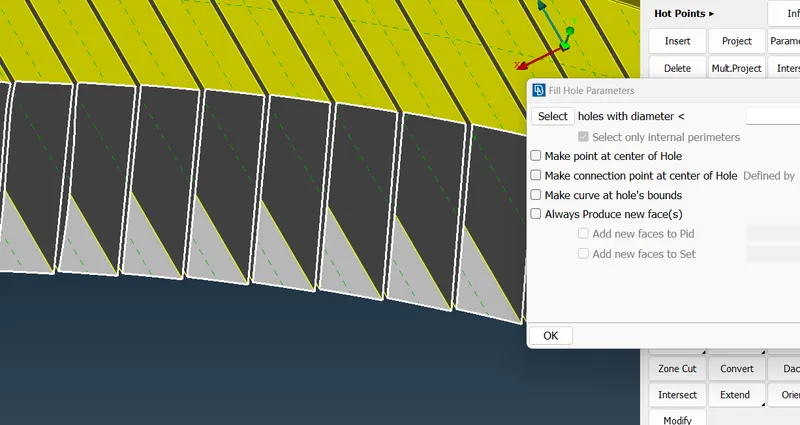
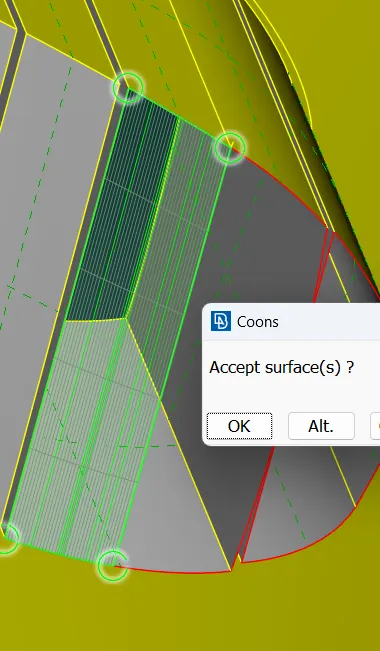
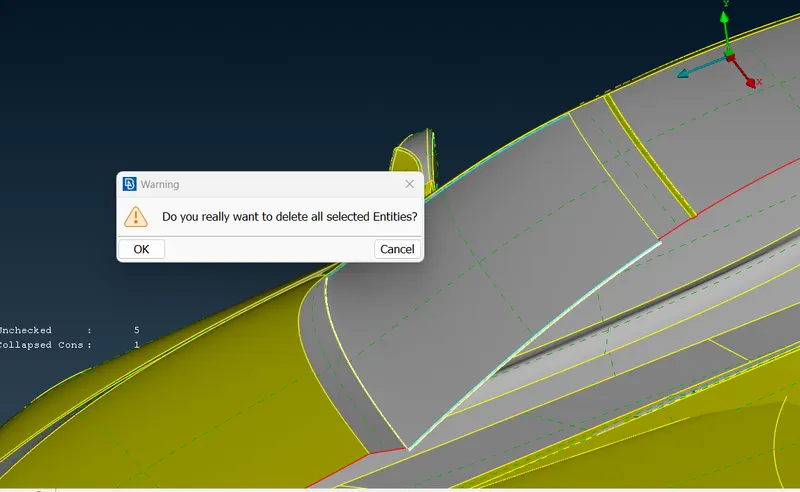
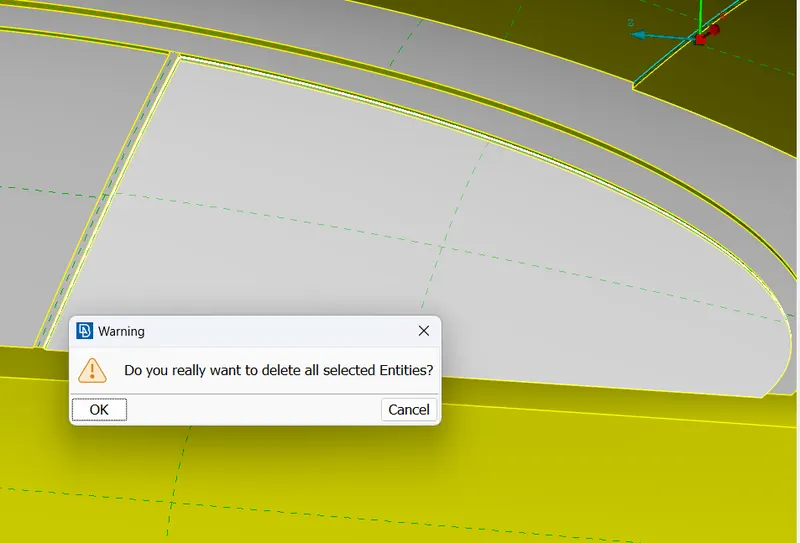
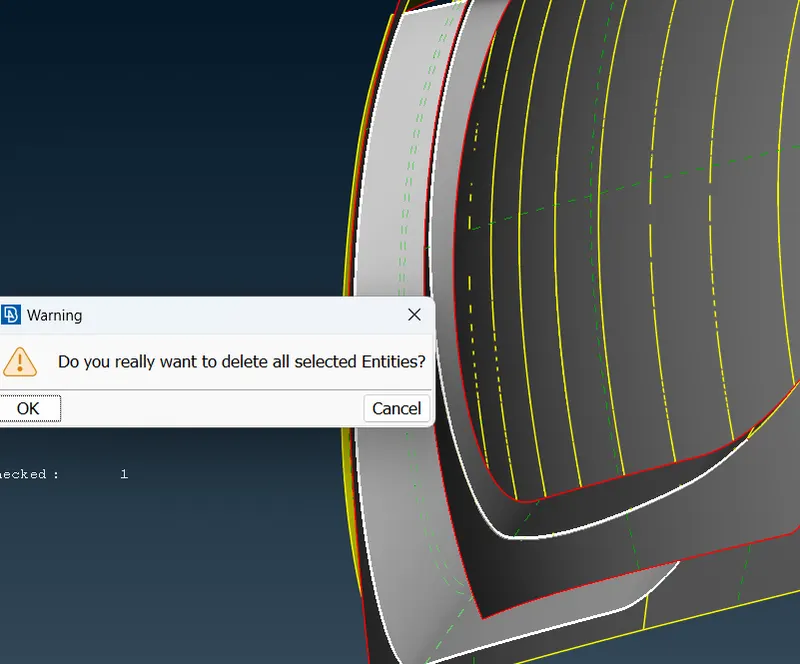
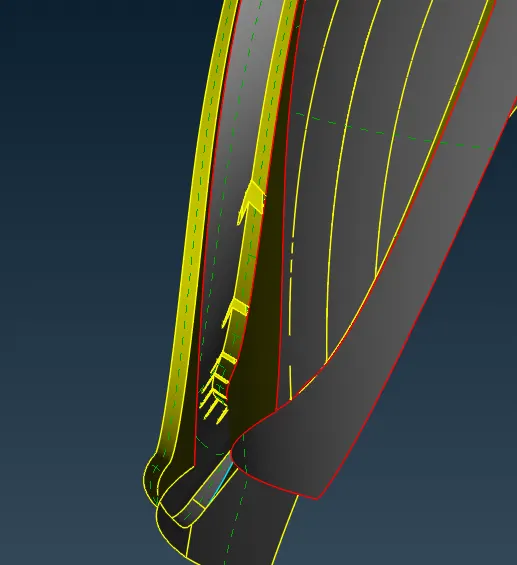
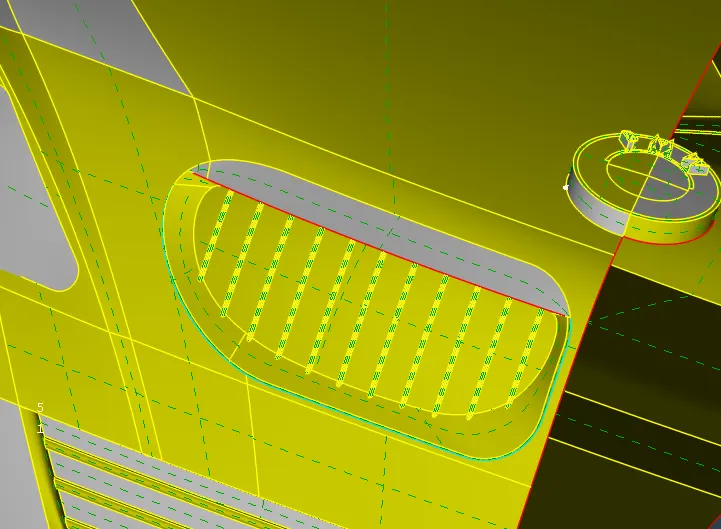
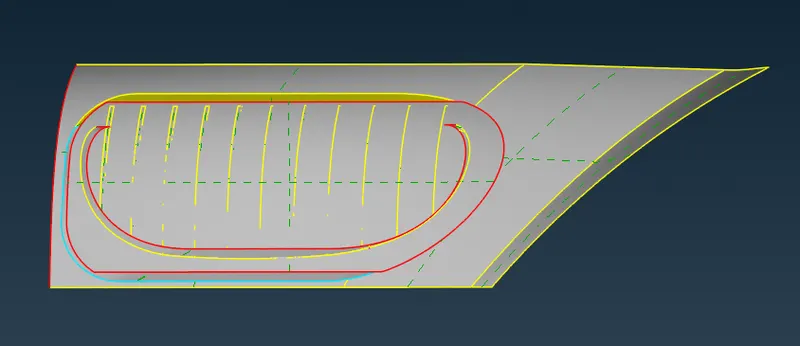
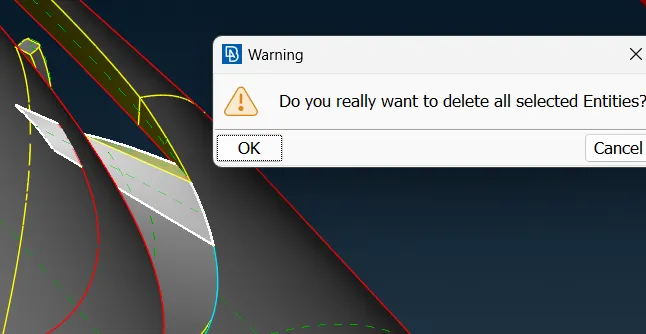
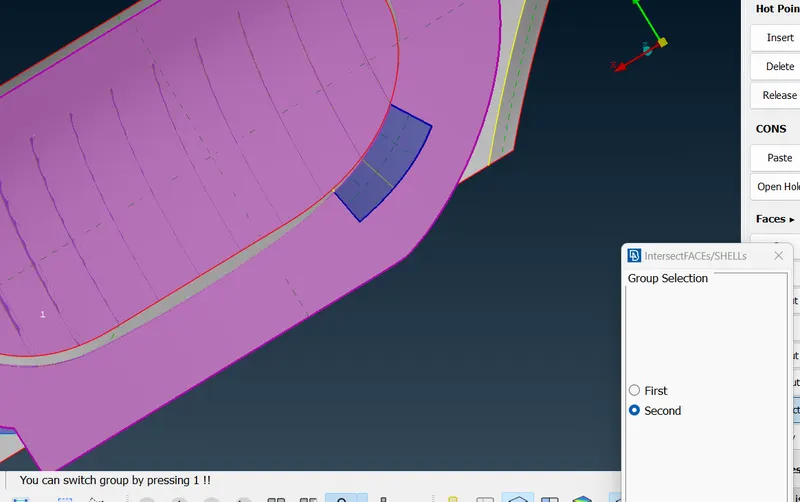
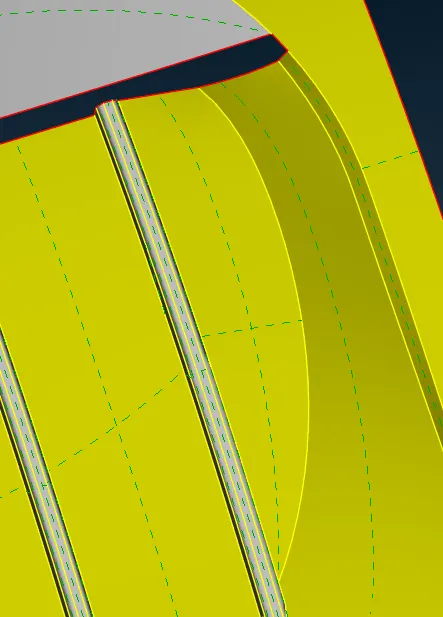
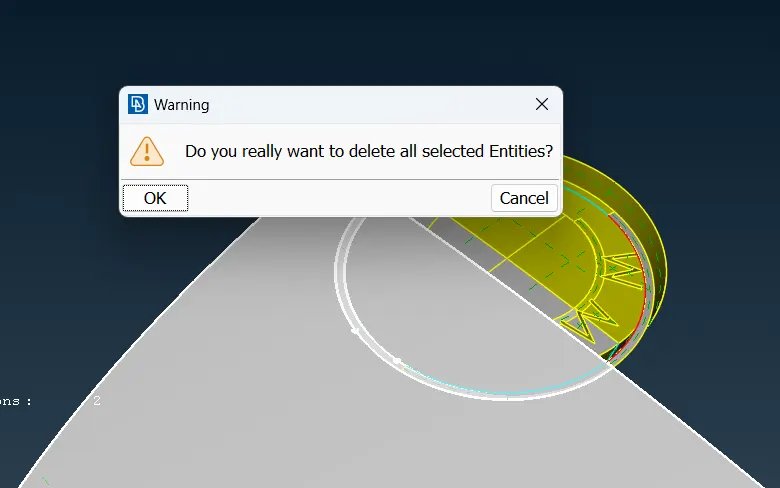
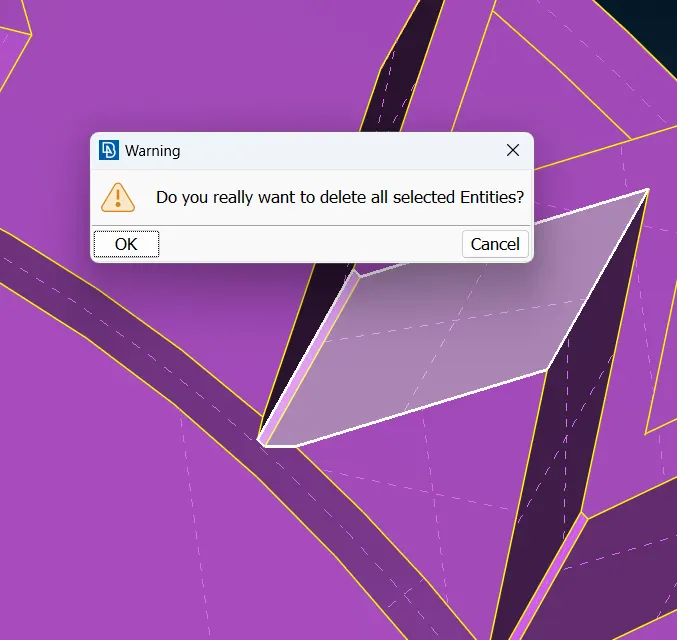
- Start with deleting overlapped surfaces and extra surfacesWe have to remove triple cons, triple cons are form when there is volume formed, so delete surfaces which are contributing towards volume creation.
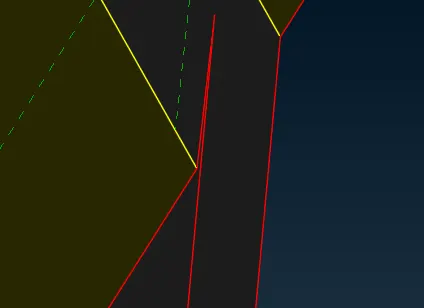
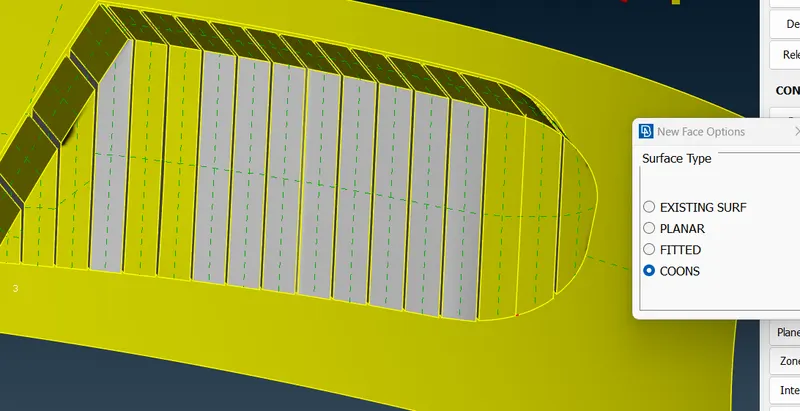
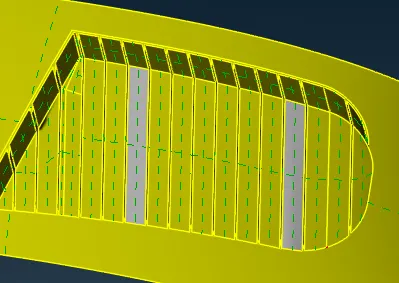
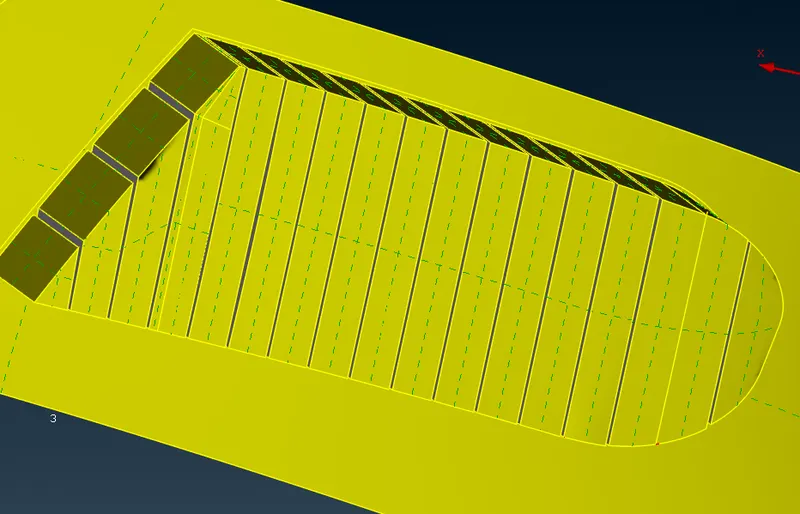
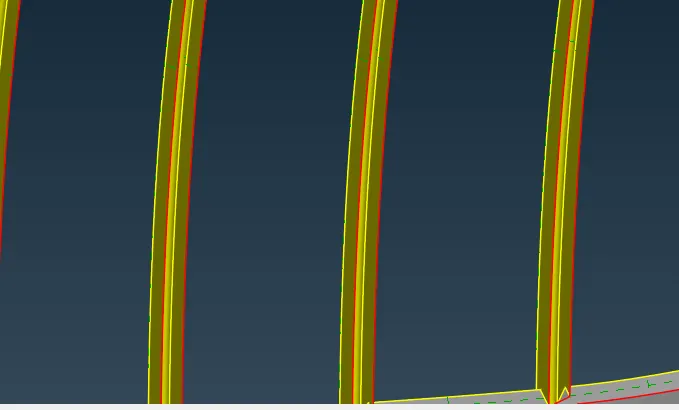
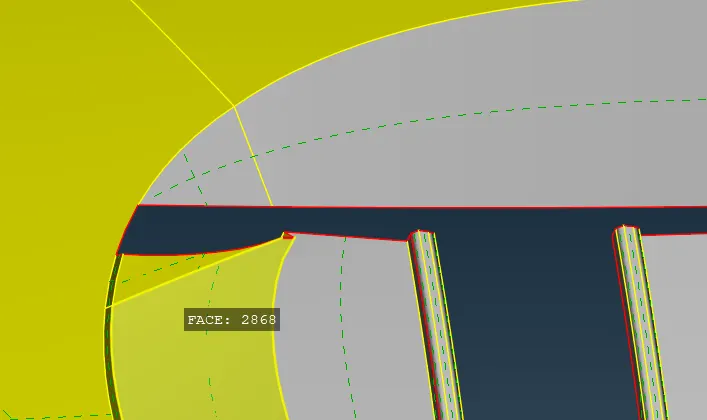
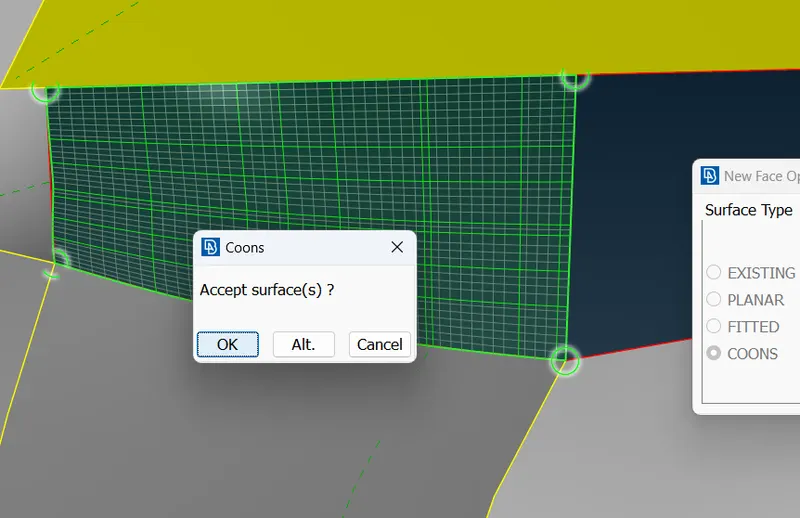
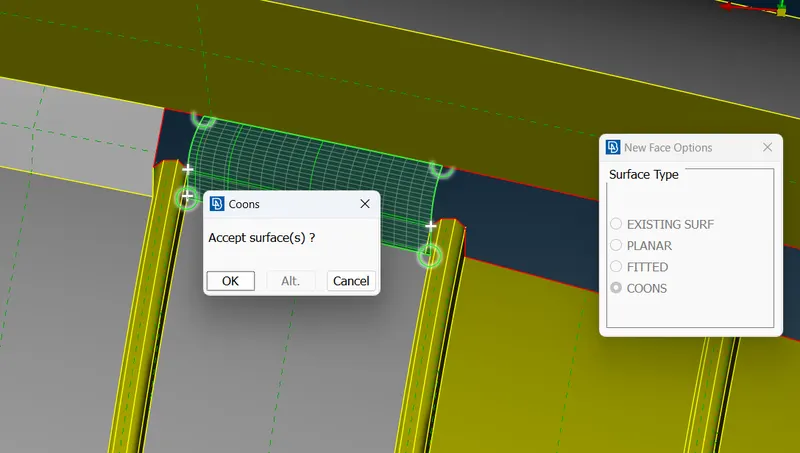
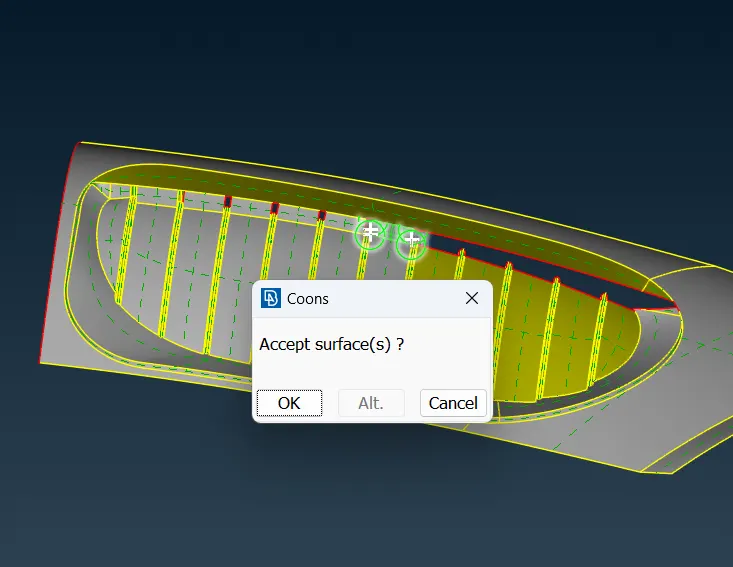
- Solving Double cons, triple cons and single cons
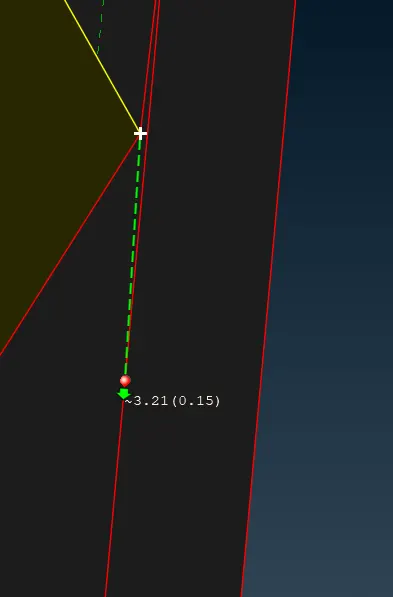
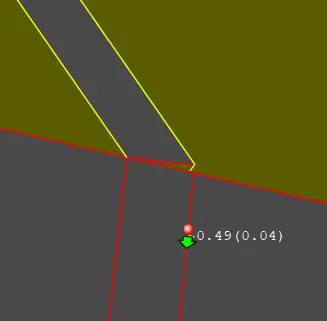
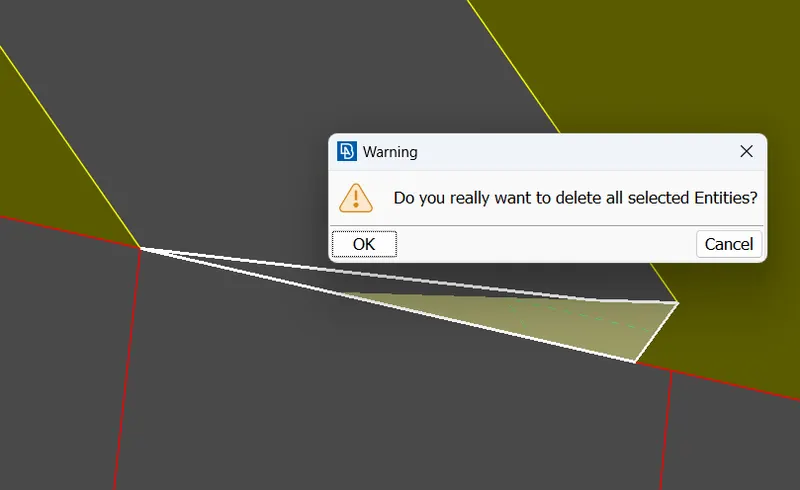
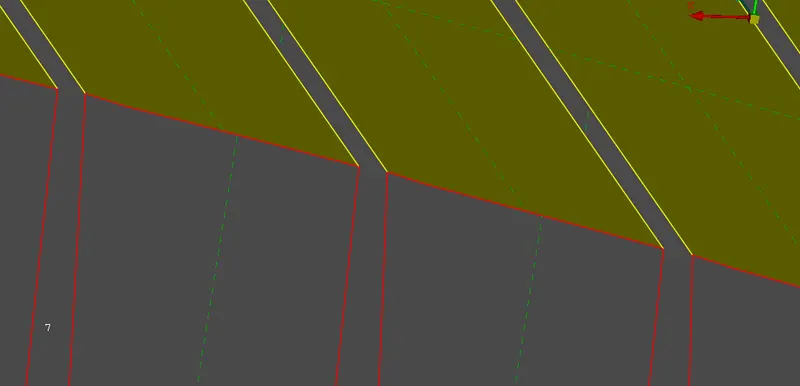
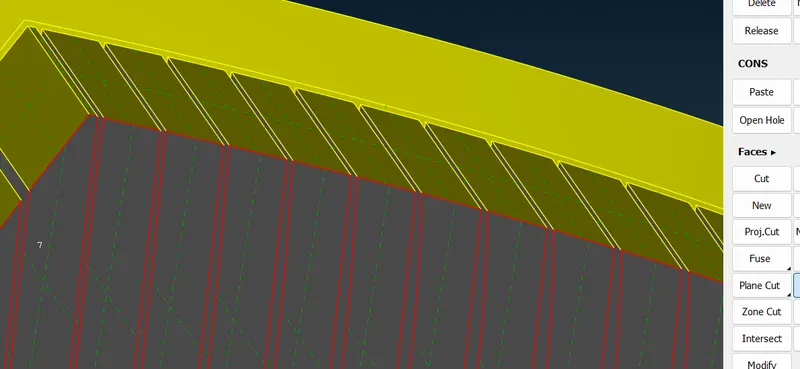
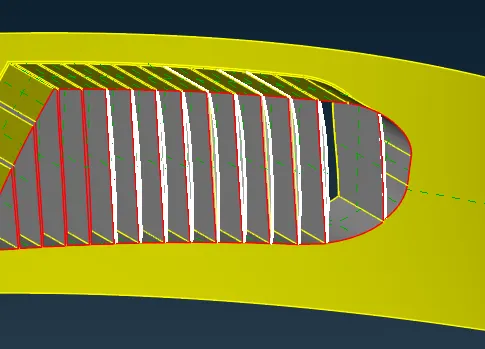
Corners repaired :
3.
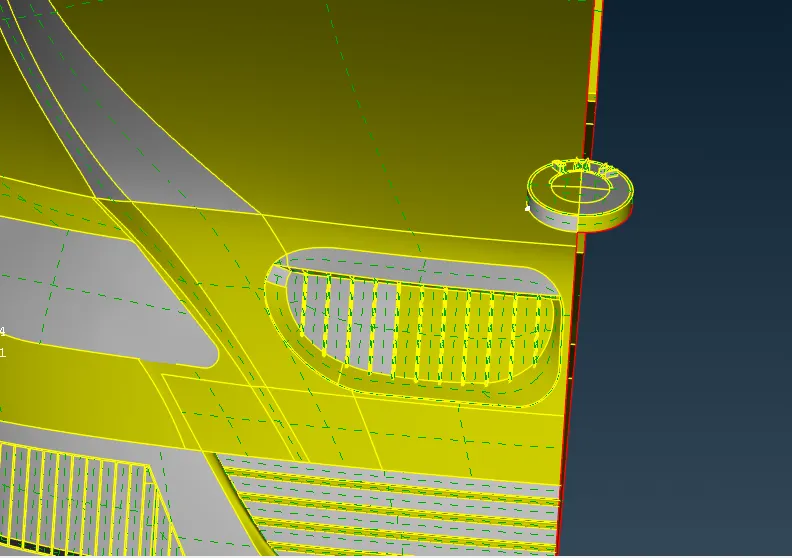
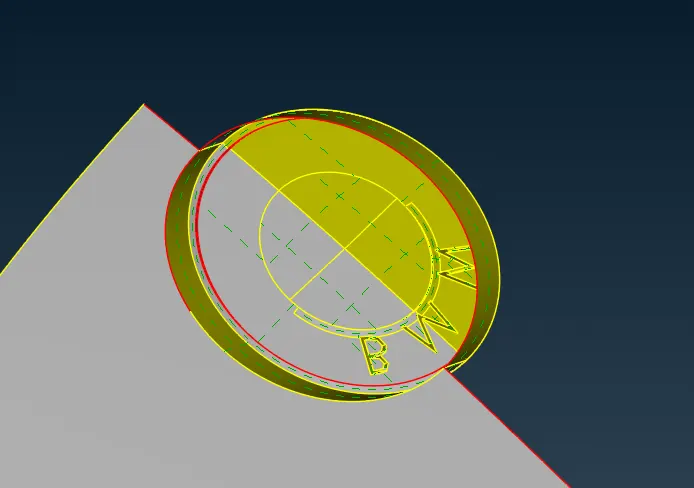
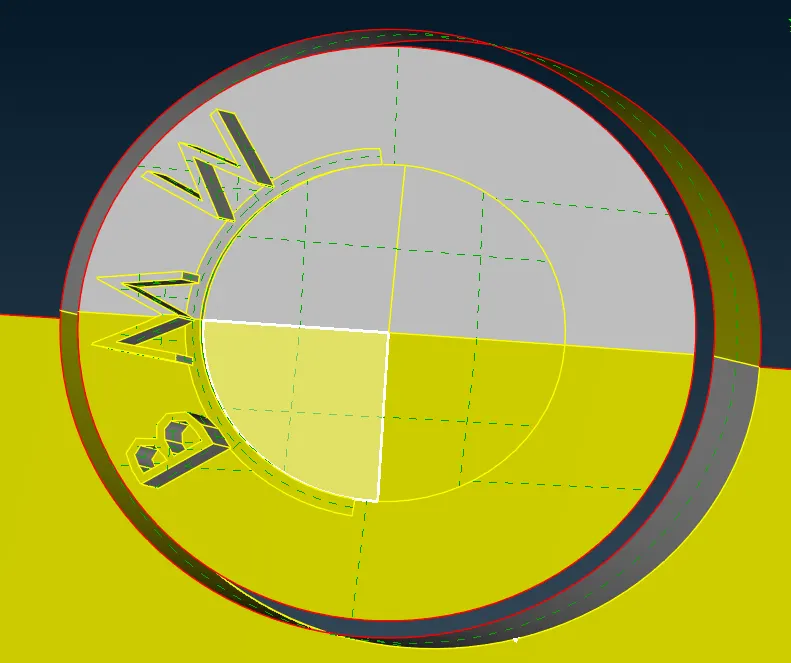
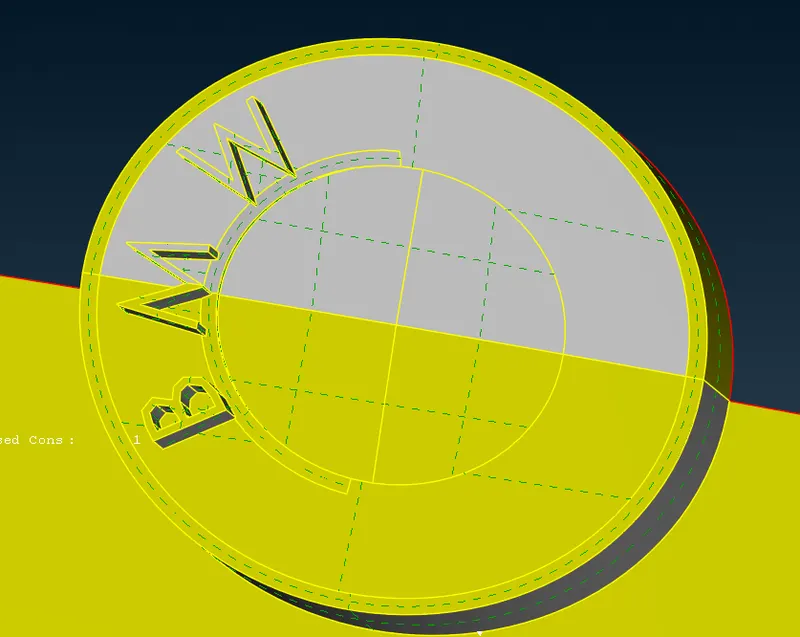
logo :
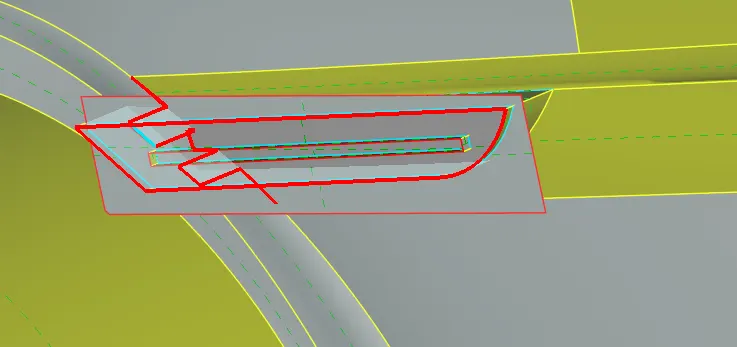
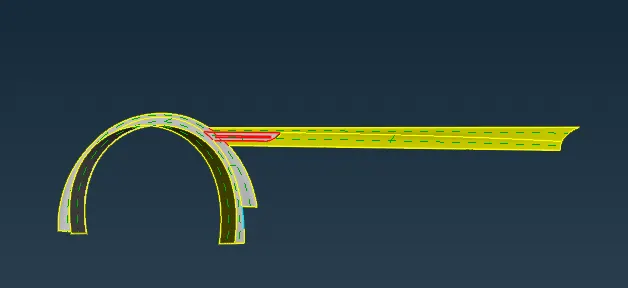
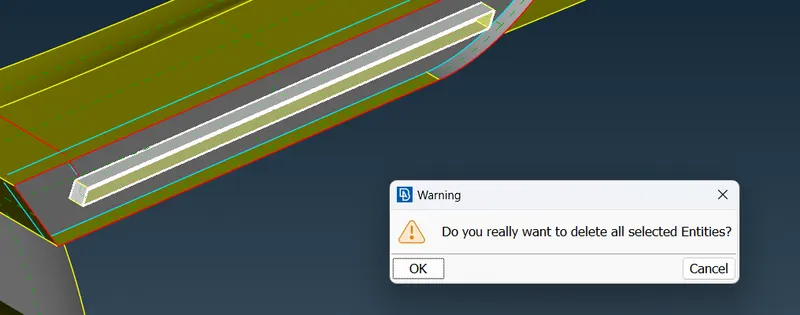
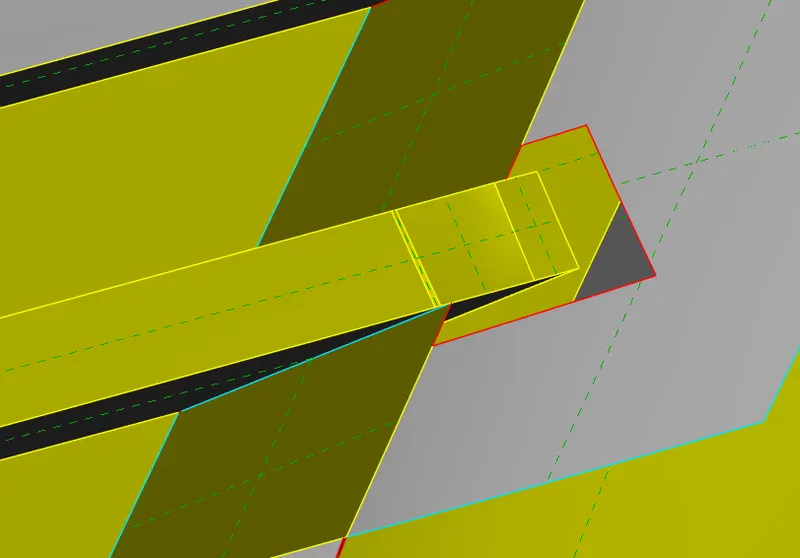
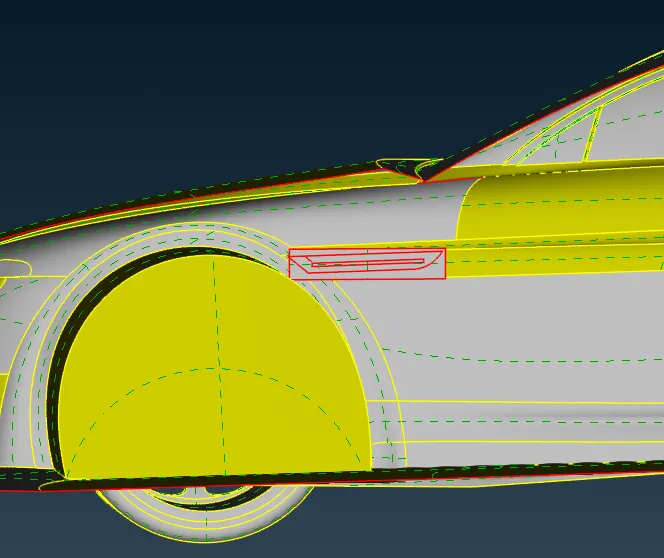
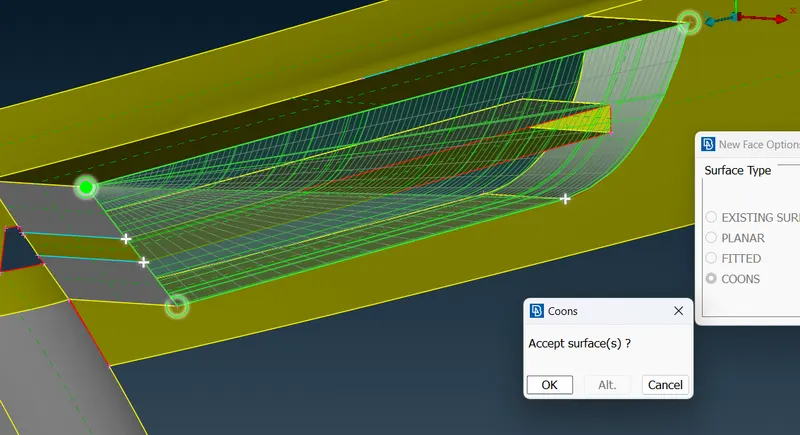
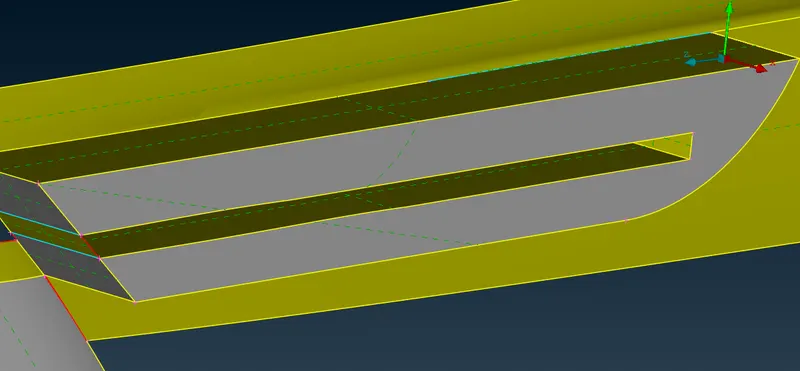
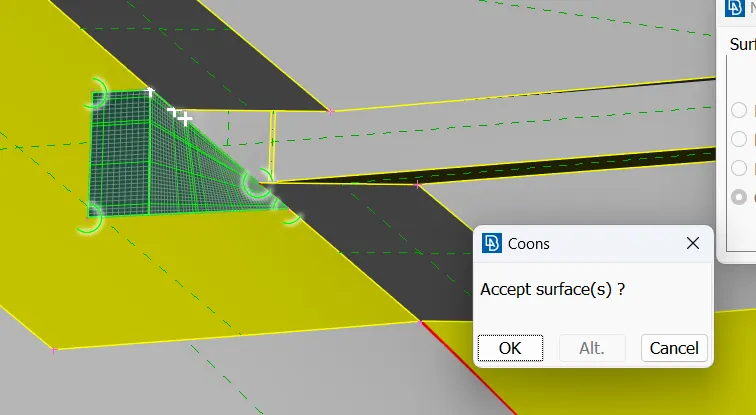
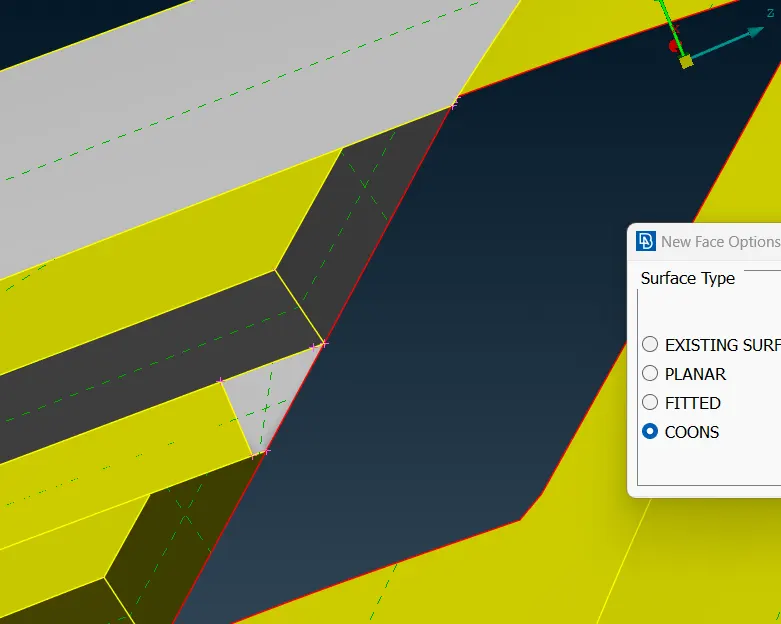
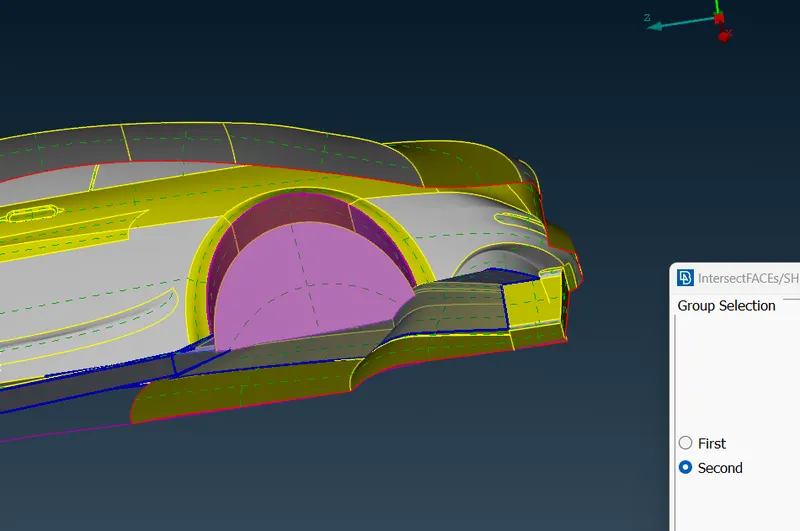
Body :
 \
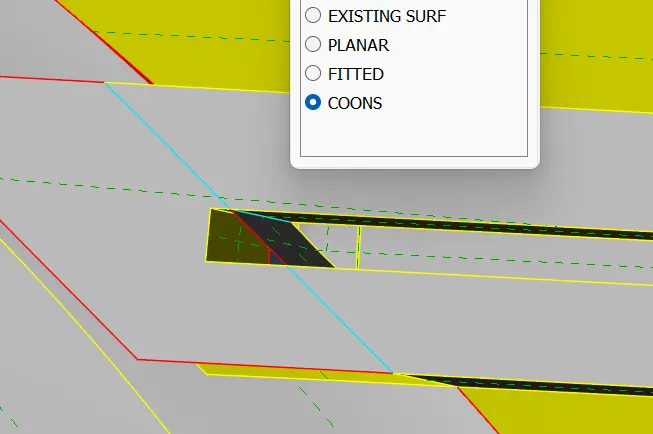
\
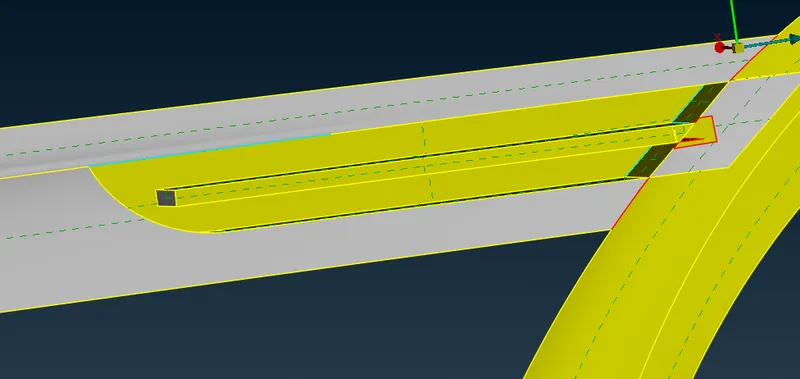
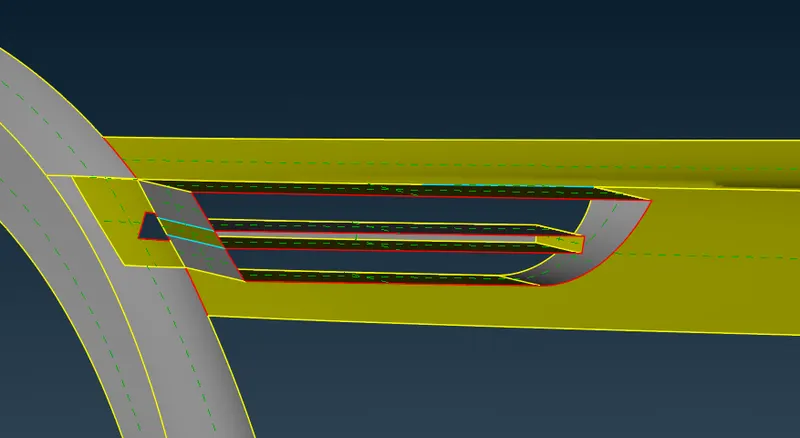
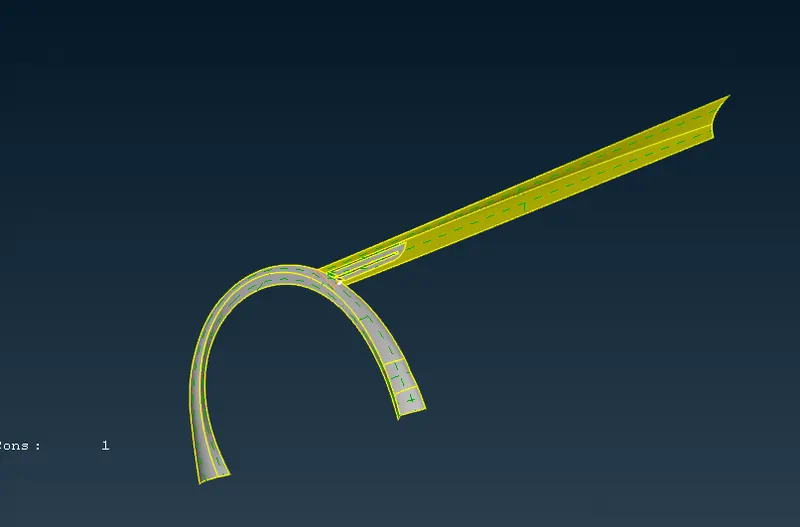
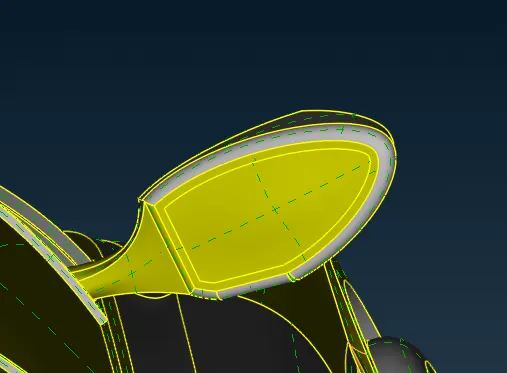
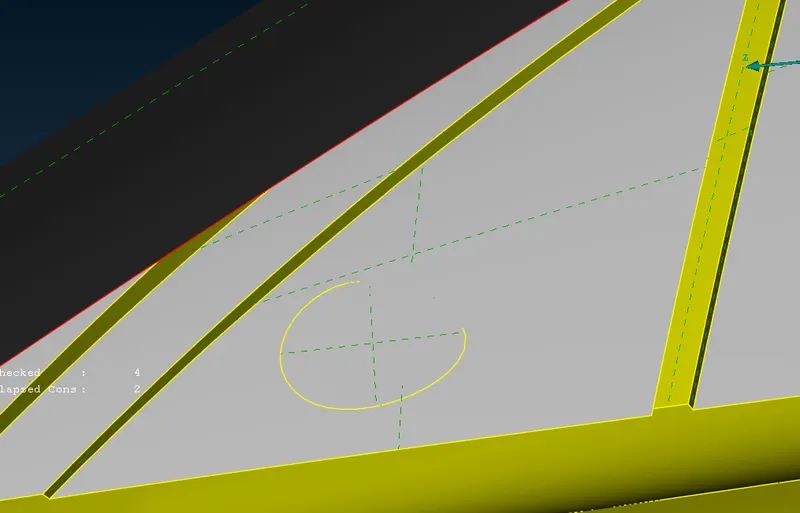
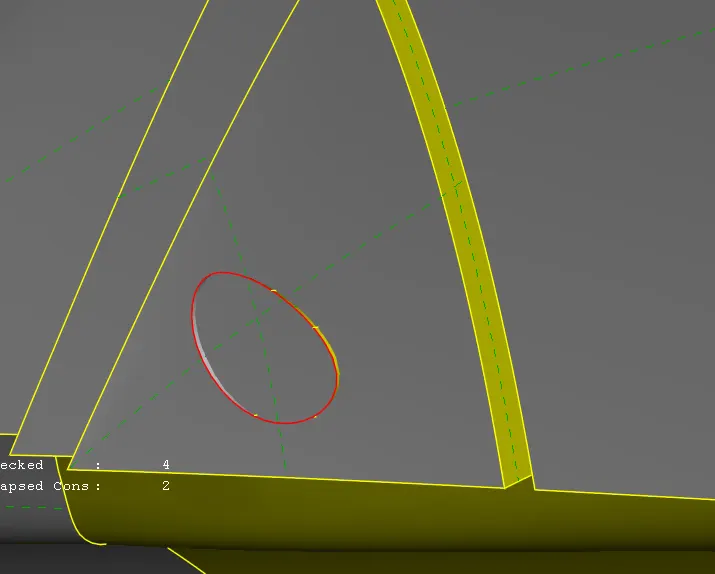
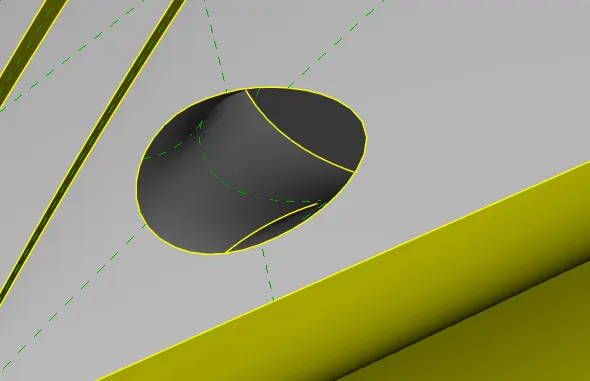
Optical rear view mirror :
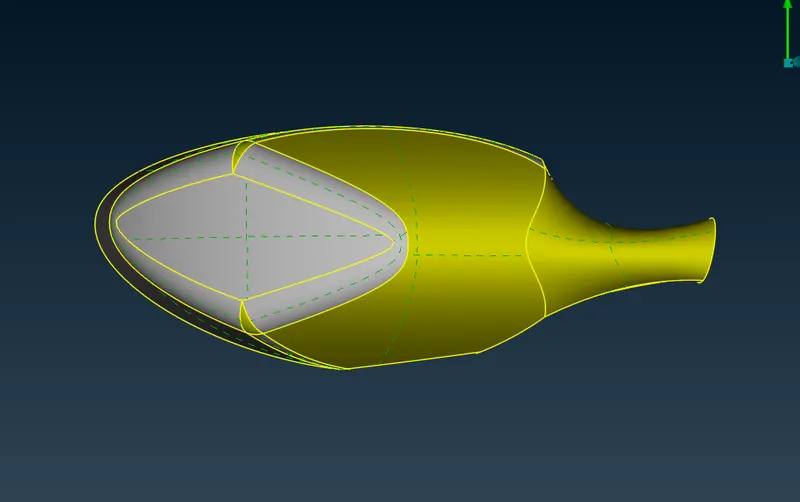
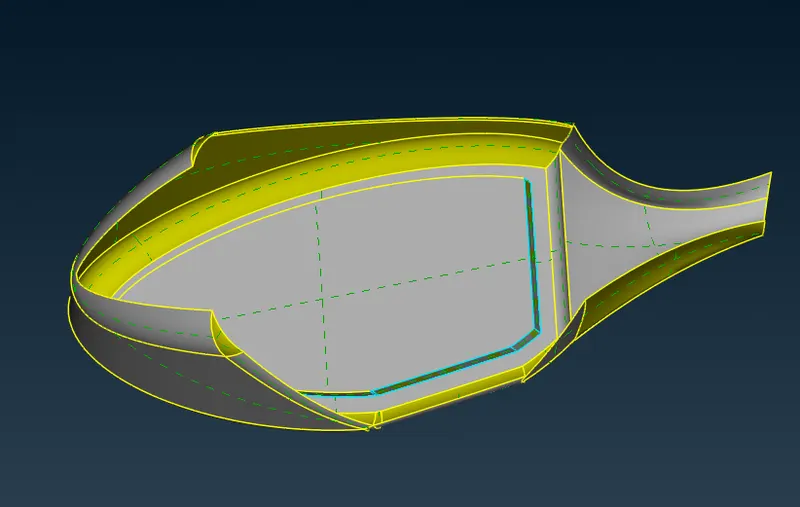
Tyres :
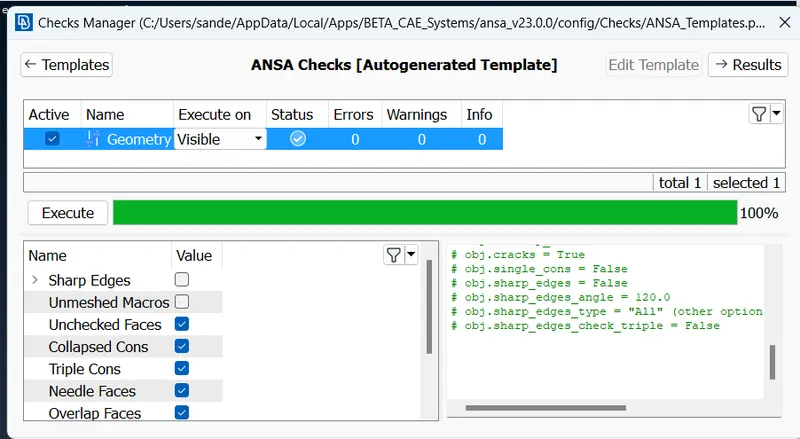
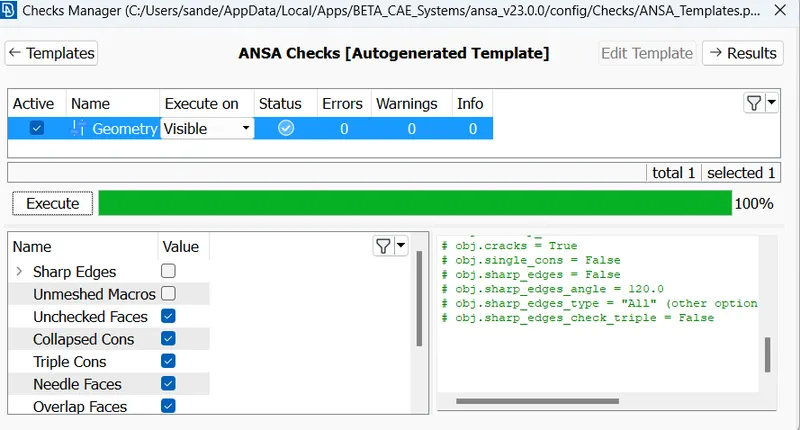
Geometry checks :
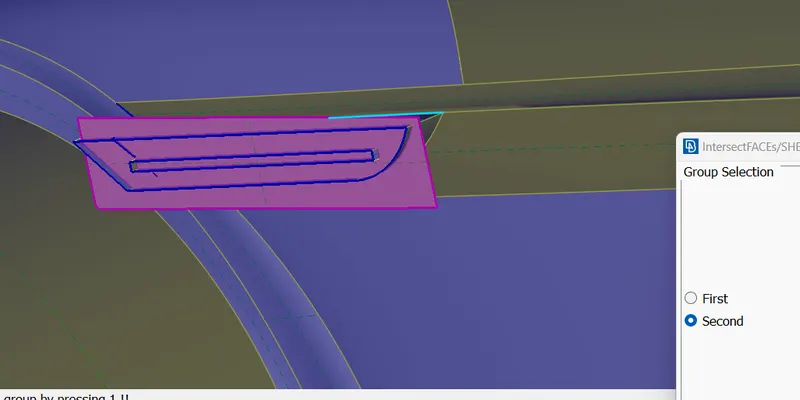
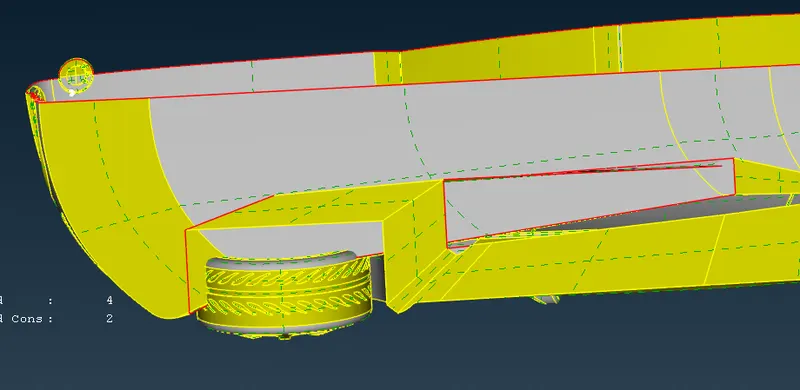
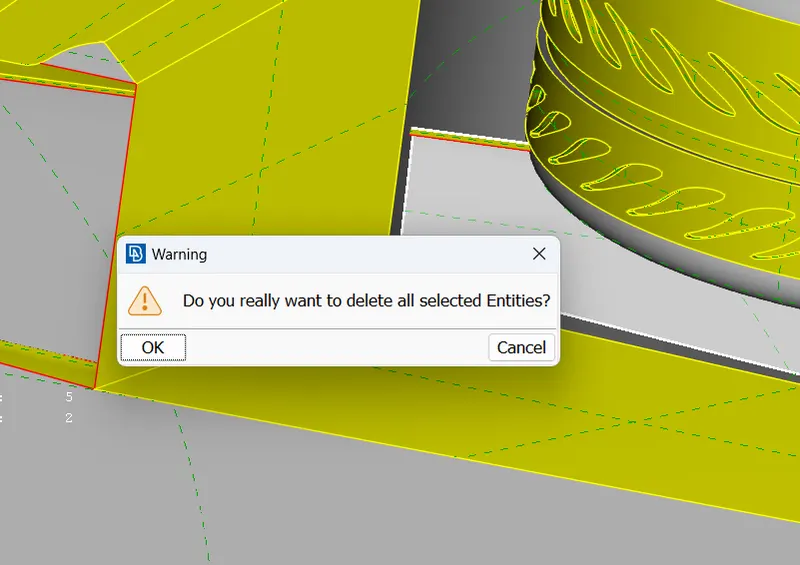
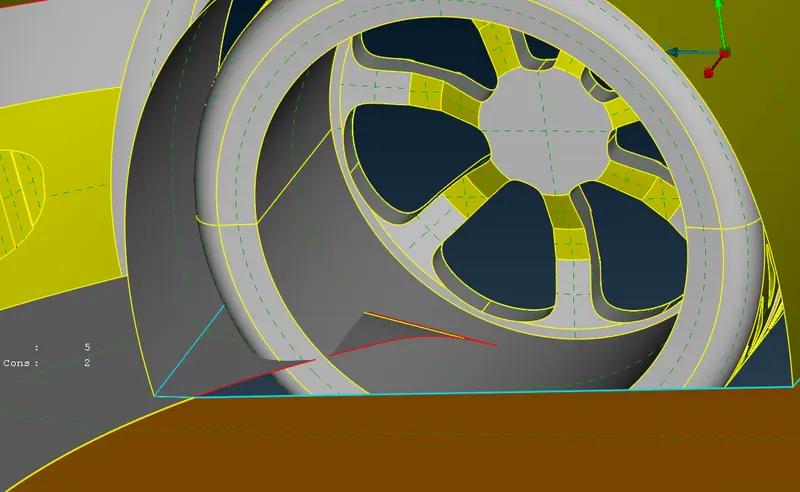
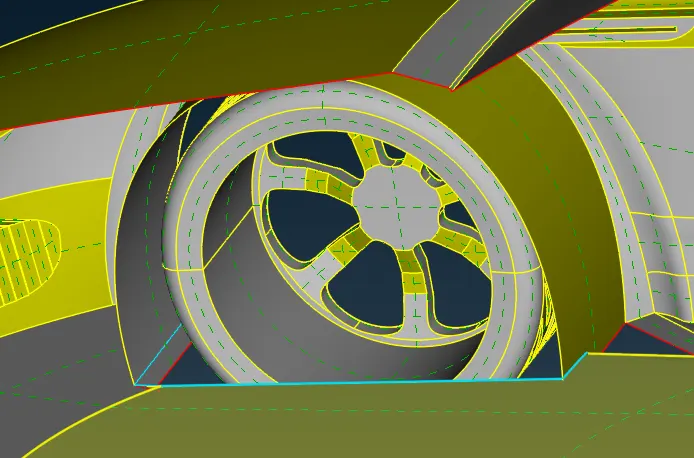
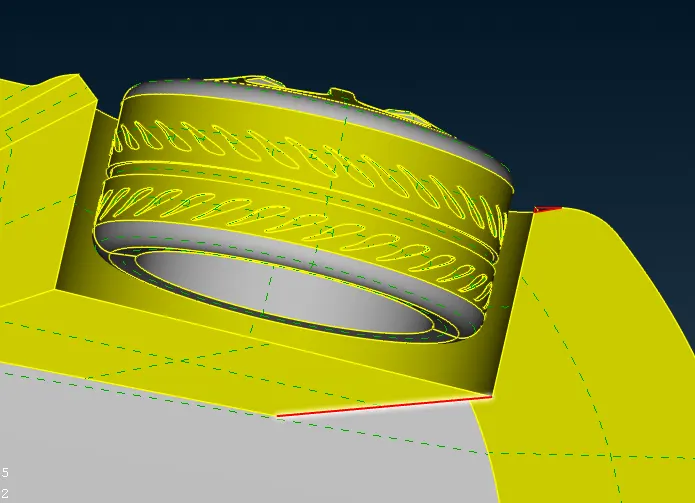
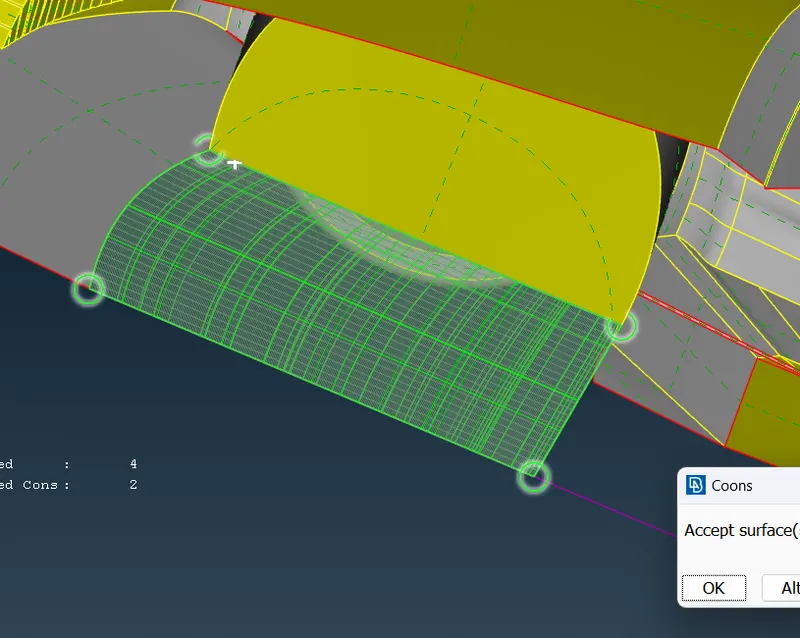
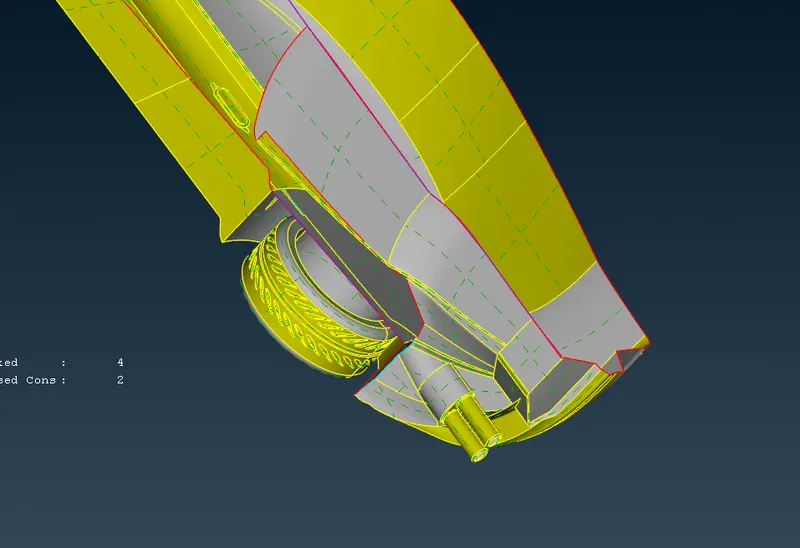
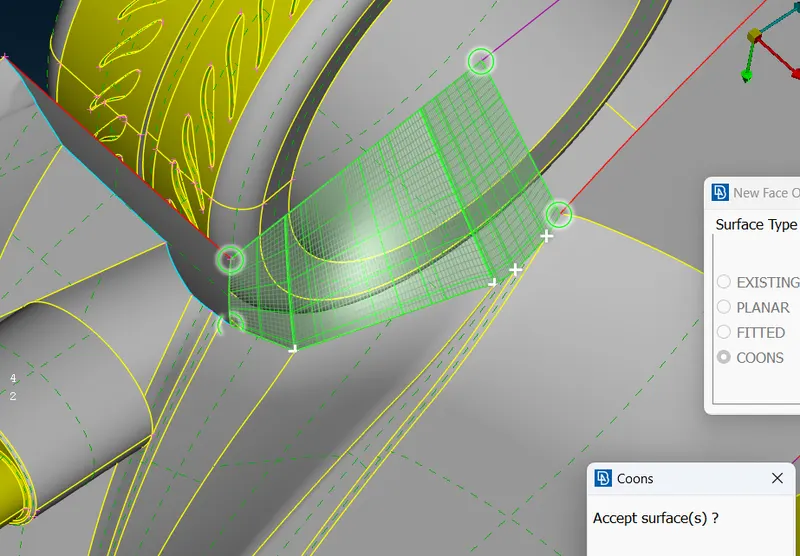
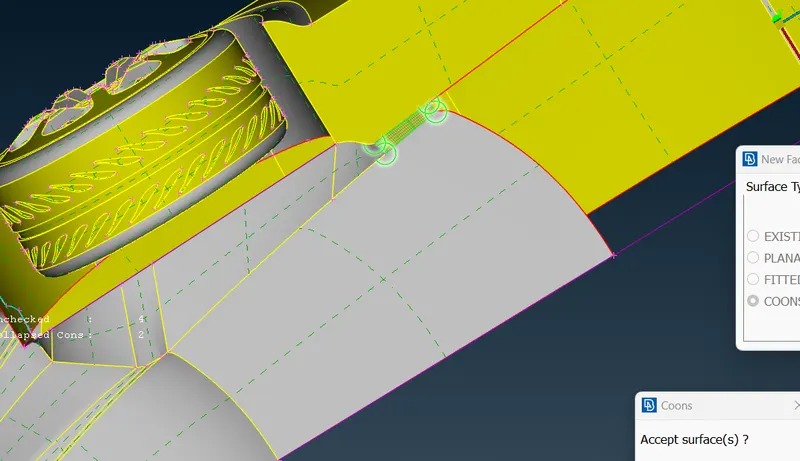
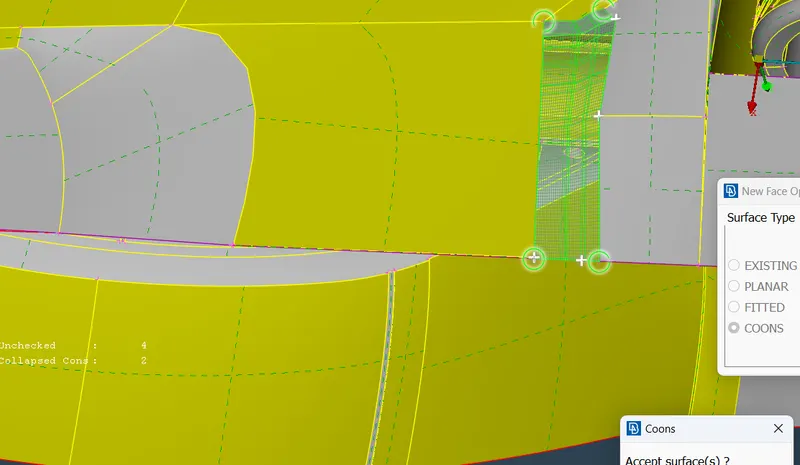
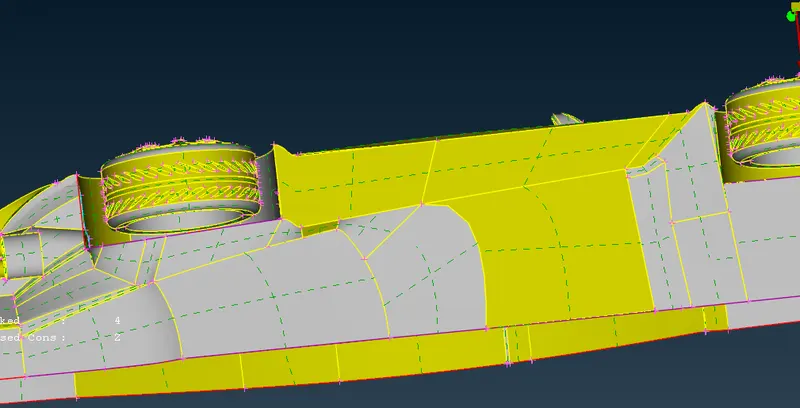
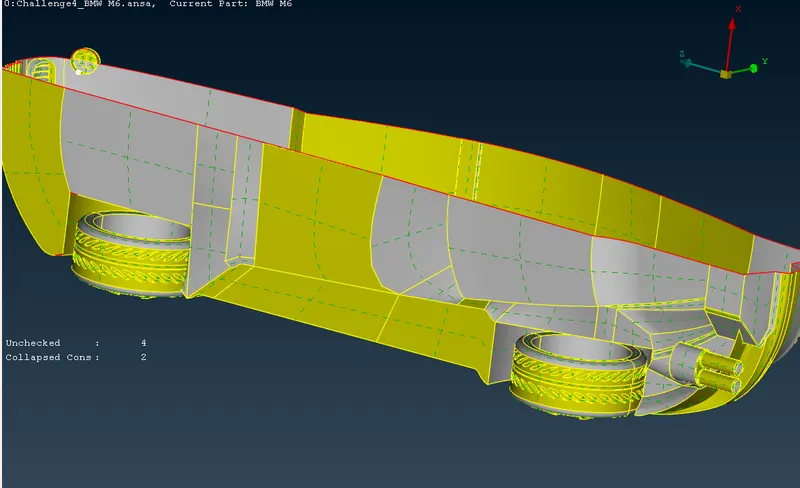
Next step involved in body cleanup is cleaning lower portion, as we can see surfaces are penetrating in tyres which needs to resolved.
6
Silencer :
Solving single cons :
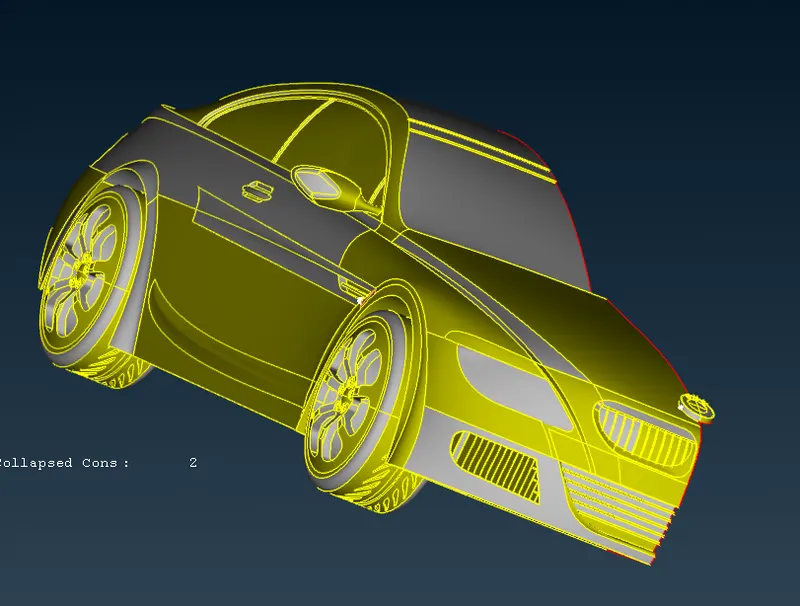
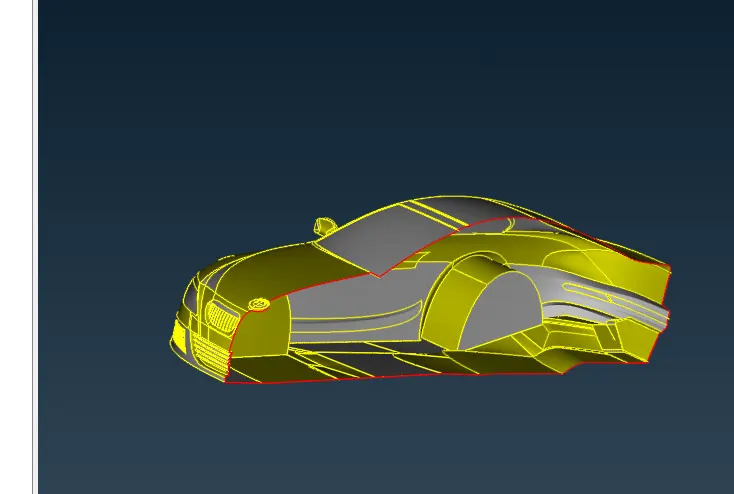
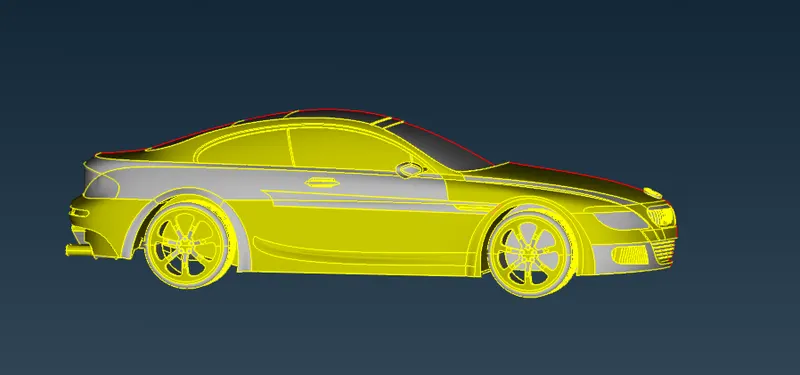
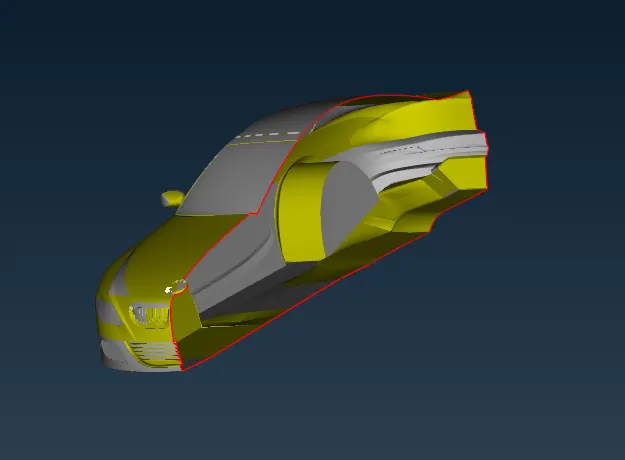
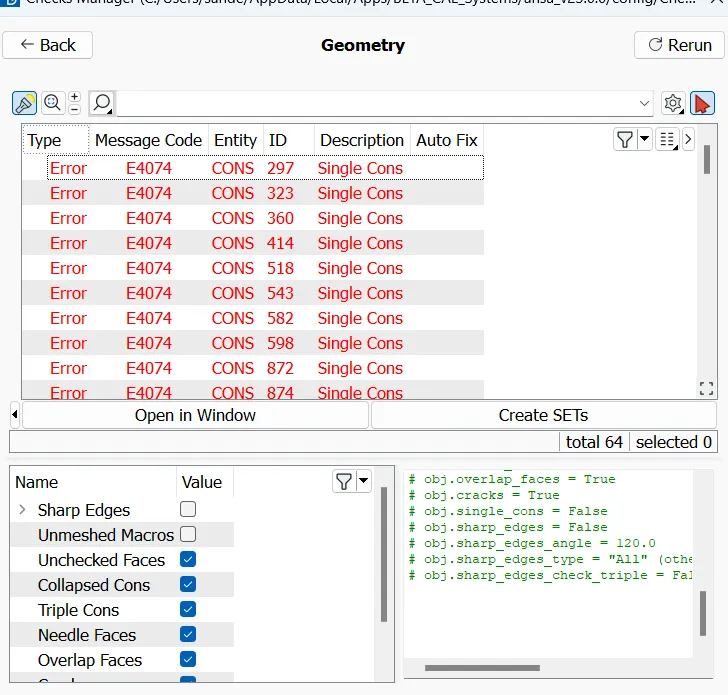
No errors only single cons present :
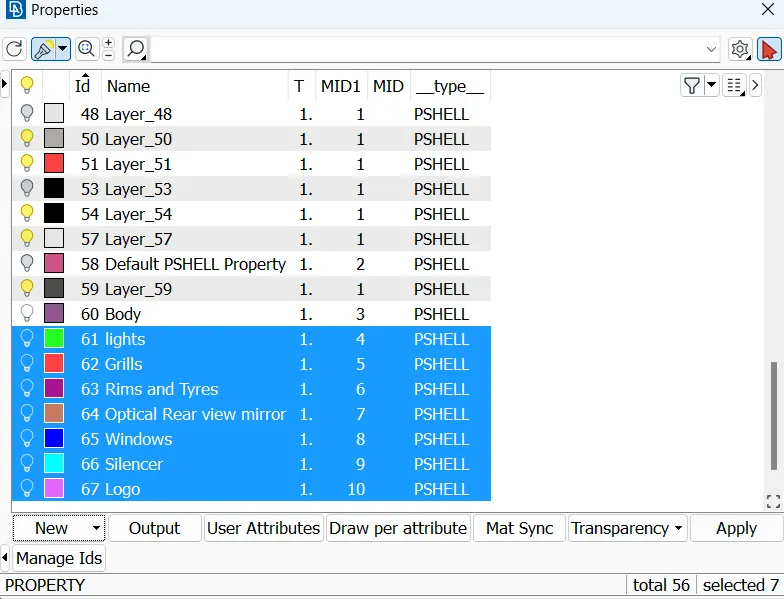
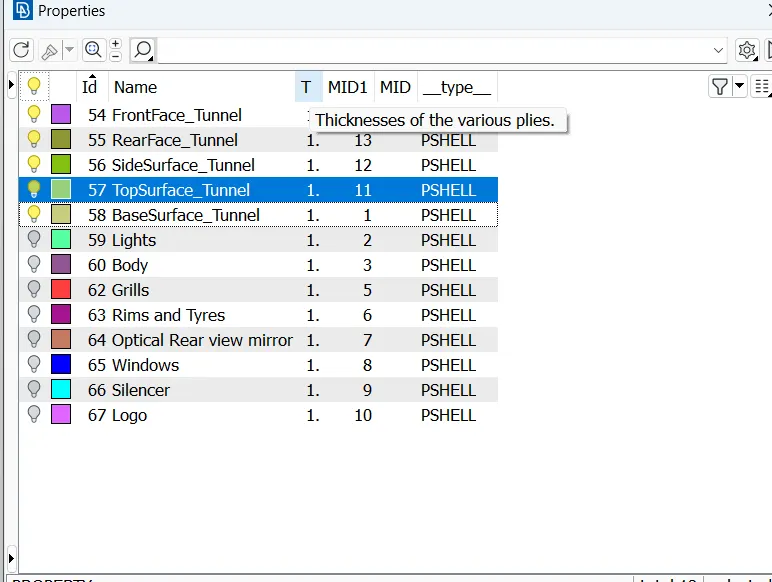
Created PID's :
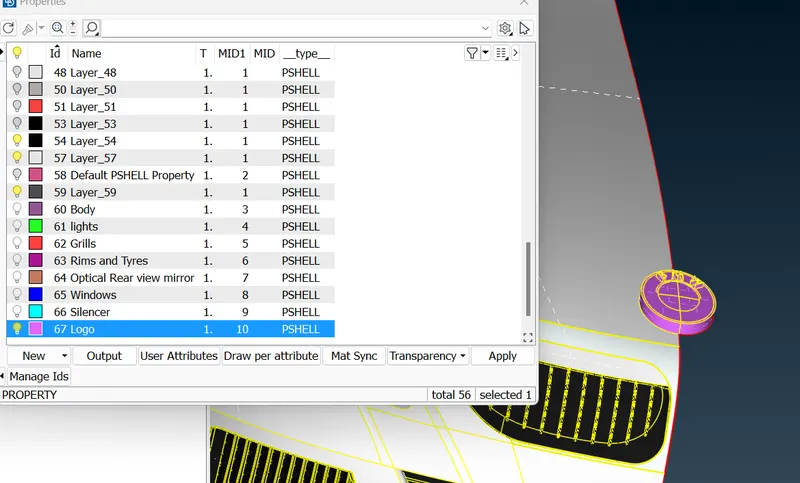
Applying PID's :
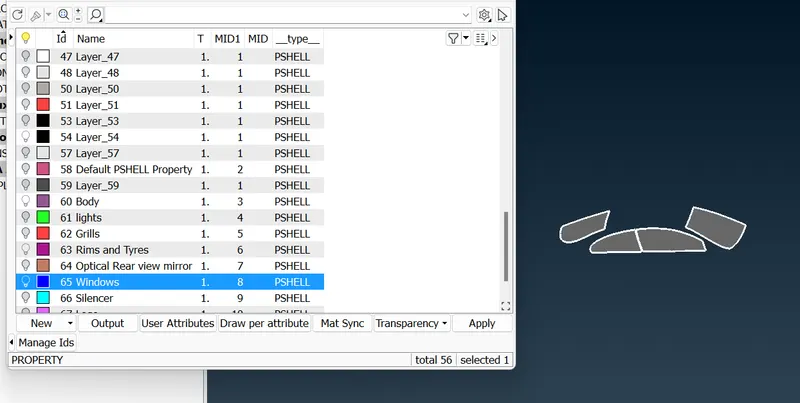
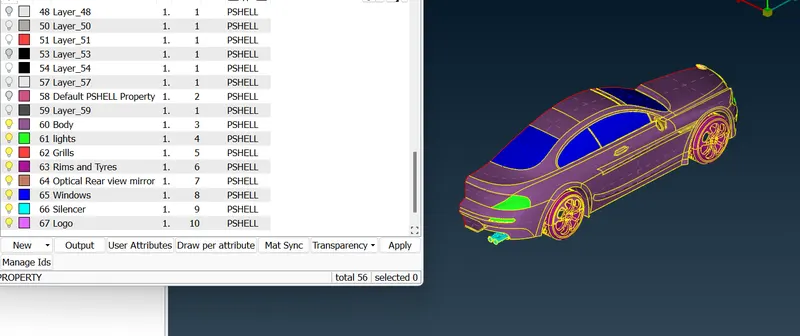
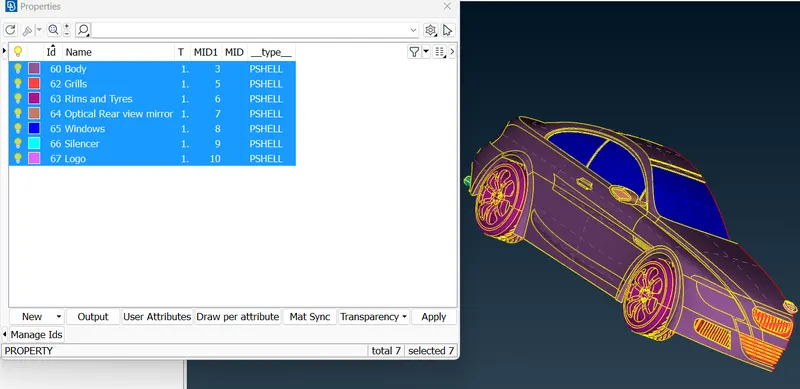
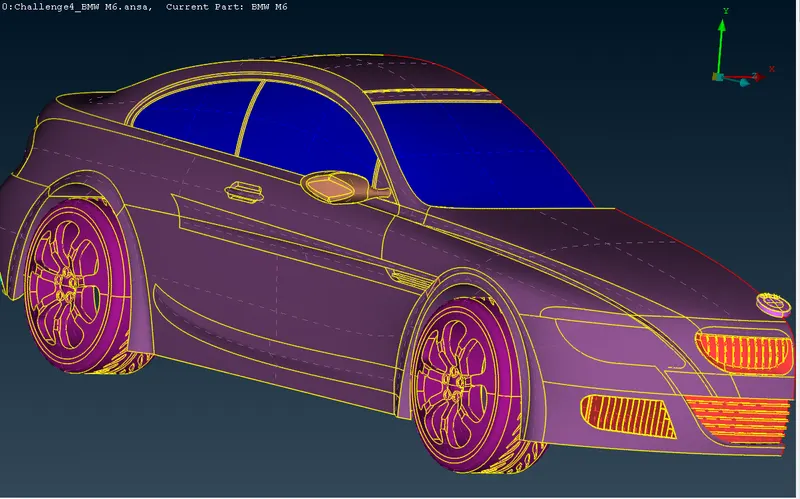
Step 2- START 2D MESHING :
1. logo
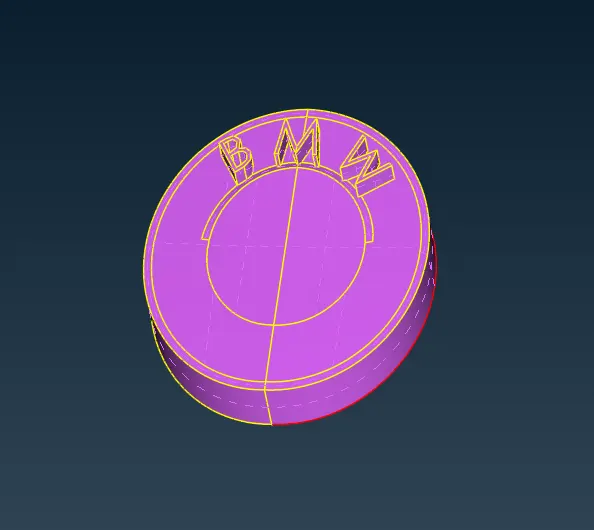
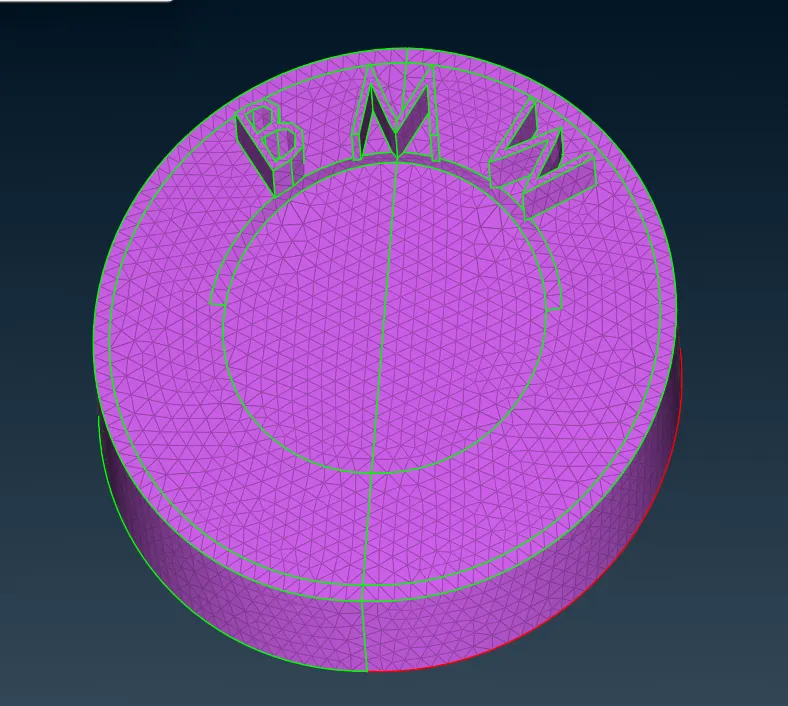
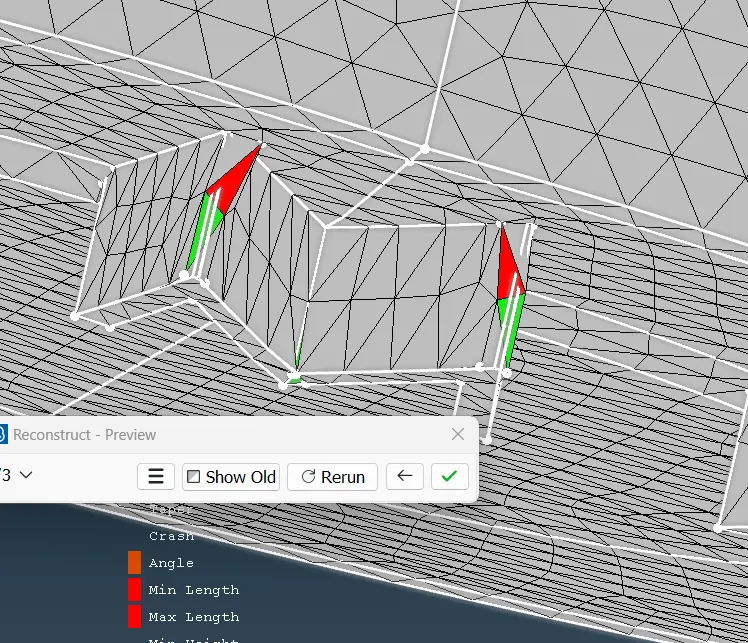
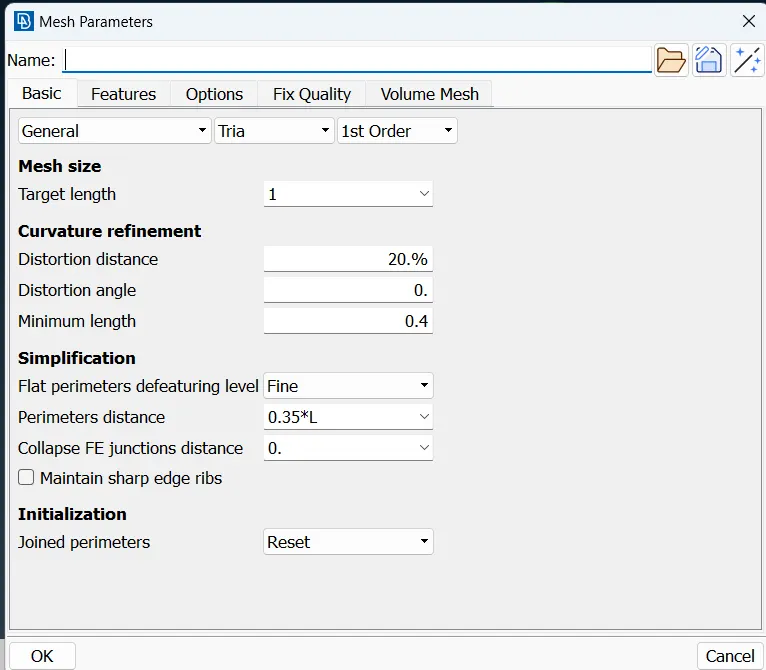
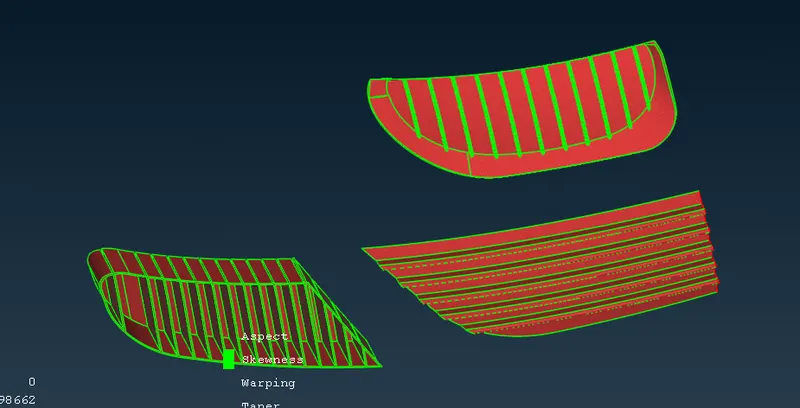
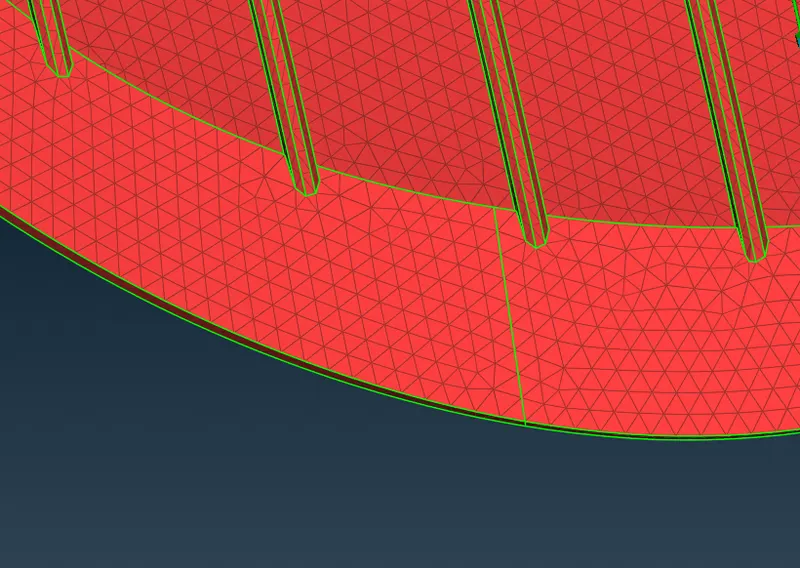
GRILLS Meshing :
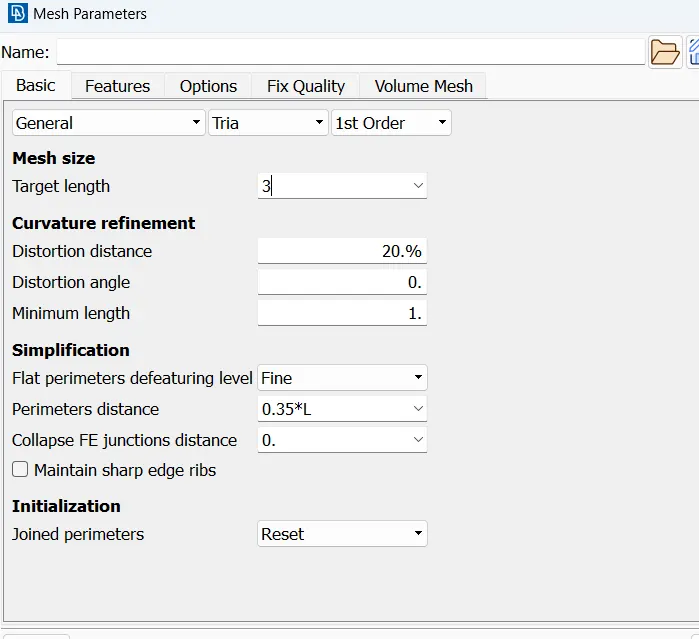
- Mesh length is 1 mm
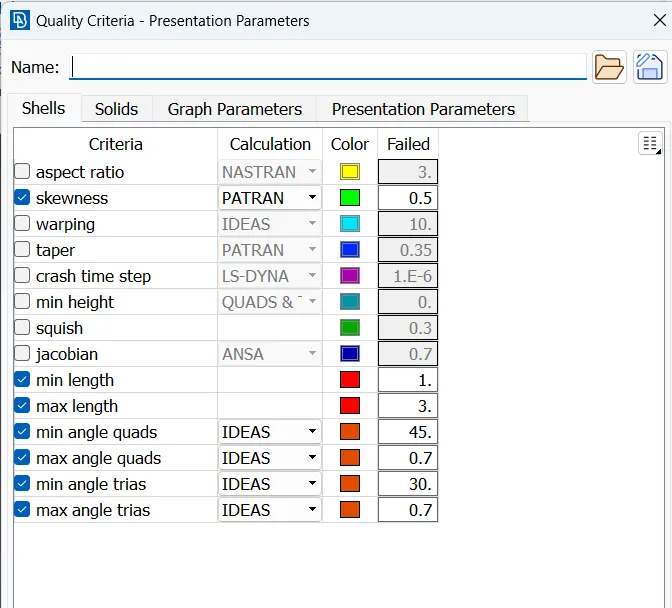
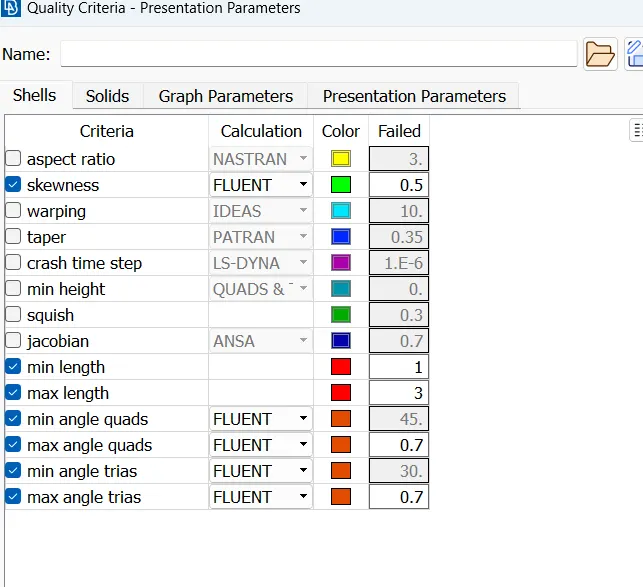
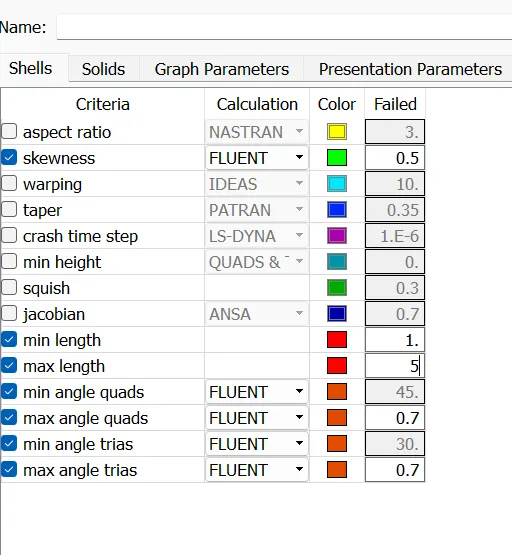
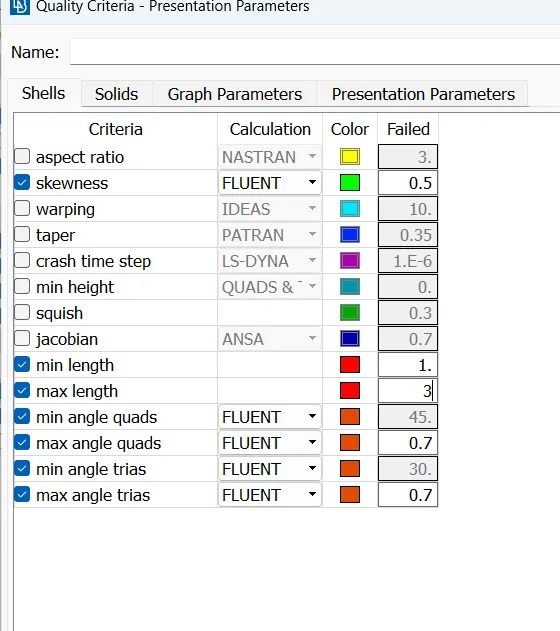
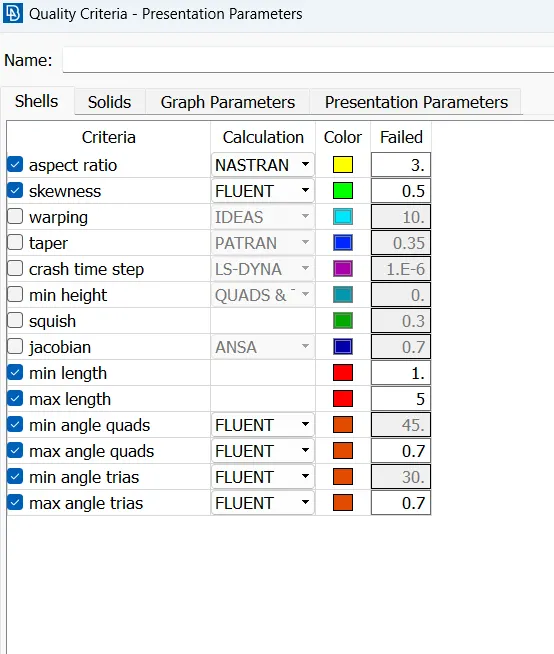
- After giving quality criterias, give length parameters and macros
- select length parameters and choose PID by doing right click and dragging cursor over PID.
- hen select spot mesh and choose visible mesh, you can see mesh on PID
- In order to check if geometry is failing on quality criteria go to hidden mode and go to entity mode while using hidden mode.
- you will off elements. select reconstruct option and choose visible and execute reconstruct option. Reconstruct option will solve most of off elements and remaining off elements needs to be solved by findind why mesh is failing, mainly this happens due to formation of meshes smaller than specified criteria.
- Go to topo mode and use cut options to cut or recreate cons where mesh is failing.
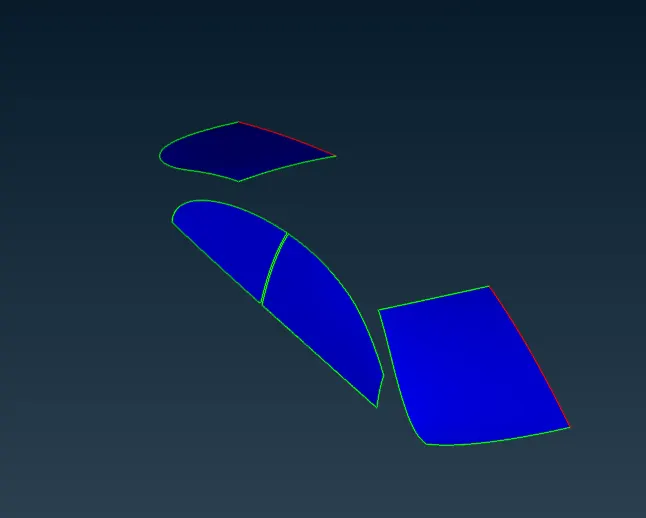
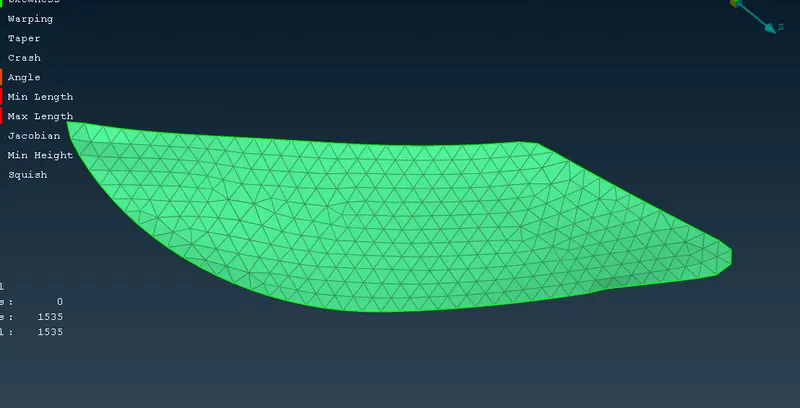
3. Windows
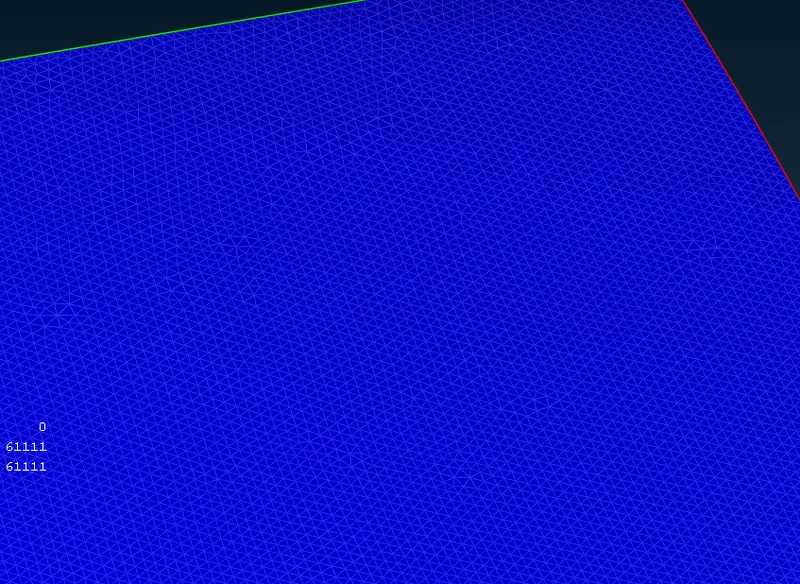
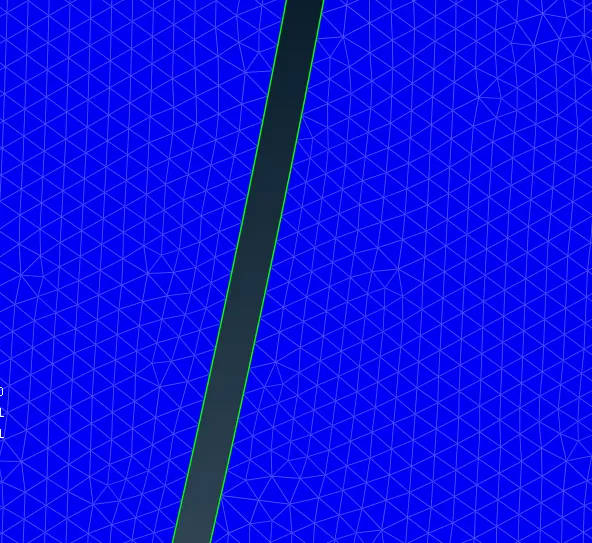
LIGHTS Meshing -
- Mesh length is 4mm
- After giving quality criterias, give length parameters and macros
- select length parameters and choose PID by doing right click and dragging cursor over PID.
- Then select spot mesh and choose visible mesh, you can see mesh on PID
- In order to check if geometry is failing on quality criteria go to hidden mode and go to entity mode while using hidden mode.
- you will off elements. select reconstruct option and choose visible and execute reconstruct option. Reconstruct option will solve most of off elements and remaining off elements needs to be solved by findind why mesh is failing, mainly this happens due to formation of meshes smaller than specified criteria.
- Go to topo mode and use cut options to cut or recreate cons where mesh is failing.

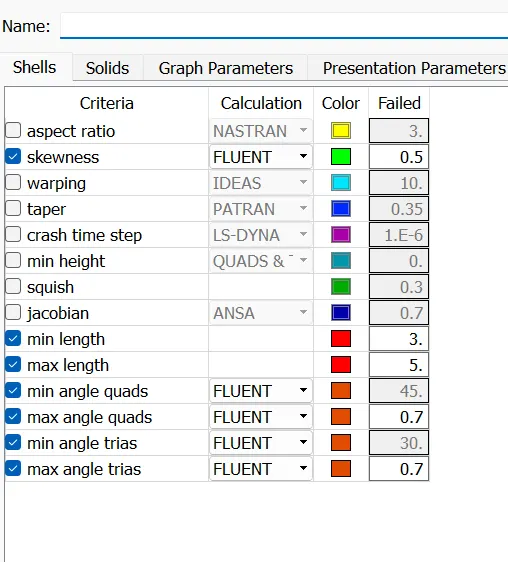
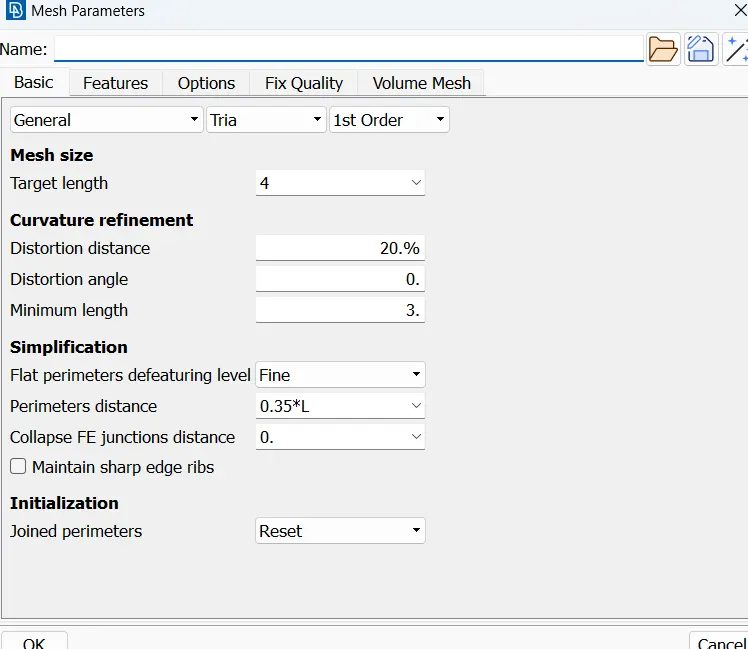
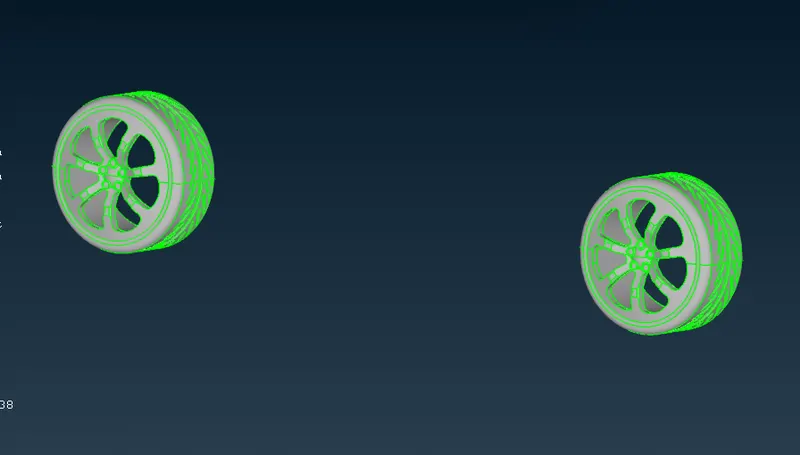
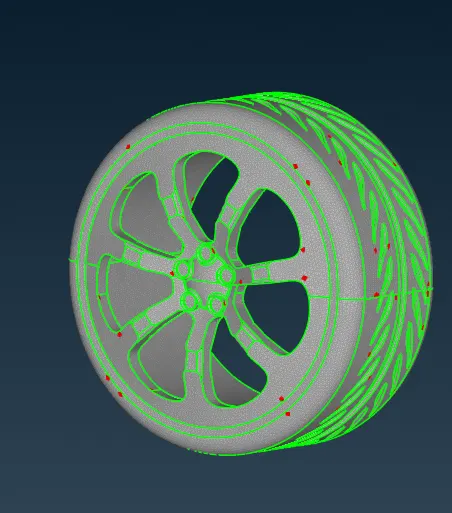
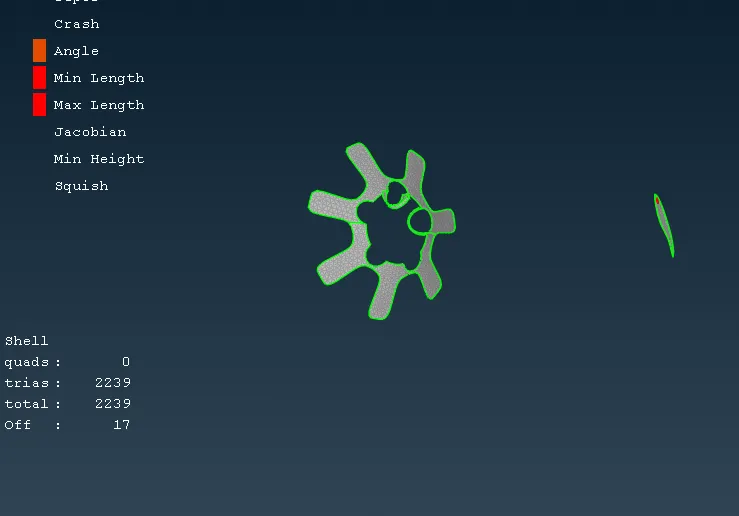
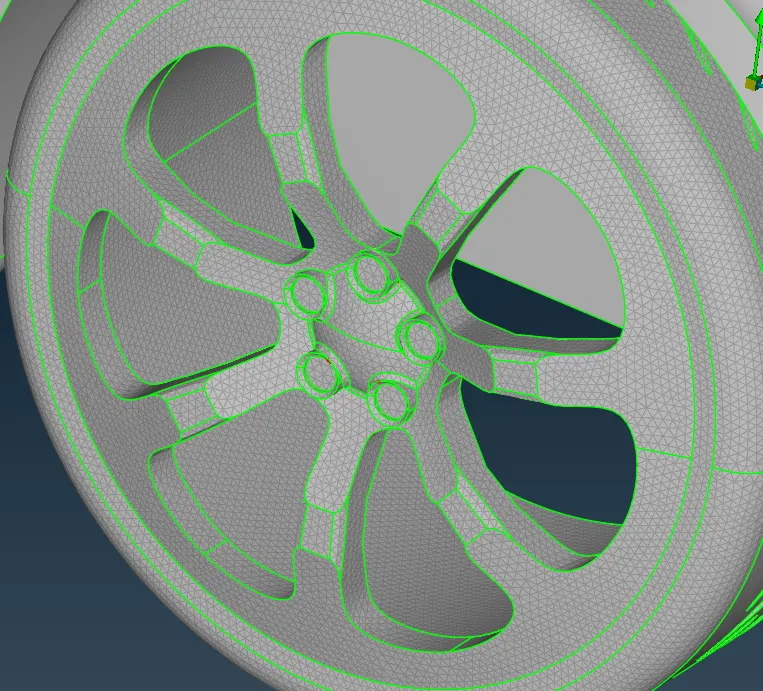
Tyres Meshing-
- Mesh length is 2mm
- After giving quality criterias, give length parameters and macros
- select length parameters and choose PID by doing right click and dragging cursor over PID.
- Then select spot mesh and choose visible mesh, you can see mesh on PID
- In order to check if geometry is failing on quality criteria go to hidden mode and go to entity mode while using hidden mode.
- you will off elements. select reconstruct option and choose visible and execute reconstruct option. Reconstruct option will solve most of off elements and remaining off elements needs to be solved by findind why mesh is failing, mainly this happens due to formation of meshes smaller than specified criteria.
- Go to topo mode and use cut options to cut or recreate cons where mesh is failing.
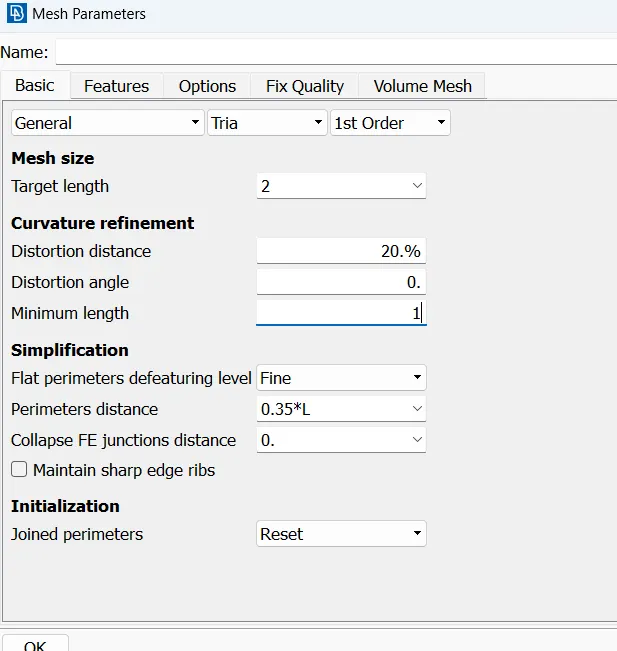
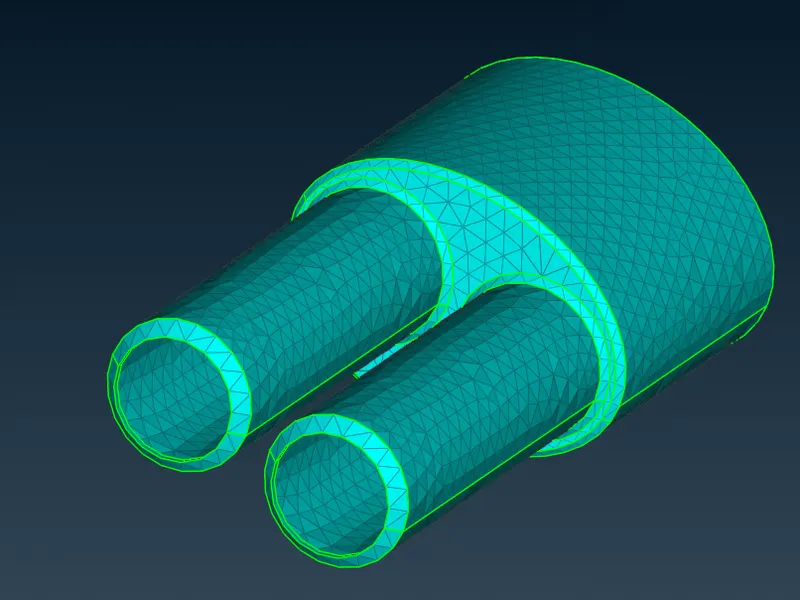
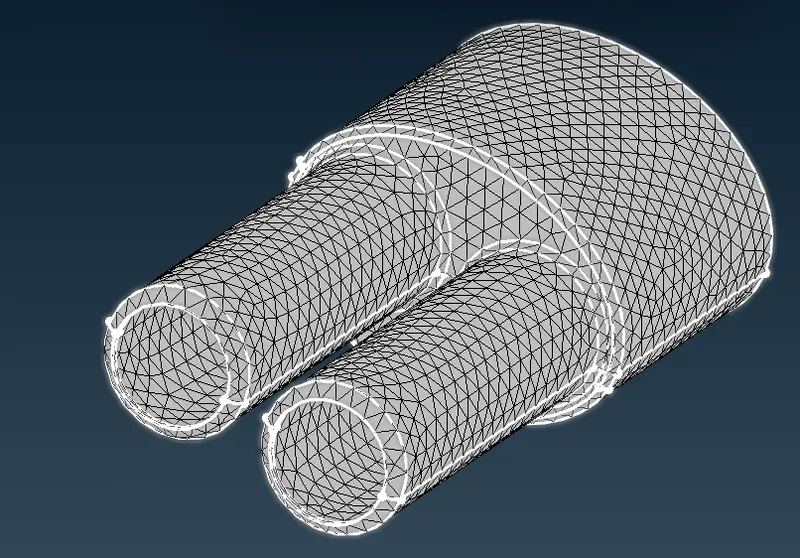
SILENCER Meshing-
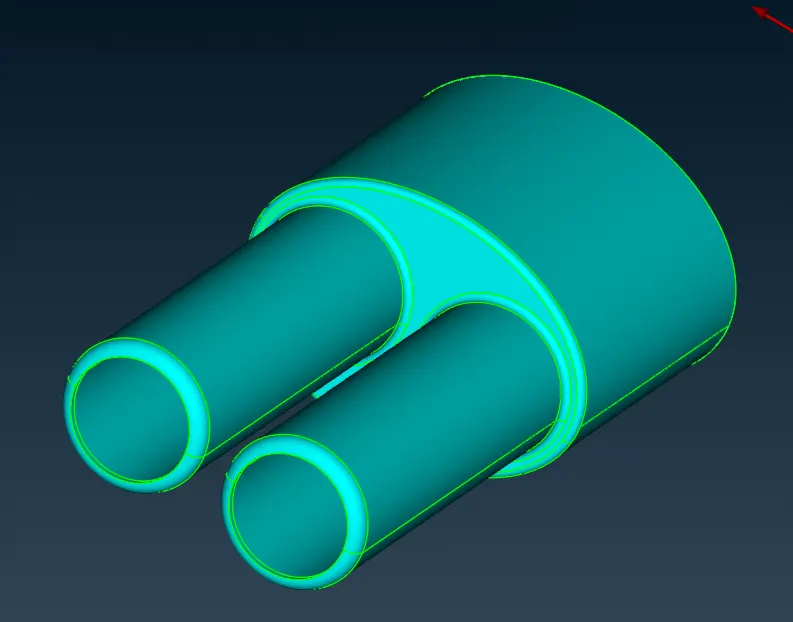
- Mesh length is 3mm
- After giving quality criterias, give length parameters and macros
- select length parameters and choose PID by doing right click and dragging cursor over PID.
- Then select spot mesh and choose visible mesh, you can see mesh on PID
- In order to check if geometry is failing on quality criteria go to hidden mode and go to entity mode while using hidden mode.
- you will off elements. select reconstruct option and choose visible and execute reconstruct option. Reconstruct option will solve most of off elements and remaining off elements needs to be solved by findind why mesh is failing, mainly this happens due to formation of meshes smaller than specified criteria.
- Go to topo mode and use cut options to cut or recreate cons where mesh is failing.
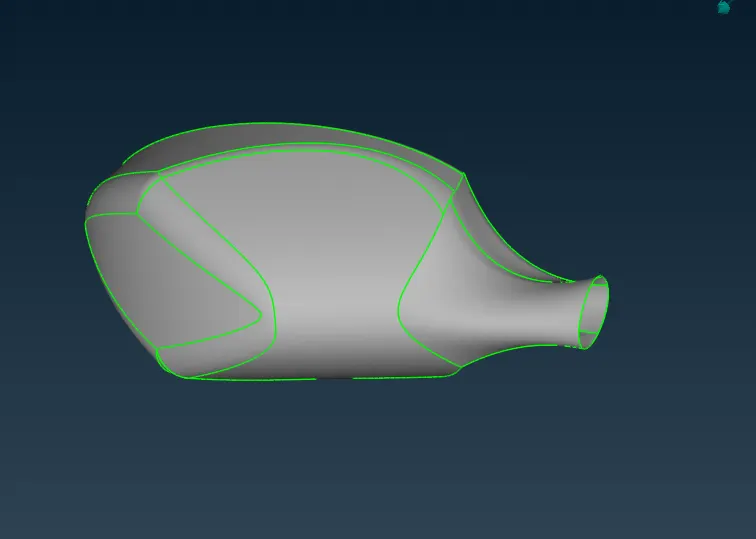
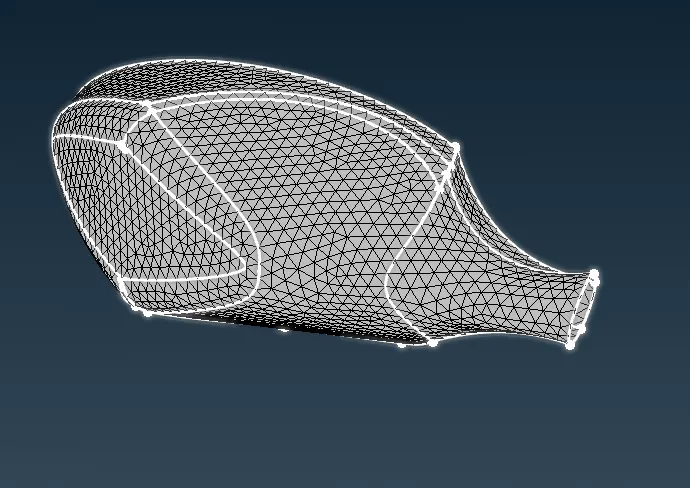
REAR VIEW MIRROR-
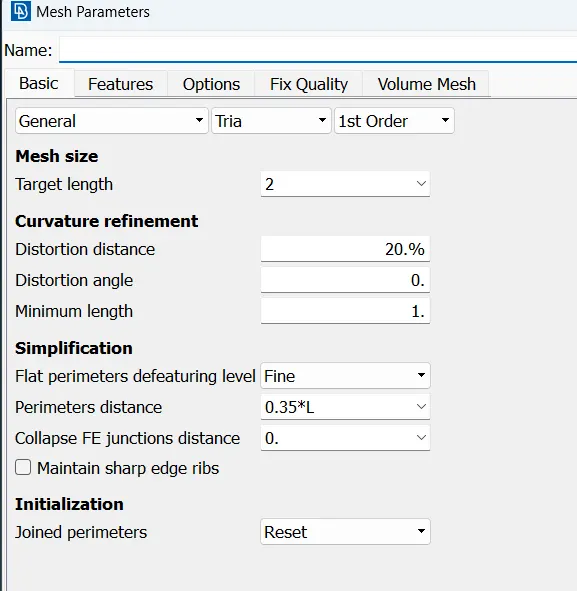
- Mesh length is 2mm
- select length parameters and choose PID by doing right click and dragging cursor over PID. Then do middle click.
- n order to check if geometry is failing on quality criteria go to hidden mode and go to entity mode while using hidden mode.
- you will off elements. select reconstruct option and choose visible and execute reconstruct option. Reconstruct option will solve most of off elements and remaining off elements needs to be solved by findind why mesh is failing, mainly this happens due to formation of meshes smaller than specified criteria.
- Go to topo mode and use cut options to cut or recreate cons where mesh is failing.
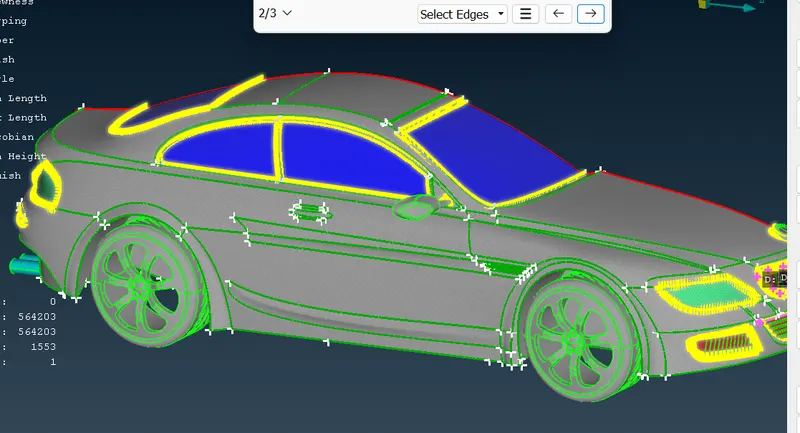
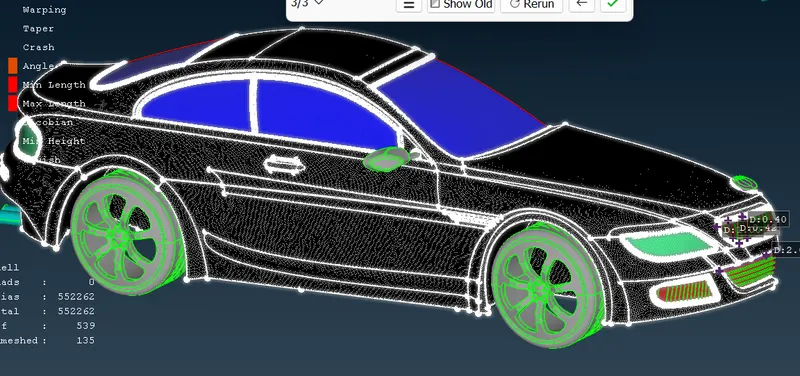
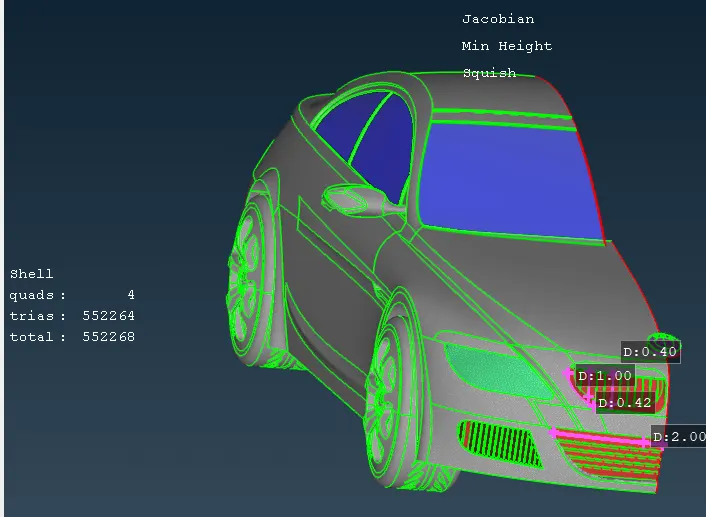
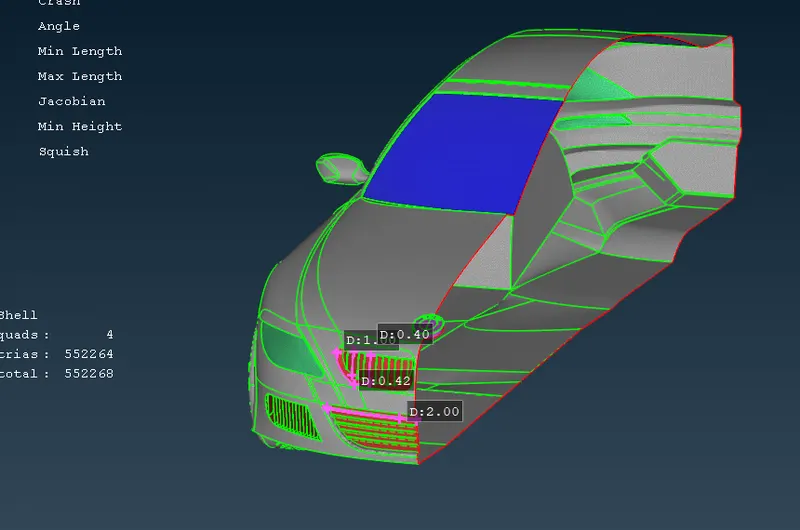
BODY Meshing :
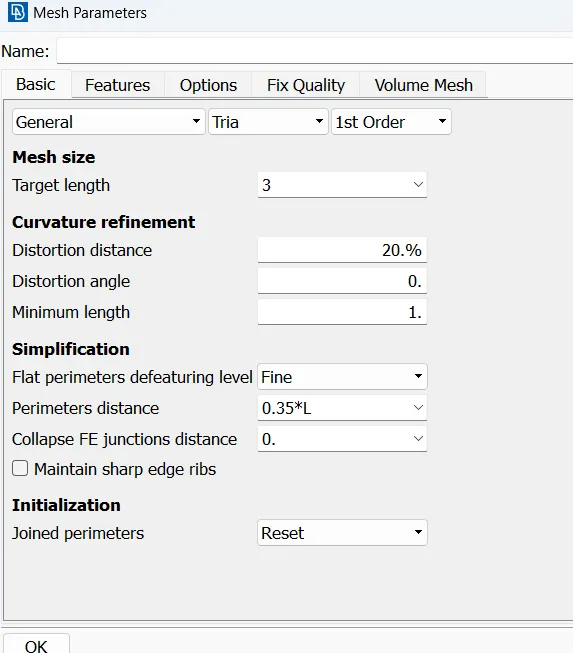
- Mesh length is 3mm
- After giving quality criterias, give length parameters and macros
- select length parameters and choose PID by doing right click and dragging cursor over PID. Similar do for macros
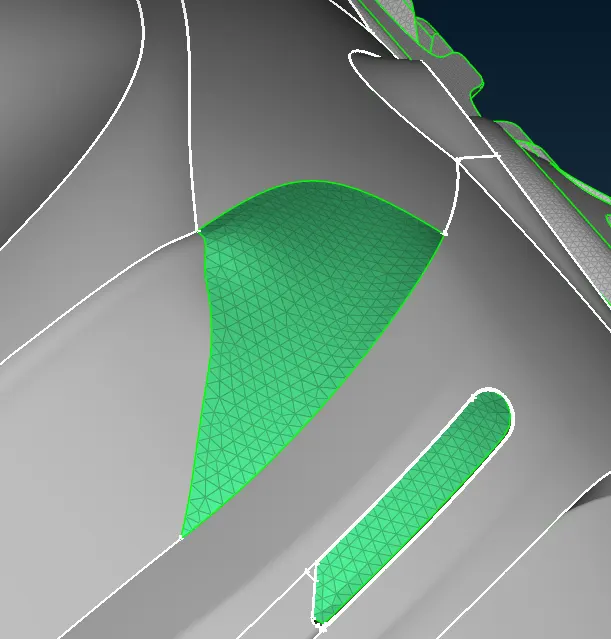
- Then select spot mesh and choose visible mesh, you can see mesh on PID
- In order to check if geometry is failing on quality criteria go to hidden mode and go to entity mode while using hidden mode.
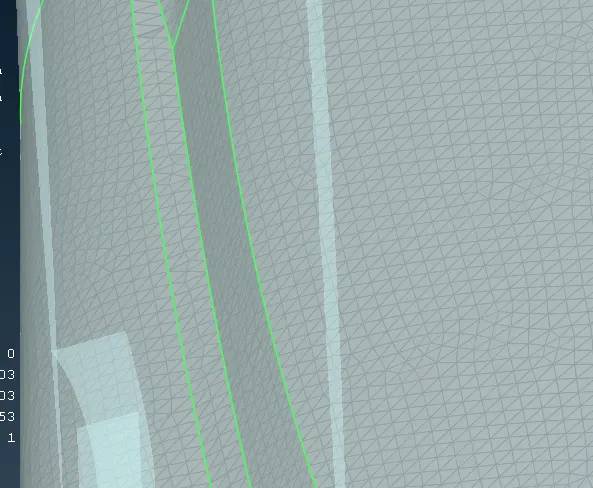
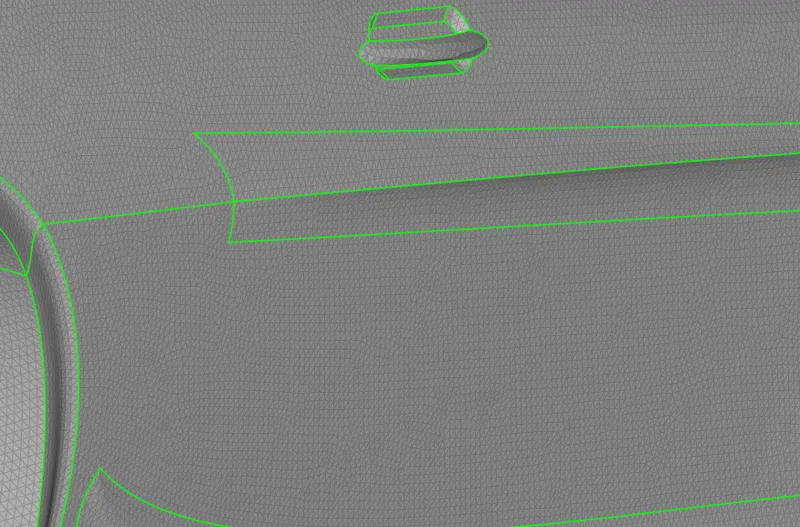
- you will off elements. select reconstruct option and choose visible and execute reconstruct option. Reconstruct option will solve most of off elements and remaining off elements needs to be solved by findind why mesh is failing, mainly this happens due to formation of meshes smaller than specified criteria.
- Go to topo mode and use cut options to cut or recreate cons where mesh is failing.
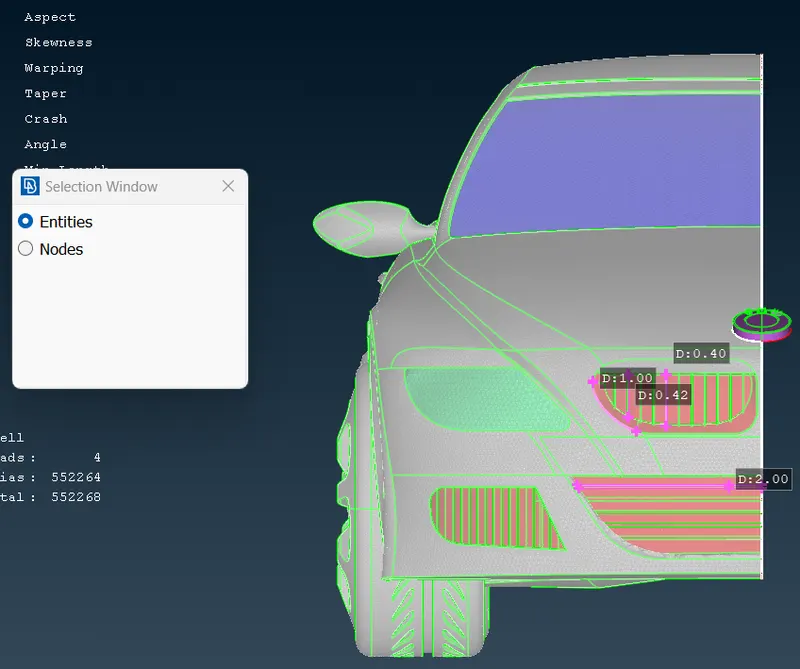
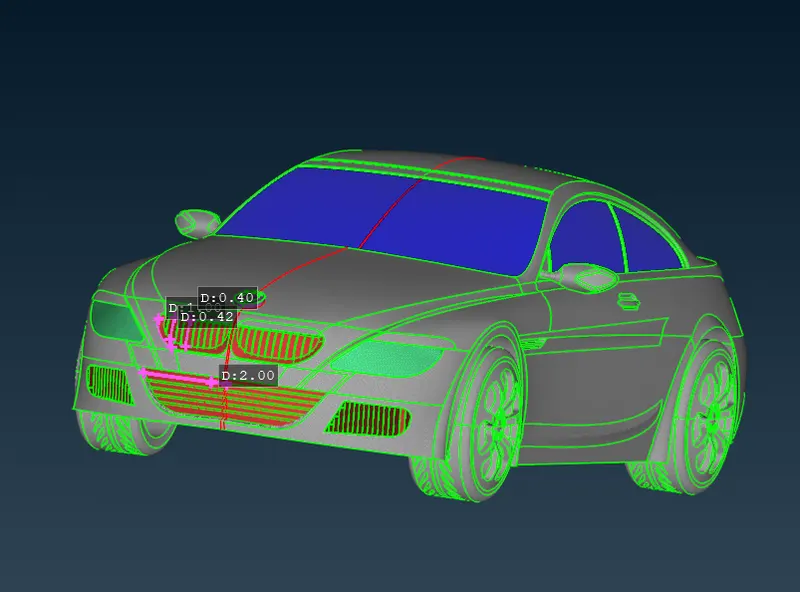
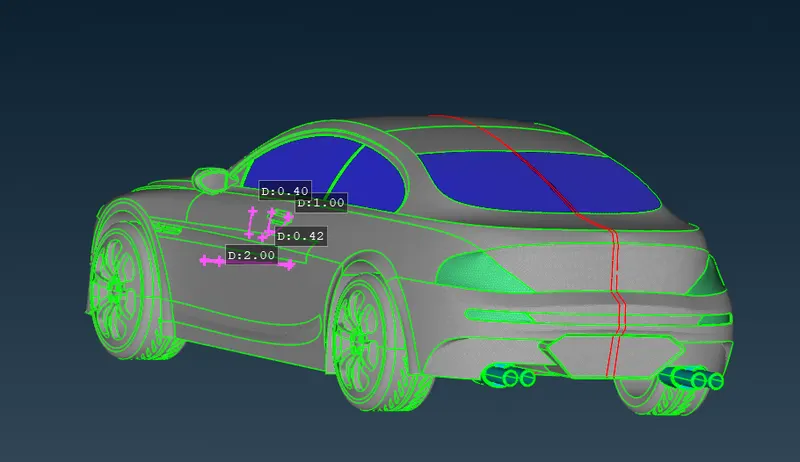
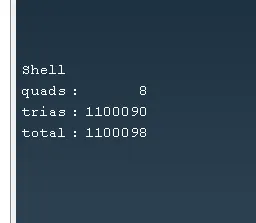
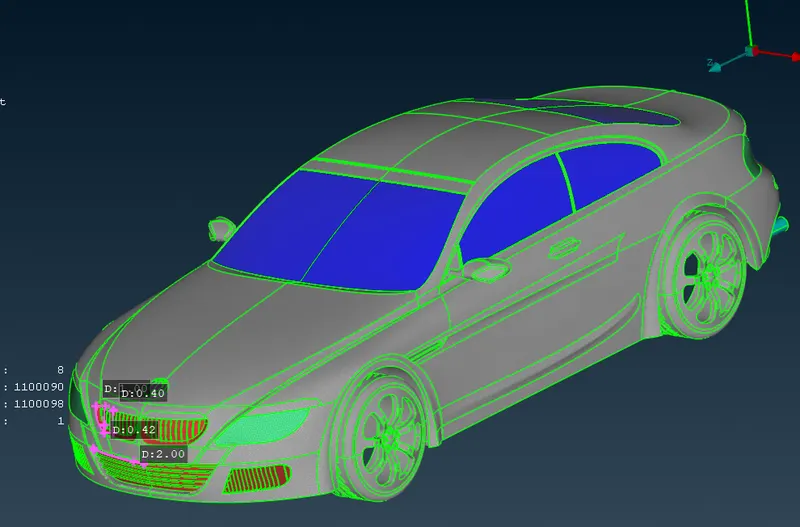
CREATING OTHER HALF BODY USING SYMMETRY OPTION-
- Go to transform tool at top-right and choose copy option from transform tool.
- Choose Mirror 3 Points Plane from dropdown menu.
- There are options X1 X2 & X3, these box is required to be filled with coordinates
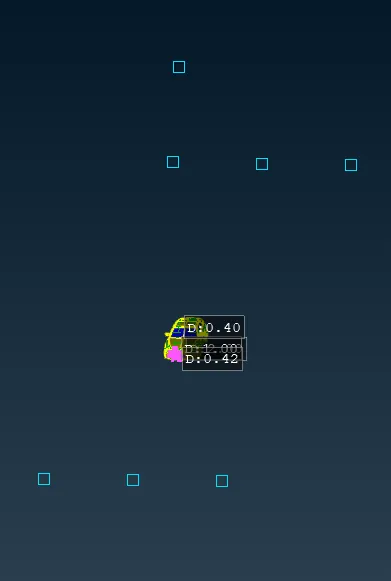
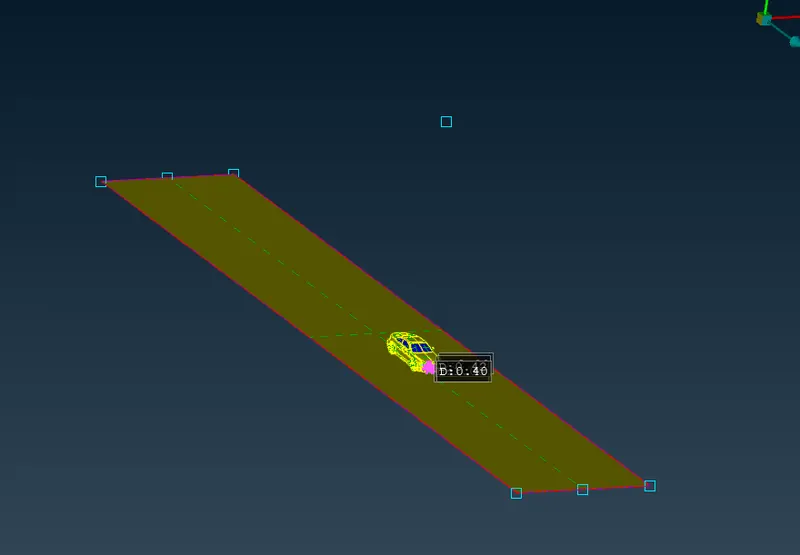
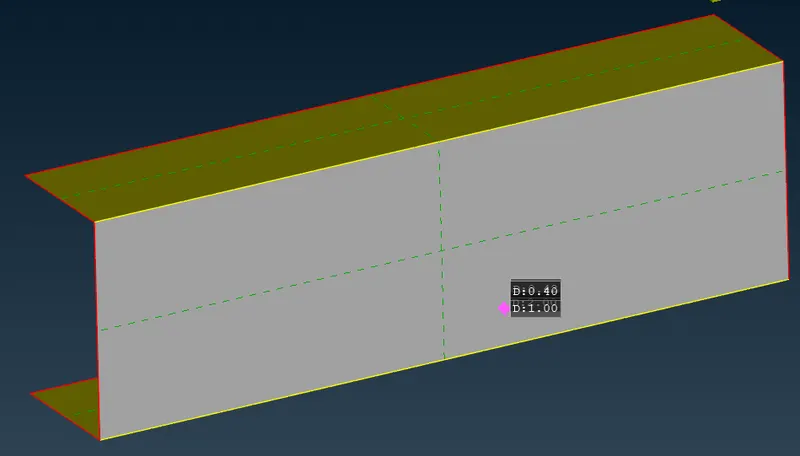
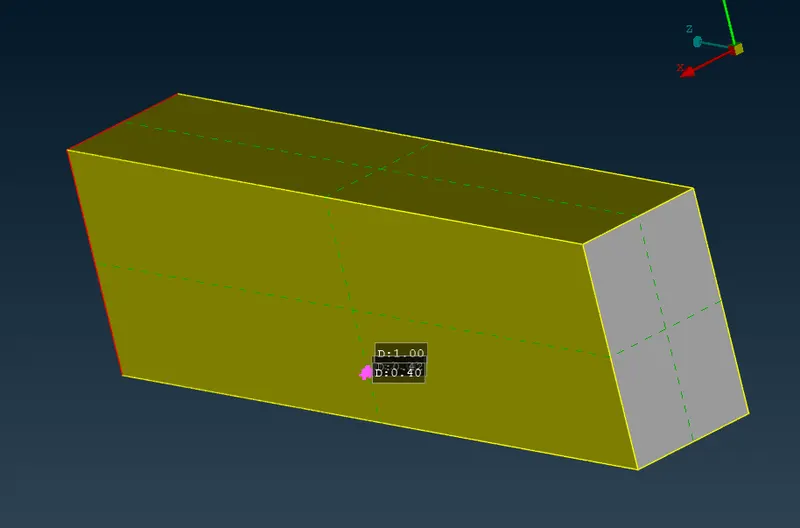
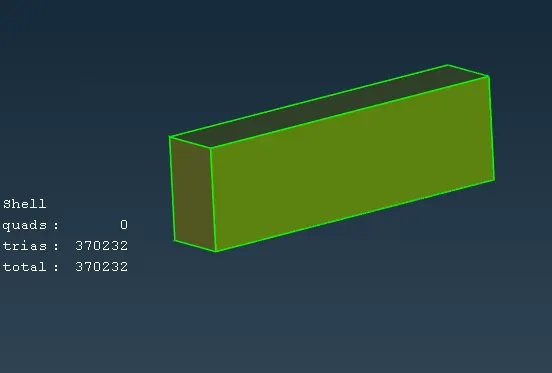
WIND TUNNEL CREATION
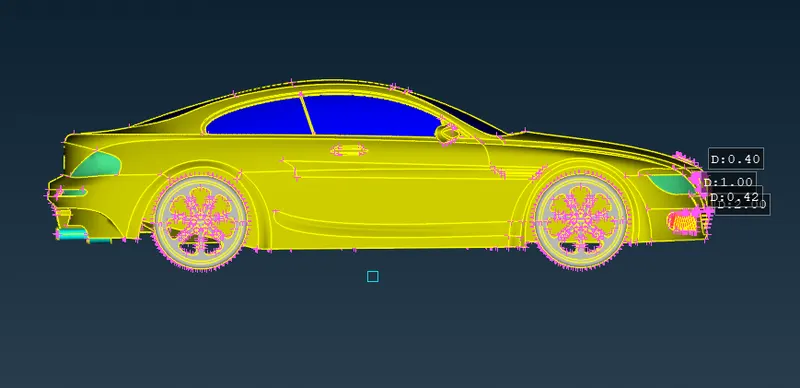
We will create a wind tunnel around car
Measurment for wind tunnels are-
- Consider length of car as X
- Keep wind tunnel at 75mm distance from bottom of car
- Length of wind tunnel from front of car should be 4X, total length of tunnel in front is half length of car added to 4X length
- Length of wind tunnel from back of car should be 6X, total length of tunnel from rear side is half length of car added to 6X length
- Height of wind tunnel should be 3X

CONCLUSION-
- Working on BMW model gave ideas about different meshing tools available in ANSA.
- Learned surface meshing and Geometry cleanup in much detailed manner. Challenges faced helped to understand tools better
- Learned how to use curve tool, how to create win tunnel with help of points and curves
- Learned about dimensions of wind tunnel, like what dimesnions to give based on model size
- Learned how to de meshing when there are different PIDs with different mesh length in contact with each other
- Advance topo-cleanup
- Off elements should be zero - Acheived Off elements ZERO
Google Drive Link to Geometry : Due to more MB, uploaded in google drive and given access
https://drive.google.com/drive/folders/1afmSxifklbAMXJ27BrI9mga624_rAPsd?usp=sharing
https://drive.google.com/drive/u/0/folders/1afmSxifklbAMXJ27BrI9mga624_rAPsd