Week 4 Challenge : CFD Meshing for BMW car
Aim - Performing CFD meshing on BMW car model and create wind tunnel.
Objectives -
- Perform CFD mesh
- Create a wind tunnel.
Procedure
- Open Ansa Software and load given geometry
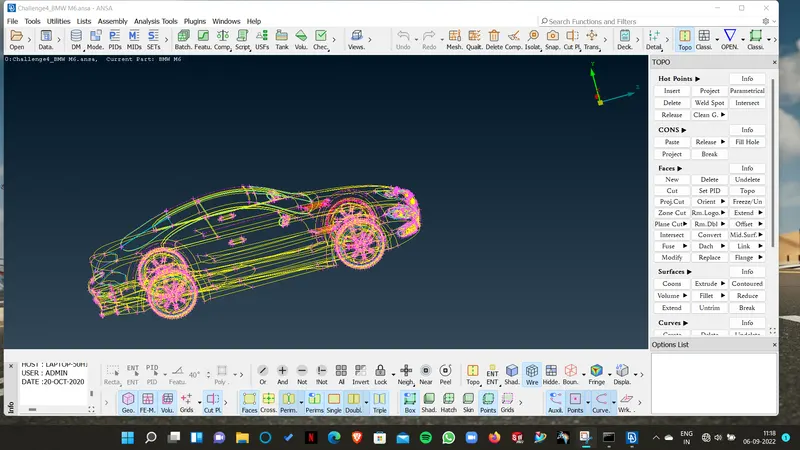
- Checking Doule coons and triple coons
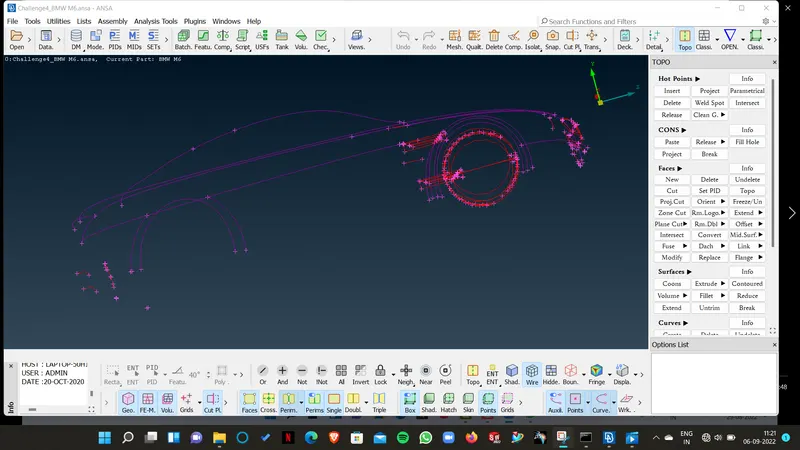
- Symmetry check
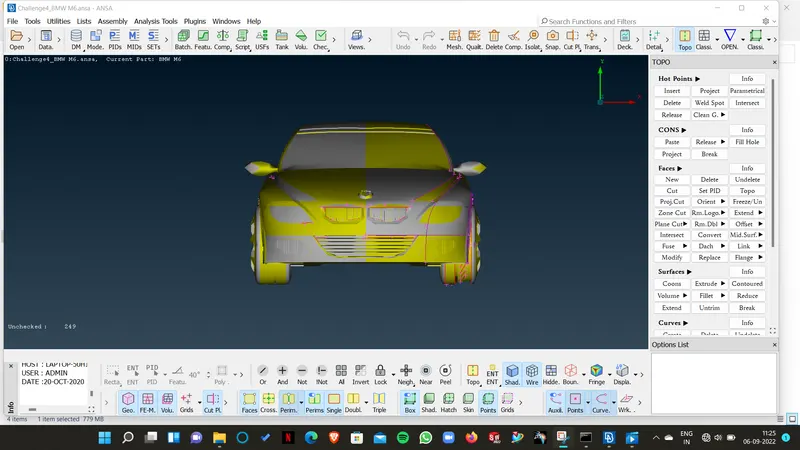
- Surface fine ness checking
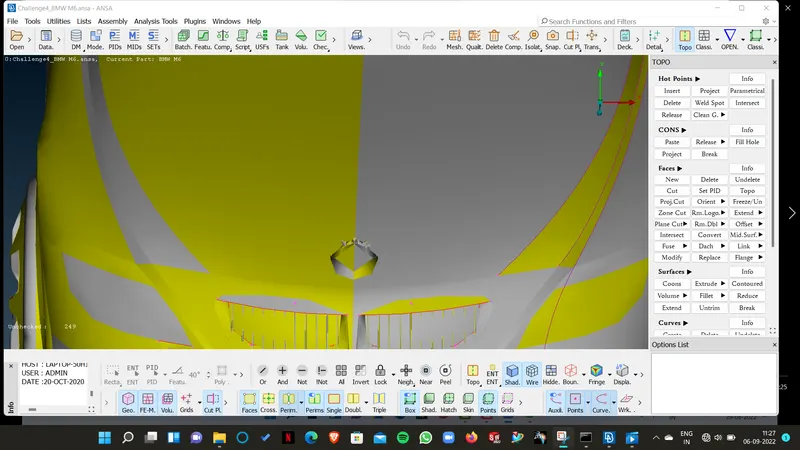
- Makes surfaces and geometry smooth by usng fine tool or classic
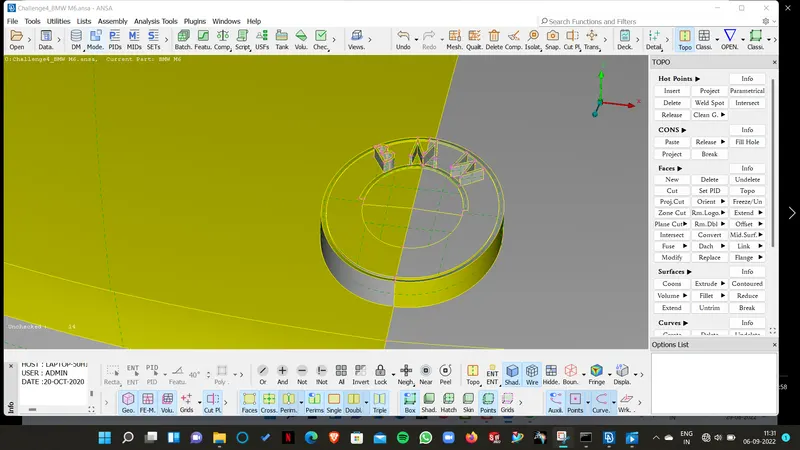
- Deleting half body excluding Car logo
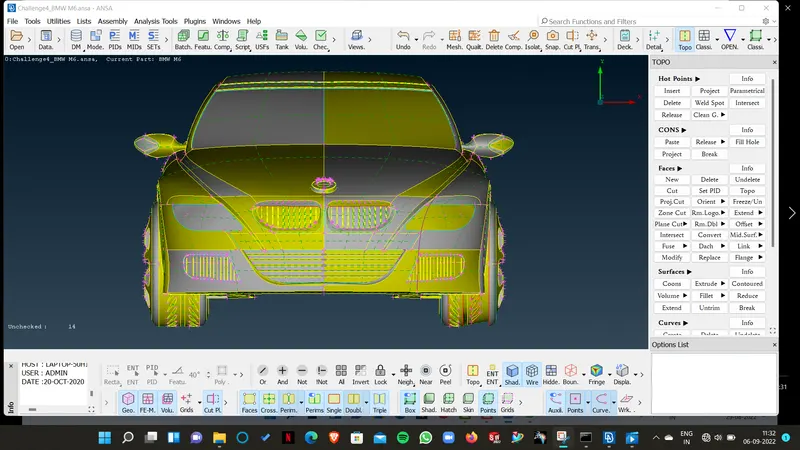
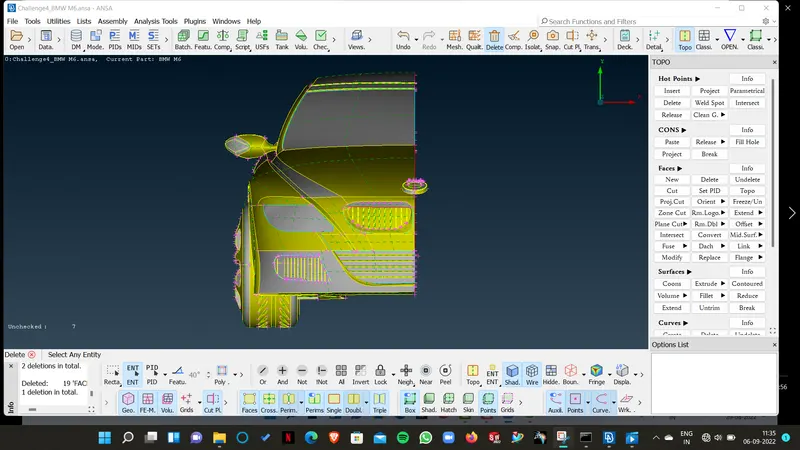
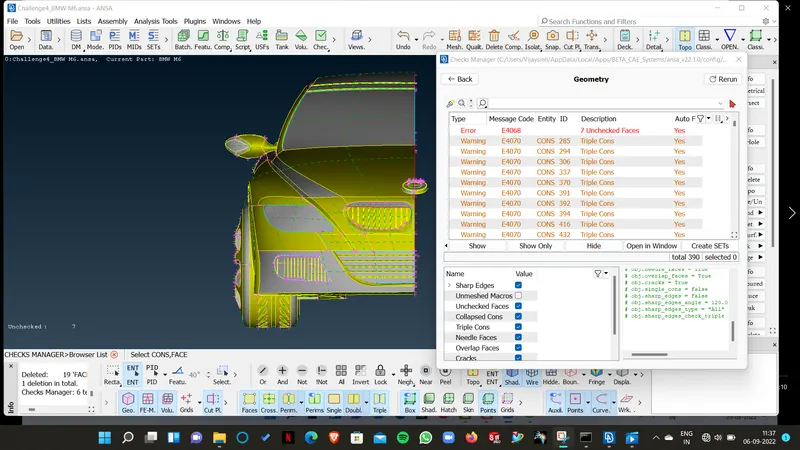
- Checking geometry
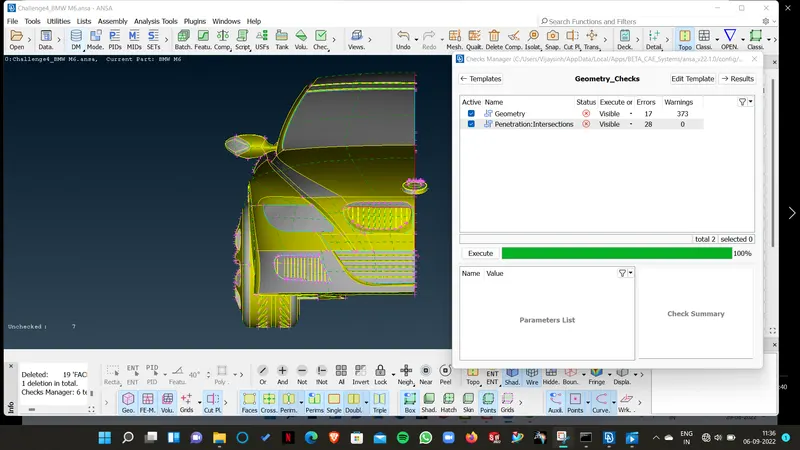
- exploring geometry errors
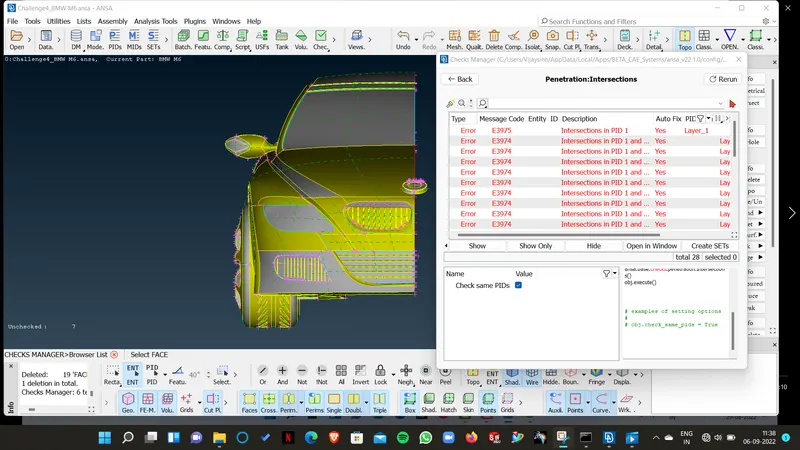
- Exploring penetration errors
- Deleting some surfaes to avoid triple coons
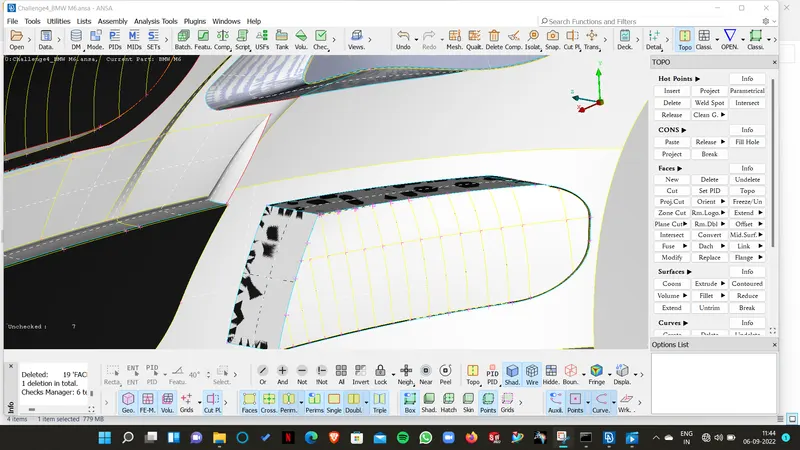
Lets starts with one by one parts for geometry cleanup
- Front grill
Before Cleanup
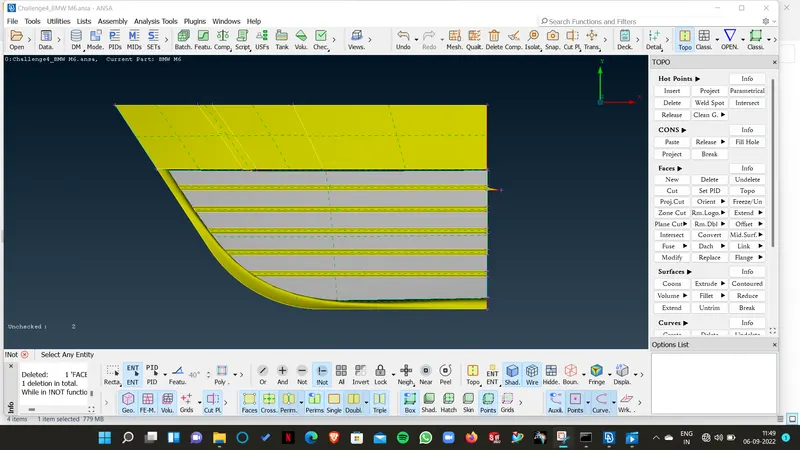
After cleanup (Deleting unwated surfaces, PID, overlapping surfaces)
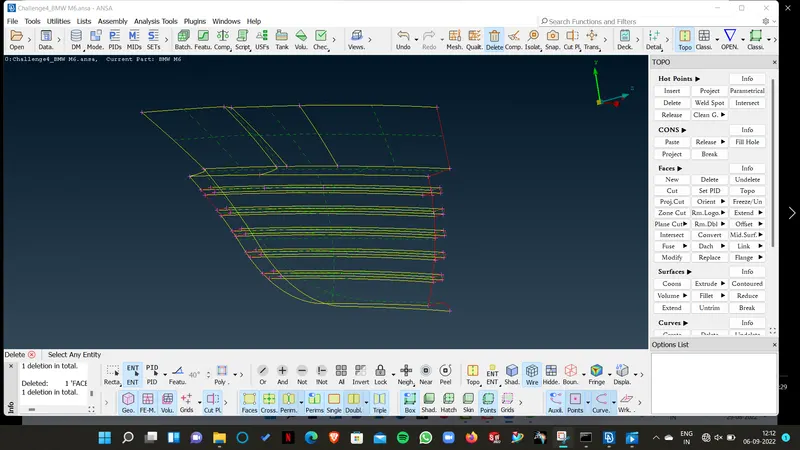
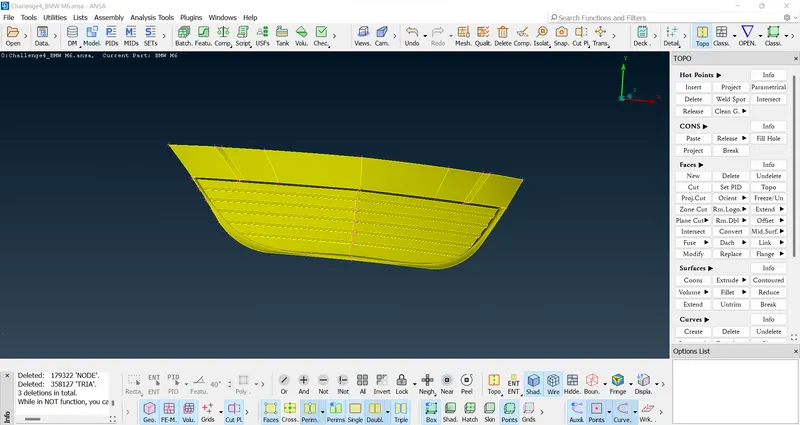
- BMW logo Before
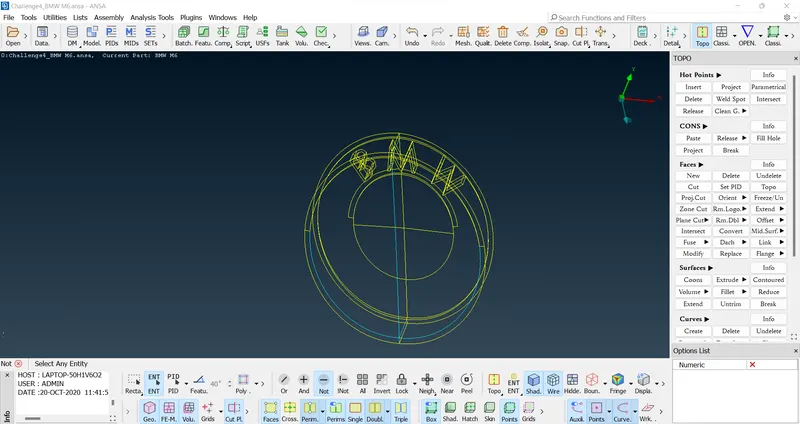
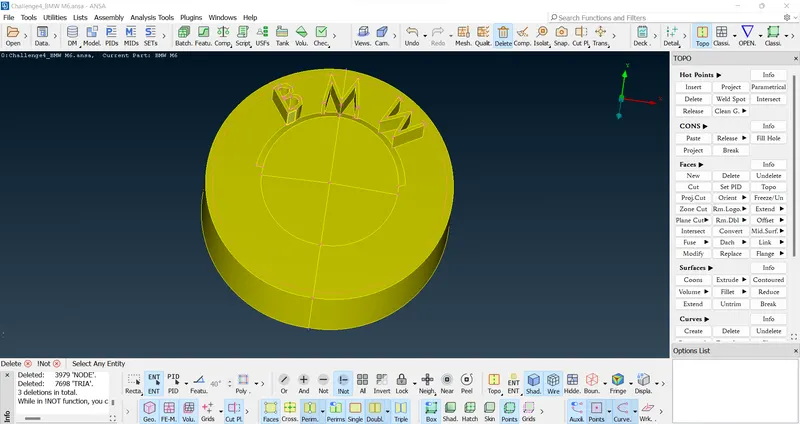
BMW logo after geometry cleanup
- Optical Mirror before
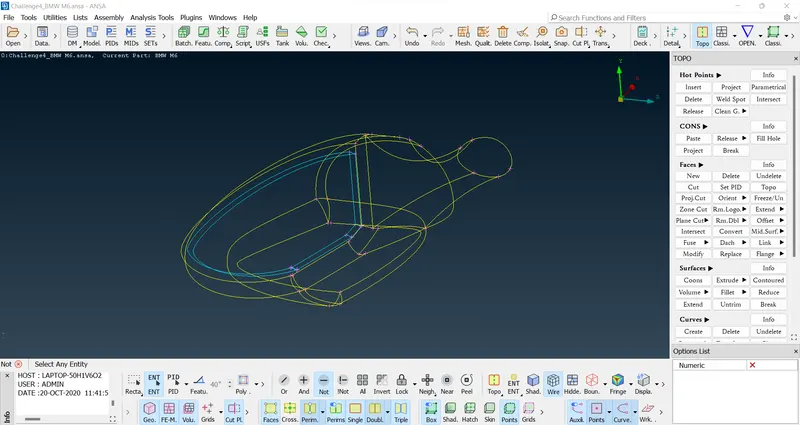
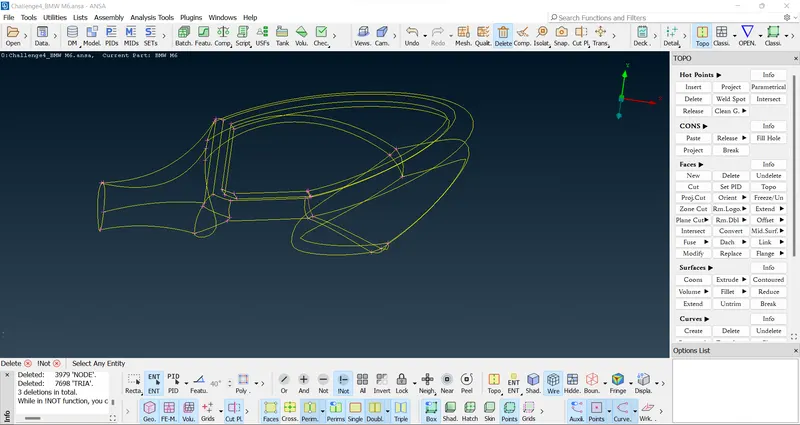
Mirror after geometry cleanup
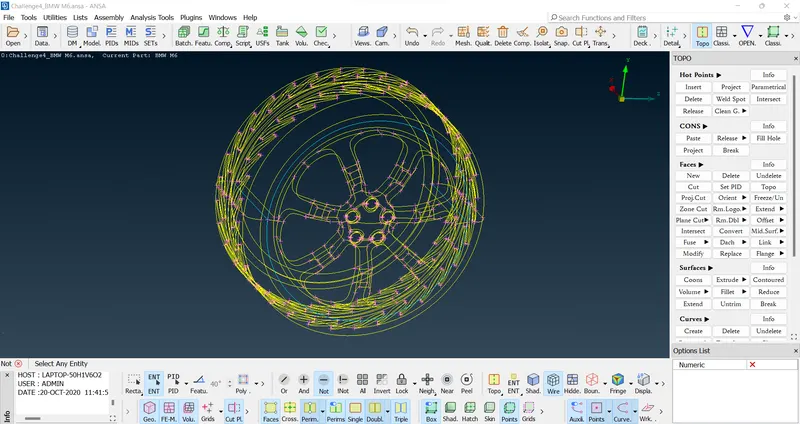
Tyre before geometry cleanup
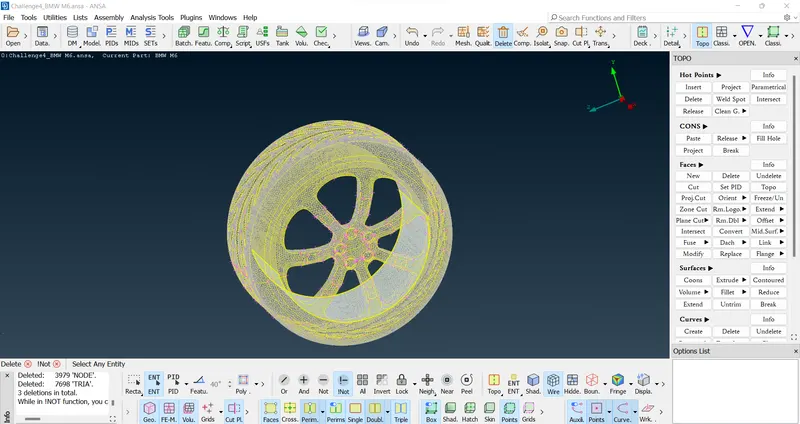
Tyre after geometry cleanup
- Checking final Model
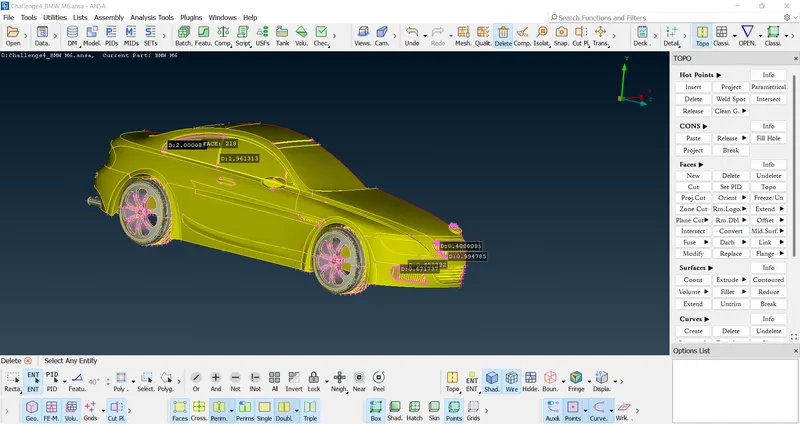
Performing mesh by given different target lengths
- Car Body (3mm)
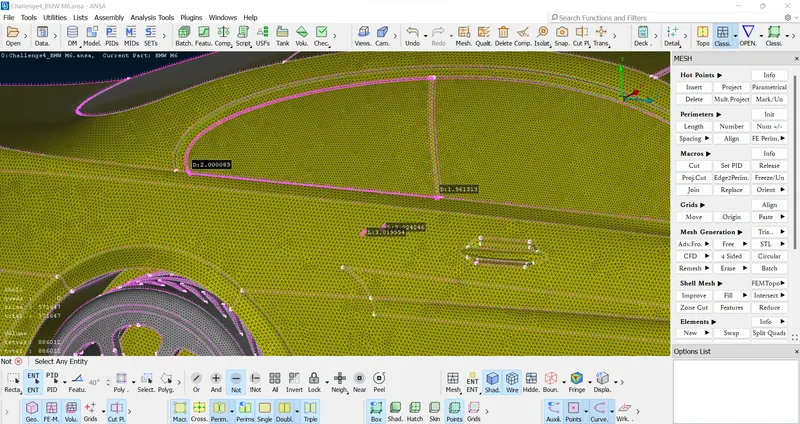
- Lights (4mm)
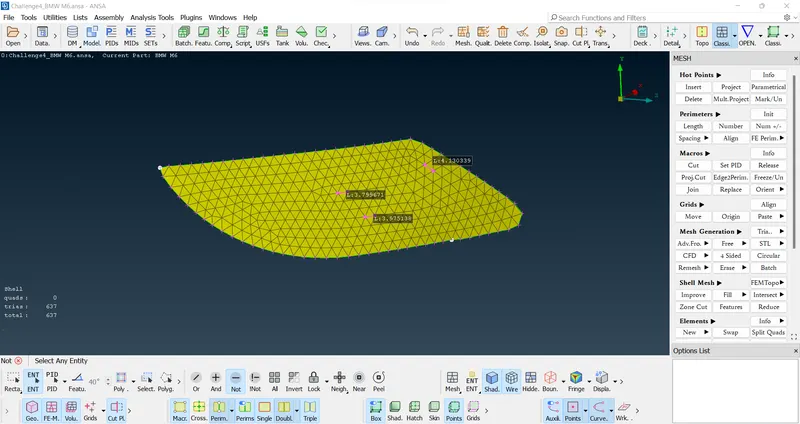
- Grills (1mm)
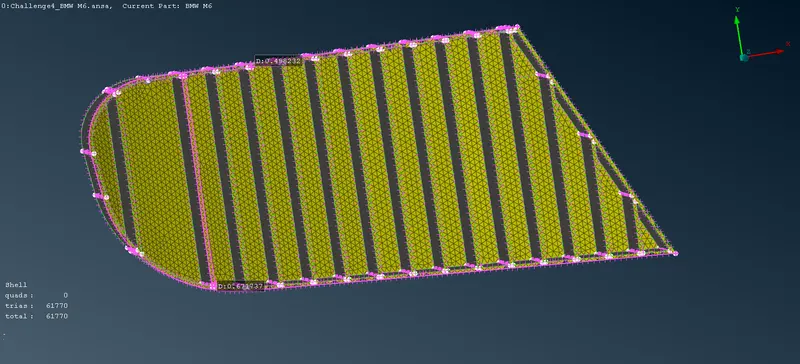
- Tyre and rims (2mm)
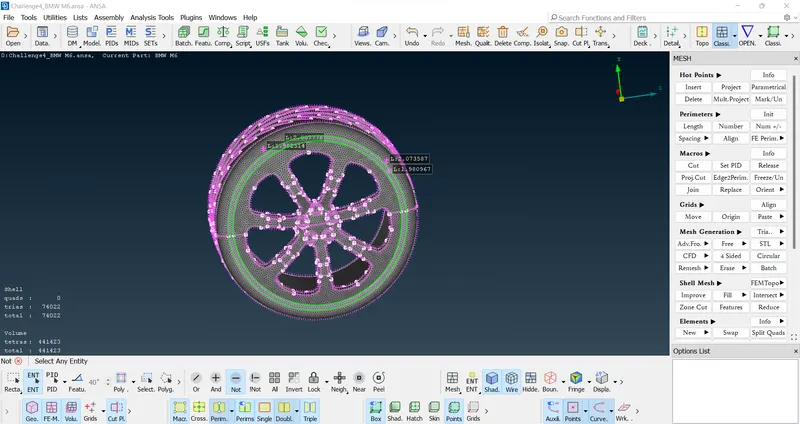
- Mirror (2mm)
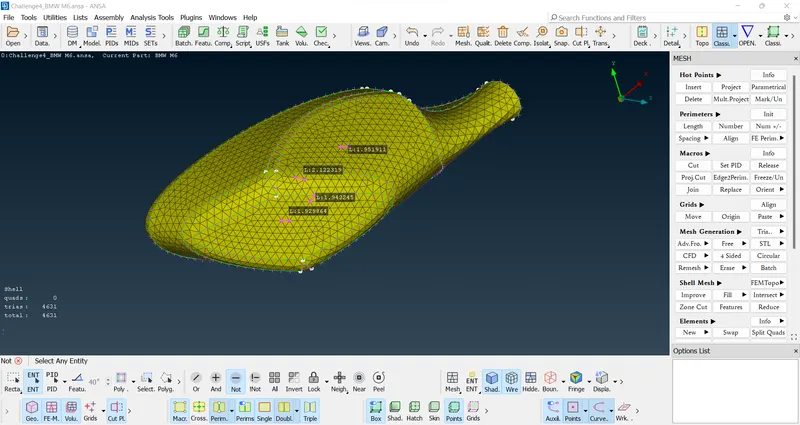
- Windows (2mm)
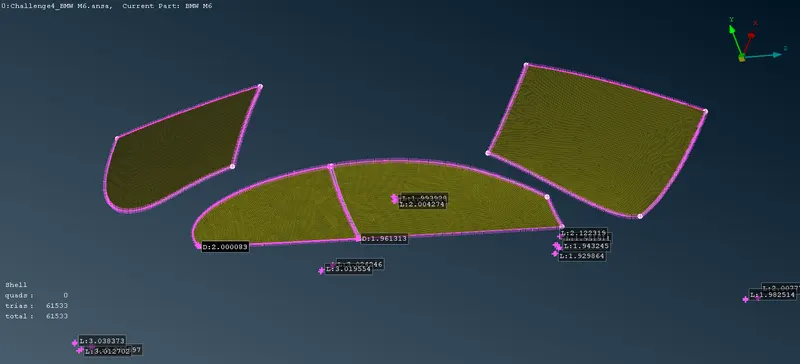
- Silenser (3mm)
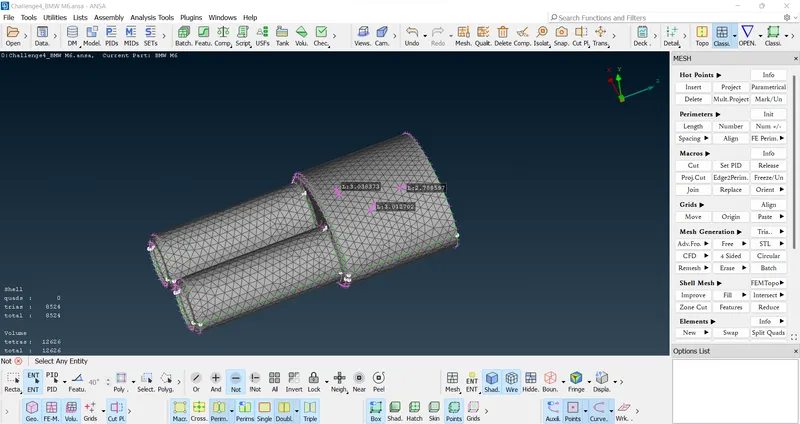
- BMW logo 1mm
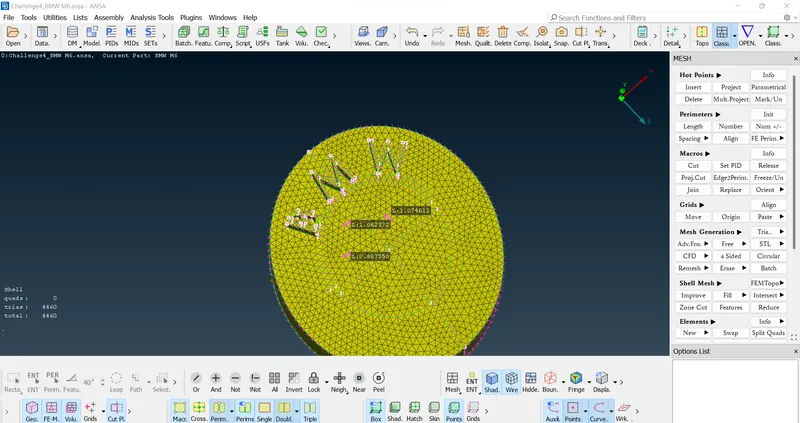
- Final meshing
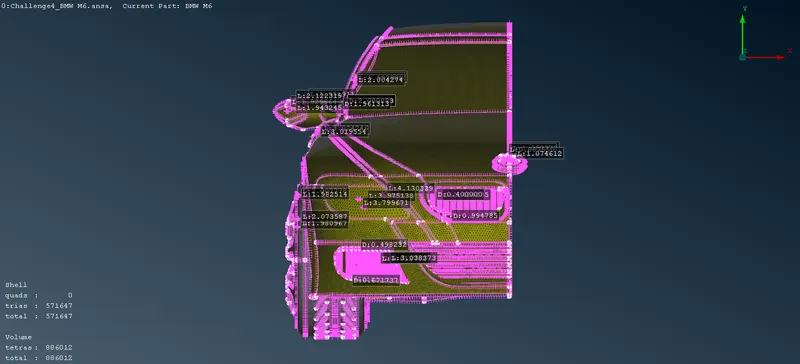
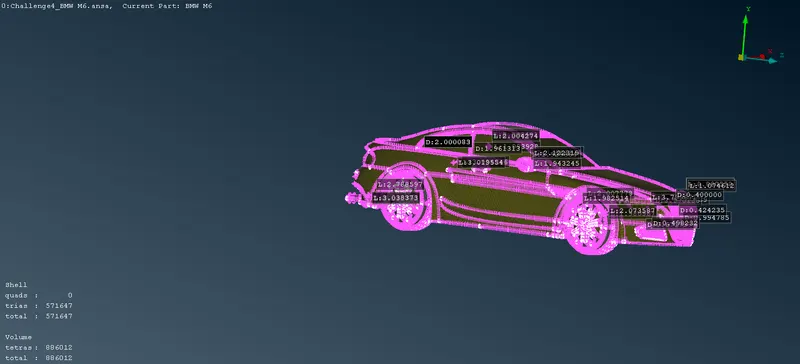
- Mirror using transform
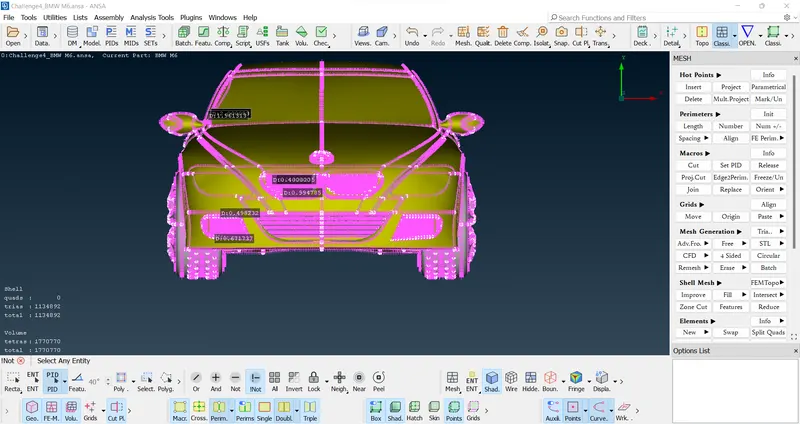
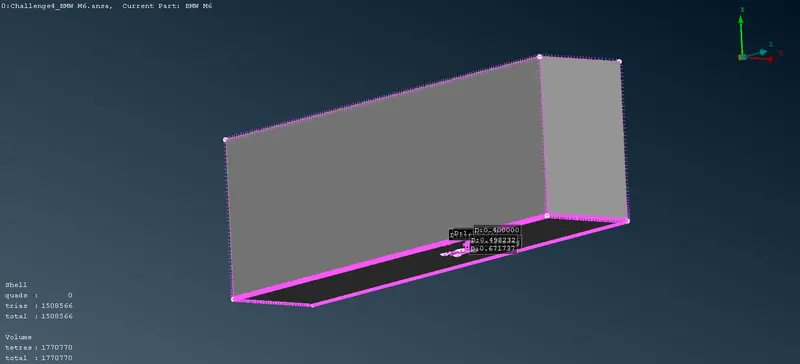
- Creating win tunnel using reference points
- Result
Google drive link