Week 4- Challenge
OBJECTIVE: To create 1D elements n the Following component with given cross section and dof
1. BAR 2.ROD 3.BEAM 4.Applying mass of the magnitude 10 with RBE2 elements 5.Joining of two components with spring
PROCEDURE:
i.Importing CAD model or IGS FILE into the graphical area.
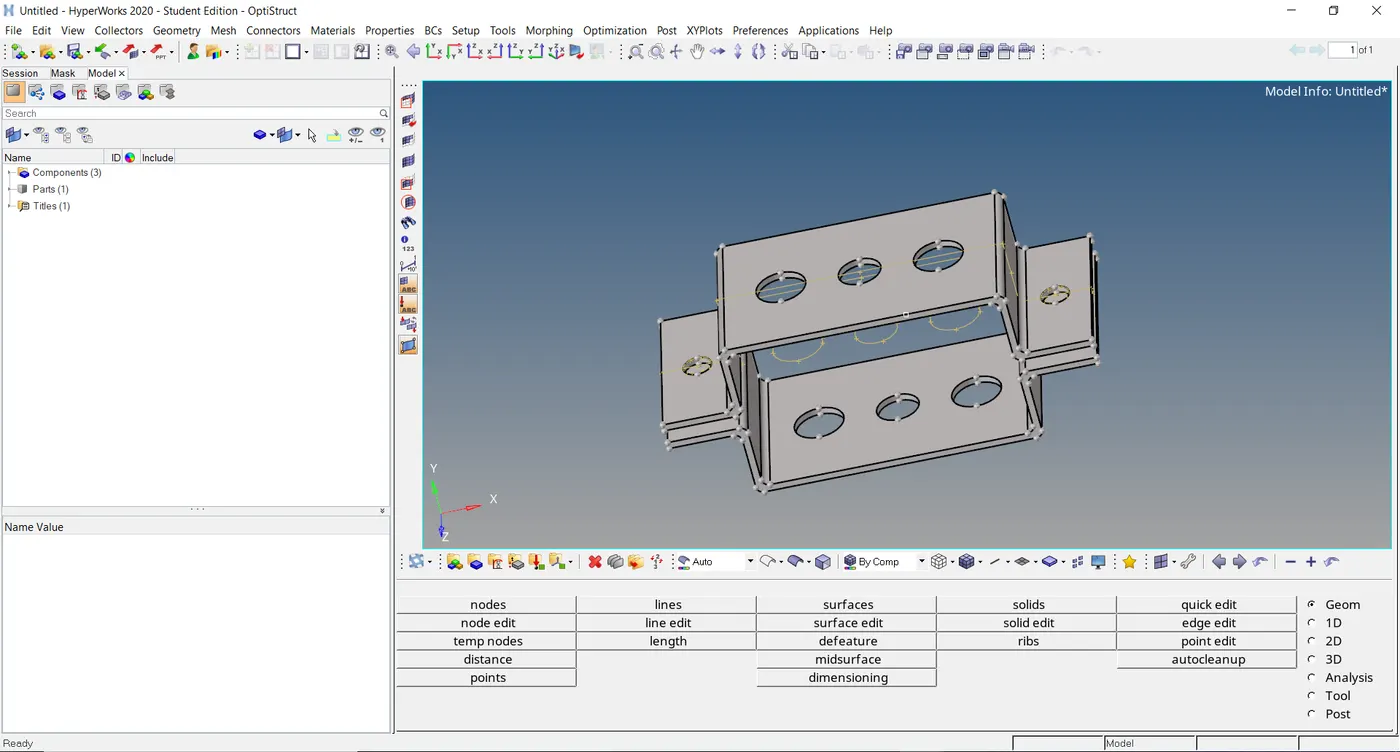
ii.After importing IGS file,creating the mid-surface of given model or file,And deleting solid part of component.
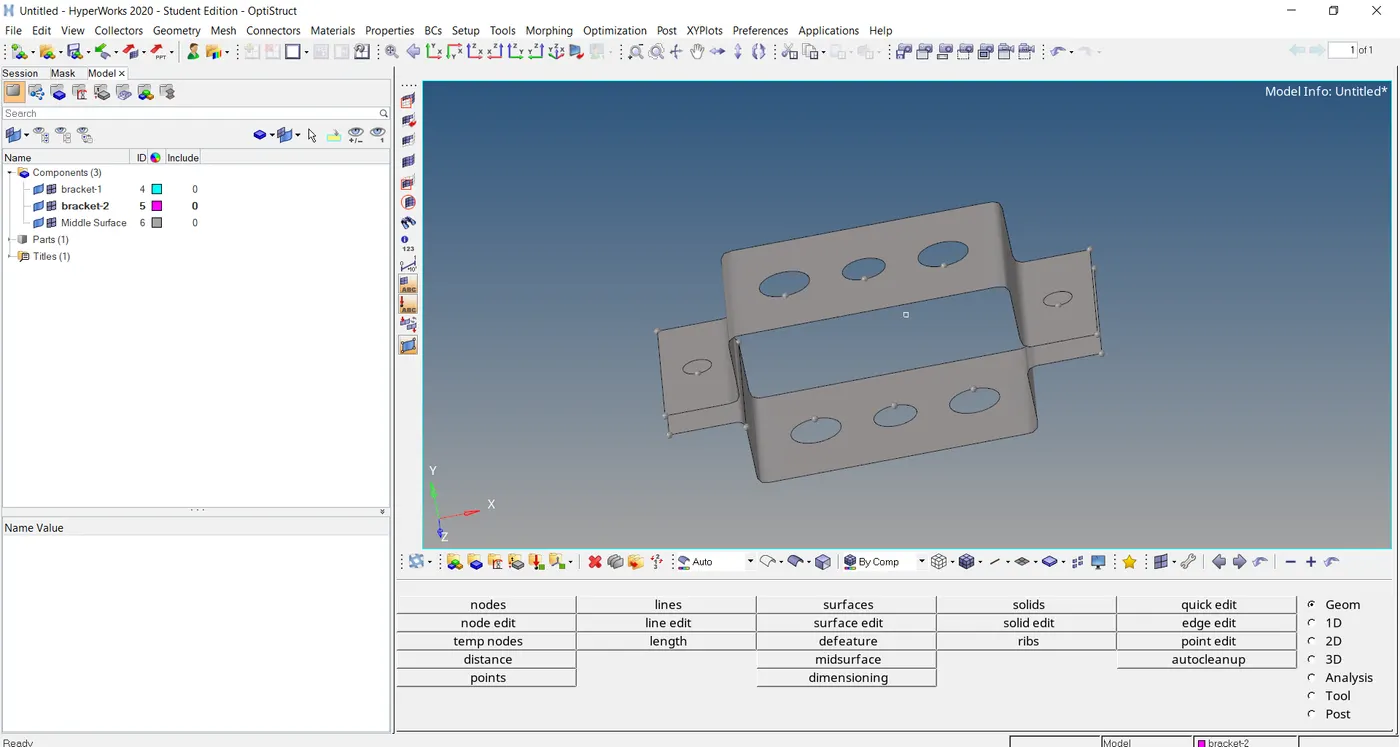
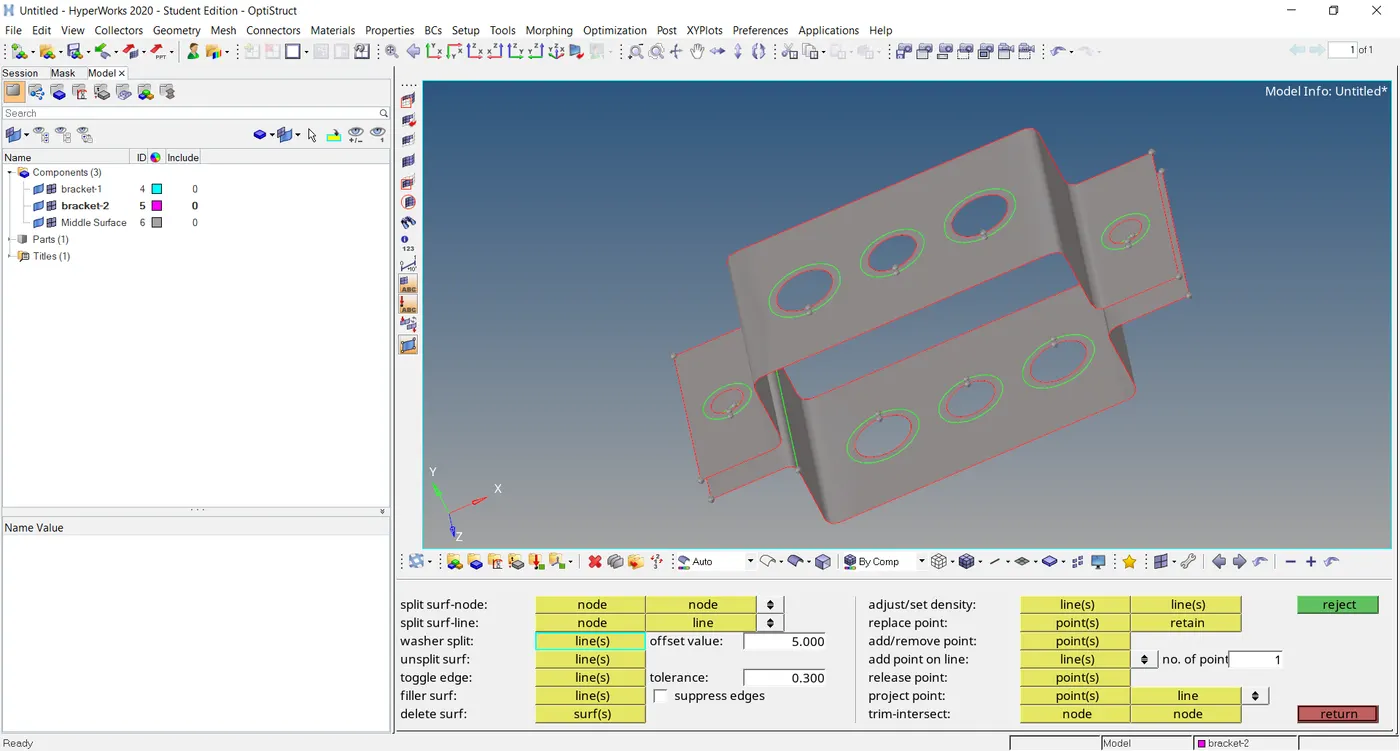
iii.In surfaces or bracket-1&2 we can see gaps in circular shape ,for that we have to create washer split with offset of 5,because of unformly forming of elements sround the holes.
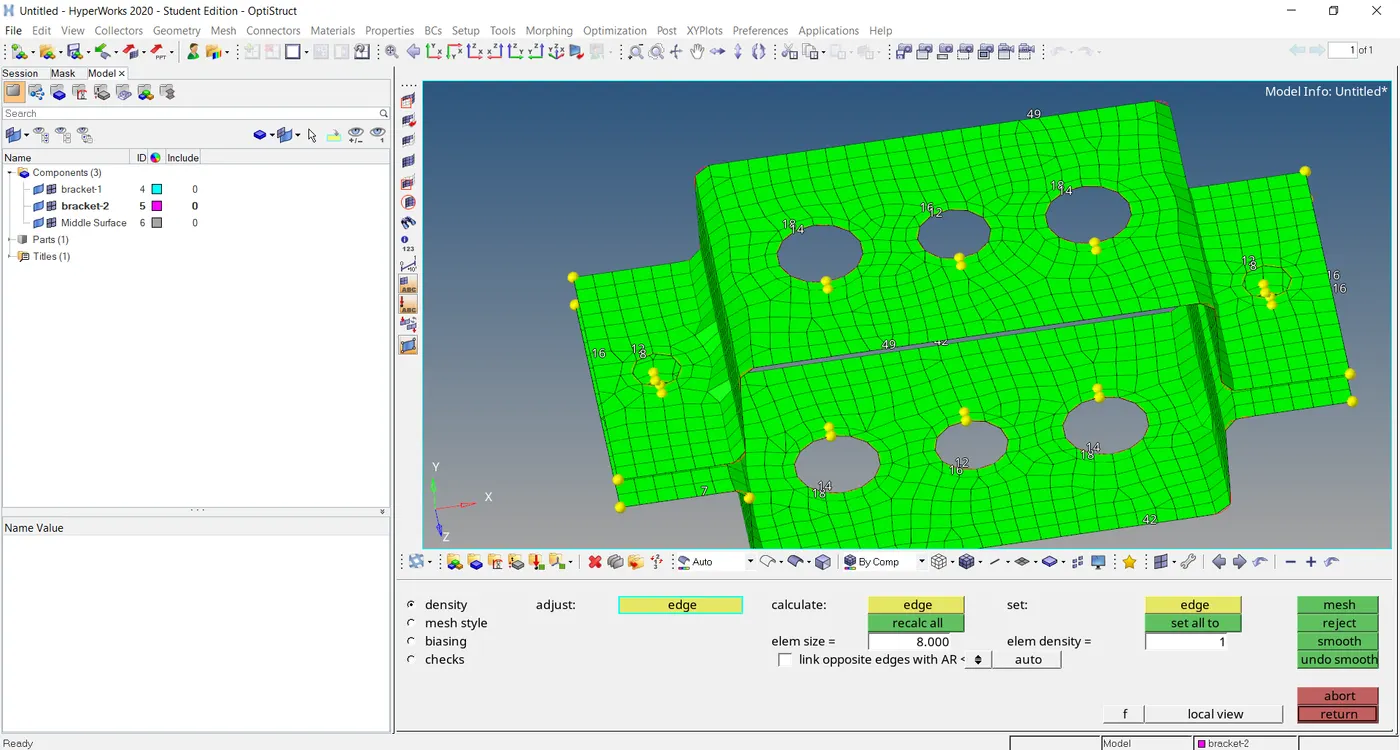
iv.In this step we sre selecting both surfaces and creating meshing over the surfaces with an element size of 8.
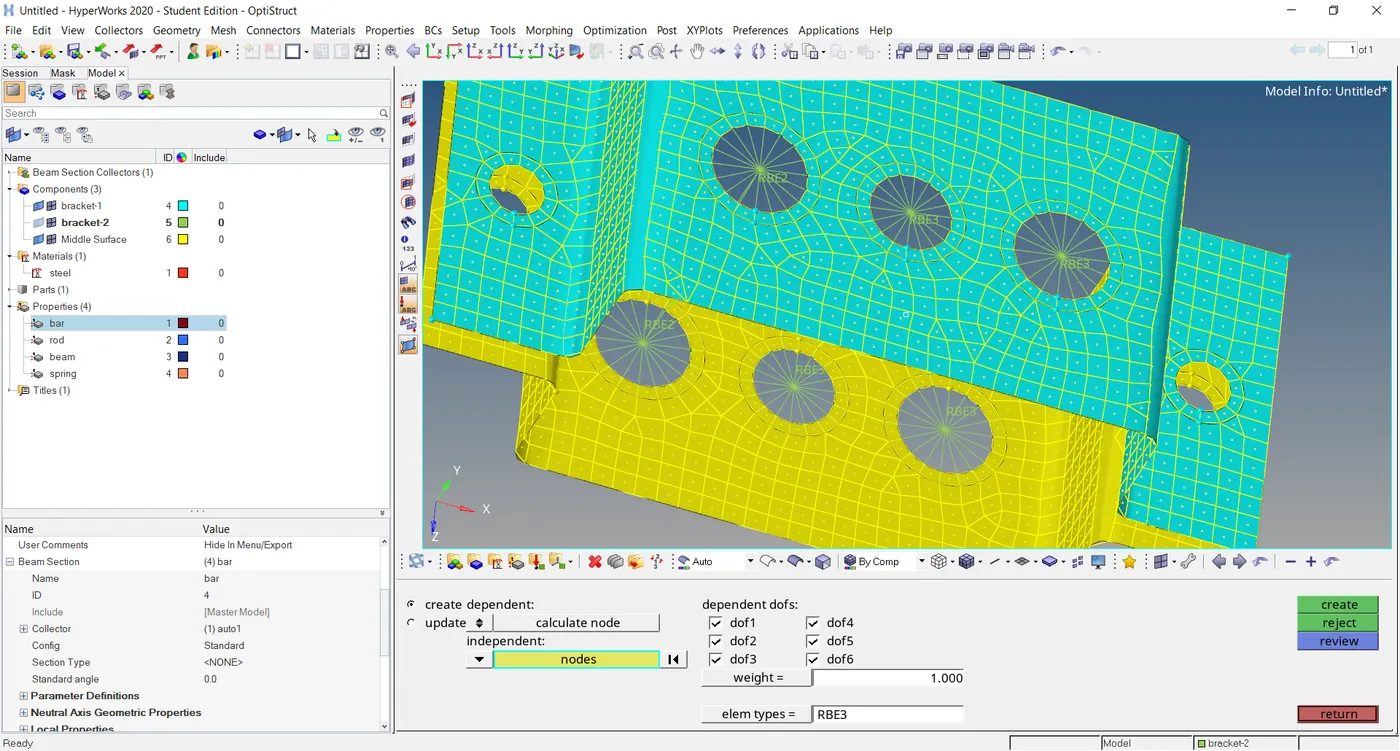
v.Creating the RBE2 AND RBE3 elements on the surfaces.
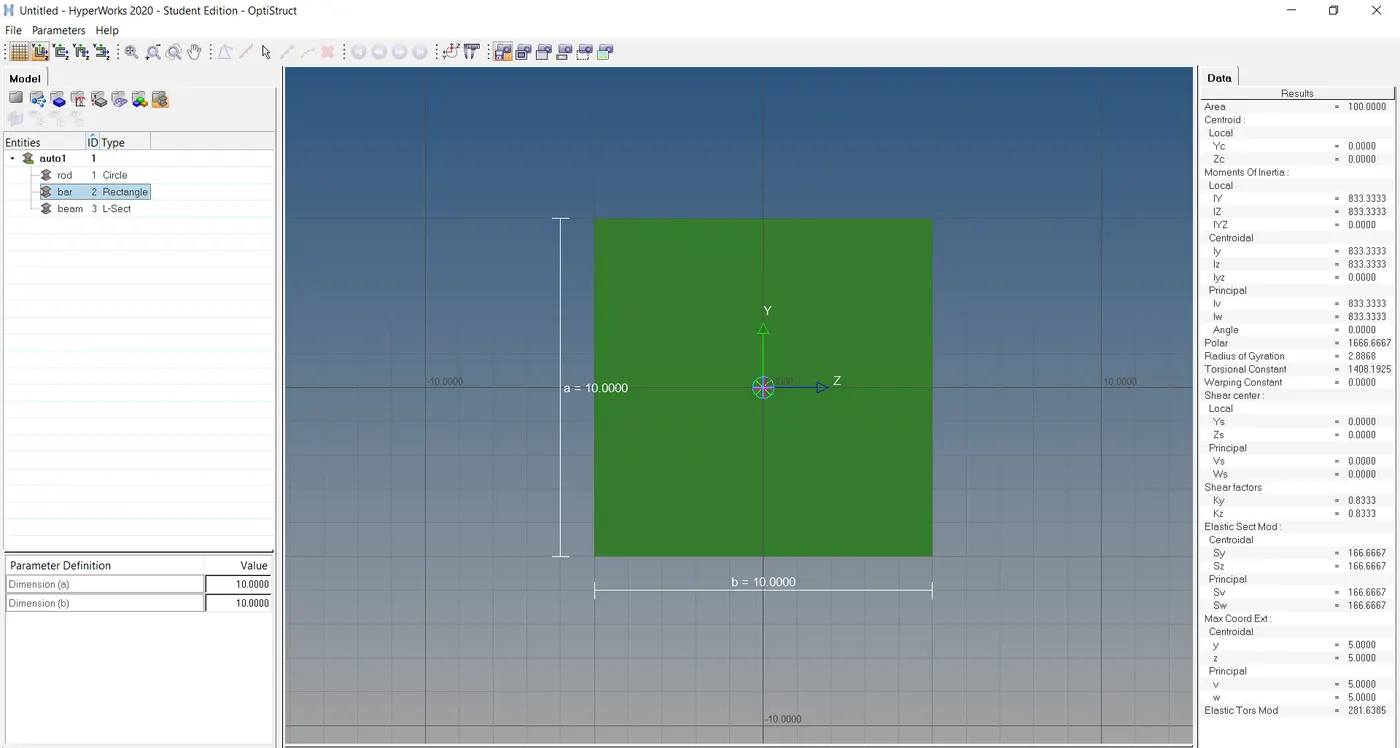
vi.For creating ROD,BEAM AND BAR of 1D elements,just click hyper beam and specifly the given dimensions of bar,beam,rod,and select the cross section of given 1D elements.
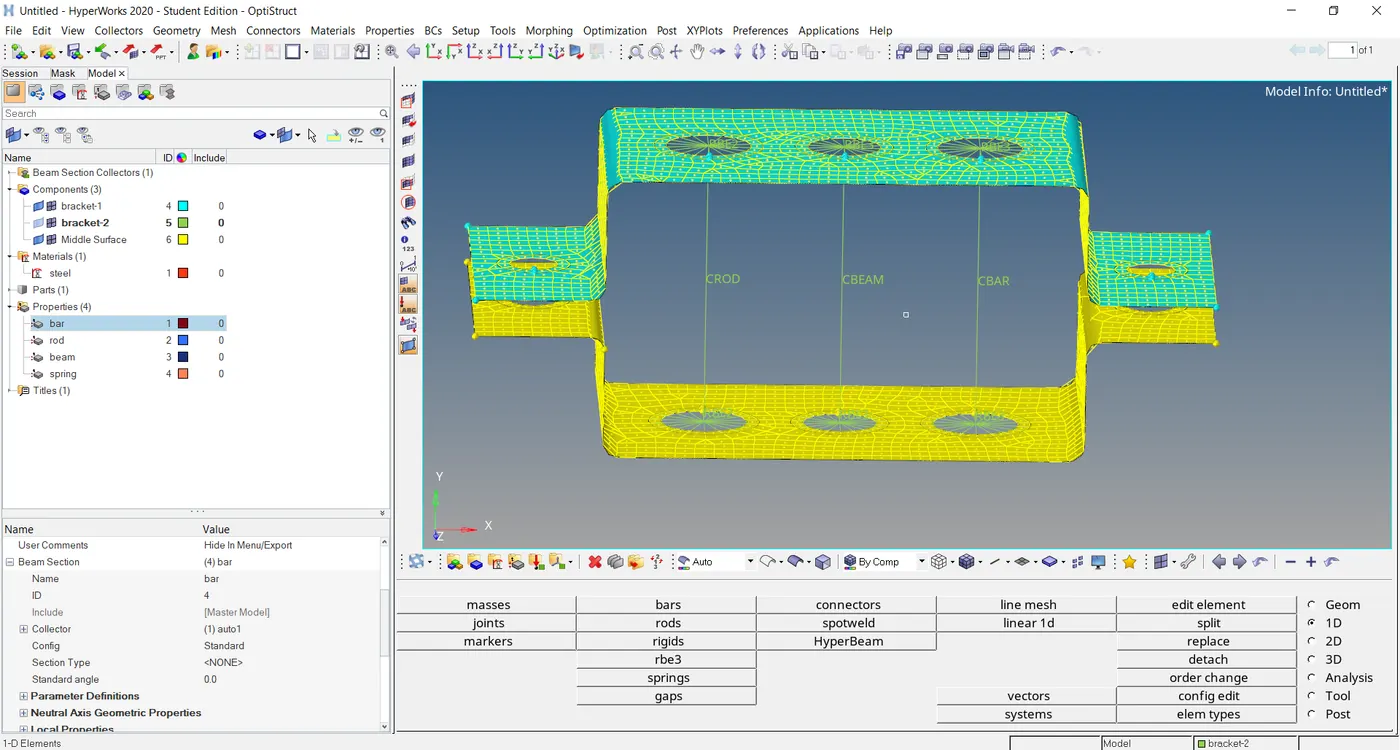
vii. And then back to the graphical area, create by using 1D elements rod,beam and bar,using RBE2 and RBE3 elements connect them ,now they are in wire frame mode.
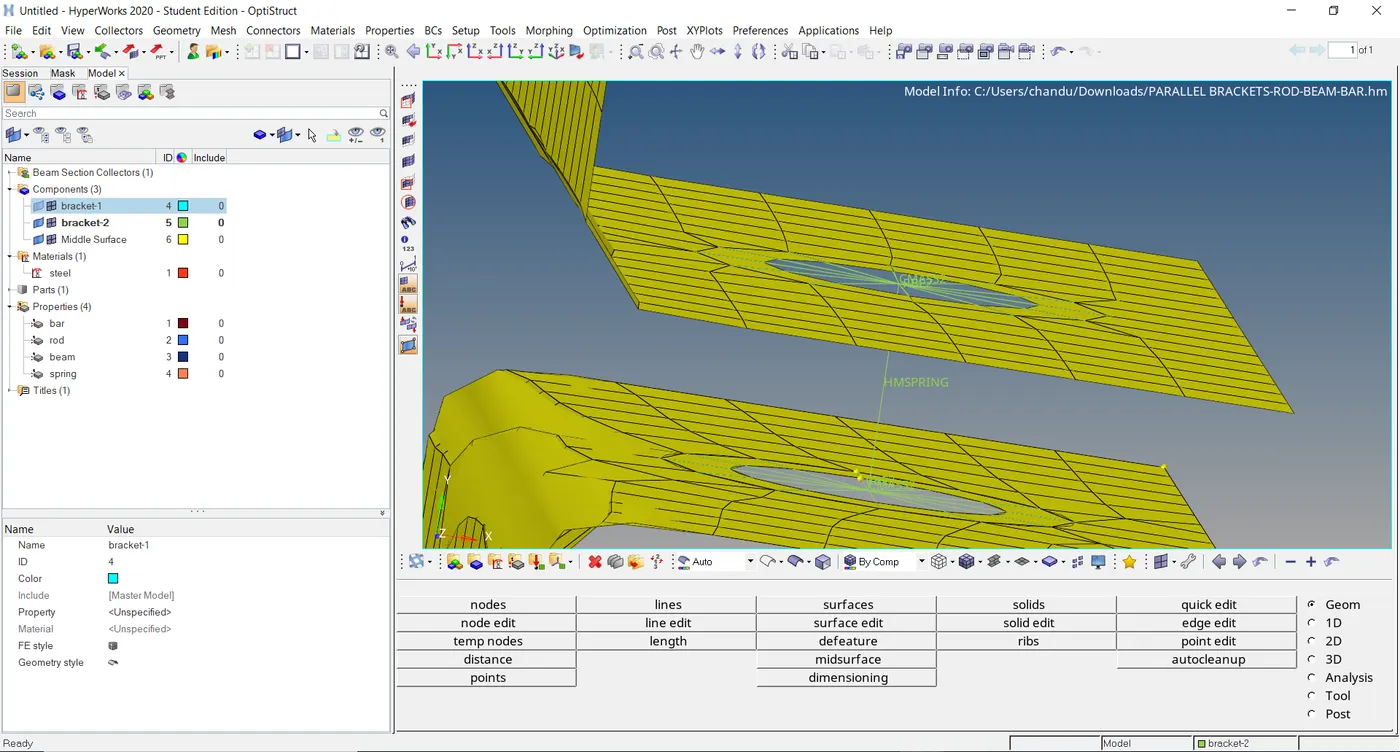
viii.Connecting spring with bracket-1 and bracket-2.
ix.Convert wire frame to detailed element representation of rod,beam and bar.
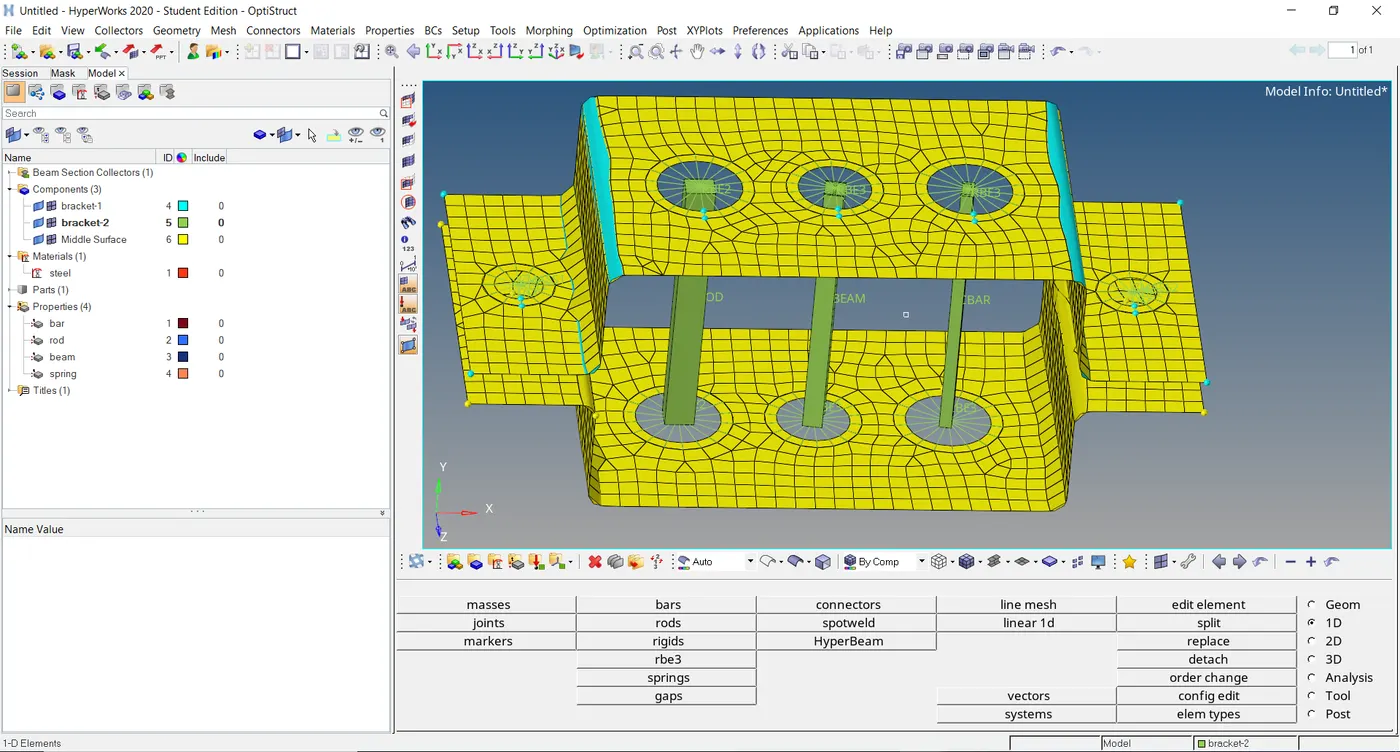
x.Applying mass on RBE2 elements with the mass of 10 over the elements.
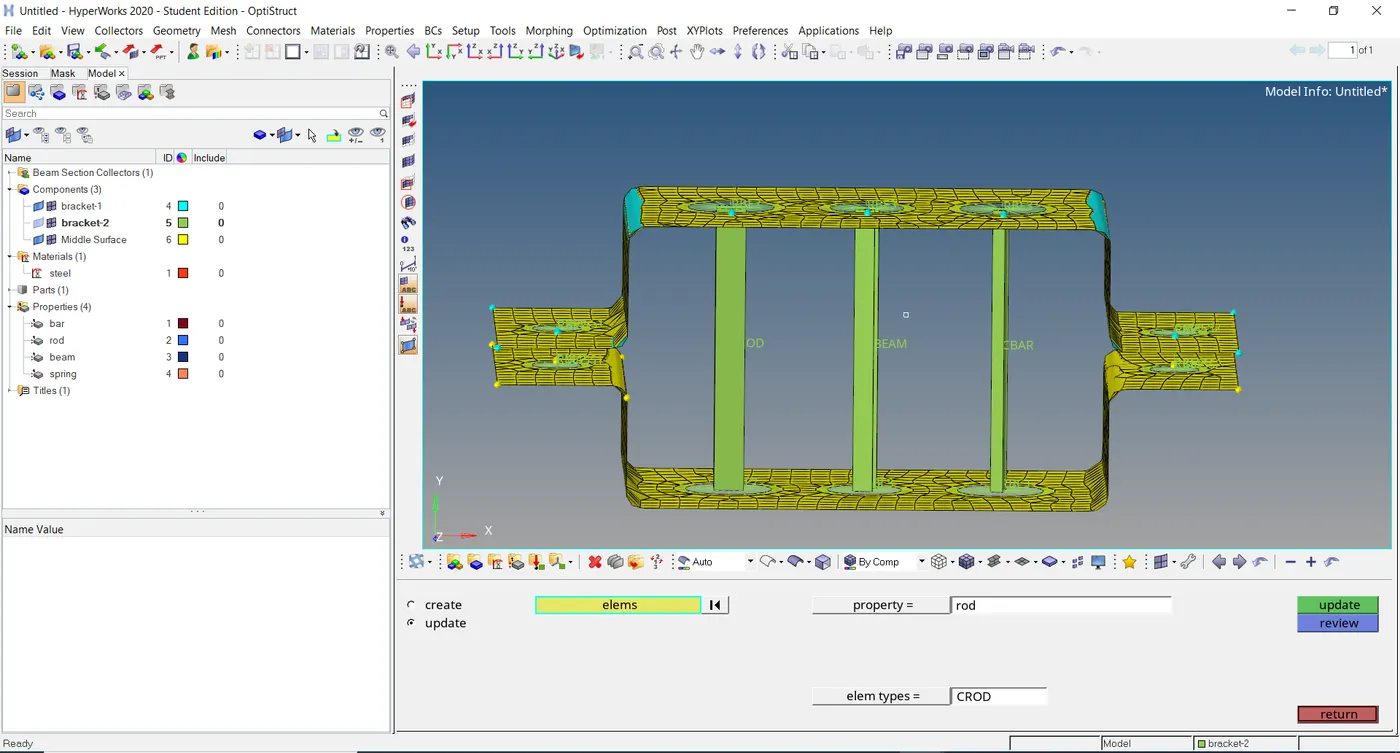
RESULTS:Created of 1D elements given specified dimensions of ROD,BEAM AND BAR.