Project 2
Objective:
meshing the component for give criteria values and assigning thickness to the given model.
procedure:
i.importing the cad model to the graphical area.
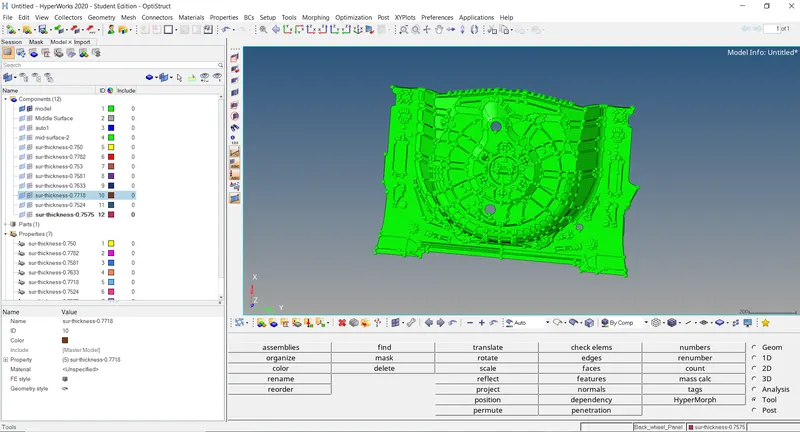
ii.set into topology mode for the clear view.
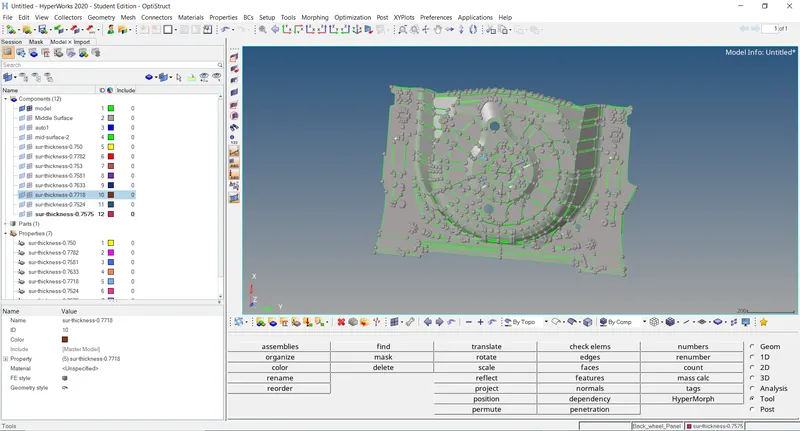
iii.clearing the parent geometry errors.
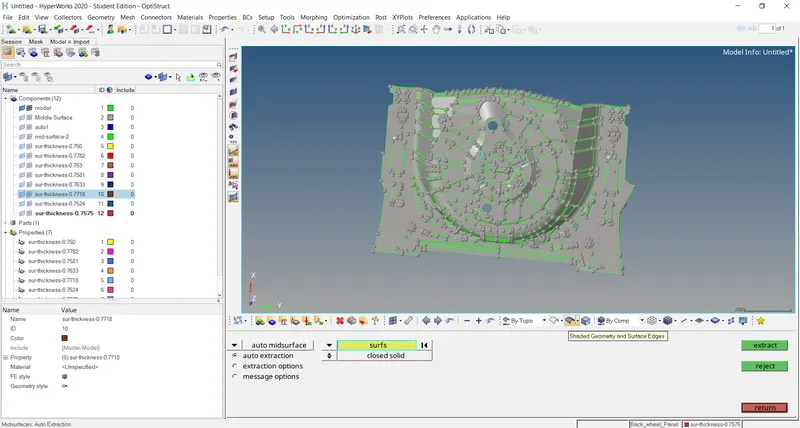
iv.after clearing the errors and then generating the mid surface.
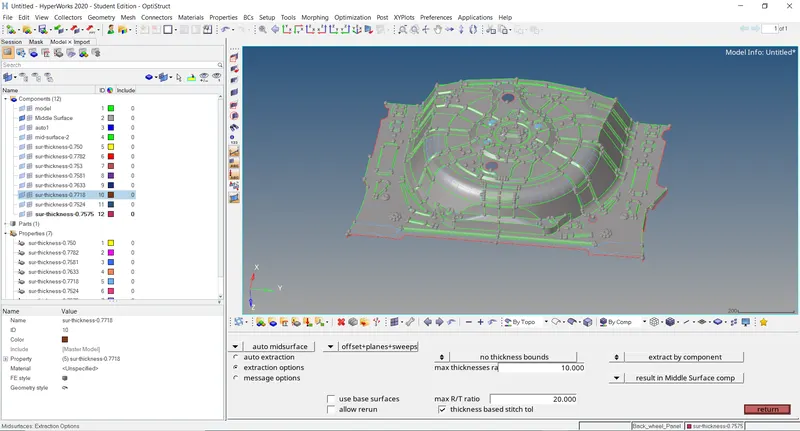
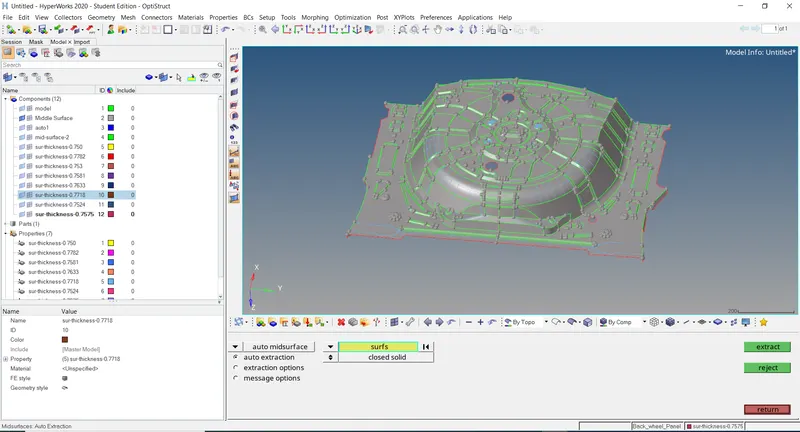
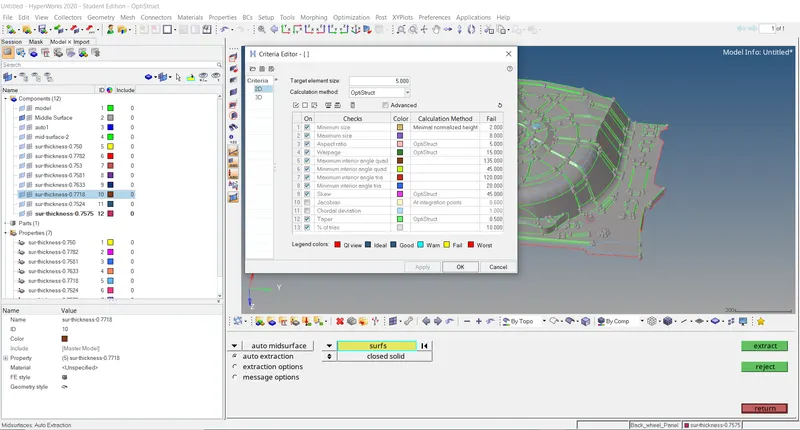
v.setting the criteria values mentioned above.
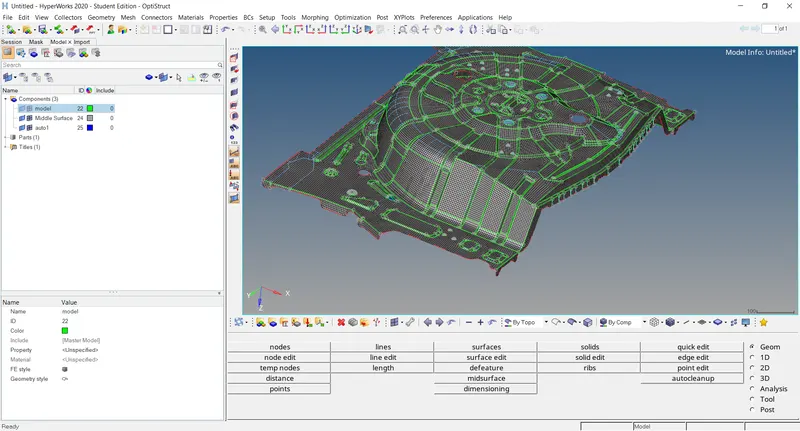
vi.then go for meshing the surface by using auto mesh option.
vii.clear the criteria errors and then adjust the mesh flow.
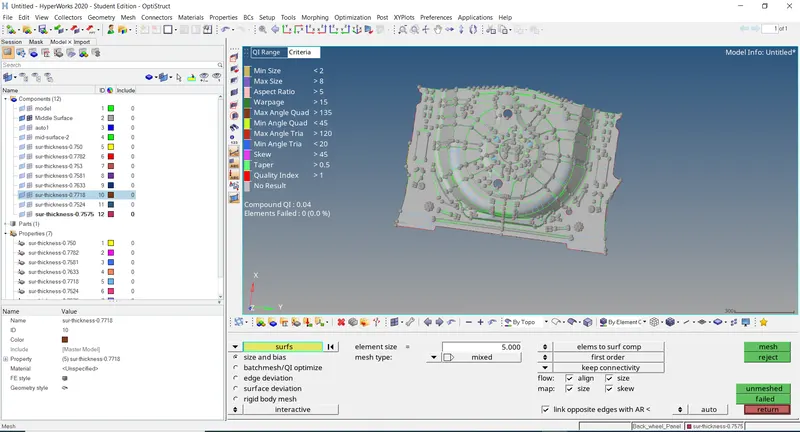
viii.after clearing all errors,assign the thickness to given component.
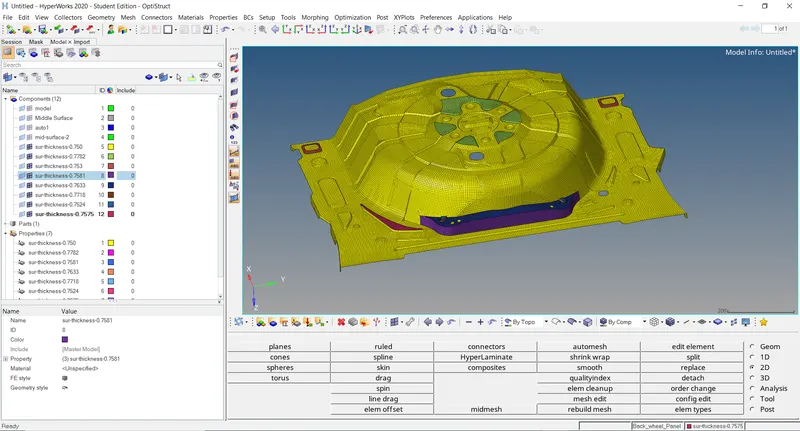
result:
we have achieved by clearing all the errors and criteria values,assigned the thickness to the given component.