Week 4 - 2D Meshing for Sheet Metal
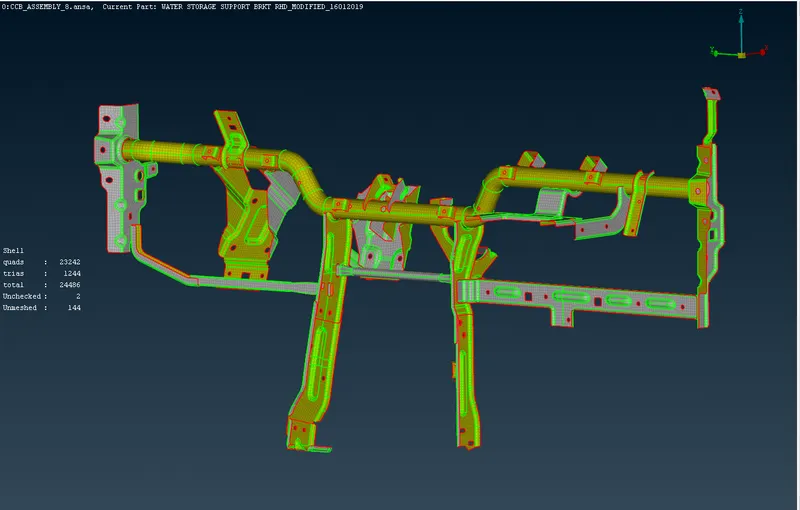
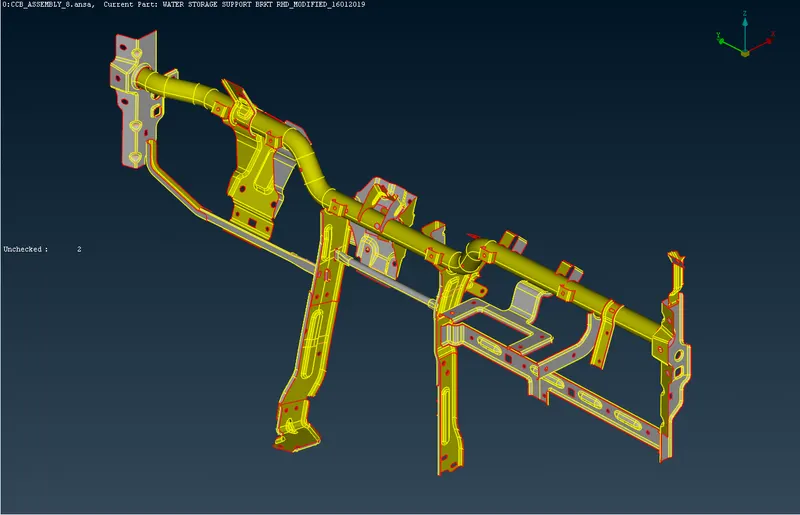
OBJECTIVE: For the given CCB CAD model, perform Geometry cleanup & mid surface extraction & Mesh it with the below 2D element Quality criteria.
CAD Image
PROCEDURE:
* Initially after importing the iges file, perform topo operation and ensure the model is properly stitched.
* After that perform perimeters length and assign distance between nodes and surfaces to desired length. Here in our model it is 5mm.
* Perform geometry cleanup and fix all the issues using auto fix and manually if required
* Perform mid surface extraction. Here i used two methods to extract mid surface, i.e mid surface skin & offset method.
*I used different property id's for different thicknesses for easy access.
*Before meshing quality parameters are set up as mentioned in the question.
* Meshing is performed. I used Reconstruct, Free Mesh, Best Mesh, Swap, Spilt, Collapse while meshing.
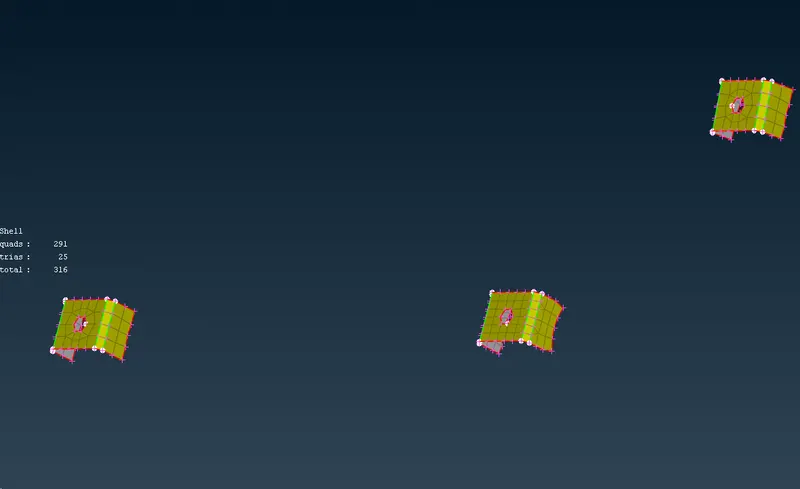
RESULTS
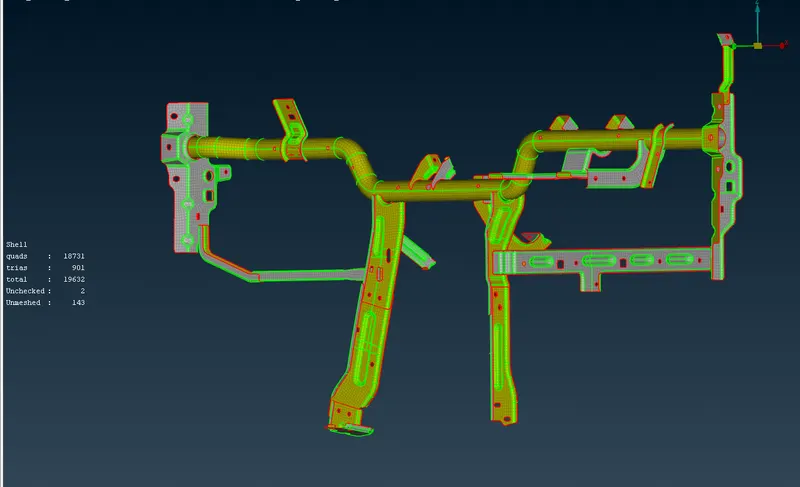
FINAL MODEL IMAGE