Week 4 - 2D Meshing for Sheet Metal
Aim-
For the given CCB CAD model, Check for the Geometry cleanup Take the mid surface, and Mesh it with the 2D element Quality criteria.
Procedure-
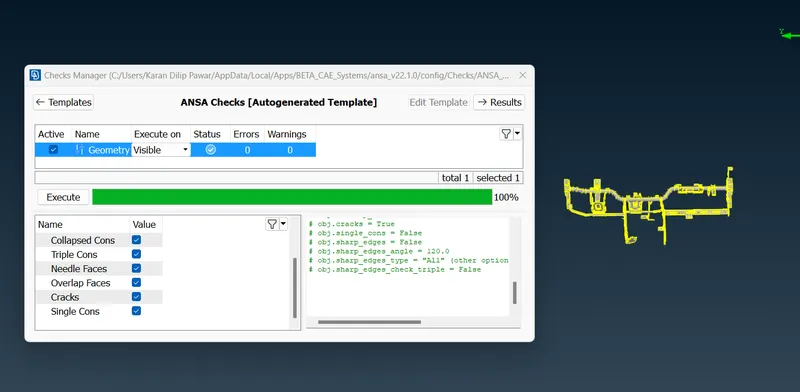
1. First Perform TOPO and do the geometry check up TOOLS-Checks-Geometry and fix the errors if any
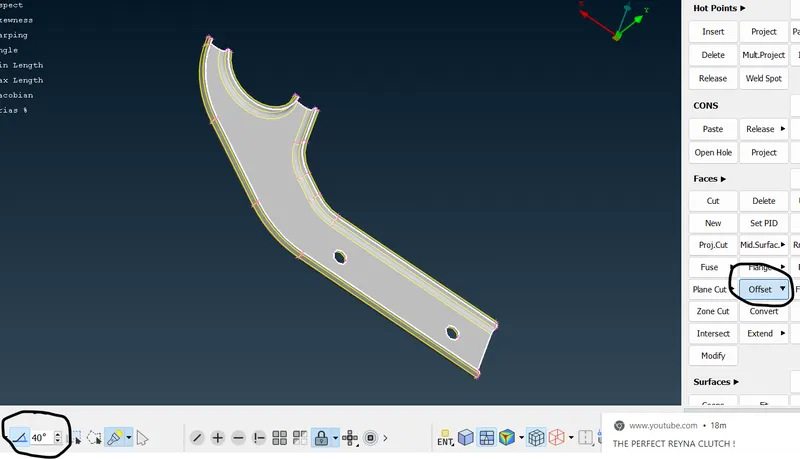
2. After performing geometry check up go for mid surface through OFFSET command by selecting Feature Area and keep angle as 40 degree which will help to get the midsurface in minimal time .
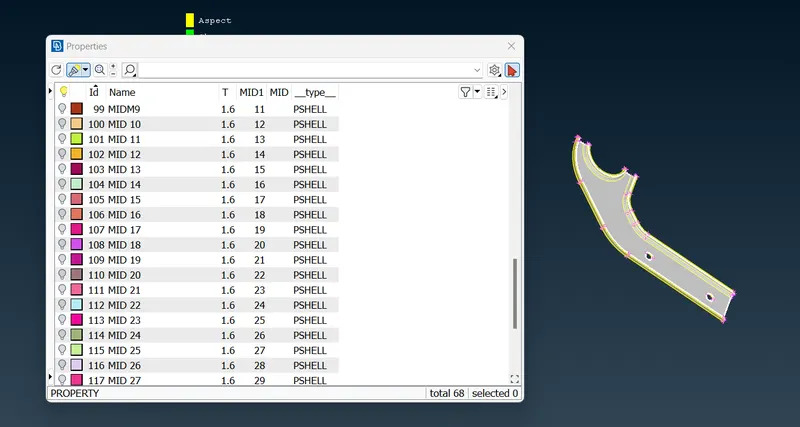
3. After getting Mid Surface Assign a New PID to Mid Surface and assign thickness as 1.6mm
4. After Getting Mid surface Perform necessary cleanup i.e toggle lines which will fail to meet the quality criteria and go for classic mesh
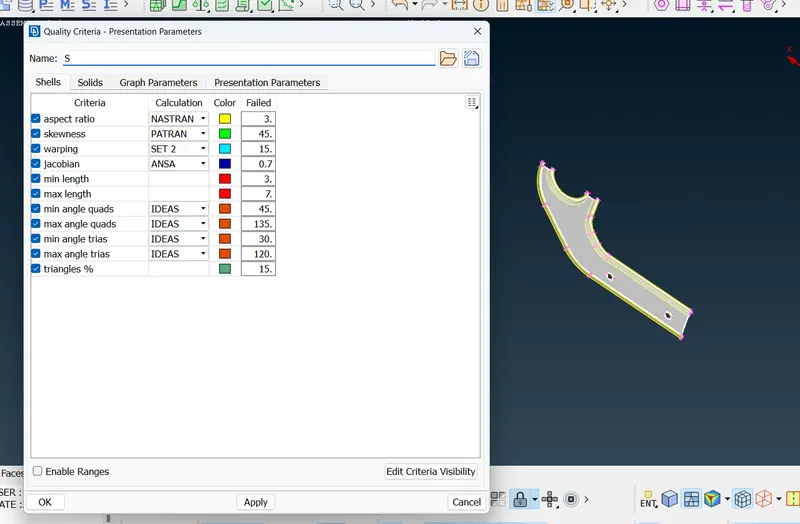
5. Set the quality criteria as mentioned in given task
6. For Mesh go in Mesh Generation- Best and use Reconstruct or improve to have a good mesh flow
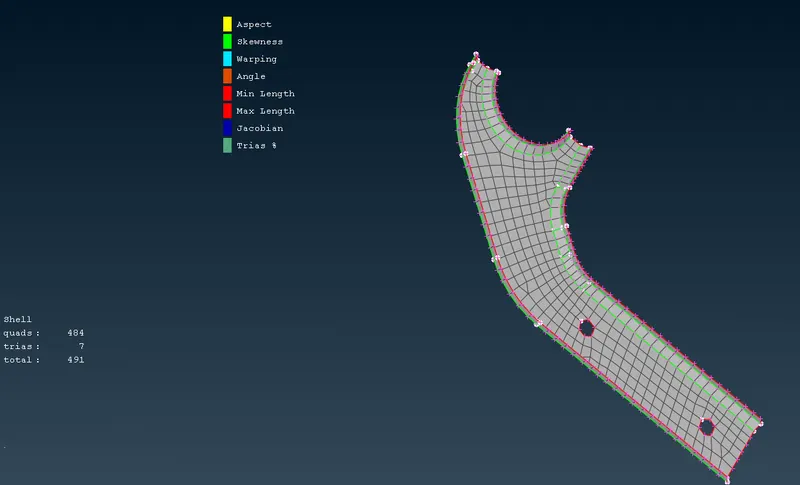
7. Use Split, Collapse option to Eliminate Tria
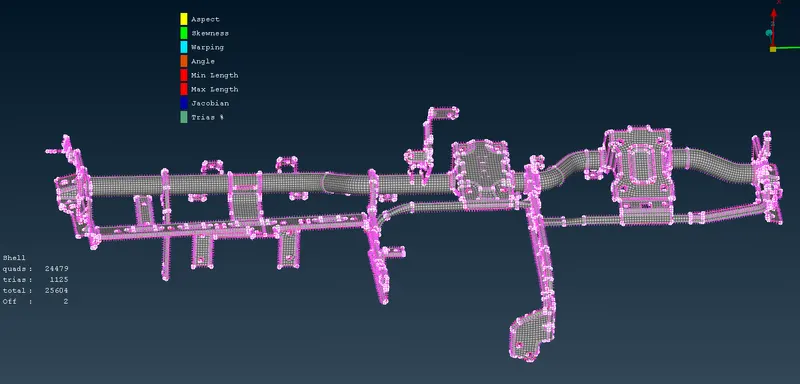
6. Complete Model
Learning Outcome-
Learnt How to create a mid surface and mesh through different options like OFFSET, BEST, SPLIT, COLLAPSE, MV FREE, RECONSTRUCT, SMOOTH