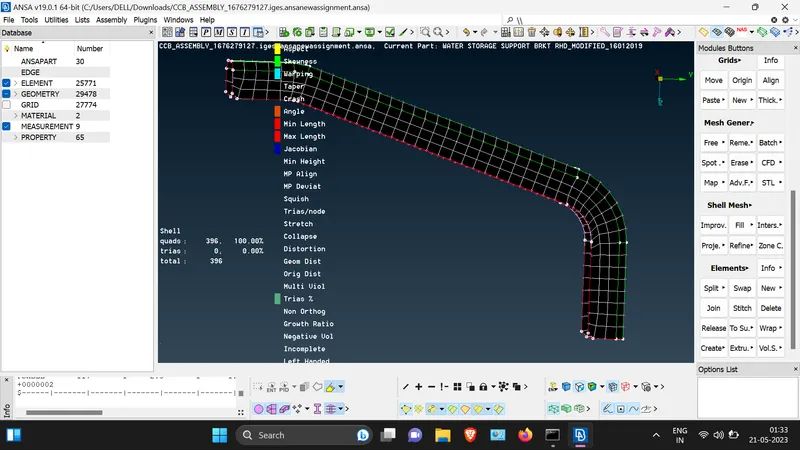
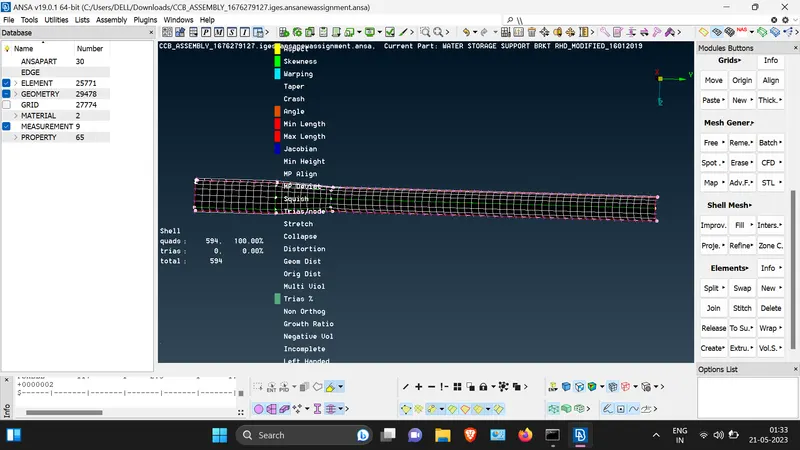
Week 4 - 2D Meshing for Sheet Metal
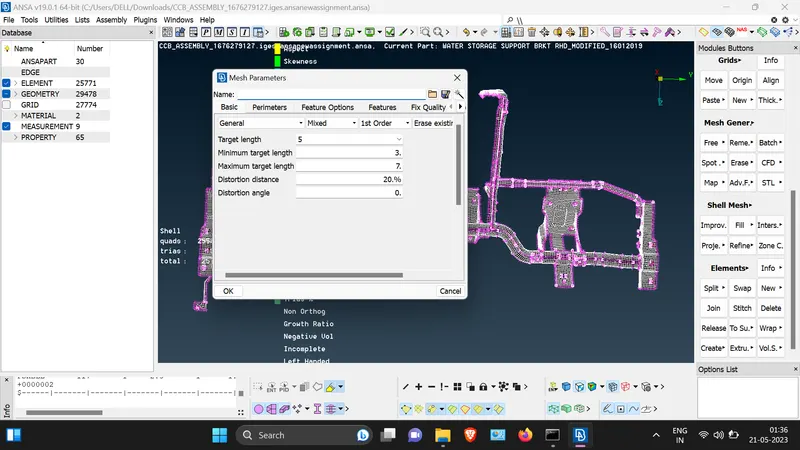
AIM: For the given CCB CAD model, Check for the Geometry cleanup (if required), Take the mid surface, and Mesh it with the below 2D element Quality criteria.
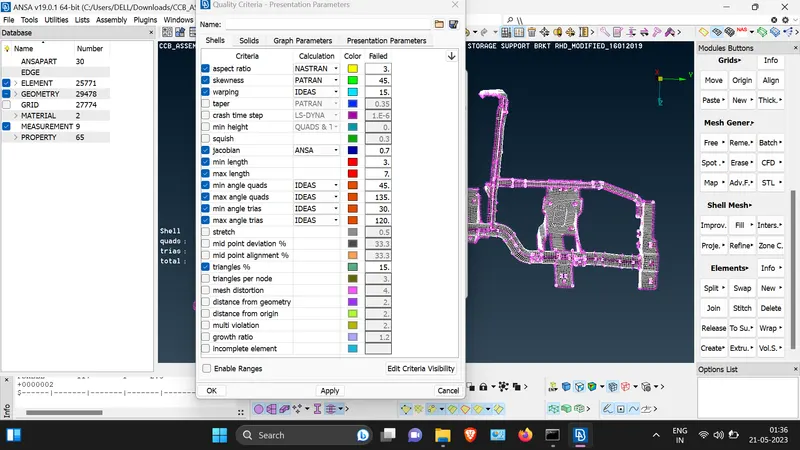
GIVEN QUALITY CRITERIA:
|
S.No |
Quality Criteria |
Value |
|
1 |
Target/Average length |
5 |
|
2 |
Minimum Length |
3 |
|
3 |
Maximum Length |
7 |
|
4 |
Aspect |
3 |
|
5 |
Warpage |
15 |
|
6 |
Skewness |
45 |
|
7 |
Jacobian |
0.7 |
|
8 |
Minimum Quad Angle |
45 |
|
9 |
Maximum Quad Angle |
135 |
|
10 |
Minimum Tria Angle |
30 |
|
11 |
Maximum Tria Angle |
120 |
|
10 |
Tria Percentage |
15 |
Objectives:
1. geometry cleanup.
2. mid-surface extraction, assign thickness.
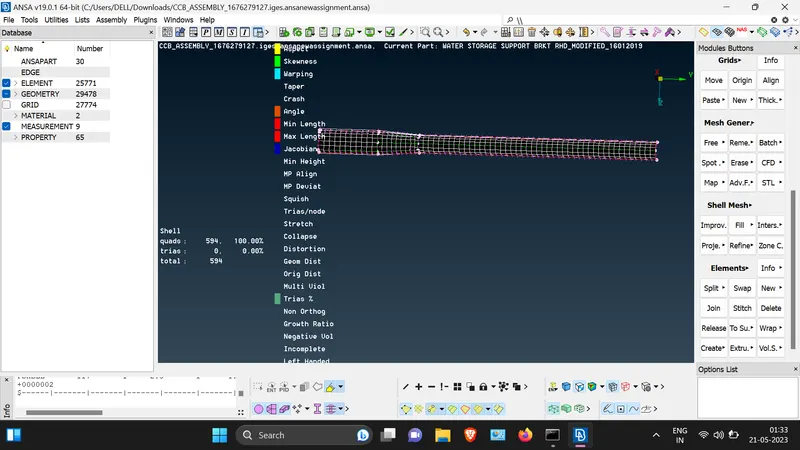
3. meshing of the model.
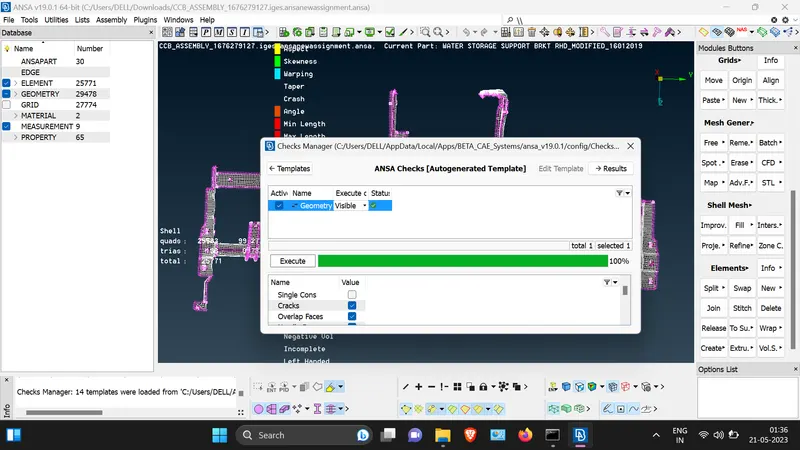
1.Geometry cleanup:
1. Use checks/geometry/auto fix/topo/project cut/cut/release
2. Use delete from hot point section for clear hot points,new from faces.
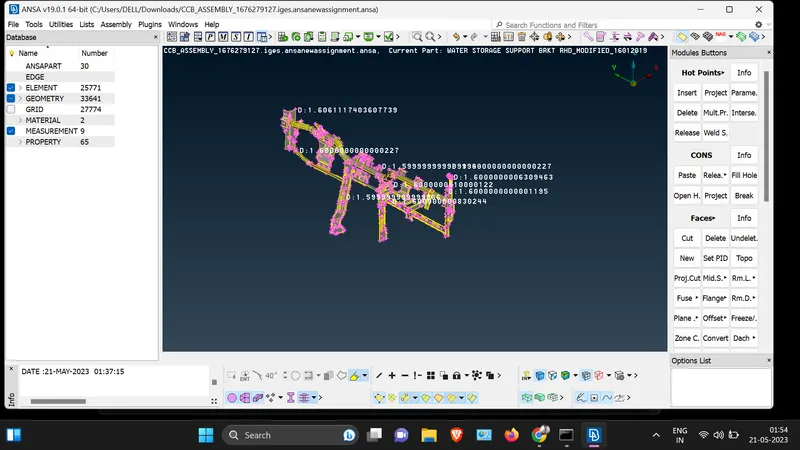
2.Mid-surface extraction:
1. use faces/offset
2. select the model and assign half of the thickness of the model in pop box which is open by clicking on offset.
3.Assign thickness of every part.
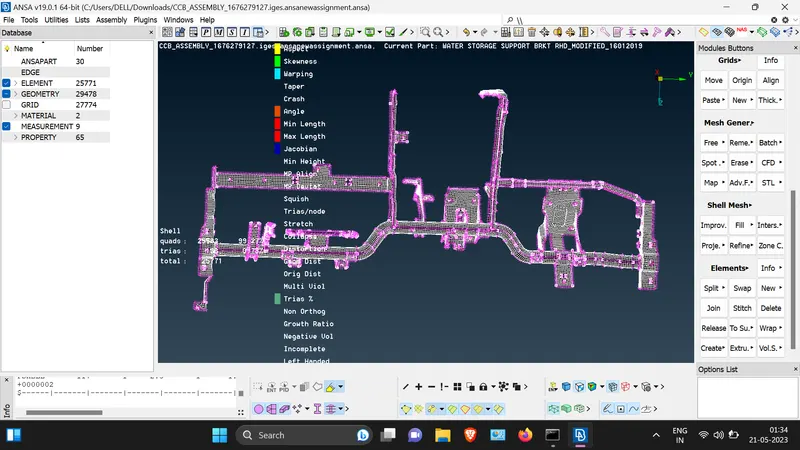
3.Meshing of model:
1. Use hot point/delete
2. check quality criteria and fix it.
3. make better meshflow.