Week - 4 - 2D meshing for Plastic components
AIM
To check the geometrical errors and take mid surface for the given model, and do the meshing on the midsurface with the given quality parameters and assign thickness to the midsurface.
PROCEDURE
1. Open the given model in ANSA software.
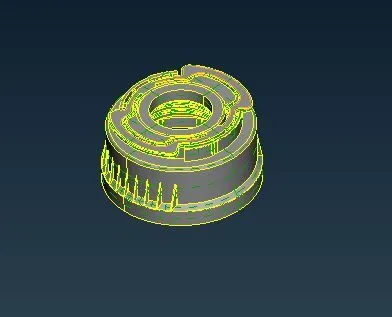
2. Do geometry check on the model and clear issues if any found.
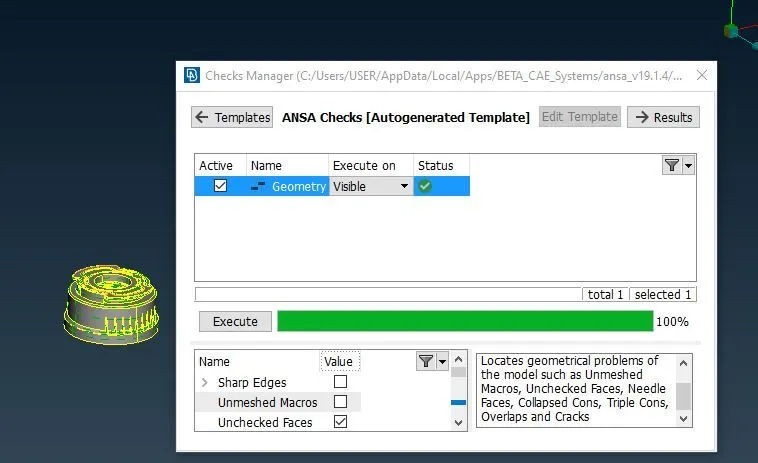
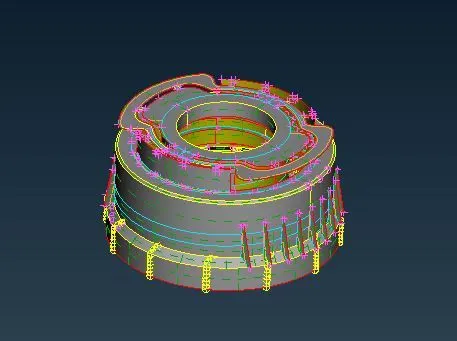
3. Take the mid surface of the given model using suitable operations such as offset or middle.
4. Now set PID for the mid surface.
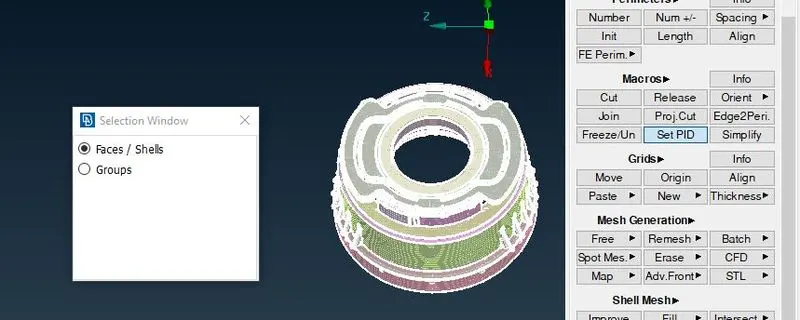
5. Open the quality criteria box using F11 and assign the quality parameters and also assign the mesh parameters.
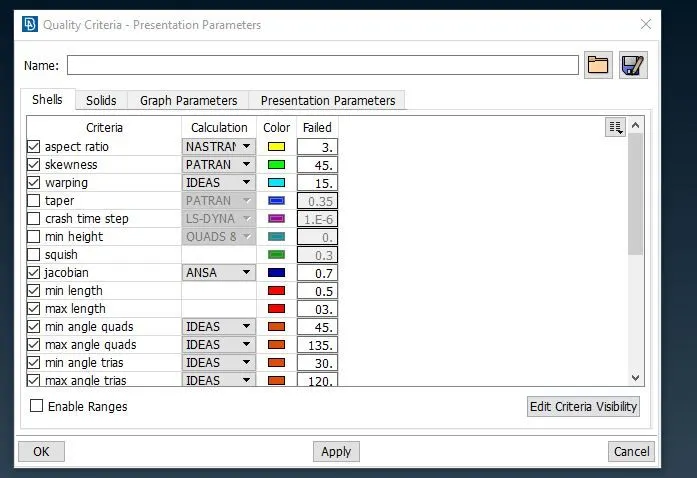
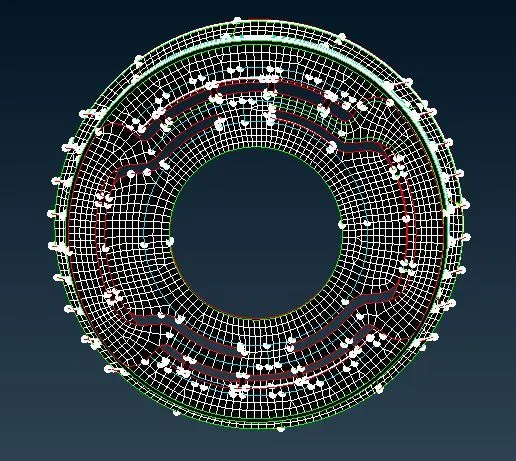
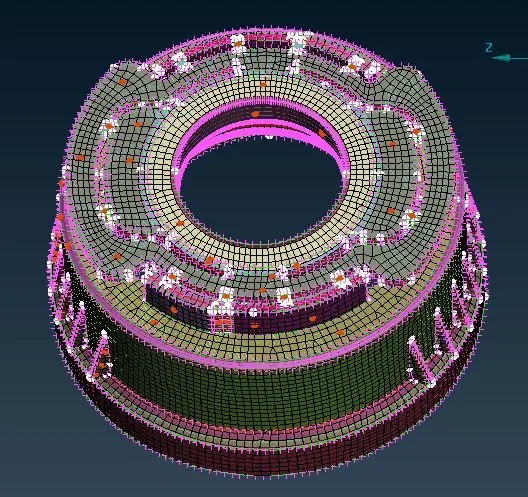
6.Now do the meshing on the mid surface.
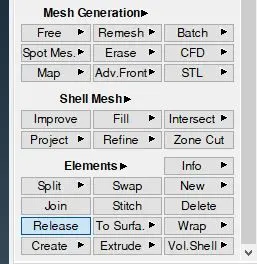
7. After completing the mesh separate the FE using RELEASE option.
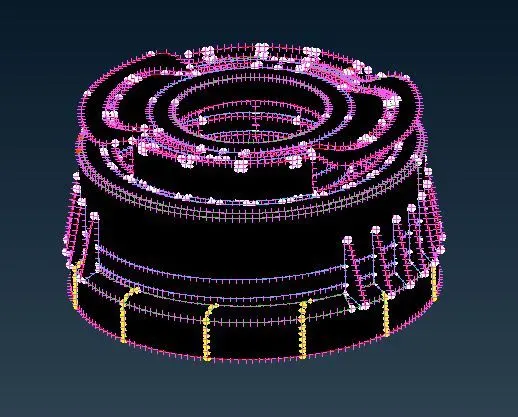
8. Assign thickness for the FE model.
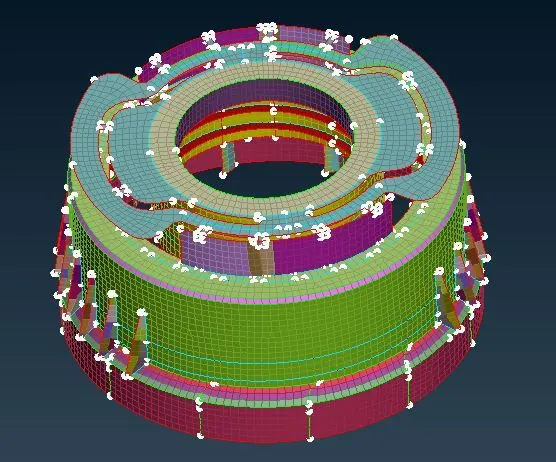
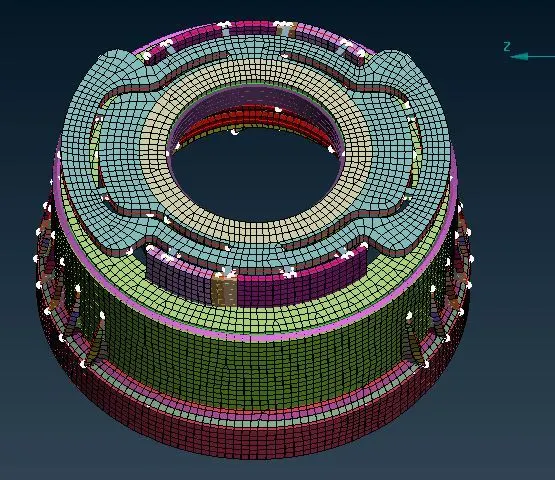
9. After assigning thickness draw the model as solid and compare it with thr given model.
LEARNING OUTCOMES
In this challenge we learned about taking midsurface of a plastic component and assign varying thickness for different parts for the separated FE model. And finally compare it with the given model.
CONCLUSION
In this challenge the midsurface for the given model was taken and meshing was done successfully with the given quality parameters and finally the thickness was assigned to the mid surface.