Week - 4 - 2D meshing for Plastic components
- Aim-To mesh a Plastic object using auto and manual mesh with geometry cleaning, mid-surfacing.
- Procedure-
- Importing the step file from stored location using open command.
- Visually checking the geometry for errors like single cons, overlap surfaces etc.,
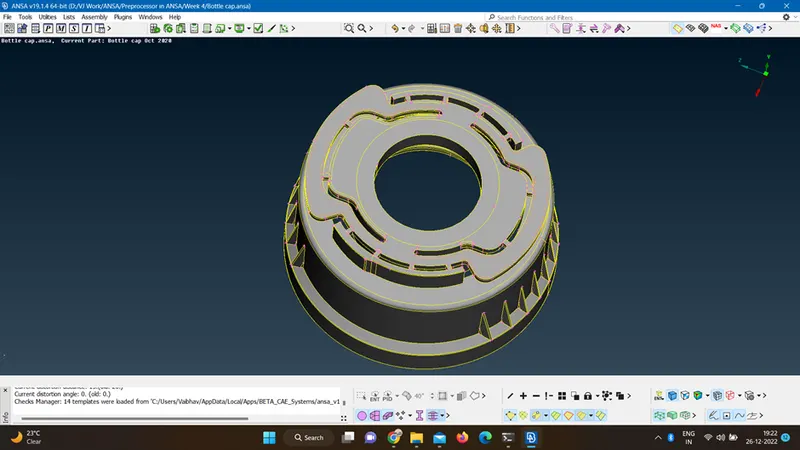
- Toggling unnecessary cons using cut.
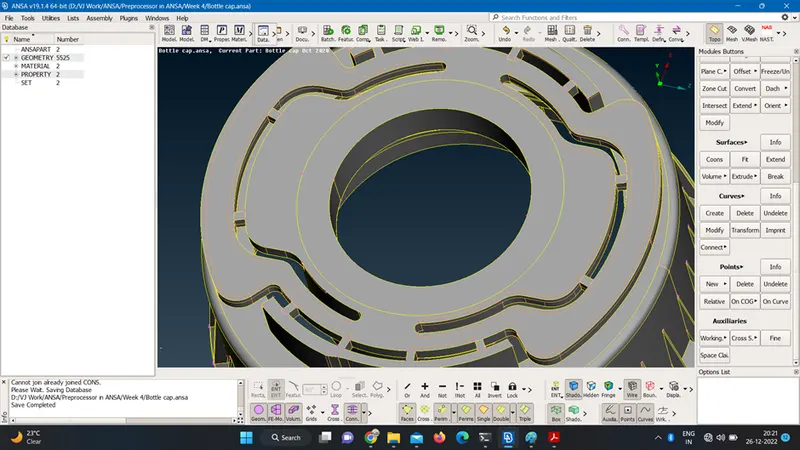
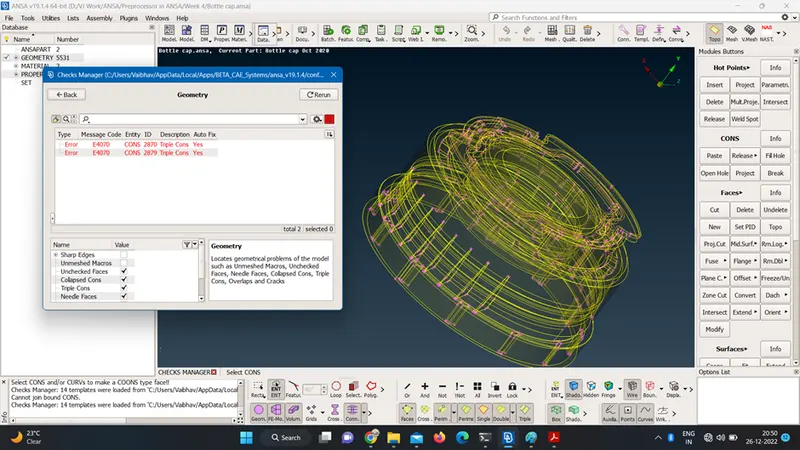
- Checking the geometry using checks option for single cons, triple cons, overlap surfaces etc.
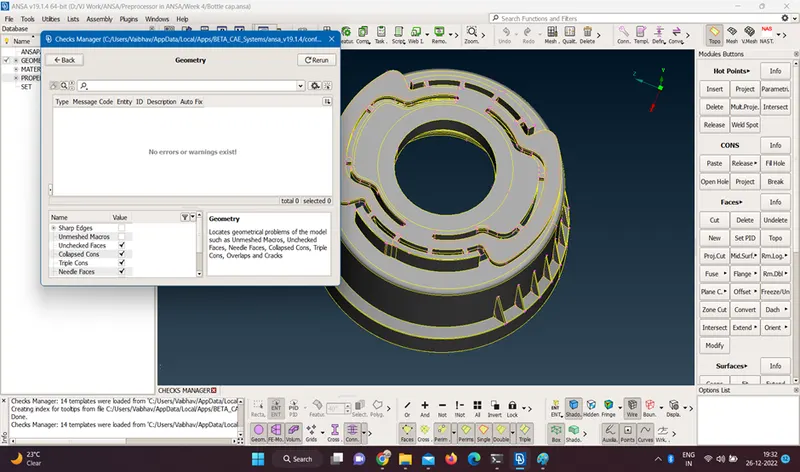
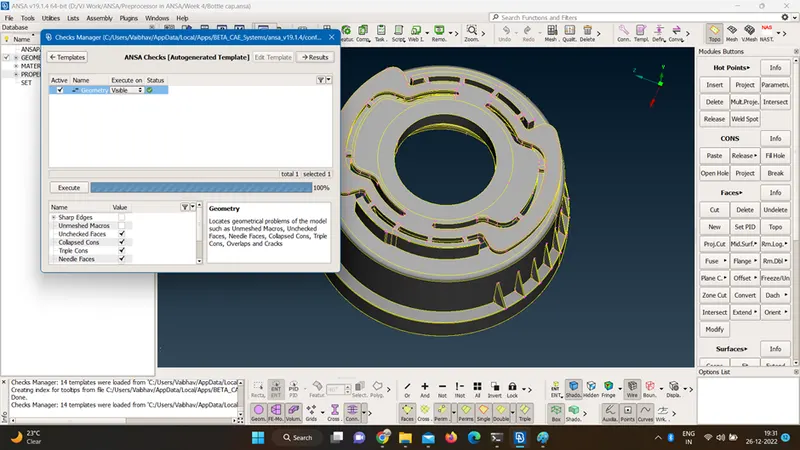
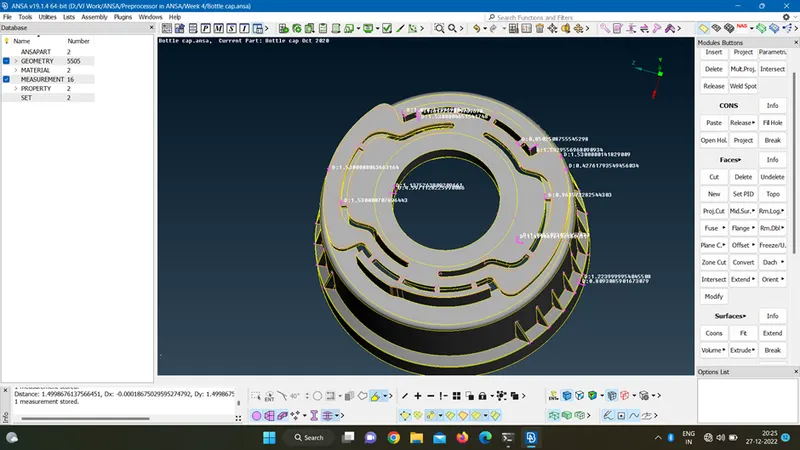
- Measuring the thickness at various sections of the geometry.
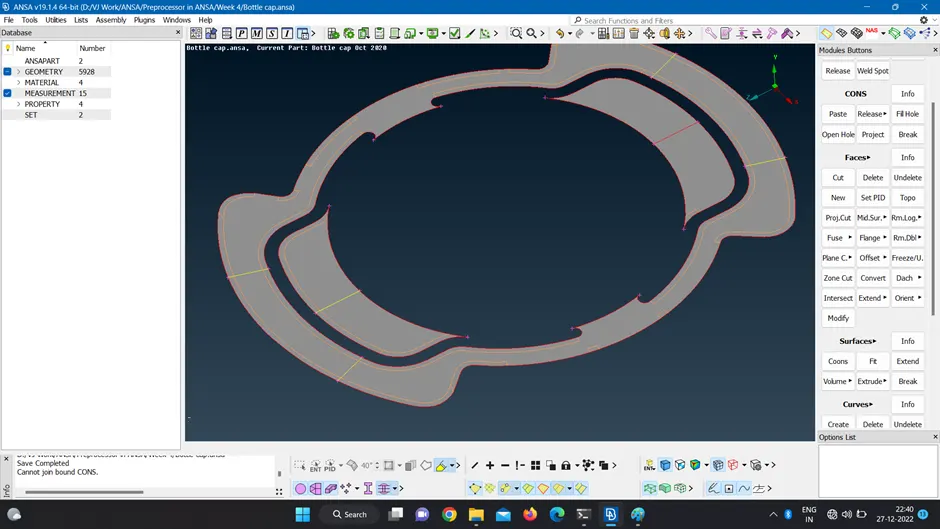
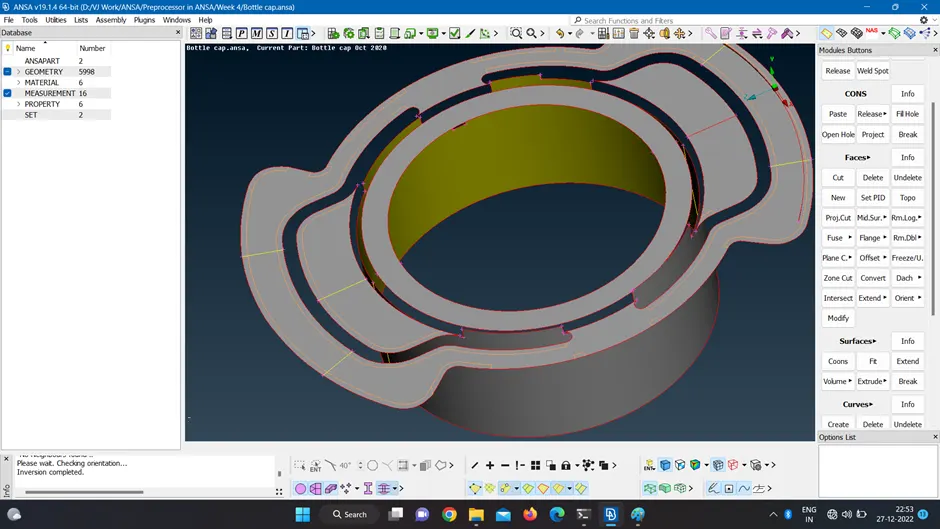
- Extracting the middle surface by auto mid surface option and offset option.
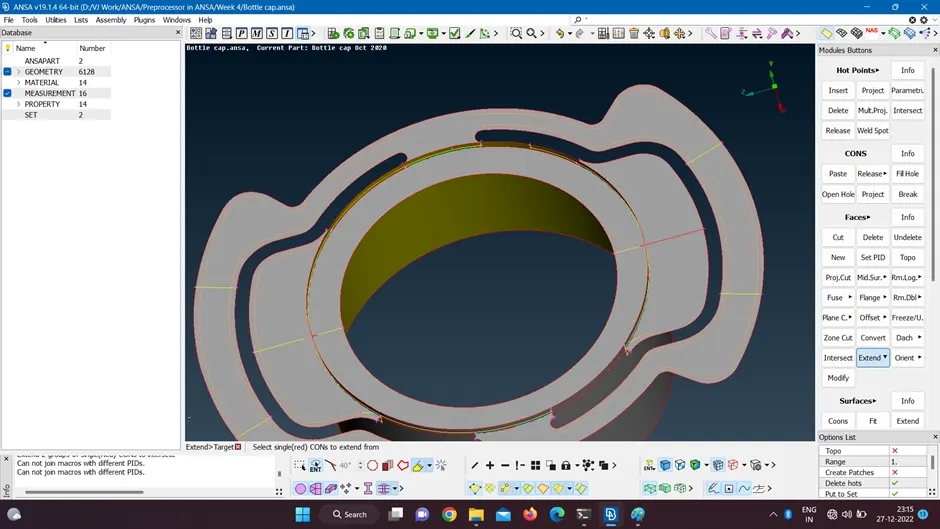
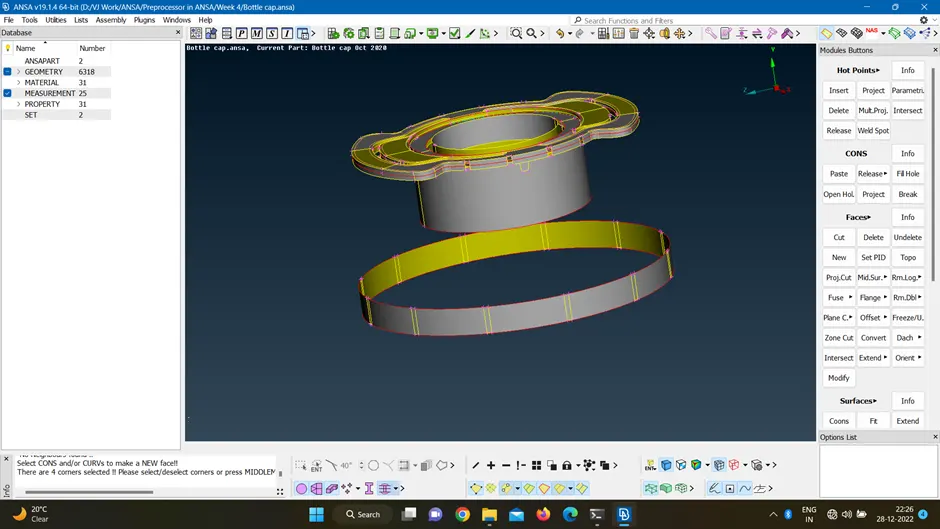
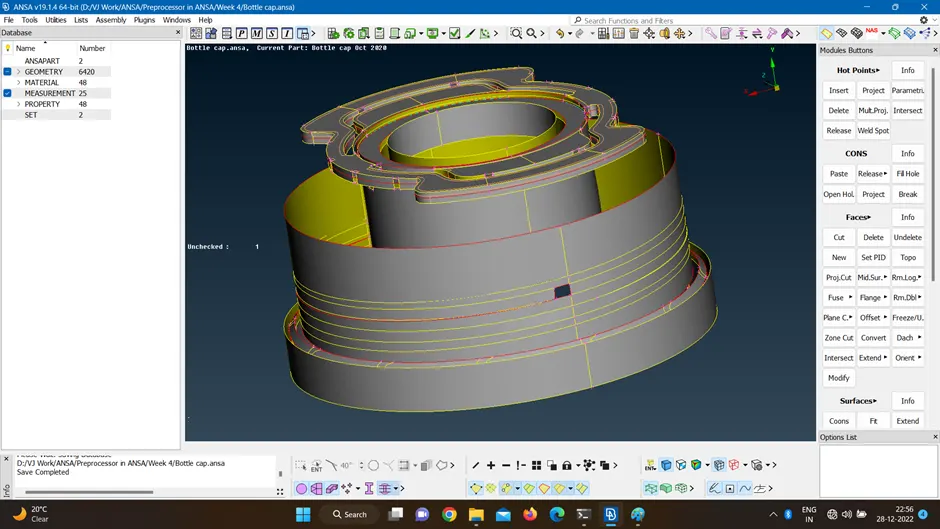
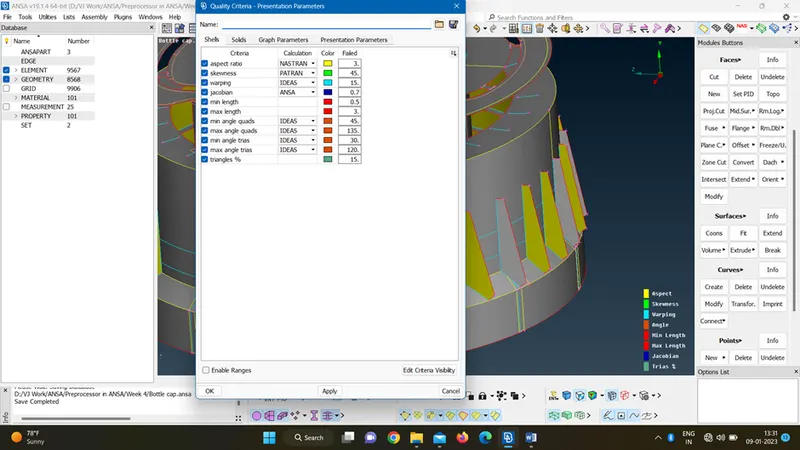
- Setting the given quality criteria.
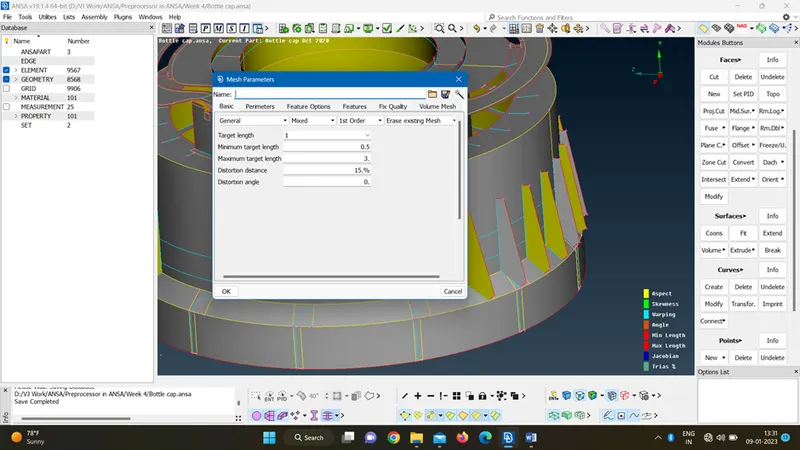
- Performing mesh using best mesh, spot mesh and skin mesh option with given thickness.
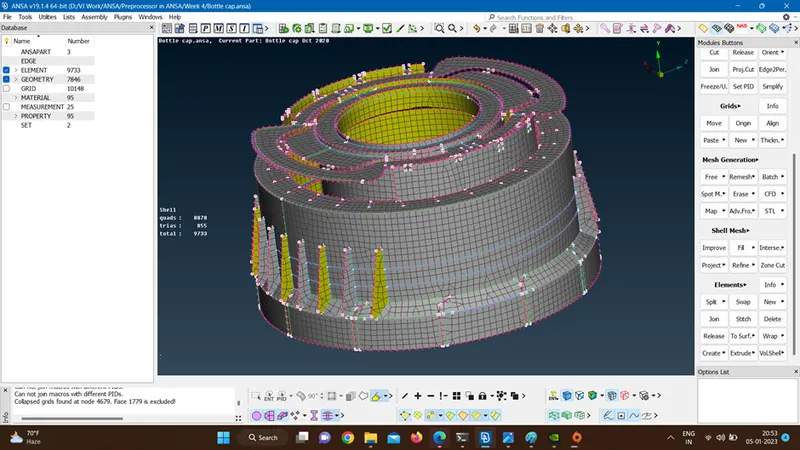
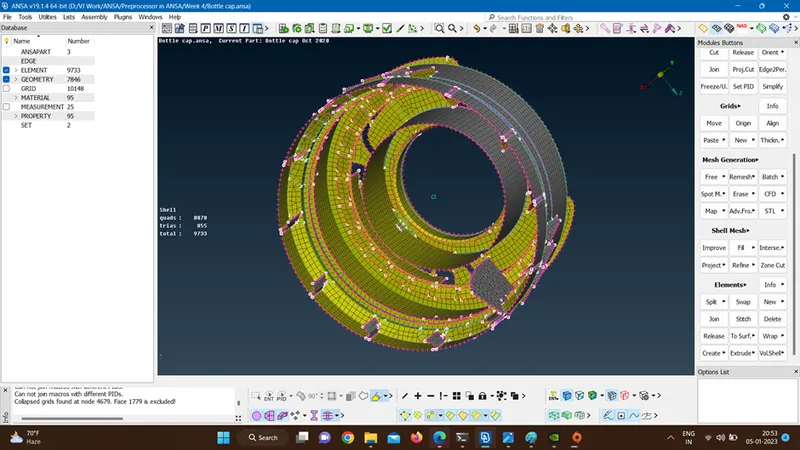
- Clearing the qualities using reconstruct, join, swap, cut, changing no of hot points, also toggling unnecessary cons, etc.
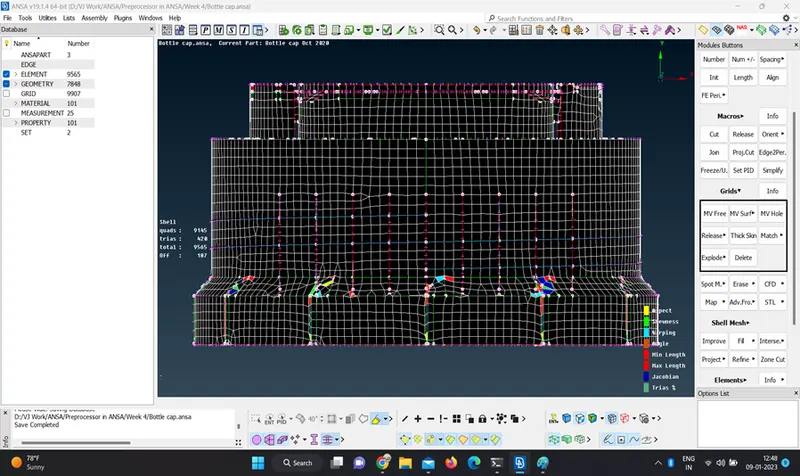
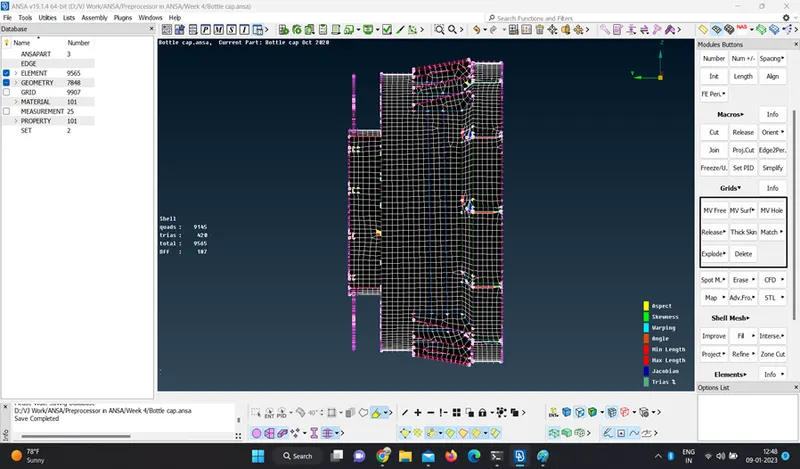
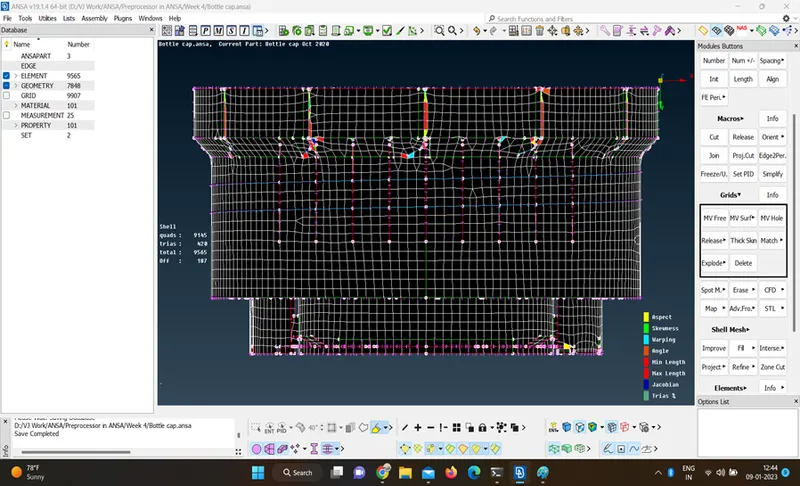
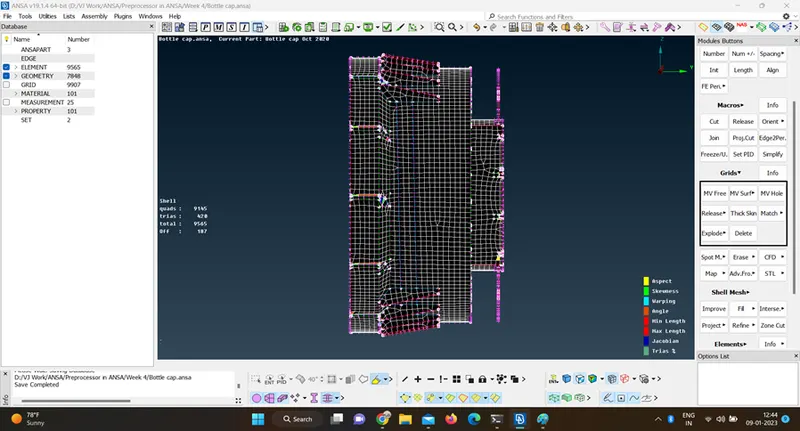
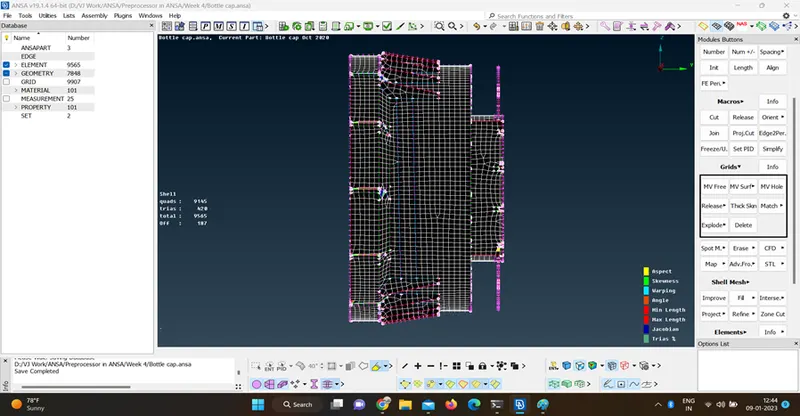
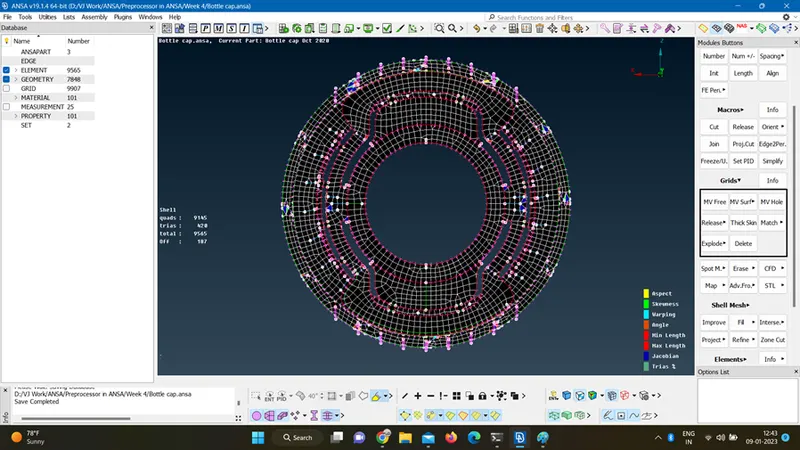
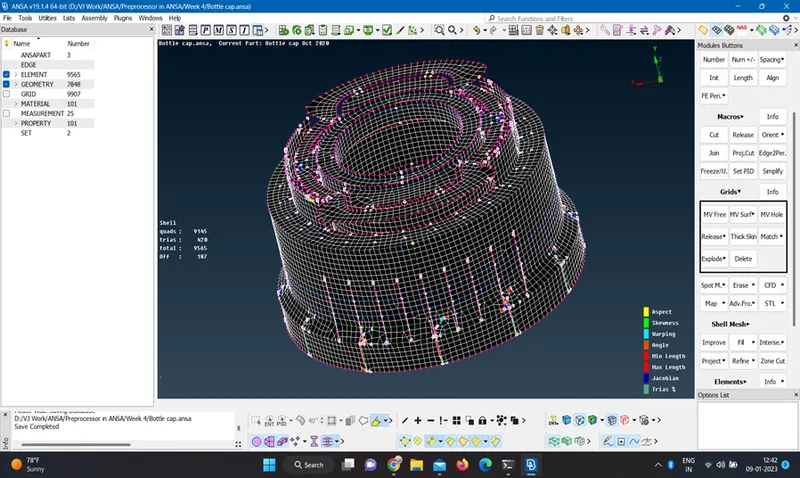
- Assigning thickness to mesh model.
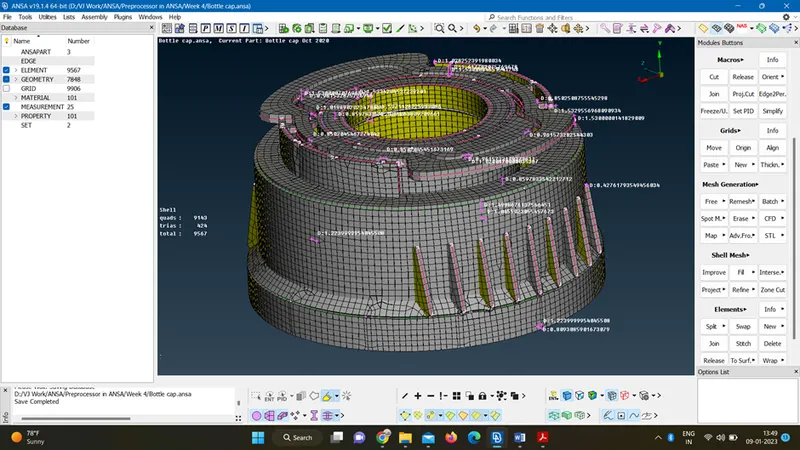
- Comparing with 3d model
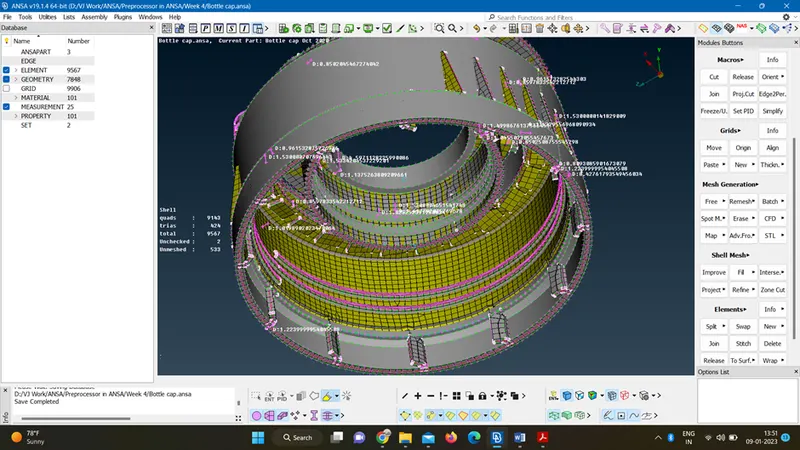
- Saving the final completed mesh file.
- Conclusion-By performing this challenge I have learn the following points.
- Geometry checking and removing single cons and triple cons, overlapped surfaces.
- Mid-surfacing using both auto and manual mid-surface option.
- Mid-surfacing of tooths using middle command and projecting cons to create new surfaces.
- Meshing with auto skin mesh and manual using best and spot mesh options.
- Clearing the quality errors using reconstruct, join, swap, cut, changing no of hot points, also toggling unnecessary cons, etc.