Week- 5 - Solid meshing
- Aim-To form a solid mesh of given 2D object using Tetra element with geometry cleaning, volume mesh
- Procedure-
- Importing the step file from stored location using open command.
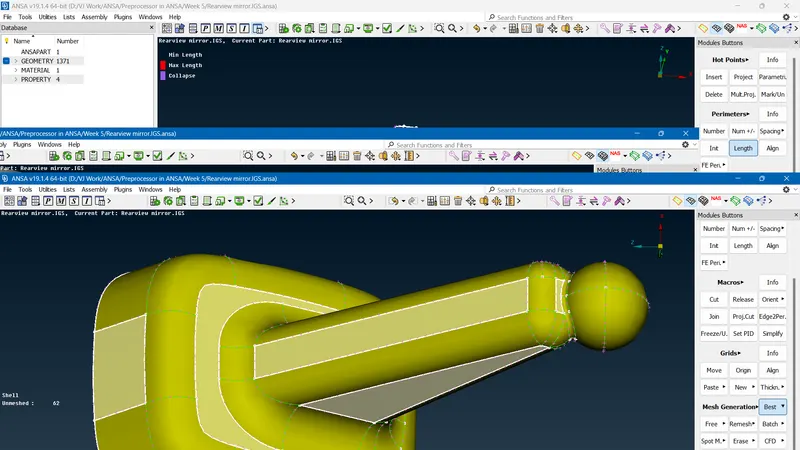
- Visually checking the geometry for errors like single cons, overlap surfaces etc.,
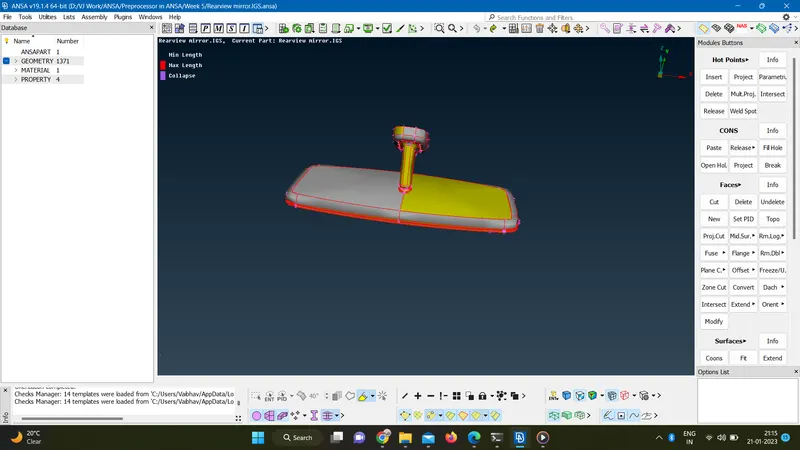
- Refining the resolution by changing the target length.
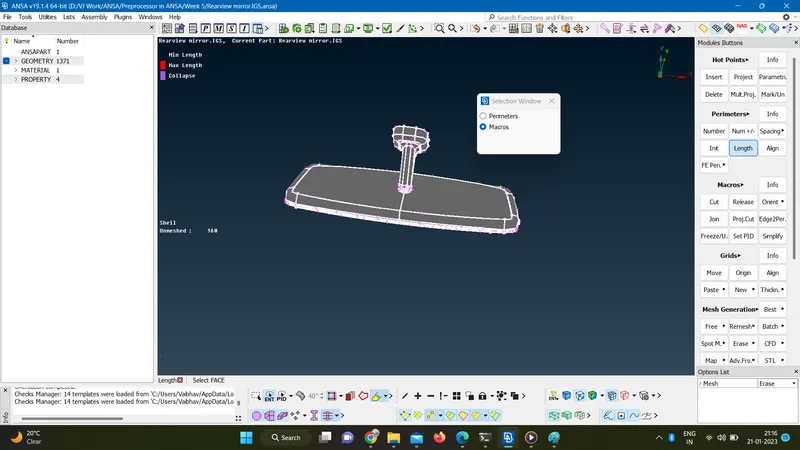
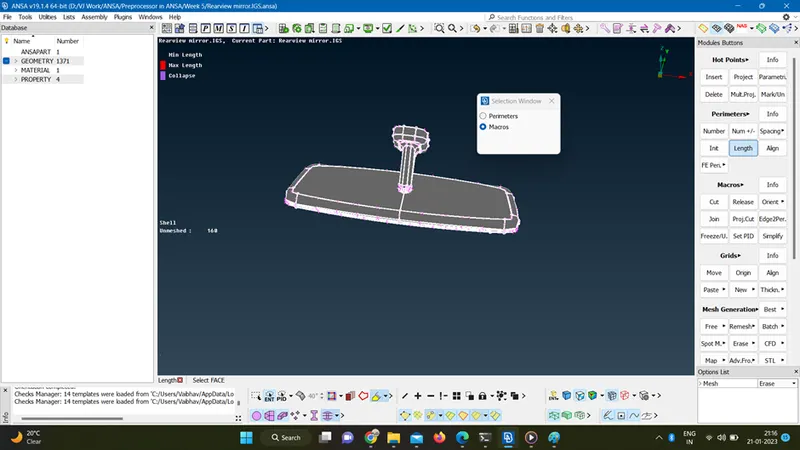
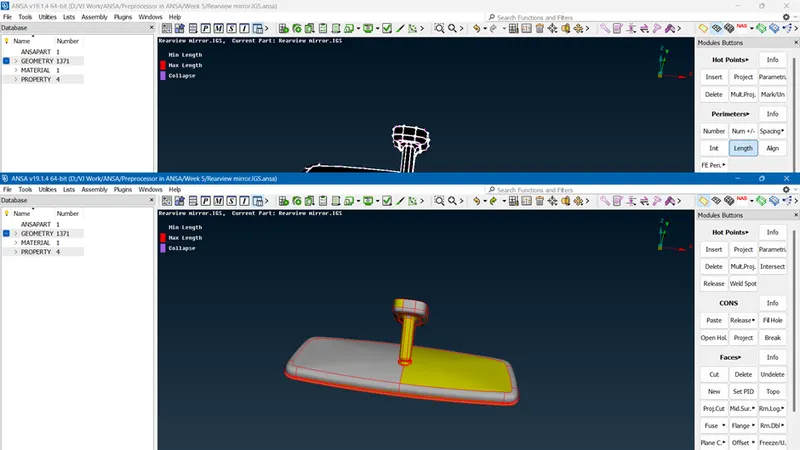
- Giving a Topo to join the surfaces and converting single cons to double cons.
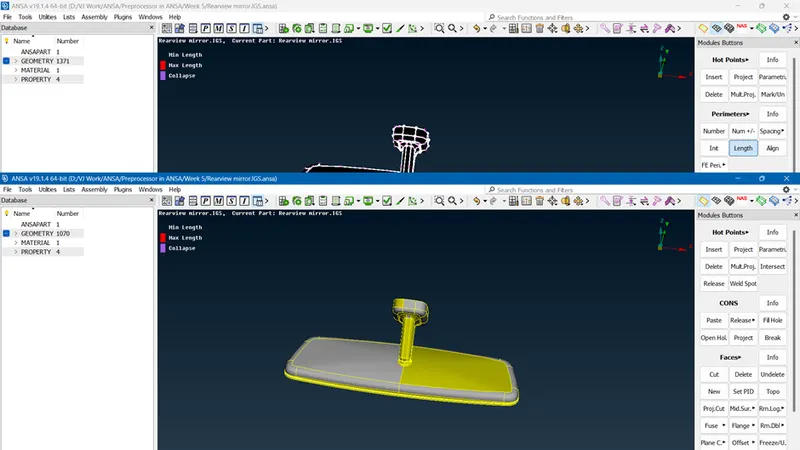
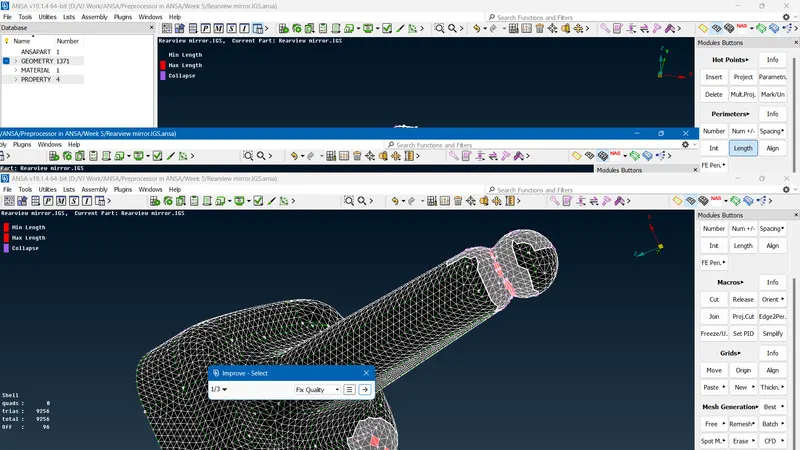
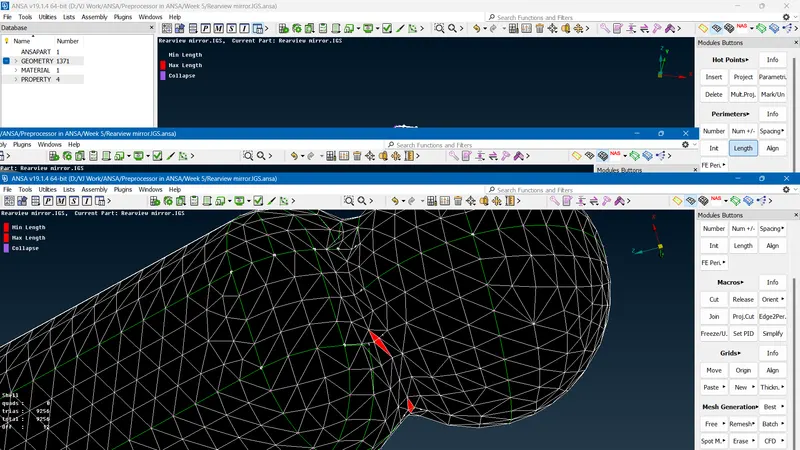
- Checking the geometry for single cons, triple cons and overlapped surfaces,.
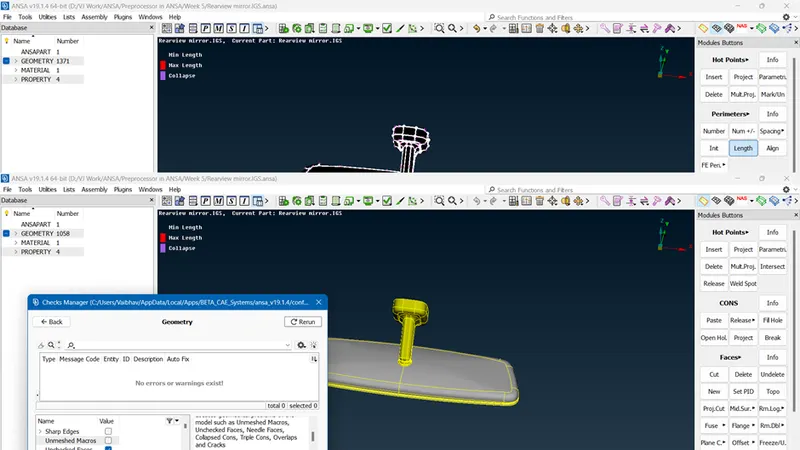
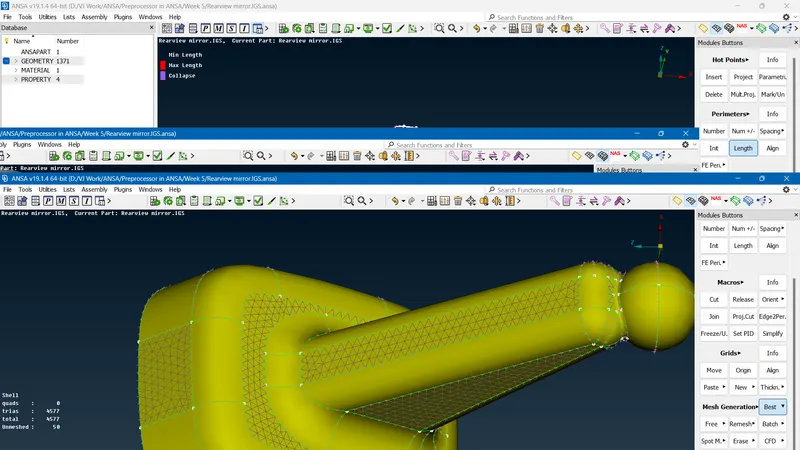
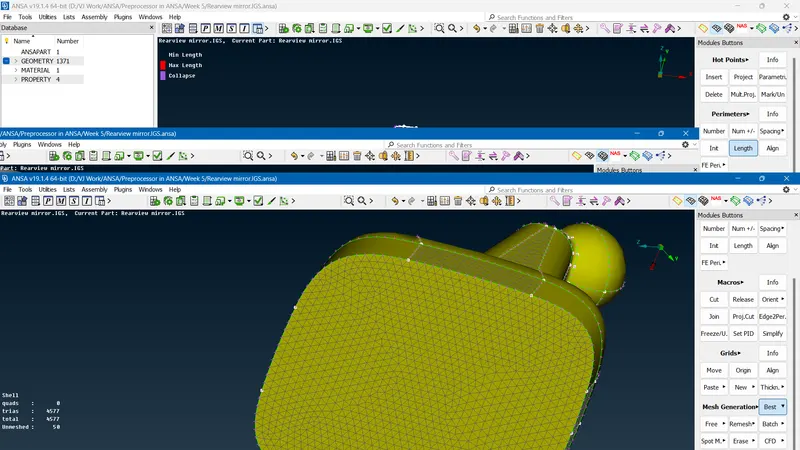
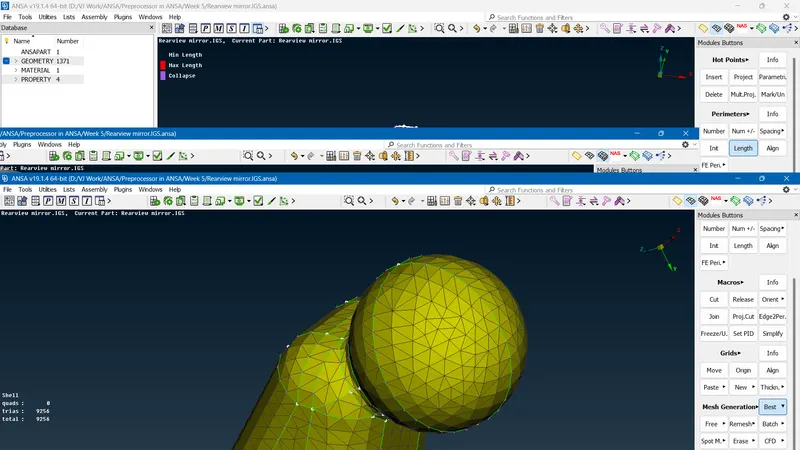
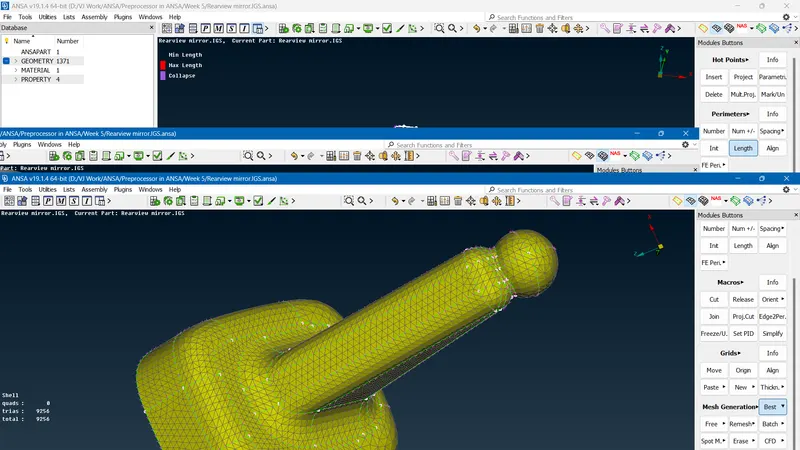
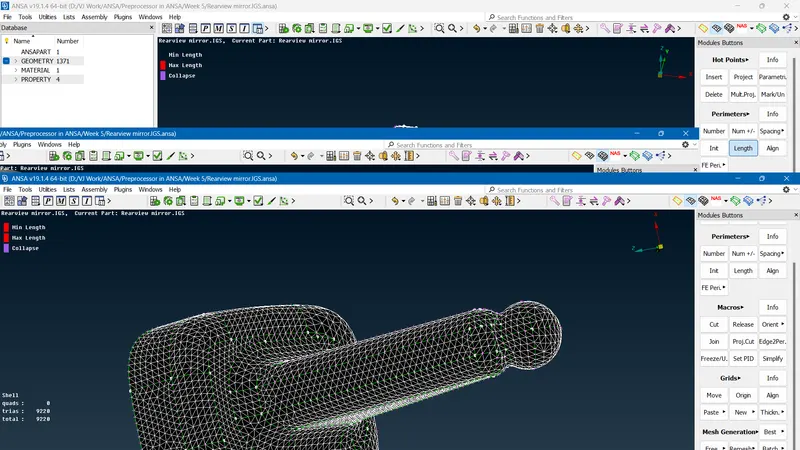
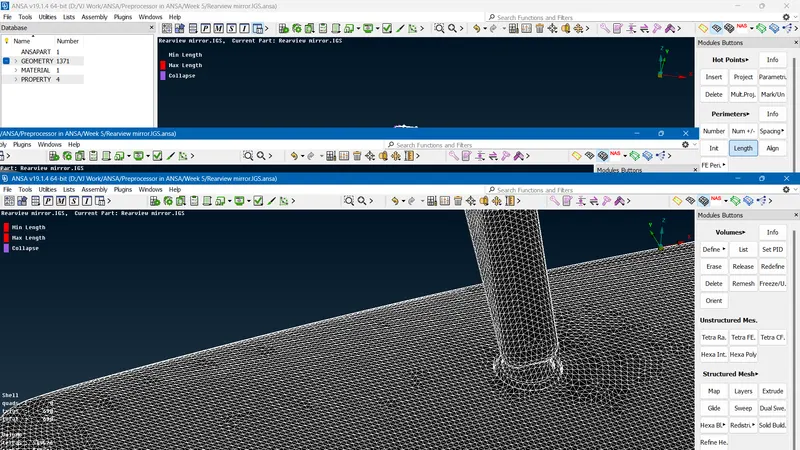
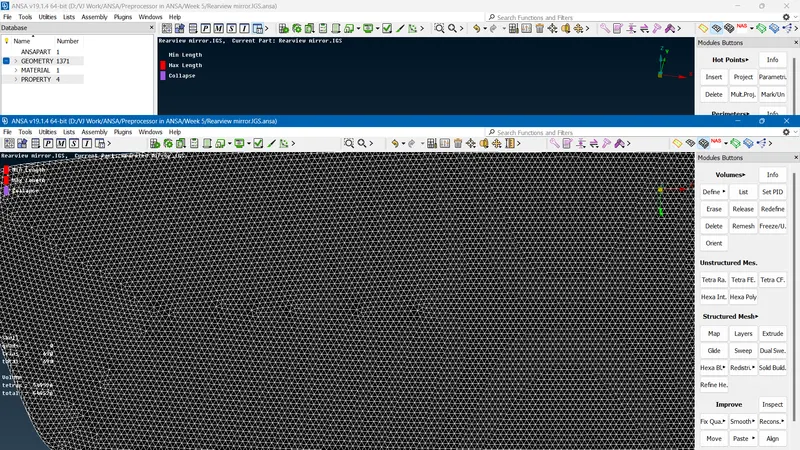
- Meshing the flat surfaces with tri elements. And clearing quality errors.
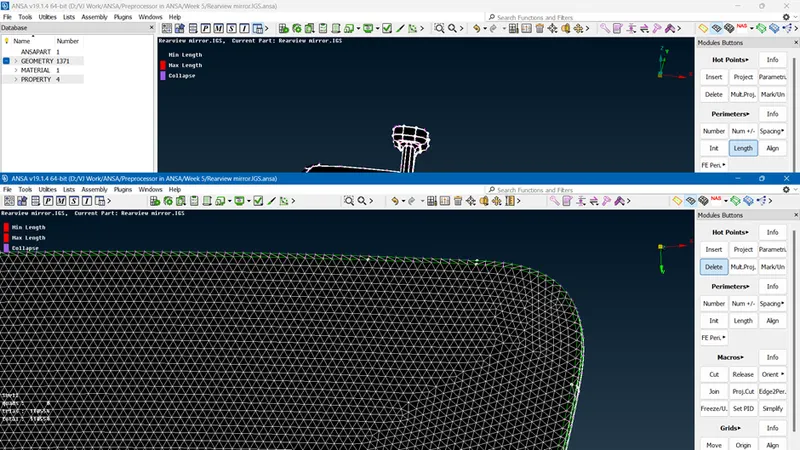
- Meshing the curve surfaces with Ortho tria elements. And fixing the quality errors.
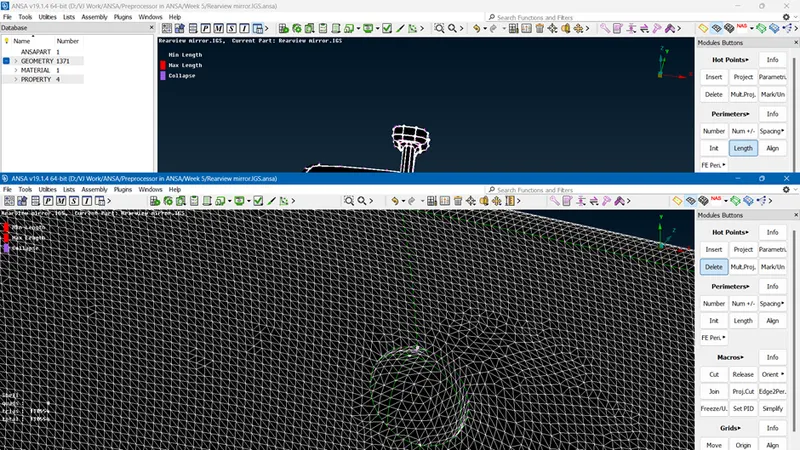
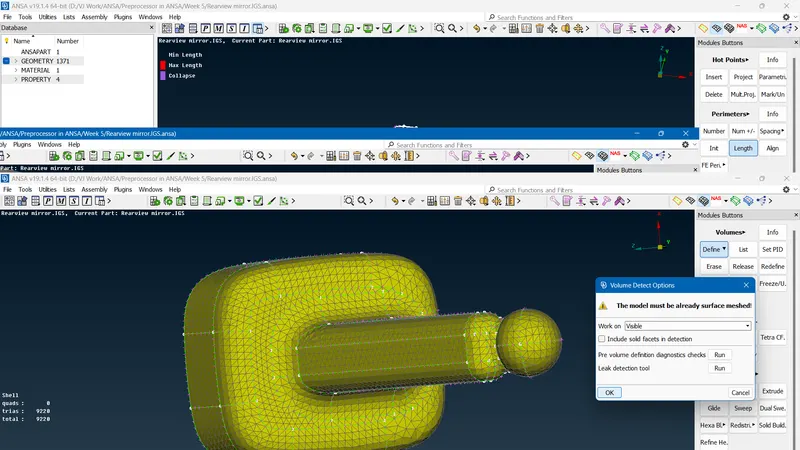
- Defining volume from generated 2D mesh.
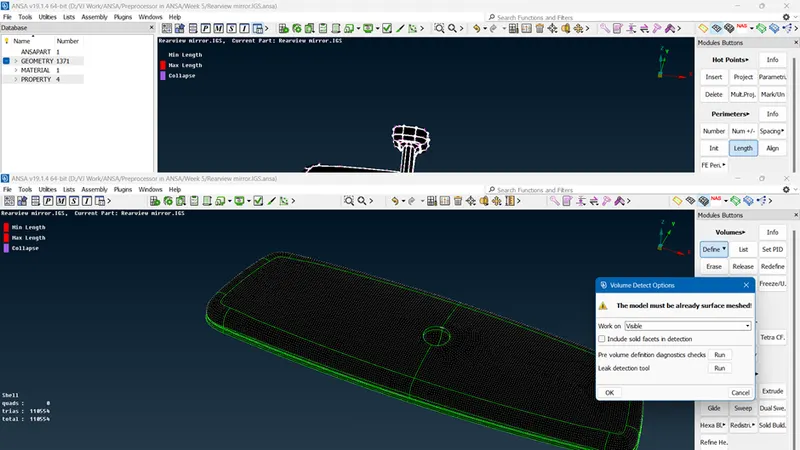
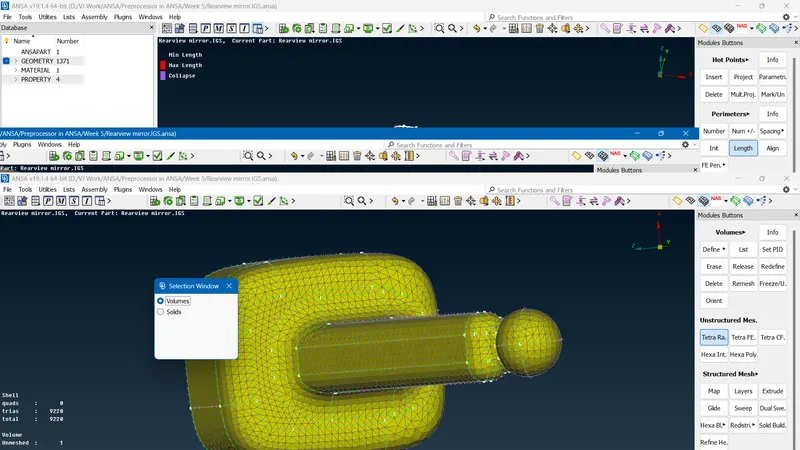
- Setting PID for generated volume.
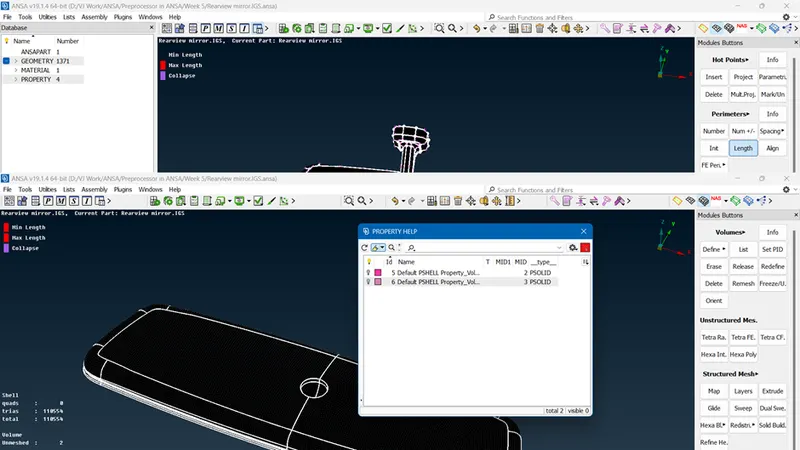
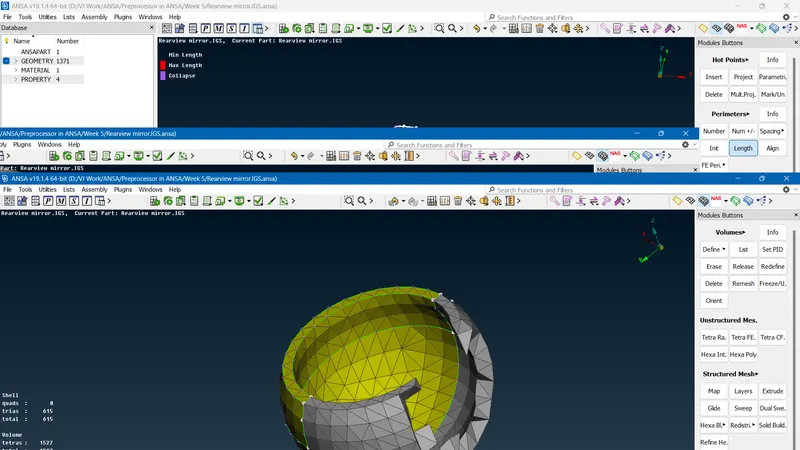
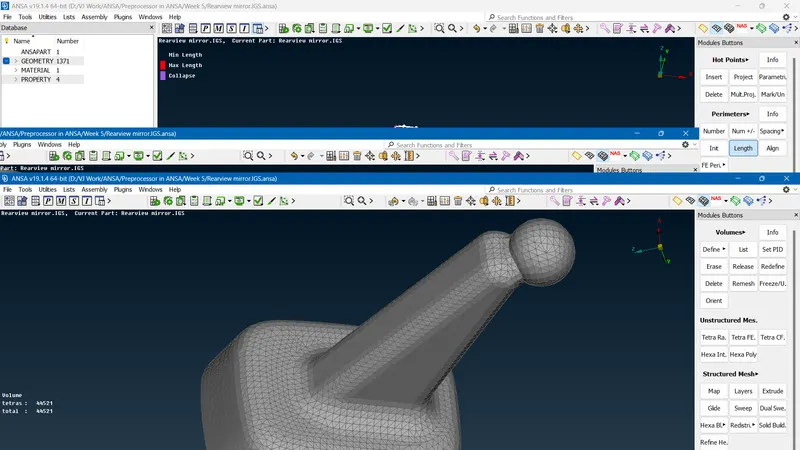
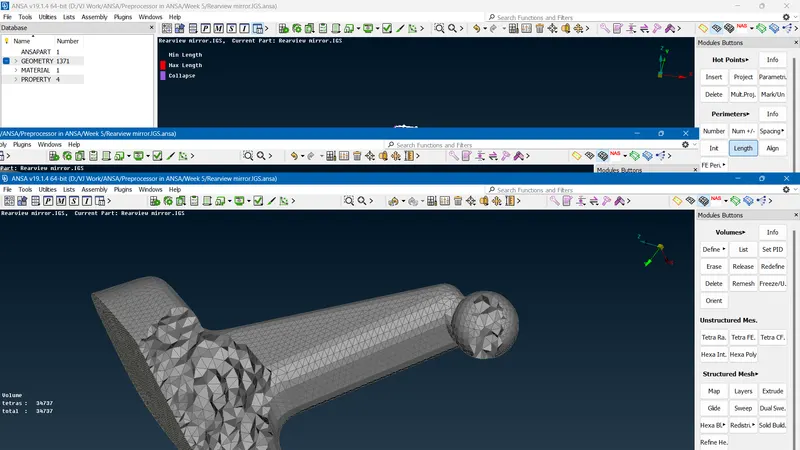
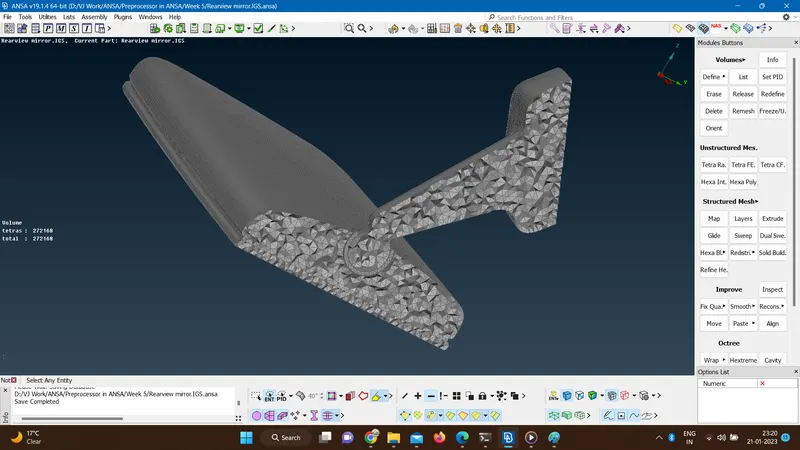
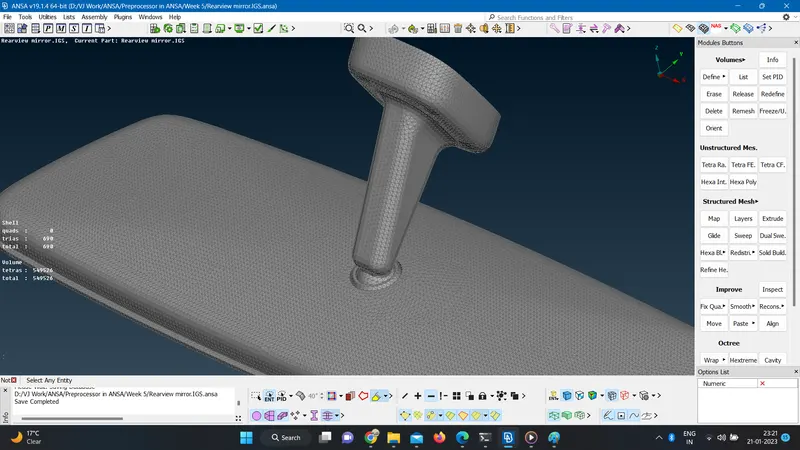
- Converting the 2D mesh to Solid mesh by using tetra rapid.
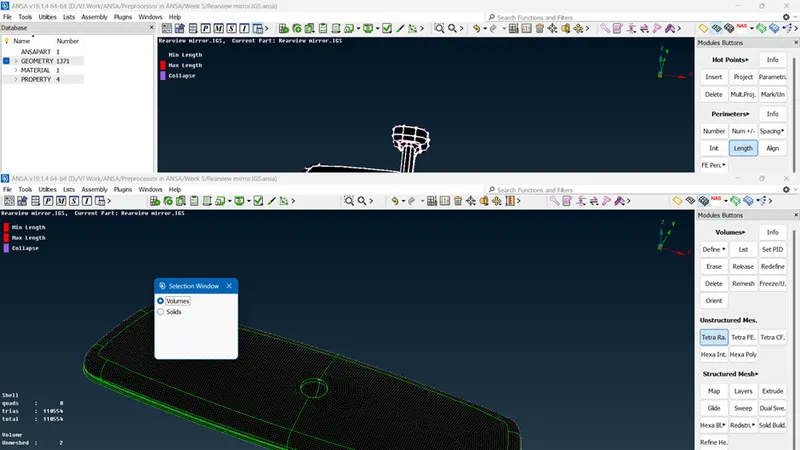
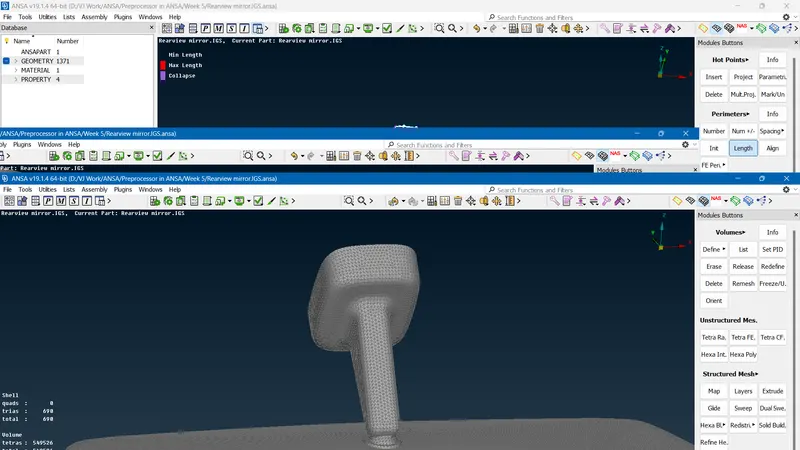
- Generated 3D mesh
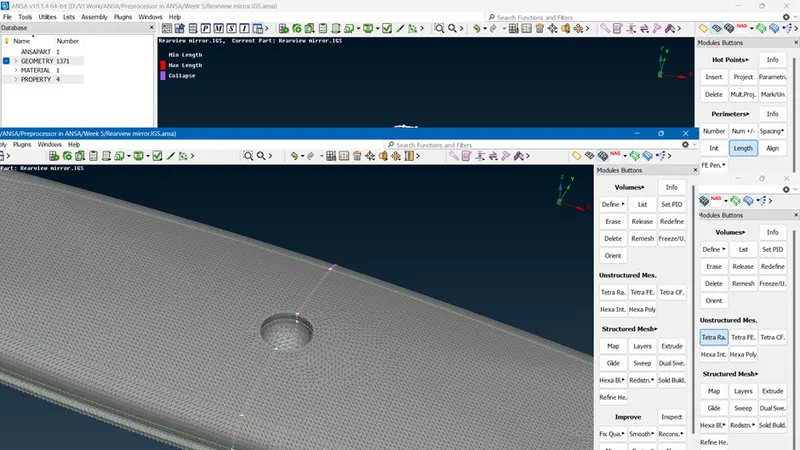
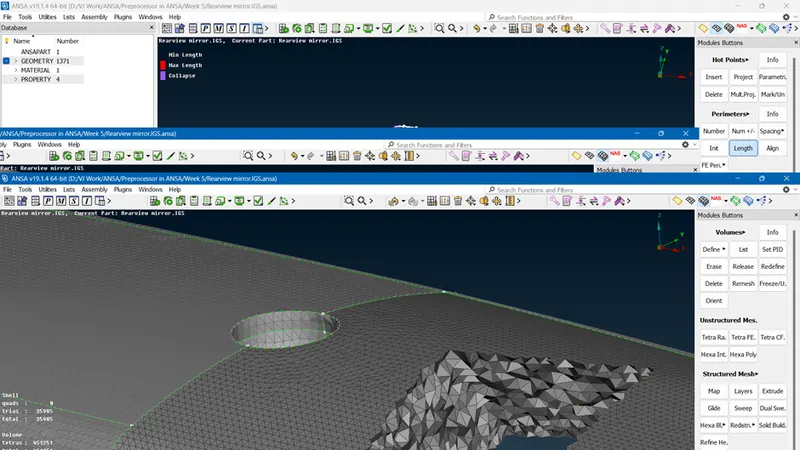
- Following the same steps for other two objects.
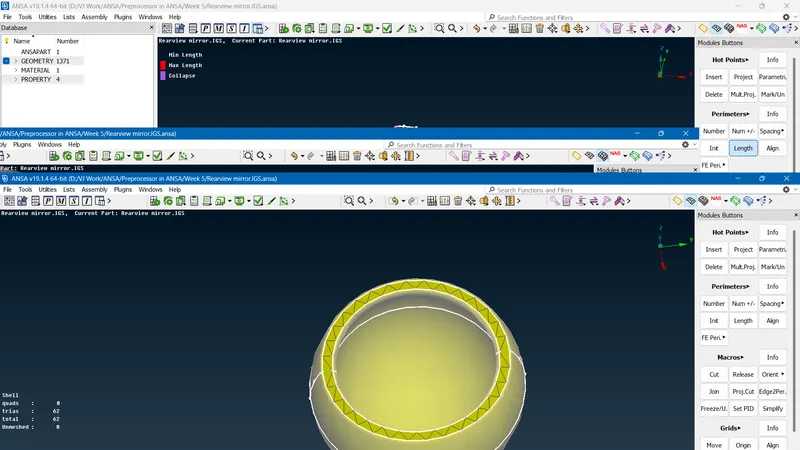
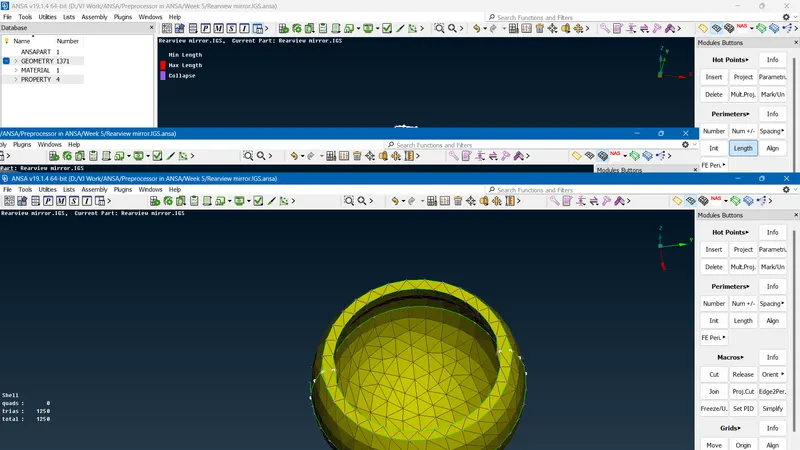
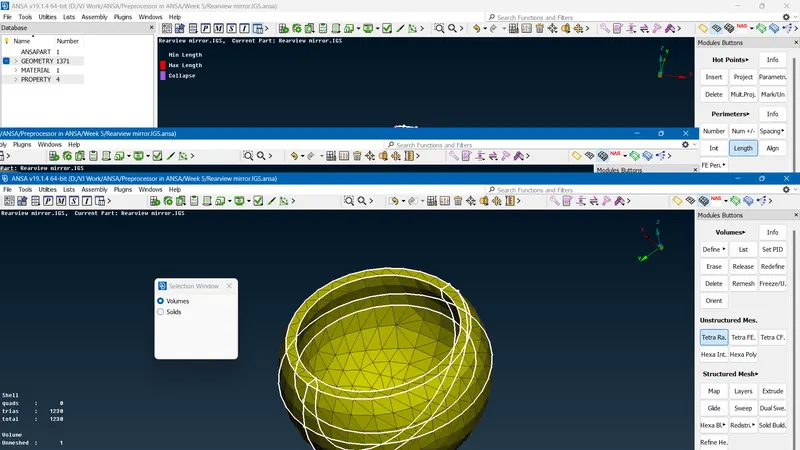
- Saving the final completed mesh file.
- Conclusion-By performing this challenge I have learn the following points.
- Meshing flat surfaces with Tria elements and round or circular surfaces with ortho tria elements in tetra meshing.
- Mesh Connectivity is not necessary in tetra meshing.
- Generation of volumes and then converting them into solid mesh using tetra rapid mesh.