Week - 4 - 2D meshing for Plastic components
AIM:
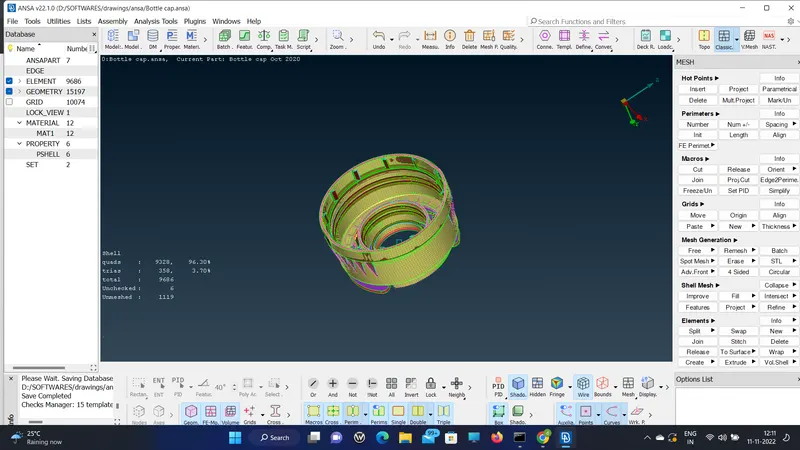
To do the FE model for the plastic component(bottle cap) given in the challenge with good mesh flow, quality, and thickness.
PROCEDURE:
1. First import the model and check the geometry for any unwanted cons or cracks in the model.
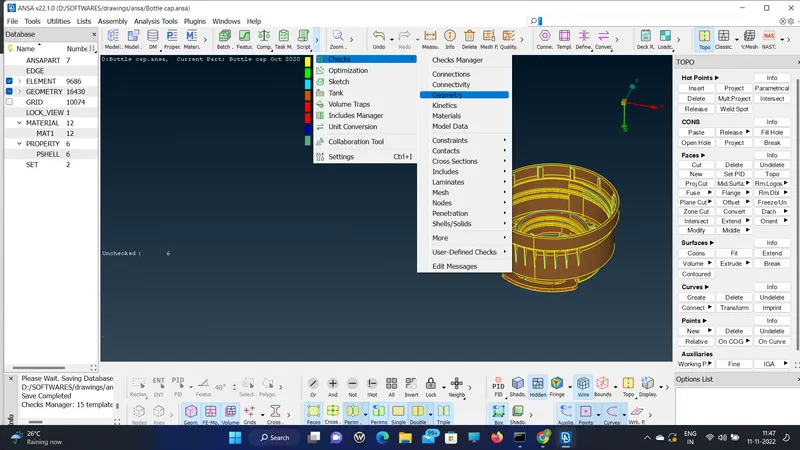
2. If the result says no error then proceed with the auto mid-surfacing. In this case, it doesn't work out thus I did the manual mid-surfacing and set it to a different PID(property ID) to assign different thicknesses.
3. Using offset for the outer surface. Middle option from faces for features like ribs. Middle option from curves for the threads in the bottle cap.
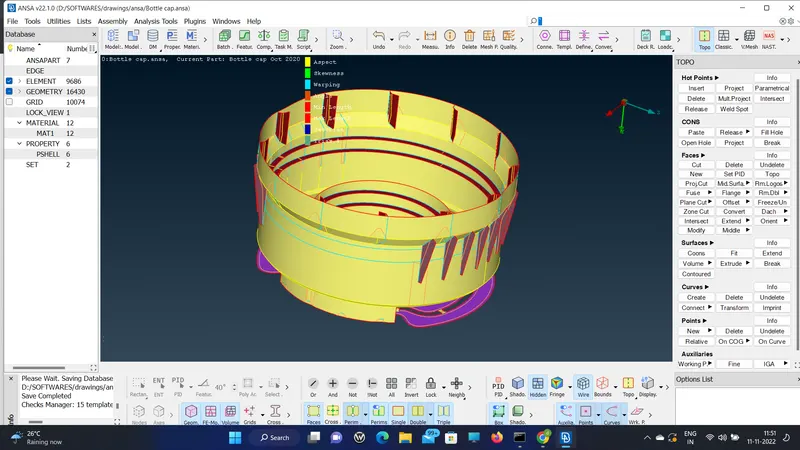
3. Then after the mid-surface is over, go with the meshing of the mid-surface using spot-mesh and improve.
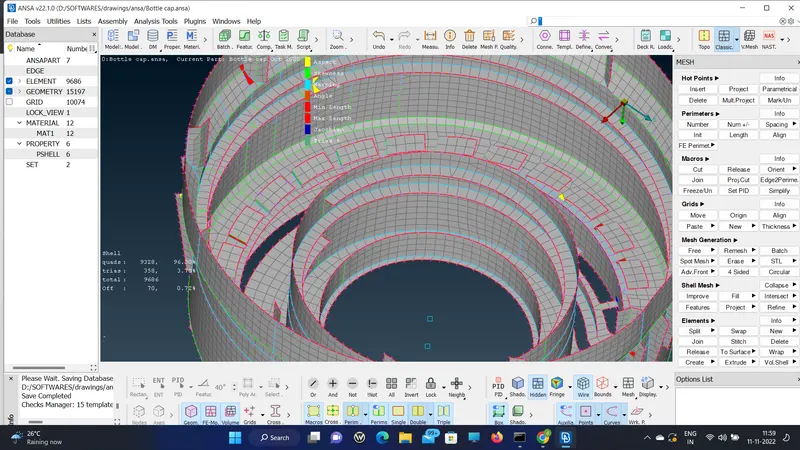
4. For better quality and good mesh flow: use the split option to eliminate opposite trias.
5. Use join to fuse the two trias and smooth.
6. Use the improve option from shell mesh to reconstruct, fix quality, and smooth.
7. Some places like corners of the con are out of quality.
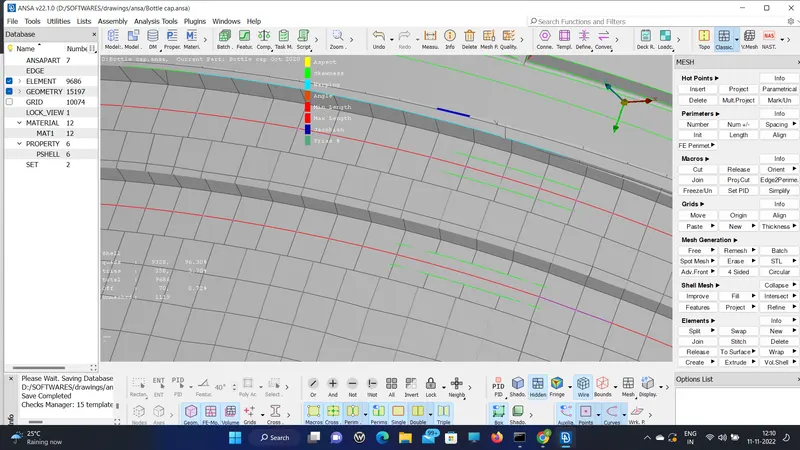
8. At last go to the presentation tab in quality criteria and draw the shell as solid.
9. Check whether the assigned thickness is covering the parent geometry.
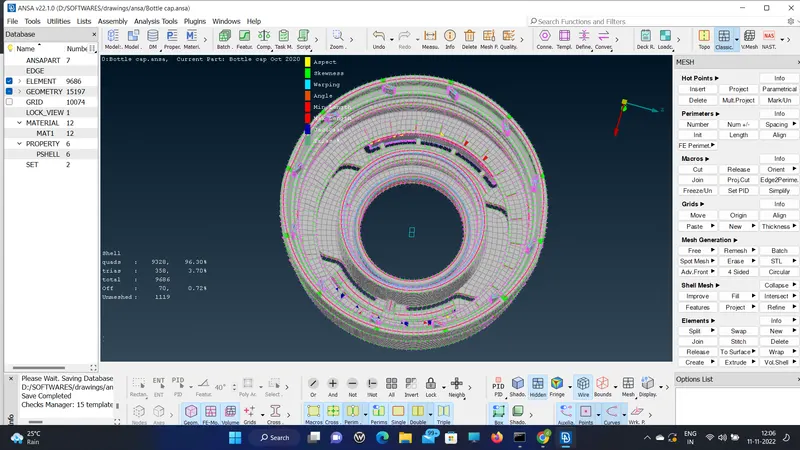
RESULT:
I learned the manual mid-surfacing of plastic components of varying thicknesses. Also, the mid-surface for the thread using the middle option in both faces and curves.