Week - 4 - 2D meshing for Plastic components
Objective:-
To extract the mid surface and mesh the given cap component using given quality criteria and assign correct thickness to the property.
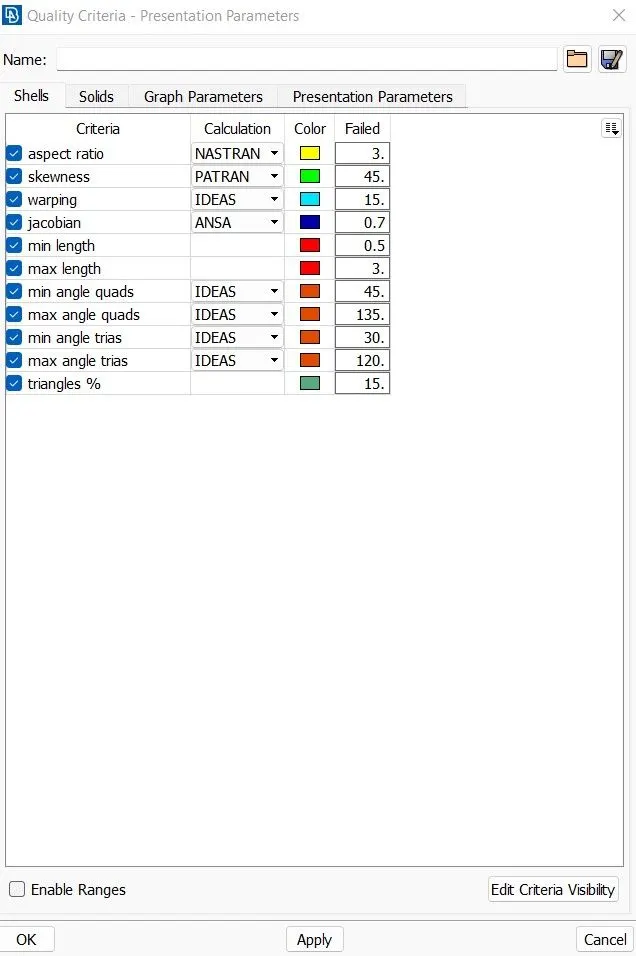
| S.No. | Quality Criteria | Value |
| 1 | Target / Average length | 1 |
| 2 | Minimum Length | 0.5 |
| 3 | Maximum Length | 3 |
| 4 | Aspect | 3 |
| 5 | Warpage | 15 |
| 6 | Skewness | 45 |
| 7 | Jacobian | 0.7 |
| 8 | Minimum Quad Angle | 45 |
| 9 | Maximum Quad Angle | 135 |
| 10 | Minimum Trai Angle | 30 |
| 11 | Maximum Trai Angle | 120 |
| 12 | Tria Percentage | 15 |
Importing the CAD Model:-
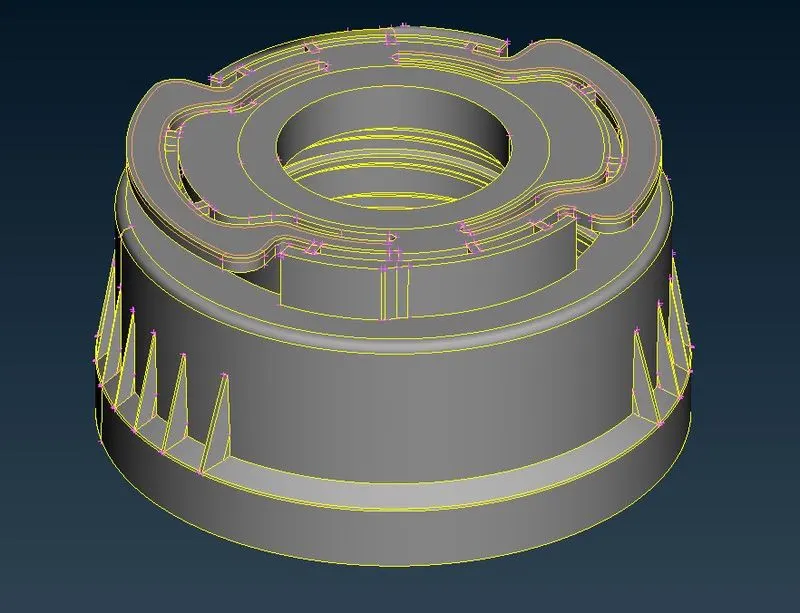
Procedure:-
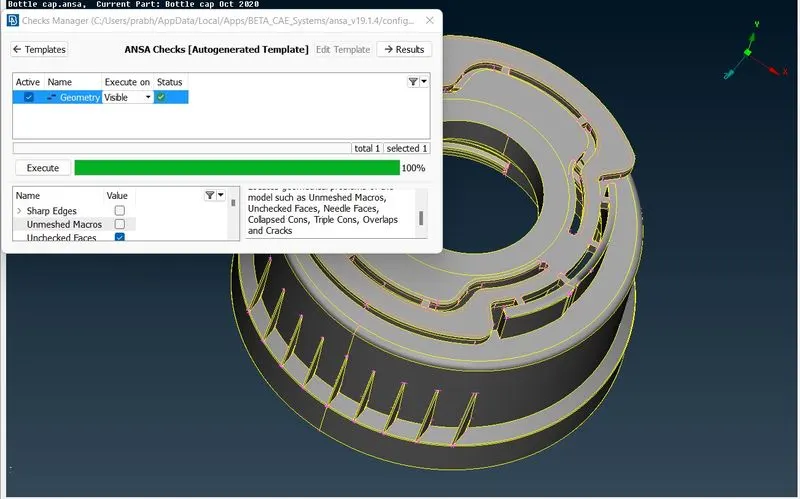
- Importing the model first, then checking for geometry error like single con, needle face,crack surfaces using checks-geometry tool in menubar, after thet we will execute the option and check for the errors, if the errors appears then we will try to fix those errors by right clicking on errors and clicking on fix option to fix all errors.
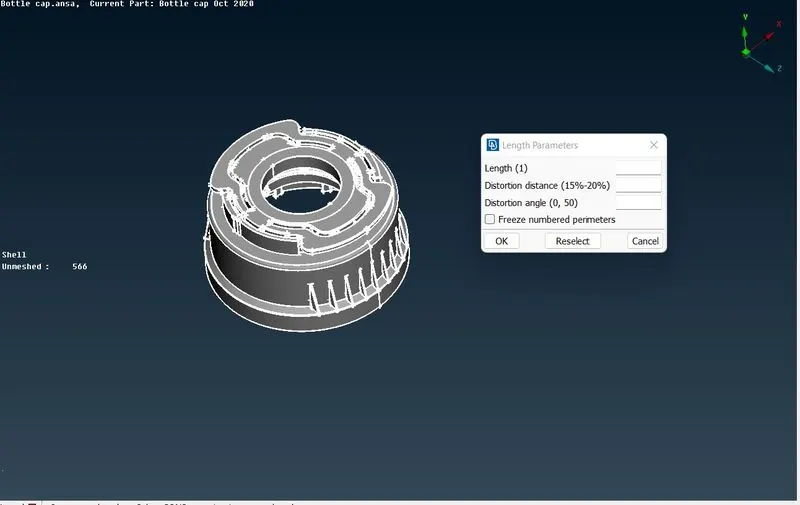
- Now we will select mesh then perimeter then length and providing the value as 1 to refinr the macro and perimeter of the ,odel for good resolution to see the component.
- Now we will measure the thickness of the cad model to extract the mid surface out of it.
- As the top of the bottel cap surface is having even surface thickness we can directly go for offset the face.
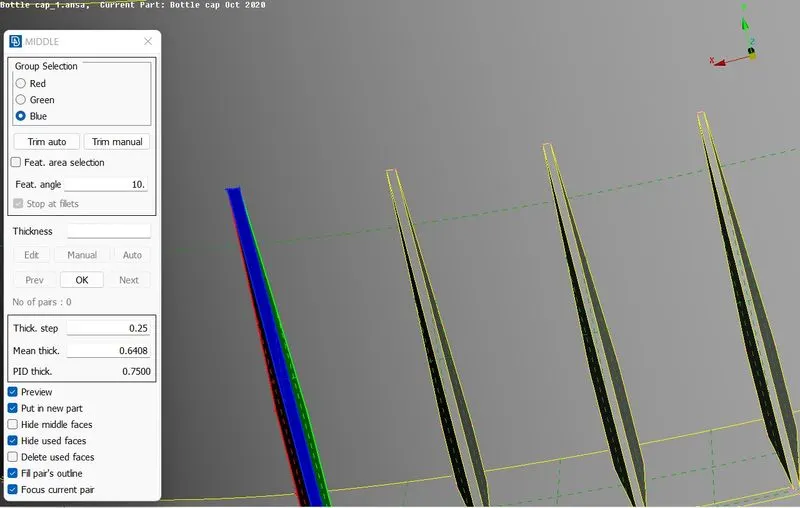
- In this model we have thread in inside of bottel cap. It has rectangular shape and here we will extract mid curve and project it to the mid surface. We will connect those lines with new surface generate.
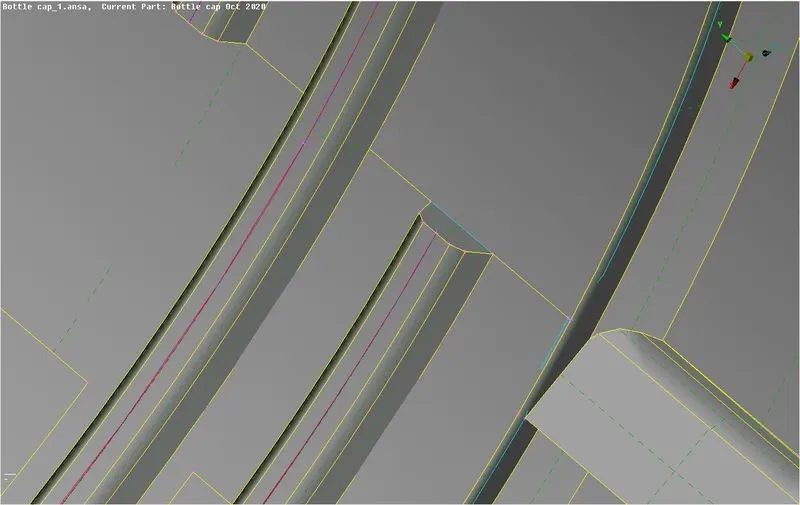
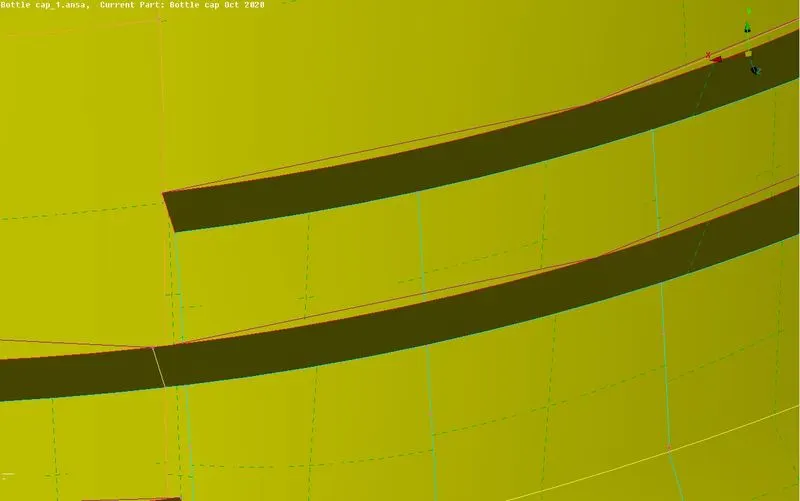
- We have ribs at bottom of the bottel cap model, we can go for offset from either of surface taking middel distance.
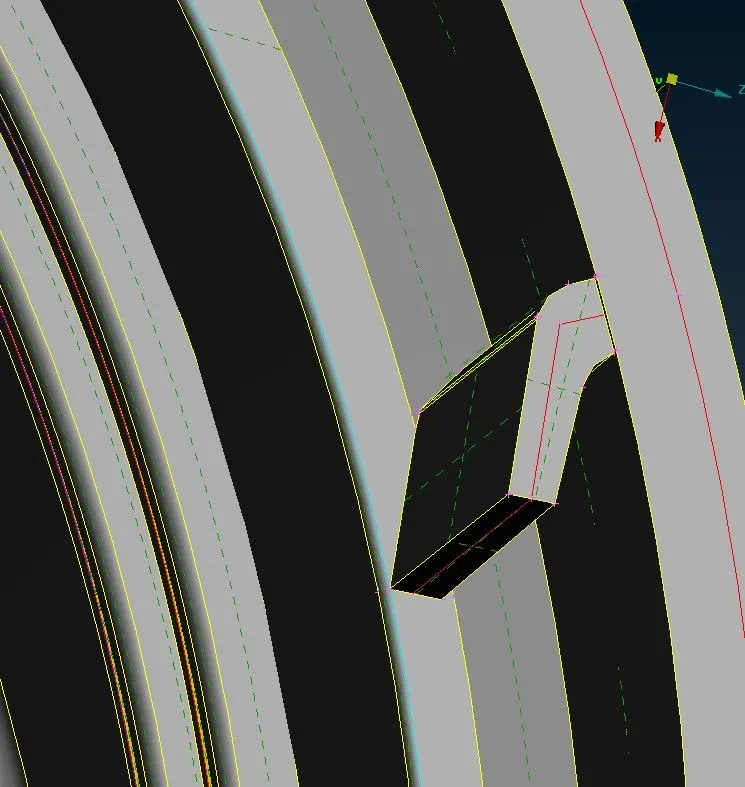
- Now we will assign the thickness for the mid surface. we have some varying thickness that we have to create gradual thickness variation under one surface. We can create property easily.
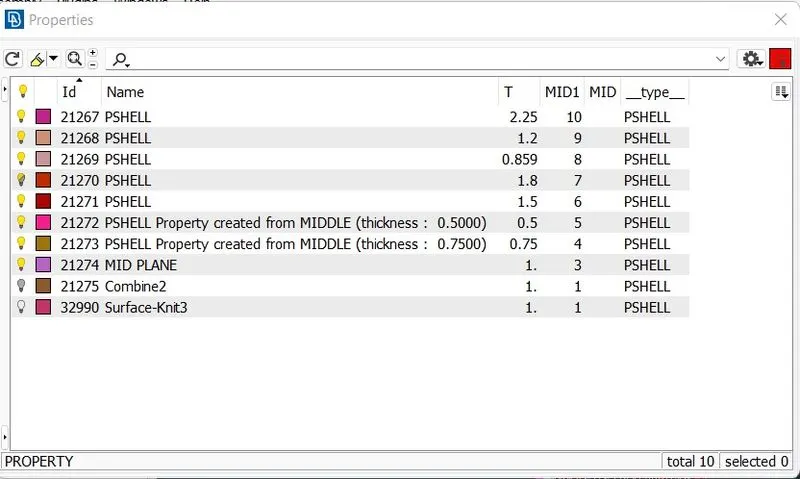
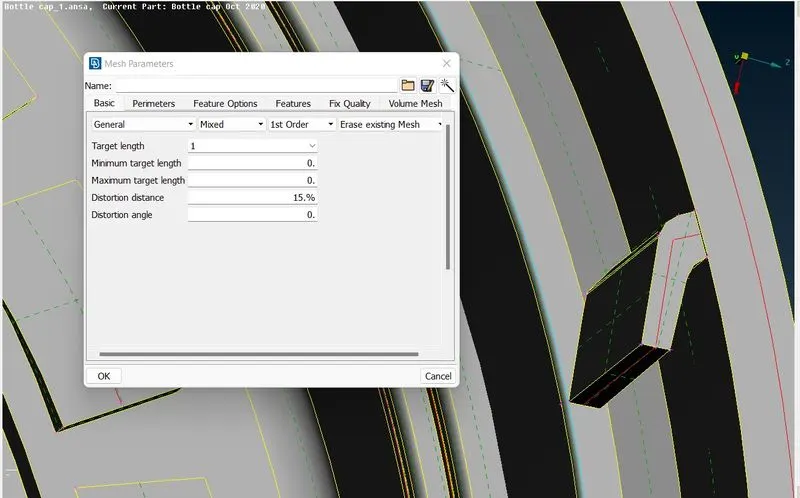
- Now we can move to mesh the model first set the mesh parameters. We will first set the mesh parameters give taregt element length as 1mm.
- Now given quality criteria for the mesh. Select quality criteria and assign value as given in the above, select presentaion parameters then select element percentage then click on ok.
- First select the macros and then select best in mesh generation then the generated mesh on the model.
- Now we will go for reconstruct tool for remeshing the existing mesh.
- Now use split,paste swap option for reduce the opposite trias in the exisiting mesh in the the model.
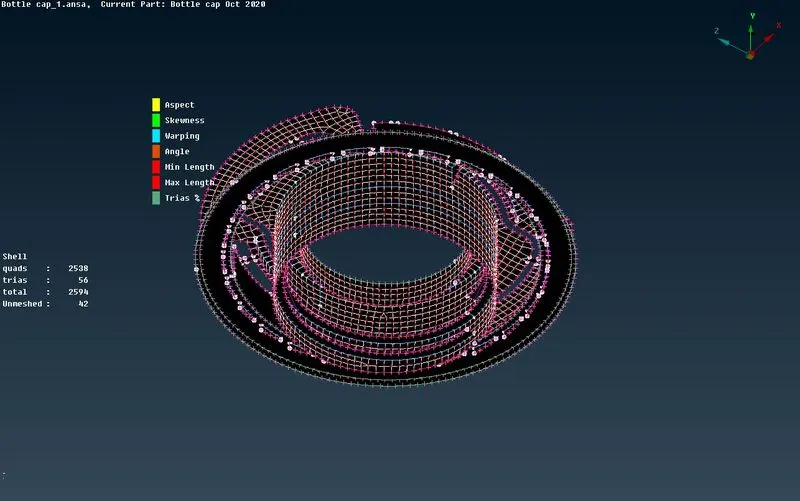
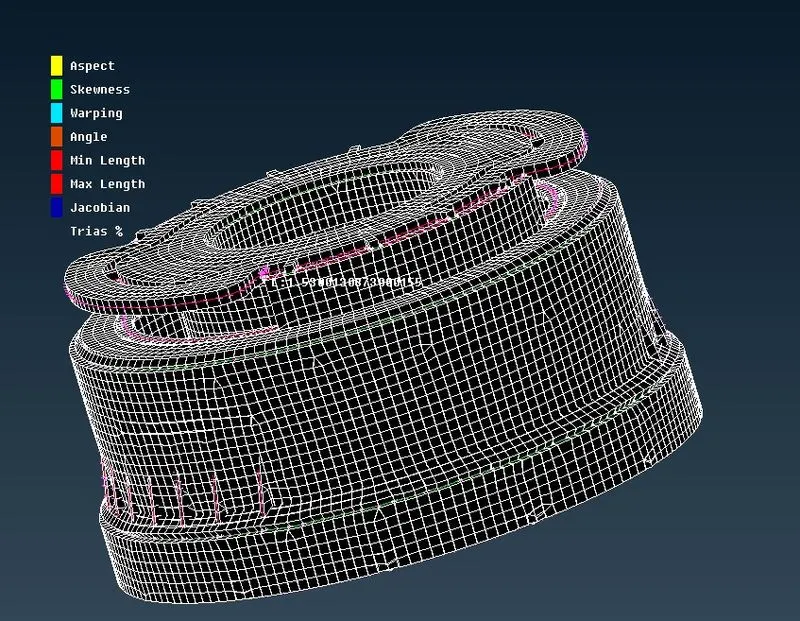
- Now the mesh is generated and check for the quality criteria and the failed elements are corrected using tool like smooth, reconstruct, fix quality, move in the mesh module, then finally the mesh are generated for the given model.
Final Meshed Component :-
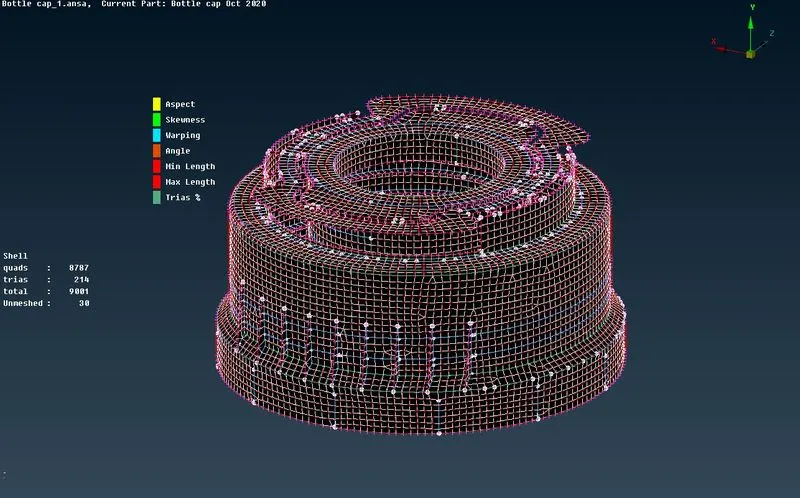
Final Shell elements represented as solid componenet-
Learning Outcome-
Learned to use different kind of tools to create mid surface and to create a surface using mid curve and mid line.
Conclusion-
The given bottle cap model is meshed with given quality criteria using mid surface with assigning appropriate thickness to all the surfaces.