Week - 4 - 2D meshing for Plastic components
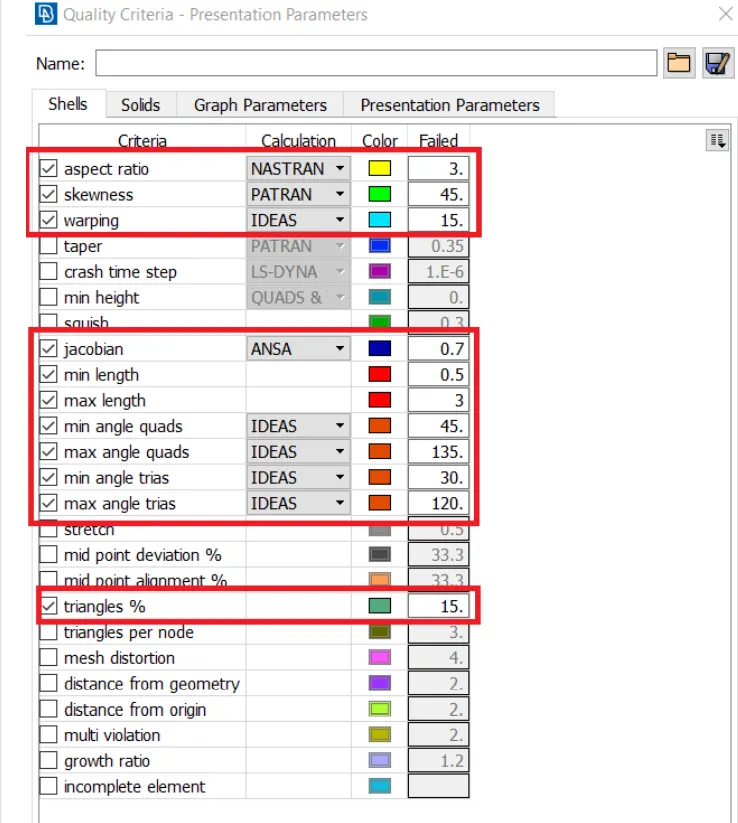
AIM:- To mesh the given plastic bottle cap model take the mid surface and assign thickness.Quality criteria as shown below.
|
S.No |
Quality Criteria |
Value |
|
1 |
Target/Average length |
1 |
|
2 |
Minimum Length |
0.5 |
|
3 |
Maximum Length |
3 |
|
4 |
Aspect |
3 |
|
5 |
Warpage |
15 |
|
6 |
Skewness |
45 |
|
7 |
Jacobian |
0.7 |
|
8 |
Minimum Quad Angle |
45 |
|
9 |
Maximum Quad Angle |
135 |
|
10 |
Minimum Tria Angle |
30 |
|
11 |
Maximum Tria Angle |
120 |
|
10 |
Tria Percentage |
15 |
PROCEDURE:-
1.First import the bottle cap model in ANSA.
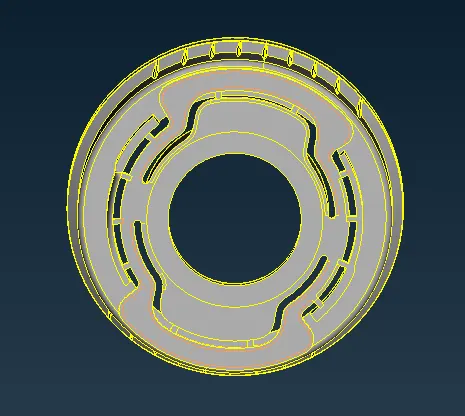
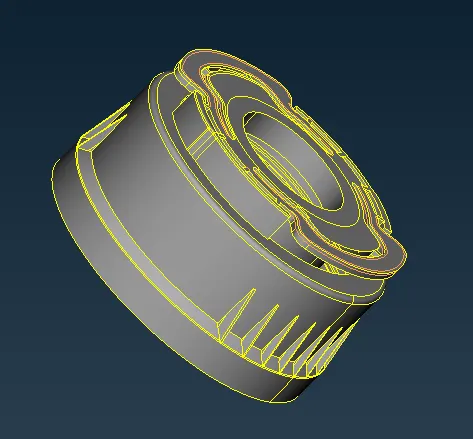
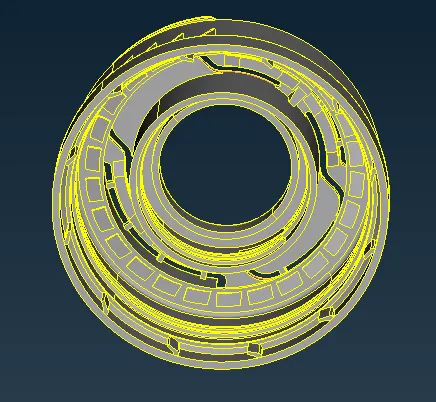
2.Next check the geometry goto Tools→Checks→Geometry→Execute as shown below.
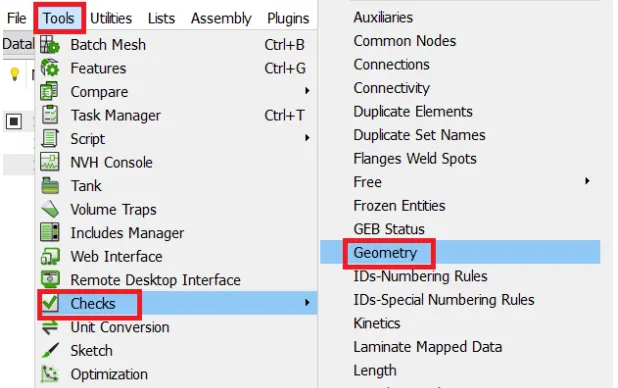
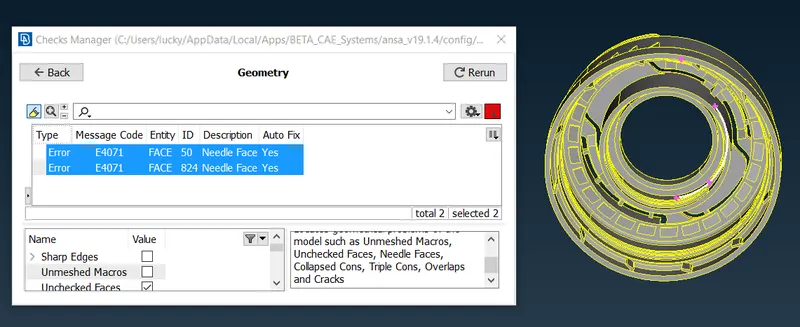
In this model,two errors has been observed and these errors can be solved by auto fix.
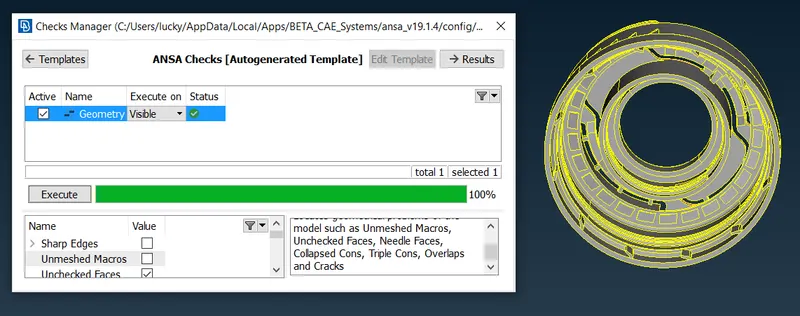
In the model, no errors are there so the given bottle cap model is good.
And next go to the mesh→perimeters→length→perimeters→Length 0.5→Ok as shown below.
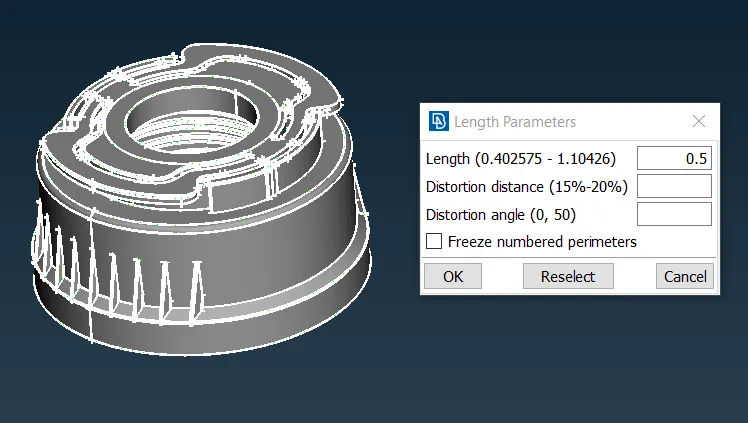
FOR PERIMETERS AND MACROS
3. Checking the PID:
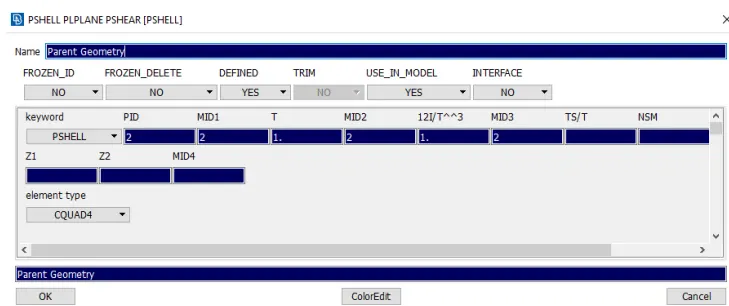
- The PID is used to create a property of the particular model parts or the total model. To create a new PID or to check the existing PID’s.
- Click Lists >> Properties.
- You can see the Properties which are created before.
- To create a new PID, right-click on the dialog box, the drop-down appears. Click New >> PSHELL>> PSHELL.
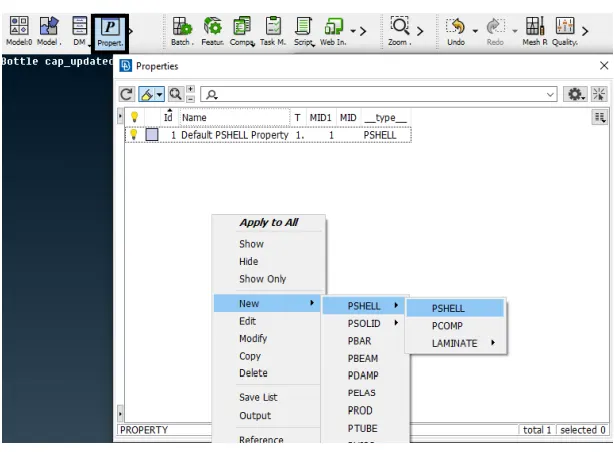
- Then a New PID is created.
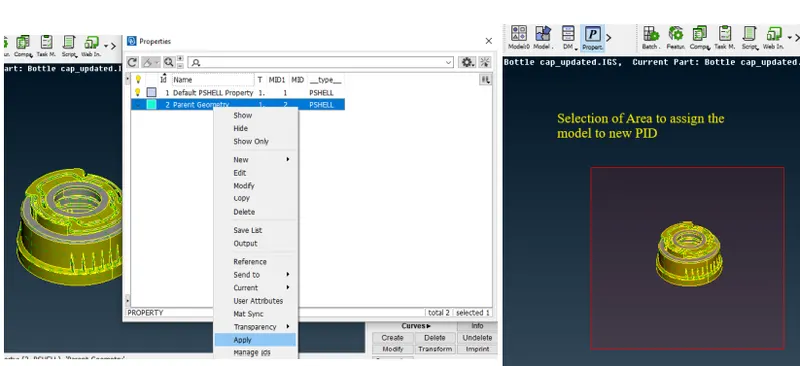
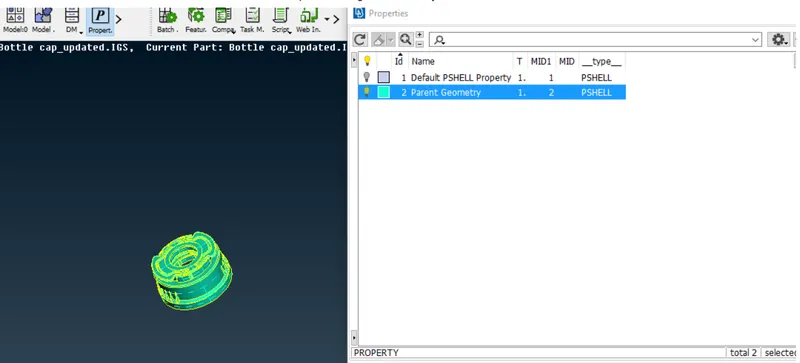
- To assign a part to the PID. Select the element needed to be assigned and do the middle click on the mouse to confirm.
4. Creating the Midpoint:
- To give the mid surface location the thickness of the element/ model should be known and to know the model thickness that measure tool is used. Click Utilities >> Measure >> Select the Nodes >> Click Check the thickness at different locations.
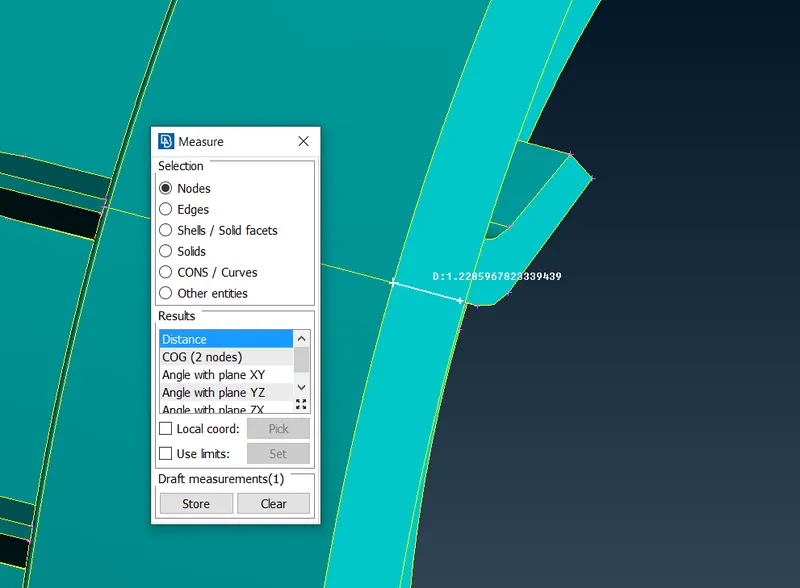
- Mid-surface is created to use it to do the meshing as it does not affect the parent geometry but carry out the preprocessing simulation.
- The mid surface is created by using the module buttons in Topo Mode. In Module Buttons, Click Offset>> Skin in Faces then click on the face for which the mid surface is to be created. Click middle- click on the mouse to confirm and a dialog box appears in which the mid surface location is to be given.
- The offset value is given as the thickness of the selected surface divided by 2 and the direction in which the offset is going to be done is shown with an arrow symbol.
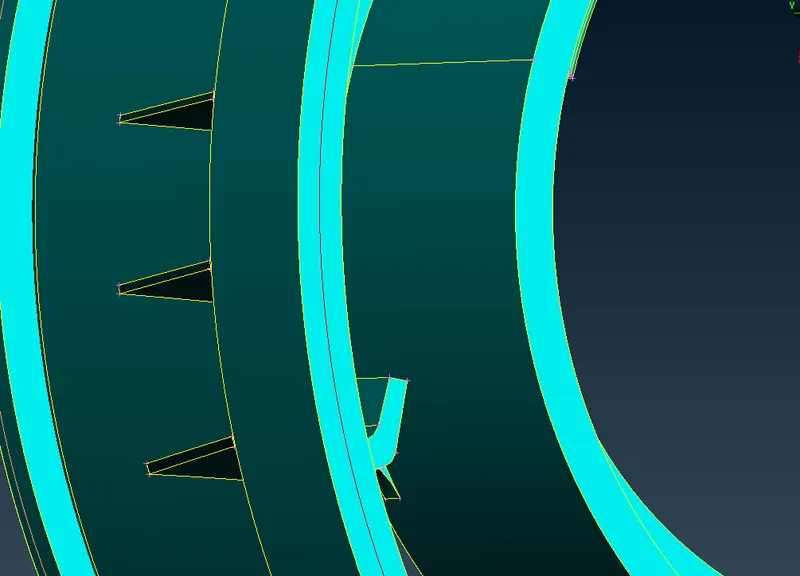
- For the Selection of Multiple Areas for the same feature, the Middle Multi option is used.
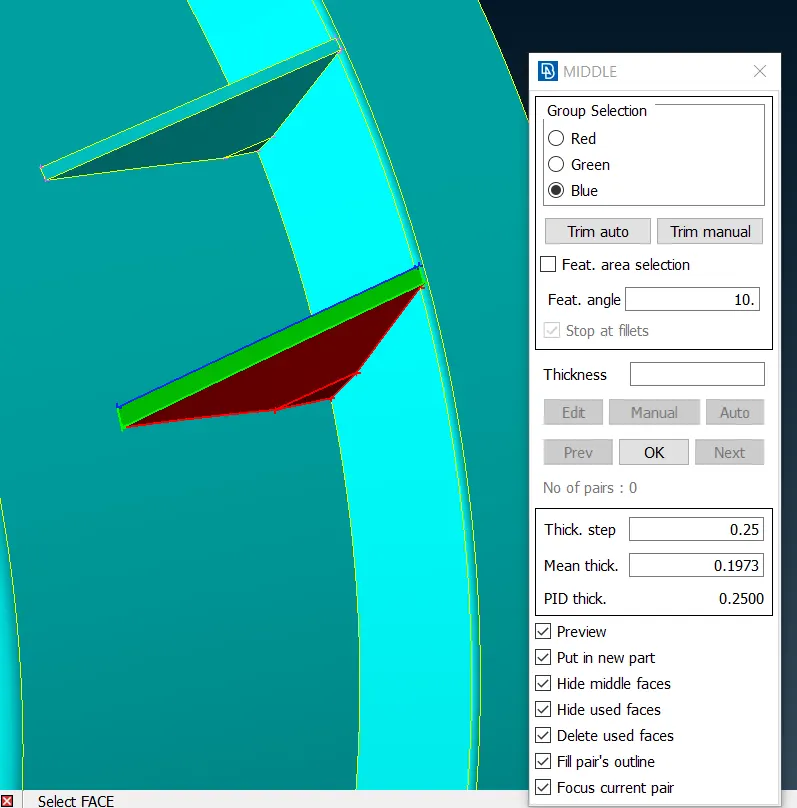
- Click Middle ( in Faces Button)>> Multi >> Select the Entities in the Red, Green, and Blue (RGB) (Where Red, Green are the either sides of the features and Blue is the Thickness of the Feature.
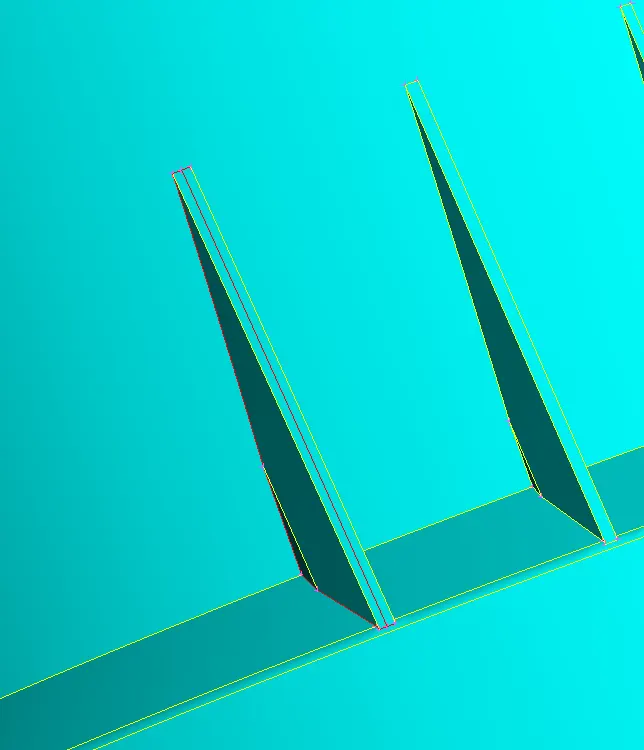
- Follow the same procedure for the below shown figure.
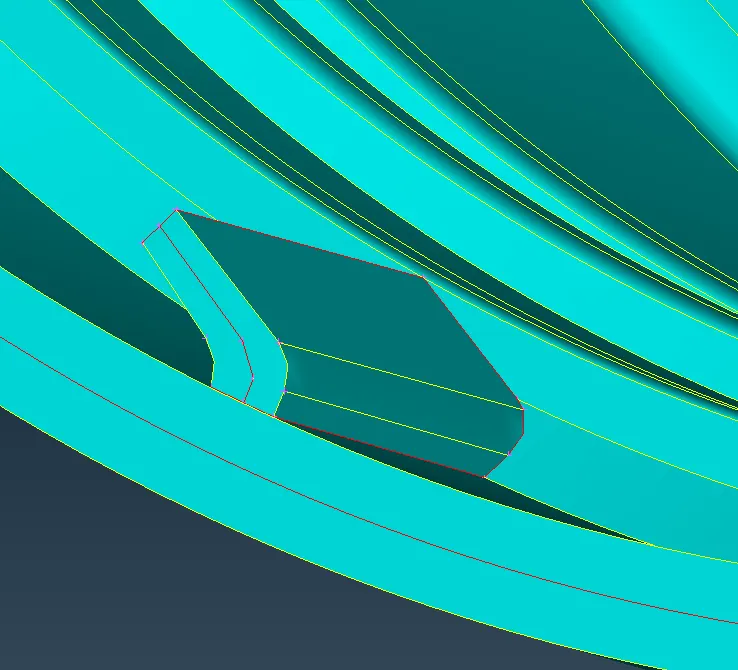
5.Next creating the mid surface for the remaining parts of the Bottlecap.
6.Goto the Topo→Faces→Offset→select face→Offset value→Ok as mentioned to create the mid surface for remaining all the components.
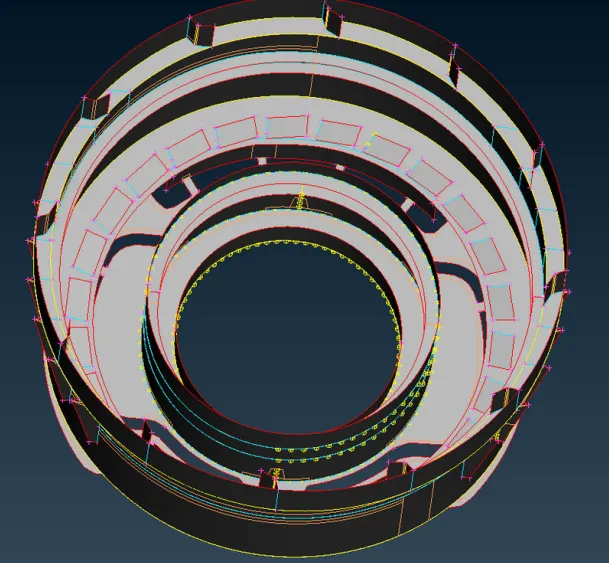
7.Following the above step all faces are offset as shown above.
8.Creating the mid surface followed by geometry clean up also as shown in the above image.
9.Next go to Quality criteria press F11 set the given quality parameters as shown below.
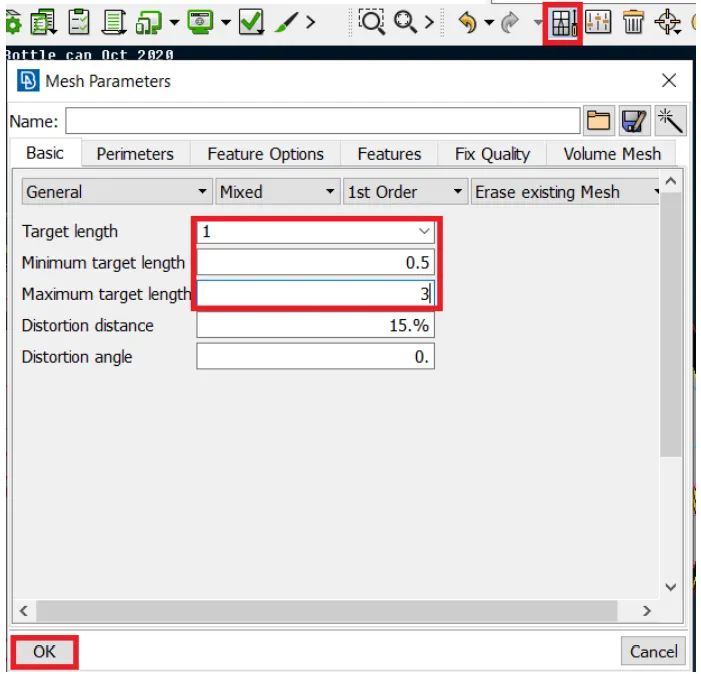
10.Next go to the mesh parameters set values as shown below.
11.Next go to the Mesh→Mesh generation→best→select surface as shown below.
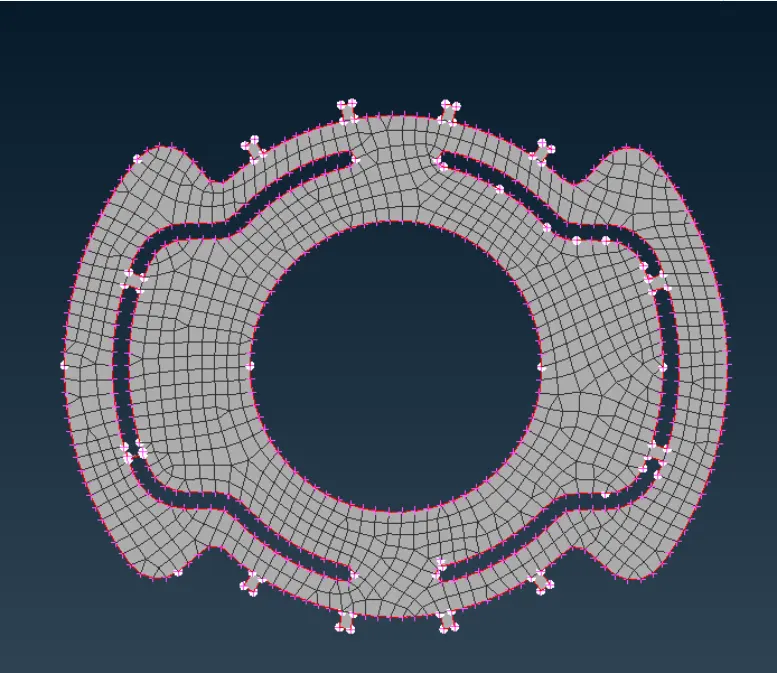
- In the above image, the mesh flow is not proper and more trias coming so change the mesh goto shell mesh>reconstruction a shown below.
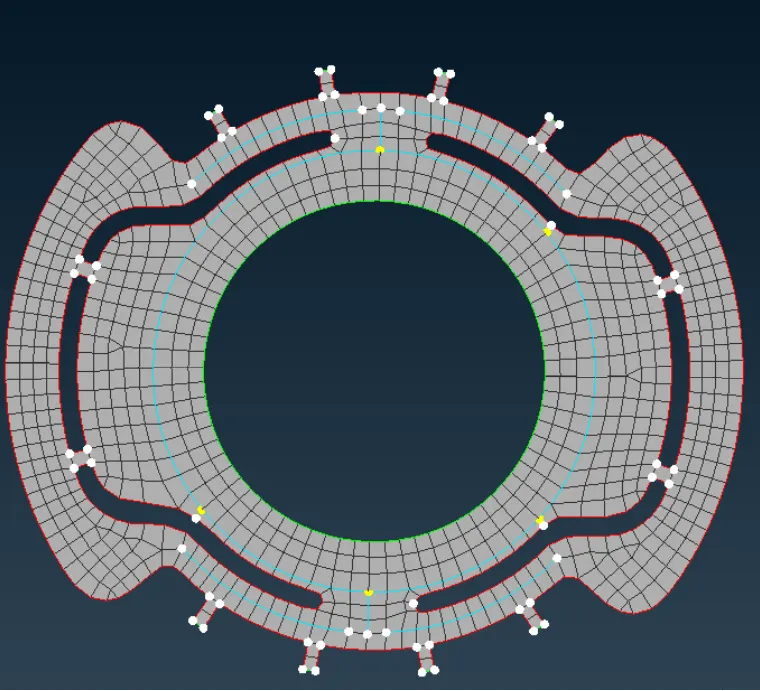
12.Follow the above step mid surface has meshed as shown below.
13.Next assign the thickness of each face.
14.First measure the thickness takes that value to create a new property for only that face as shown below.
15.Followed the above step assign the thickness for all as shown below.
16.Finally complete the mid surface, mesh and assigning the thickness on the bottle cap model.
Learning Outcomes:
The Basics of ANSA can be learned by practicing in this model. The following outcomes are learned
- Geometric Clean-up.
- Topological Correcting.
- Creating of Mid Surface using Offset, Middle, Middle (Multi), and Middle( Curves).
- Creating the Mesh.
- Correction of mesh errors.
- Adding the Thickness.
CONCLUSION:
The given bottle cap model is meshed with given quality criteria, created mid surface and assigning various thicknesses.