Week - 4 - 2D meshing for Plastic components
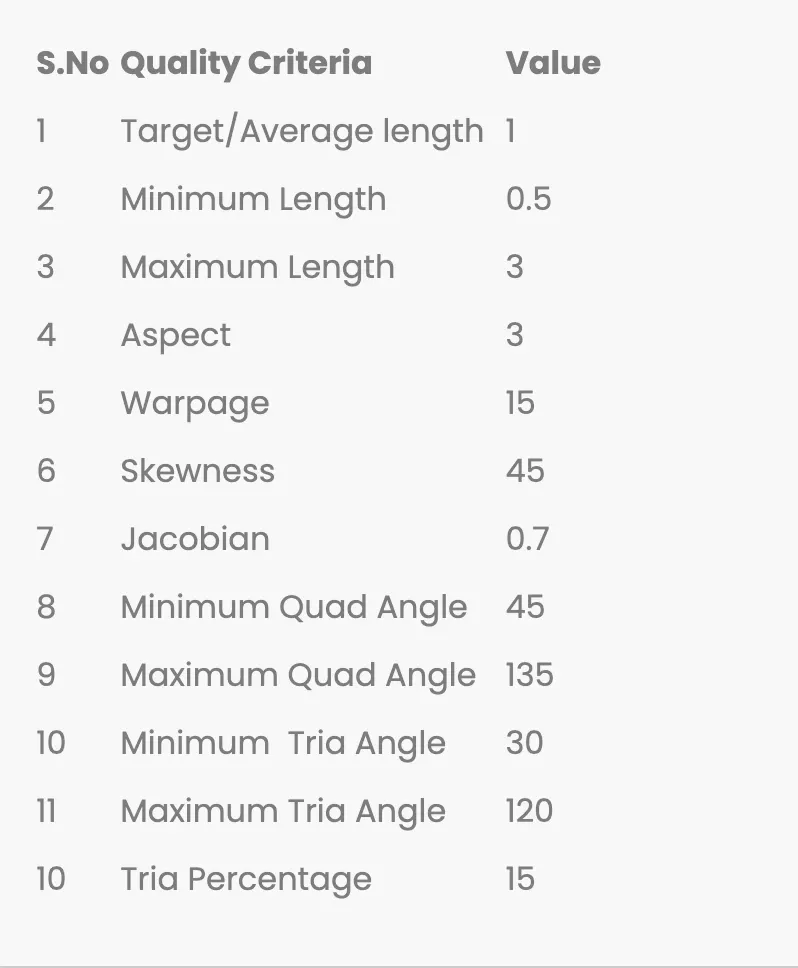
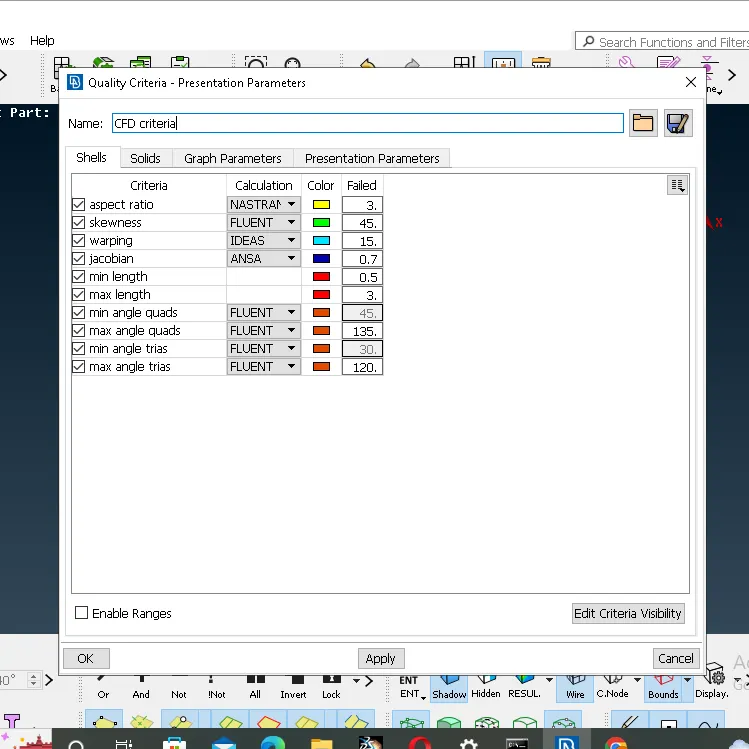
Aim: For the given Plastic Bottle Cap model,check for the geometrical errors and take the mid surface by suitable mid surfacing techniques.PID and thickness assignment has to be done for all the mid surface.Mesh the same with given Element Quality criteria.
Objective: All the 2D elements in your model should clear the above mention Quality criteria.
Procedure:
1. First step import the model and provide length.
2. Then use orient command.
3. After that geometric cleanup of the Plastic Bottle Cap and fix the error occurs during geometric cleanup.
4. Take the measurement
5. Use offset command to extract the mid surface.
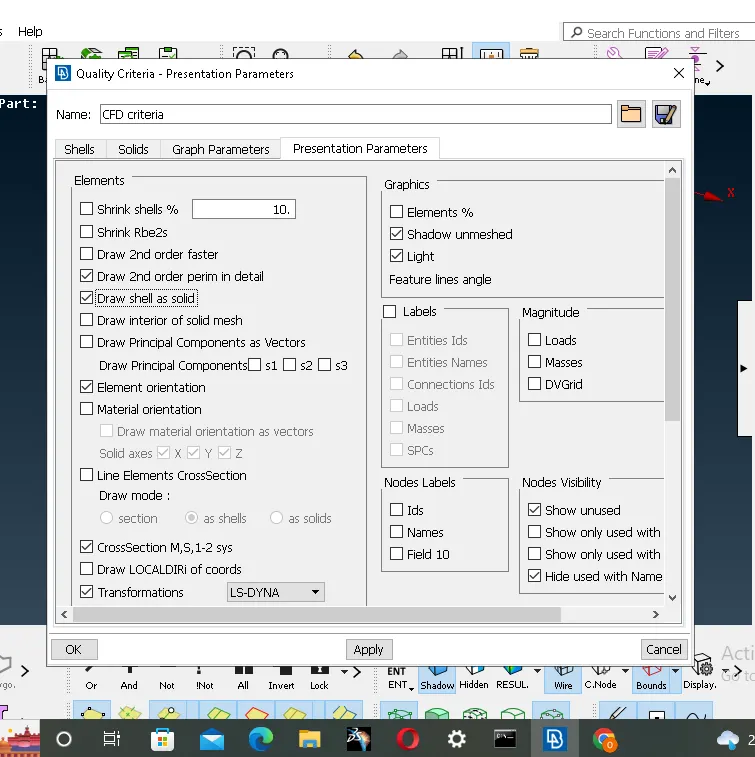
6. After that set the Quality criteria.
7. Also mention the mesh perimeter values.
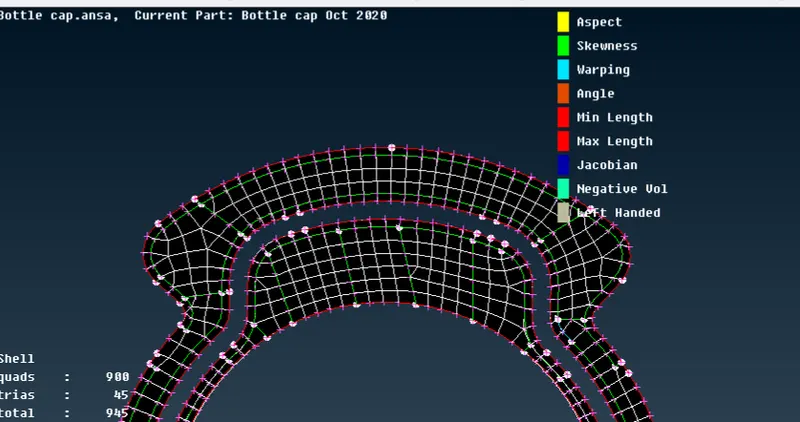
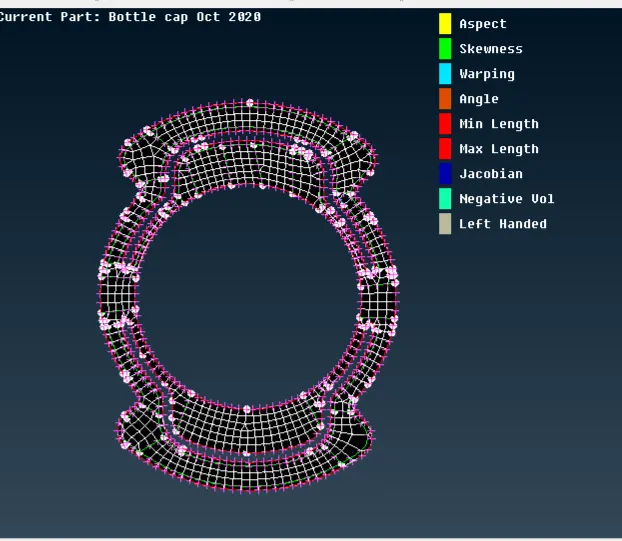
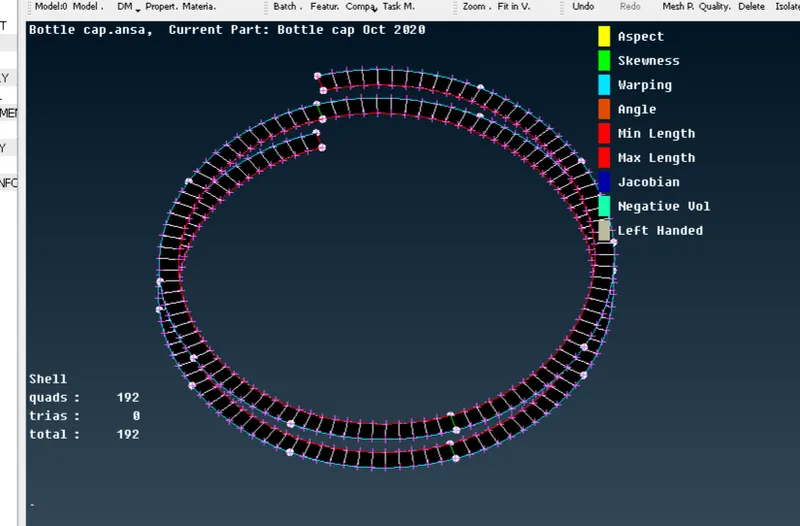
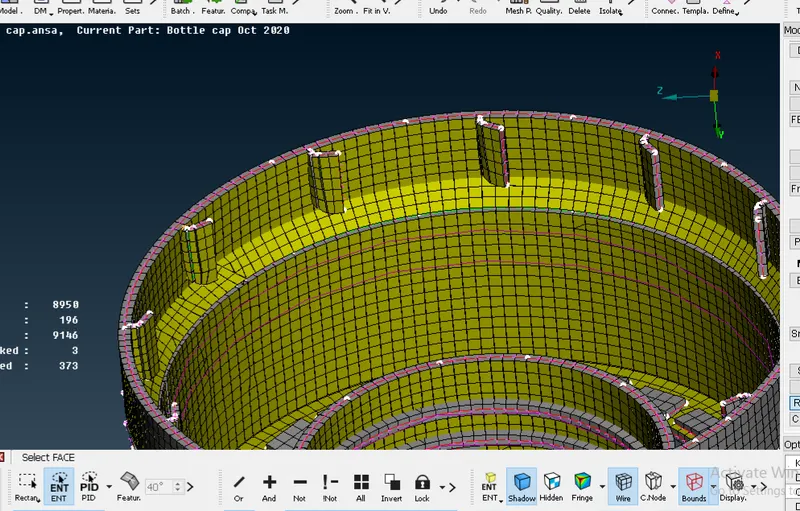
8. Generate mesh for particular model.
9. To avoids trias in meshing use command like Split,Swap,Num+/-,Reconstruction and Smooth option respectively.
1) Step 1 import model,Topo and provide length.
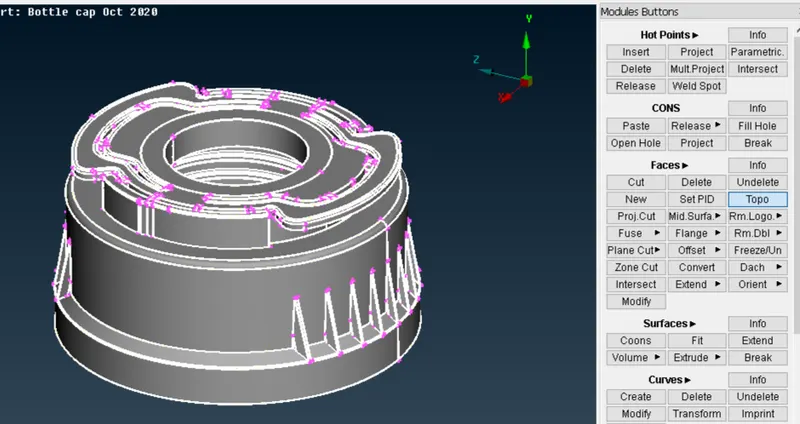
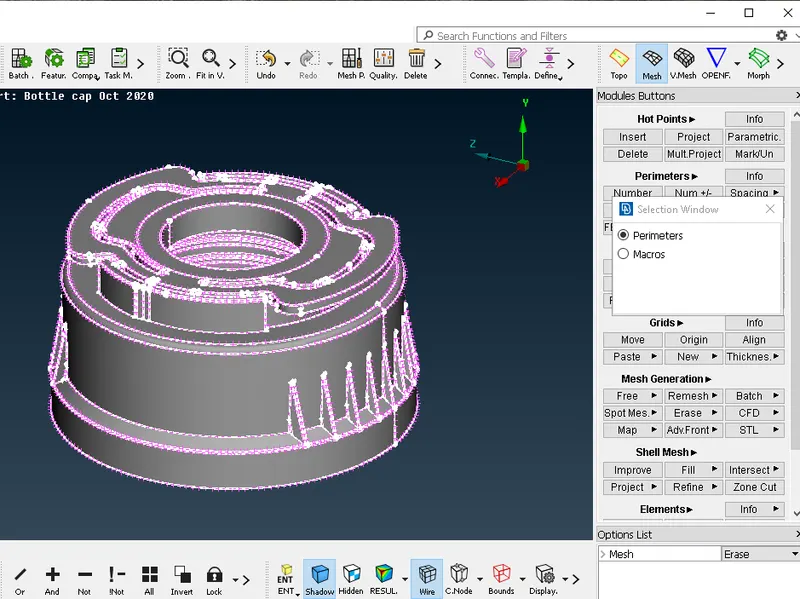
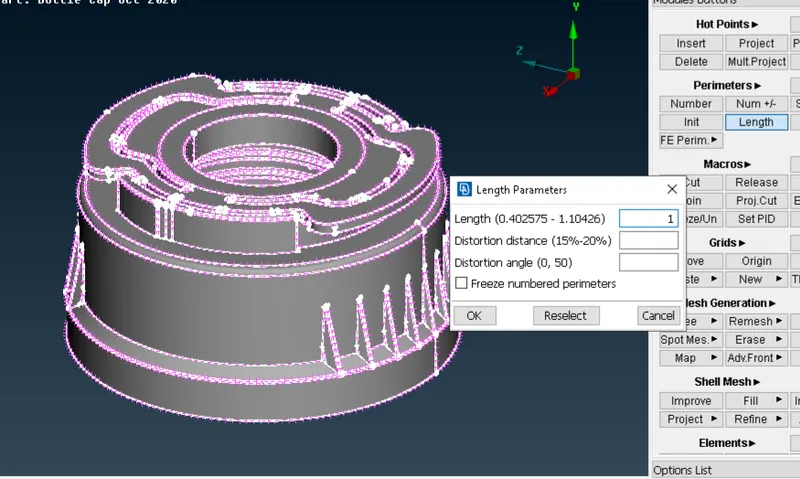
After that provide length select perimeter>middle mouse click>set the length
2) Geometric Cleanup
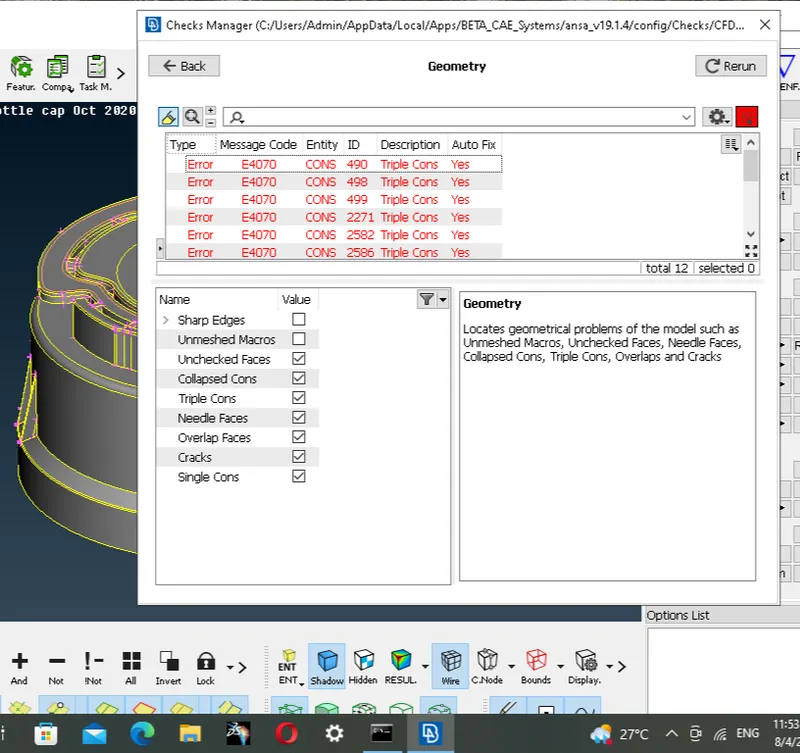
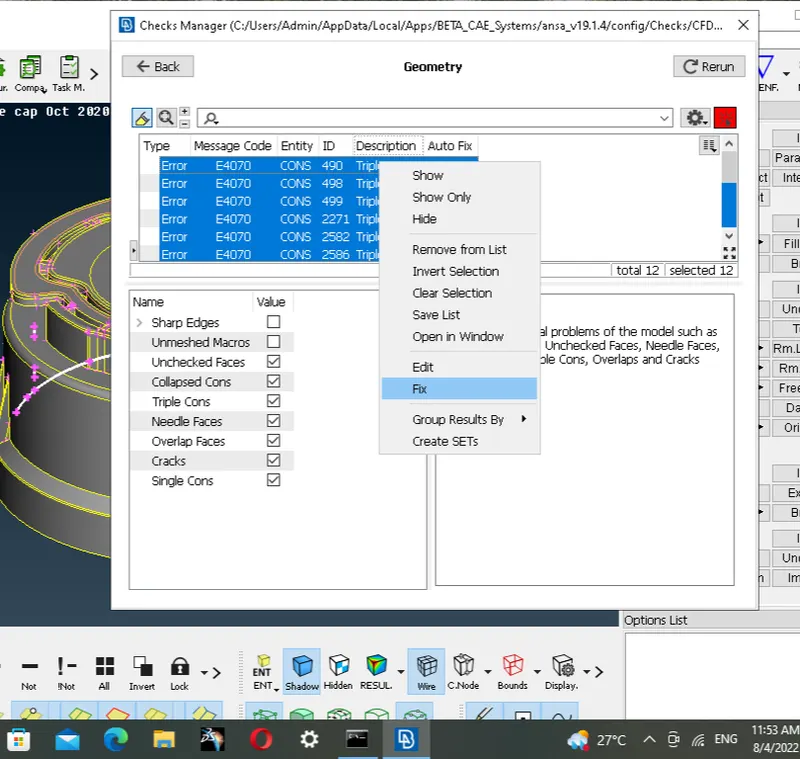
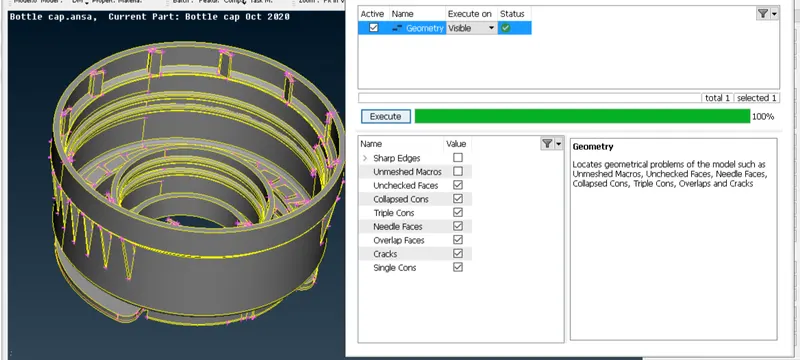
3) Taking measurement at multiple location.
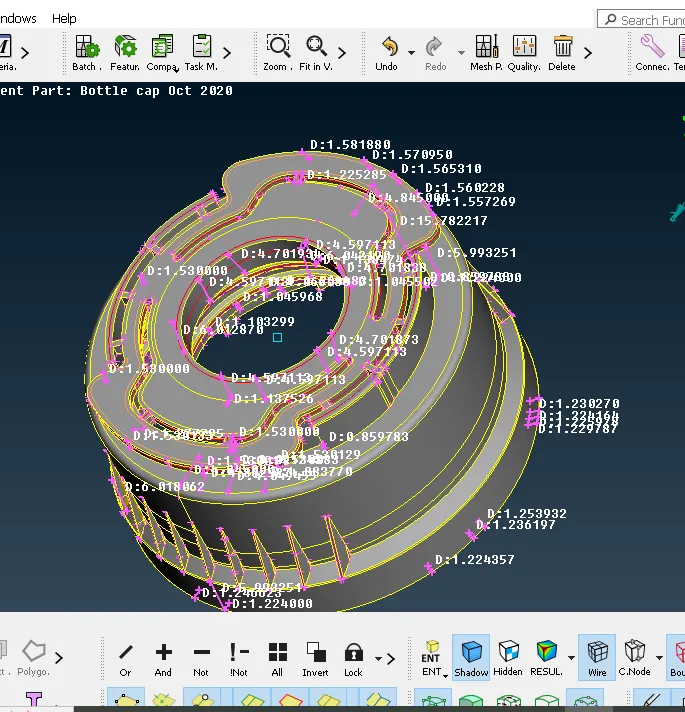
4) Some Screenshot of midsurface like threads and ribs.
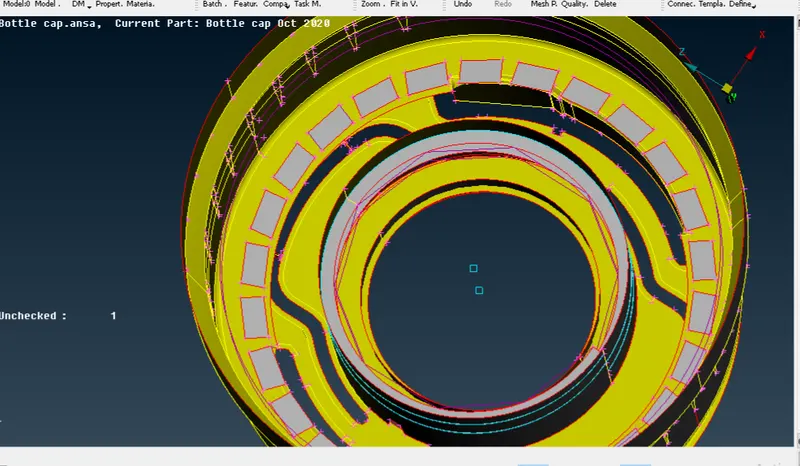
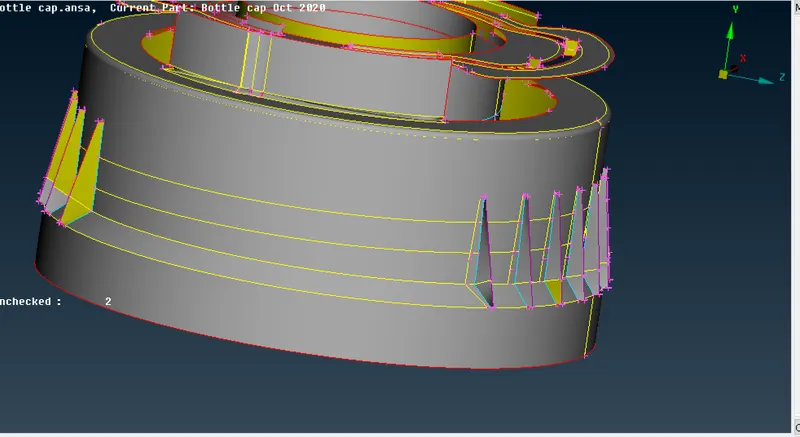
5) Set the Quality criteria and Mesh parameter
Mesh Parameter
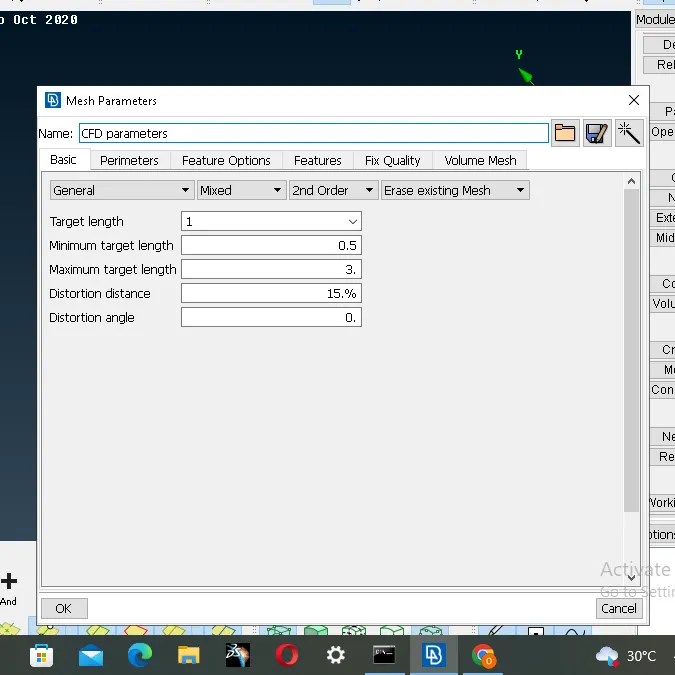
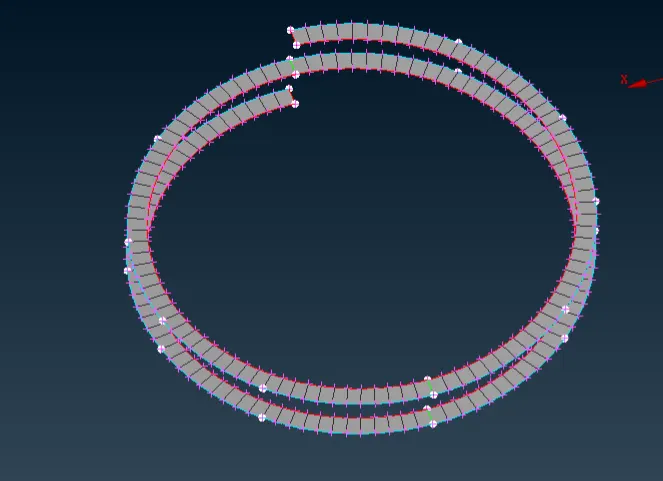
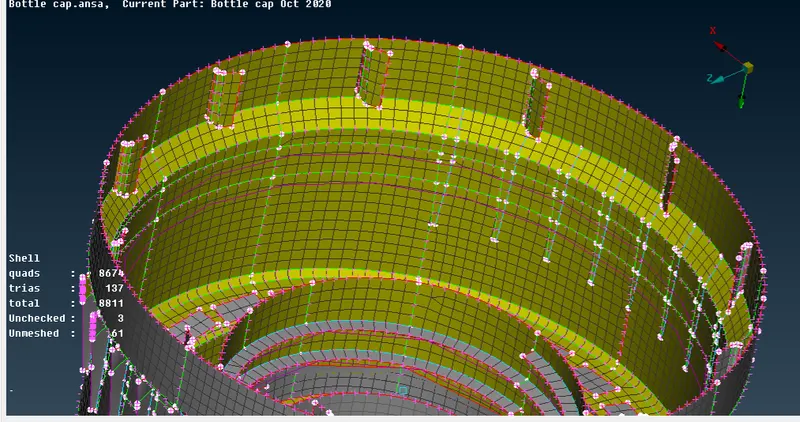
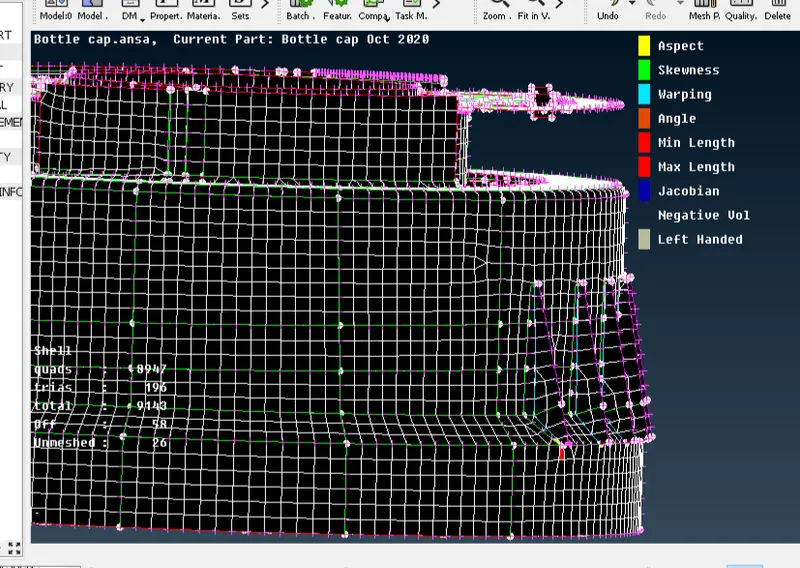
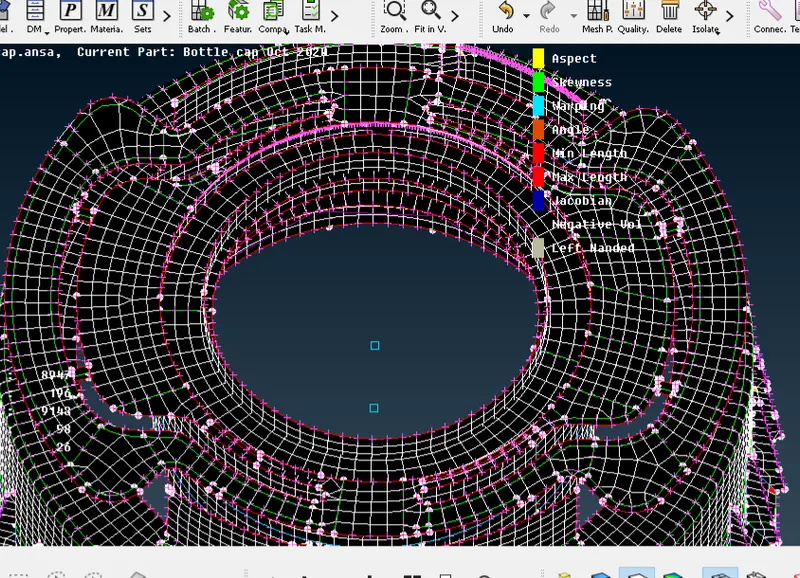
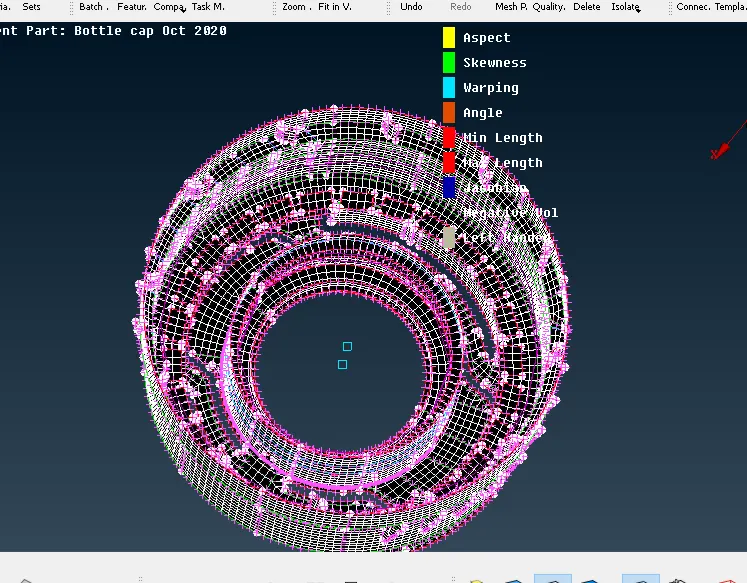
6) Generate Mesh for Plastic Bottle Cap
7) Comparing with Parent Geometry
Conclusion:
1. We successfully generate the 2D mesh for Plastic Bottle Cap.
2. We successfully avoids trias using commands like Split,Swap,Num+/-,Reconstruction and Smooth respectively.