Week - 4 - 2D meshing for Plastic components
METHODOLOGY
Open the ANSA file of the bottle cap model in to the ANSA TOOL
Checking the CAD file for geometric error and fix it
Create an MID surface and assign PID
Assigning the thickness to the components
PROCEDURE
- Import the Bottle cap file into ANSA environment as shown below
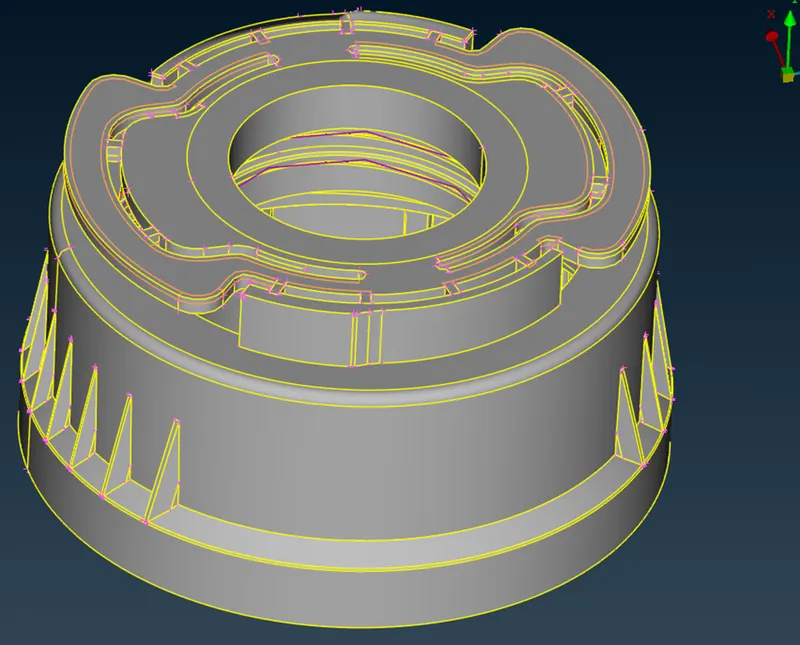
- Check the geometric error and fix it
- The bottle has variable thickness and it cannot be extracted by MID surface and Individual feature are extracted and offseted and PID is assumed to the each features and the extracted surface are given below
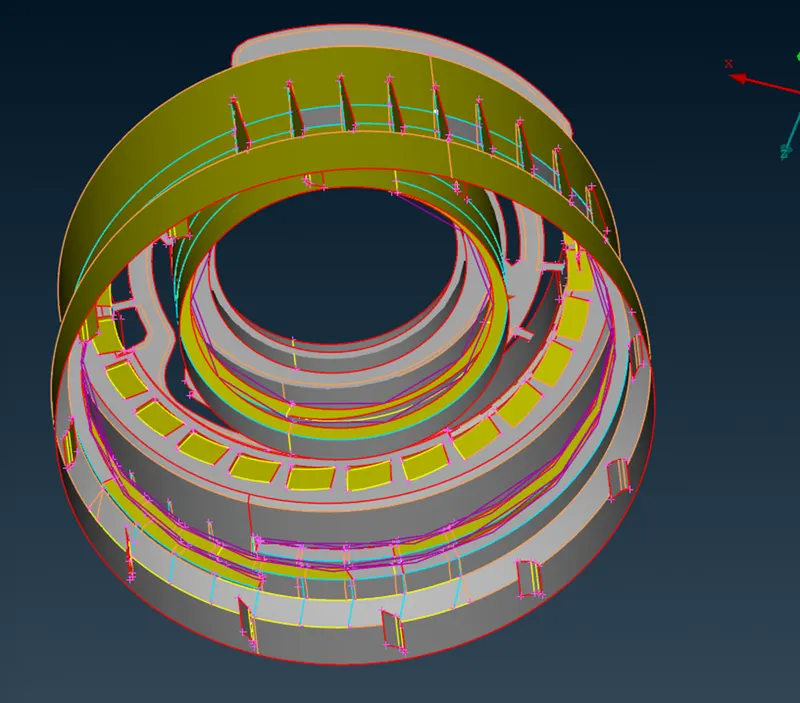
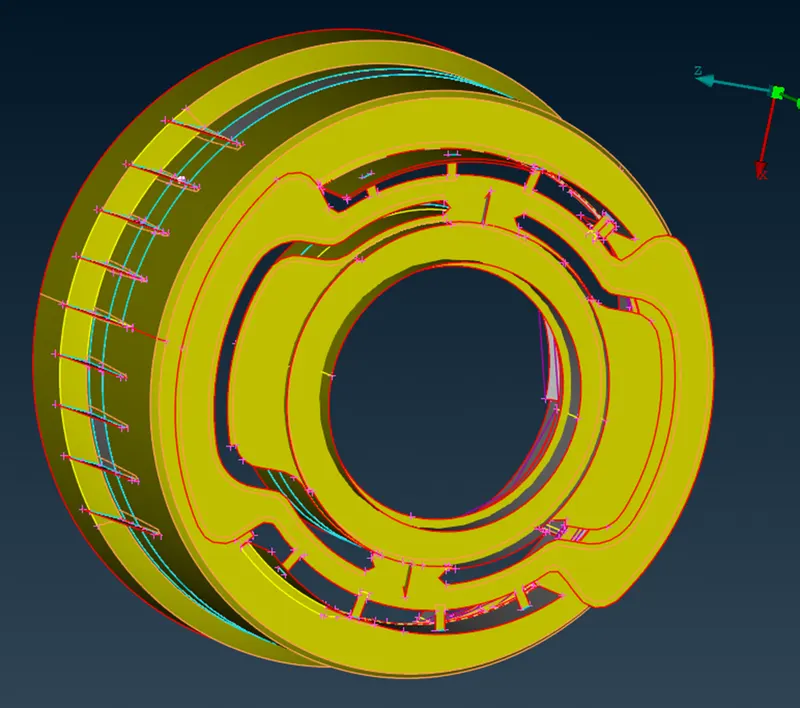
- Thread of the bottle were made my the using the middle curve option and the drawn curve is projected on the surface extracted and using the face - new – coon option the drawn curve and projected curve are drawn
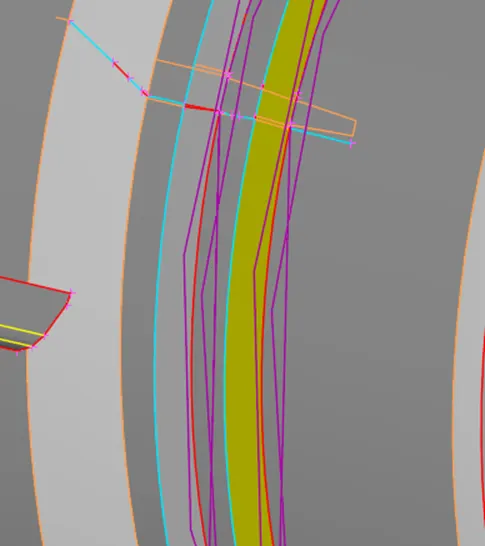
- On other hand the teeth of the bottle were rotate using the transform – copy-rotate is used to copy the teeth in the circular path
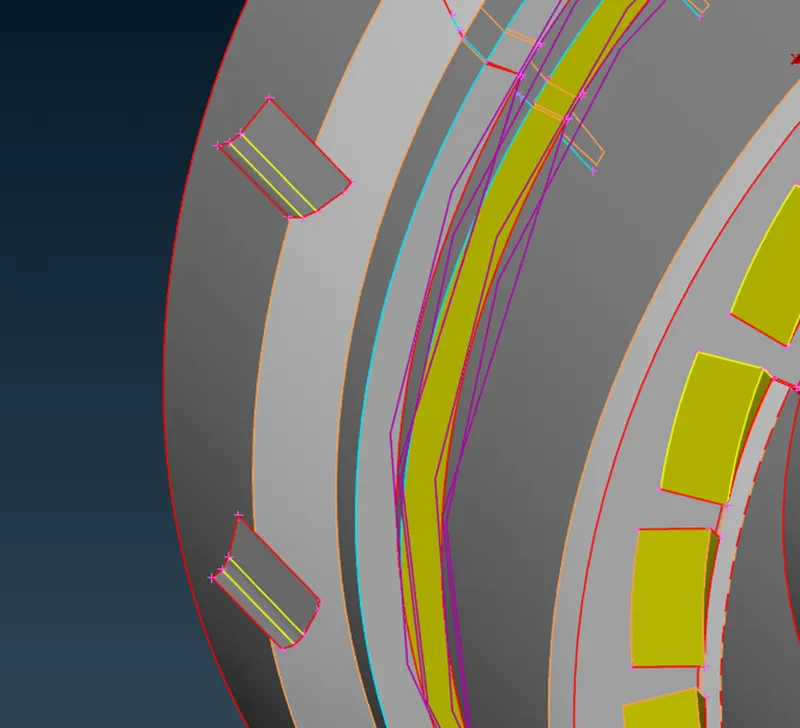
- The outer surface of the fins were drawn using face-new option and the extended to the surface and intersect it as shown in the figure
- Mesh generation of the CAD, initially the mesh parameter and quality criteria should be provided
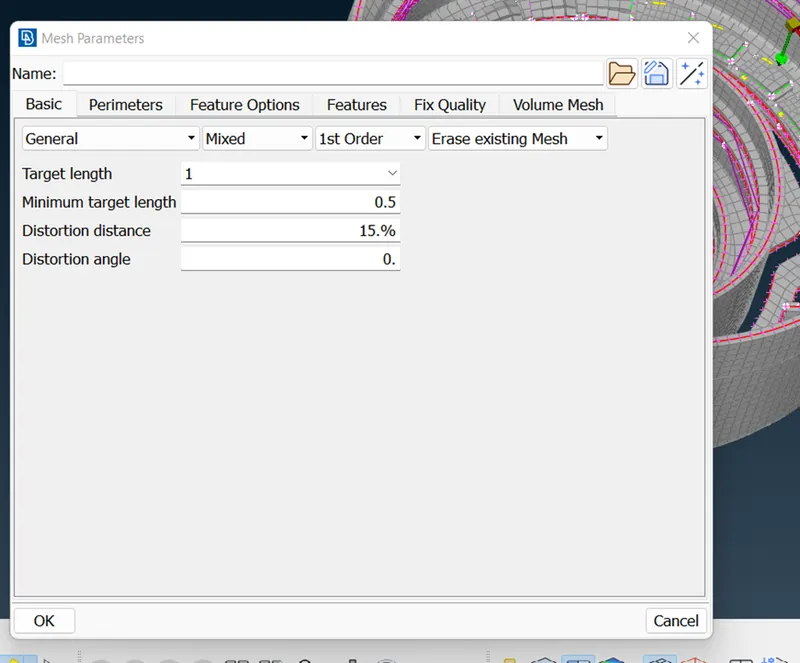
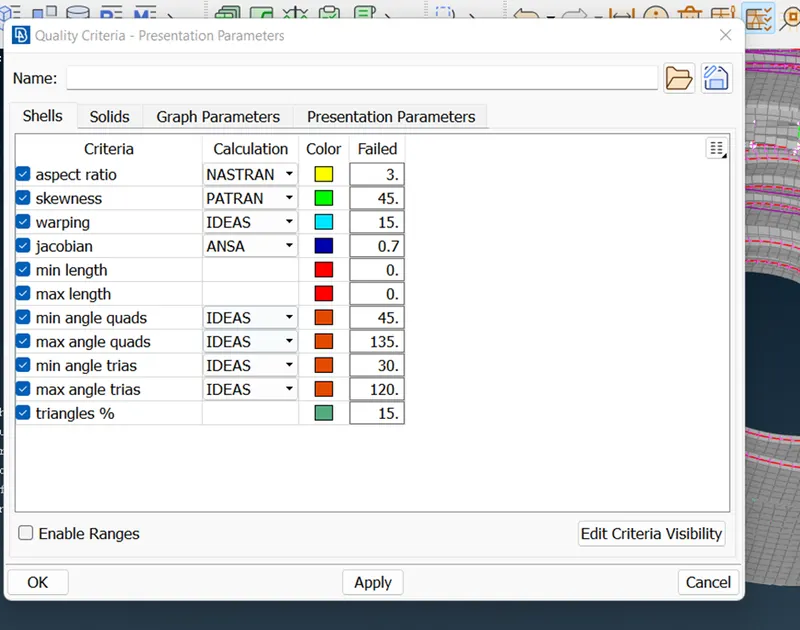
-
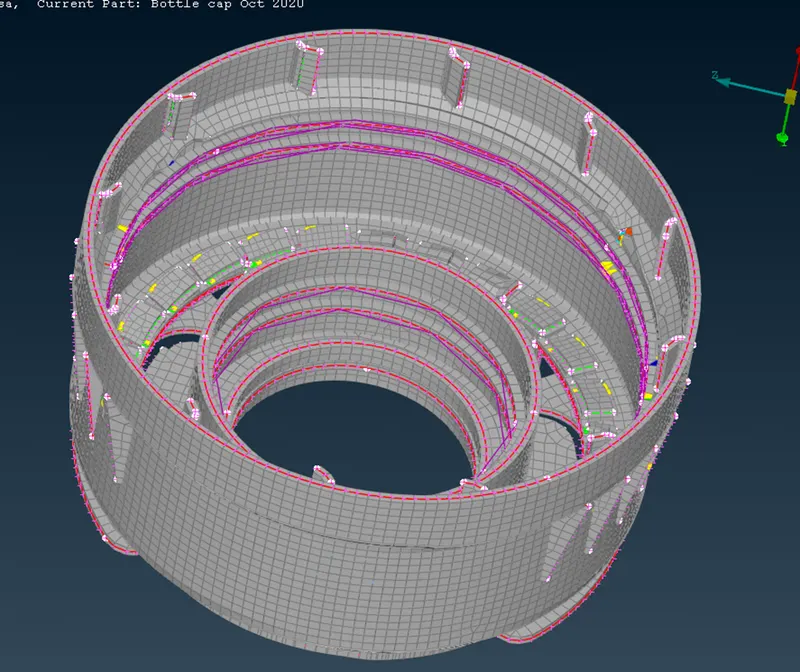
The mesh was done with the best option and it is the best algorithm and reconstruct, reshape and smooth is used to alter the element of the feature and final figure is shown. From the figure there some element which cannot come into the quality criteria and these element cannot be reconstructed.
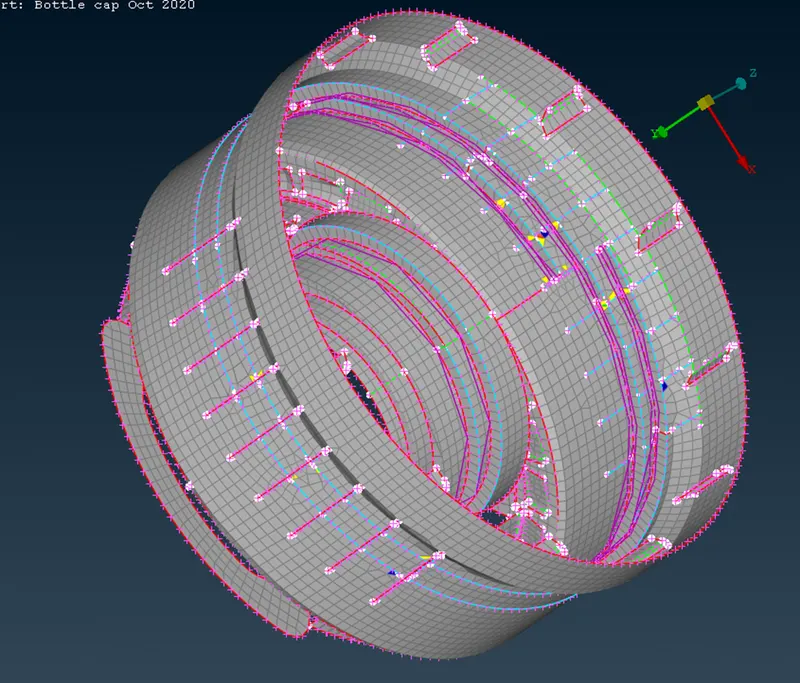
-
The solid model of the cap with mesh are shown in figure
-
Conclusions
Mid surface were extracted and mesh were generated and quality criteria were checked and solidity were applied to the mesh model
-
Learning outcomes
Extracting the surface using offset, transform and multi mid surface
Geometry mesh constructed using best mesh
Making mesh properly by reconstruct, smooth and reshape
Assigning the thickness by creating the PID.