Week - 4
- Implementation control logic of a ‘washing machine’ using stateflow
If power available system gets activated
If water supply not available stop process and indicate through led
Soaking time should be 200s followed by washing time 100s
Rinsing happens for 20s and dryer runs for 50s
After all process is done turn on finished led
Ans
Part 1: implementation of control logic chart for washing machine using stateflow
- Start simulink and create blank model
- Search chart blocl in stateflow library
- Open chartblock and select junction feature
- Control logic for washing m/c is such that it should soak the water for the first 200 sec followed by washing time of 100sec. Rinsing the water for the next 20 sec followed by drying time of 50 sec
- After finishing the control logic run stateflow and check the sequence of operation for 370 sec
Blocks used
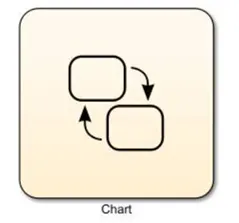
- Chart
2. Display
3. Constant

4. Lamp
5.Rocker Switch
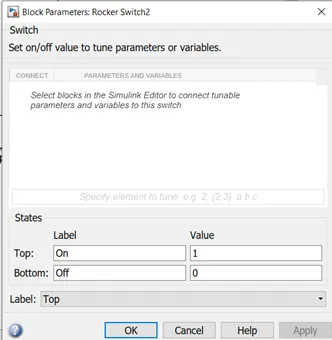
Logic explanation
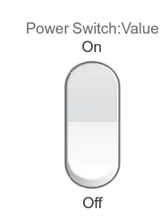
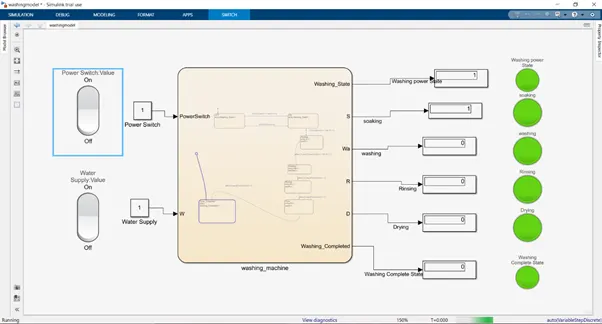
A rocker switch from the dashboard library is used with a constant to supply the power and as water supply. A lamp is used to indicate the power status & water status. The power status is checked at entry for every state and the water supply is checked for the soaking and the rinsing process. The timing for each state is as per the given inputs, the status of the running process can be seen by the glowing lamp corresponding to the process name
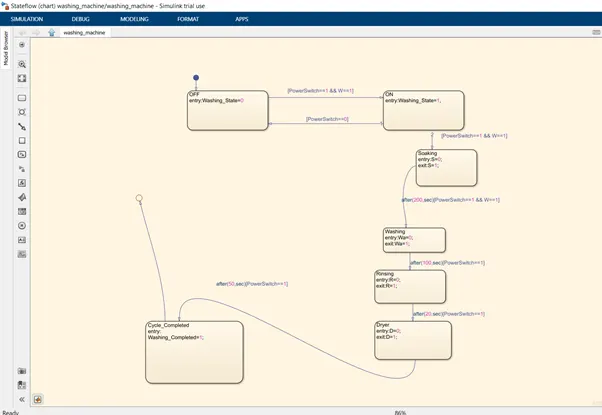
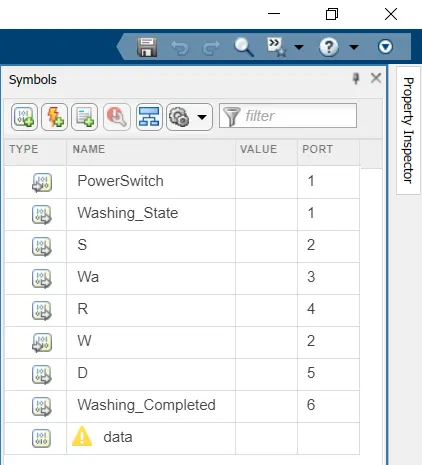
In the above control logic first state is created with 2 conditions for power supply.
One is with power supply available( Power Switch==1) and second with water supply available (W==1). If the power supply at entry is 1 and water supply is on, then machine will get activated and start the next process of operation
Next 4 operation states have been created in flow order soaking, washing, rinsing, drying with their time of operation as 200sec for soak, 100 secc for wash 20 sec for rinse and 50 sec for dry. Entry and exit conditions of the state are kept as 0 & i.e at entry of operation states it is 0 and complete operation is 1.
After all process has done washing leds will glow and we can shut off machine
Complete Simulink Model showing that washing is completed
- Make simulink chart for the gear shift logic as per below conditions
Ans:-
Part 2: implementation of control logic chart for washing machine using stateflow
- Start simulink and create blank model
- Search chart blocl in stateflow library
- Open chart block and select the various features from stateflow window.
- Control logic for gear shift is such that it should change the gear when the speed increases or decreases automatically
- After finishing the control logic run the stateflow and check the gear shift operation for an infinite time.
Blocks used
- Chart
- Constant
- Lamp
- Rocker switch
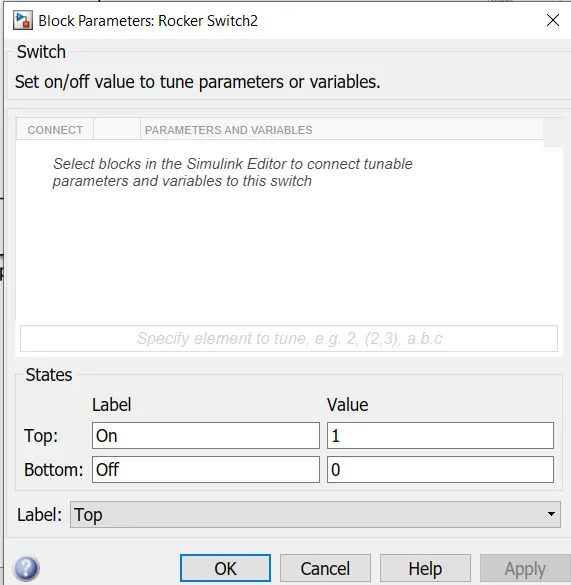
5. Slider
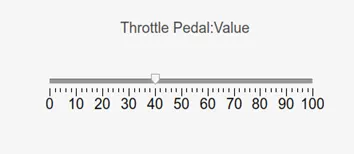
We can change throttle value using this slider
Logic explanation
The speed ranges from 0 to 100 and the slider is used to send input. The 1st gear has speed values from 0 to 15 so the entry condition for the 1st gear is 0=> speed and speed<=15 and the exit condition is when the speed is greater than 15.
Similarly for 2nd gear, the entry condition is 16=> and speed<=25, the same way for each gear
LOGIC
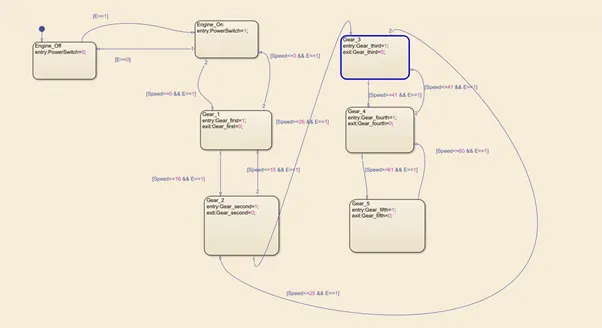
- In the above control logic, first engine is started from input switch E=0/1 through rocker switch which is power switch to make engine on. Then next gear_shift_logic implemented through following states.
- Five gear states is created with state condition of gear(G) 1,2,3,4,5 respectively and their transition is connected with speed range condition as shown
- The transition conditions for the gear shift is decided as
Speed>15 shift to g=2
Speed>25 shift to g=3
Speed>40 shift to g=4
Speed>60 shift to g=5
Vice versa in in reverse direction
SYMBOL PANE
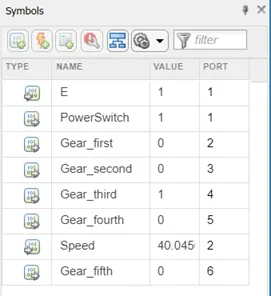
While simulating gear_shift_logic, Engine[E==1] condition given with various speed change values
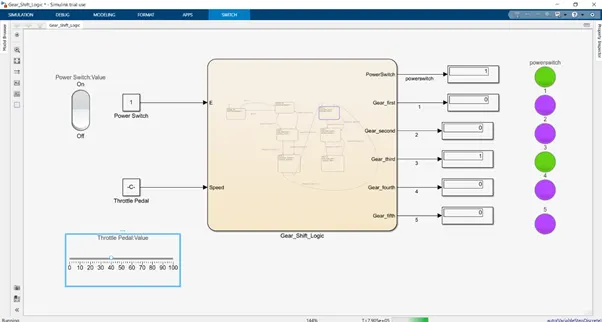
AT SPEED 40 KPH 4TH GEAR IS BLINKING
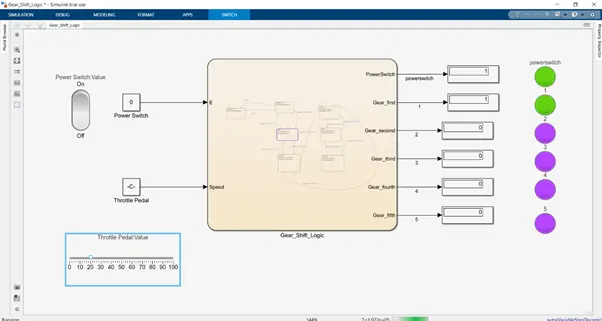
AT SPEED 20 KPH GEAR 2 IS GLOWING
Thus conditions of Simulink chart simulated successfully.