Week 4.2: Project Transient simulation of flow over a throttle body
Objective
Write a detailed report.
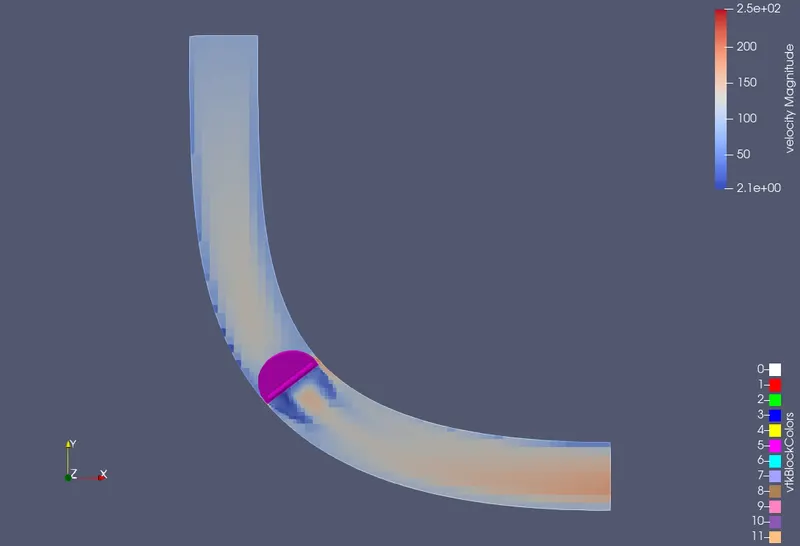
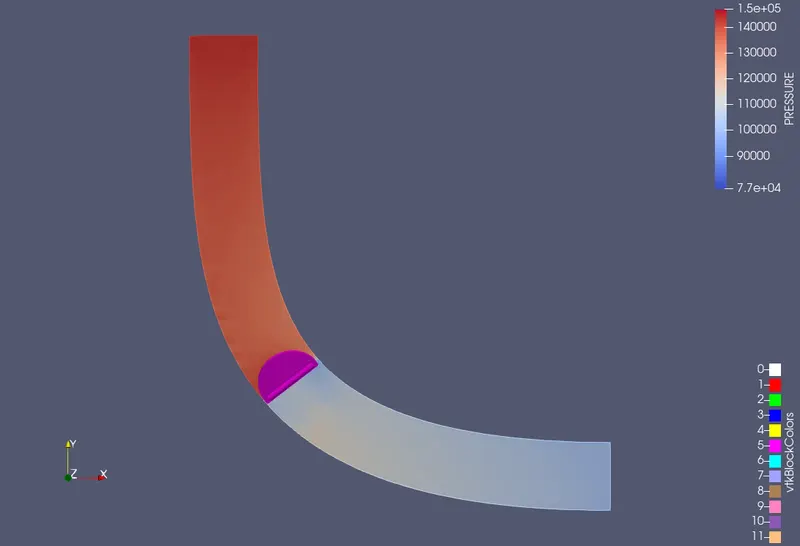
Post process the results and show pressure and velocity contours.
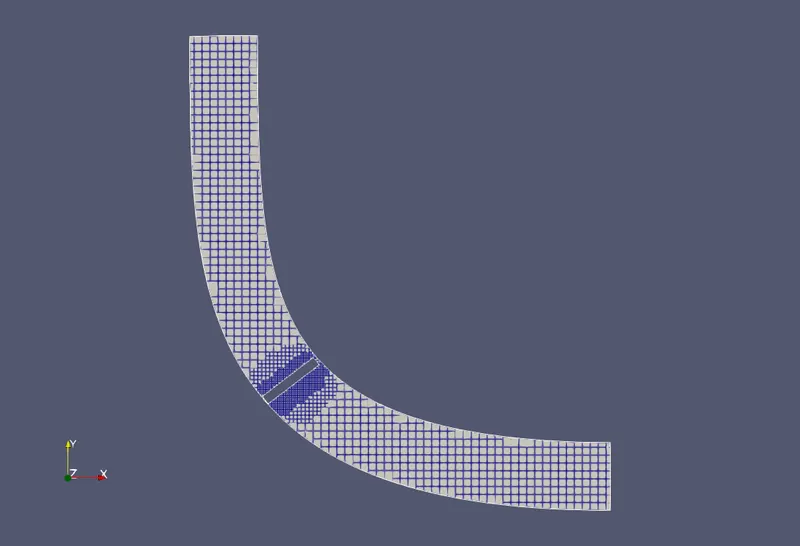
Show the mesh (i.e surface with edges)
Show the plots for pressure, velocity, mass flow rate and total cell count.
Also show the calculations on how you calculated an end time for the simulation.
Create an animation in which it throttle movement should be visible.
- Upload an animation on You tube and provide the You tube link for an animation in your report.
Answer
Transient Condition
Following steps are different from the steady state condition.
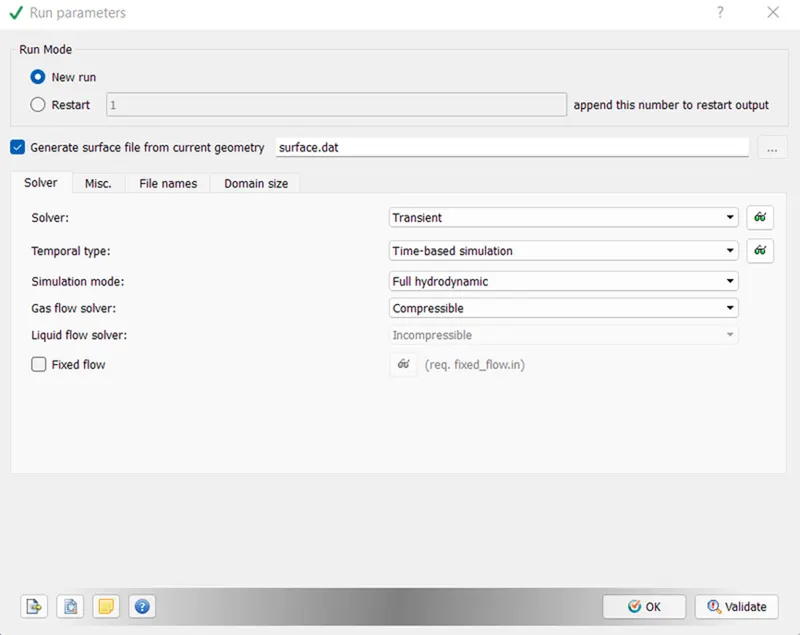
Run Parameters
Solver type = transient
Steady state monitor is turned off.
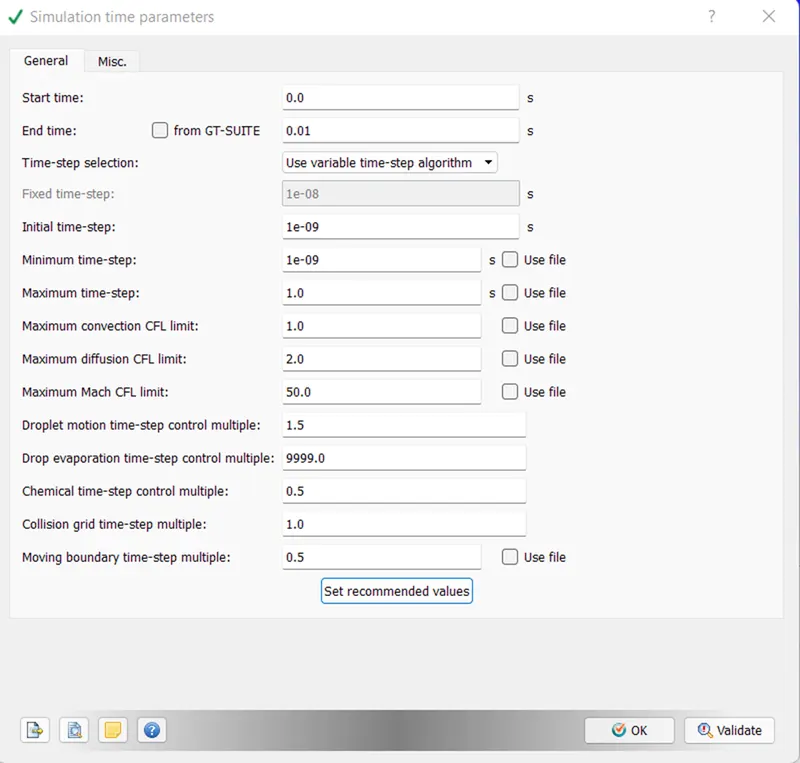
Simulation Parameters
The start & end time is now in seconds instead of in cycles as in steady state.
Calculation for end time
From the bounding box dimension, the length of the box is 0.1m. To consider characteristic length, assuming length is 0.2m.
From the steasy state simulation result, the avg velocity is calculated at 20 m/s.
Time required for the air to pass through the pipe = 0.2/80 = 0.0025 sec which is flow through time as well.
So, if we want to simulate for 10 milliseconds, than the end time will be 0.01 sec which is our end time.
Boundary conditions
Throttle BC
In transient condition, the requirement is to rotate the throttle by 25 degrees during simulation. For this, arc normal & arc centre is determined using the measure tool as shown in below image.
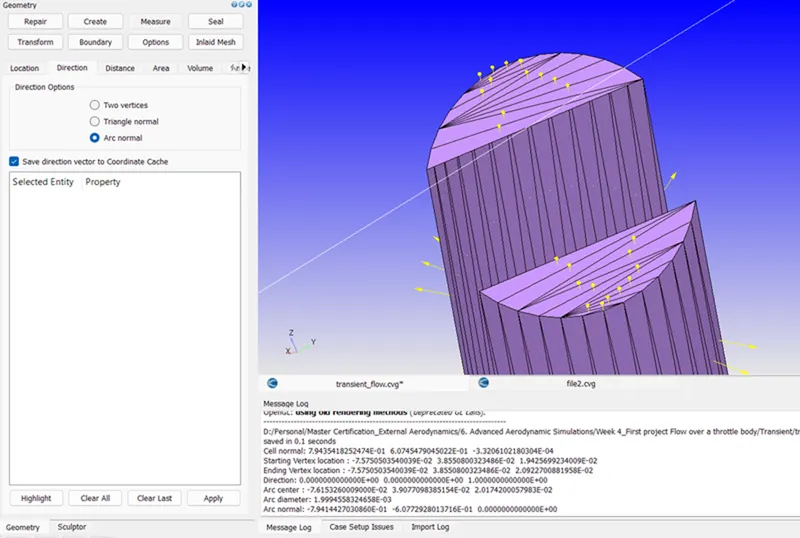
The throttle boundary has been set as rotational to rotate the body during simulation.
The calculated arc normal & arc centre is inserted into the throttle boundary condition.
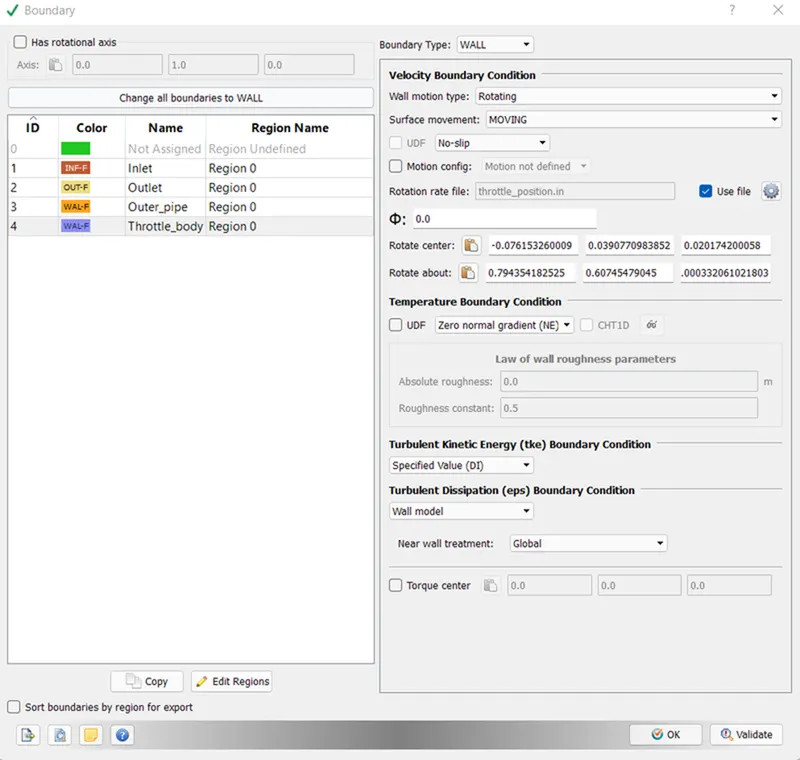
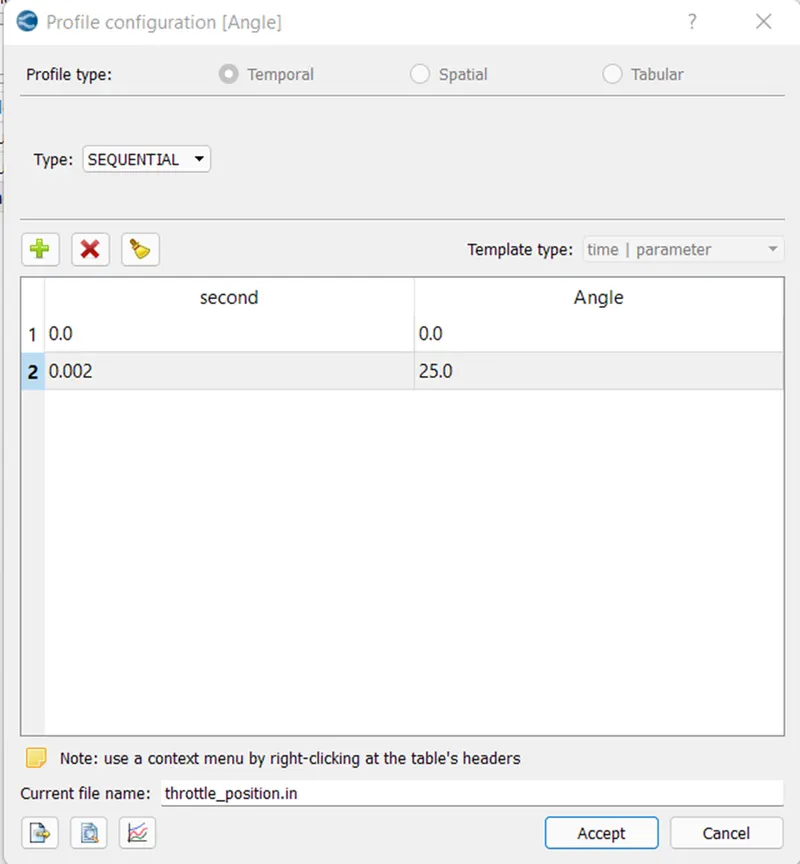
Using the option given called "use file" in above image, the rotation of the throttle has been inserted.
The throttle will rotate 25 degree in 2 milliseconds & rest of the time, it will stay there.
Output files
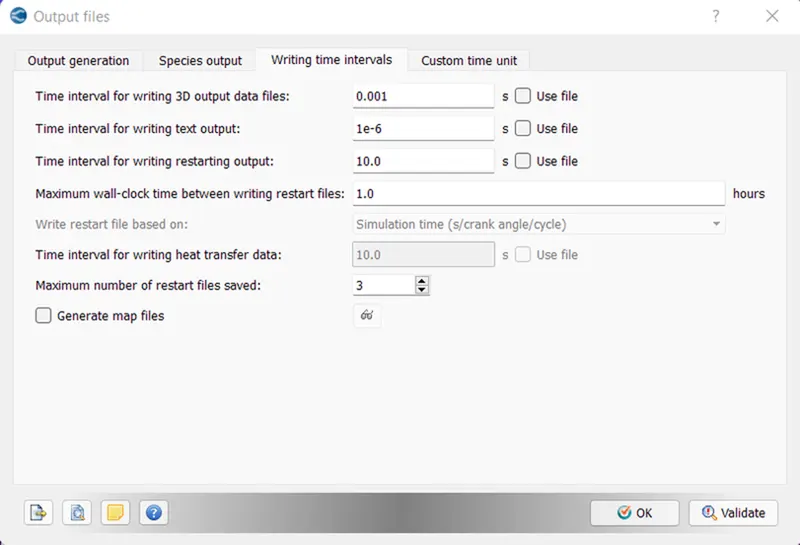
In this box, the 3D output files will be written after every 0.001 seconds. (If we want to write 10-output file than the maximum simulation time which is 0.01 seconds, divided by 10.)
In addition, the writing text output files will be written after every step which is 1e-6.
Results
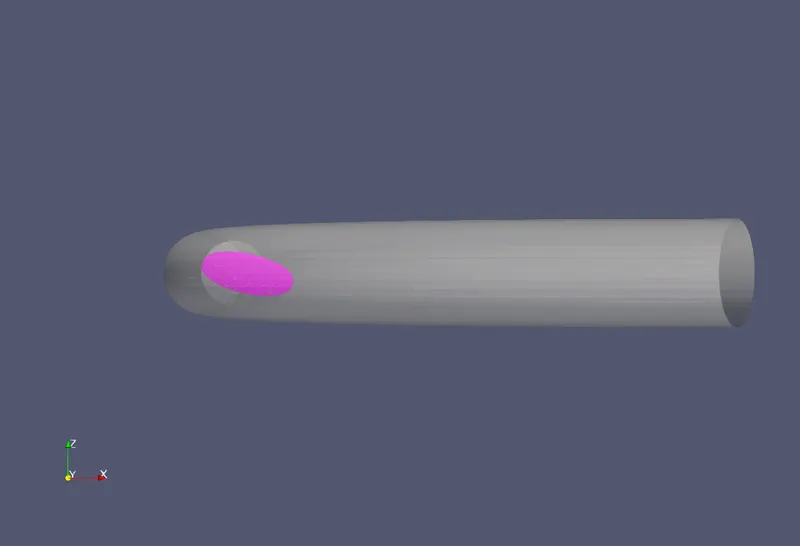
Throttle Initial condition
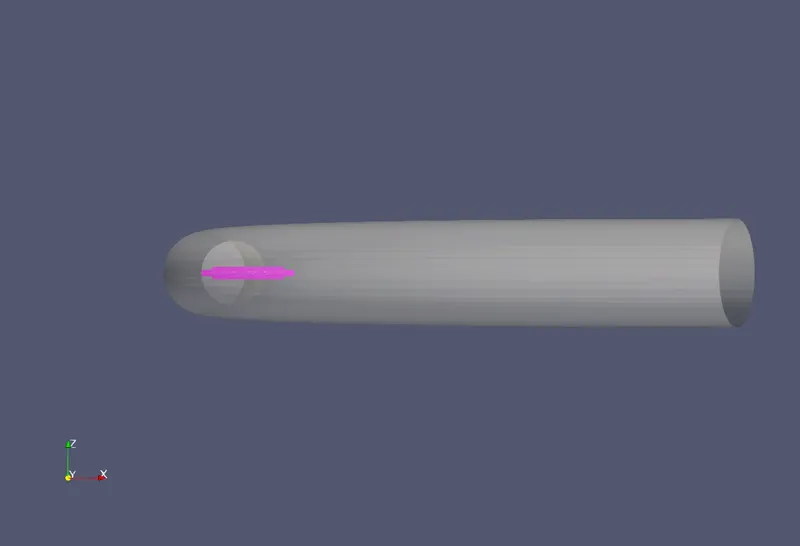
Throttle End condition
Mesh
Velocity Contours
Pressure Contour
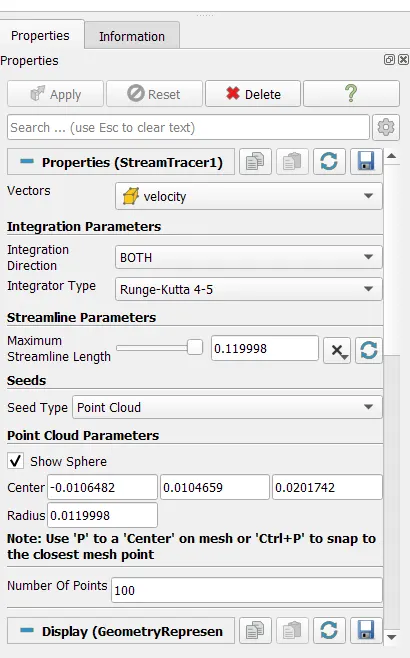
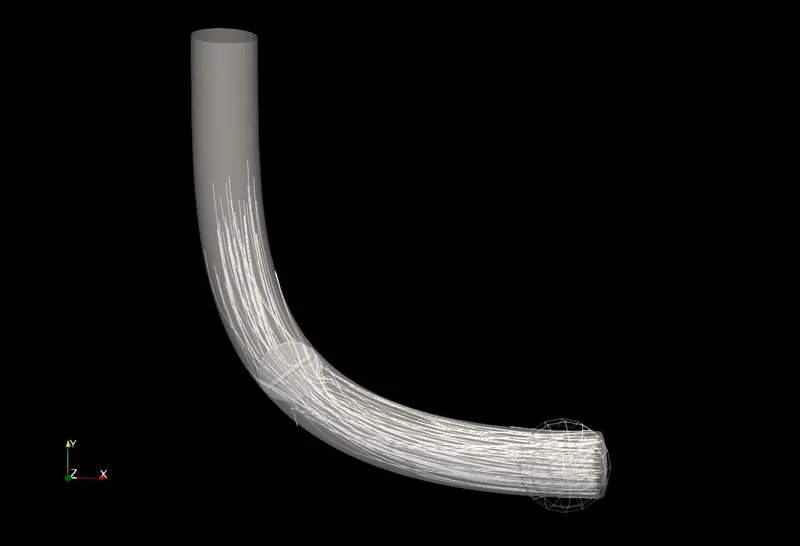
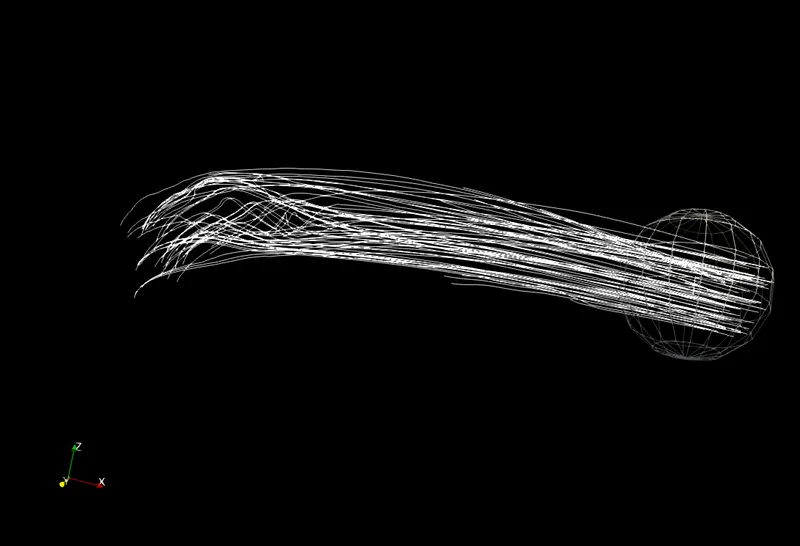
Streamline Tracer
Animation
Pressure
Velocity