Week 4-1D Element Creation Challenge
Aim-1D Element Creation and meshing of the bracket.
Procedure-
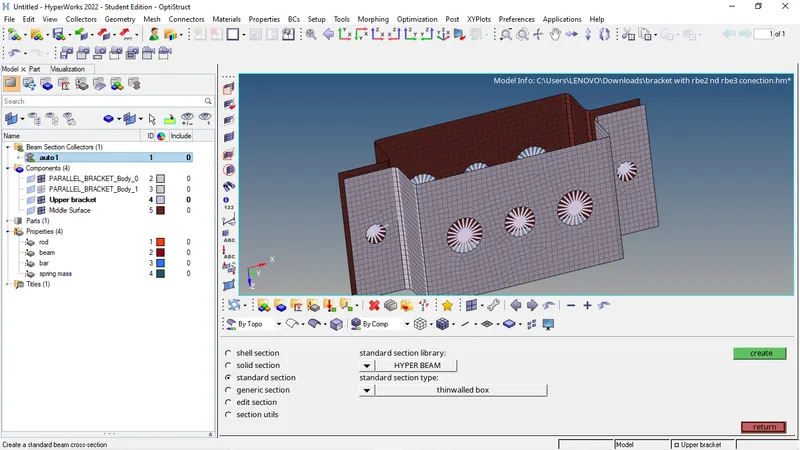
- Download the geometry close the wireframe of the model and then take the upper bracket and and generate a mid surface of it and then creat a 2nd component and take the midsurface of the lower bracket and put in the 2nd component section.
- Use auto mesh to creat a mesh flow on the midsurface of the bracket.
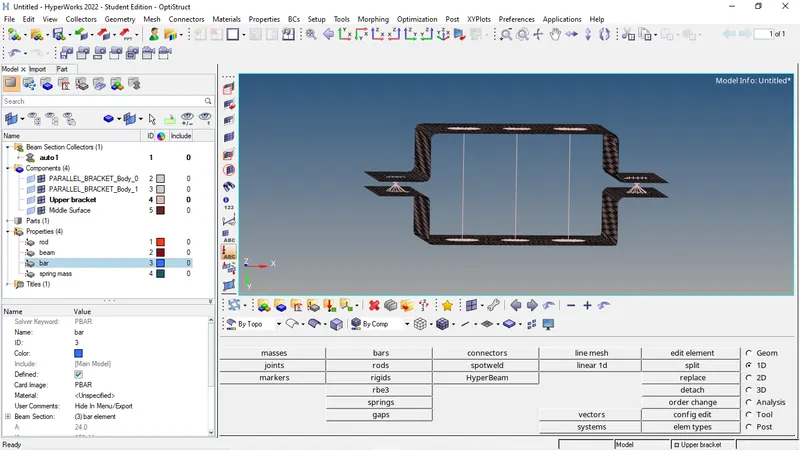
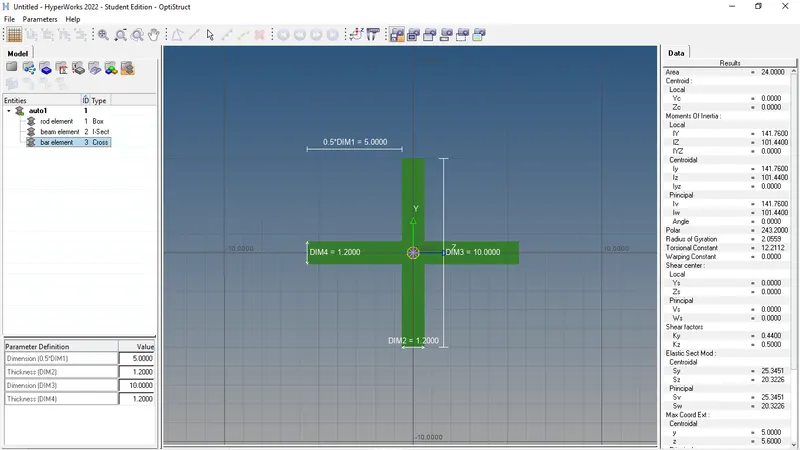
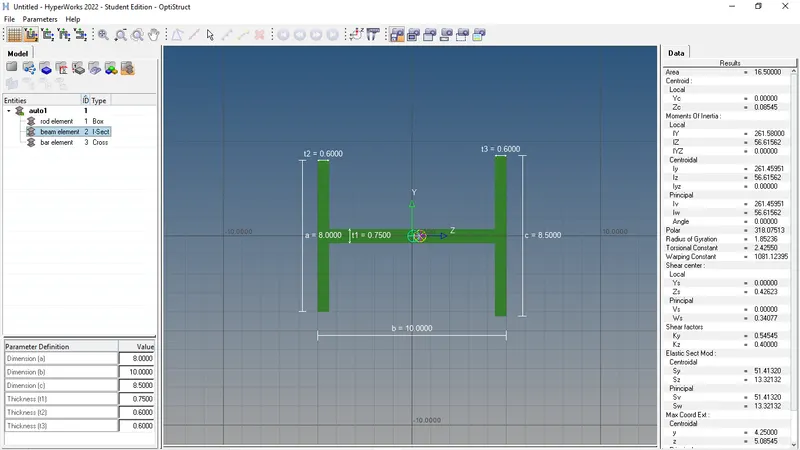
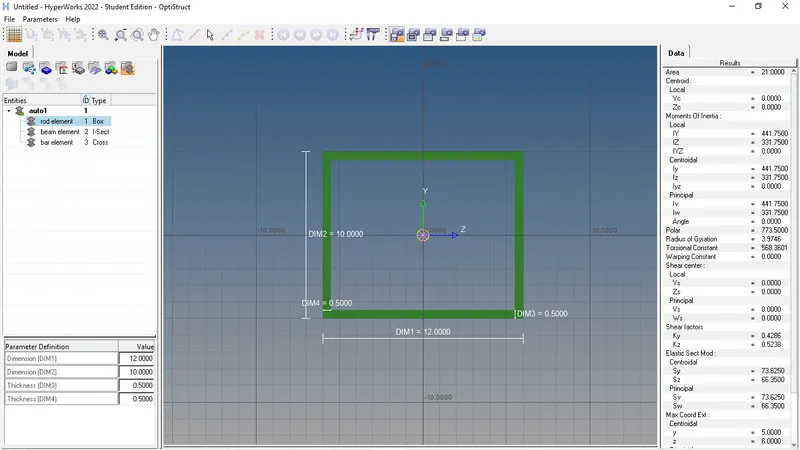
- Now we will go to hyperbeam view and creat one rod of box section one beam of I section and one bar of X section.
- And we will put the dimensions and thickness as given.
- Then in both a we will give a rbe2 link and in between both b and both c we will give rbe3 link with the dof as mentioned.
- Then in between a-a we will creat a road in between b-b we will creat a beam and in between c-c we will creat a bar.
- Then according to it we will creat 3property part naming road, beam and bar and we will update the road,beam and bar in those property part.
- For d and e will will creat Rbe2 link with same center and then we will go to masses and set mass of magnitude of 10mm and snap.
- Then we will creat another property part name it as spring mass and we will update it with the D-F and E-F connections.
- Then we will go to spings and select the nodes and the property select as spring mass and then and element type as CELAS1 and snap to update it.
Conclusion-We will get a bracket whose midsurface is meshed and whose each holes are connected with rbe2 and rbe3 connections.