Week 4-1D Element Creation Challenge
Aim: Create mesh for the given compoenents and create 1D elements as asked with the necessary DOF's
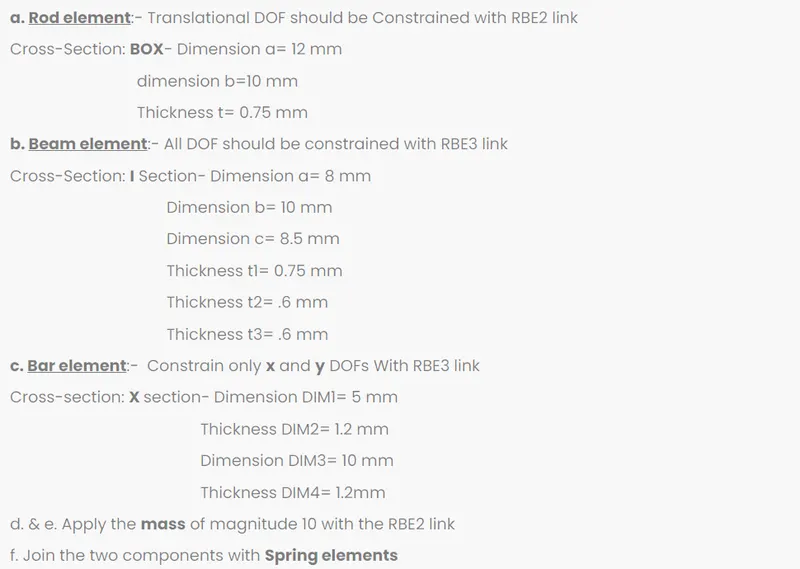
Procedure:
Starting with importing the model which is in IGES format from Import geometry option
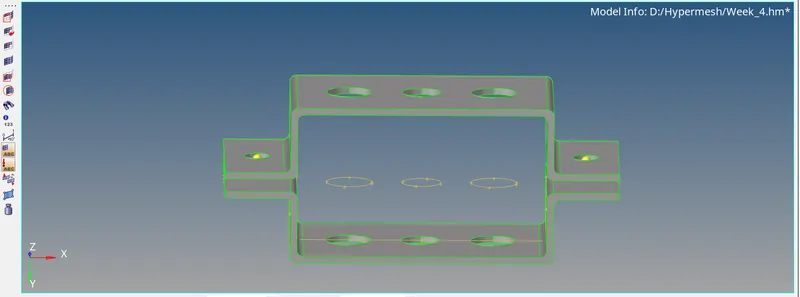
To mesh the model whose thickness is less than 5mm, mid surface is created using Midsurface option from Geometry panel and selecting two surfaces, one on each component
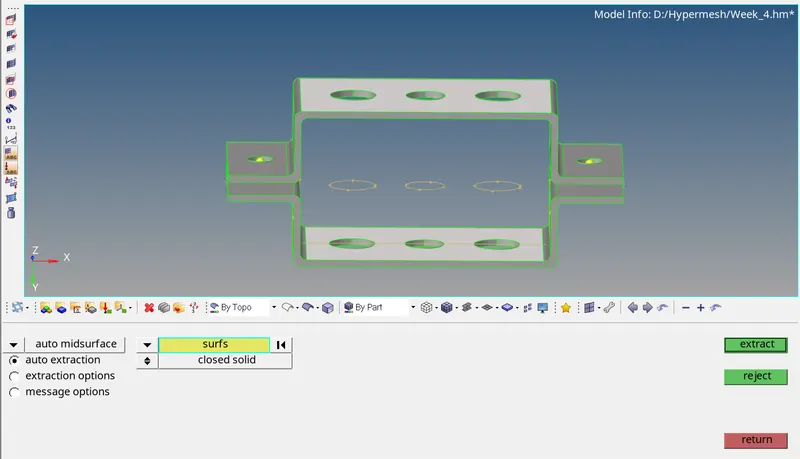
The mid surface generate is as shown
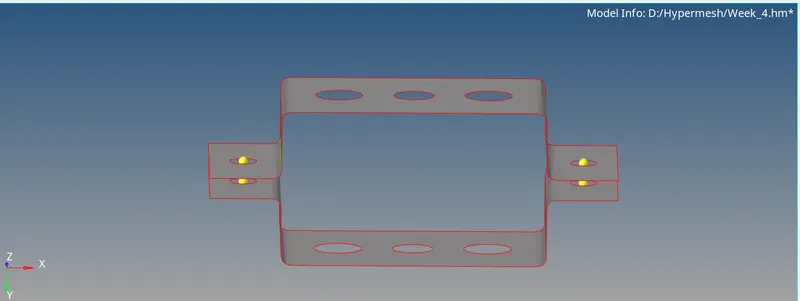
Mesh the surface by Automesh option with 5mm as target size
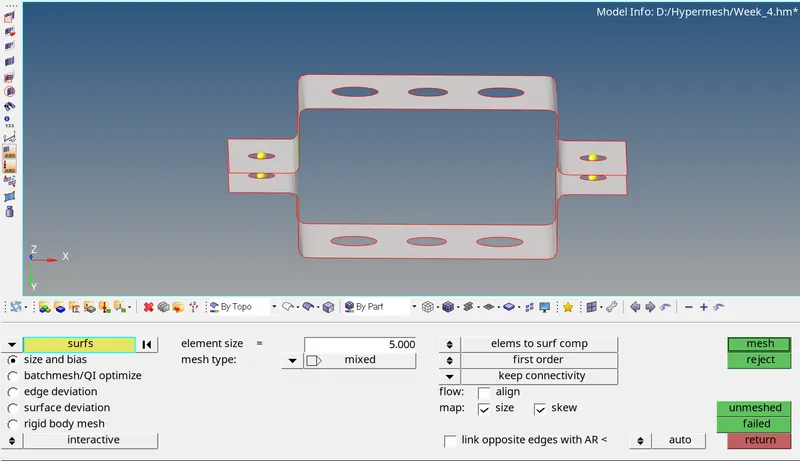
We get mesh as shown
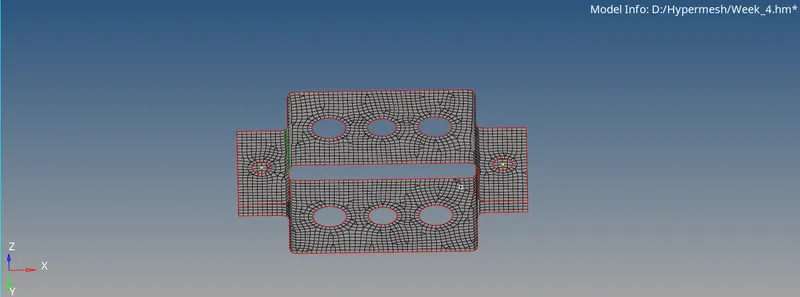
Creation of 1D mesh and elements
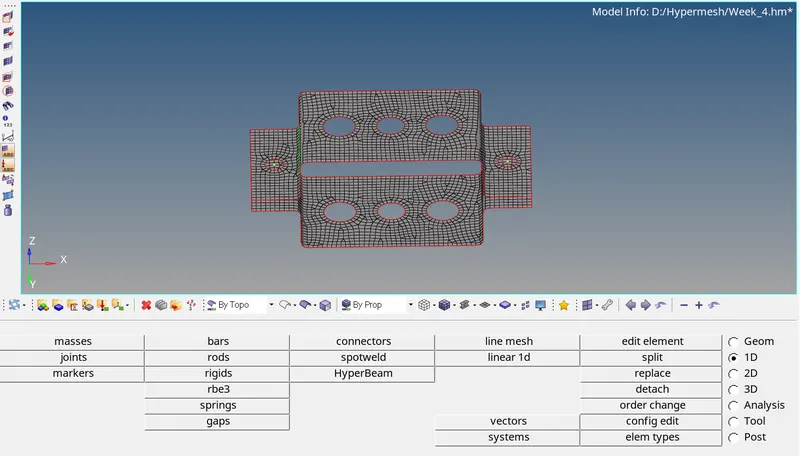
Creating RBE2 and RBE3 as asked using Rigids option from 1D panel and selecting calculate node as Independent and loop as dependent as the seen holes are closed type holes
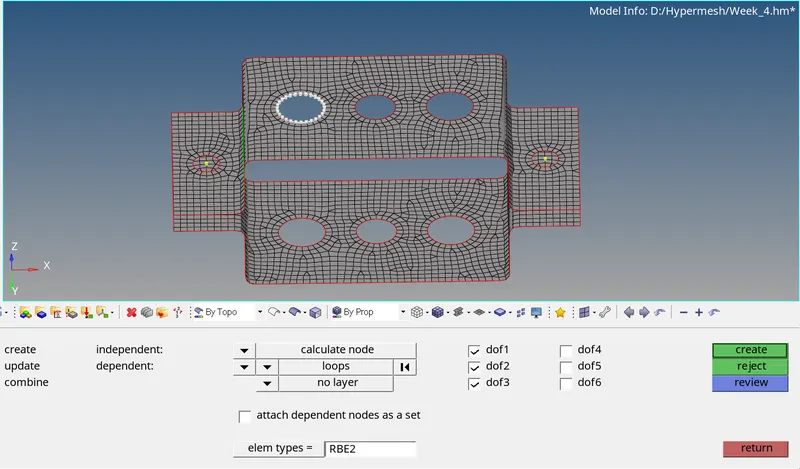
After creating necessary RBE2, RBE3 links and Mass as asked, the figure is shown as
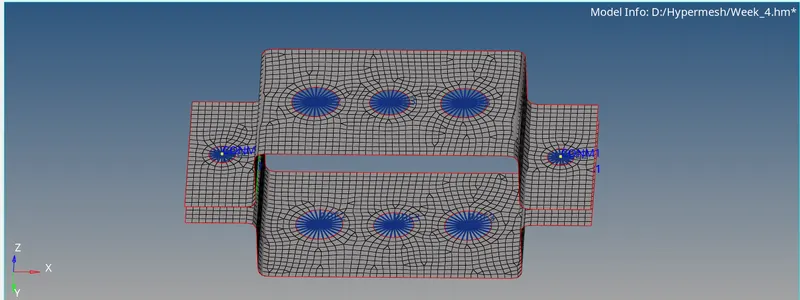
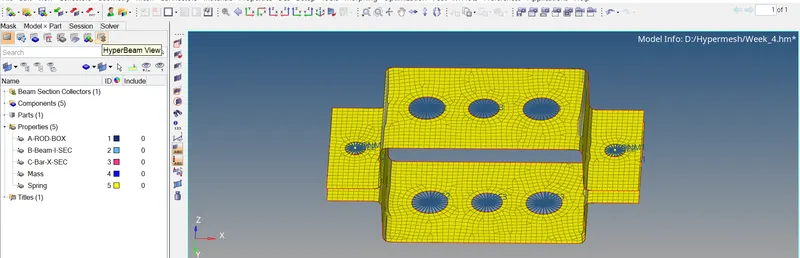
Then Creating properties for ROD Element of BOX cross section, BEAM Element of I cross section and Bar element of X cross section
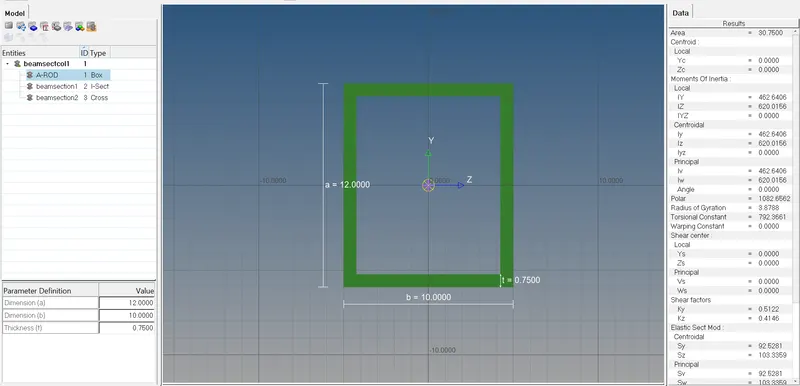
with Beam Cross sections from Hyperbeam view and using RIGIDS, ROD and BAR option from 1D Panel.

BOX Cross section
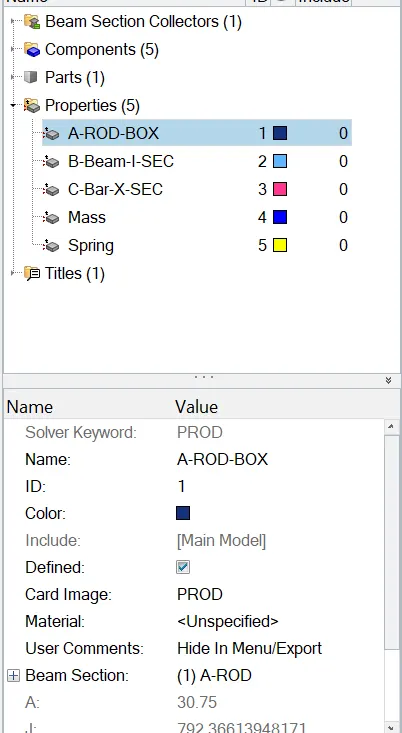
I-Cross Section
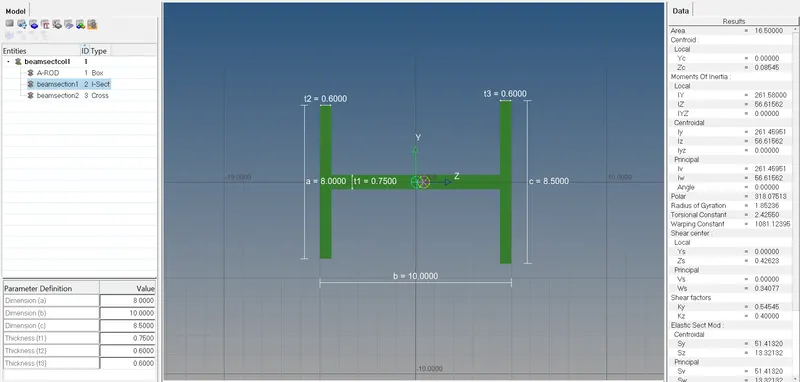
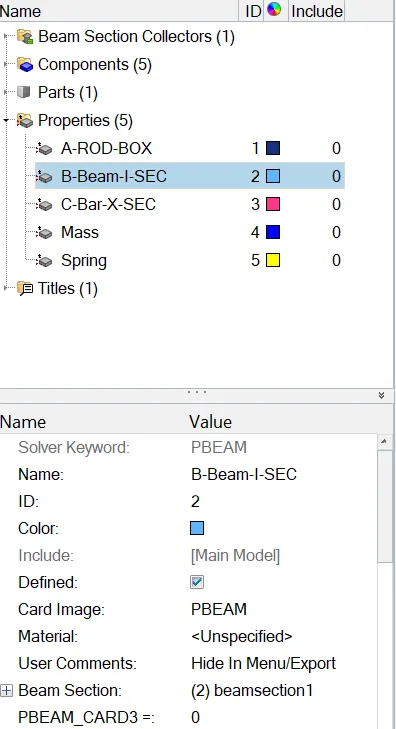
Cross/X- Cross Section
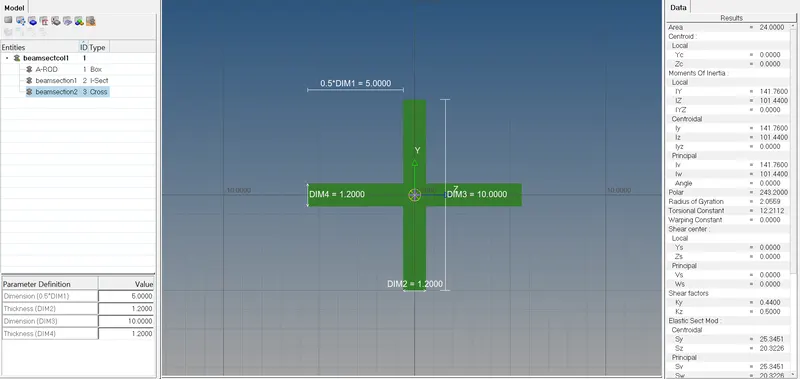
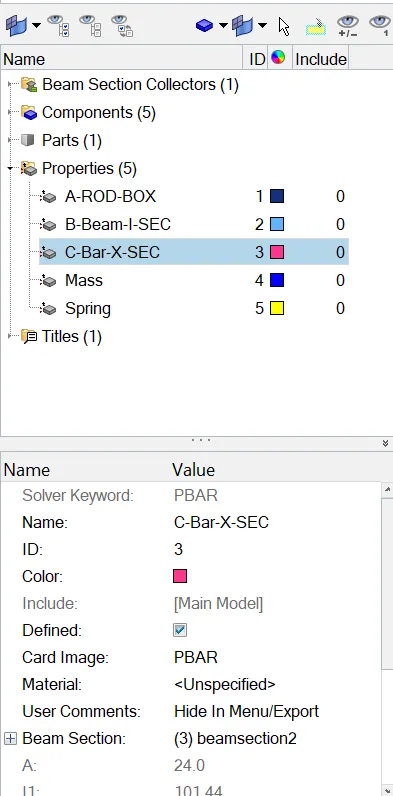
Adding mass on ends as asked and the final results is as shown.
Results:
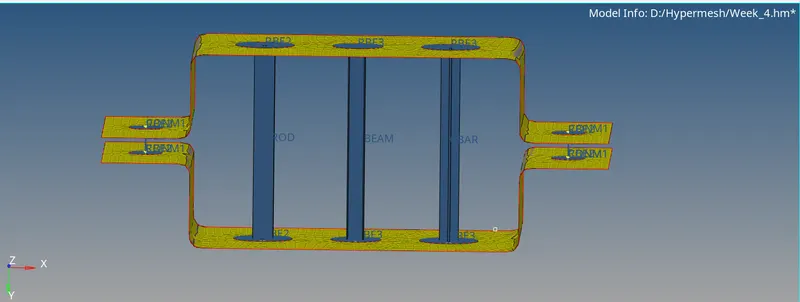
Cocnclusion:
The given model is successfullty completed as asked in Hypermesh.