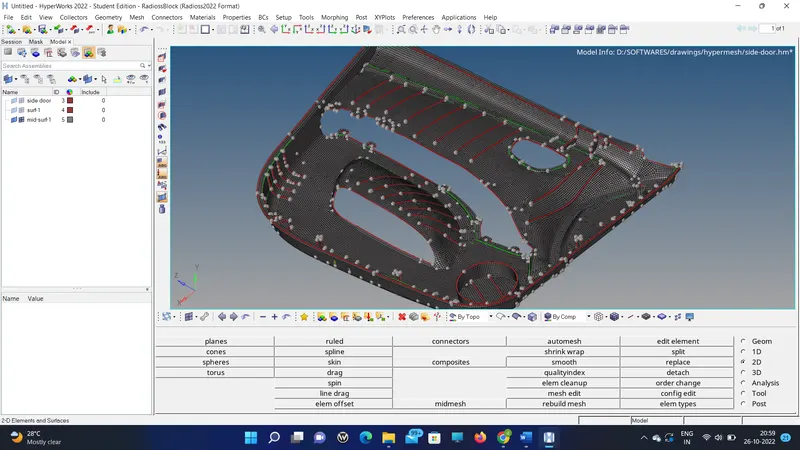
Week 12:Project-1-Meshing of Door Inner Panel Challenge
OBJECTIVE:
To mesh the side door panel and clear all the quality parameters.
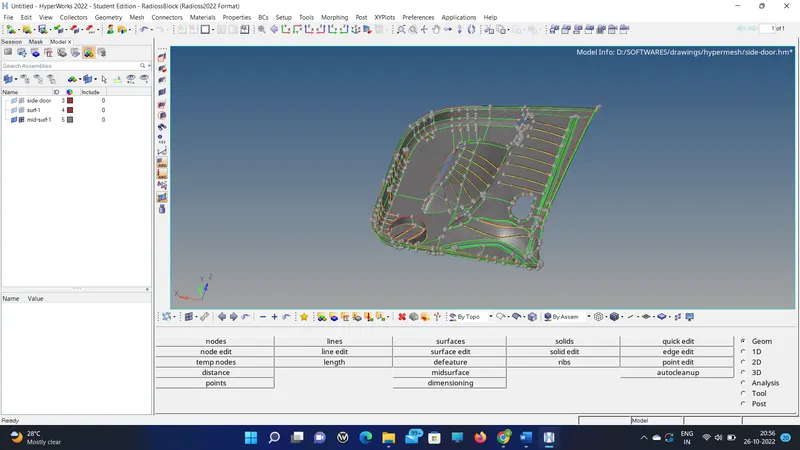
CAD MODEL IMAGE:
PROCEDURE WITH THE REQUIRED IMAGE:
1. Import the model and mask the other part and work on one part of the component.
2. Start the geometry cleanup until the geometry looks no free edges except the edges of the original component.
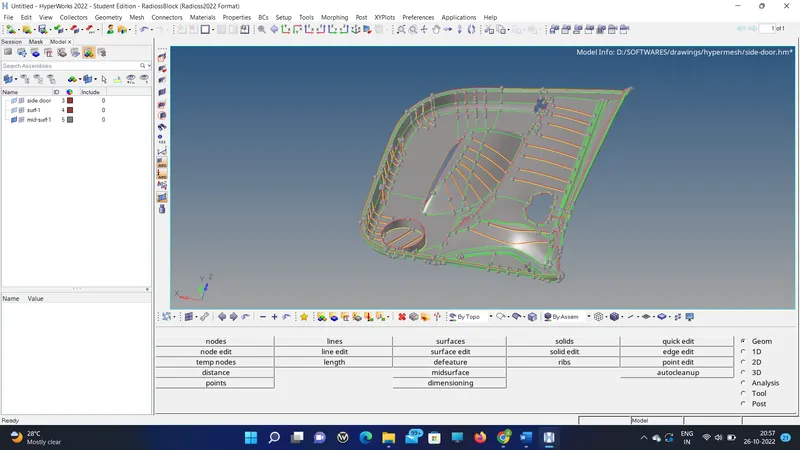
3. Thus split in order the mesh flow will be proper.
4. Then check for the free edge if there are free edges then make sure to stitch them properly either by equivalence or replace.
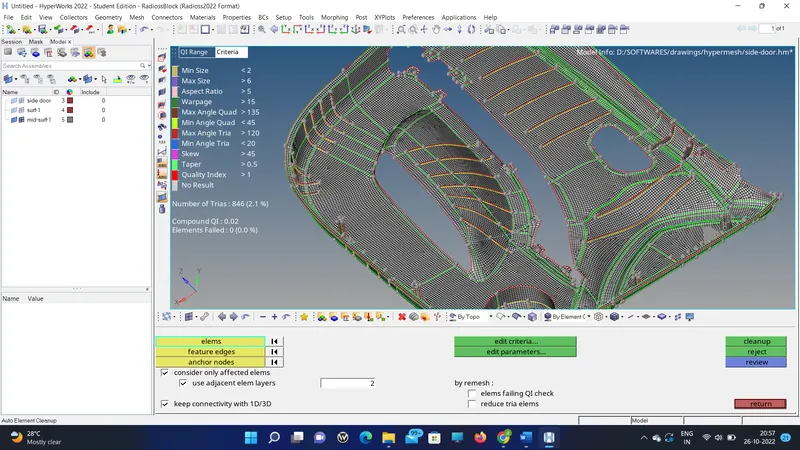
5. Leave the free edges in the geometry as it is.
6. Do the element clean up, here the ribs are so small than the element size so the element fails in the min length criteria.
7. And apply the thickness and show the 2d representation.
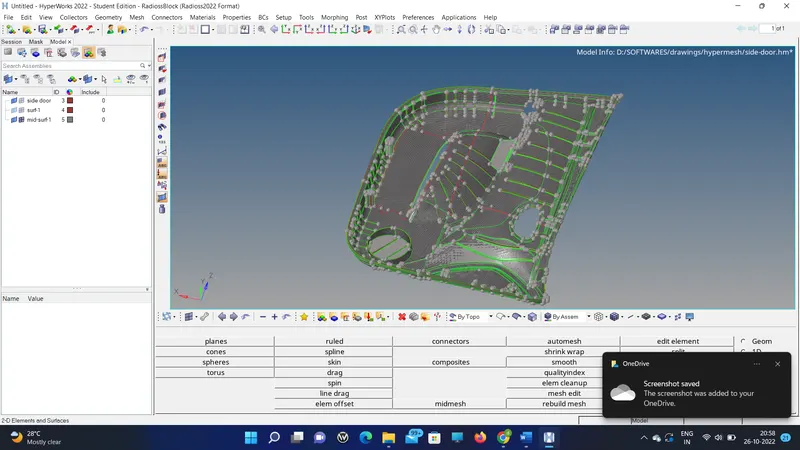
RESULT AND FINAL CAD MODEL.
Thus the model is meshed and submitted.