Week 4-1D Element Creation Challenge
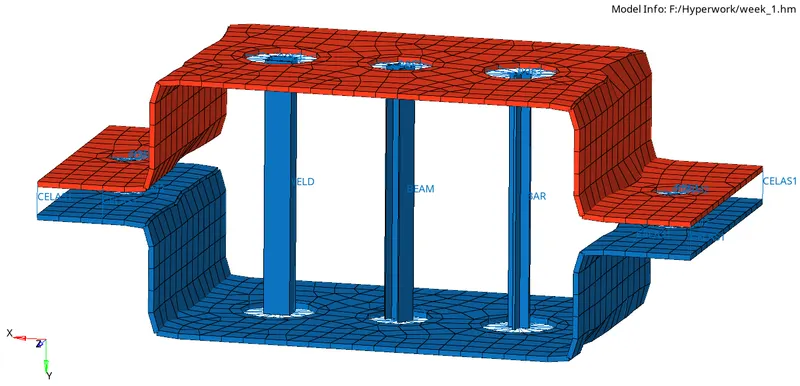
Aim : To create 1D element on the given model with given cross-section and DOF using hypermesh.
Objective :
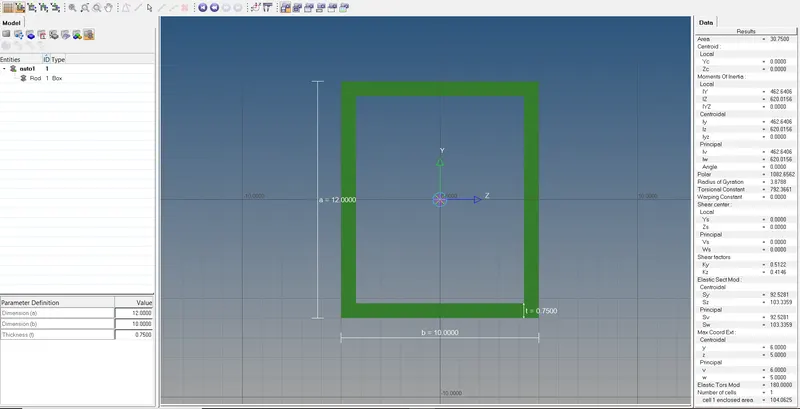
a. Rod element:- Translational DOF should be Constrained with RBE2 link
Cross-Section: BOX- Dimension a= 12 mm
dimension b=10 mm
Thickness t= 0.75 mm
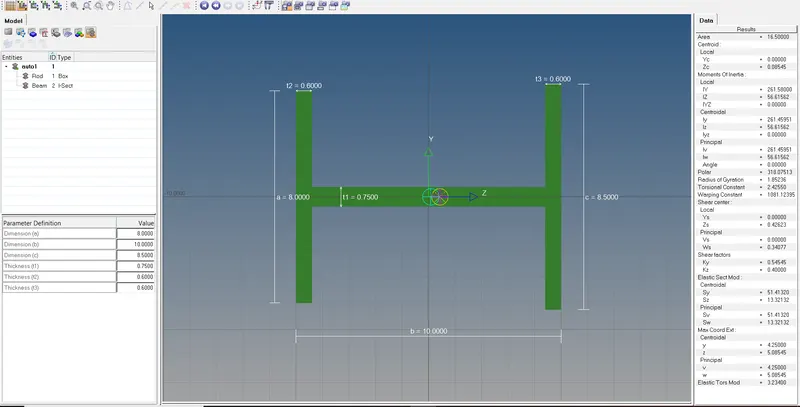
b. Beam element:- All DOF should be constrained with RBE3 link
Cross-Section: I Section- Dimension a= 8 mm
Dimension b= 10 mm
Dimension c= 8.5 mm
Thickness t1= 0.75 mm
Thickness t2= .6 mm
Thickness t3= .6 mm
c. Bar element:- Constrain only x and y DOFs With RBE3 link
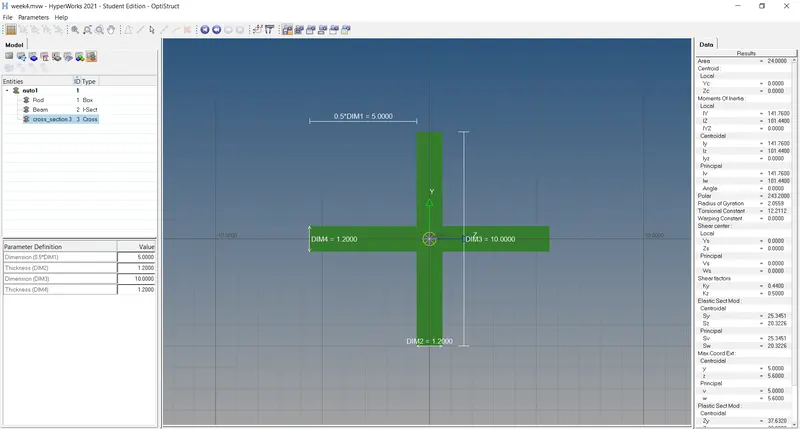
Cross-section: X section- Dimension DIM1= 5 mm
Thickness DIM2= 1.2 mm
Dimension DIM3= 10 mm
Thickness DIM4= 1.2mm
d. & e. Apply the mass of magnitude 10 with the RBE2 link
f. Join the two components with Spring elements
Description :
All line elements, whether straight or curved, are called 1D element in which they have translational and rotational displacement functions . Examples of 1D element are truss element and beam element . 2D elements are typically surface elements with triangle or quadrilateral as their basic shapes .
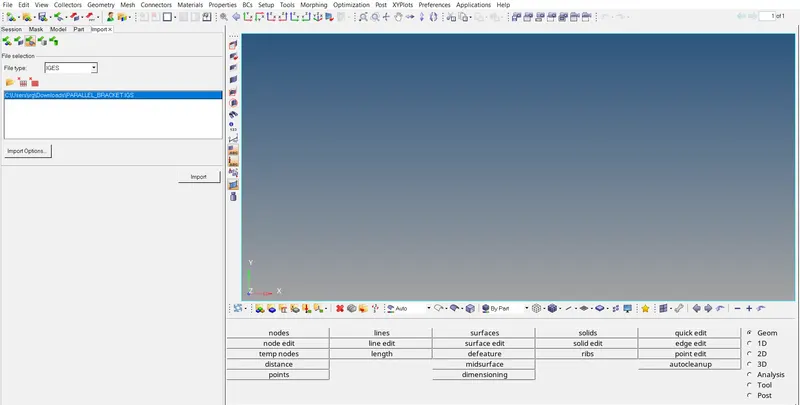
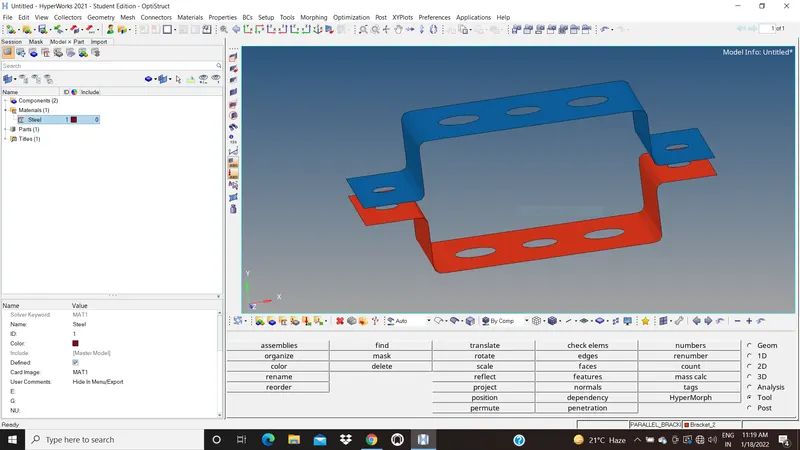
A) Import the geometry in workspace and delete wireframe.
- Command:Import Geometry + IGES + Import
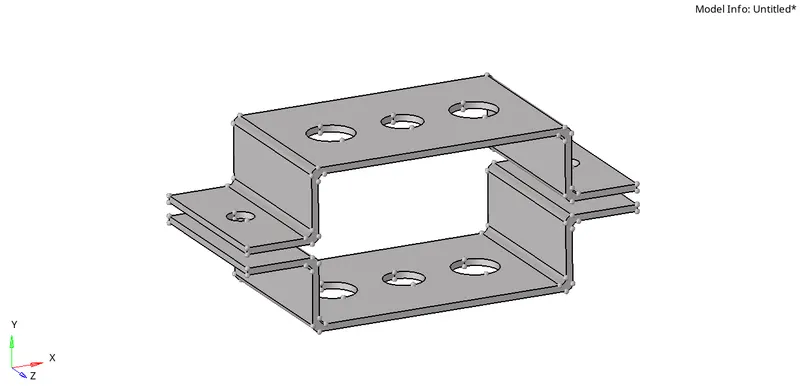
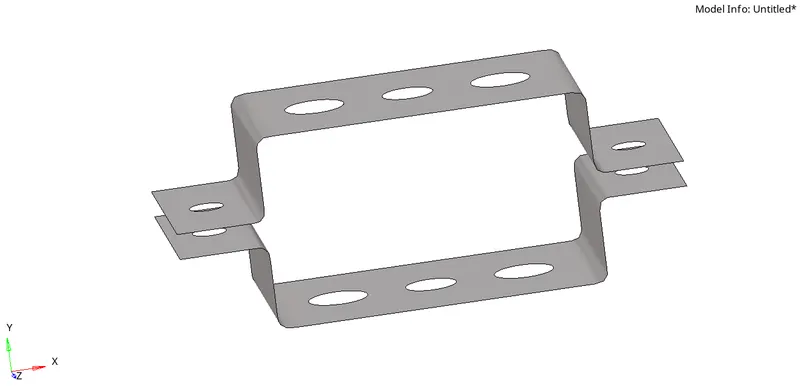
B) Create midsurface of given bracket.(same procedure used for 2nd bracket )
- Command : Geom + midsurface + select surface + extract
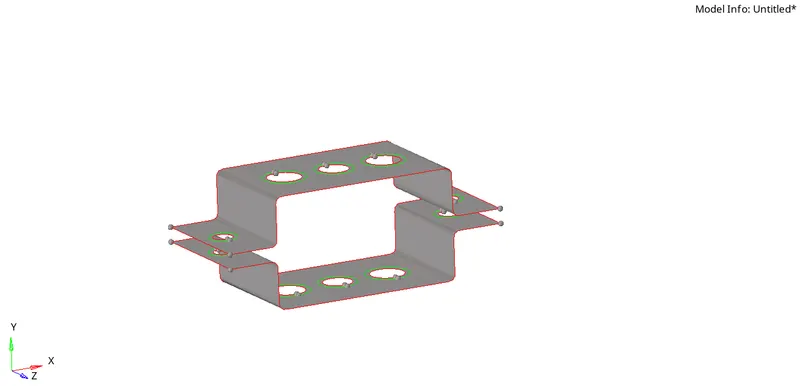
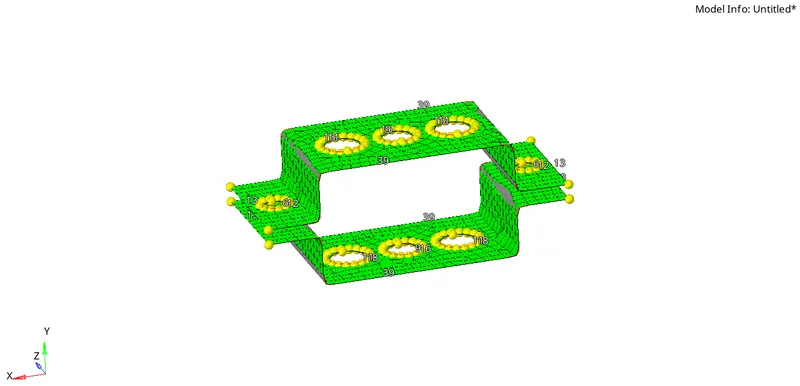
C) Meshing the given Bracket.
- Step 1-Command : Geom + Quick Edit + Washer Split + line + offset value 5 mm .
- Step 2-Command : 2D + automesh + size and bias + 10 size + mesh type (mixed) + mesh
D) Create Properties
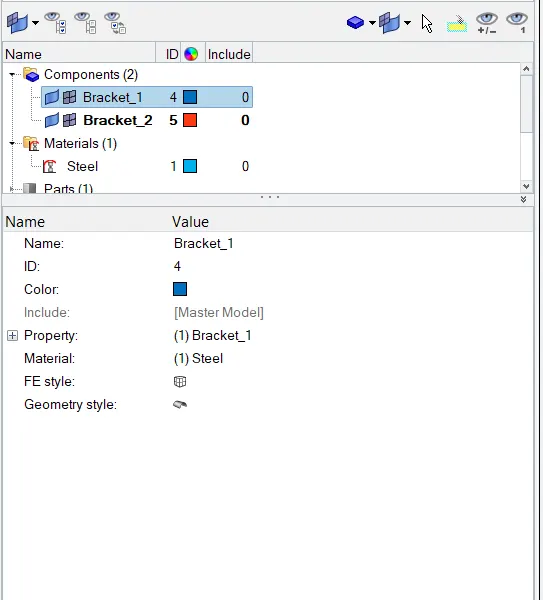
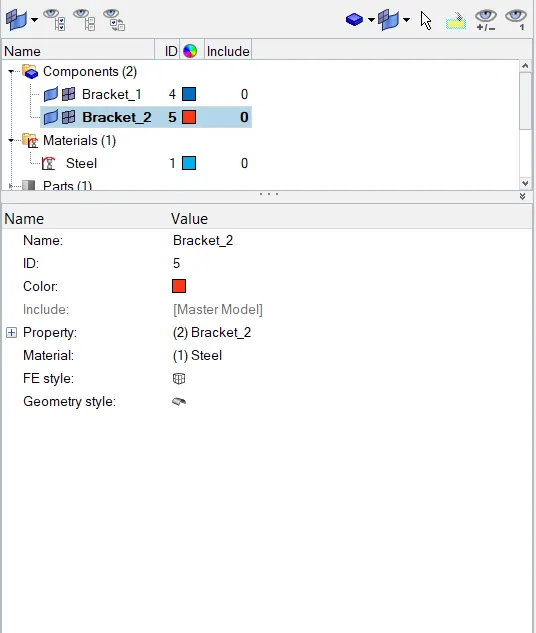
right click on command window and click on property.Rename it.
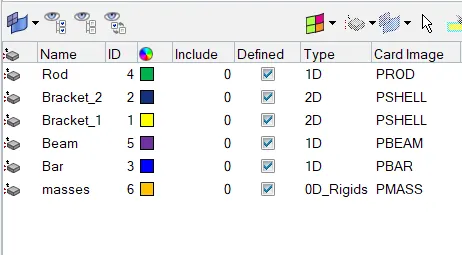
E) Create RBE2 and RBE3 elements.
Command : 1D + rigid + select node + Dof + create (for first bracket)
Command : 1D + rbe3 + select node + Dof + create (for 2nd bracket )
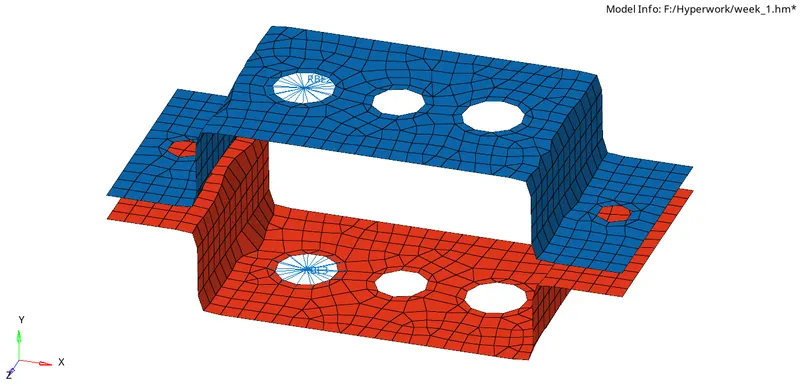
F) Create 1D elements.
Command : 1D + hperbeam + standrad + hyperbeam + select section type + give dimension.
a) ROD
b) Beam
c) Bar
G) Update 1D elements as per their properties.
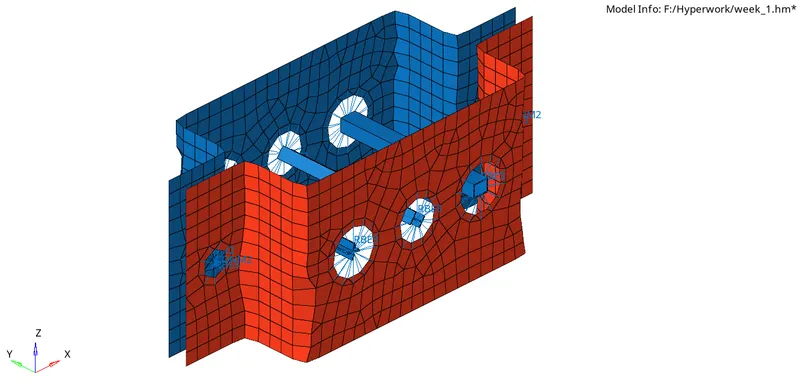
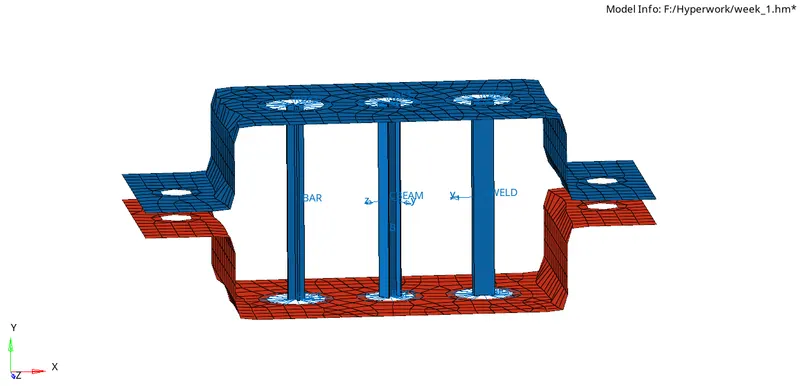
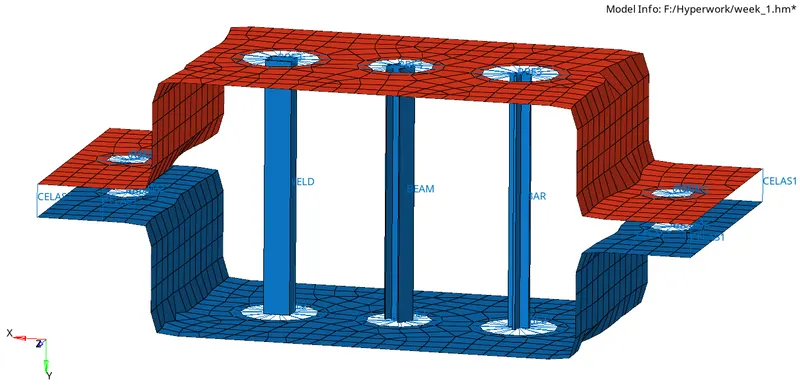
H)2D element.
Conclusion :
- Extract midsurface of given component.
- Meshing given compoents ,
- Create 1D elements like RBE2,RBE3,ROD,BEAM,BAR,MASS,SPRING.
- Create property and assigned it as per elements.
- Create Solid represntaion of 1D elements.
- from midsurface create 2D.