Week 4-1D Element Creation Challenge
Aim - To mesh the given component and create 1d elements as described below :
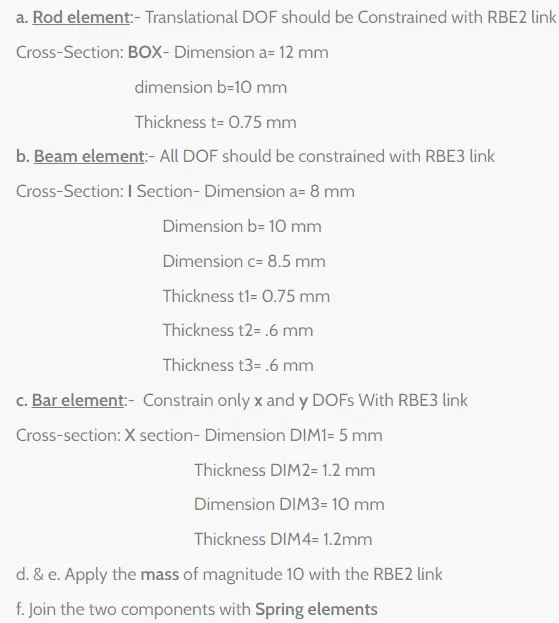
Model - Import the model in IGES format in Hyperworks -
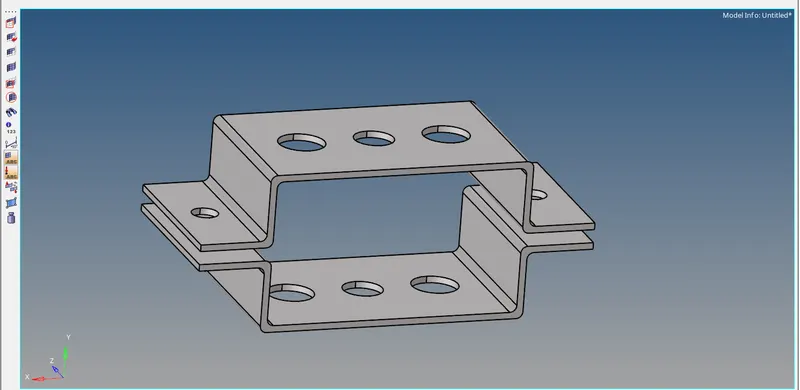
Procedure -
1 -- As we are dealing with uniform thickness component, we take the mid surface of the component as shown :
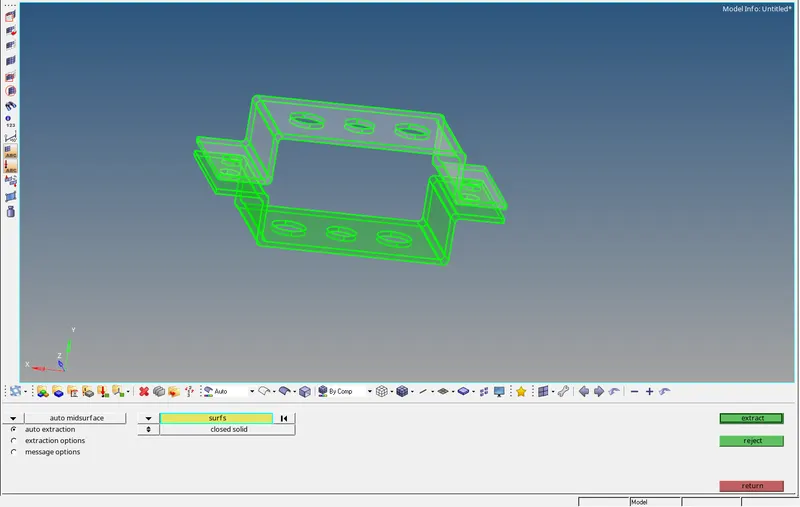
Create a new component and rename it as lower bracket as shown :
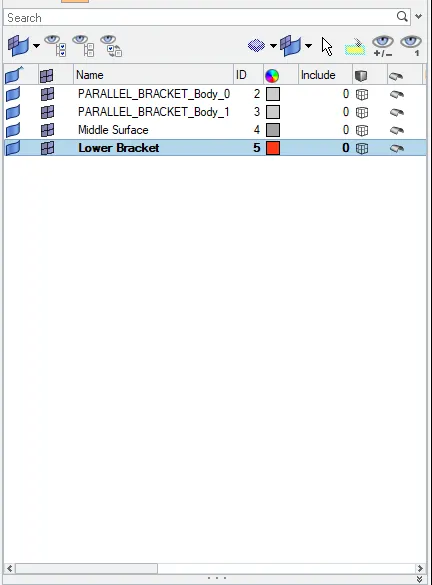
Generate Mid surface for the other component :
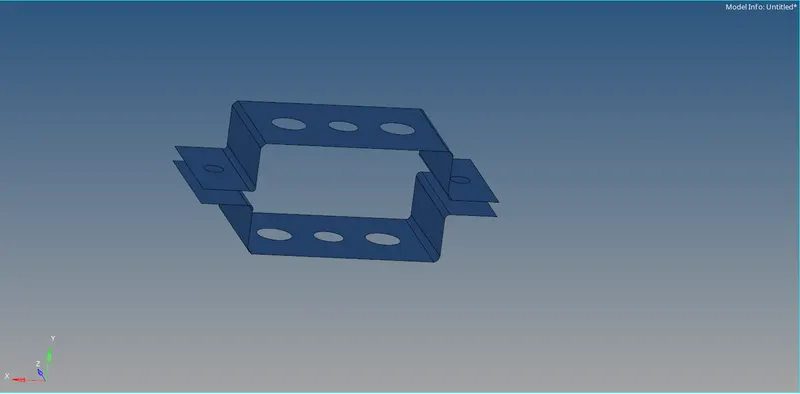
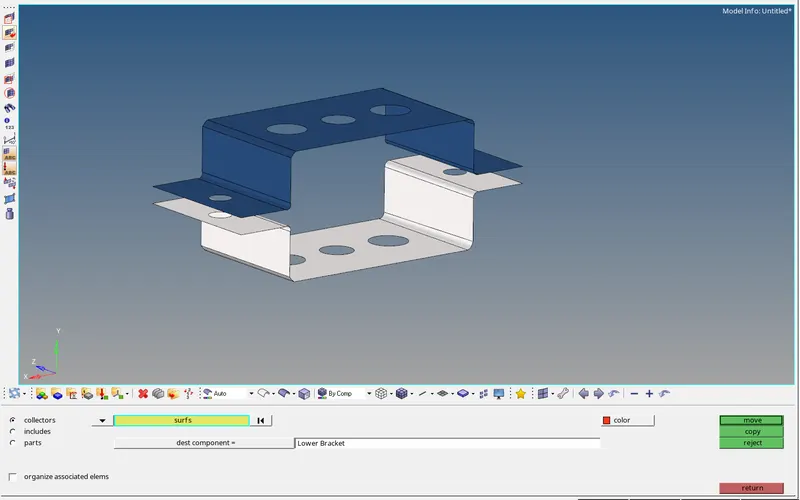
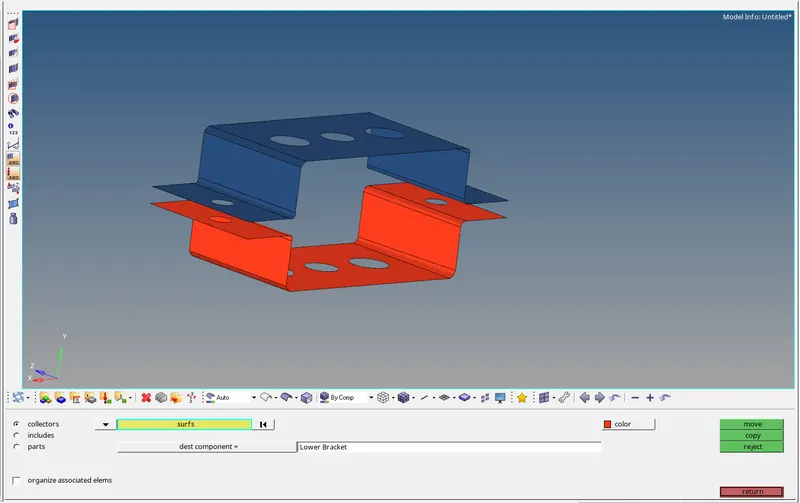
Move the lower mid surface to the newly created component by tools>organize>dest component = lower bracket
2--
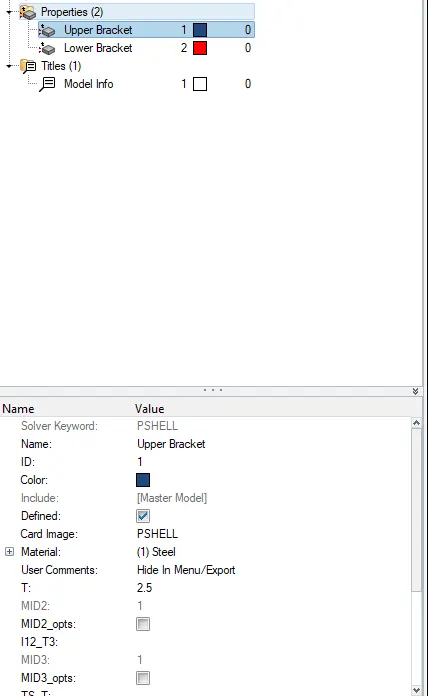
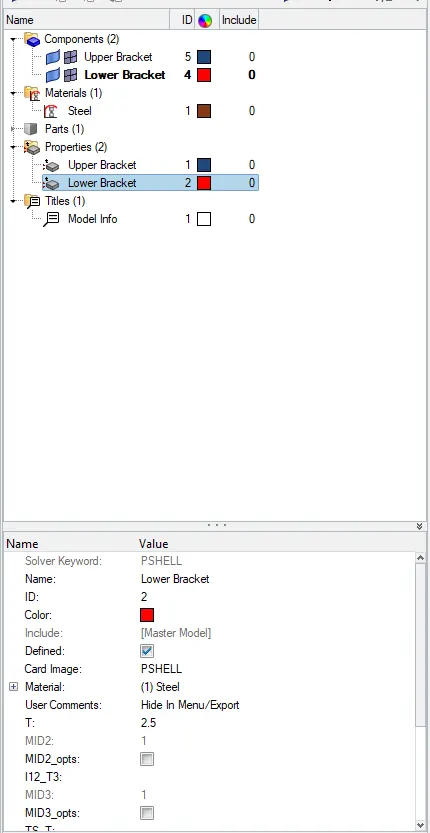
Create different properties for the mid surfaces as shown :
First we create a material :
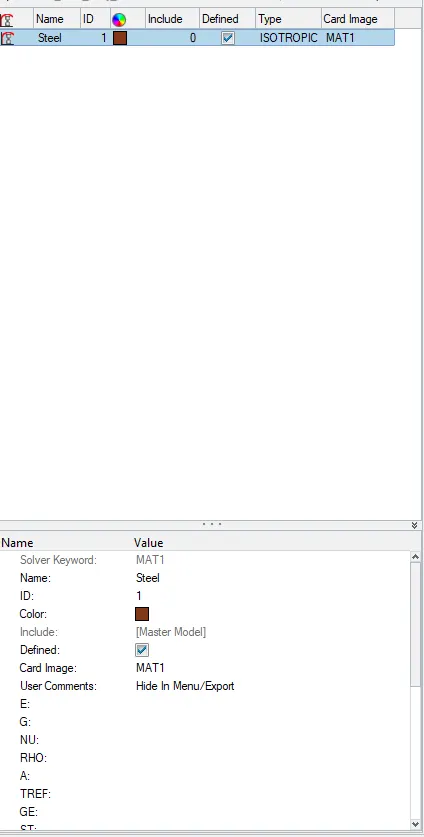
Now we assign the material after creating two properties :
3--
Meshing :
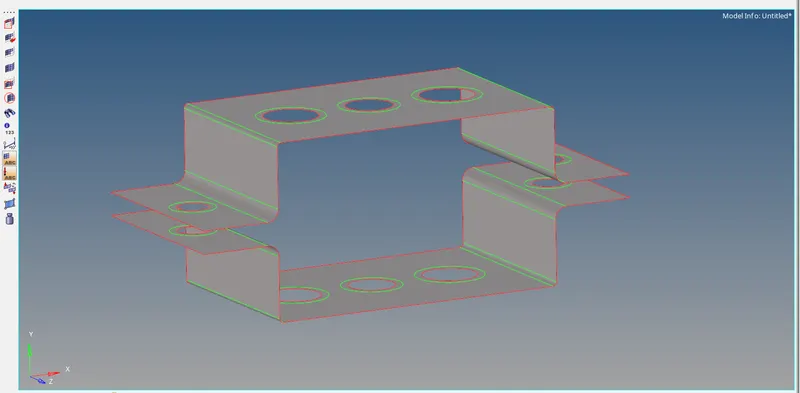
before creating the mesh we give washer splits at the holes to capture the mesh properly, the offset of the washer split is set to 5 :
Now the Meshing is done as shown :
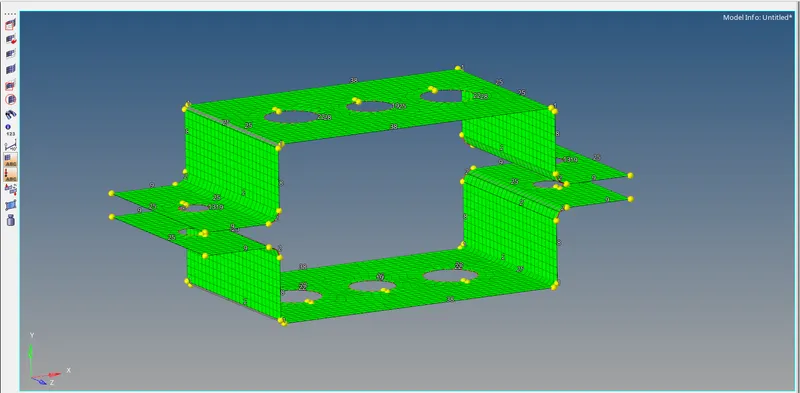
To capture holes properly the no at washer splits and holes is corrected to be the same as shown :
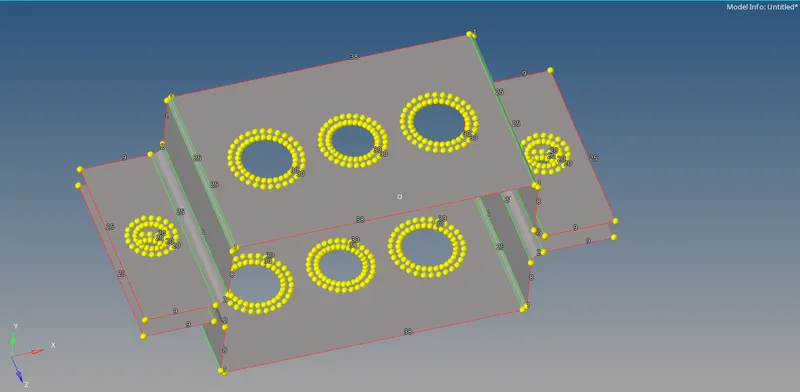
The meshed component is shown below :
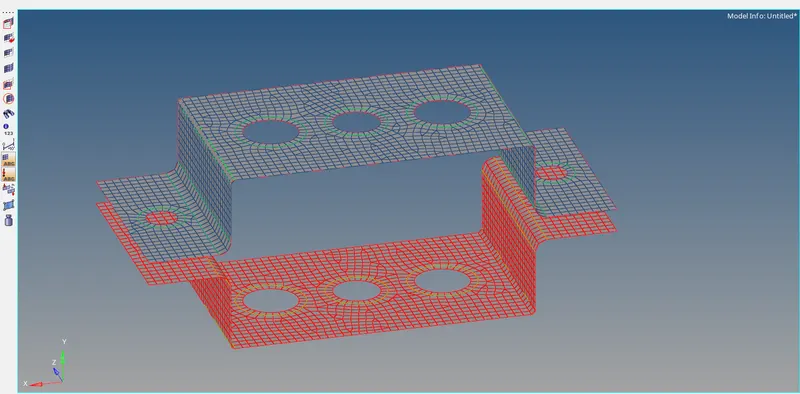
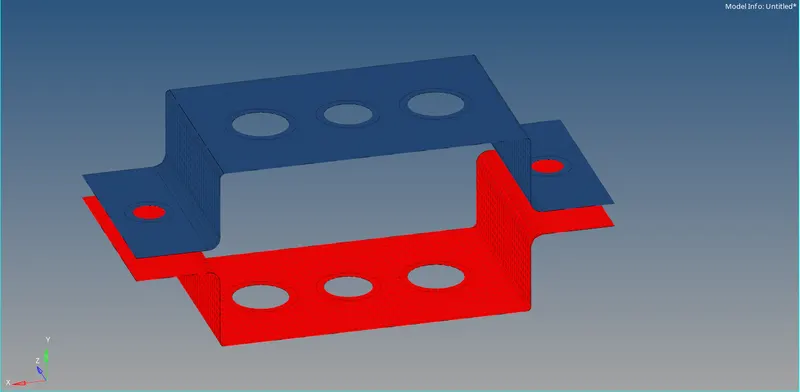
Case a --
We first create a rbe2 link using the rigid option in the 1d module as shown :
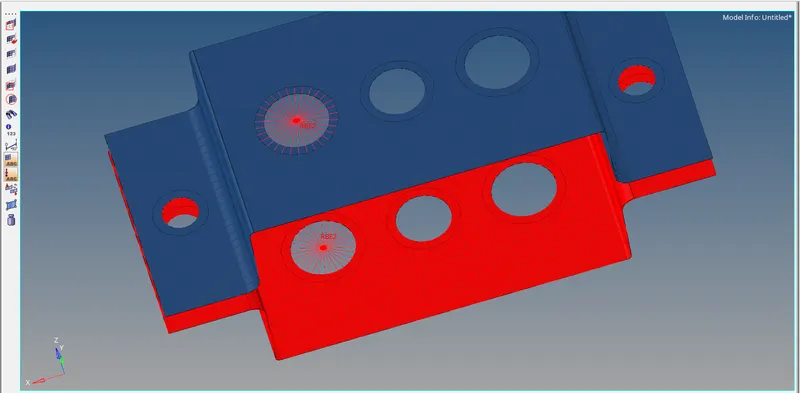
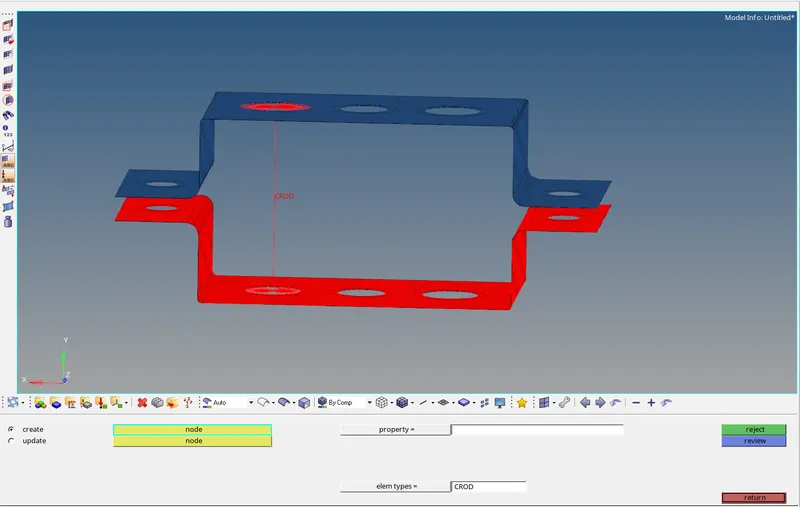
create a crod element by selecting the two nodes :
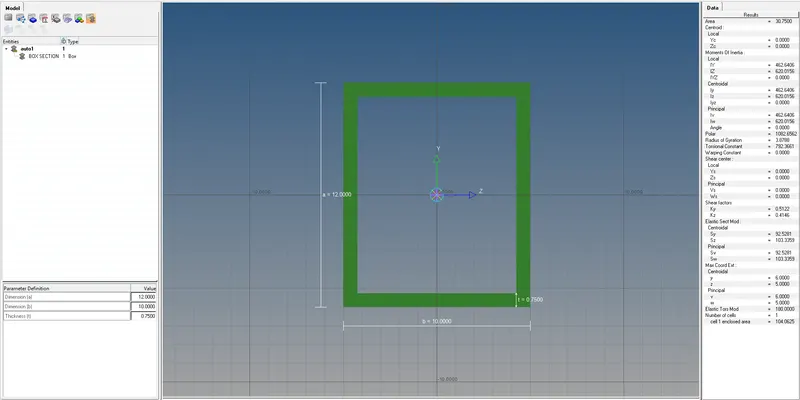
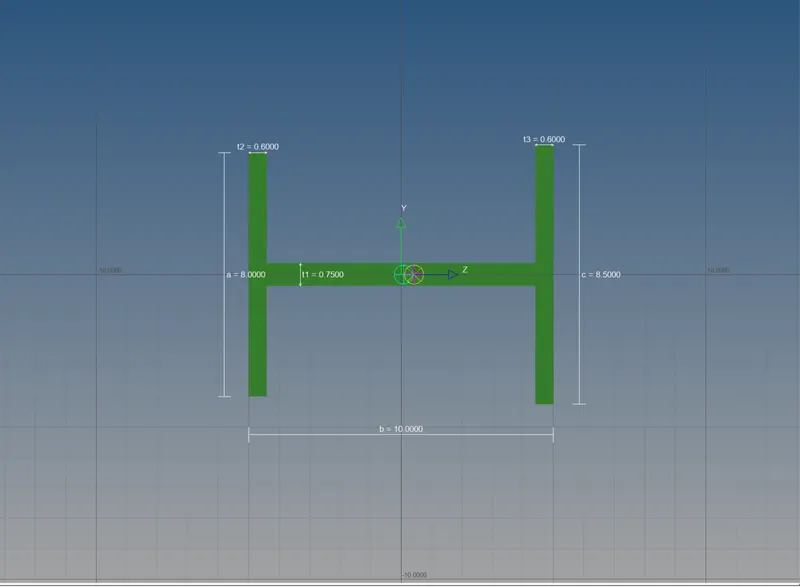
Create a new box section in hyper beam with the given dimensions as shown :
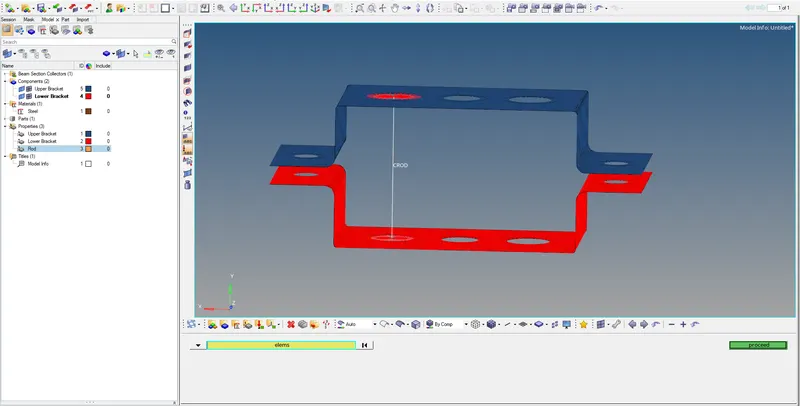
Now we create separate properties for the rod element :
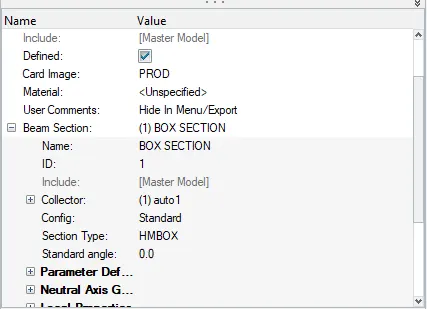
Now we assign the cross-section to the rod and update the property created as shown :
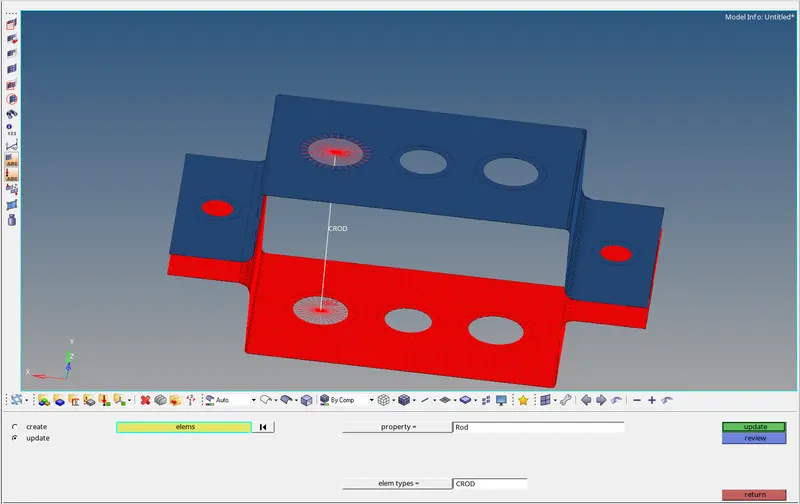
Case b --
We create rbe3 elements as instructed :
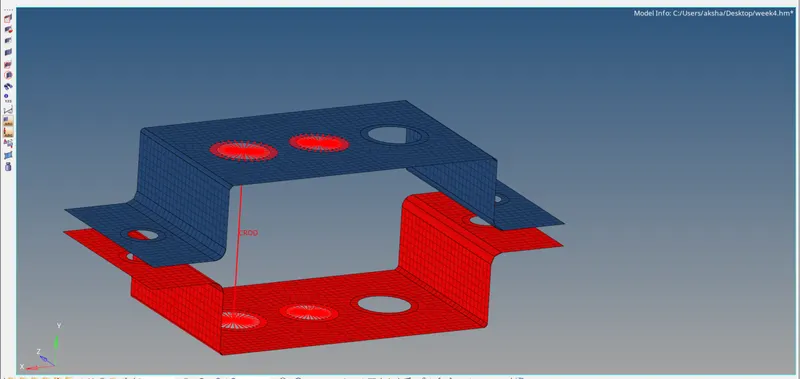
Now we create a Cbeam :
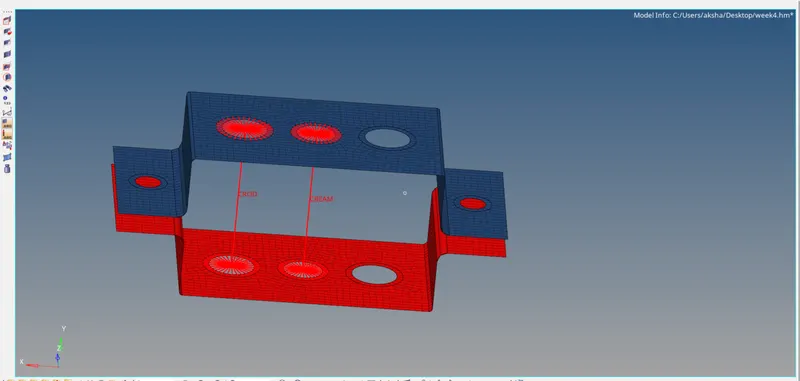
Now we create a cross-section for cbeam and assign it as shown :
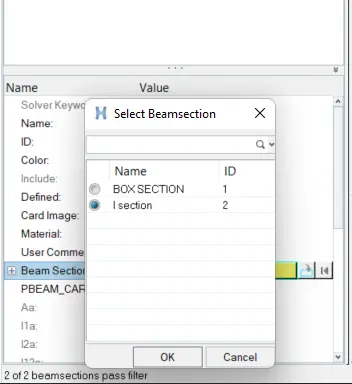
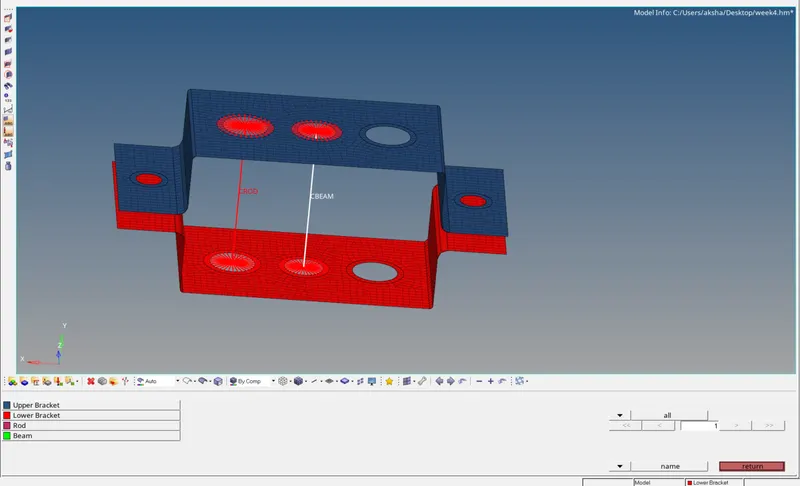
Case c --
We create the rbe3 link and constraint all DOF'S in x & y-axis as shown :
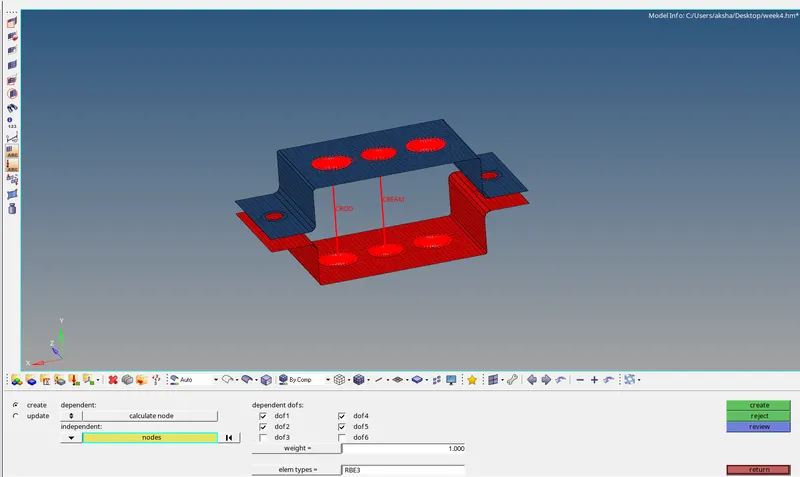
Now we create the cross-section and the property for the bar and assign them as shown :
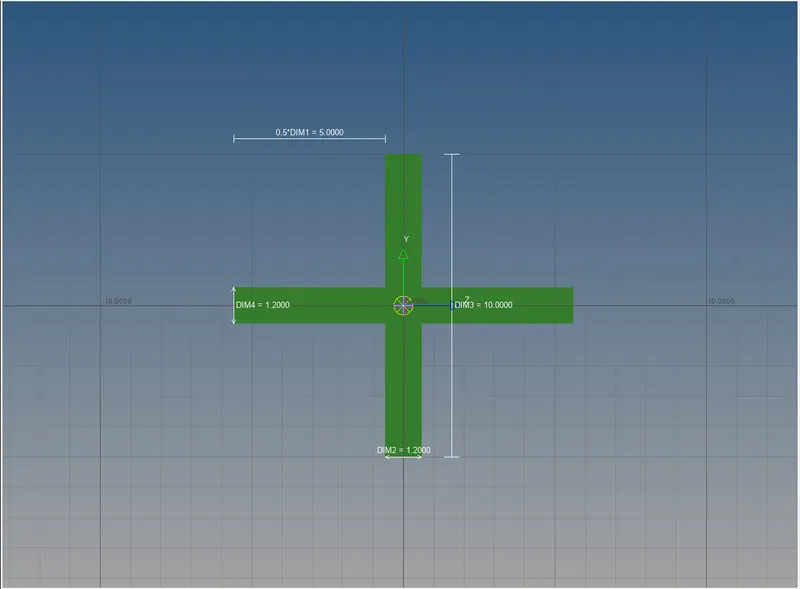
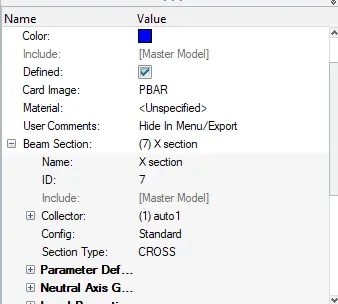
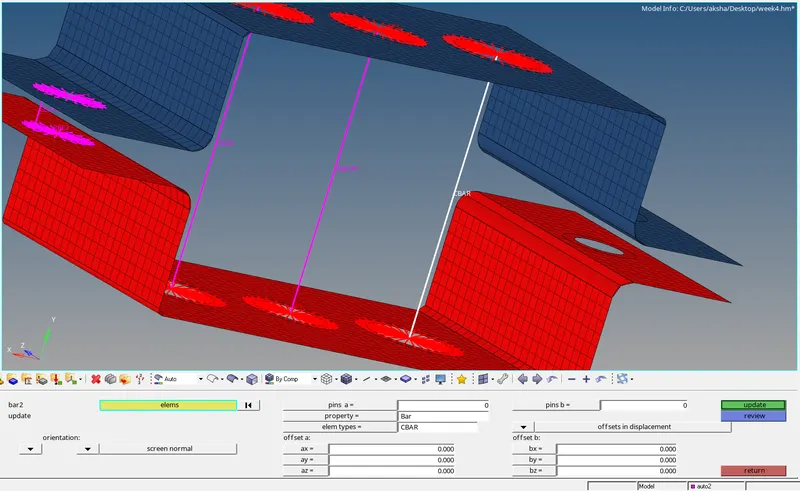
Case d & e --
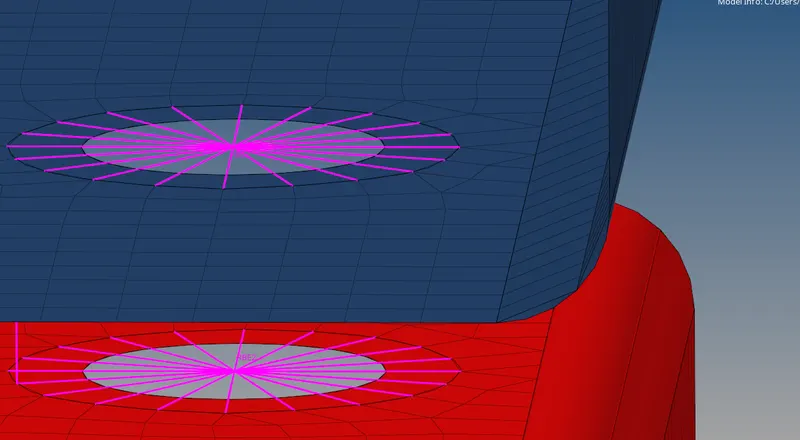
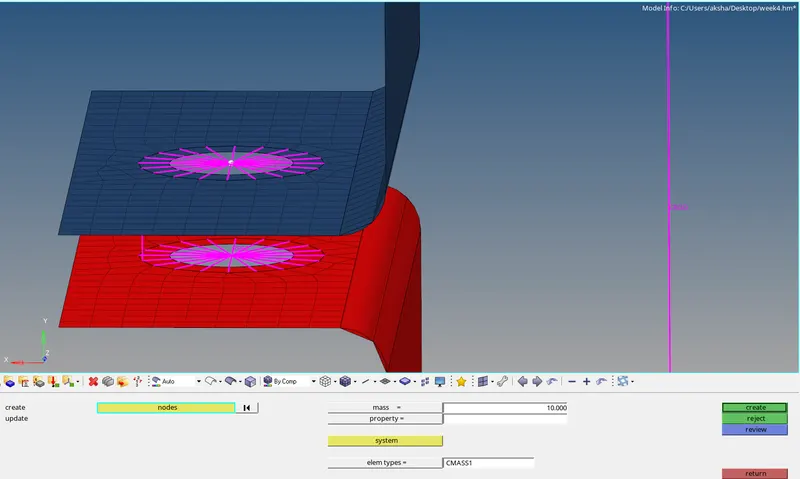
We create rbe2 elements on d & e and assign a mass of 10 choosing cmass as follows :
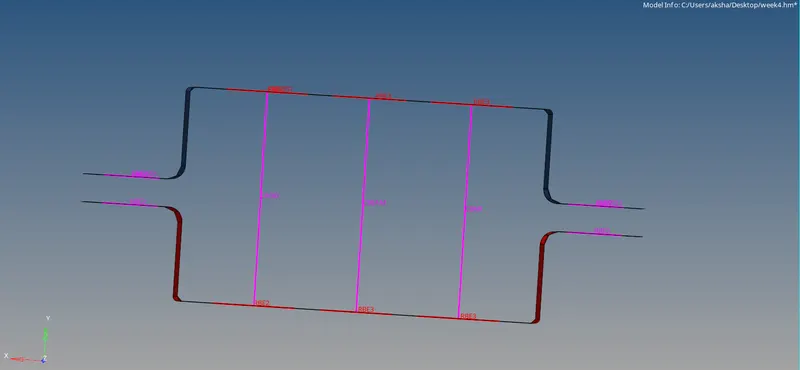
Case f --
For case f we create spring element as shown :
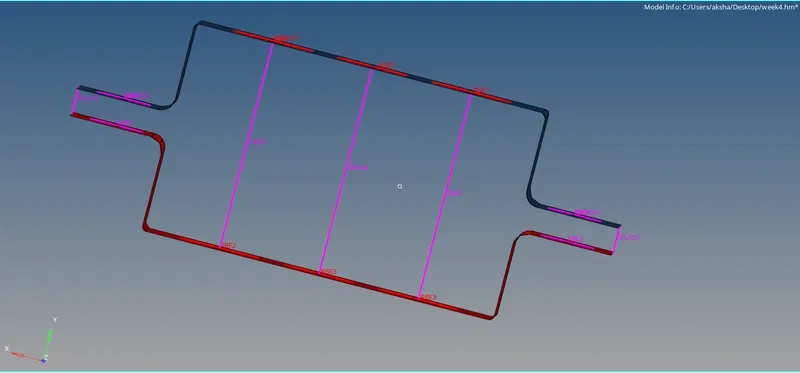
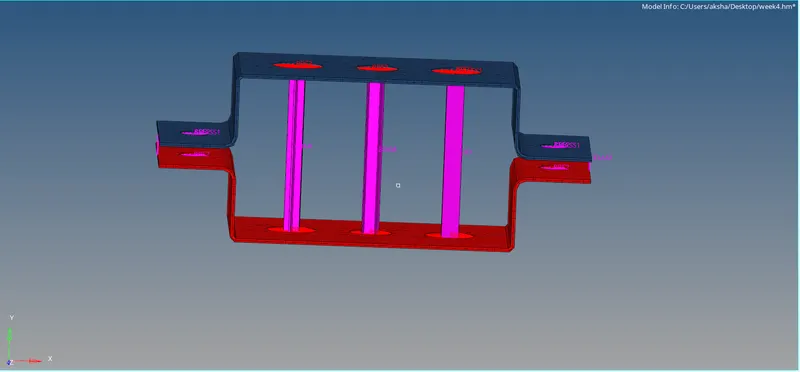
The final model with 1d & 2d detailed representation turned on is as shown :
Conclusion :
Learned to create 1d elements in hypermesh.
Learned to use midsurfacing techniques to capture the complete geometry correctly.
Learned to create cross-section using hyper beam.
Got familiar with the meshing of 2d components.
Result :
The given model successfully meshed and the 1d elements were created.