Week 4-1D Element Creation Challenge
OBJECTIVE: Mesh the Given component with the Size of 5 Units. Create 1D elements on the following component with given cross-section and DOF.
CAD MODEL:
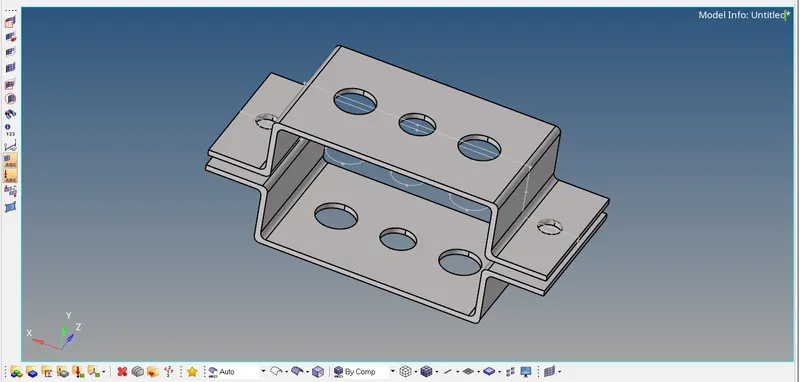
PROCEDURE:
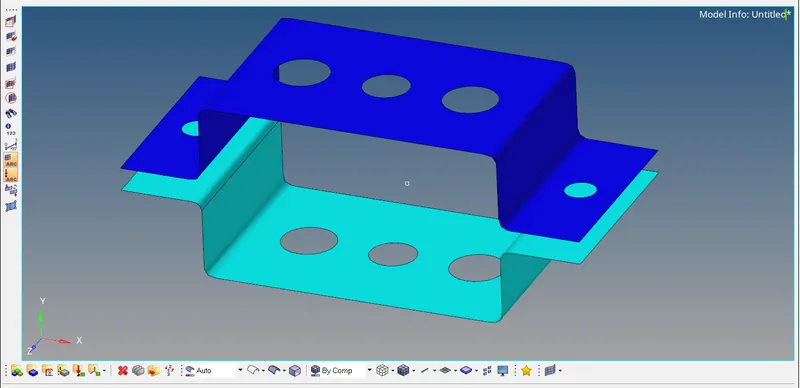
Step 1: Create the Midsurface using the command midsurface in 1D for both the bracket and give the colours.
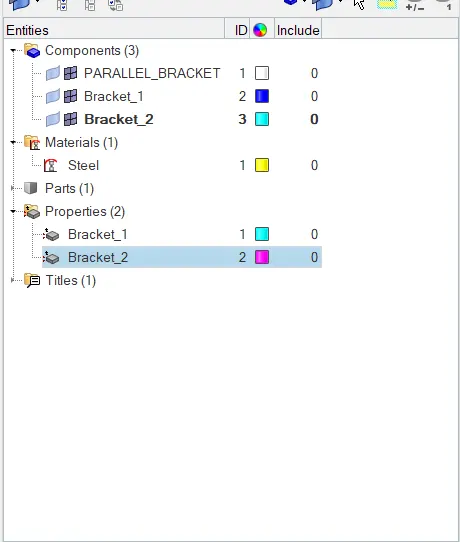
Step 2: Now create the material and property in the model tree.
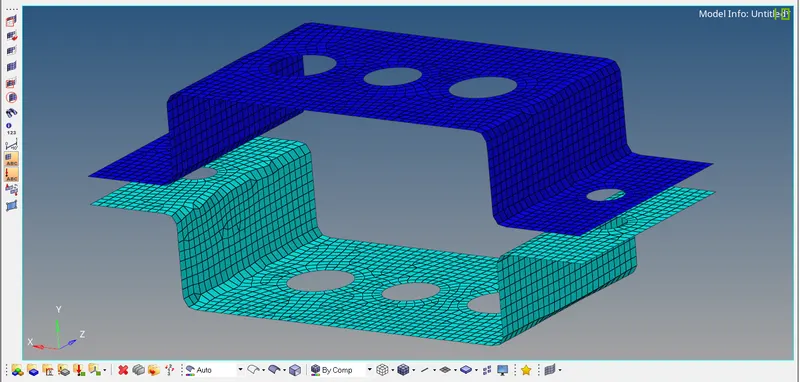
Step 3: Now make a washer split around all the circles and mesh it using quads of size 5 units.
Step 4: Now create the RBE2 and RBE3 rigid body elements as given in the question.
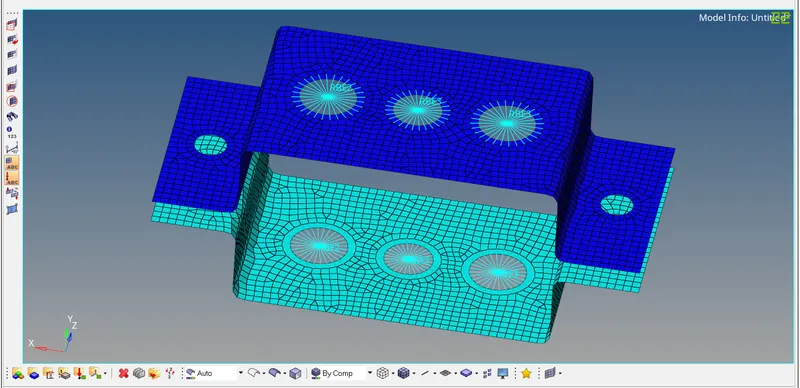
Step 5: Now with the help of hyperbeam command create the crossections for the ROD, BEAM, BAR.
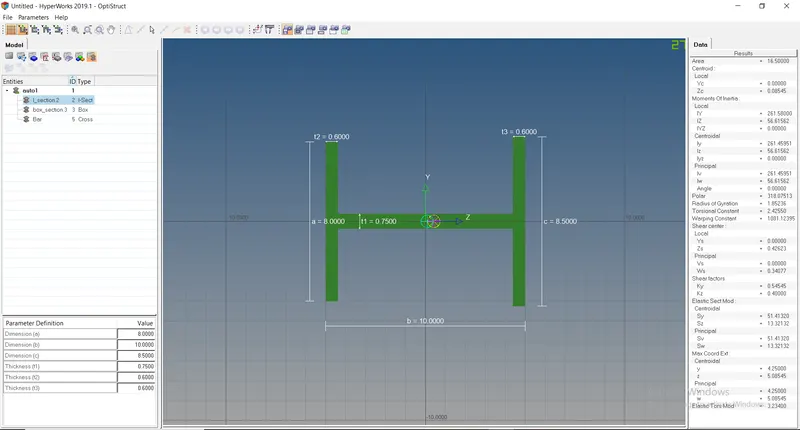
Step 6:Now give the properties to the ROD, BAR, BEAM after creating the respective the 1D elements and view the elements click on 1D Detailed Element Representation.
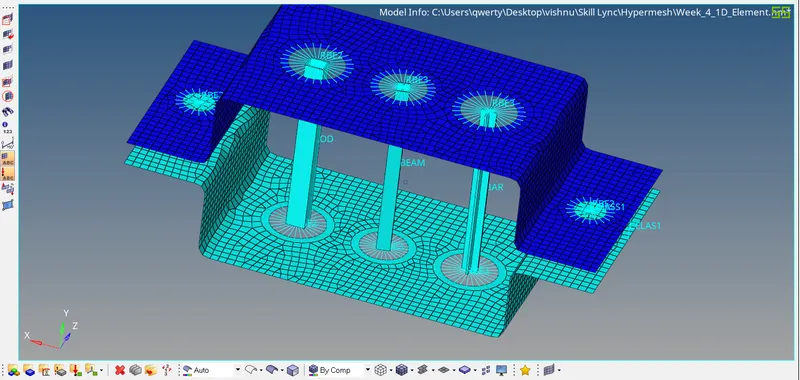
Step 7: Now provide the masses and spring as told in the question.
RESULT: Successfully created the Mesh of size 5 units and created the 1D elements.
FINAL IMAGE: