Week 4-1D Element Creation Challenge
Aim
To mesh the given component(Bracket) and perform 1D elements Connection with given Cross section and Degree of freedom.
Procedure
Step 1: Import the Geometry
Go to File-> Import-> Geometry select the file click in import-> click on fit model.
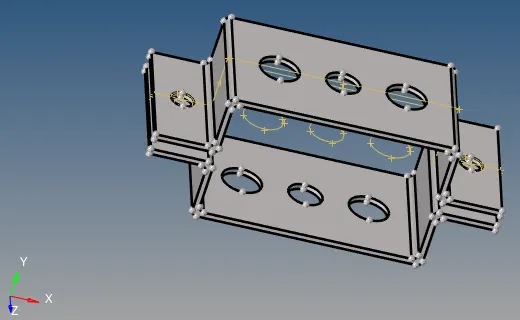
Step 2: Mid surface Extraction
Go to Geometry-> mid surface-> automid surface than select the component.
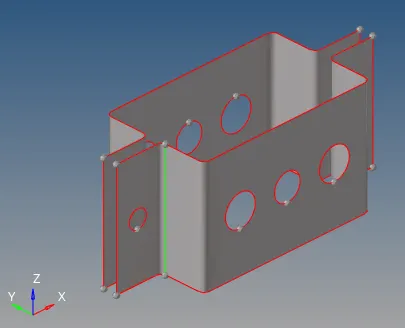
Step 3: To set different properties(PIDs)
First of all measure the thickness of parent geometry in this case it is 5 mm on both upper and lower bracket.
Go to tools -> organize set different property id and materials(steel).
Step 4: 2D Meshing
Got to 2D -> Automesh -> mesh select the component and assign element size 5 than click on mesh.
Again go to 2D->rebuiltmesh select the mesh surface than click on rebuild.
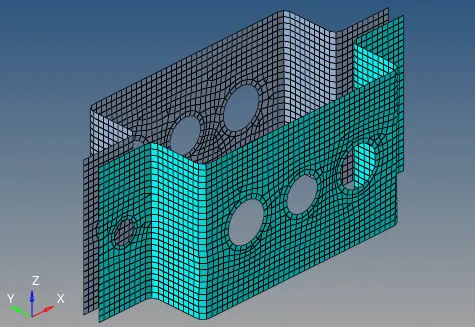
Step 5: 1D Element
Rod, Bar and Beam
Go to 1D element Create RBE2 cluster element on upper and lower hole, with given constraints.
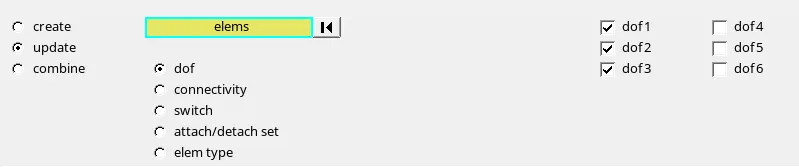
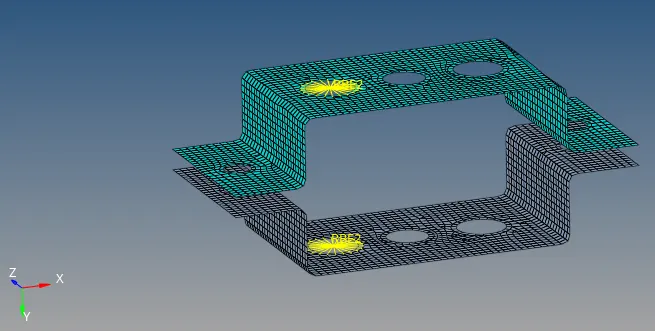
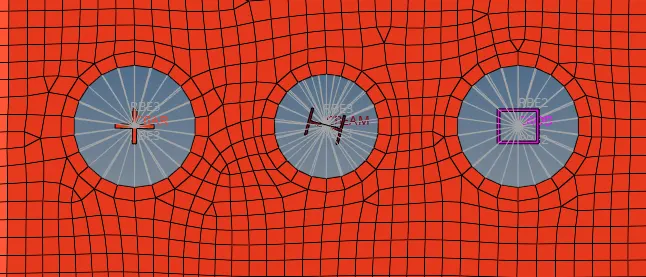
Go to Optistruct slelect the X, I and Box cross section modifies the geometry as per given.
set different proprty id for rod, bar and beam as well as cross section.
got to rod, bar, beam connect the lower and upper by 1D element.
Mass and Spring
Mass of 10 unit ia applied and spring is connected
Assembly
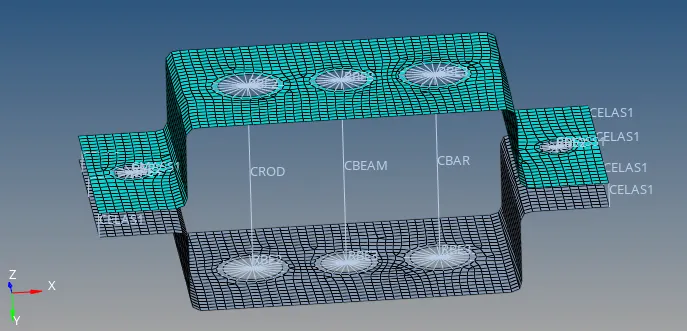
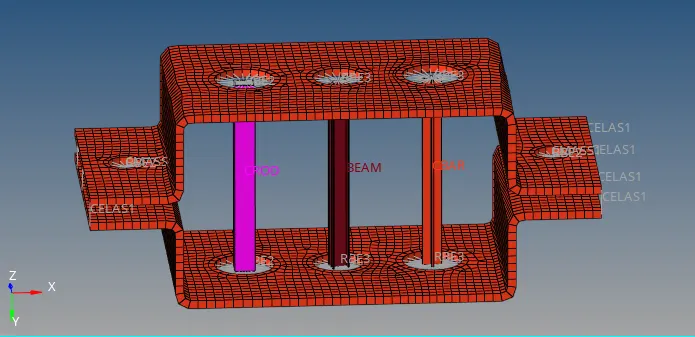
After all 1D elememts. 1D detail elements and 2D detail elements is selected
Which shown thickness and different properties id.
Final model
Learning outcome
- Albe to extract mid surface
- Assigning thickness
- Assigning Property and material
- Mesh flow
- selection of different cross section
- Assigning property and cross section for different 1D elements
- 1D element creation like rod, bar, beam, mass and spring
- View as 3D object.
Result
for the given bracket components mid surface, mesh and 1D element is performed as per the given condition.